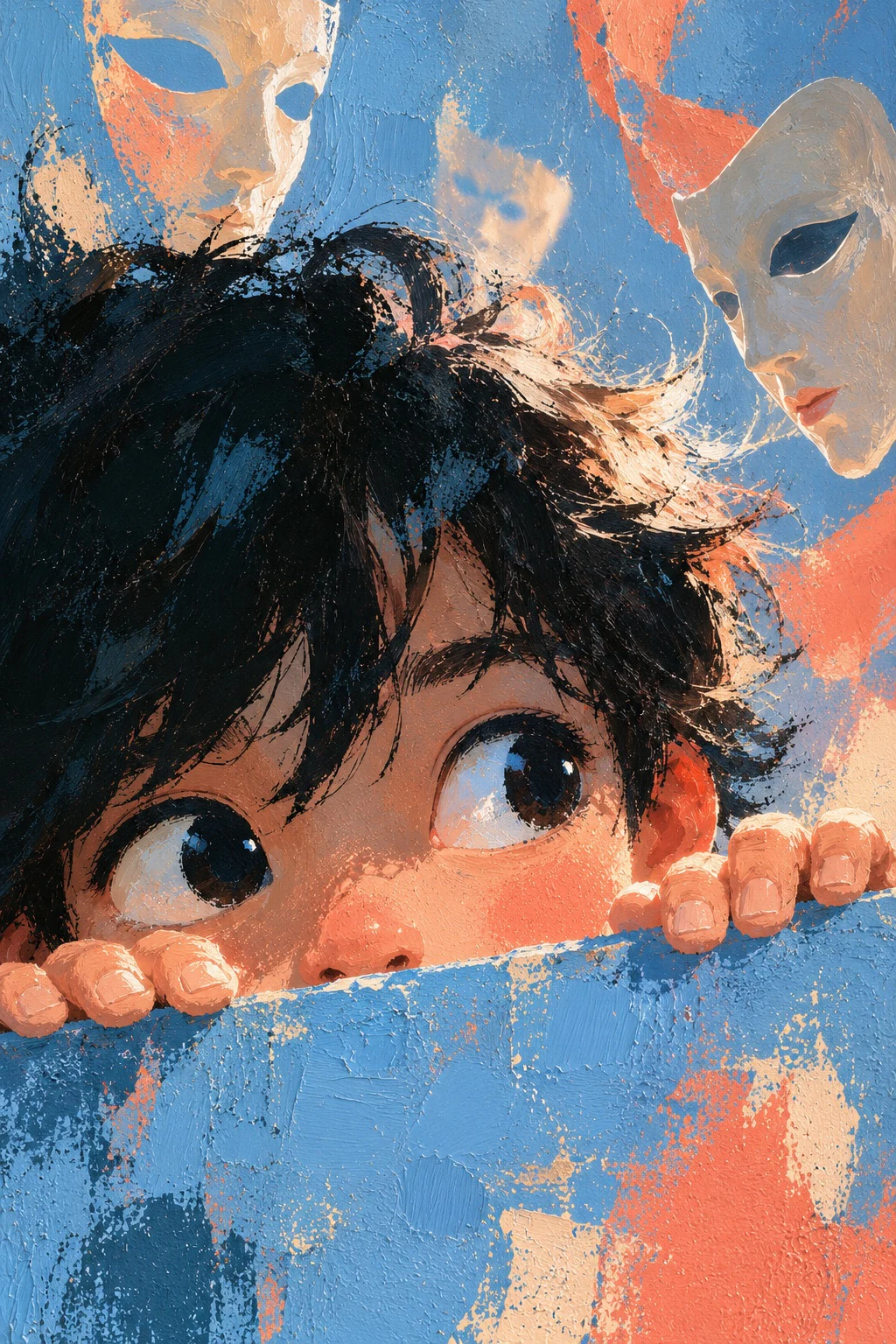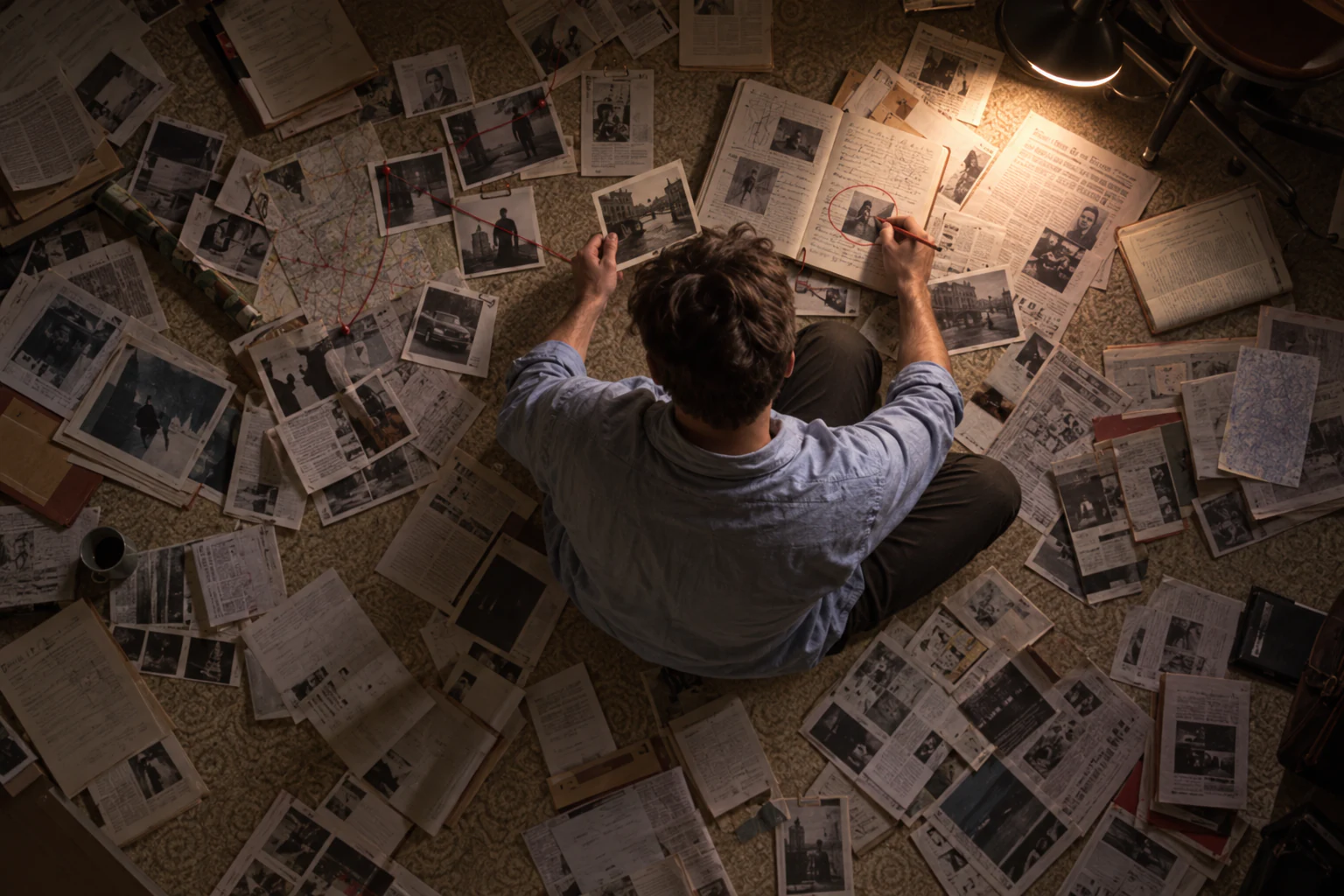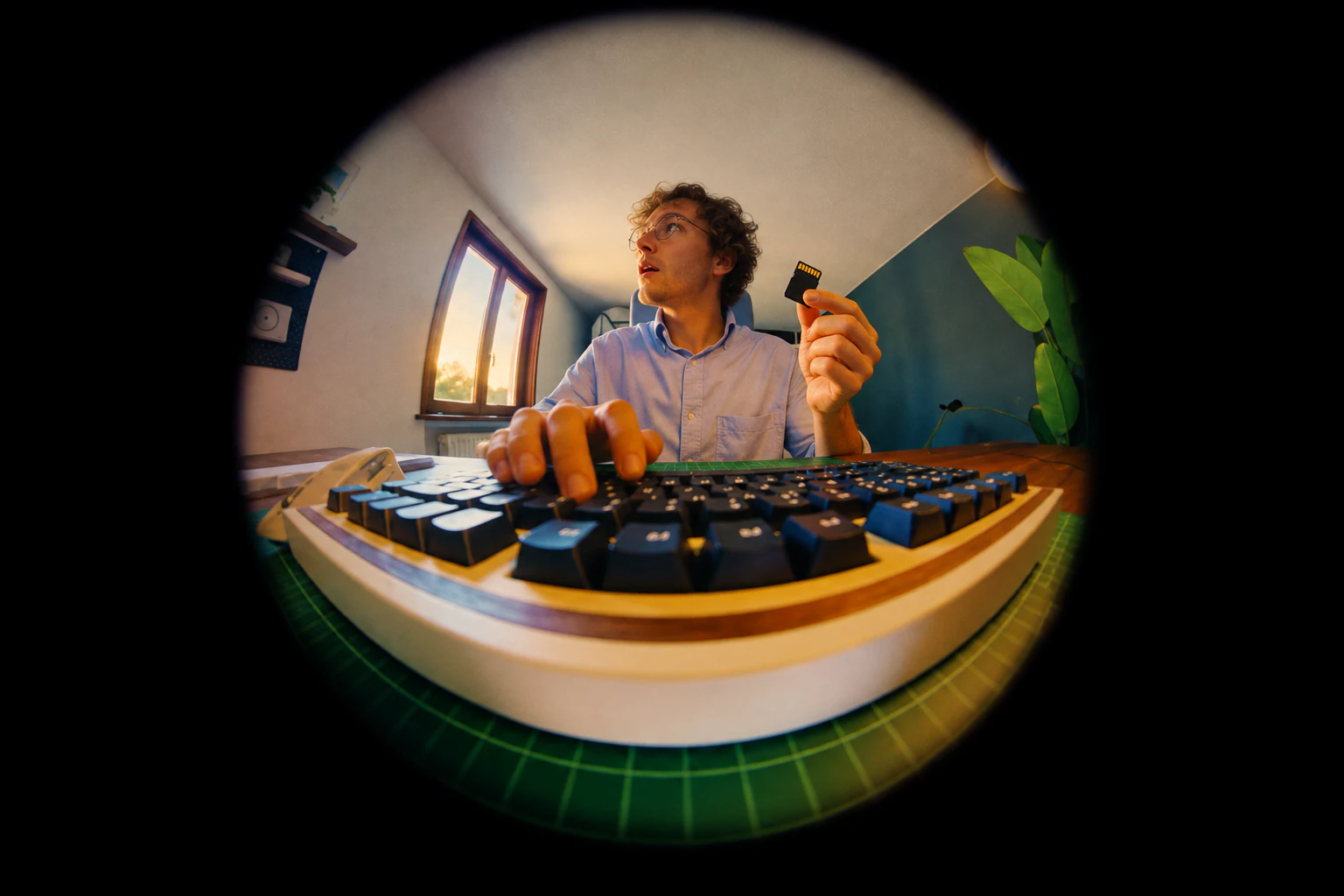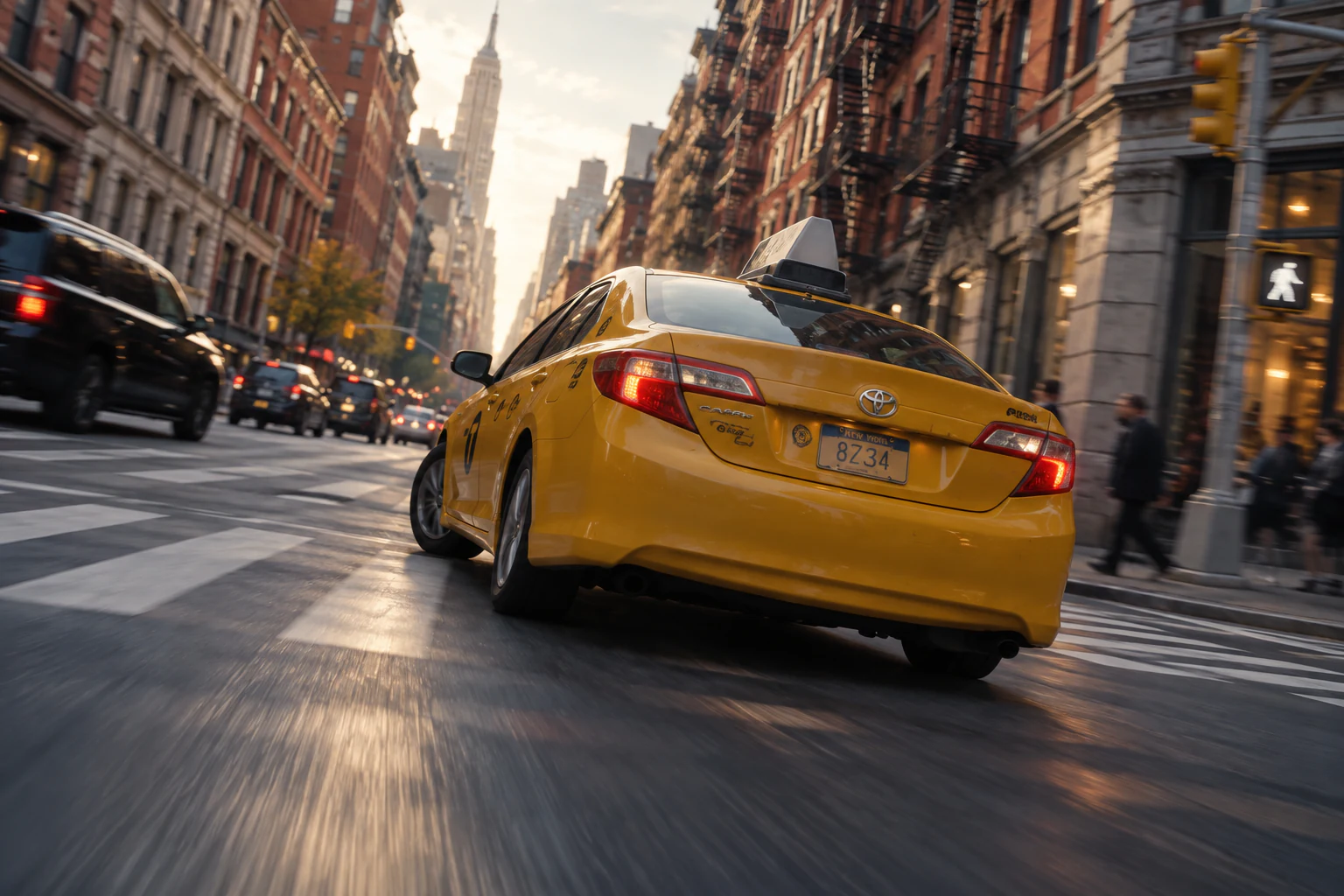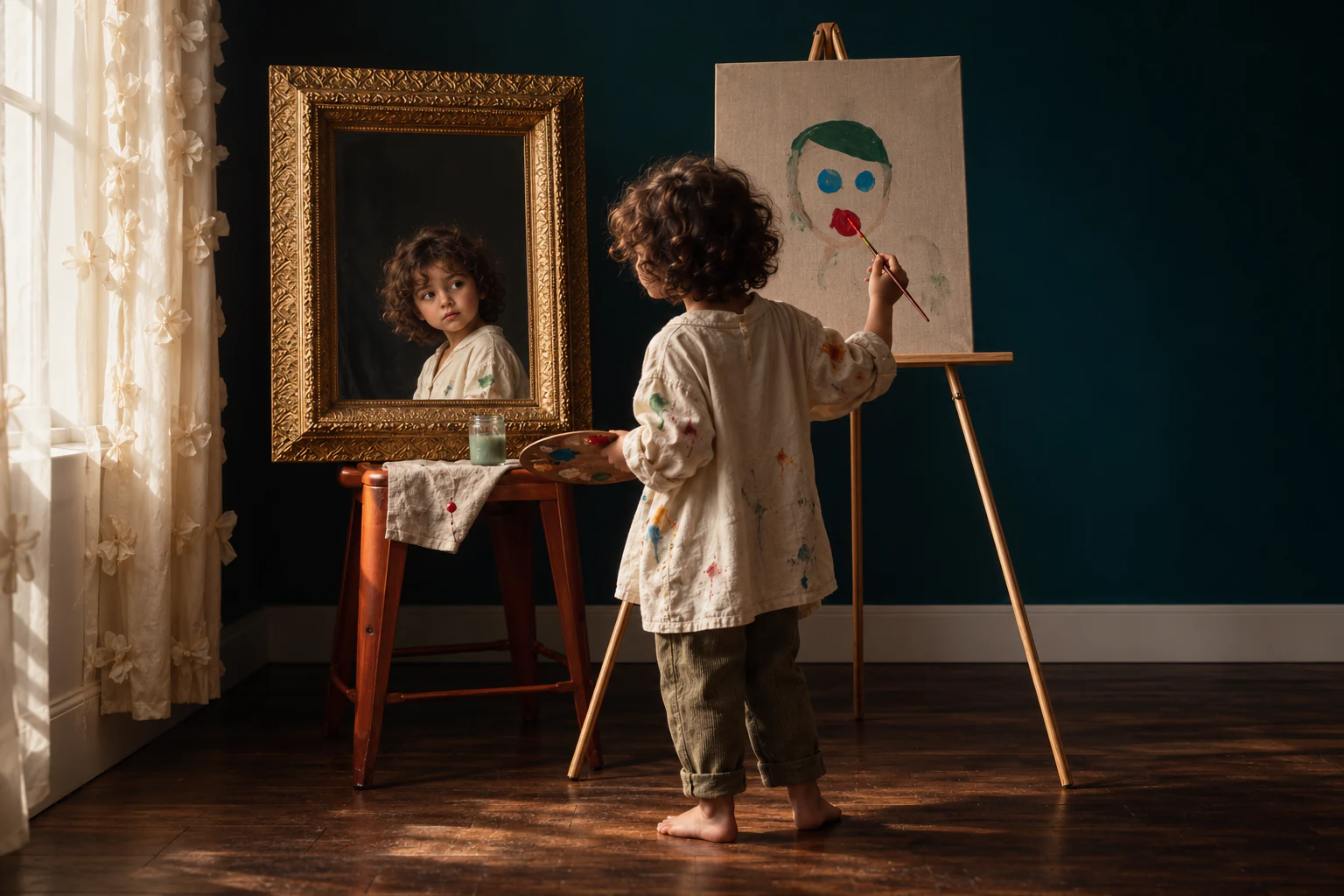


Nano Banana Pro

Create images from text prompts.
Edit photos with visual references.

Create images with precision

Use Google’s Nano Banana Pro AI image generator to design product shots, posters with readable text, and detailed image edits. Start with a prompt or bring a reference to MOVO AI.

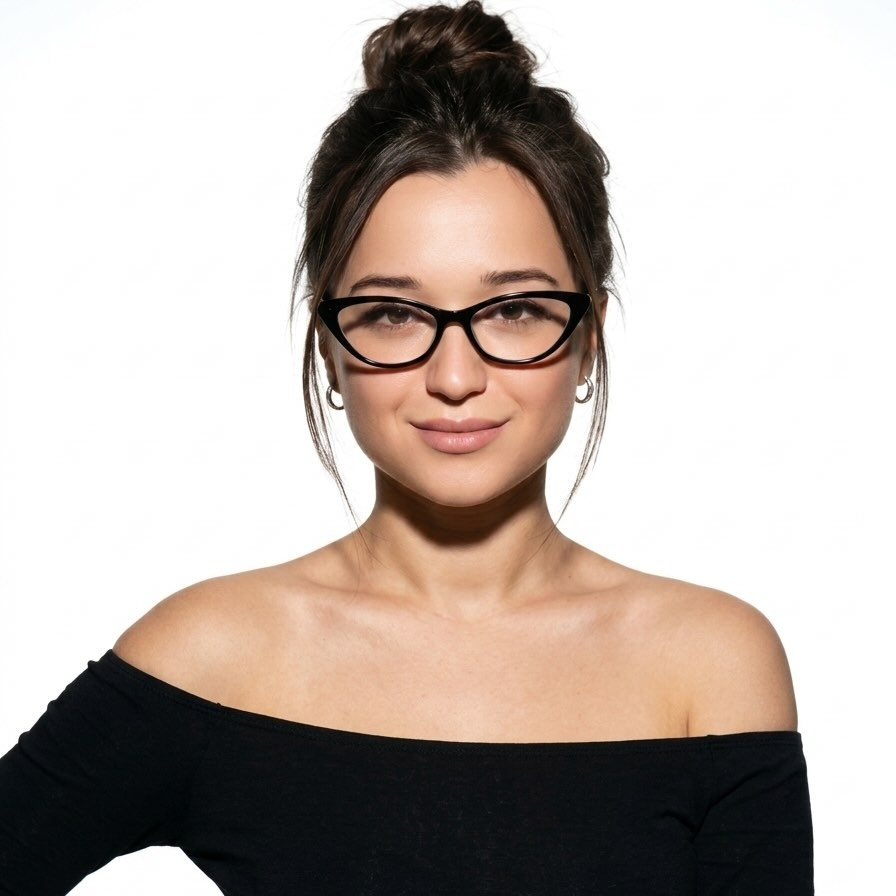
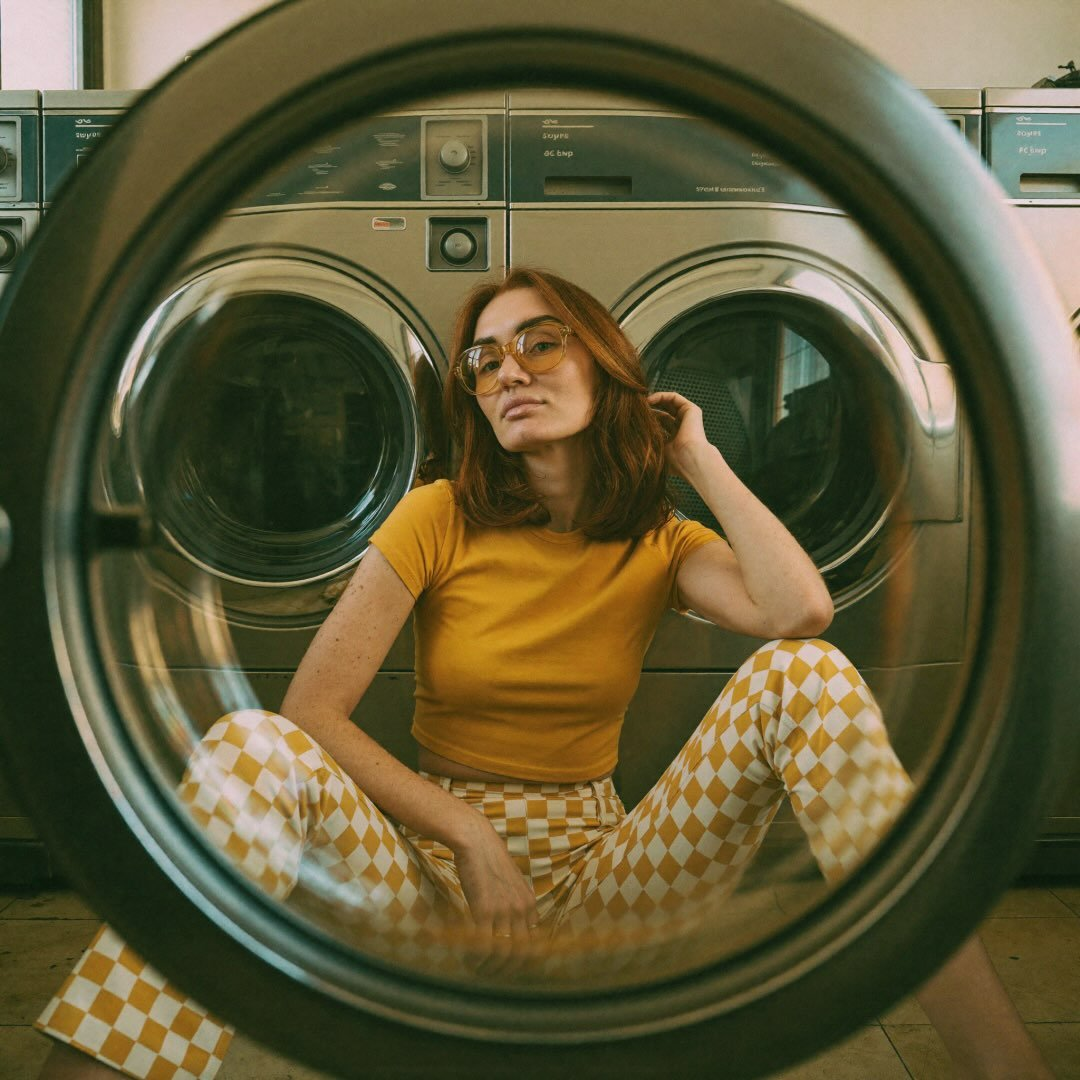
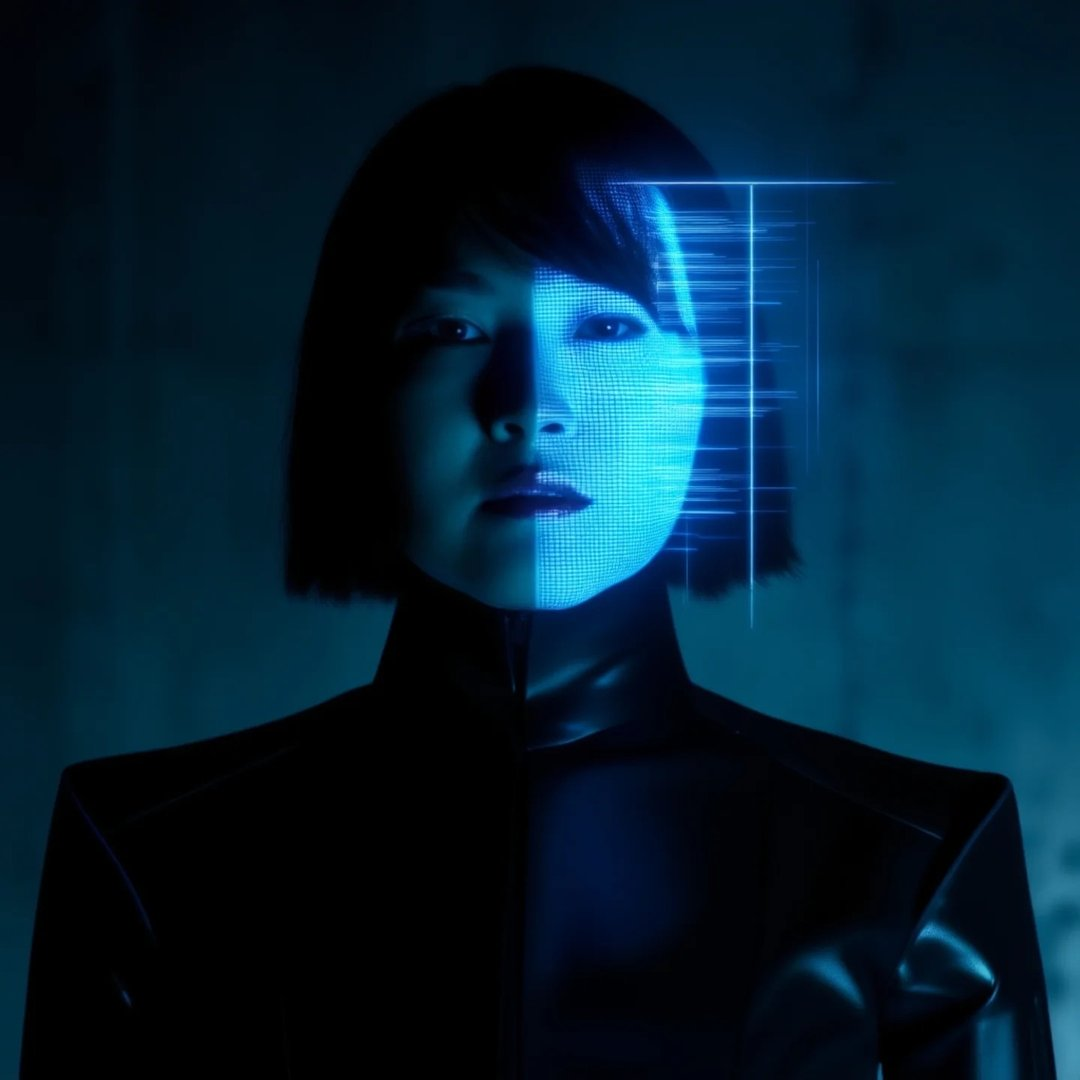
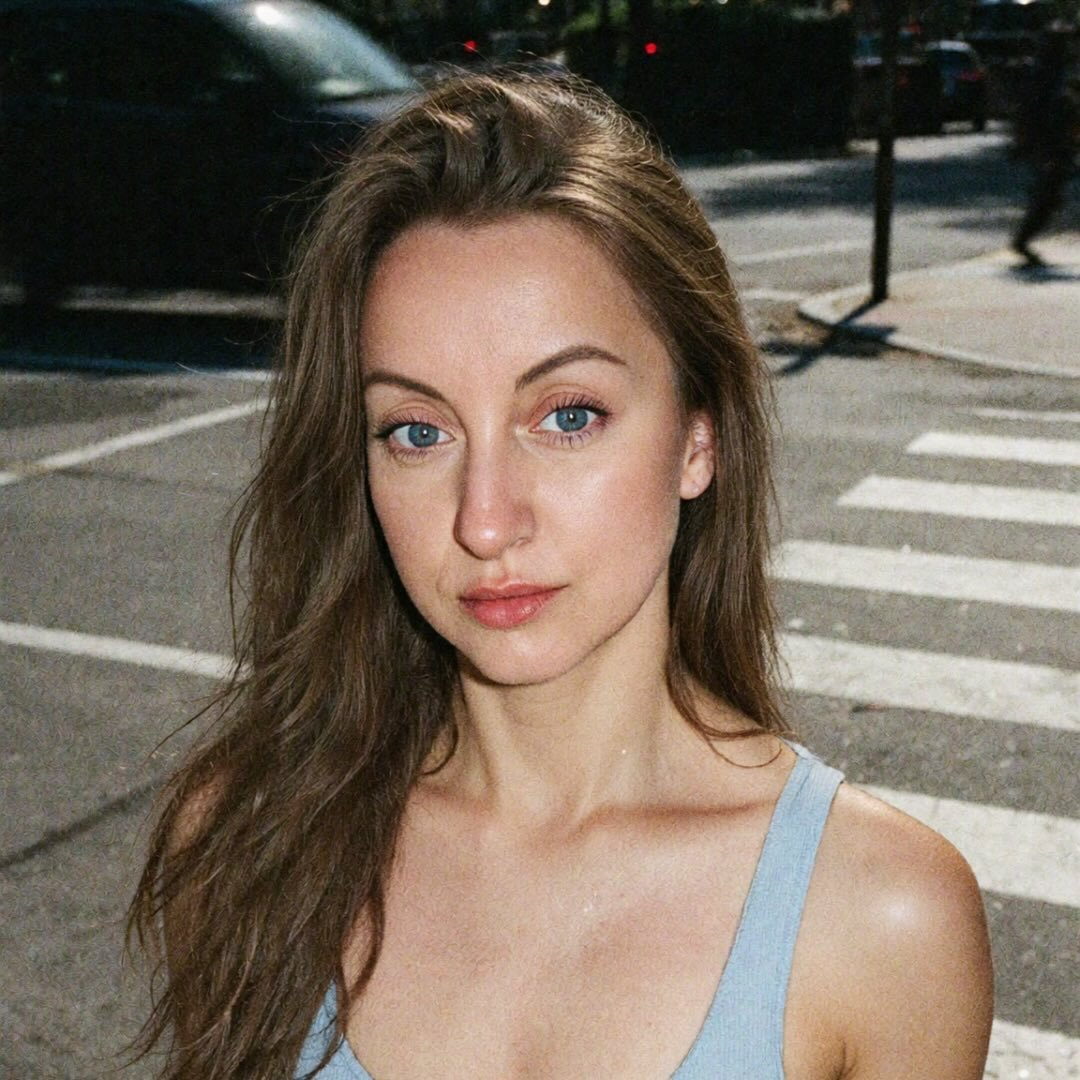
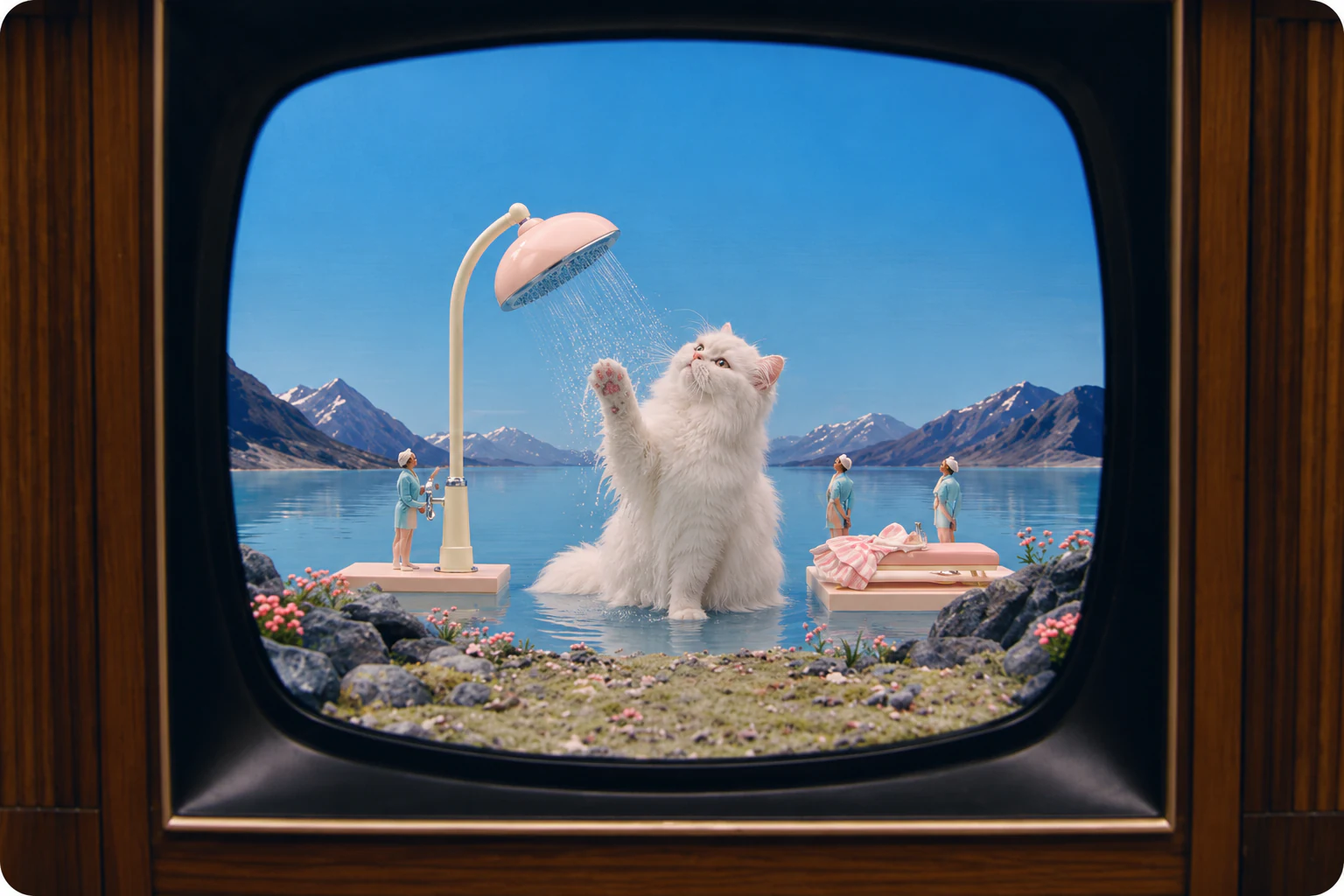
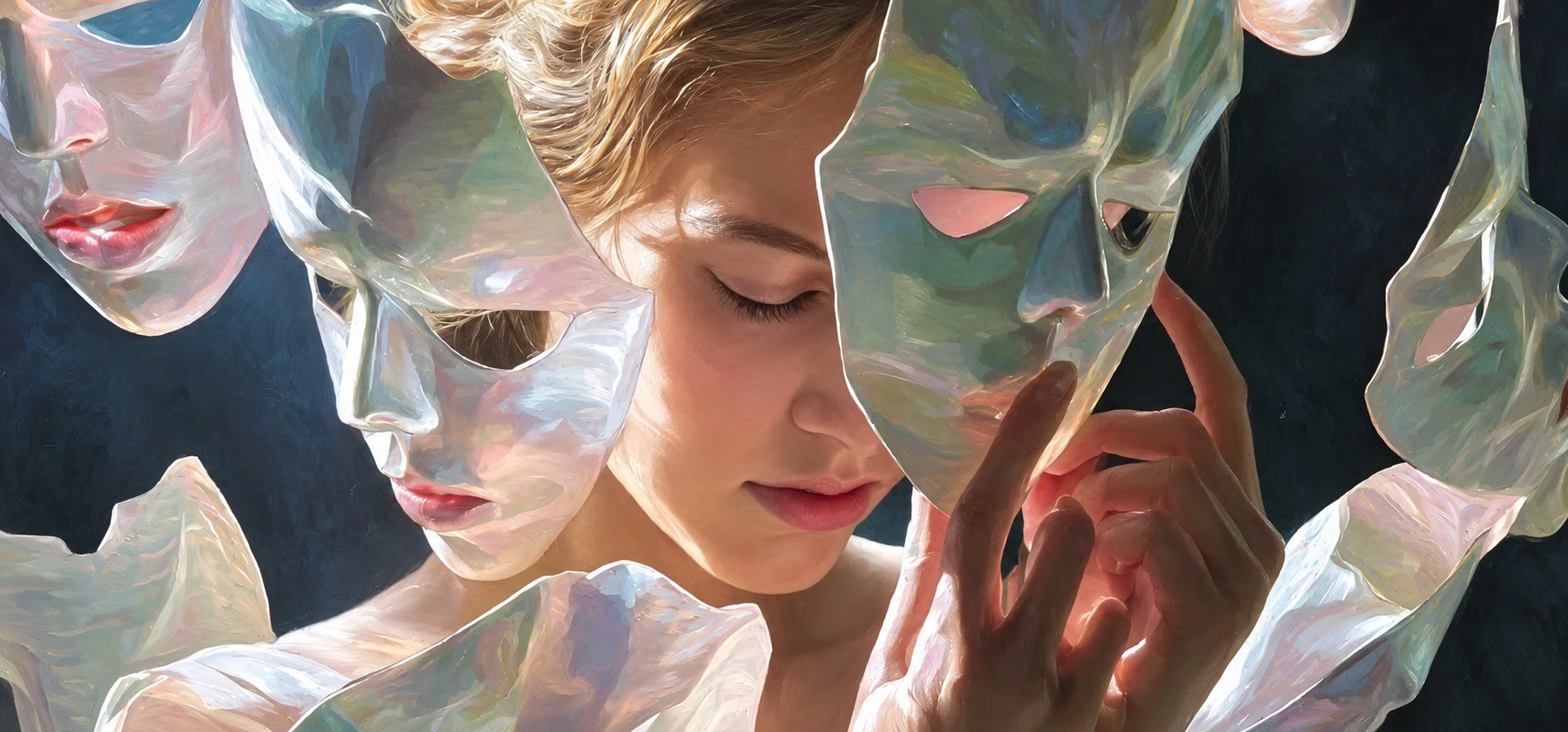
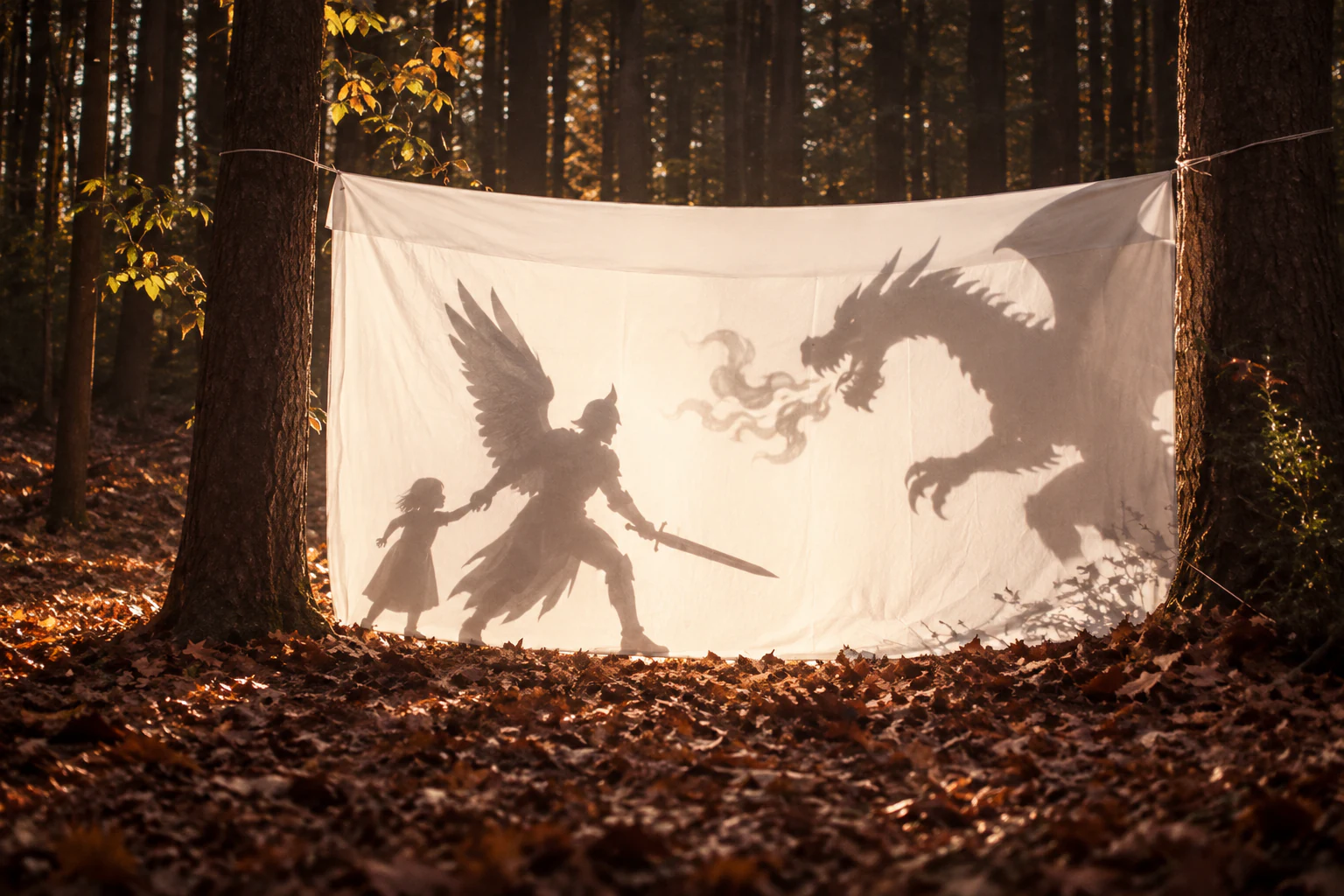
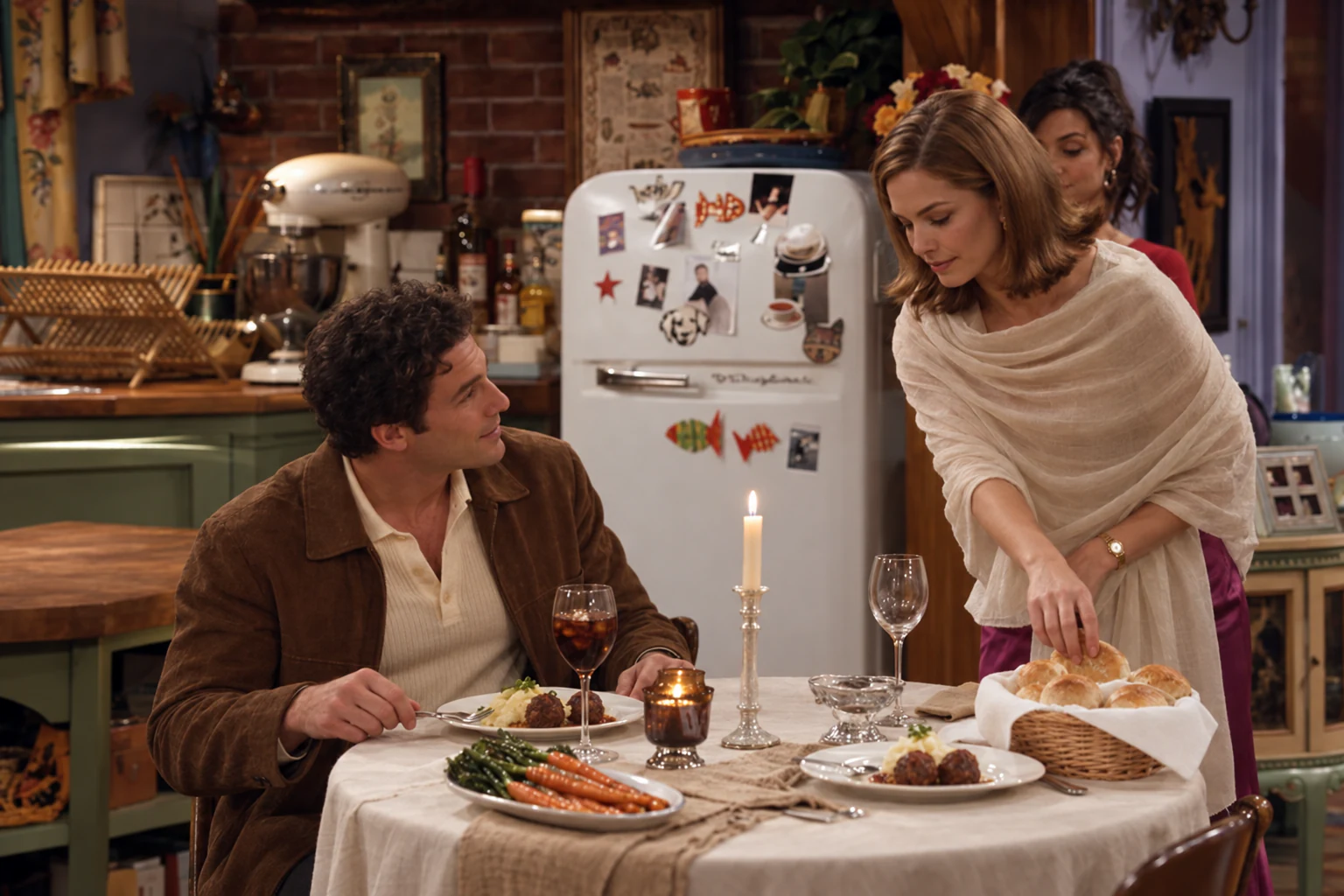
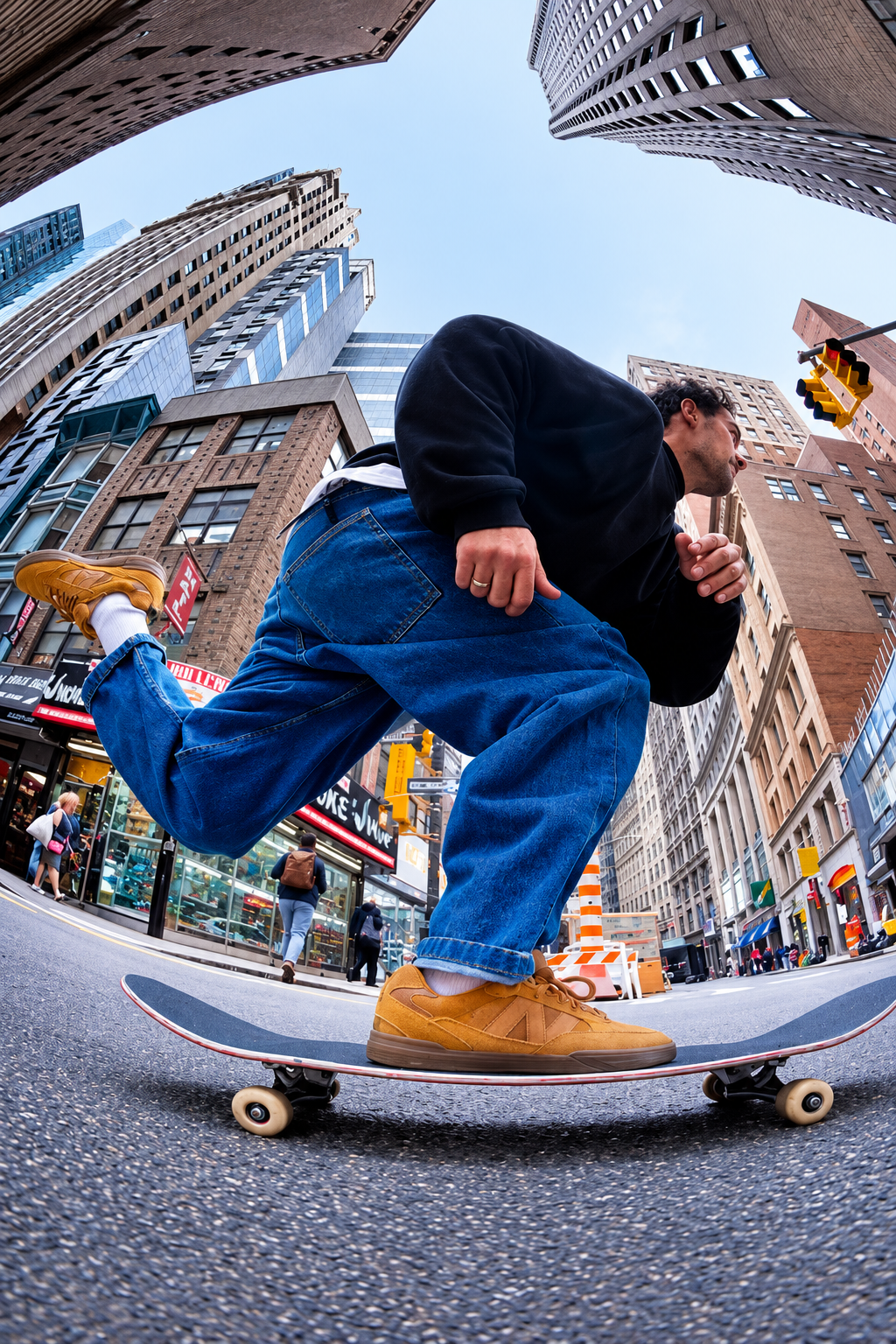
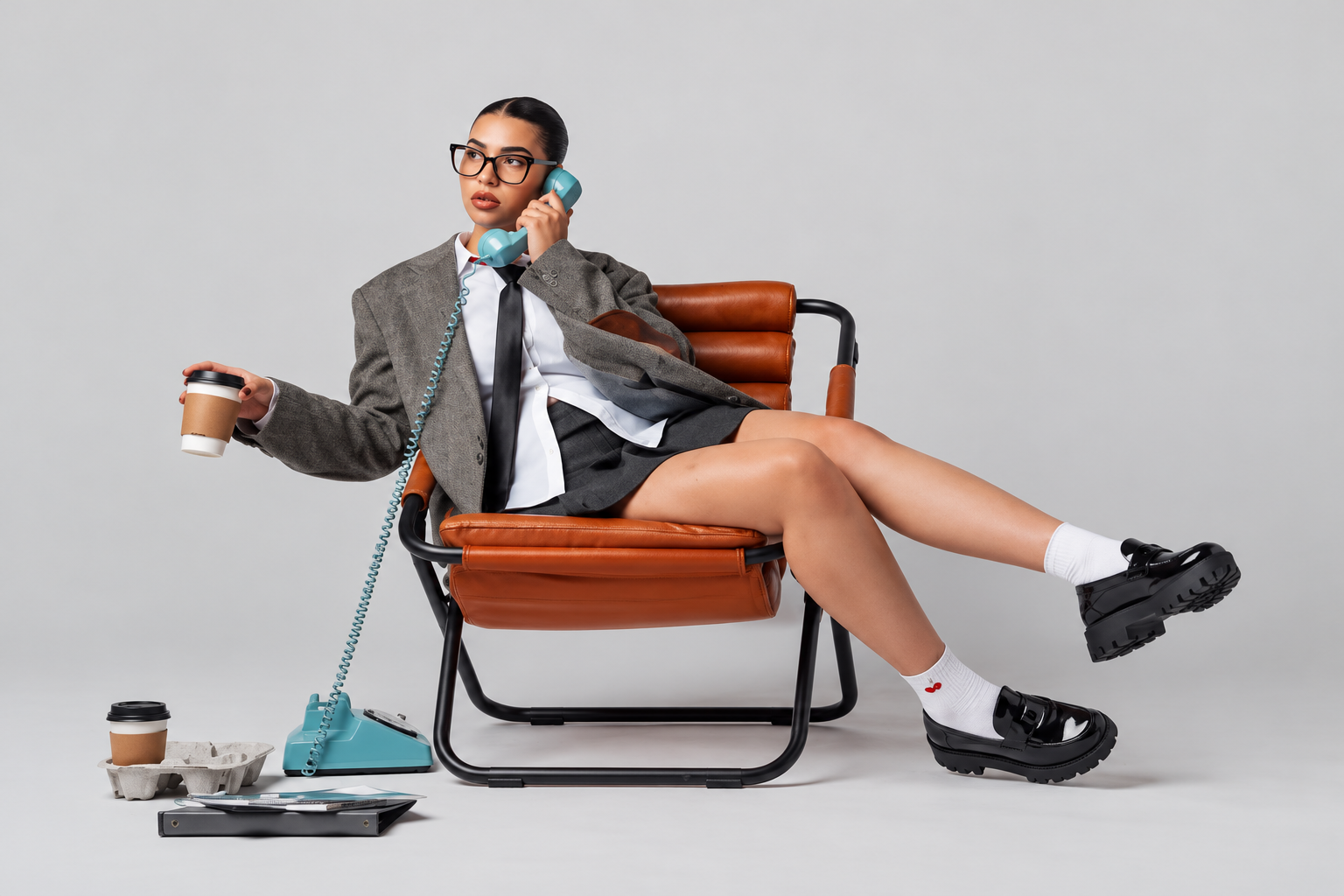
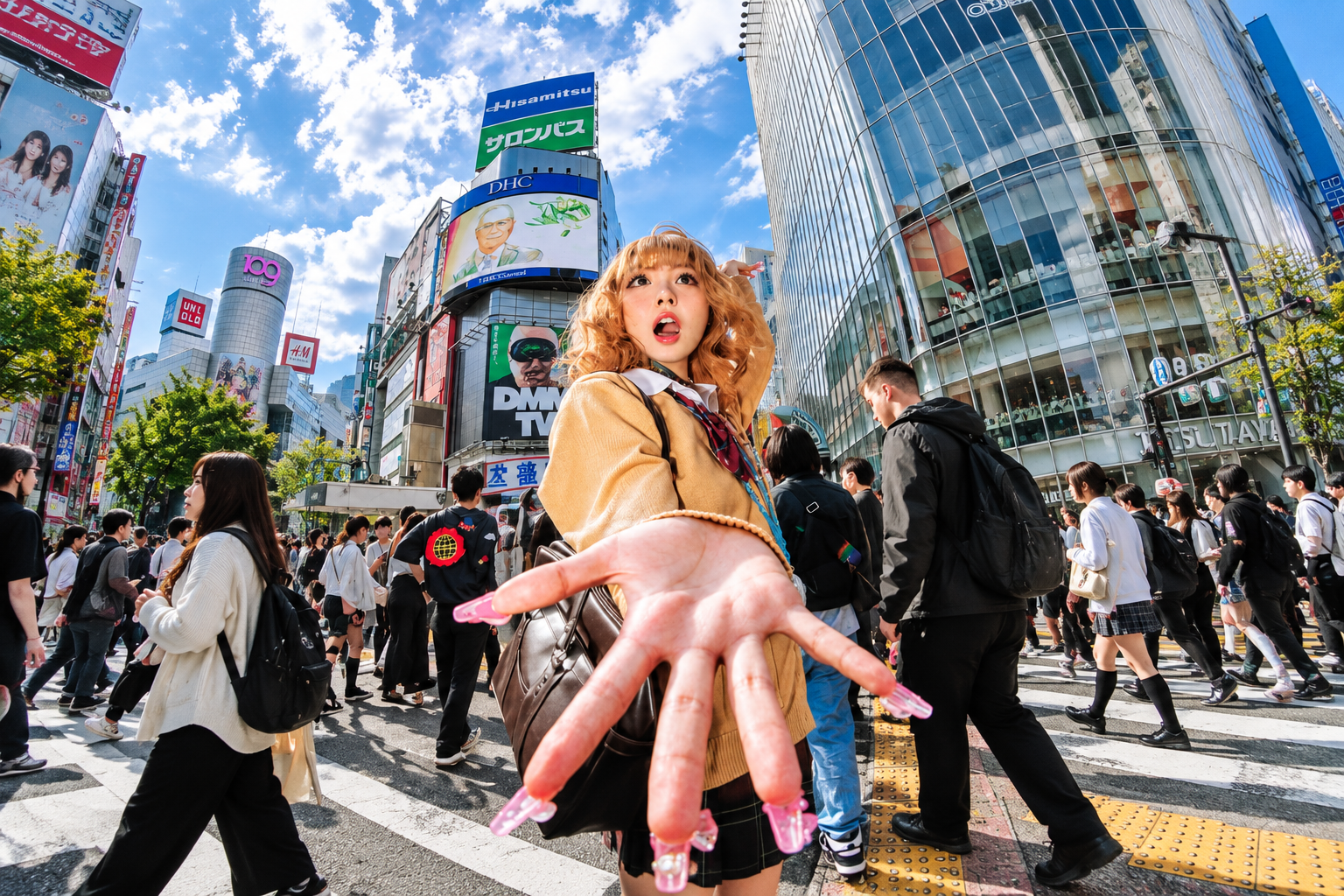
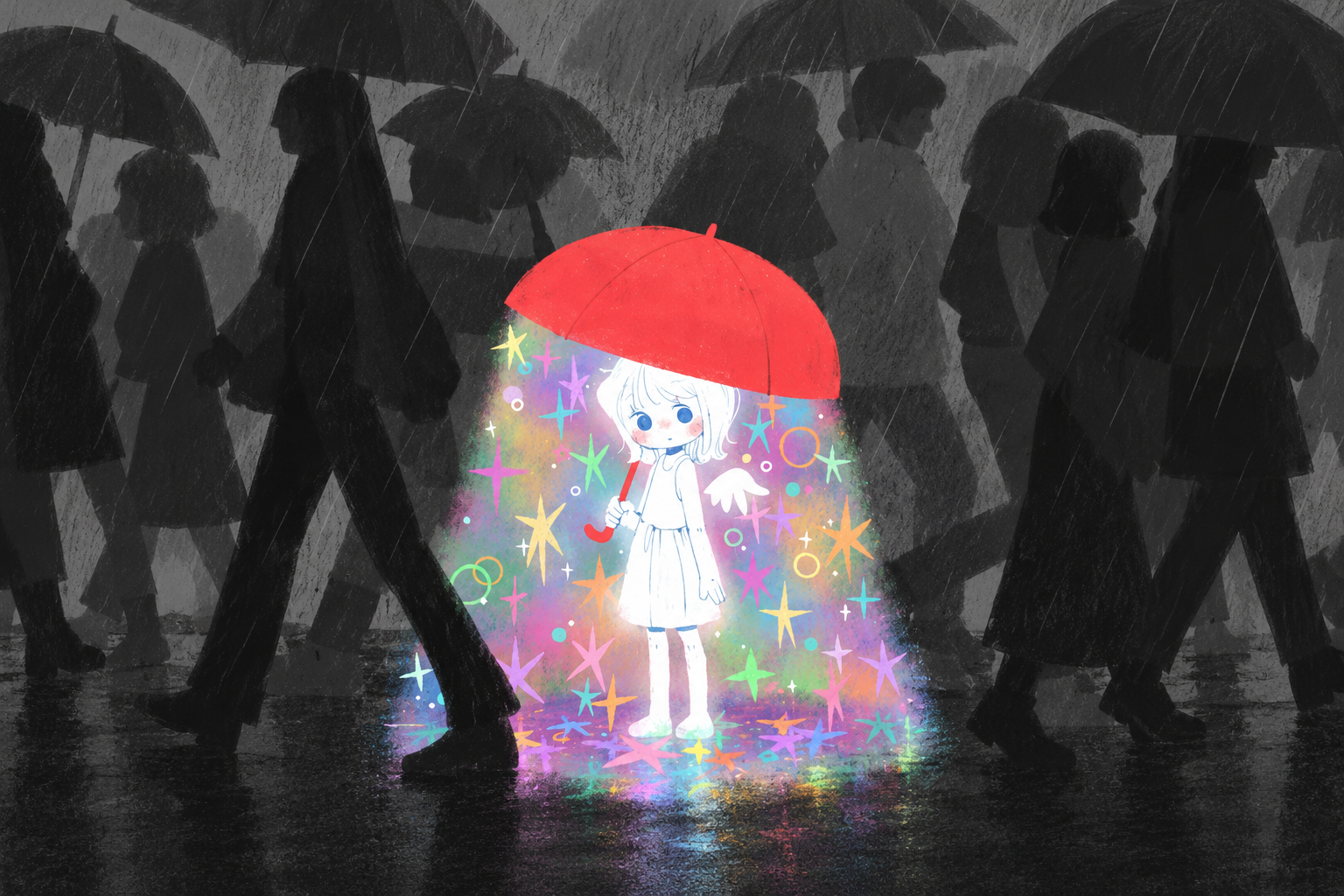
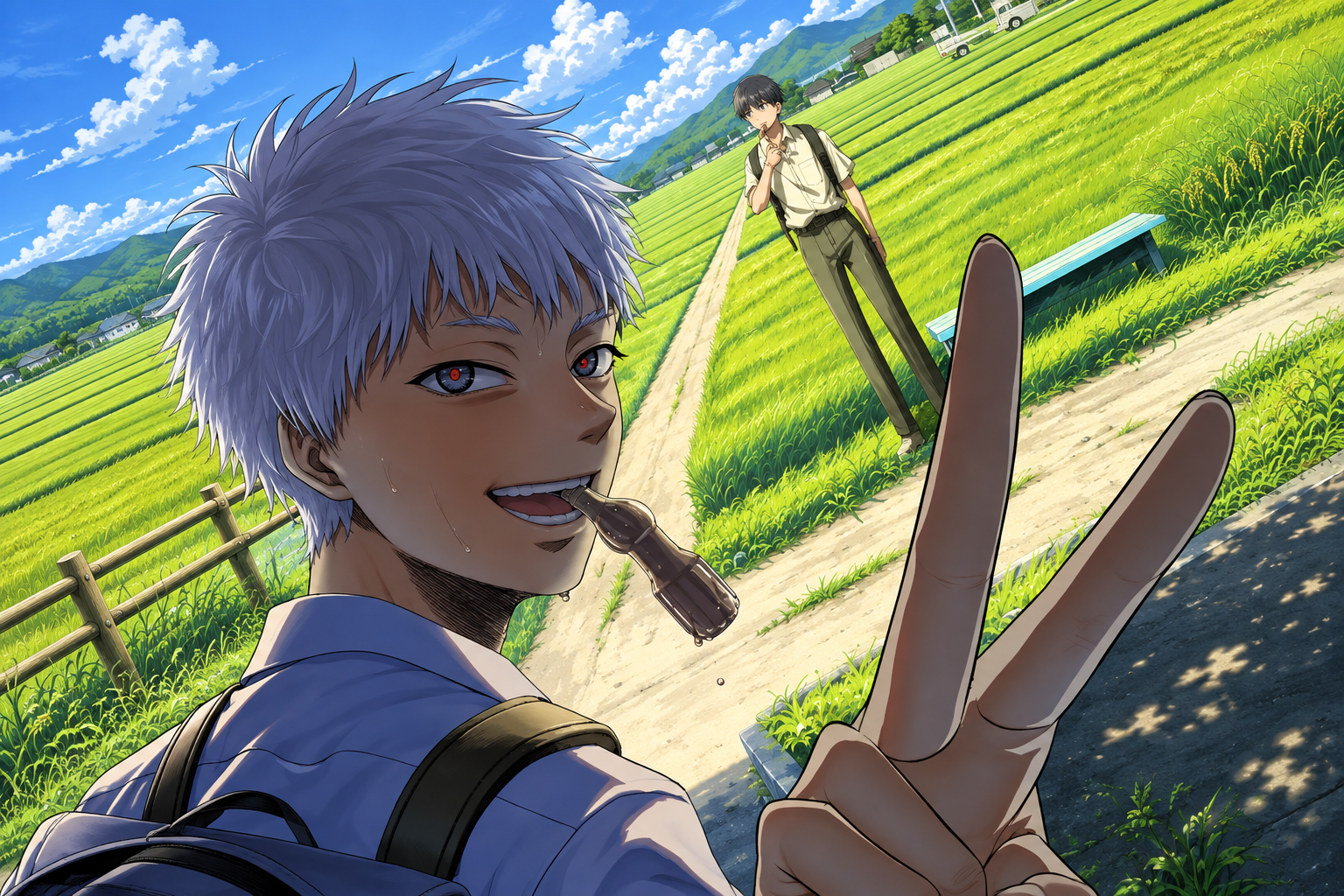
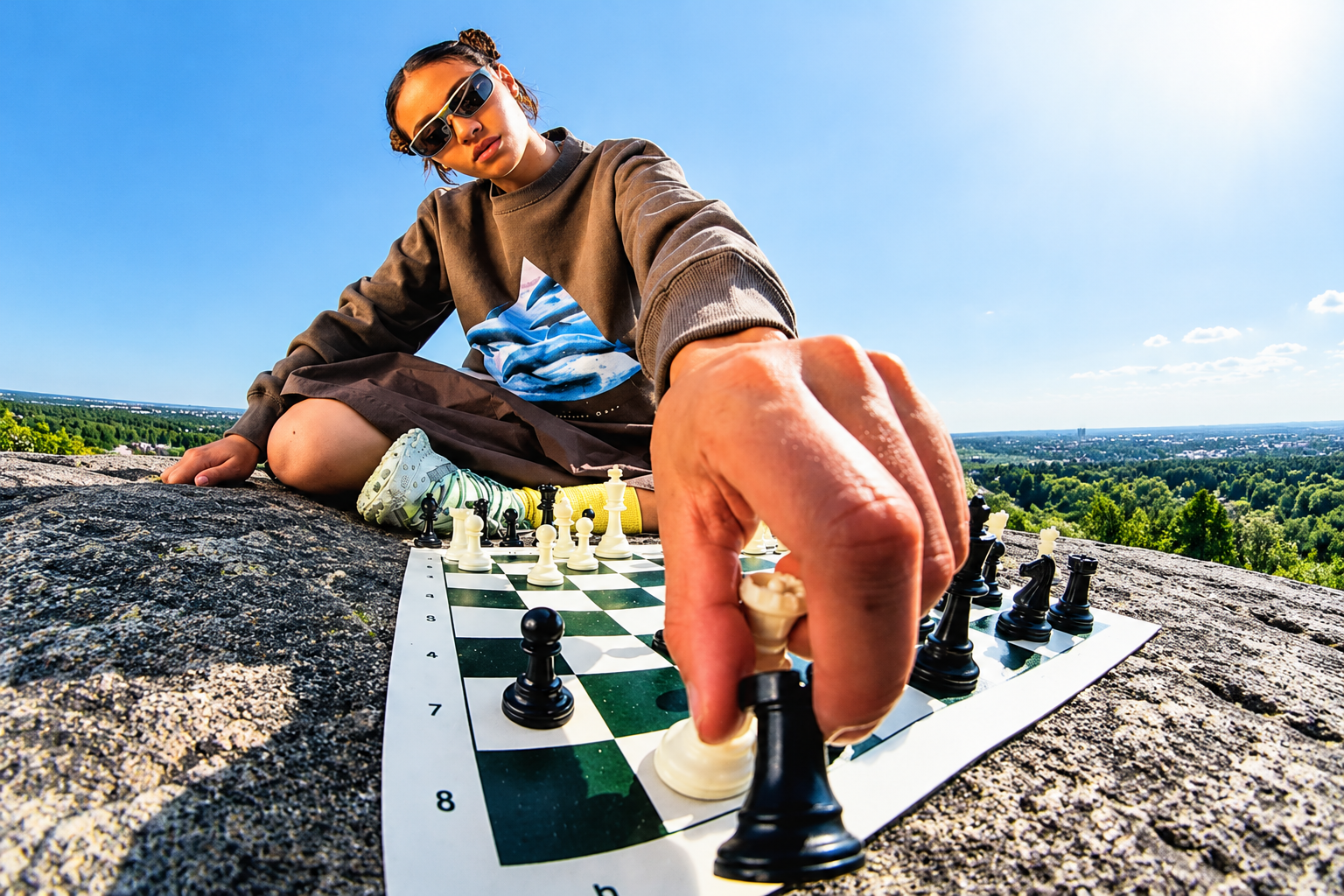
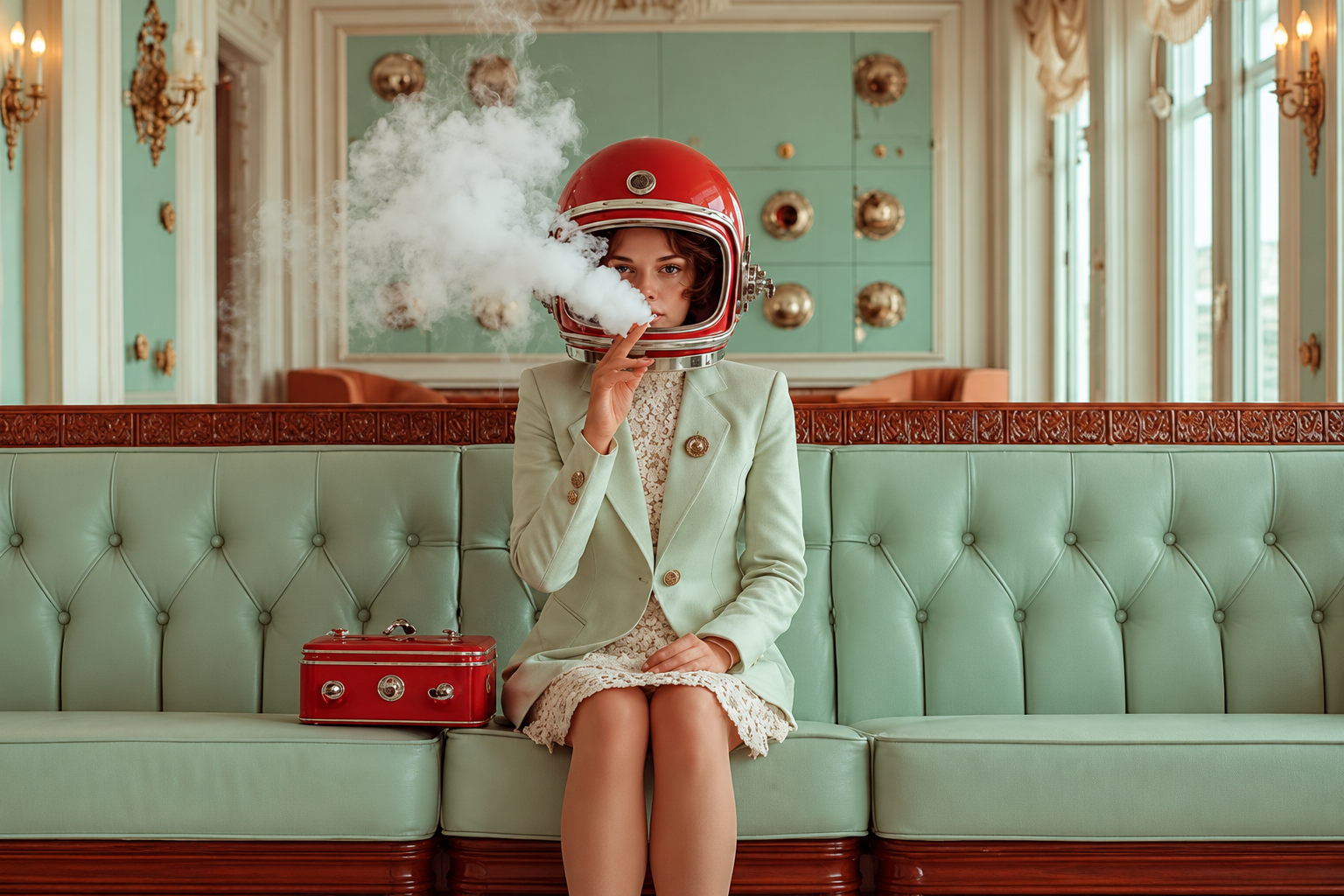
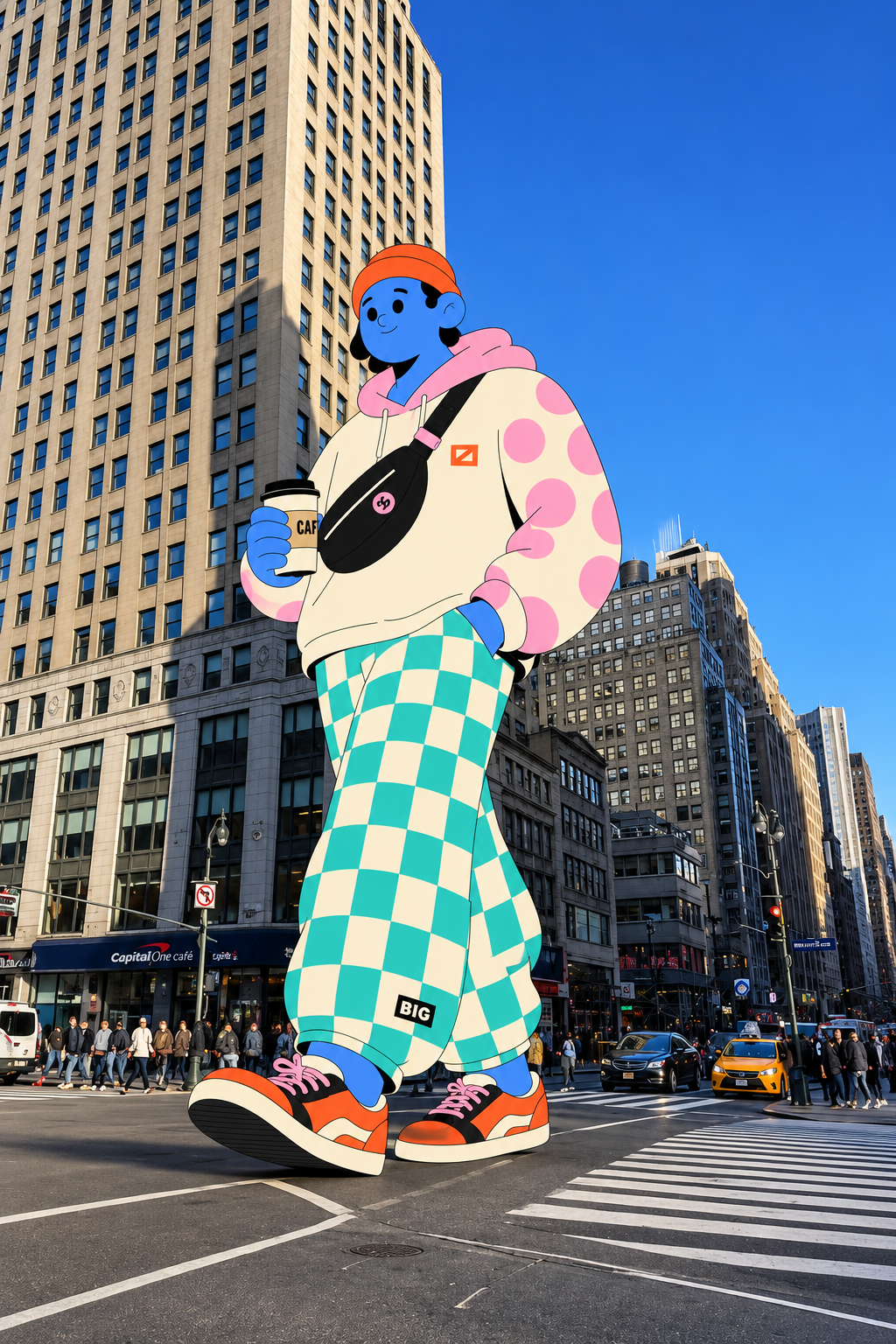
Low-angle view of a skateboarder between tall city buildings Woman seated with a turquoise telephone Wide-angle street portrait at a busy city crossing Illustrated character beneath a red umbrella surrounded by colorful stars in the rain White-haired anime character making a peace sign beside green fields Chess player outdoors under a blue sky Woman wearing a red helmet on a mint green sofa Giant colorful illustrated character holding coffee on a city street
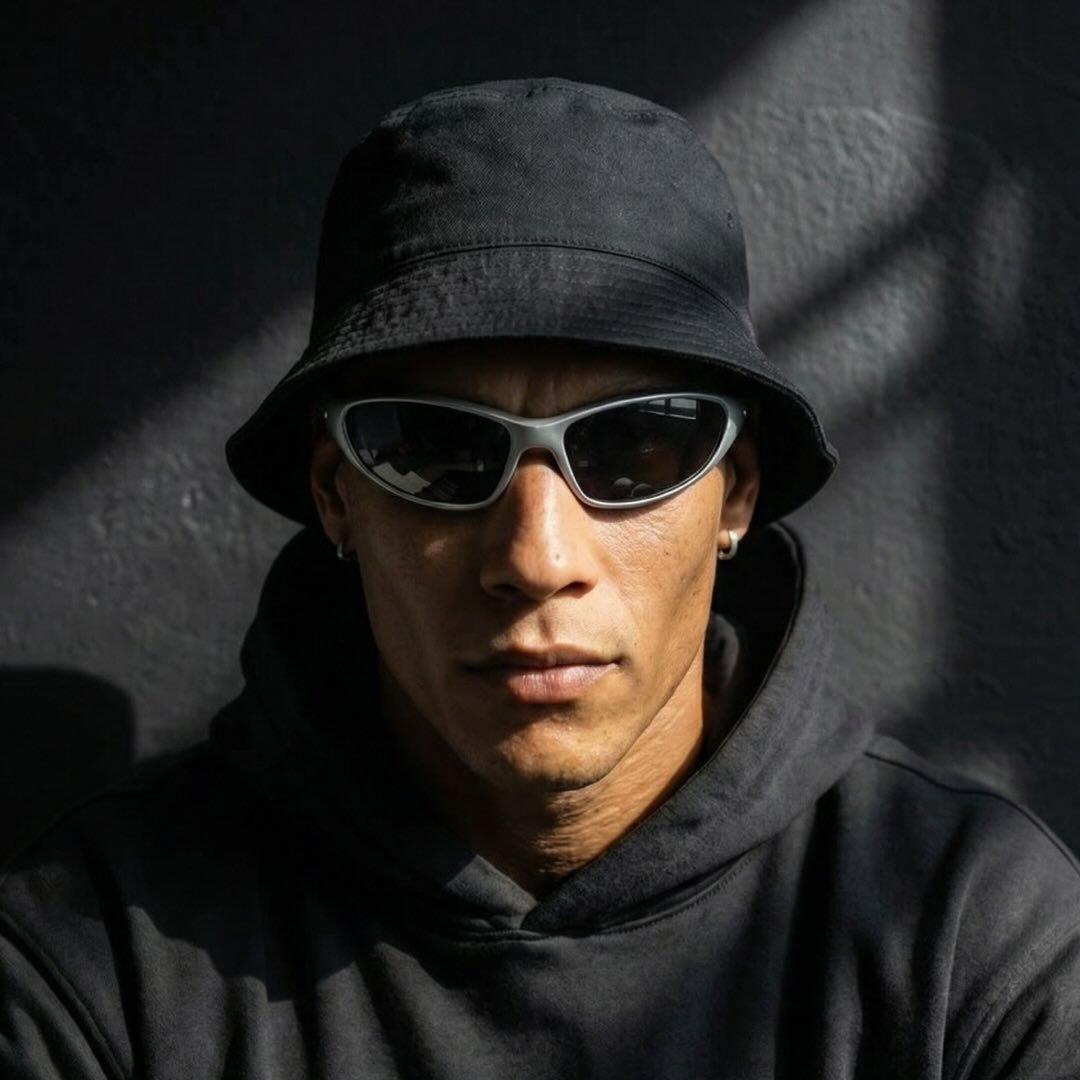
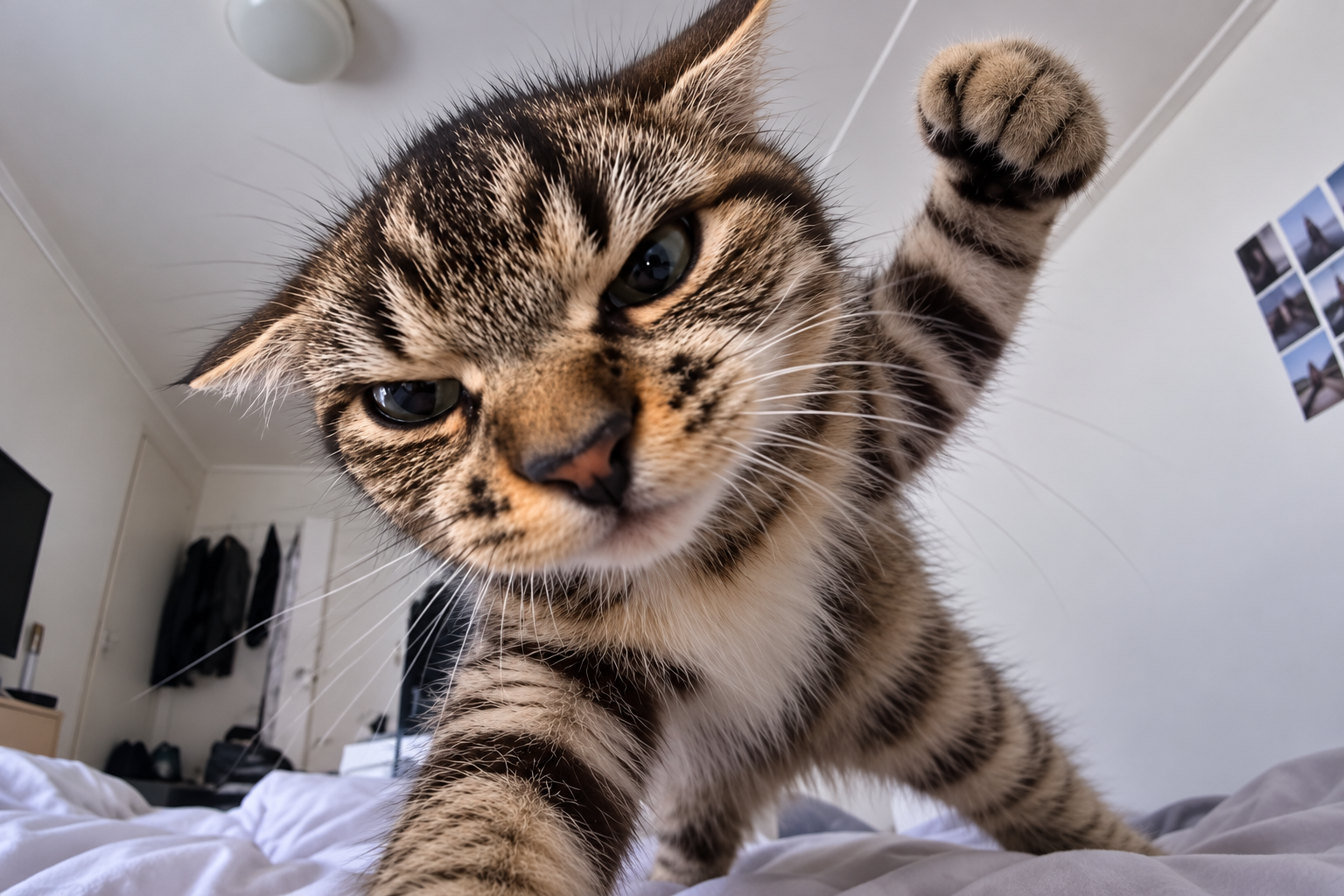
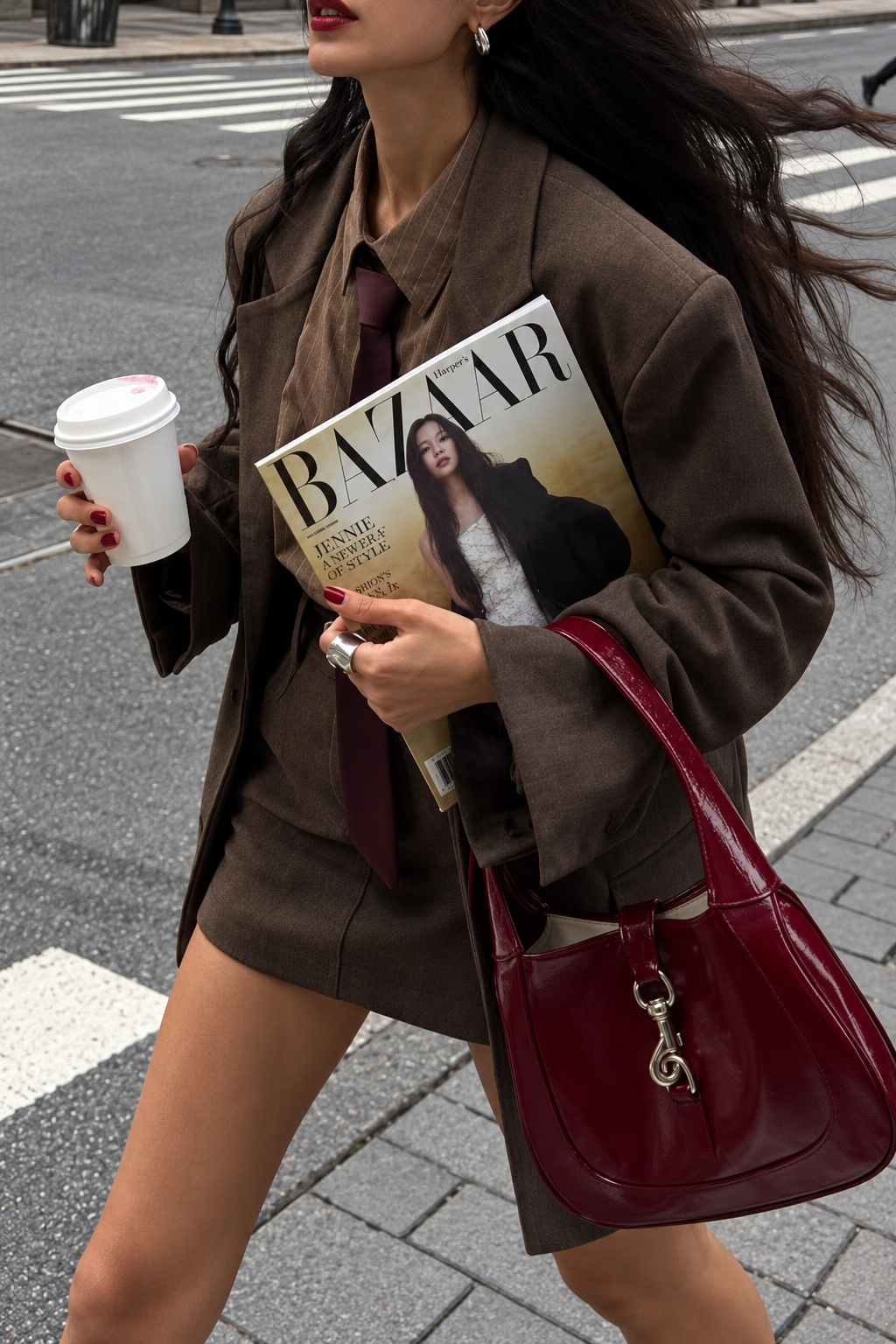
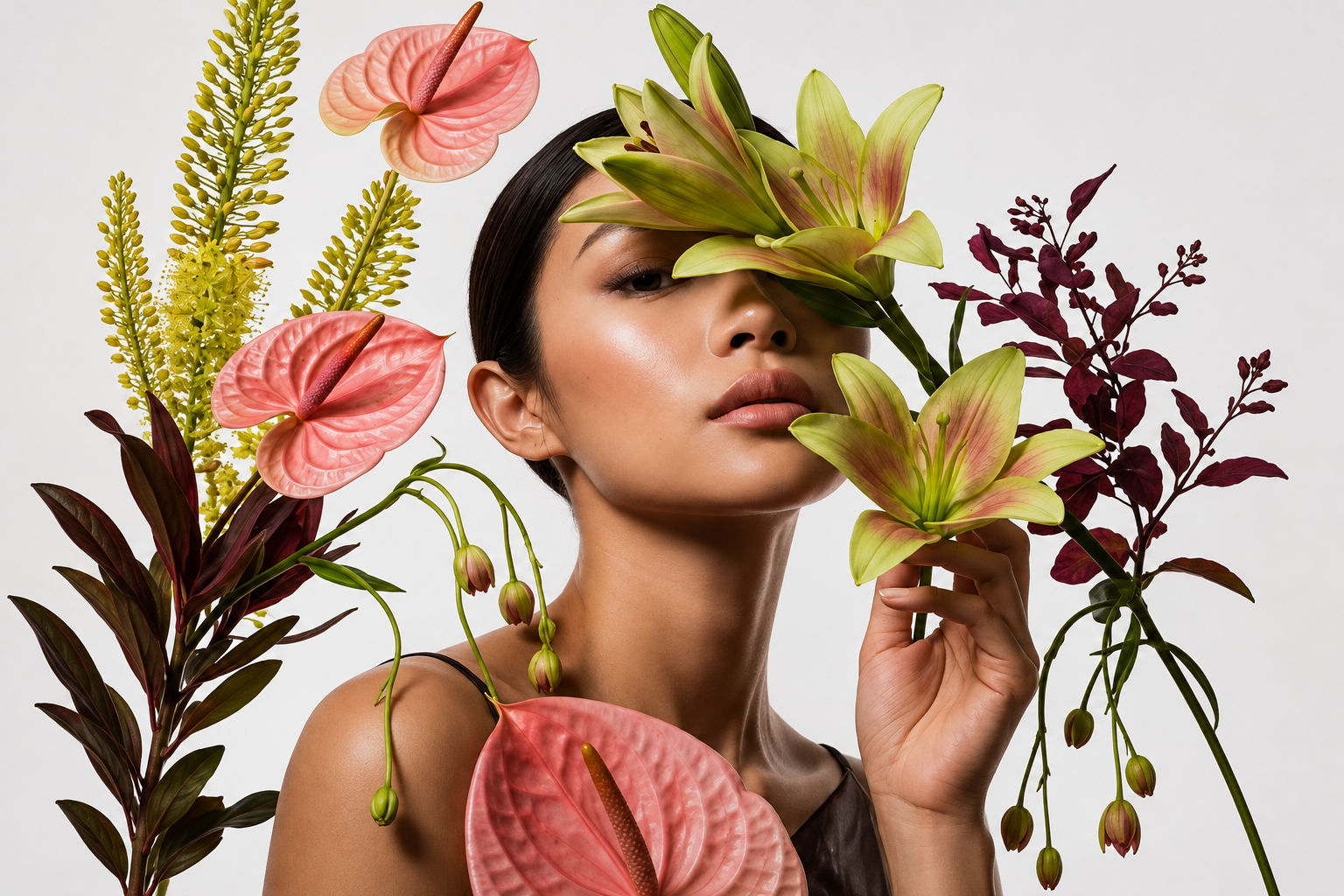
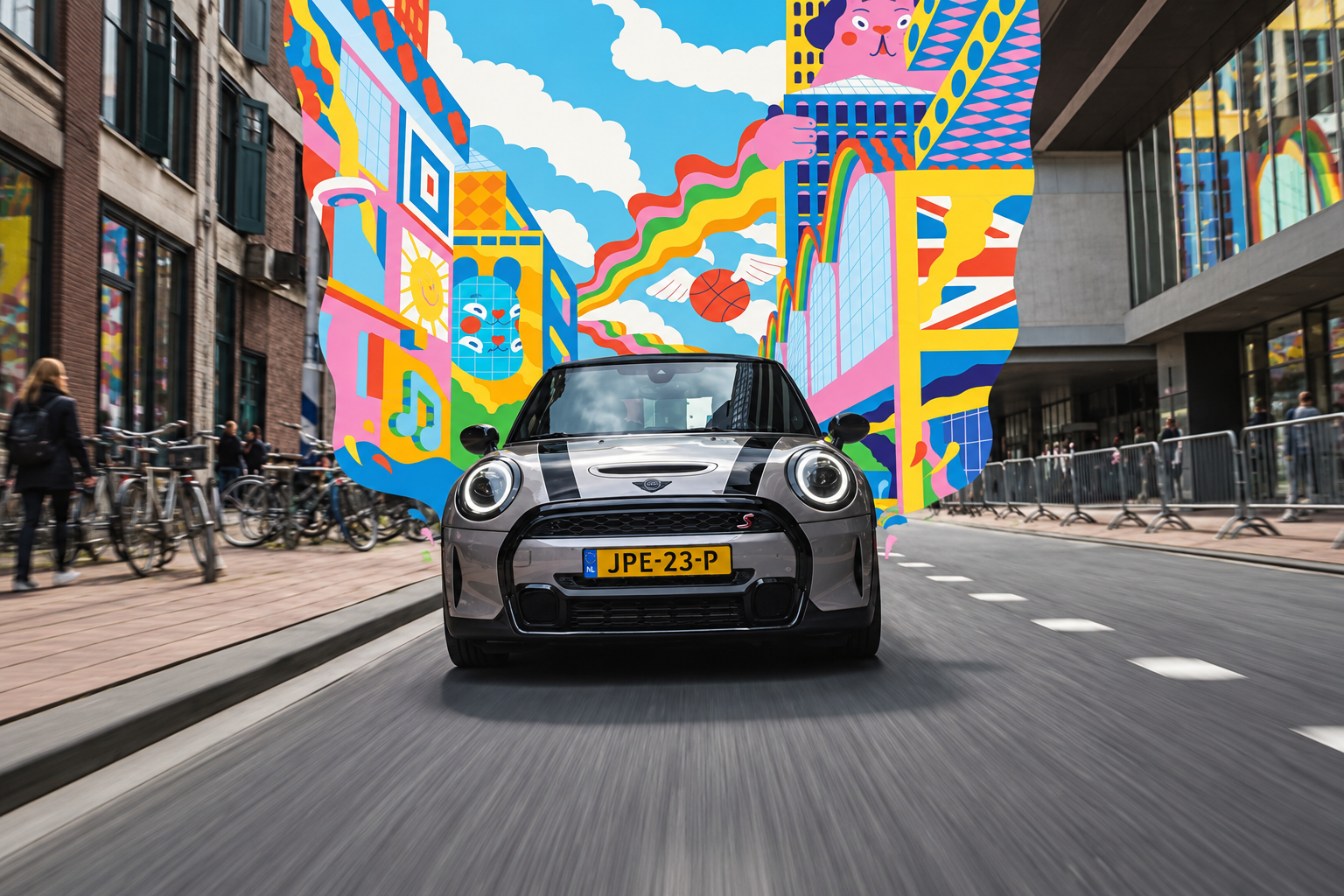
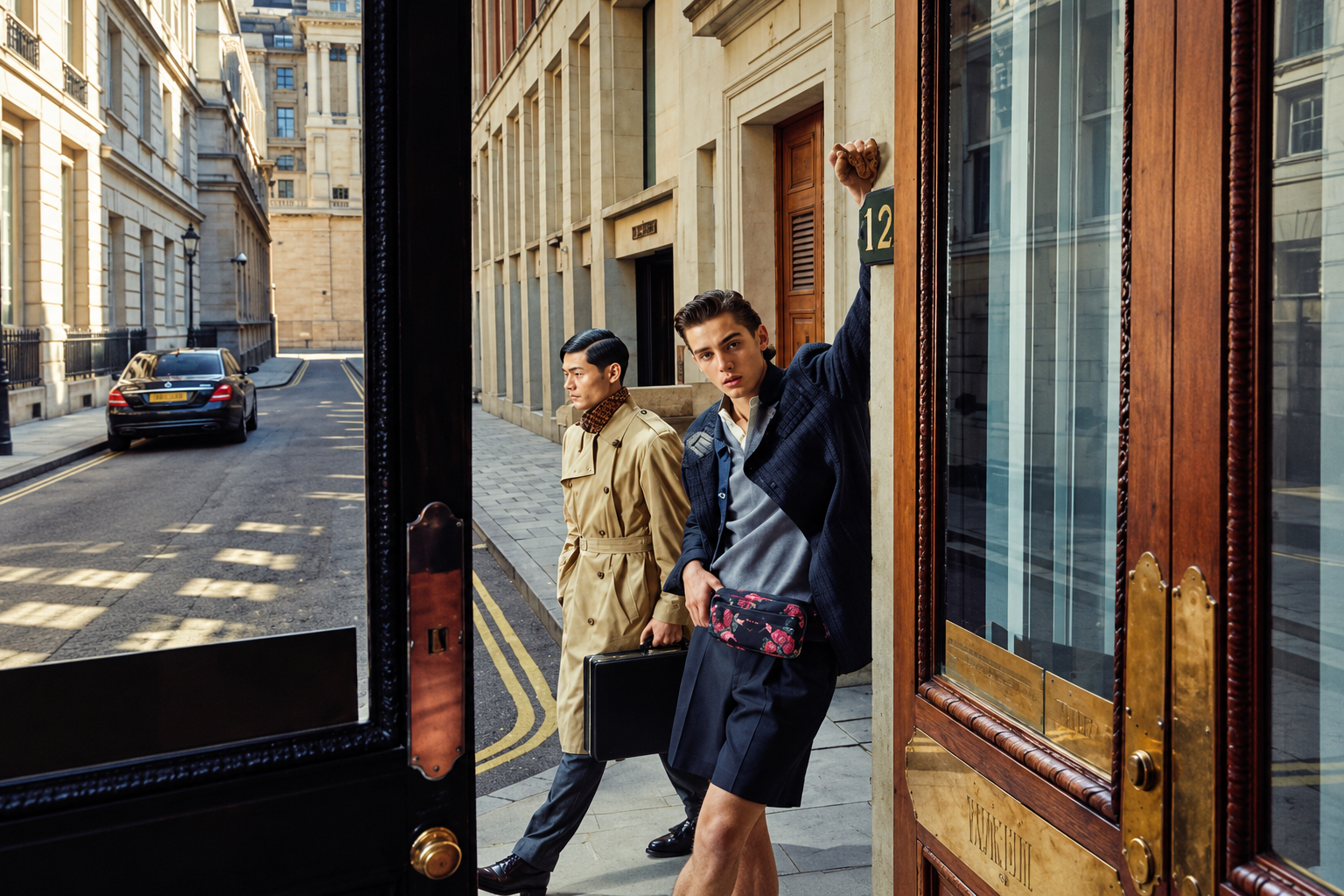
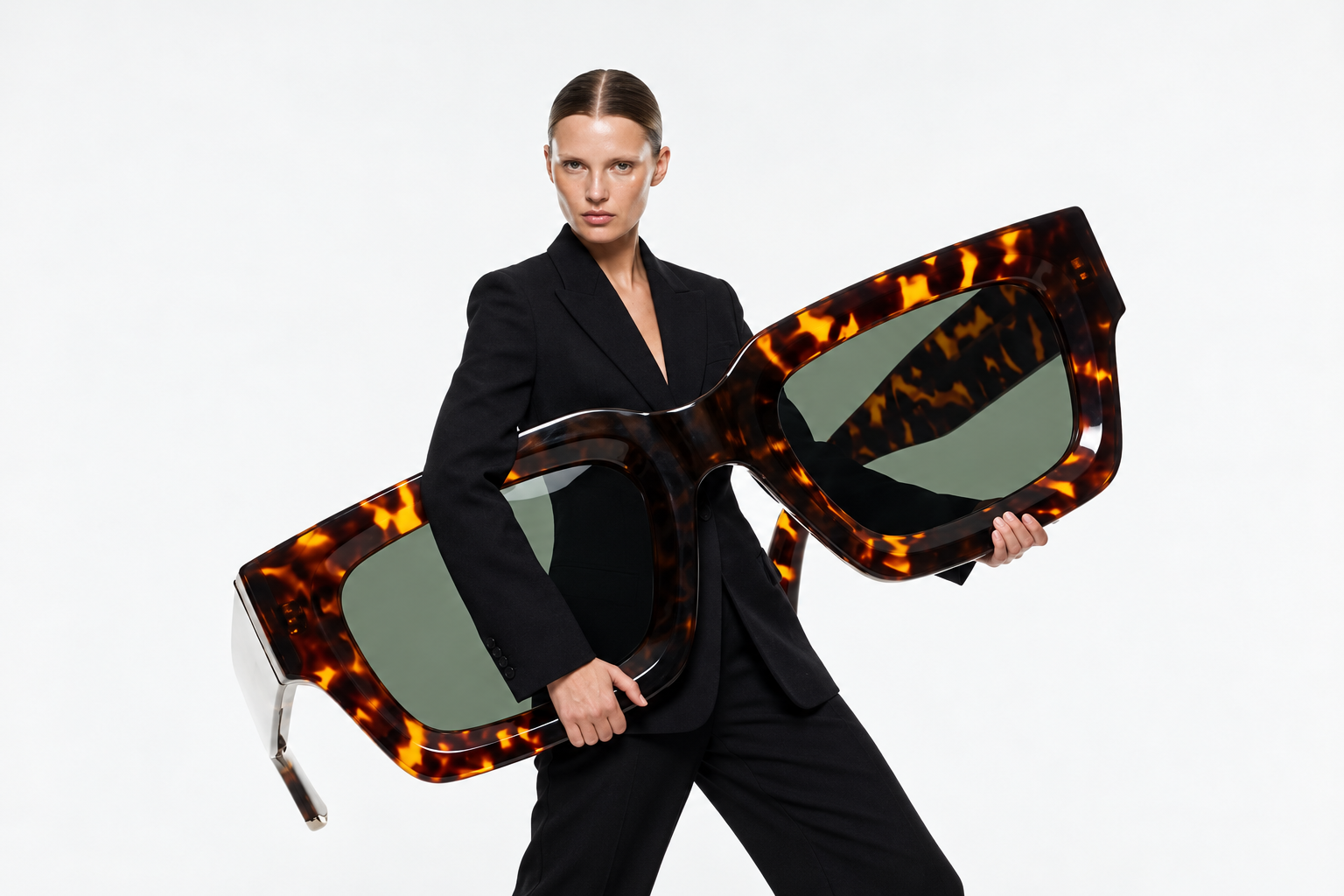
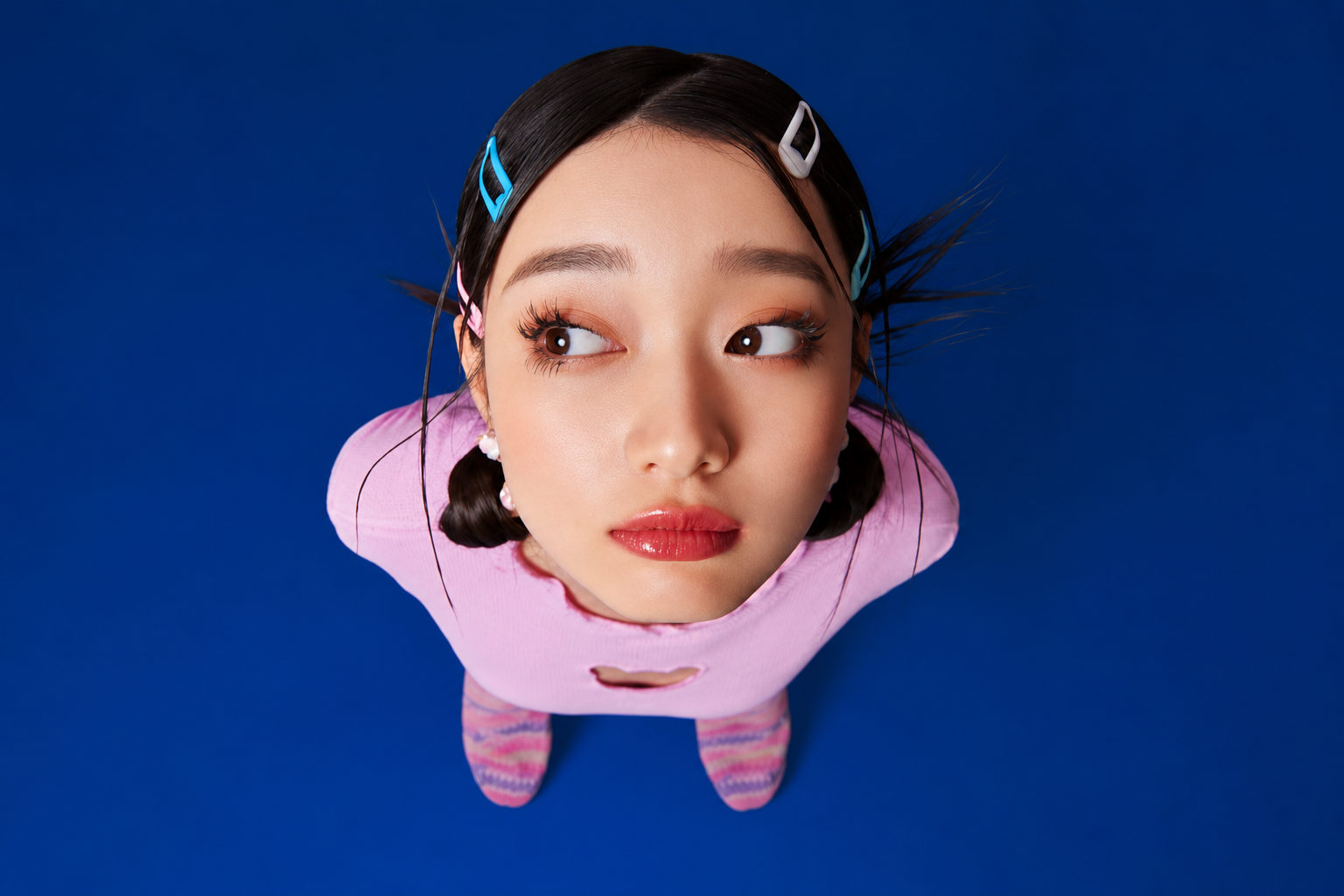
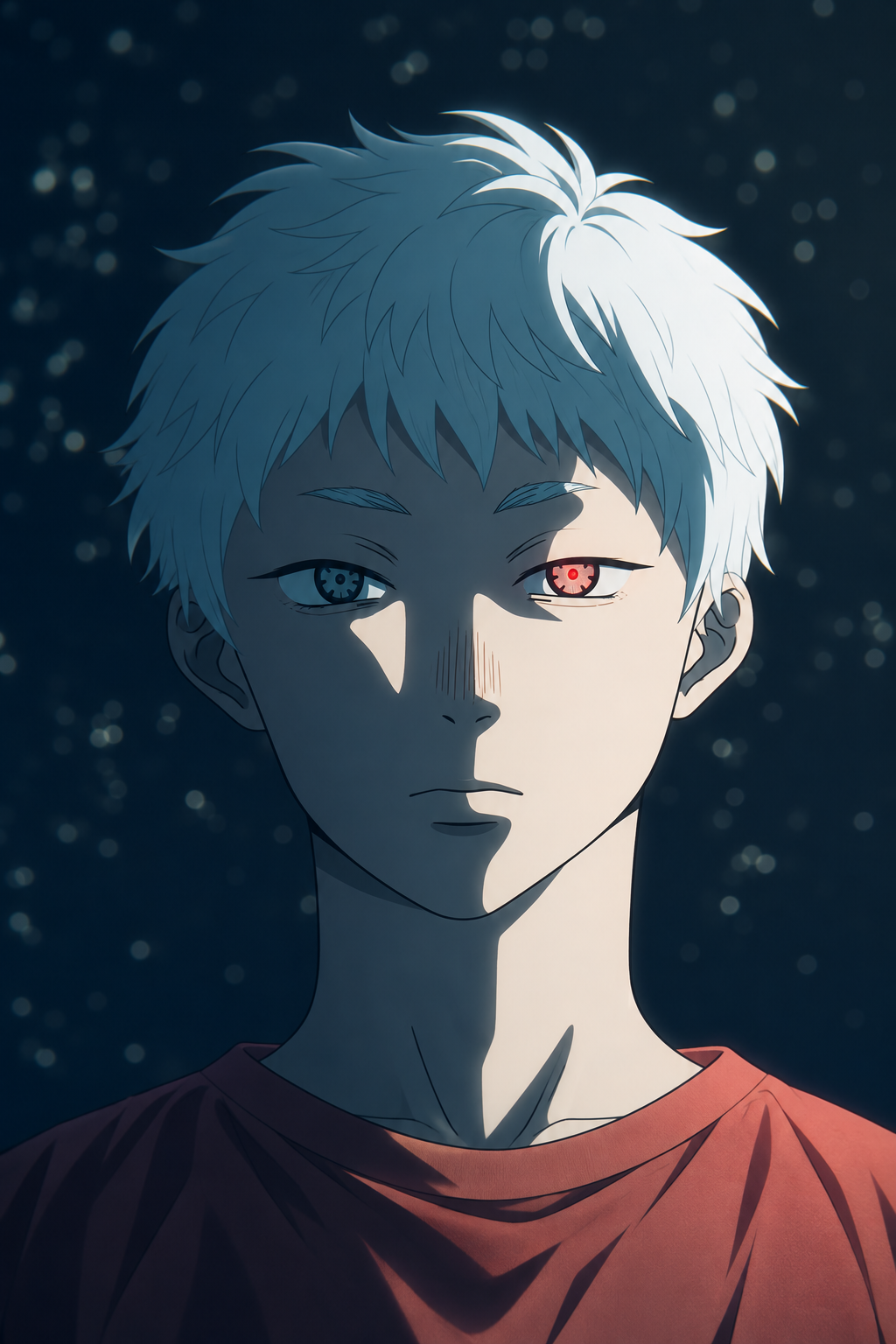
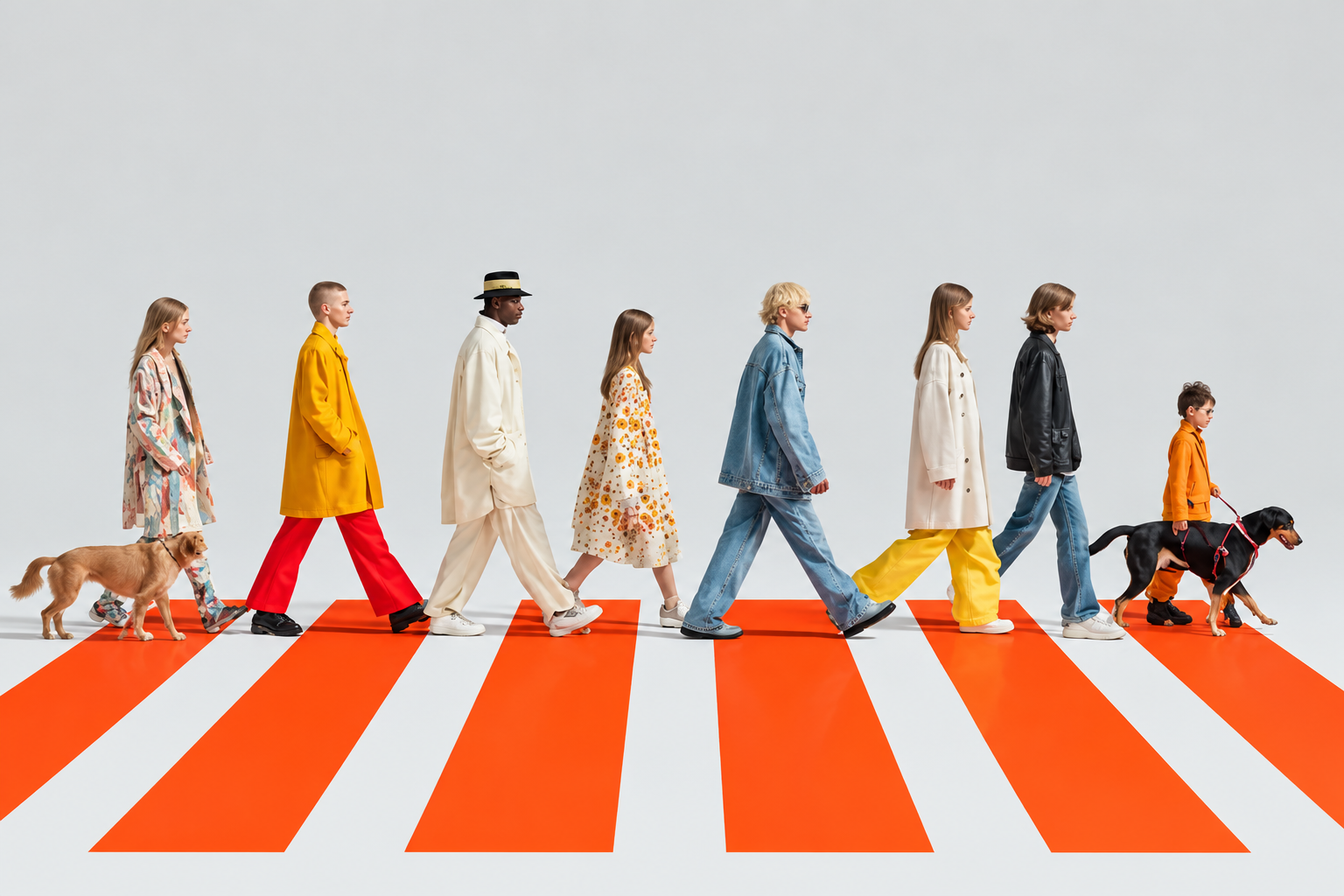
Blue-eyed anime portrait surrounded by shimmering water and fish Tabby cat raising a paw toward the camera Street fashion with a magazine and burgundy bag Fashion portrait of a woman surrounded by lilies and anthuriums Silver car driving through a city with colorful illustrated buildings Two men in tailored outfits outside a doorway on a city street Woman holding oversized sunglasses Overhead portrait against a deep blue background White-haired anime character against a dark blue background Fashion lineup walking with dogs across an orange and white crossing
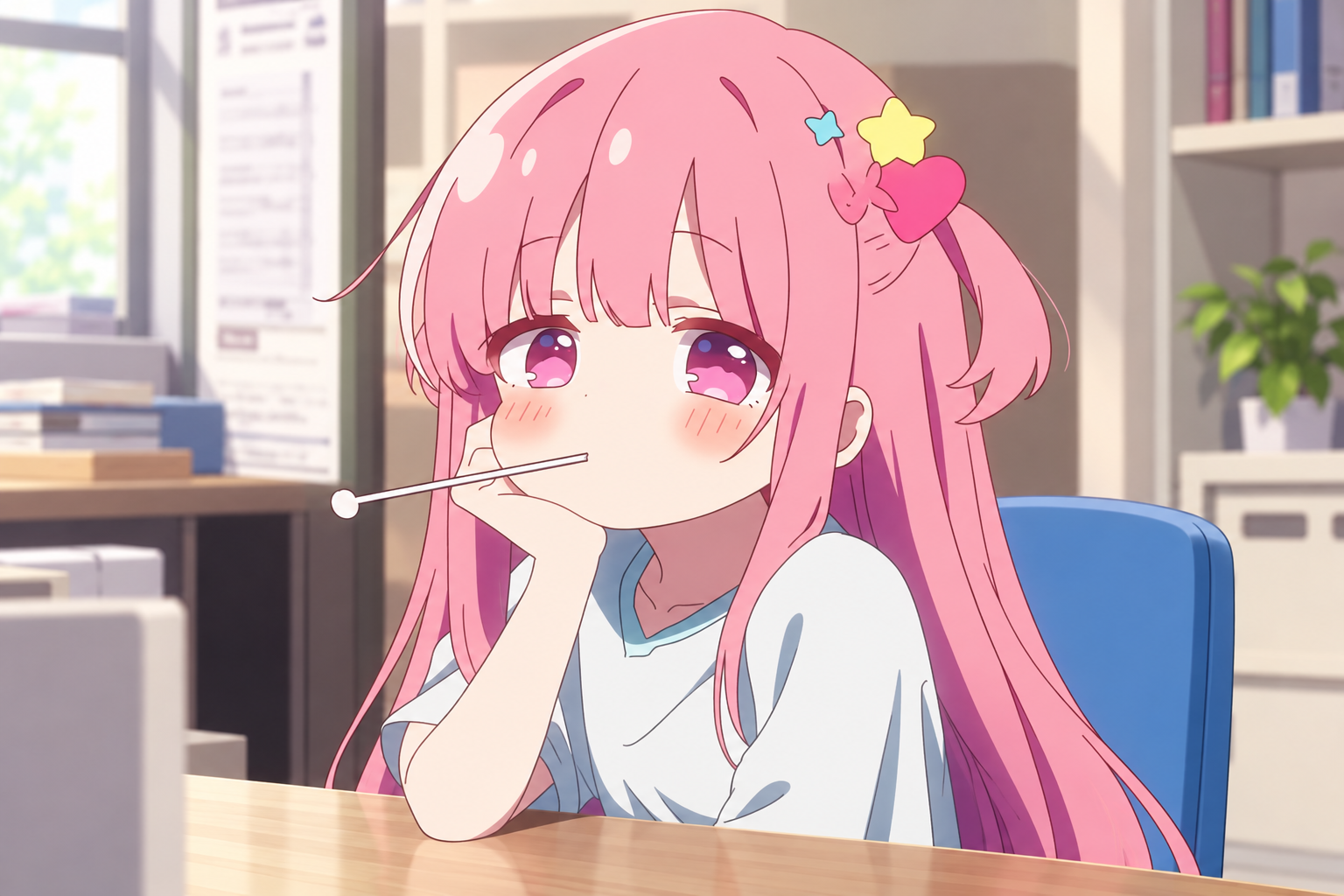
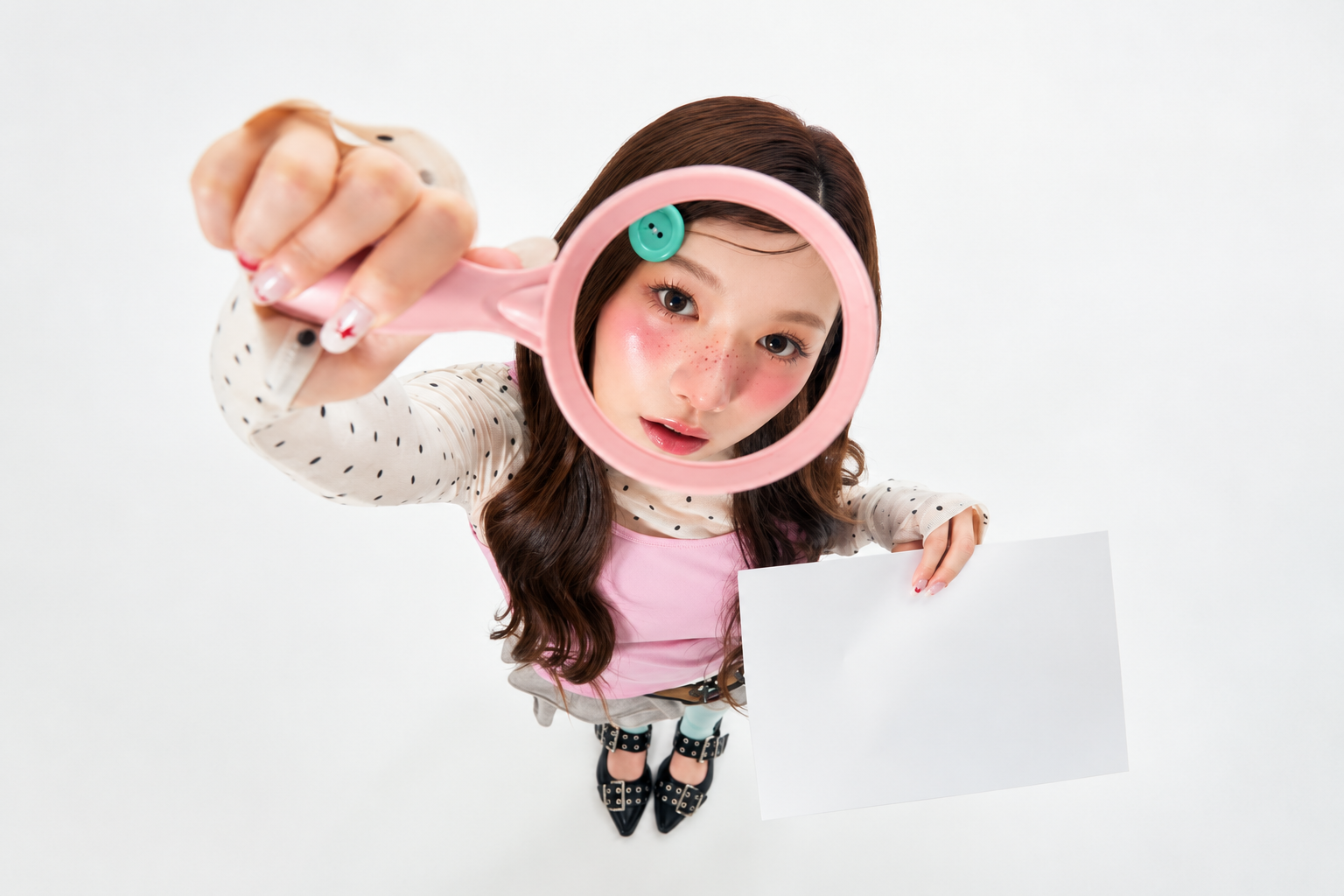
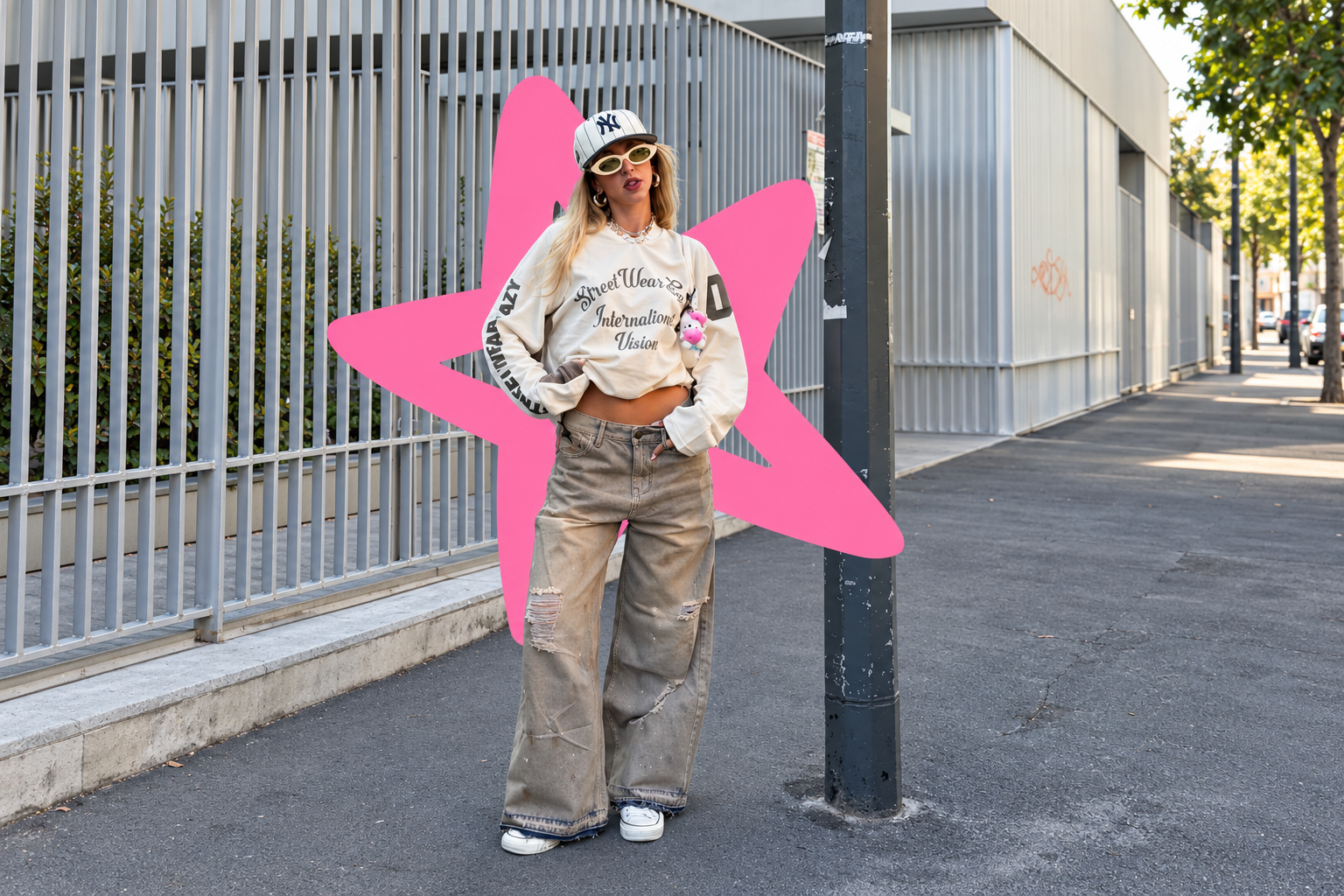
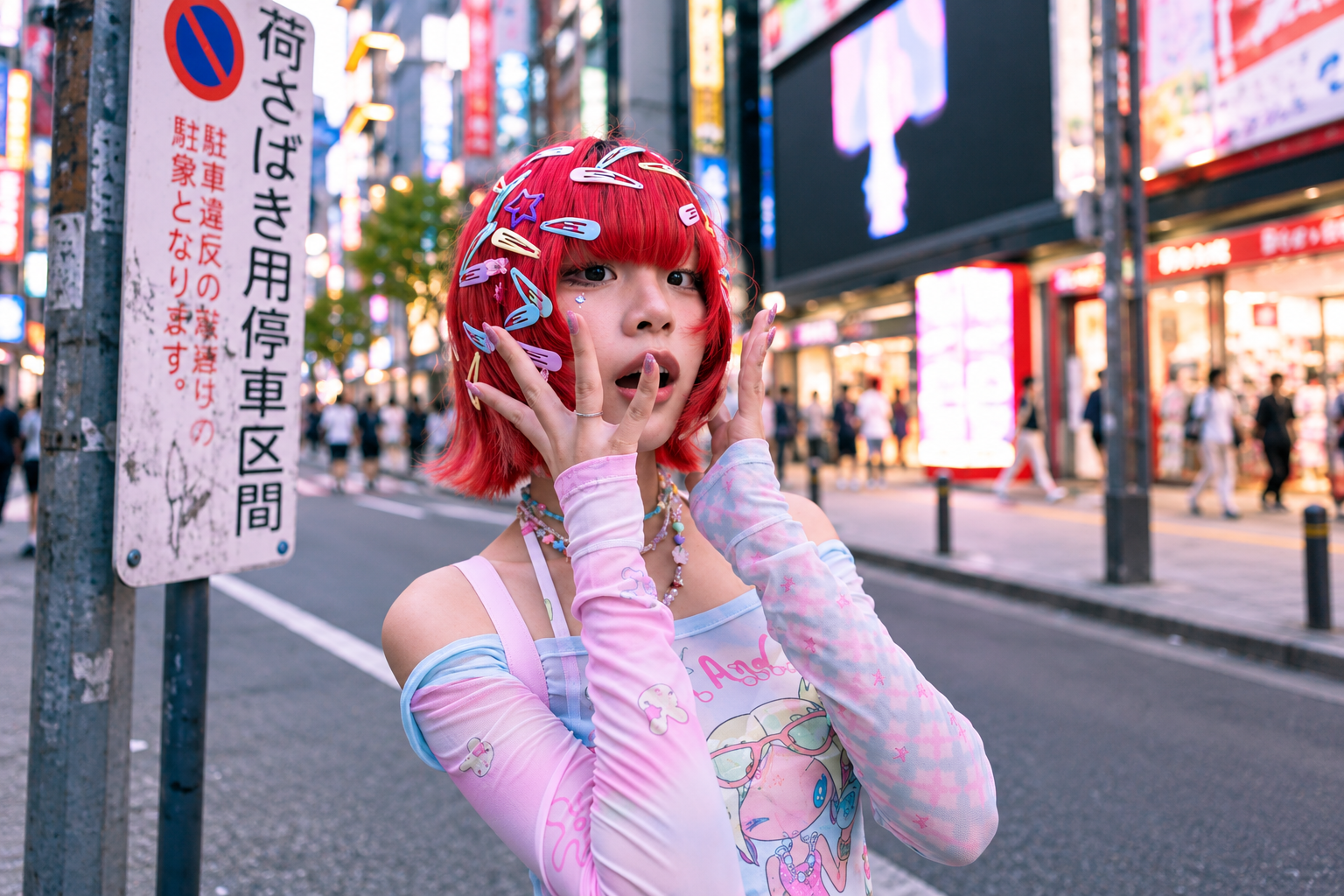
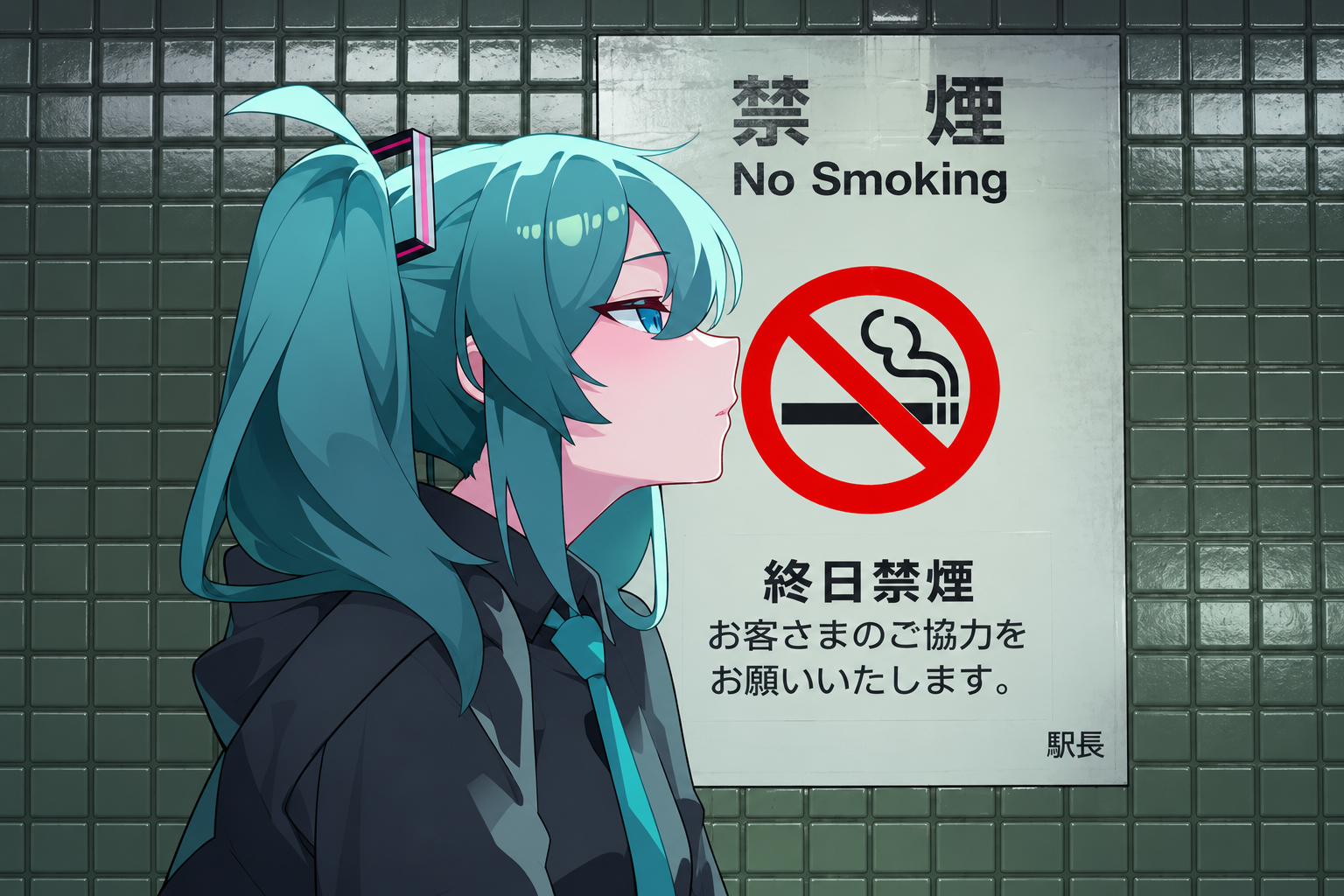
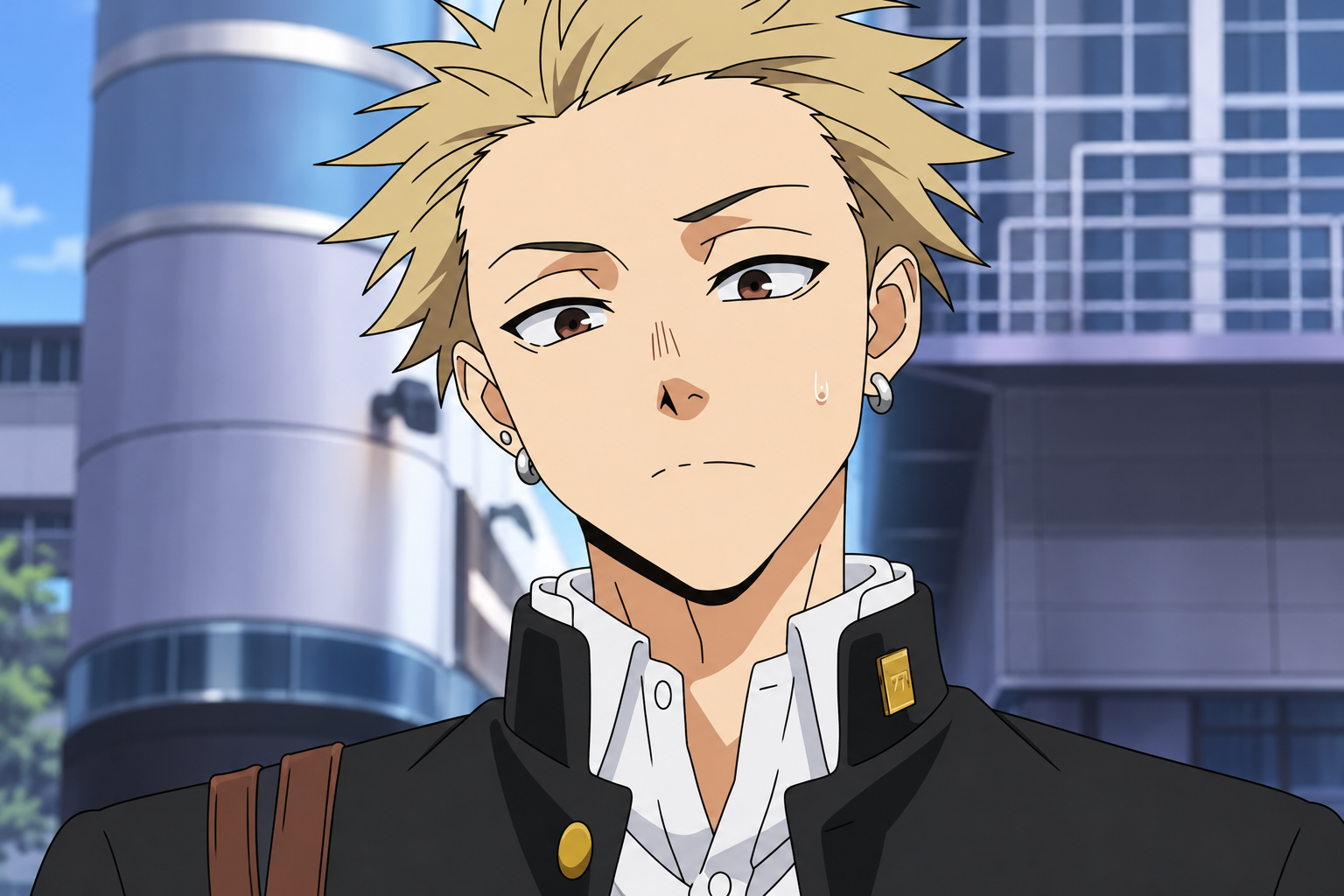
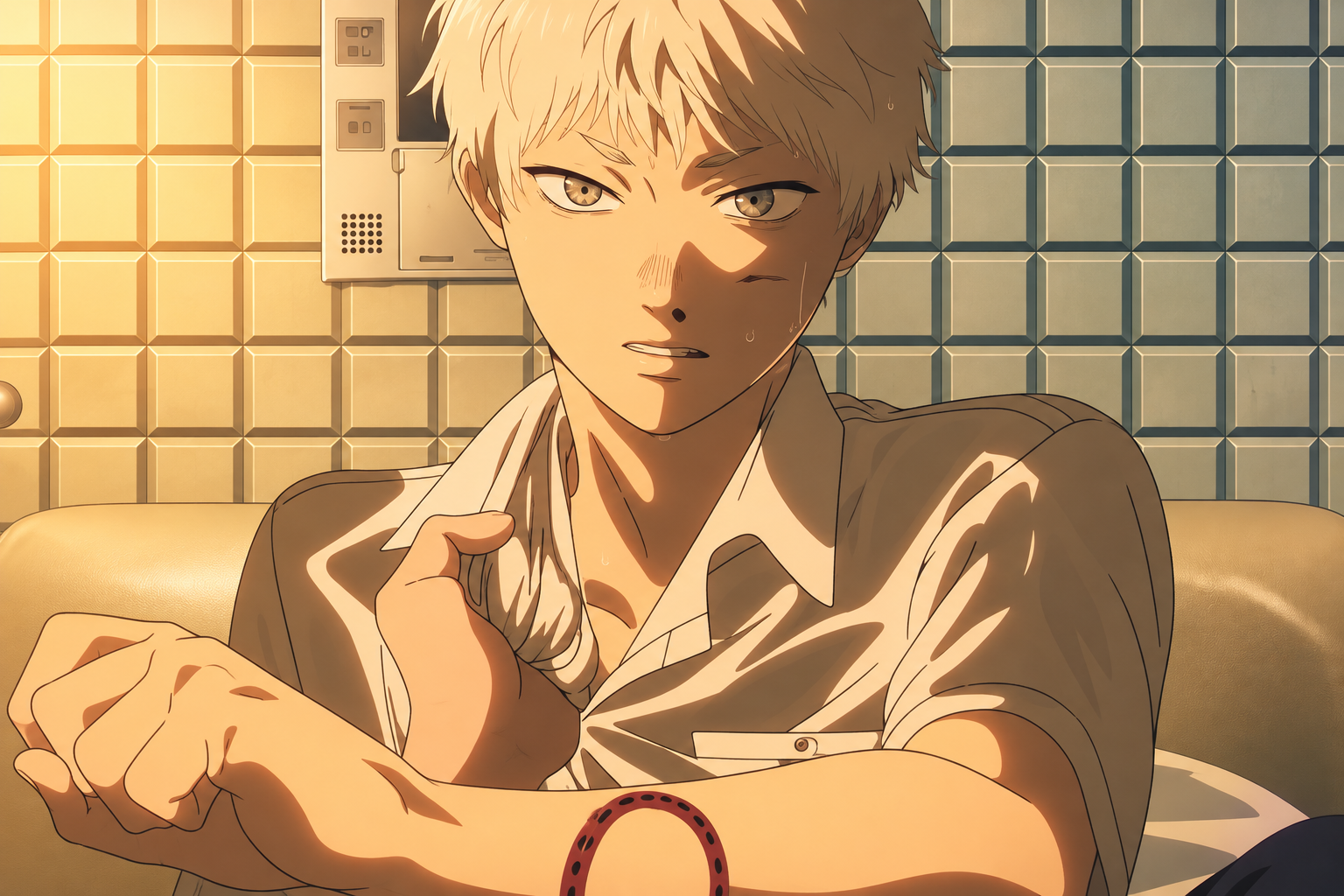
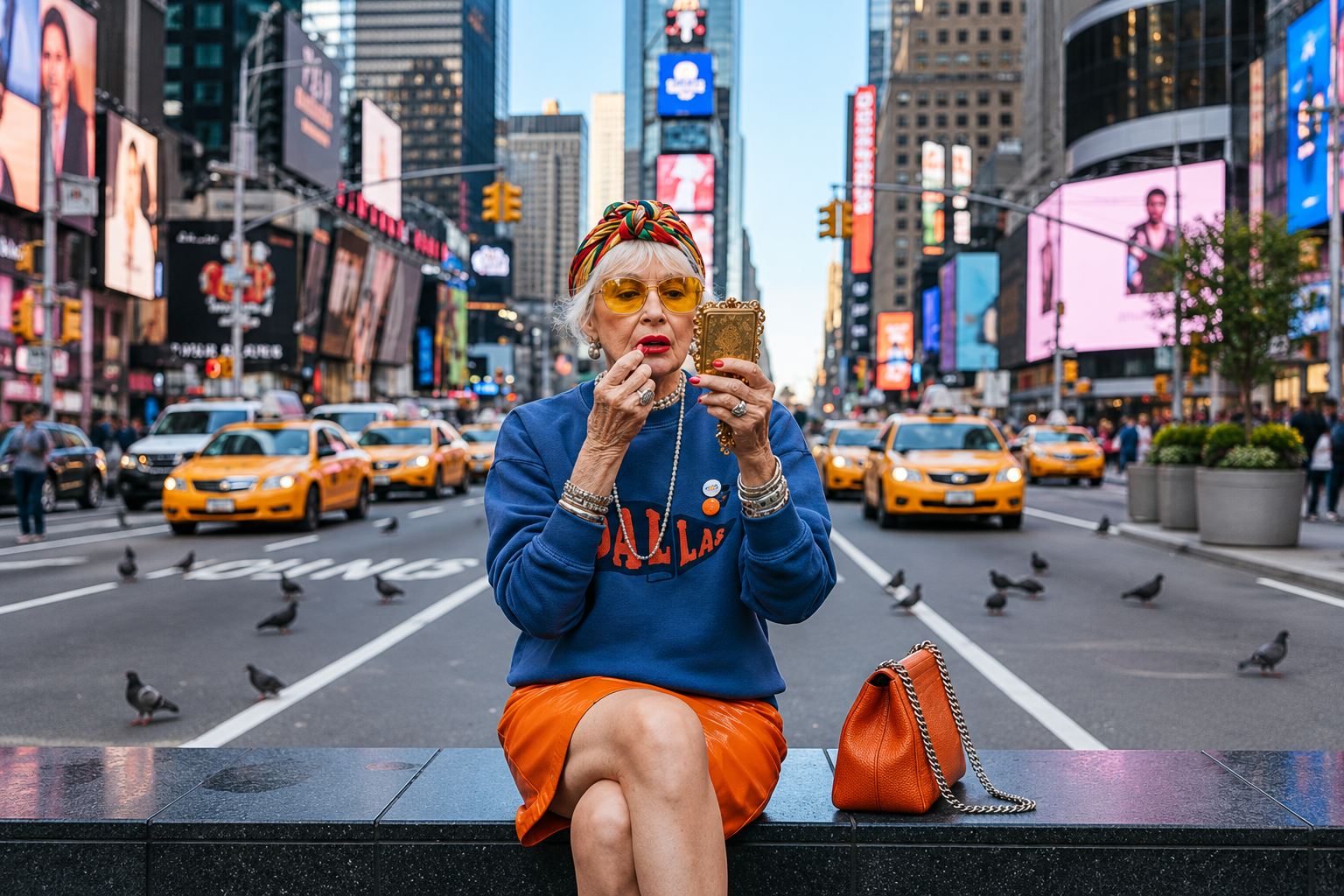
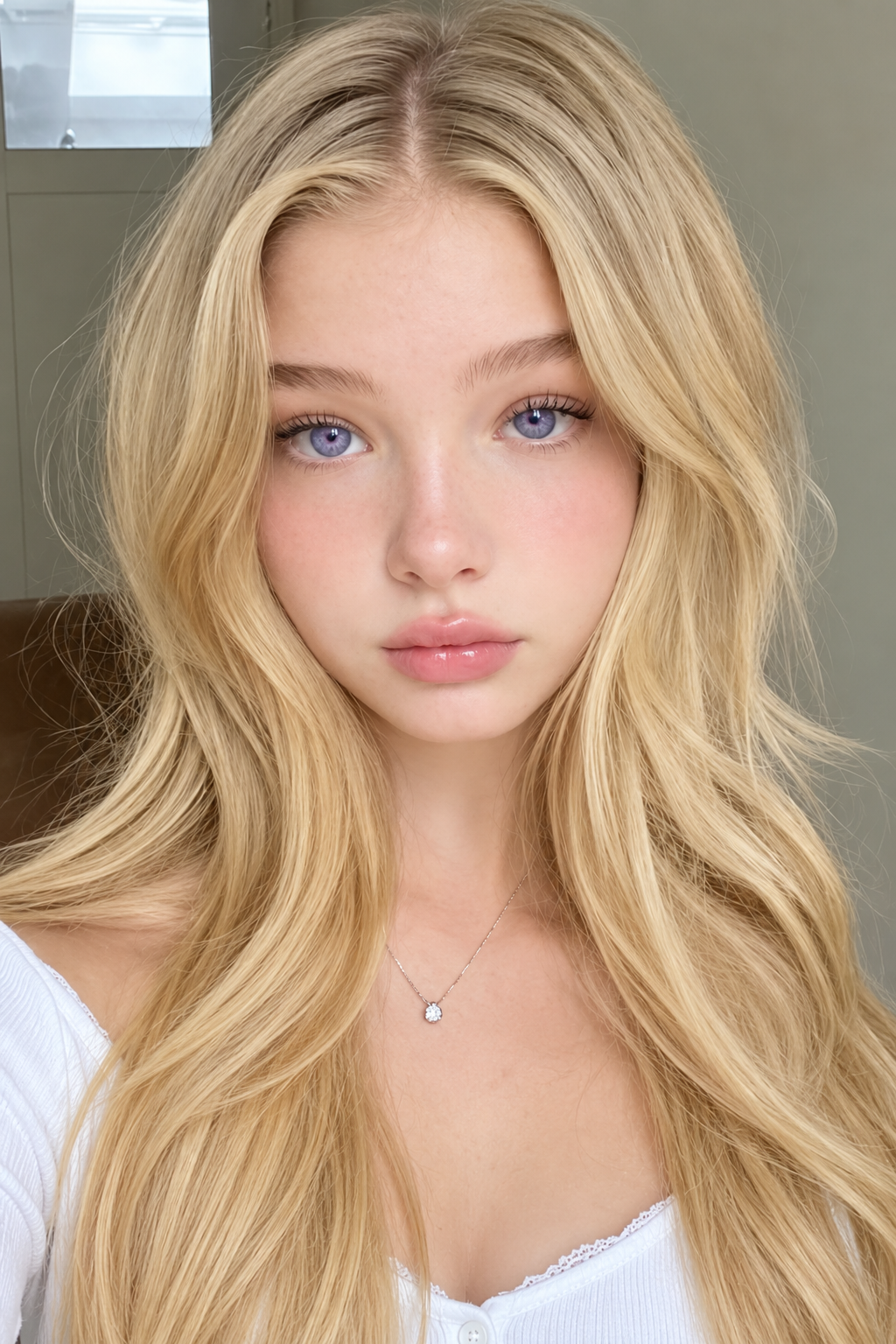
Pink-haired anime character sitting at a desk Overhead portrait of a woman holding a pink magnifying glass Streetwear portrait with a bright pink star graphic Red-haired fashion portrait on a neon-lit street Teal-haired anime character at a station Blond anime character in a city Blond anime character sitting before a tiled wall in warm sunlight Dog wearing glasses and a towel with a coffee mug Woman applying lipstick in Times Square Close-up portrait with long blonde hair
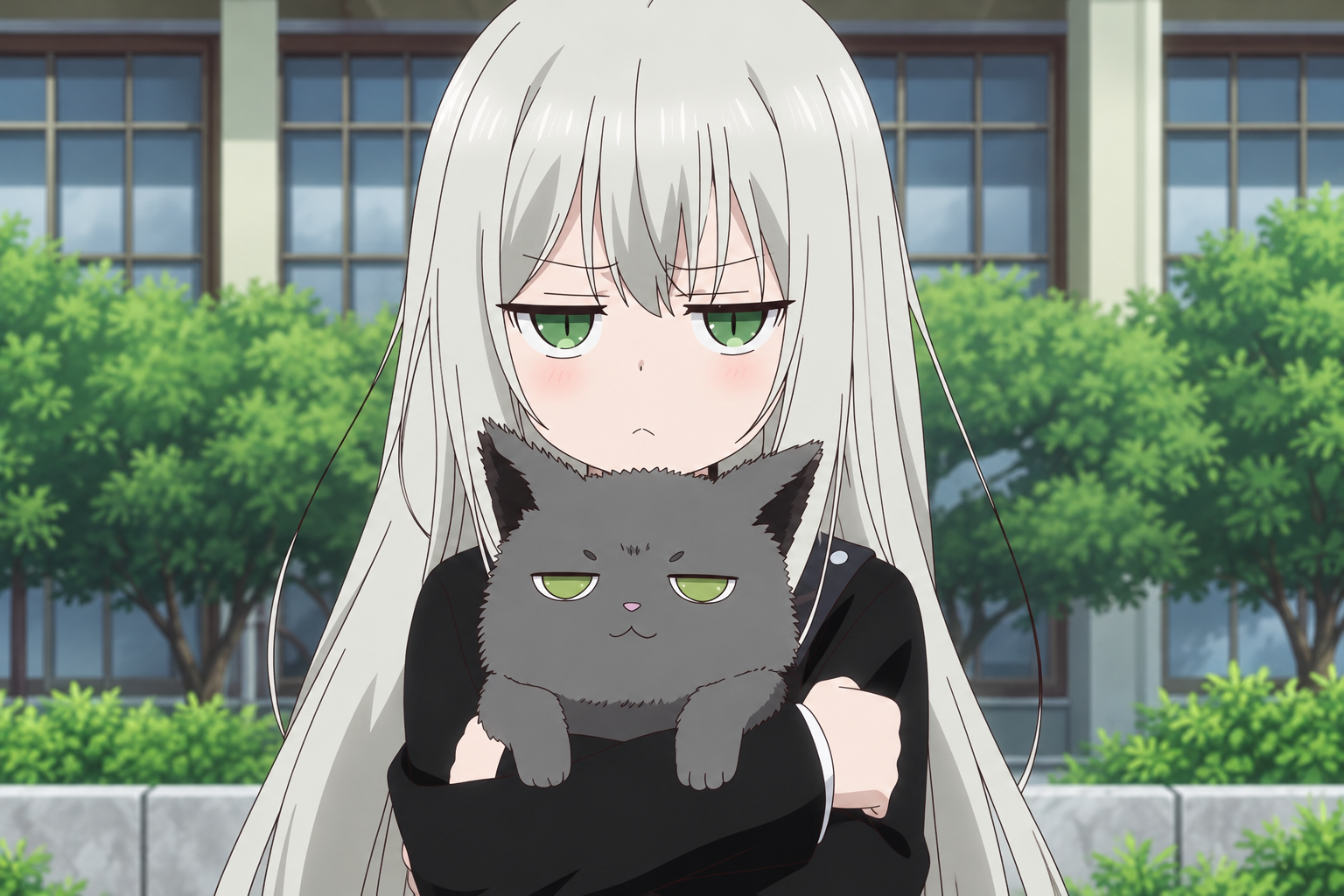
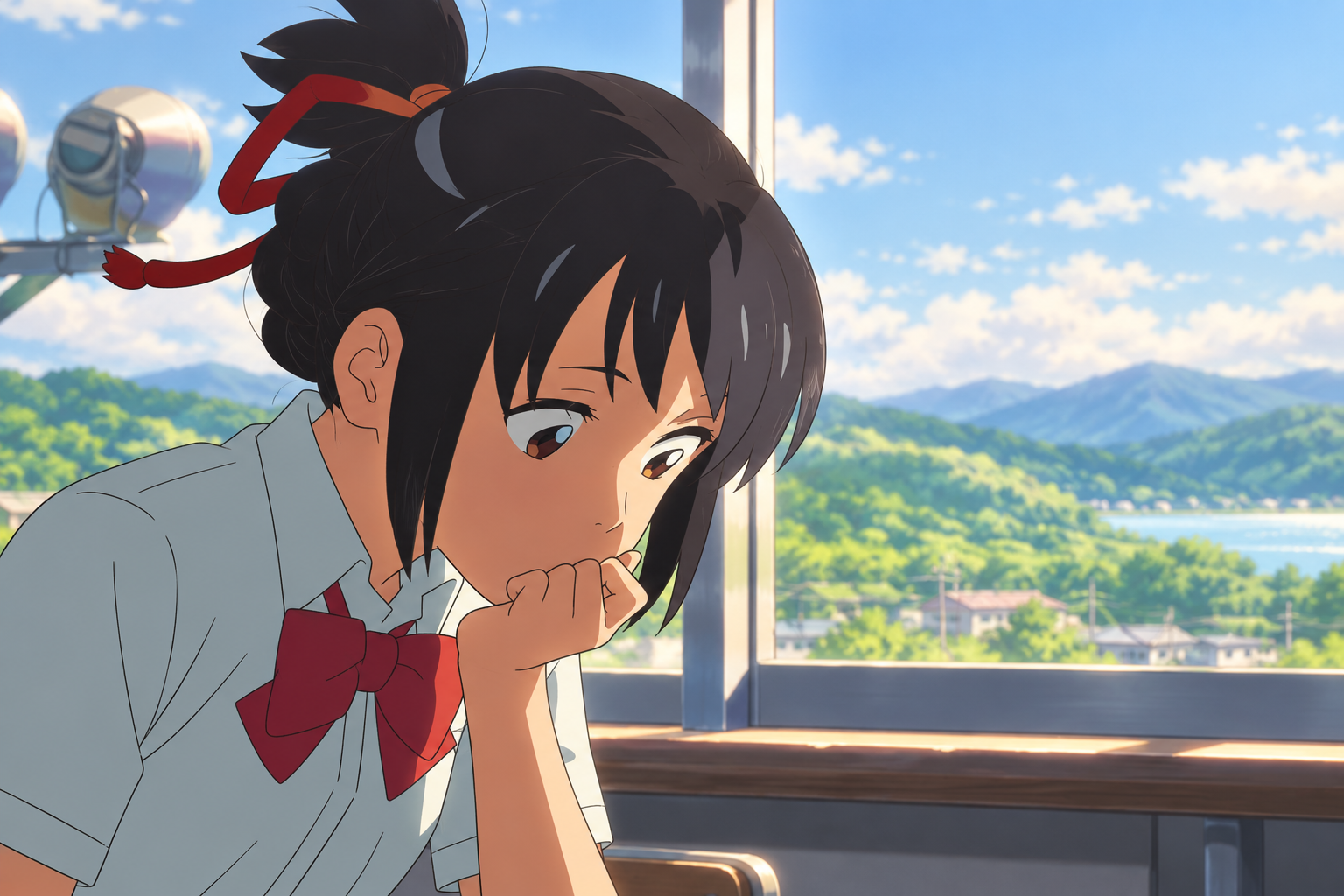
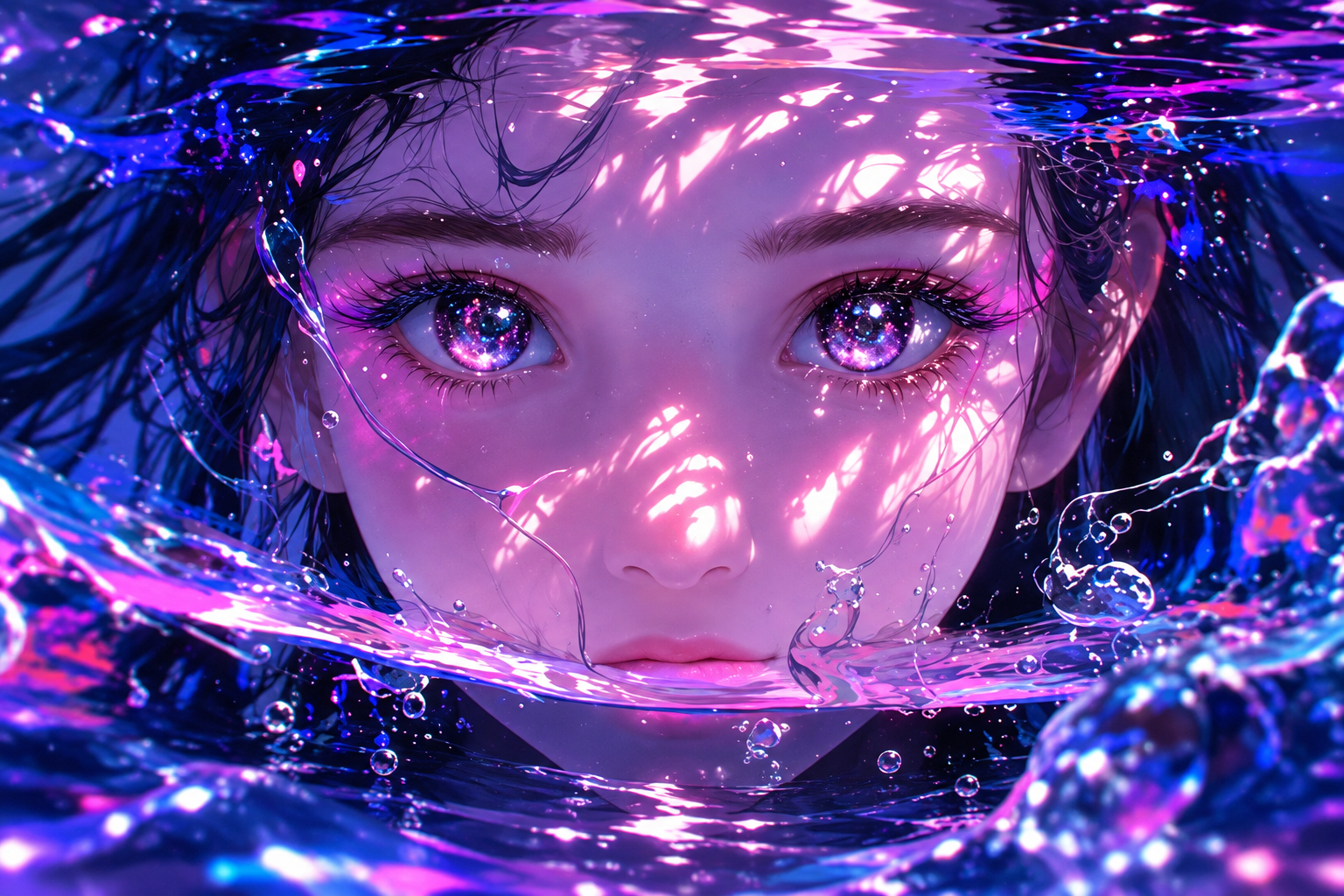
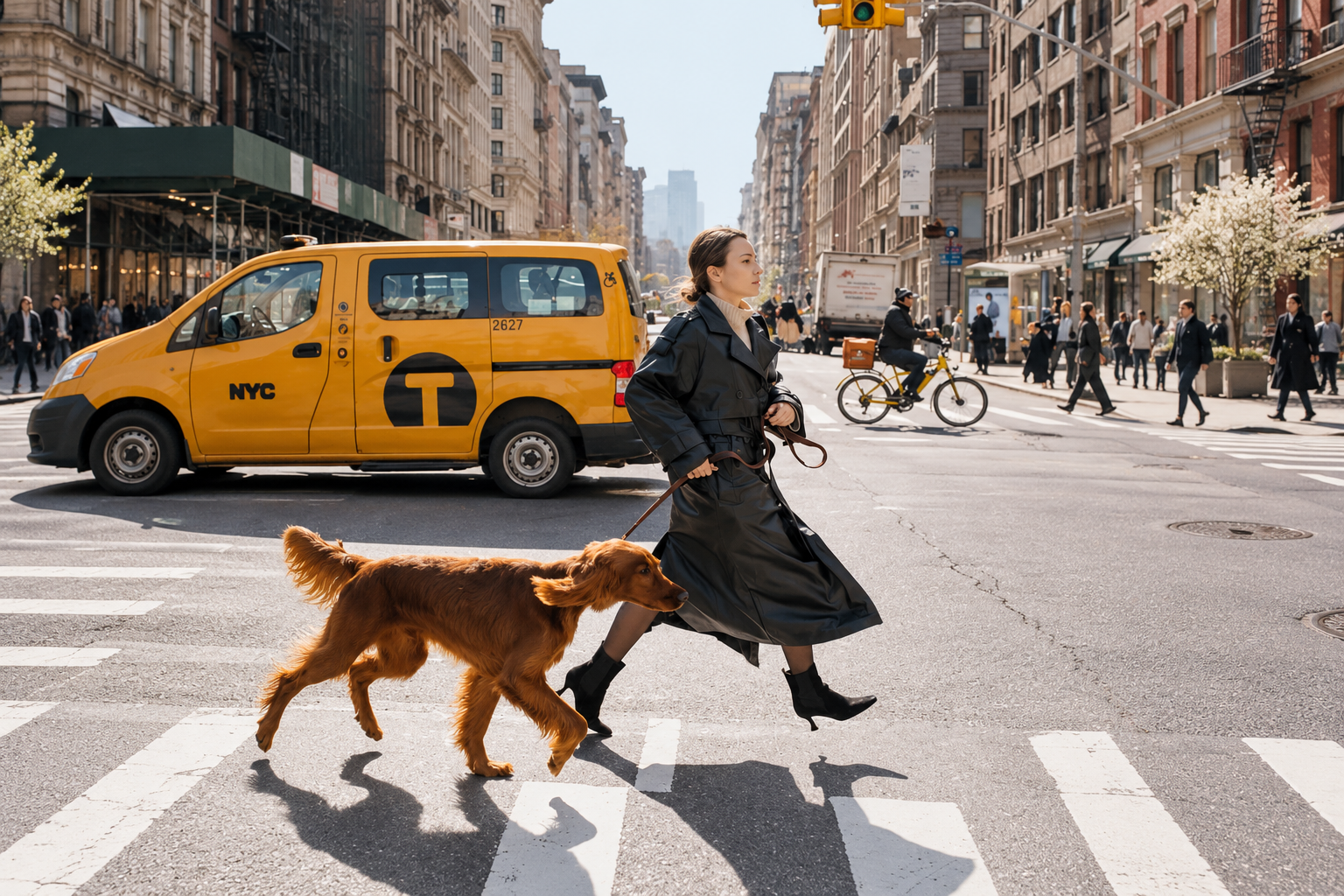
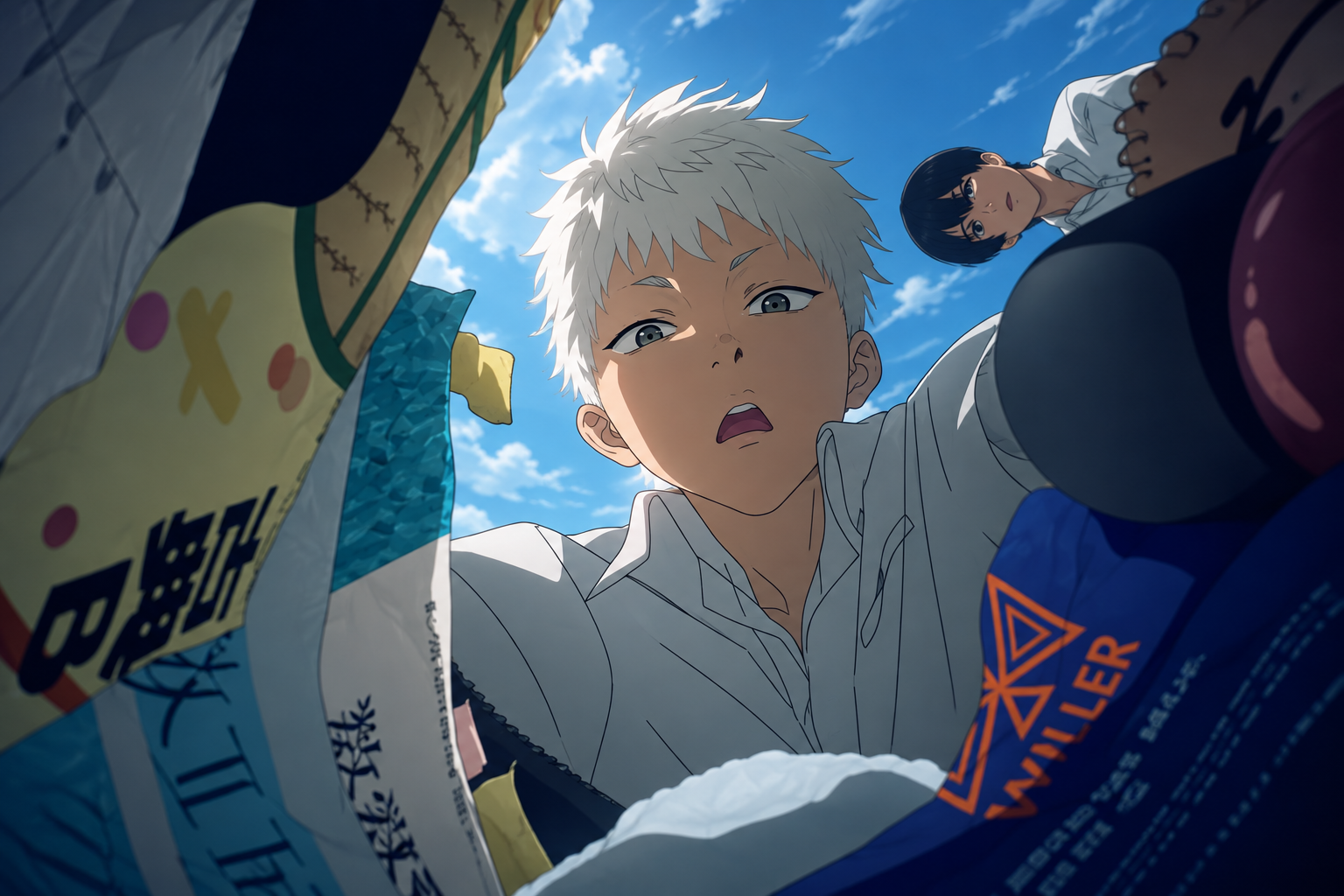
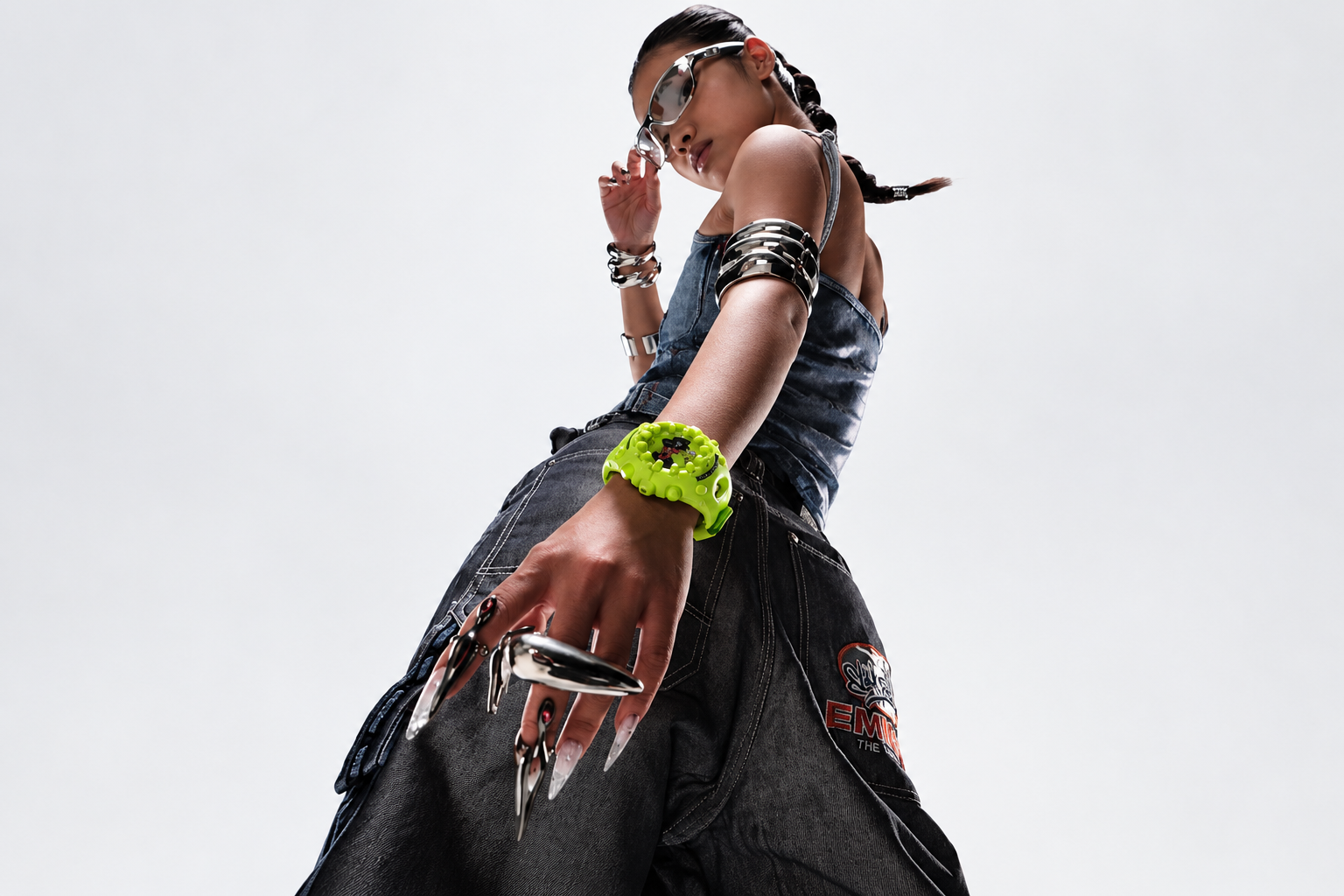
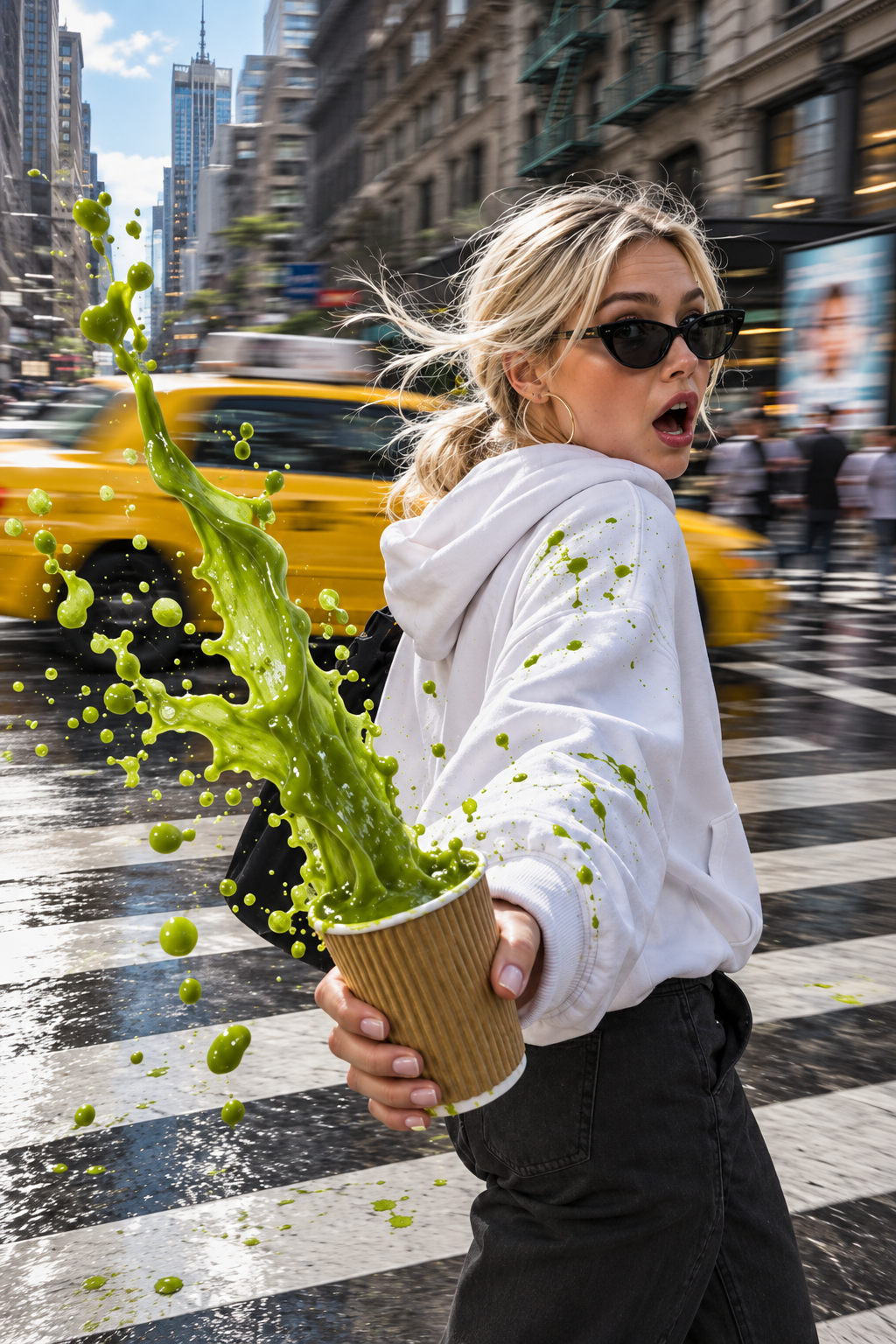
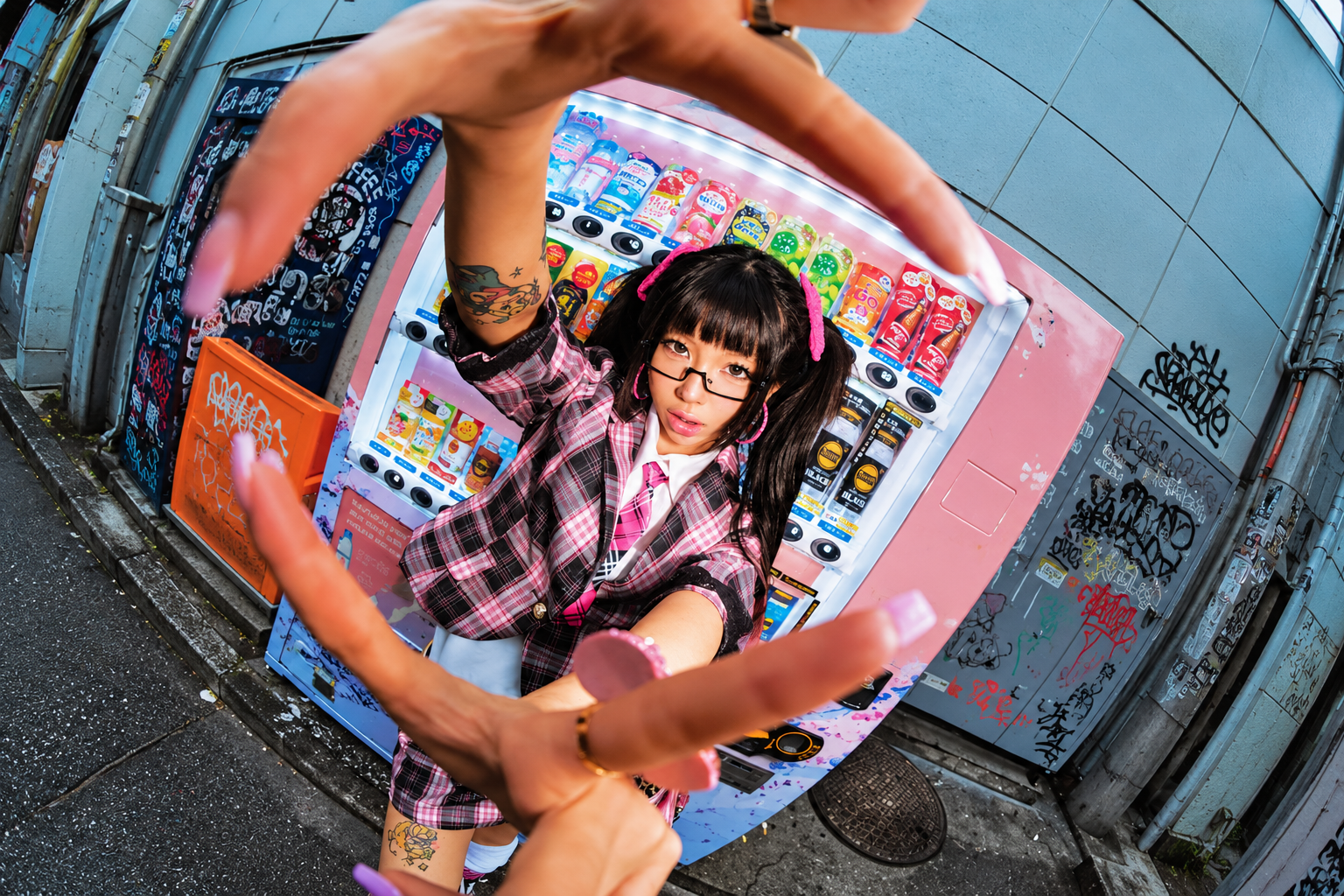
White-haired anime character holding a gray cat Anime character beside a classroom window Fantasy portrait reflected in glowing purple and blue water Anime character in a pink kimono Woman walking a golden dog across a city street beside a yellow taxi White-haired anime character looking into an open snack bag under a blue sky Low-angle fashion portrait with silver accessories and a neon green watch Woman in sunglasses holding a splashing matcha drink at a city crossing Fisheye fashion portrait beside a colorful vending machine

What can you create with Nano Banana Pro?

Text to image

Build a scene from a brief

Describe your subject, camera angle, lighting, and format. For a product image, specify the material, backdrop, and where to leave space for copy. Use Nano Banana Pro to explore a direction for a campaign or storyboard.

Create an image
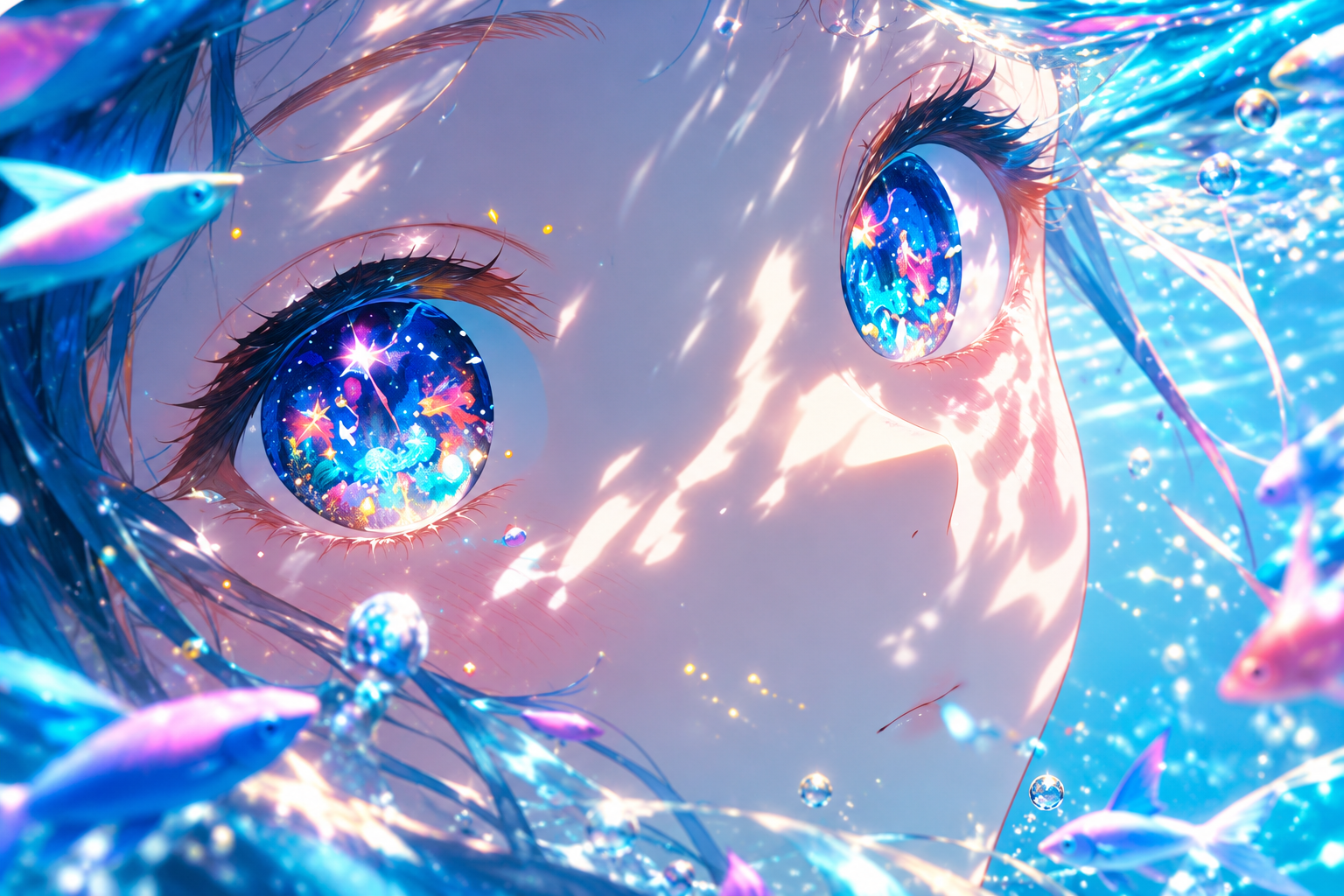
Blue-eyed anime portrait surrounded by shimmering water and fish
Text in images

Give your headline a place in the design

Design posters, packaging concepts, and social graphics with Google’s Gemini image model. Put the exact wording in quotation marks and specify the position, type style, and contrast. Check spelling and alignment before publishing.

Create an image
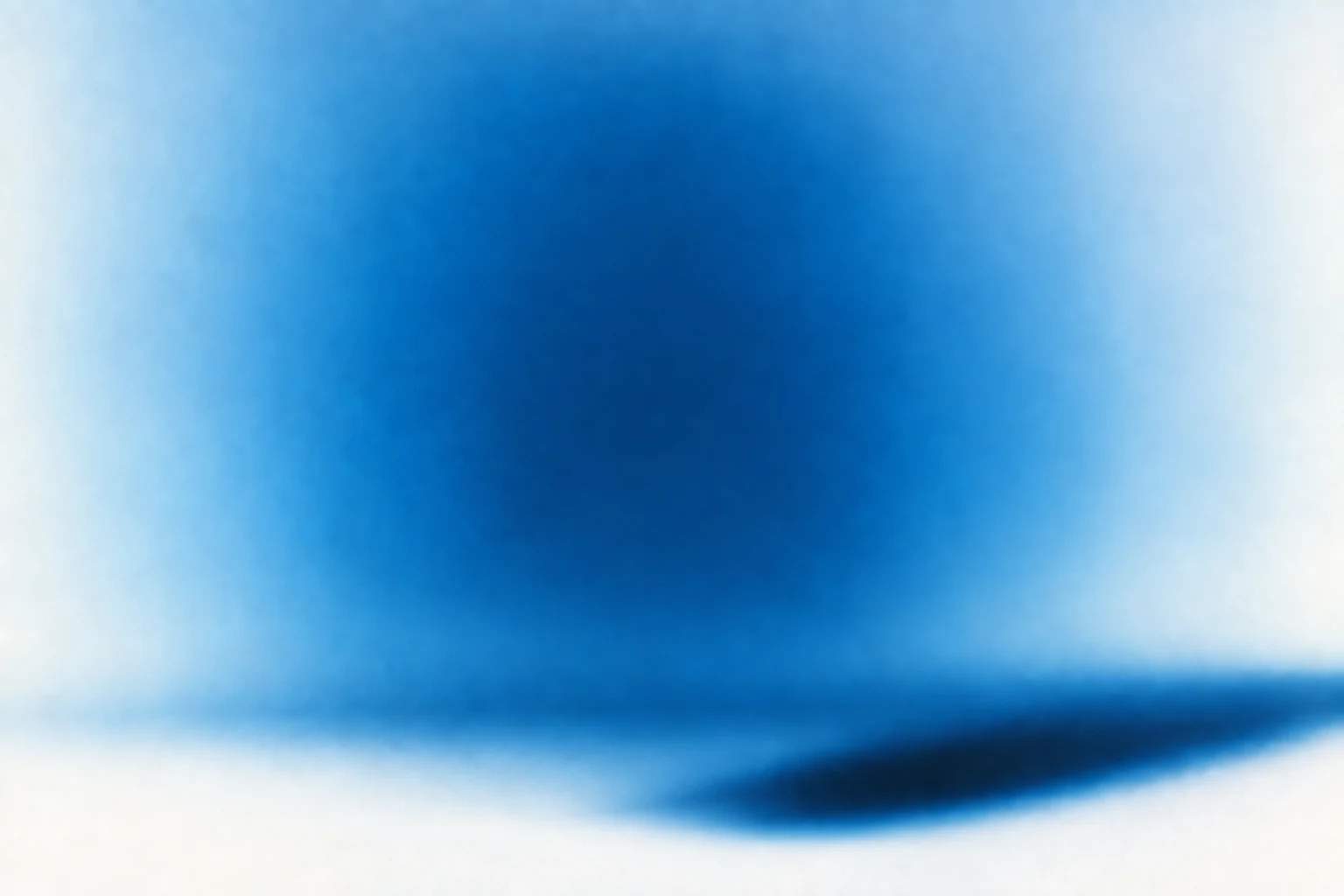
Woman in denim leaning against an oversized denim boot
Image to image

Edit a reference without rebuilding the scene

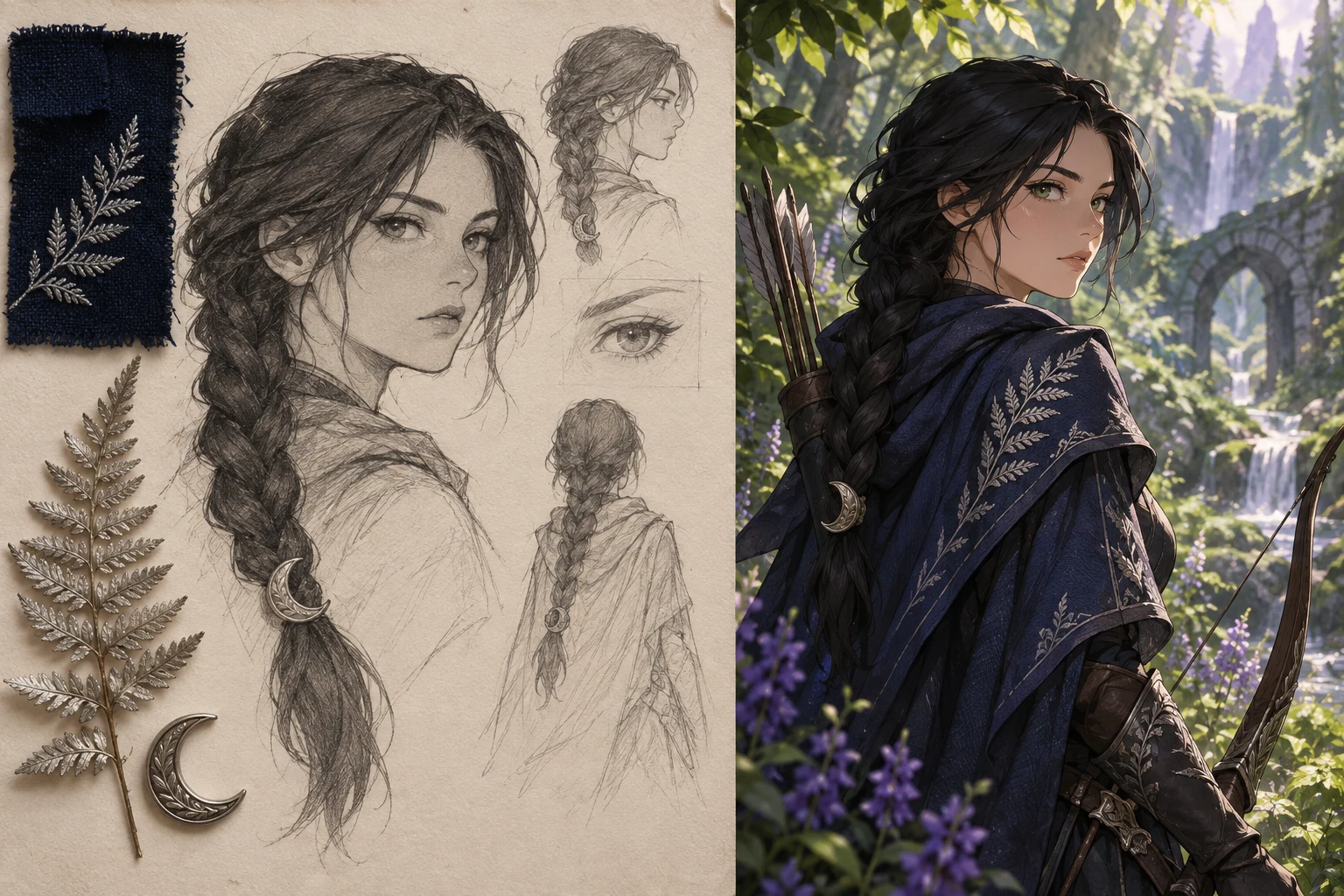
Upload a reference and tell Nano Banana Pro what to change and what to preserve. Try a new background, adjust the light, or place an original character into an existing composition. Check the result for unwanted changes to the pose, framing, or product details.

Create an image
Pencil study and fabric references beside a finished forest ranger illustration

What creators say about MOVO AI

Meet the creators sharing their experience with MOVO AI.

@darynas.ai

@darynas.ai

Instagram ↗

MOVO AI helps me create long-form videos much faster while keeping characters consistent across scenes. Editing is simple, and I can use natural language to fix or extend anything without writing complicated prompts.

@voidstudiosvfx

@voidstudiosvfx

Instagram ↗

MOVO was the first platform that really let me create long-form content with strong flow and consistency. It goes beyond generating clips by supporting the creative process, and it’s become a natural part of my workflow.

@a_gafonova_ai

@a_gafonova_ai

Instagram ↗

I love how MOVO brings the entire AI video workflow into one place. The review process gives me more control. It saves time, reduces tool switching, and makes the creative process much smoother.

@asel.visual

@asel.visual

Instagram ↗

I love working with the MOVO AI Video Agent throughout the process. It refines prompts, adjusts videos, and checks in at every step, making the workflow fast, intuitive, and easy to control for creators.

@gleon_ai

@gleon_ai

Instagram ↗

MOVO makes it much easier to manage references, build storyboards, and refine individual shots without starting over. I especially like being able to create images, videos, and complete stories in one connected process.

@nastassia_video

@nastassia_video

Instagram ↗

MOVO is perfect for creating series and mini-films. I can choose different models and resolutions, then generate videos, voiceovers, and subtitles in one place. The workflow is flexible, convenient, and easy to use.

@vincent_inkd

@vincent_inkd

Instagram ↗

I loved trying MOVO AI for the first time. The Video Agent made it easy to bring movie scenes to life, explore different concepts, and turn my ideas into creative visuals through an exciting and accessible process.

@yunex.ai

@yunex.ai

Instagram ↗

MOVO AI handles complex cinematic prompts well. Wardrobe consistency and camera movement exceeded my expectations for a beta, showing potential for campaigns as the product continues to improve.

@nataliiapark_com

@nataliiapark_com

Instagram ↗

I’ve used MOVO AI since its early stages and seen significant improvements. I especially appreciate communicating with the AI in Russian, making it easier and more accessible for non-native English speakers.

Bring your next creative idea to MOVO AI
Create with MOVO AI

Try Nano Banana Pro
on MOVO AI

Check your trial credits in the workspace and start with a prompt or reference image.

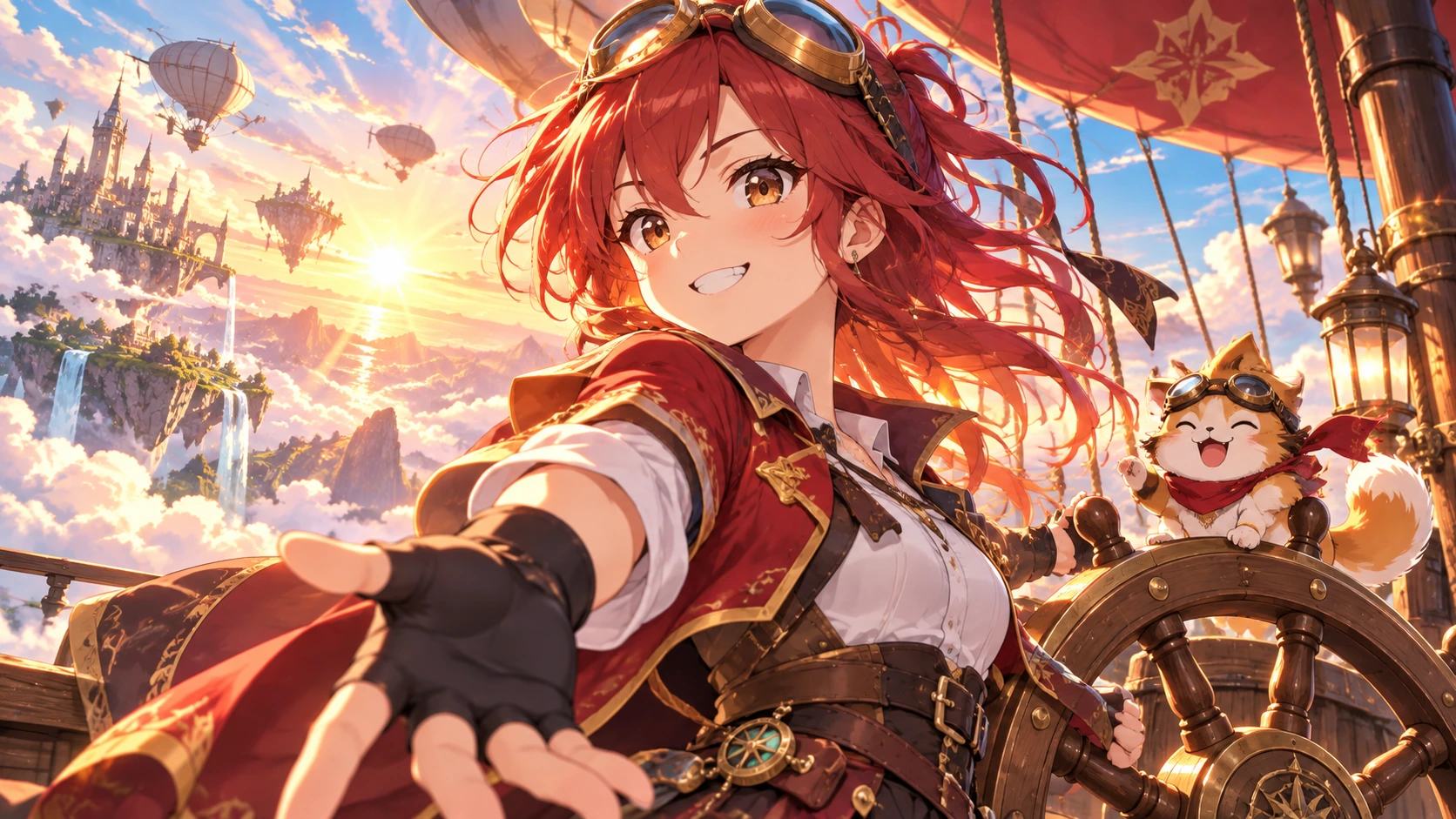
Open the workspace Red-haired airship captain and her cat above floating islands

Take your images
into motion.

Turn a finished still into the first shot of a video, or build a sequence around an image you want to keep. Explore the MOVO AI guides for your next step.

Explore the blog

A few things you might be wondering

Learn how to use Nano Banana Pro, check generation costs, and choose a Gemini image model.

What is Nano Banana Pro?

Nano Banana Pro is Google’s Gemini 3 Pro Image model. The gallery on this page shows examples from the MOVO image library. It generates images from text and edits images from visual references. It is designed for detailed briefs, precise layouts, and graphics that include text.

How do I use Nano Banana Pro on MOVO AI?

Enter a prompt above and open the workspace. Select Nano Banana Pro from the available image models, add any references, and check the generation settings and credit estimate. After generating, describe what to keep and what to revise.

Can I try Nano Banana Pro for free or get unlimited generations?

Check your MOVO AI account for available trial credits and the workspace estimate for your request. Trial usage is limited by your credit balance and the settings you choose. An account is required to generate images.

Can I use Nano Banana Pro image to image for free?

If your account has enough eligible trial credits for the edit, you can use those credits for a reference-based request. Upload an image you have permission to use and check the displayed credit cost before generating.

How much is Nano Banana Pro on MOVO AI?

Check the workspace for the credit cost of the selected model and settings before you generate. Visit MOVO AI pricing for plan and credit options. Google’s Gemini API pricing is separate from MOVO AI credits.

What Nano Banana Pro prompts should I try?

For a poster, try “Create a violet art-market poster with the headline MAKE SOMETHING NEW in cream lettering at the top.” For a person swap, use two references you have permission to use and try “Replace the person in image A with the person in image B. Preserve the pose, lighting, camera angle, and background in image A.”

Nano Banana 2 vs. Pro: Which should I choose?

Nano Banana 2 is Google’s Gemini 3.1 Flash Image model and is designed for fast iteration. Nano Banana Pro is Gemini 3 Pro Image, geared toward demanding layouts and detailed creative briefs. Compare both on the same prompt when image quality, speed, and credit use matter.

Is there a Nano Banana Pro API?

Google offers programmatic access to Nano Banana Pro through the Gemini API. See Google’s image generation documentation for model IDs, access requirements, and request examples.

Keep exploring with MOVO AI

View All Tools