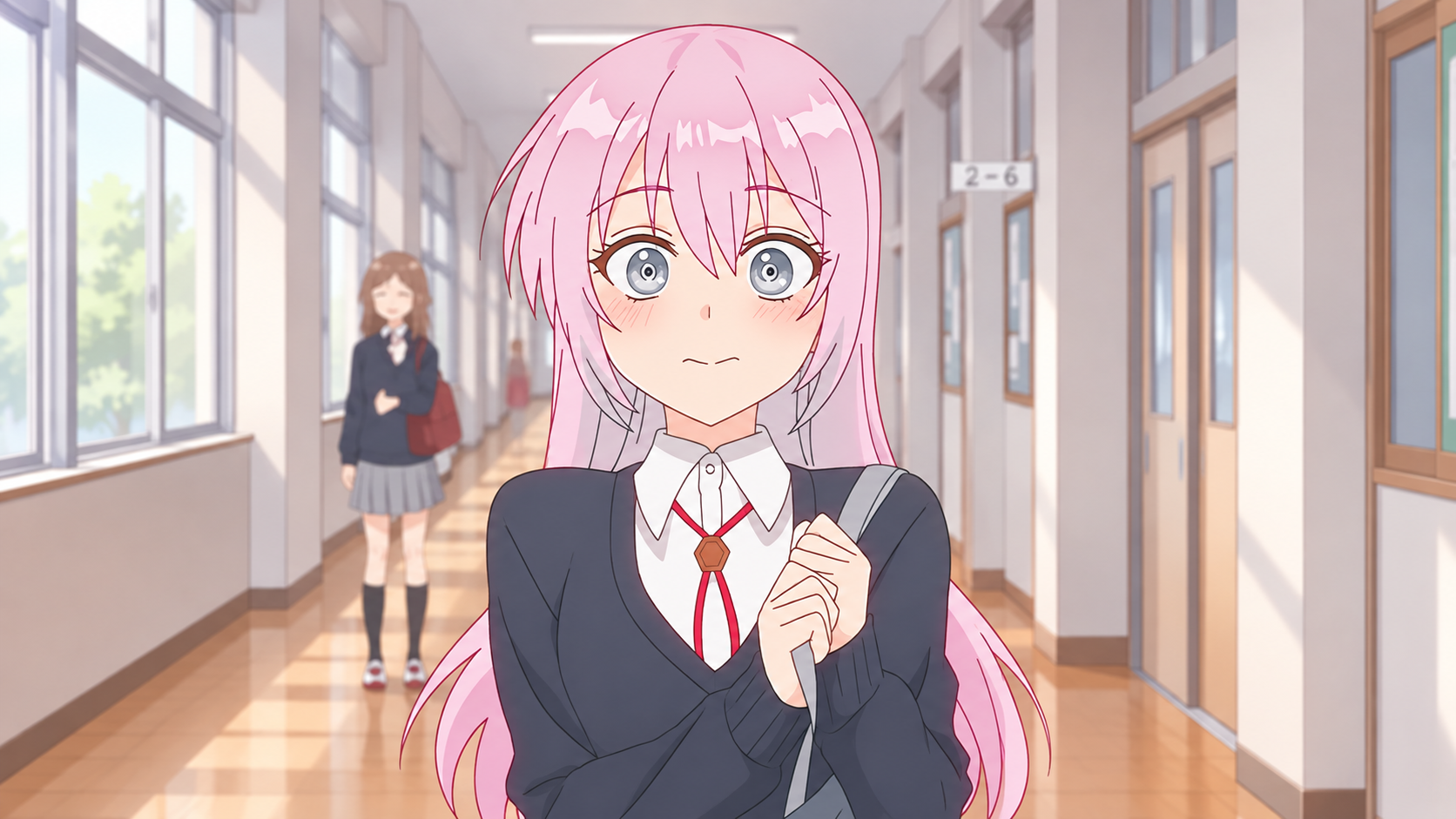
Create Complete, Longer Videos
Go beyond a single generated clip. Build a story across multiple scenes and bring the selected shots together into a cohesive video.
Start CreatingTurn an idea, script, image, or reference into a video with MOVO AI. Bring everything together in one creative workflow.
From your first idea to a ready-to-share video.
Go beyond a single generated clip. Build a story across multiple scenes and bring the selected shots together into a cohesive video.
Start CreatingMaintain a recognizable look for characters, products, settings, and visual style throughout the same project.
Start CreatingDescribe what you want to change in natural language. Adjust the direction, pacing, and details as you review your video.
Start CreatingUse AI Video Generator with MOVO AI across web and mobile, so your video creation can move with you from idea to final output.
Start Creating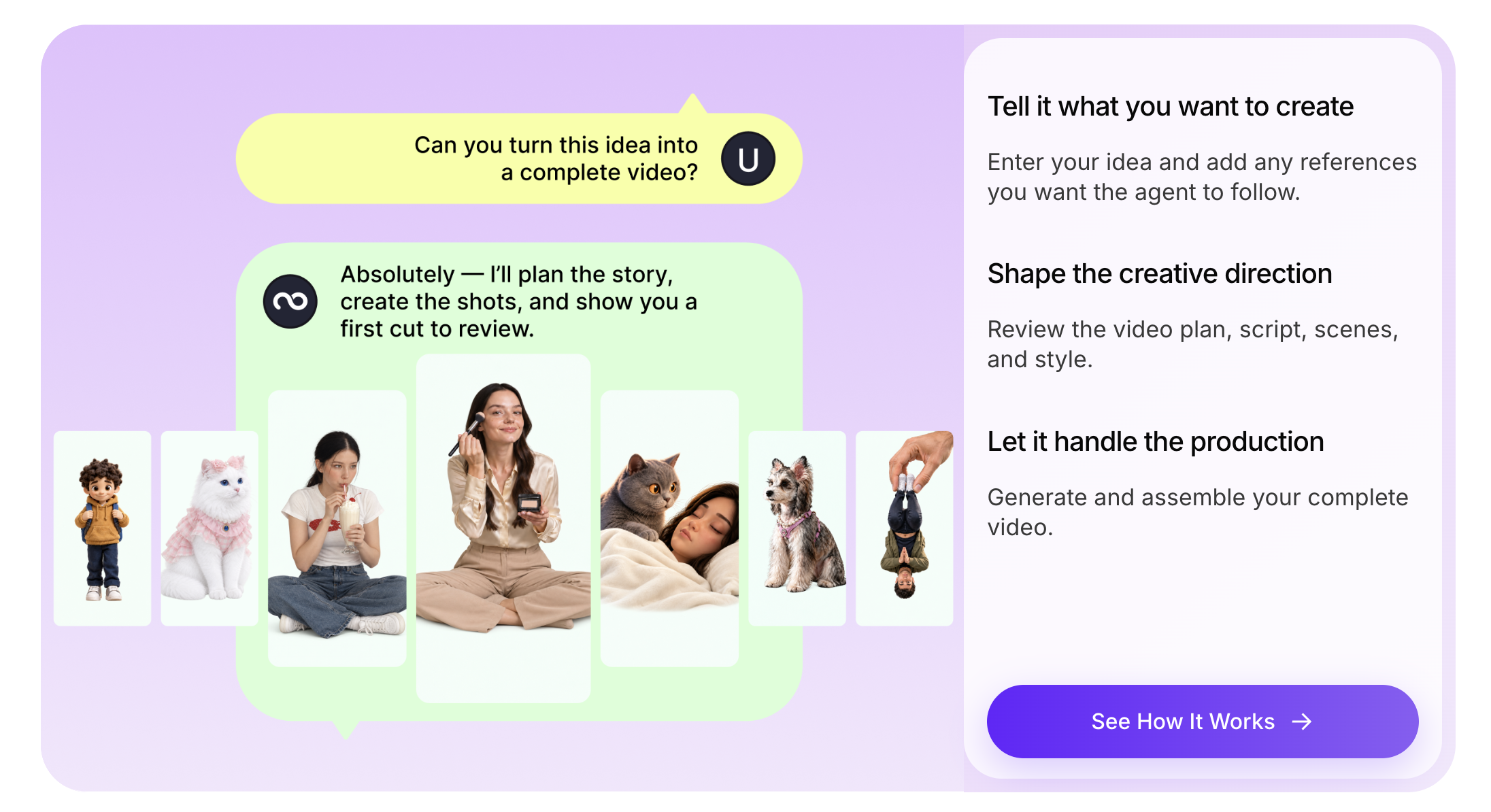







Start with a description, script, image, or reference. Tell MOVO AI what you want your video to show.
Review the proposed scenes and creative direction. Give feedback to refine the style, pacing, and details.
Create your shots, review the results, make adjustments, and bring the selected clips together into a complete video.
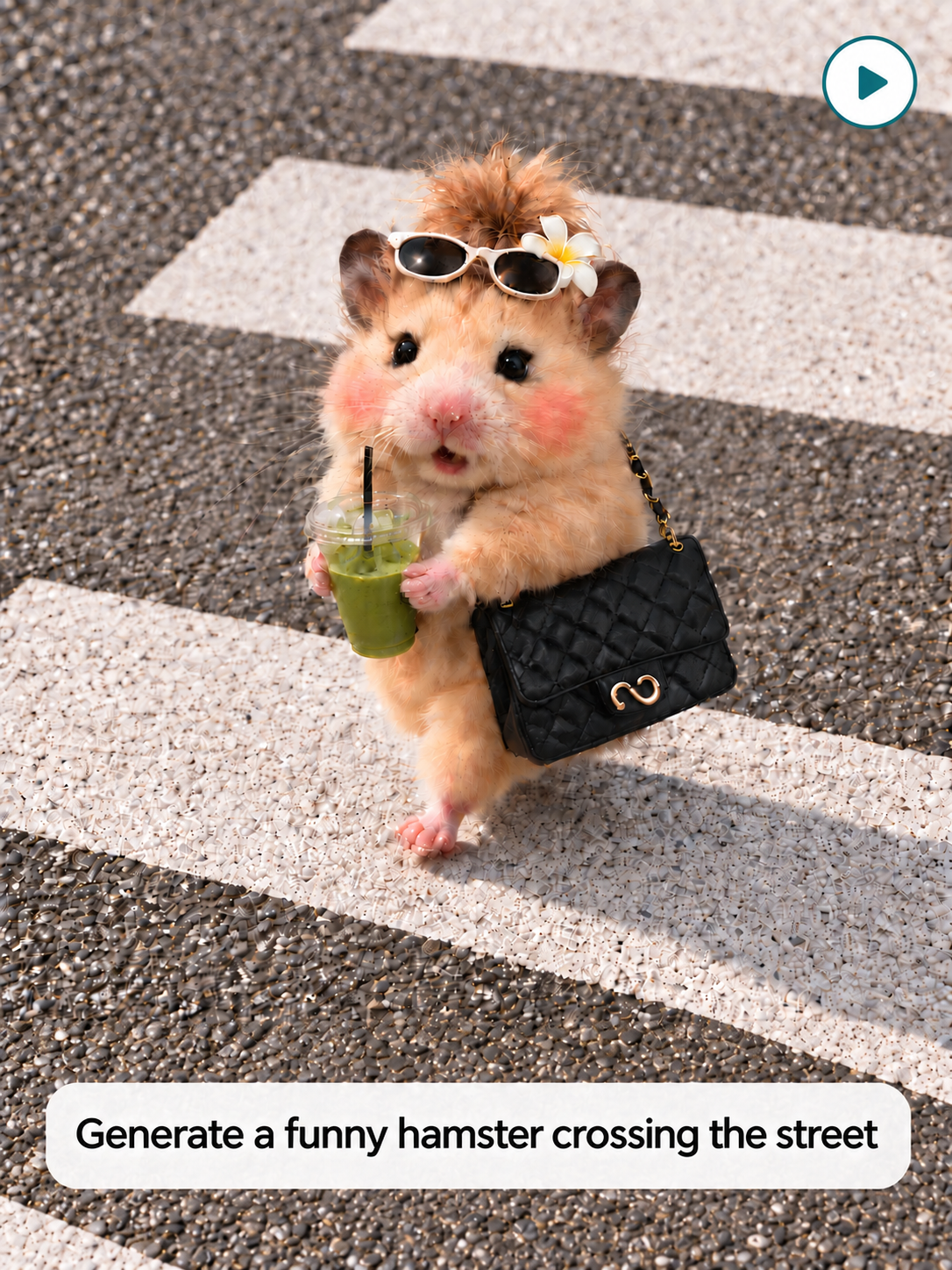
Describe your idea in your own words, and turn it into a video with a clear story and visual direction.
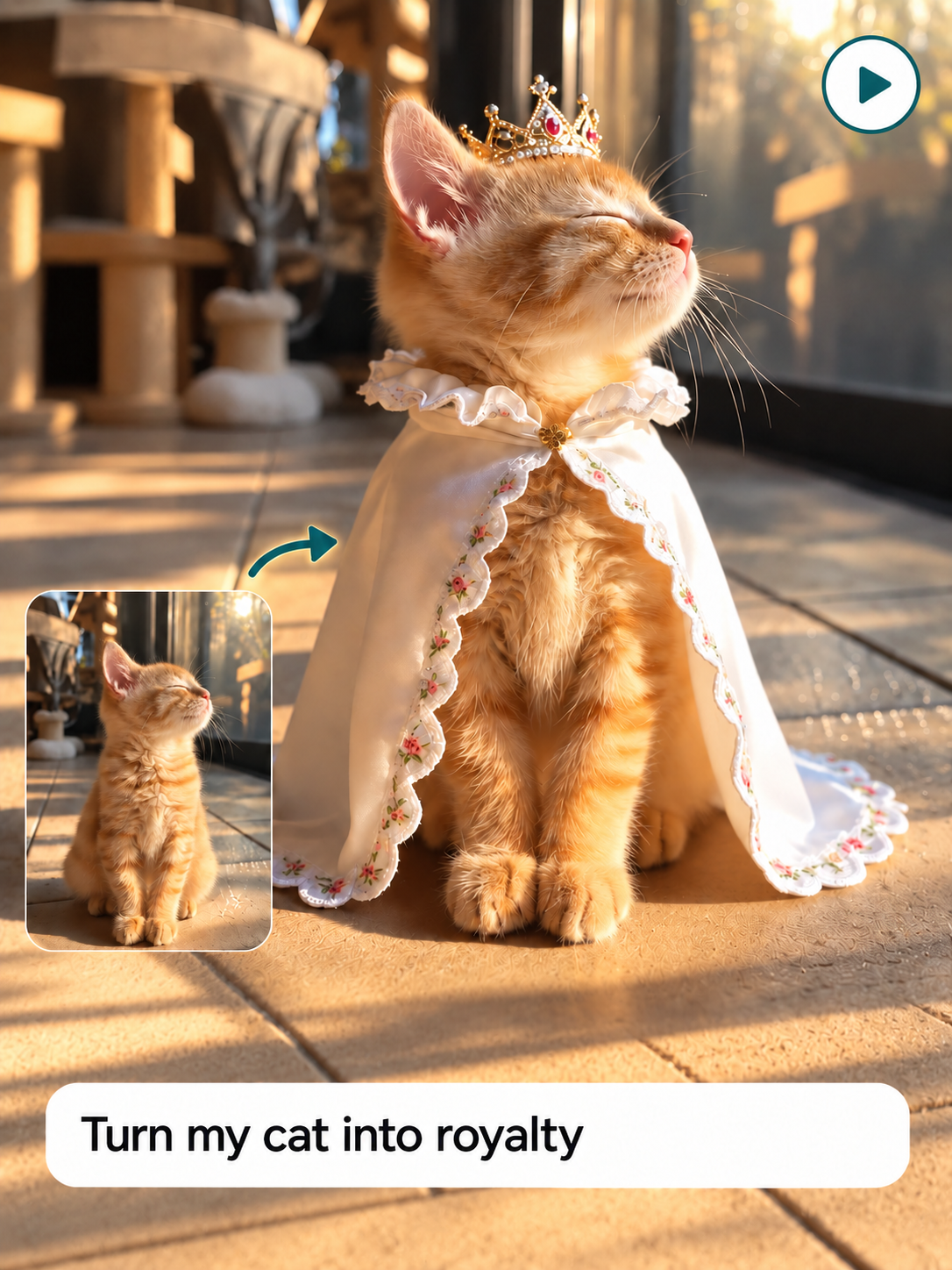
Upload an image to guide the characters, setting, or visual style of the video you want to create.
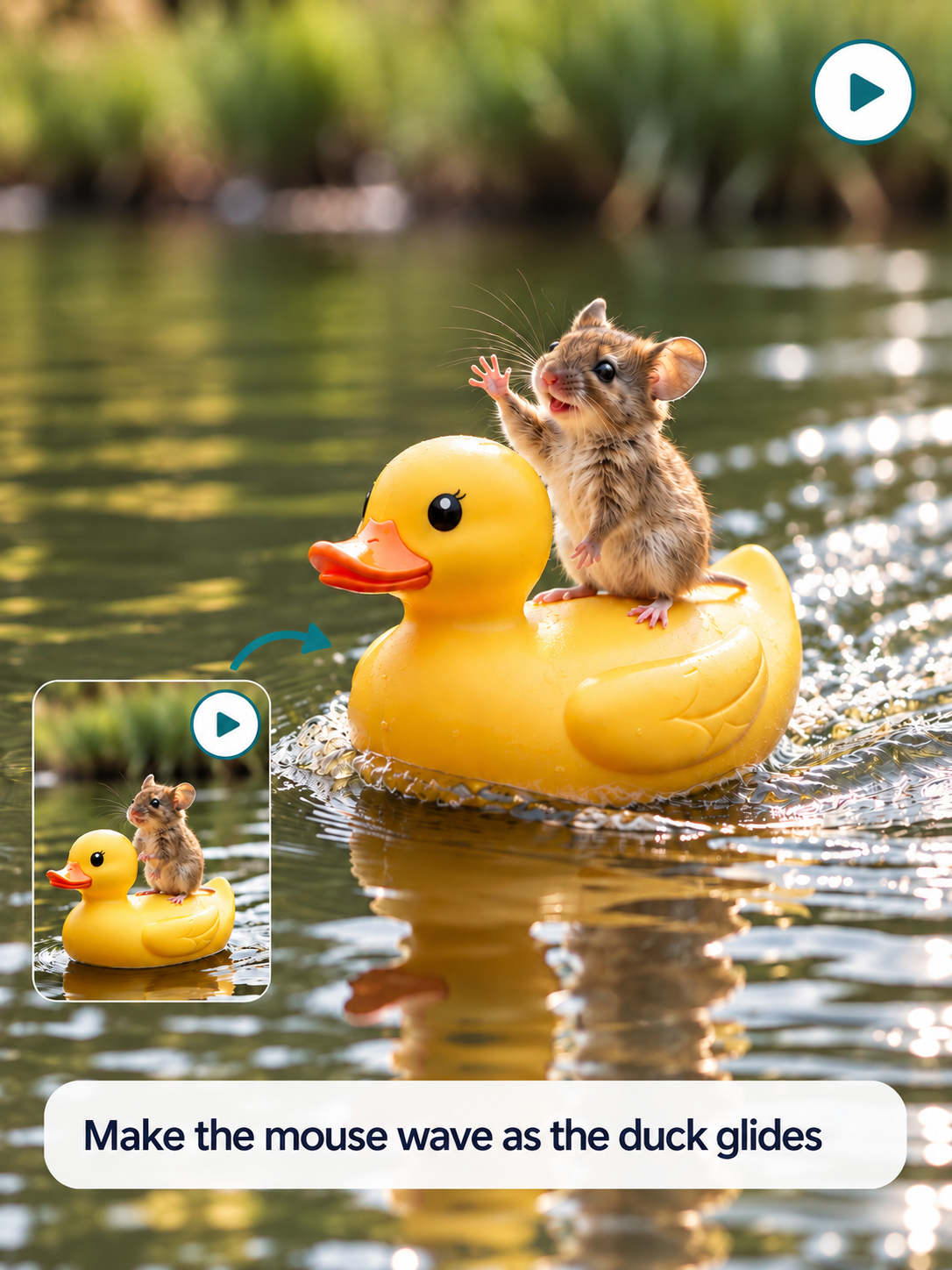
Use an existing video as a reference for style, pacing, or structure, then create something new from your direction.
Explore videos made with MOVO AI, from narrative concepts to short films. See how different ideas become finished visual stories.
Explore More VideosVideo unavailable. Please try again later.
Video unavailable. Please try again later.
Video unavailable. Please try again later.
Creators share their experiences with MOVO AI’s video creation workflow.



MOVO AI helps me create long-form videos much faster while keeping characters consistent across scenes. Editing is simple, and I can use natural language to fix or extend anything without writing complicated prompts.
MOVO was the first platform that really let me create long-form content with strong flow and consistency. It goes beyond generating clips by supporting the creative process, and it’s become a natural part of my workflow.
I love how MOVO brings the entire AI video workflow into one place. The review process gives me more control. It saves time, reduces tool switching, and makes the creative process much smoother.
MOVO makes it much easier to manage references, build storyboards, and refine individual shots without starting over. I especially like being able to create images, videos, and complete stories in one connected process.
MOVO is perfect for creating series and mini-films. I can choose different models and resolutions, then generate videos, voiceovers, and subtitles in one place. The workflow is flexible, convenient, and easy to use.
MOVO AI handles complex cinematic prompts well. Wardrobe consistency and camera movement exceeded my expectations for a beta, showing potential for campaigns as the product continues to improve.
I’ve used MOVO AI since its early stages and seen significant improvements. I especially appreciate communicating with the AI in Russian, making it easier and more accessible for non-native English speakers.
An AI video generator helps you turn an idea, script, image, or reference into a complete video. You can guide the creative direction, review scenes and shots, refine the results, and bring them together in one workflow.
Yes. MOVO AI provides 100 free credits to new users to try its video creation workflow.
Yes. Start by describing your idea or providing a script. MOVO AI uses your direction to plan scenes, generate shots, and help you refine the video.
Yes. You can bring images and other references into your project to guide the video’s visual direction. Describe how you want the idea to develop, then review and refine the results.
Start with an idea, script, image, or reference. Review the planned scenes and creative direction, give feedback on what you want to change, and bring the selected shots together into a complete video.
MOVO AI supports multi-scene, long-form video creation. Within a project, it helps maintain consistency across characters, products, scenes, and visual styles as you build your video.
The MOVO AI homepage currently lists Seedance 2.5 and Seedance 2.0 among its video models. Check the creation workspace for the options available when you start a project.
Yes, subject to applicable laws and third-party rights. Make sure you have the necessary rights to any materials you upload or use in your video.