How Does AI Video Generation Work?

So, how does AI video generation work behind the scenes?
At a basic level, an AI video generator transforms a creative instruction into moving visual content.
You might start with something as simple as:
“Create a cinematic video of a futuristic city at night.”
The AI then needs to understand several things at once:
- What should appear in the video?
- What should the scene look like?
- How should subjects move?
- How should the camera move?
- What visual style should remain consistent?
- How should one frame connect naturally to the next?
This means AI video generation is not simply about creating individual images.
The system also needs to understand time, movement, continuity, and visual relationships across frames.
How Do AI Video Generators Work?
The exact process varies between models, but most AI video generators follow a similar workflow.
1 Understand the Prompt
The process begins with your input.
This could be:
- A text prompt
- An image
- A video reference
- A character reference
- A combination of different creative materials
The AI analyzes the input to understand the subject, action, environment, style, mood, camera direction, and other creative instructions.
For example:
“A woman walking through Tokyo at night, cinematic lighting, slow camera tracking.”
The system needs to understand not only the objects in the scene, but also how those objects should behave and appear throughout the video.
This is the first step when you create video with AI.
2 Plan the Scene
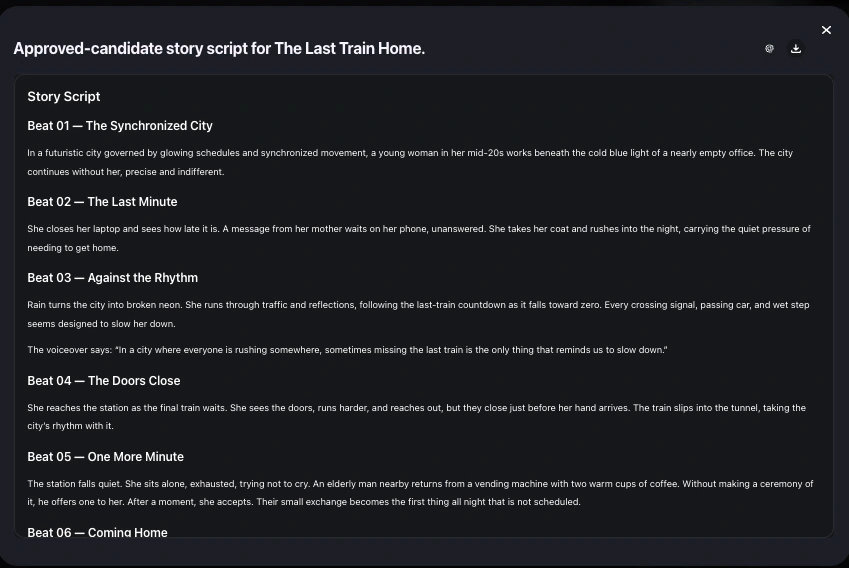
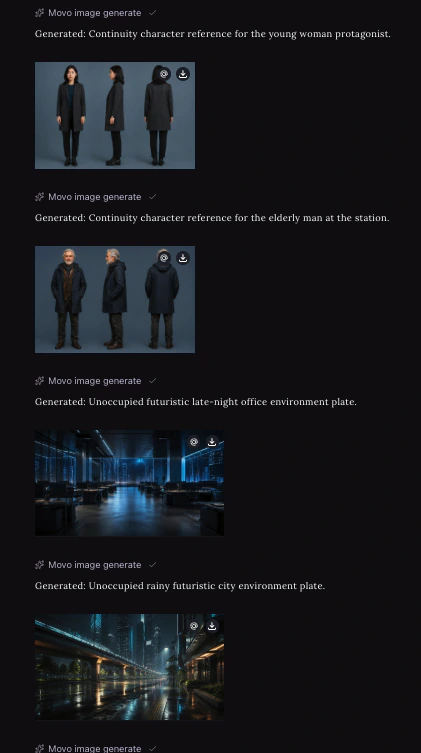
Once the prompt is understood, the system determines how the requested video should be structured.
Depending on the AI video generator, this may include decisions about:
- Scene composition
- Character placement
- Camera angles
- Camera movement
- Actions
- Lighting
- Visual style
- Shot transitions
For simple clips, this planning may happen almost instantly.
For longer or more complex videos, the system may need to organize multiple shots or scenes before generation begins.
3 Generate Visual Frames
The AI then begins generating the visual content.
Modern generative models learn visual patterns from large amounts of image and video data, allowing them to create new frames based on the user's instructions.
Instead of searching for an existing video, the AI generates new visual content that matches the requested scene.
This is the core of AI video generation.
Each frame needs to reflect the prompt while also connecting logically with the frames before and after it.
4 Create Motion Between Frames
Generating individual frames is only part of AI video making.
The system also needs to determine how things change over time.
This can include:
- Character movement
- Facial movement
- Object movement
- Camera movement
- Environmental motion
- Changes in lighting or perspective
The model predicts how the scene should evolve from one moment to the next.
This is what turns generated visuals into an actual moving video.
5 Maintain Visual Consistency
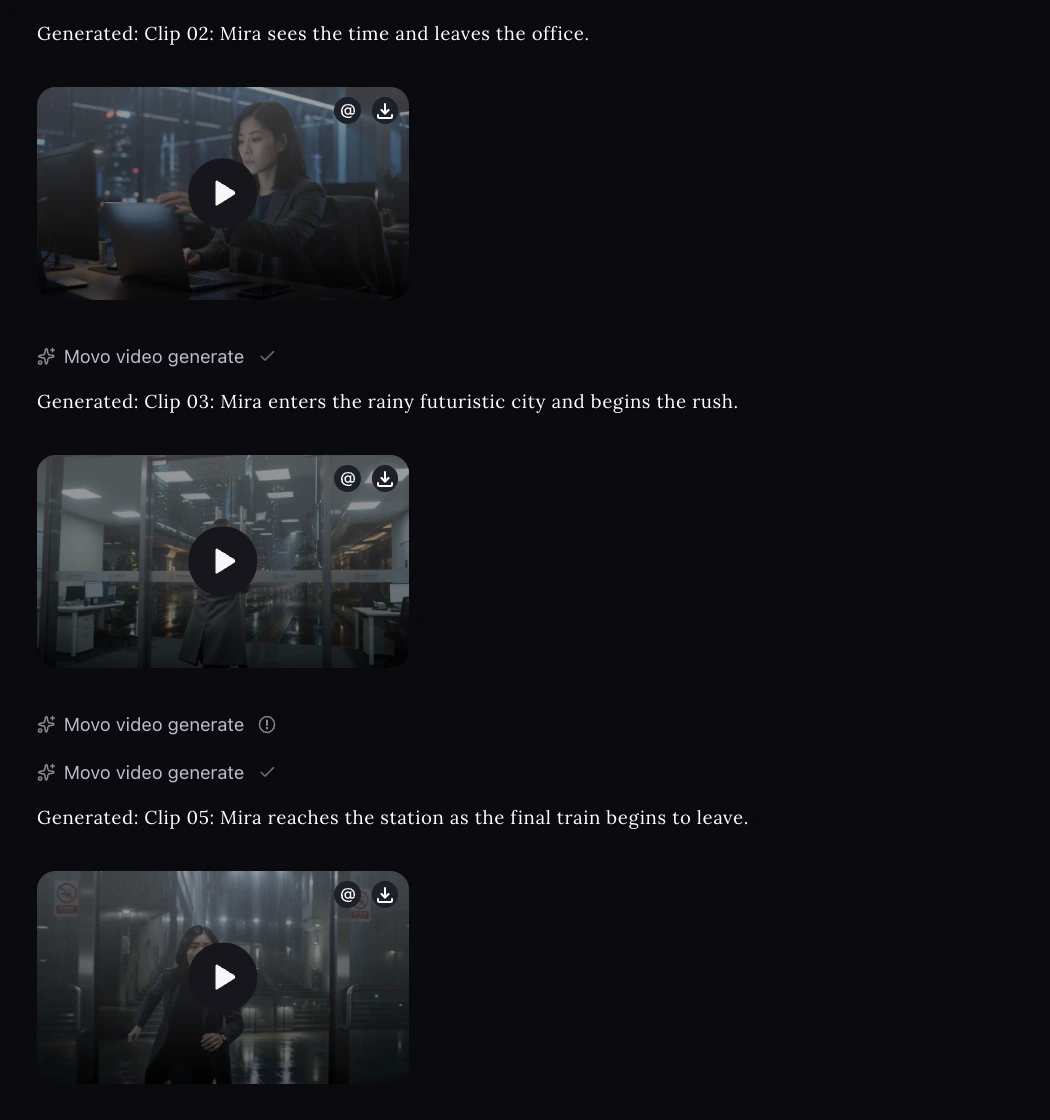
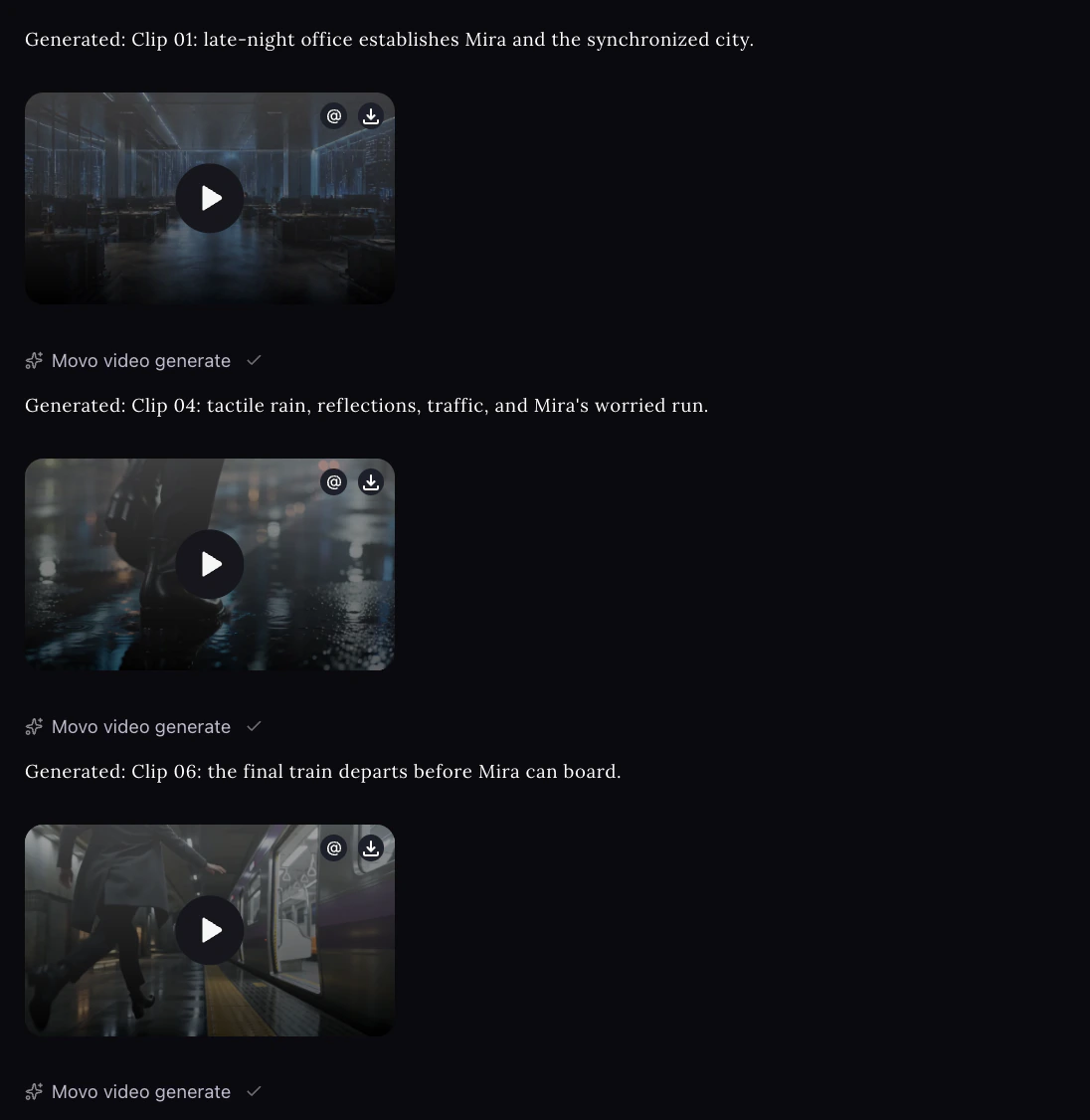
One of the biggest challenges in AI generating video is maintaining consistency.
A character should not suddenly change appearance.
An object should stay recognizable.
Lighting, clothing, environments, and visual styles should remain coherent between frames and scenes.
AI video generators therefore use temporal information and contextual relationships to maintain continuity throughout the generated video.
The better the system understands the wider context, the more consistent the final result can become.
6 Render and Refine the Video
Finally, the generated frames are combined into the finished video.
Depending on the platform, additional elements may also be added or refined, including:
- Transitions
- Voiceovers
- Background music
- Sound effects
- Captions
- Timing
- Editing
The result is a playable video that can then be reviewed, regenerated, or refined.
In simple terms:
Input → Understanding → Planning → Generation → Motion → Refinement → Video
How Does AI Video Generation Work With Different Inputs?
AI video generators can create videos in several different ways depending on what you provide.
Text-to-Video
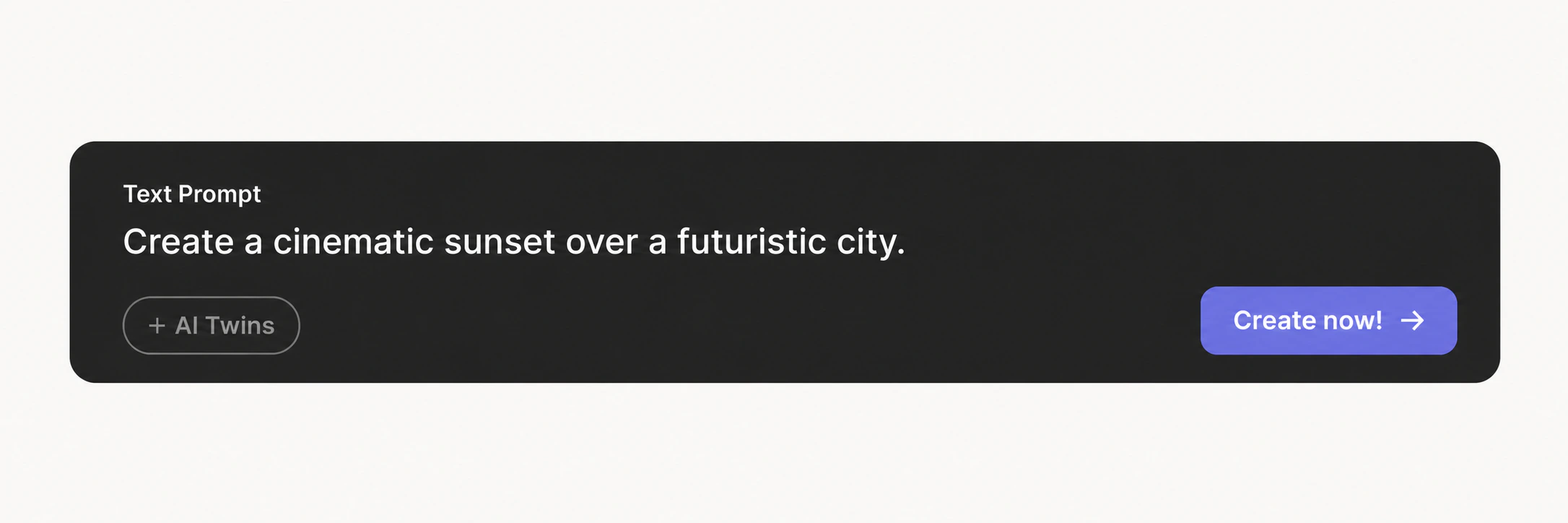
Text-to-video starts with a written prompt.
You describe the scene, subject, movement, style, or story you want, and the AI generates corresponding video content.
For example:
“A small spaceship landing in a desert during sunset.”
This is one of the simplest ways to generate AI video from an idea.
Image-to-Video
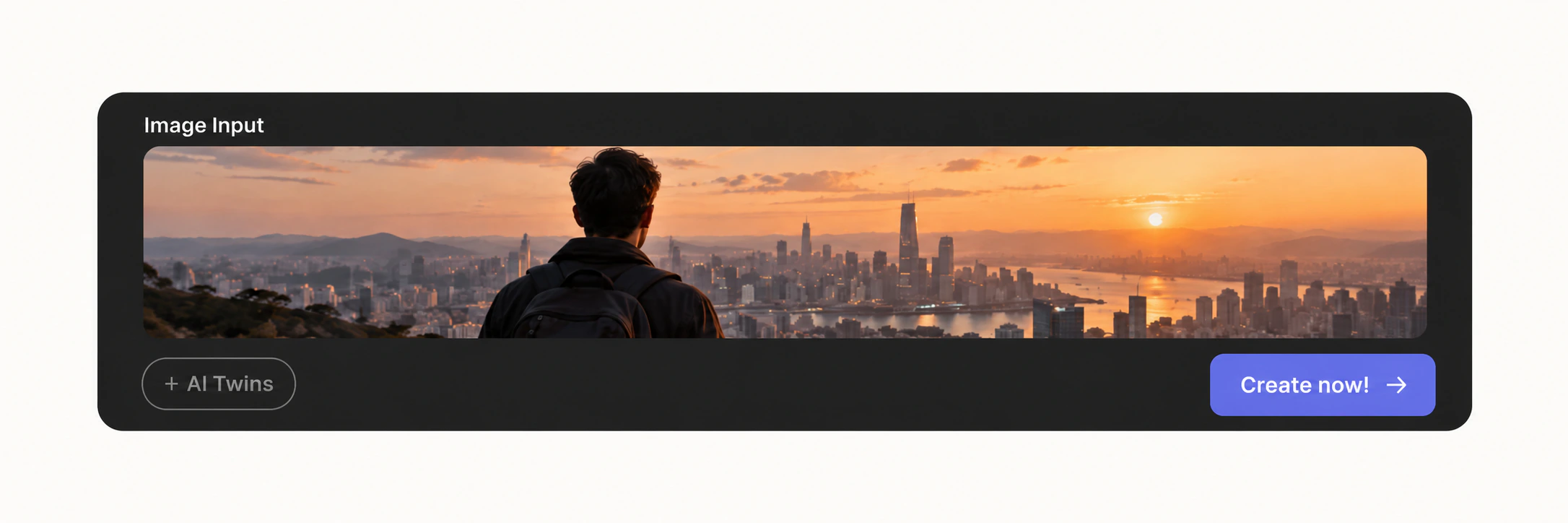
Image-to-video begins with an existing image.
The AI analyzes the image and generates movement while attempting to preserve its subjects, composition, and overall visual style.
For example, a static character image could be transformed into a video where the character walks, turns, or interacts with the environment.
Script-to-Video
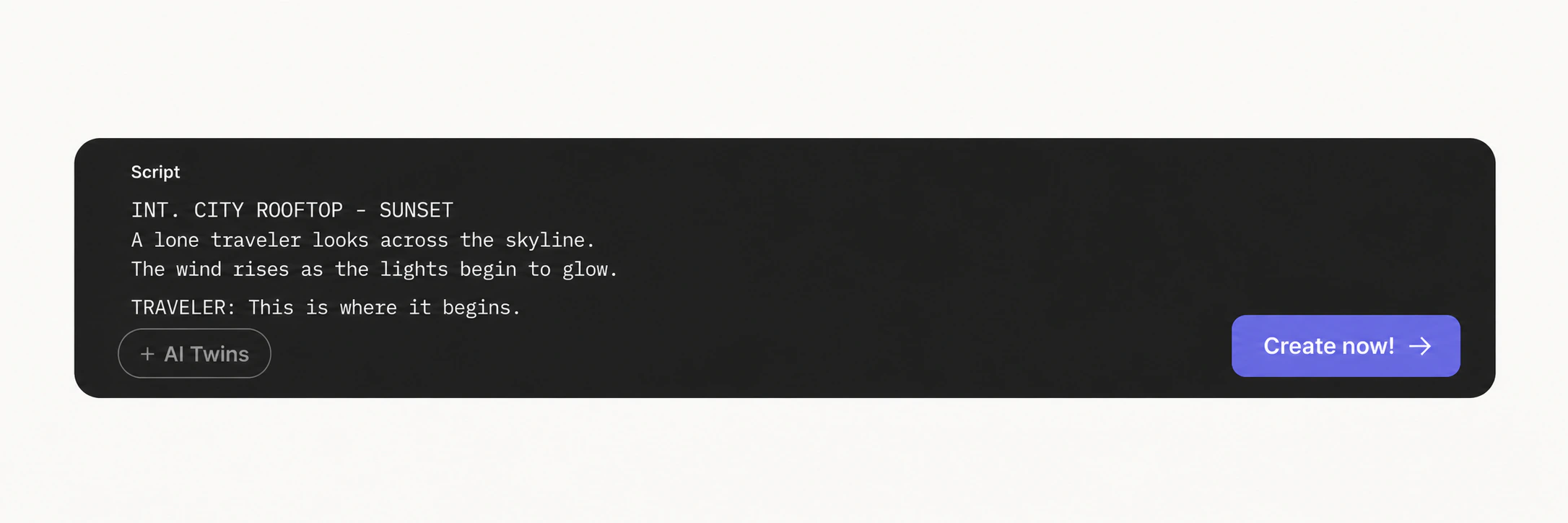
Script-to-video starts with a written script rather than a simple visual prompt.
The AI analyzes the script to understand the narrative, dialogue, key scenes, characters, and overall structure of the video.
It can then break the script into individual scenes or shots and generate corresponding visuals based on what happens in each part.
This makes script-to-video especially useful when you already have a complete storyline, narration, or structured content and want to turn it into a finished video.
From AI Video Generation to AI Video Creation
Traditional AI video generators are especially useful when you want to generate individual clips.
But creating a complete video usually involves more than one generation.
You may also need to:
- Develop the idea
- Write the script
- Plan scenes
- Generate multiple shots
- Maintain character consistency
- Add voiceovers and music
- Edit the video
- Refine individual scenes
This is where newer AI video creation workflows go beyond simple clip generation.
Rather than asking:
“How do I generate this shot?”
The process becomes closer to:
“How do I turn this idea into a complete video?”
MOVO AI is designed around this broader workflow.
Create Video With MOVO AI
MOVO AI combines AI video generation with an agent-based creation workflow, helping you move from an initial idea toward a more complete video.
Describe What You Want to Create
Start by telling MOVO AI what kind of video you want.
You can use natural language instead of building the entire project manually.
Your idea becomes the starting point for the creative workflow.
Let AI Organize the Production
MOVO AI can help translate your idea into a structured video project.
Instead of treating every generation as an isolated task, the system can help coordinate scenes, creative assets, and production decisions across the video.
Generate and Refine
Once the project is planned, AI can generate the required video content.
You can continue the conversation to adjust scenes, change creative directions, regenerate content, or refine the result.
This makes the process more flexible than working with a traditional single-purpose AI video maker.
Build Toward a Complete Video
The goal is not simply to generate one clip.
MOVO AI is designed to help connect different parts of the production workflow so you can spend less time managing separate generation tasks and more time developing the video itself.
Whether you are creating short films, stories, animation, social content, or ads, AI can help turn an initial concept into a finished creative project.
Frequently Asked Questions
How does MOVO AI work?
MOVO AI turns your ideas, references, and assets into complete videos through a conversational, agent-led workflow. It helps you explore creative directions, refine scenes and details, generate video content, and compose selected clips into a cohesive final video.
What can I use as input with MOVO AI?
You can start with a simple idea or provide references and existing creative assets, such as images and videos. MOVO uses these inputs to better understand your intended characters, scenes, style, and overall creative direction.
Do I need to write detailed prompts to use MOVO AI?
No. MOVO AI is designed around natural conversation, so you can describe what you want in everyday language instead of writing complex prompts for every generation. You can also continue refining the result through follow-up instructions.
How does MOVO AI use memory during video creation?
MOVO AI uses project memory to retain important creative details, such as characters, products, scenes, references, and visual styles. This helps maintain consistency across multiple shots and makes it easier to continue or expand a project without repeating the same information.
How is MOVO AI different from a traditional AI video generator?
Most AI video generators and agents still leave creators juggling prompts and canvases just to produce videos that stay visually consistent. MOVO AI takes on the long-form creation workflow itself, from understanding your direction and planning the video to generating scenes, refining results, and bringing the final video together. You spend less time managing tools and more time directing the result.