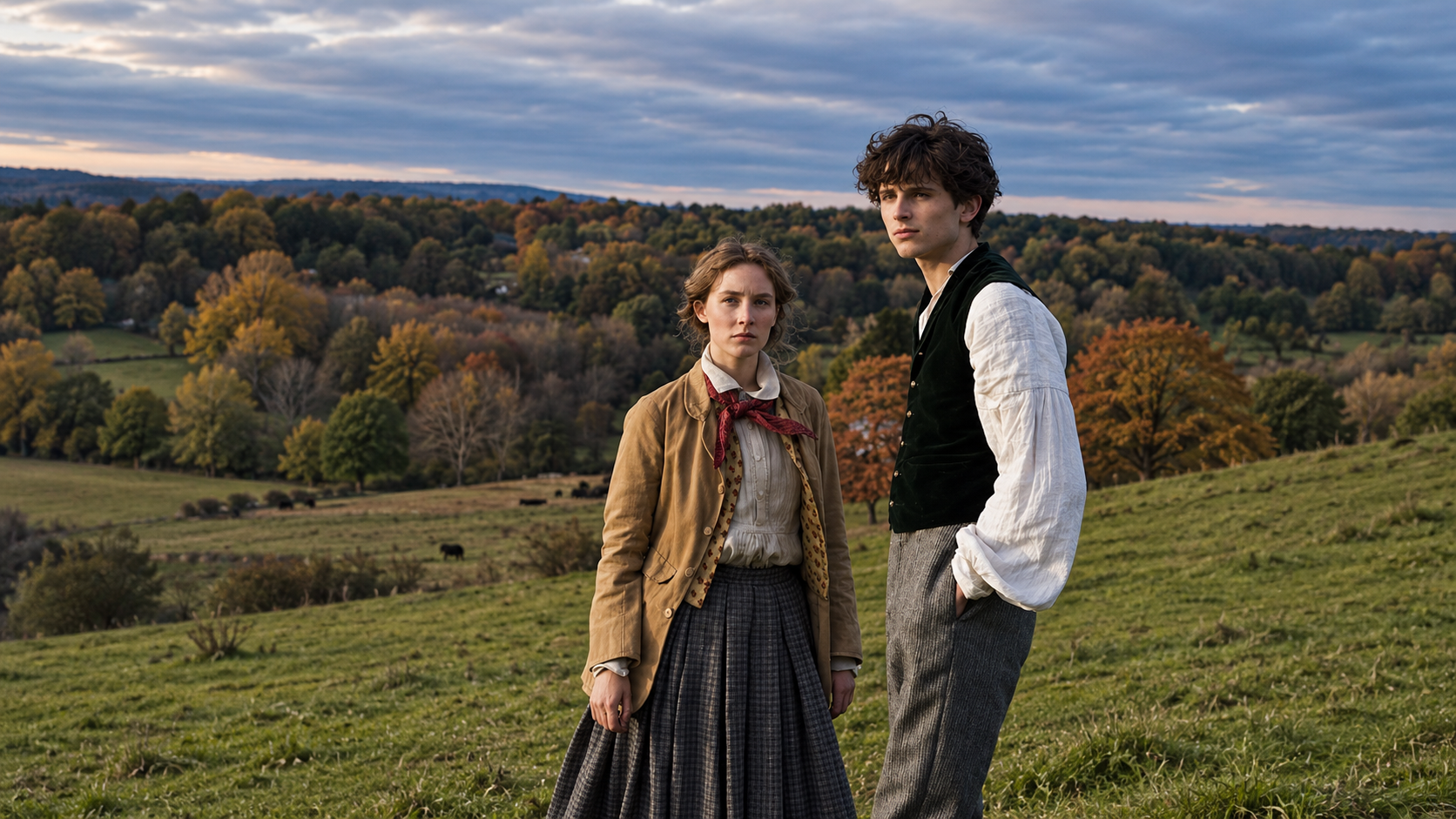
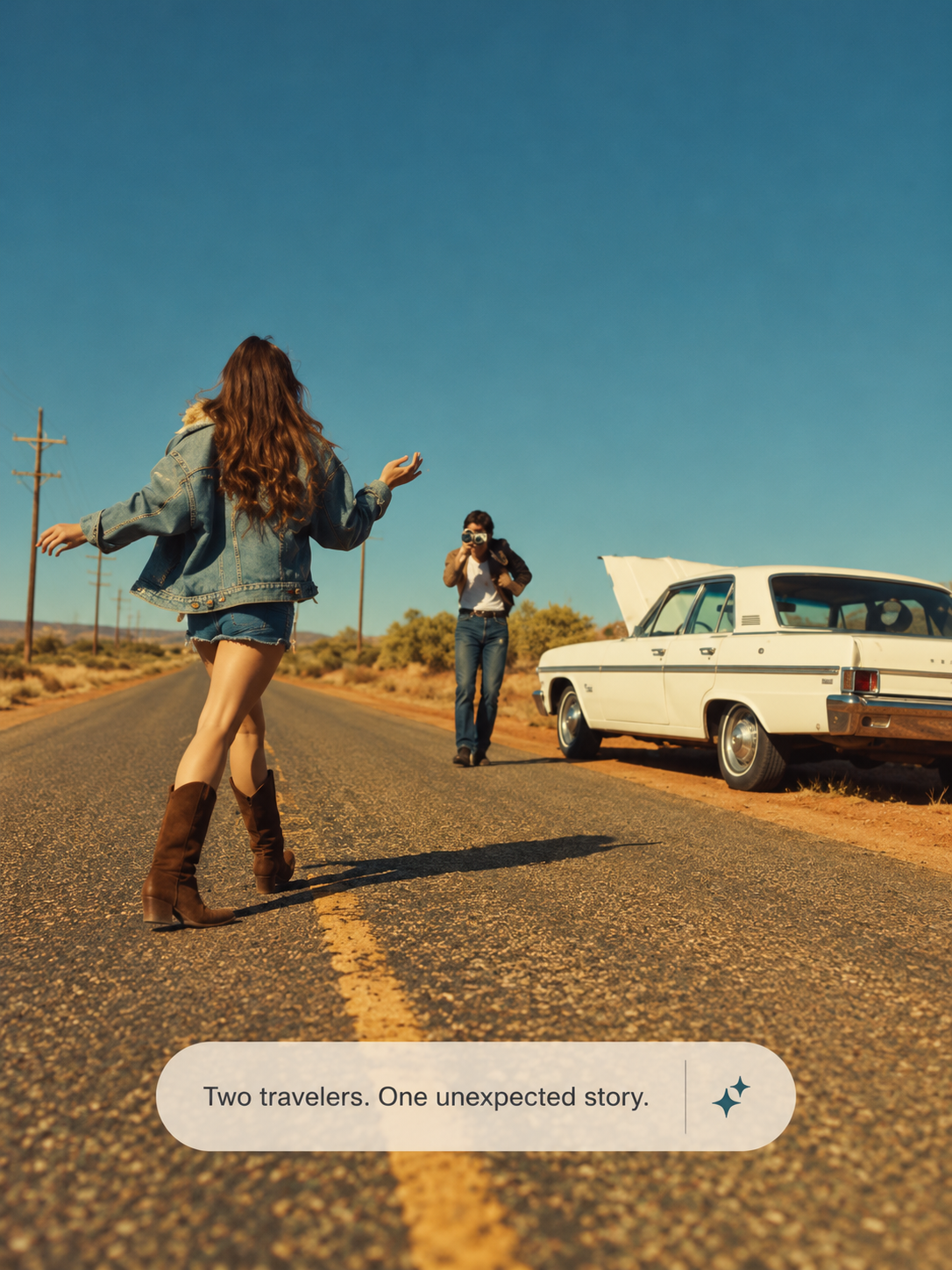
Turn your words into a story worth watching with the MOVO AI Story Video Generator. Start with an idea or a script, develop your characters and scenes, then shape your story video through conversation.
Start with a sentence, a story outline, or a full script. Use the AI story video generator from text to develop your idea into scenes, define the action, and guide the visual style. Build a beginning, a turning point, and an ending that brings your story together.
Keep Your Characters Connected
Add image references to guide your characters, outfits, and locations. MOVO AI uses your references and project context to help connect the visuals across scenes. Review each shot and refine the details as your story develops.
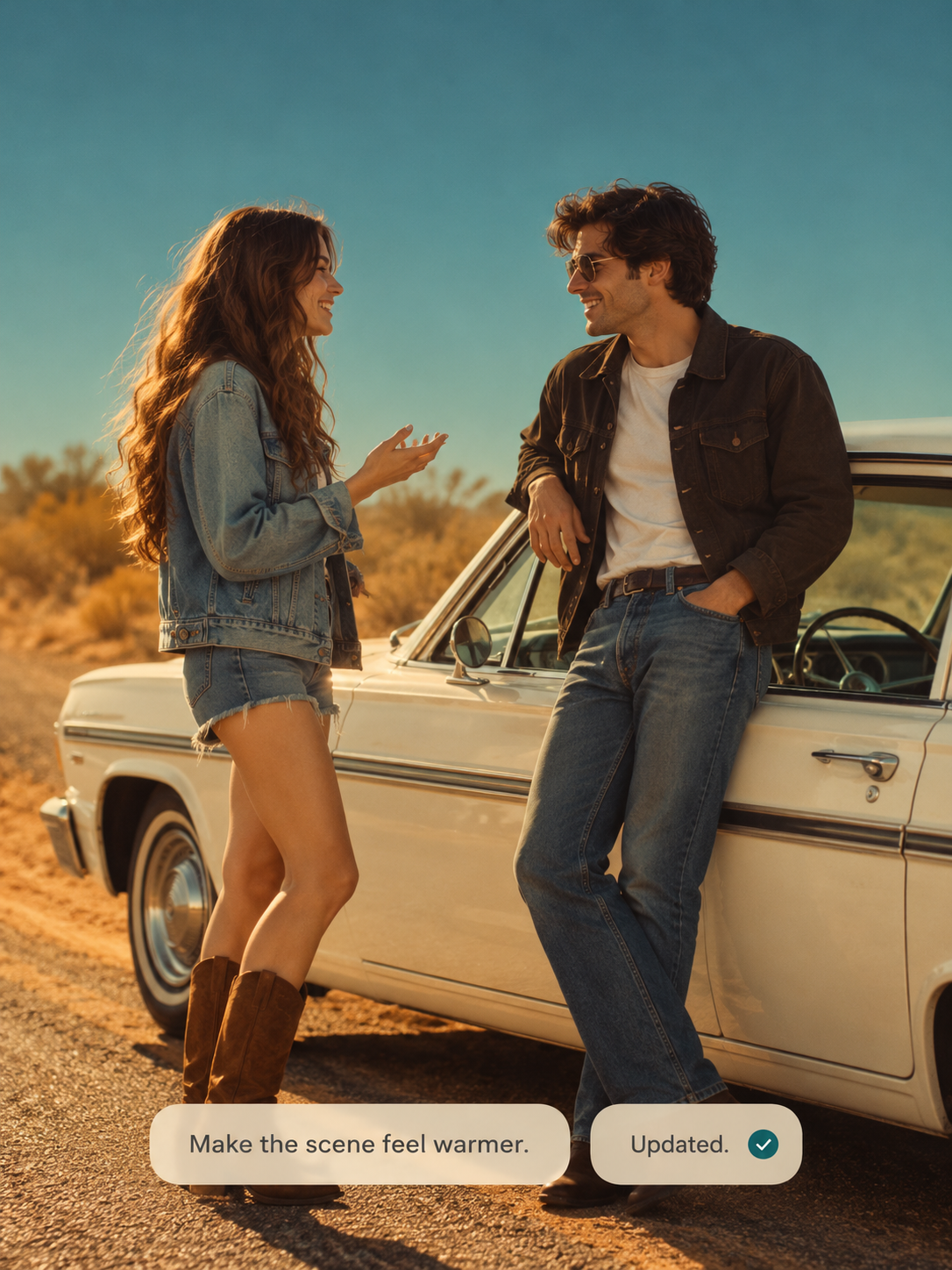
Shape Every Scene Through Chat
Set the mood, describe a camera movement, or ask for a different ending. Guide your AI video story generator through conversation to refine the action and pacing. Review the sequence, adjust individual moments, and export your finished story video.
An AI story video generator helps turn a written idea or script into a visual story. With MOVO AI, you can develop characters, plan scenes, generate video, and refine the result through conversation.
Can I generate an AI story video from text?
Yes. Start with a prompt, an outline, or a script. Describe the characters, setting, and key events, then ask MOVO AI to help plan the scenes. Review the direction and refine the generated visuals as your story takes shape.
Can I try the AI story video generator free?
New users can explore MOVO AI with 100 free credits. The number of scenes you can generate depends on the model, video settings, and revisions. Check the credit cost in your workspace before generating.
Is the AI story video generator free and unlimited?
The free trial is credit-based. MOVO AI offers 100 free credits to new users, and generation consumes credits according to the selected model and settings. Continued creation may require additional credits or a paid plan.
Can I use the AI story video generator with no sign up?
You can explore this page without signing in. To create story videos in the MOVO AI workspace and use your credits, you need an account.
Can I create adventure stories, love stories, and cartoon stories?
You can develop each of these story ideas with MOVO AI. Describe the genre, characters, and key events, then guide the atmosphere and pacing. For a cartoon story, describe the character designs and visual style you want.
How do I make AI generated story videos?
Write a brief idea or paste your script, then describe the visual style and add optional references. Review the story plan, generate the scenes, and use chat to refine the action and pacing before exporting your video.
How do I choose the best AI video story generator for my idea?
Consider how well a tool supports your script, character references, scene planning, and revisions. Check the credit costs and export options too. MOVO AI brings story planning, generation, and refinement into a conversational workflow.