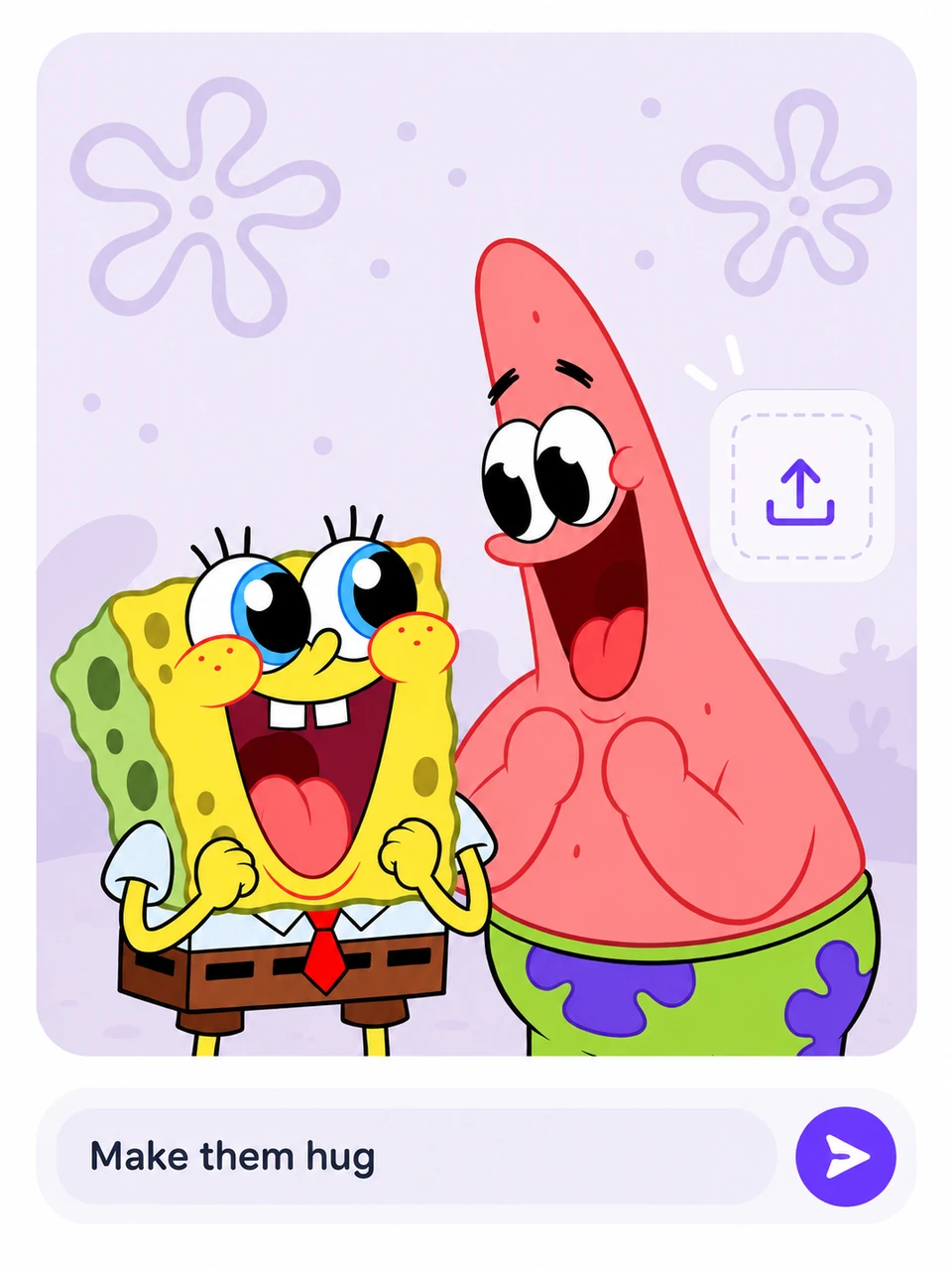
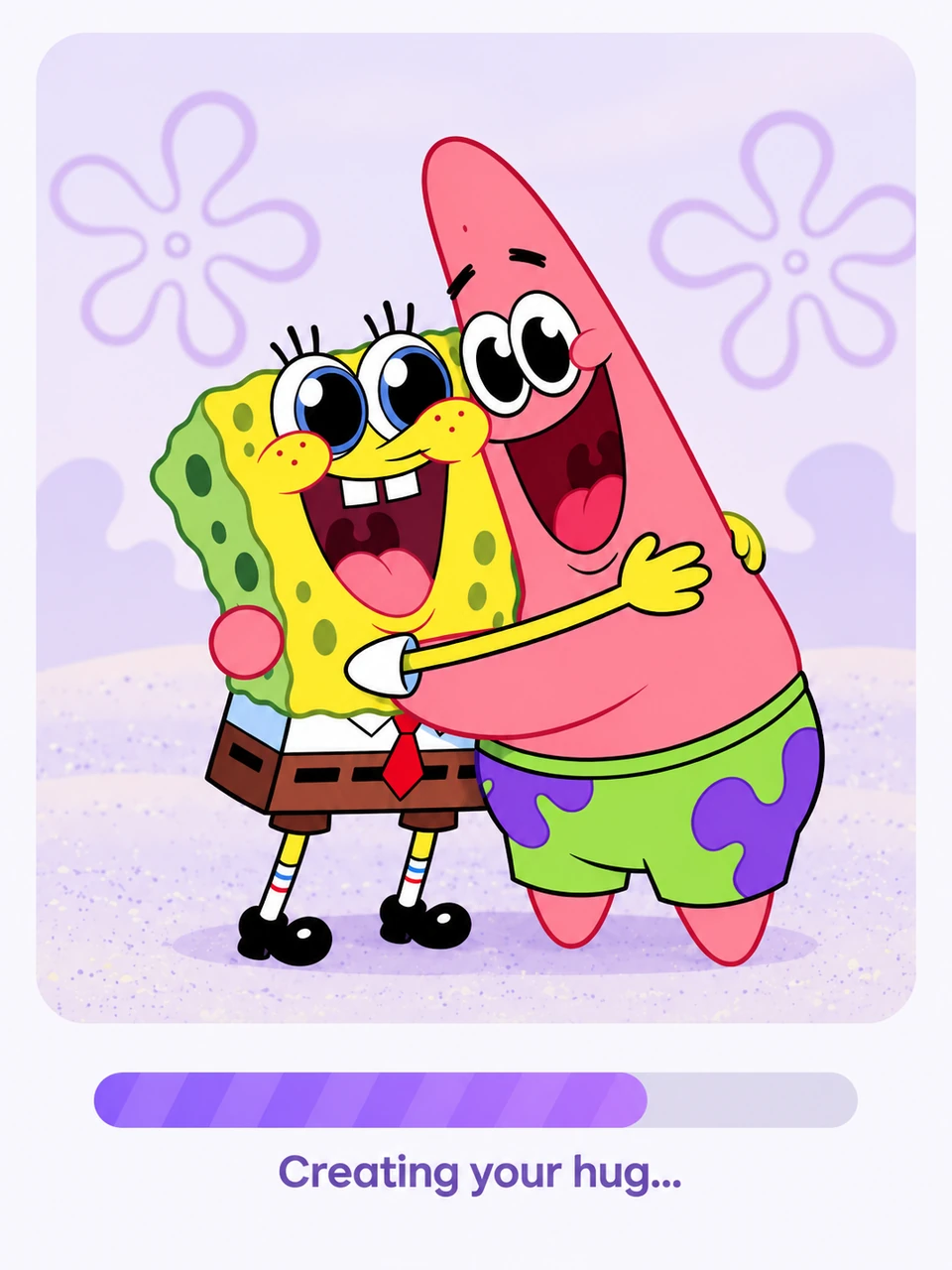
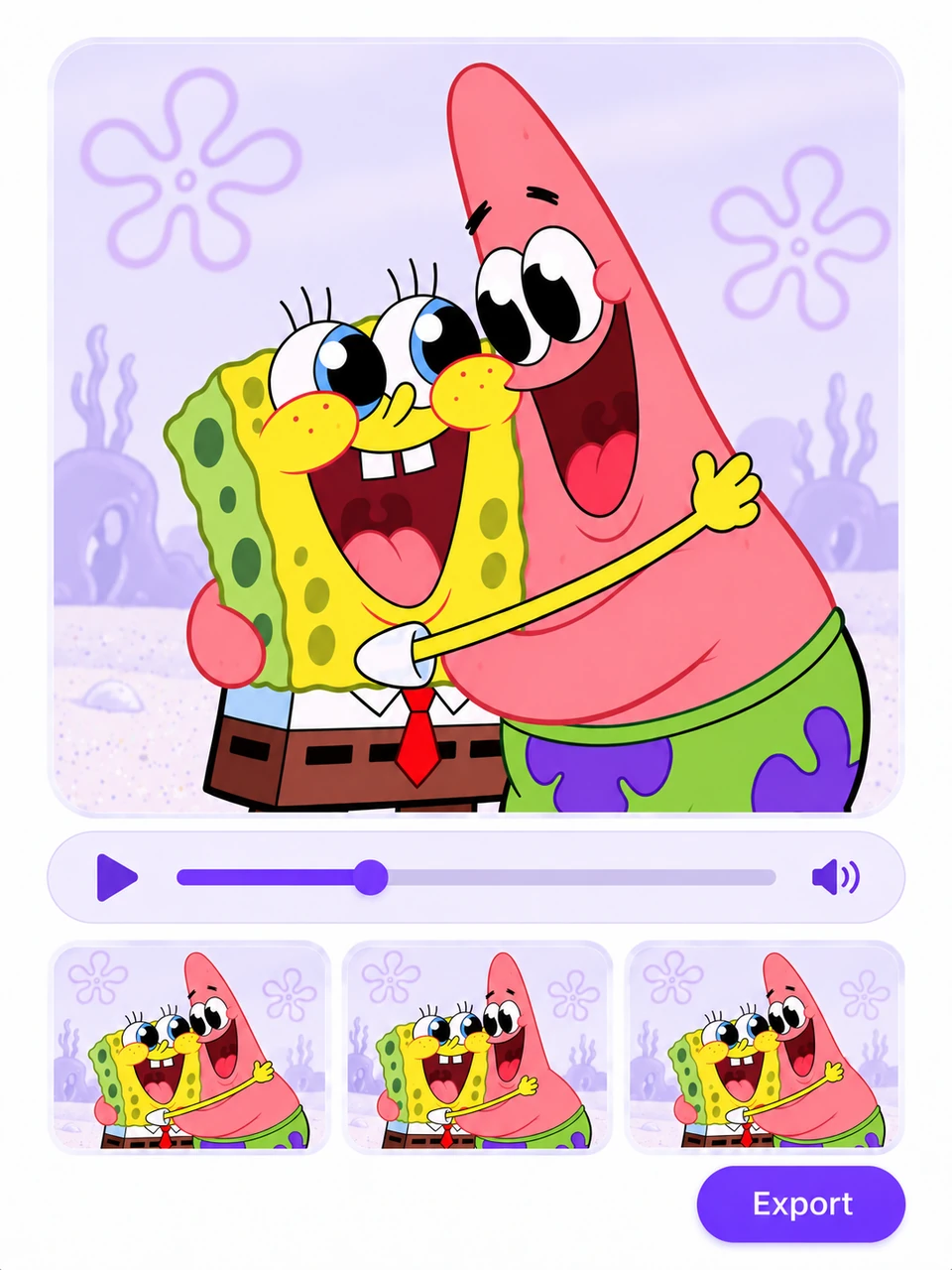
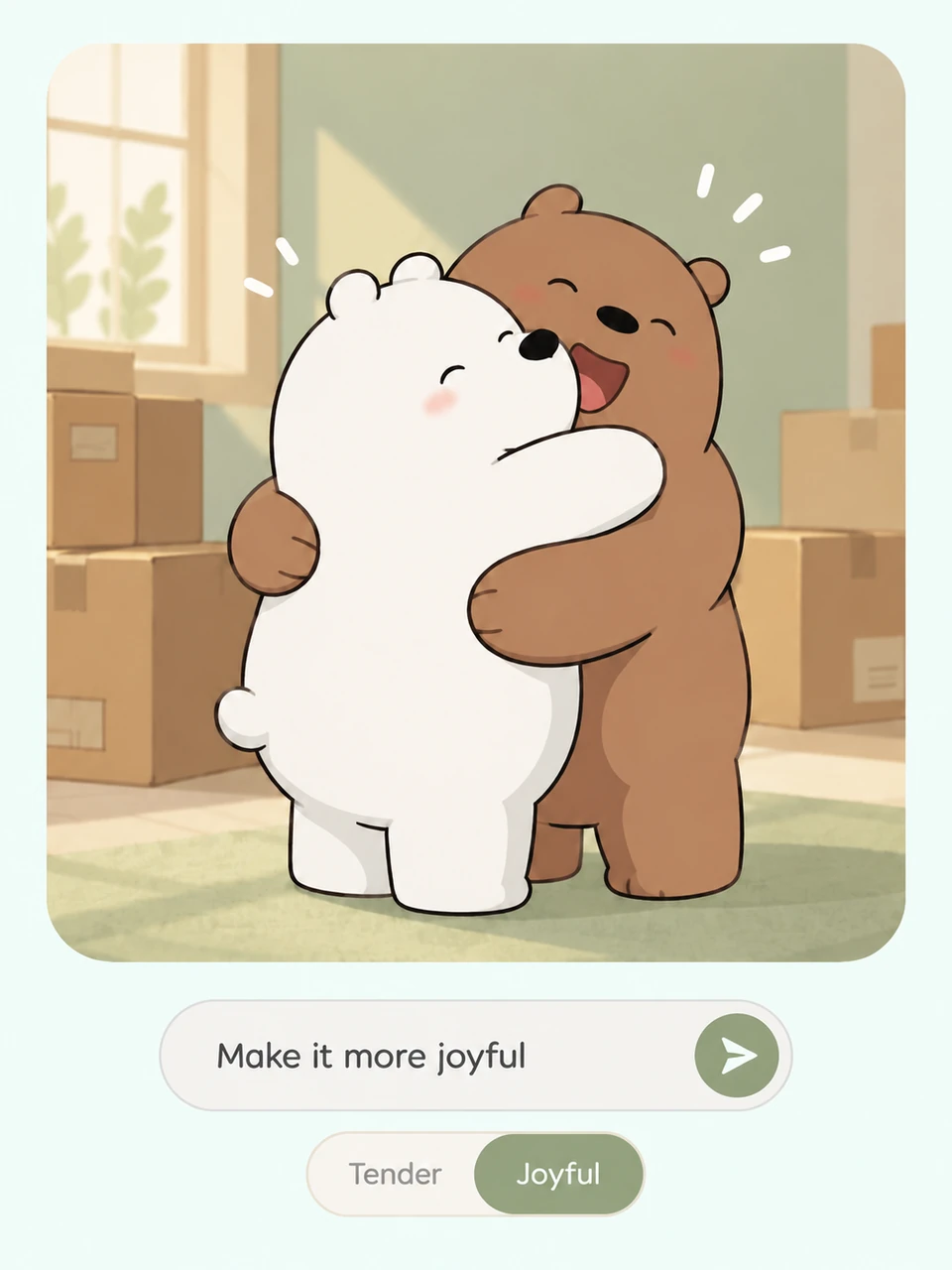
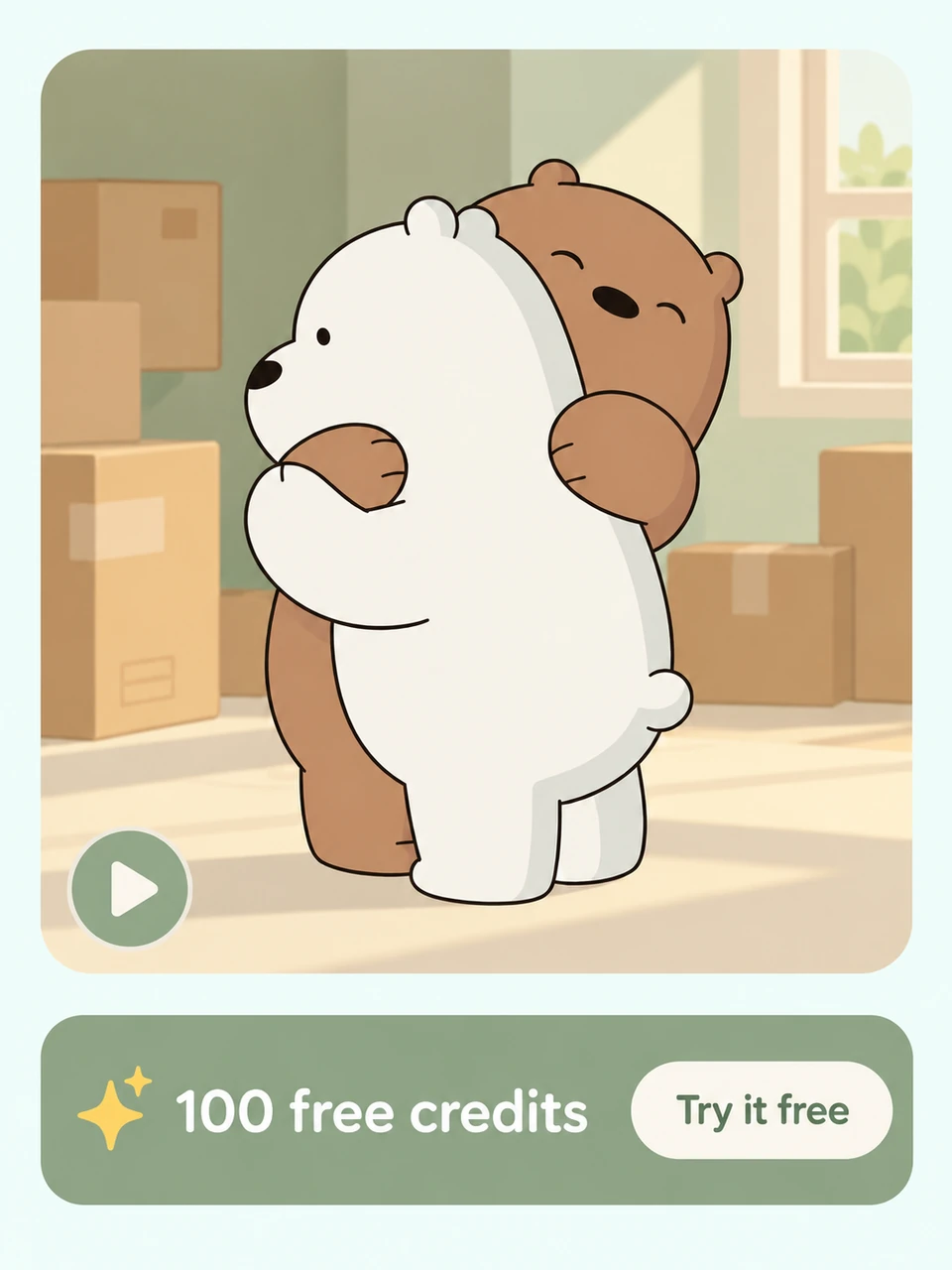
Bring a meaningful embrace to life with the MOVO AI Hug Generator. Start with photos or an idea, describe who is hugging and the feeling you want to capture, then shape a personal hugging video through conversation.
Imagine a family reunion, a warm embrace between friends, or a moment with someone far away. Use the AI hugging generator to develop your idea, plan the scene, and create a video that expresses the feeling behind your hug.
Give Your Hug a Personal Touch
Add photo references to guide the people, clothing, and setting in your scene. MOVO AI uses your references and project context to help keep the visuals connected as you develop your hug video, from the first approach to the embrace.
Imagine Hugging Your Younger Self
Explore a hug-my-younger-self AI generator idea with a childhood photo and a recent portrait. Describe an imagined meeting between past and present, then guide the mood, movement, and setting to create a personal reflection on growing up.
Explore a heartfelt embrace between people, a cuddle with a beloved pet, or a playful hug between animals. Choose your pair and bring the moment to life with MOVO AI.
People & People
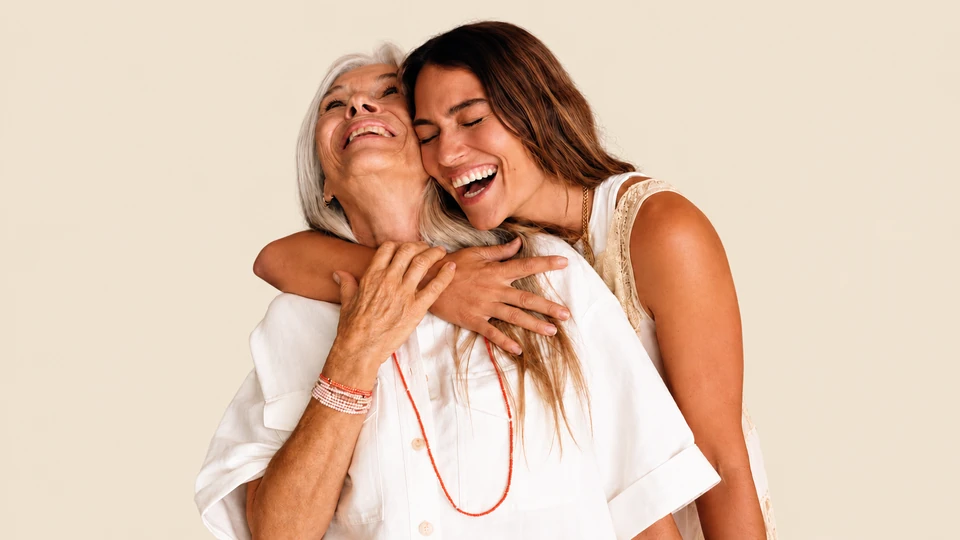
Bring friends, partners, or family together in a warm embrace. Imagine a joyful reunion or a tender moment with someone you miss.
People & Animals
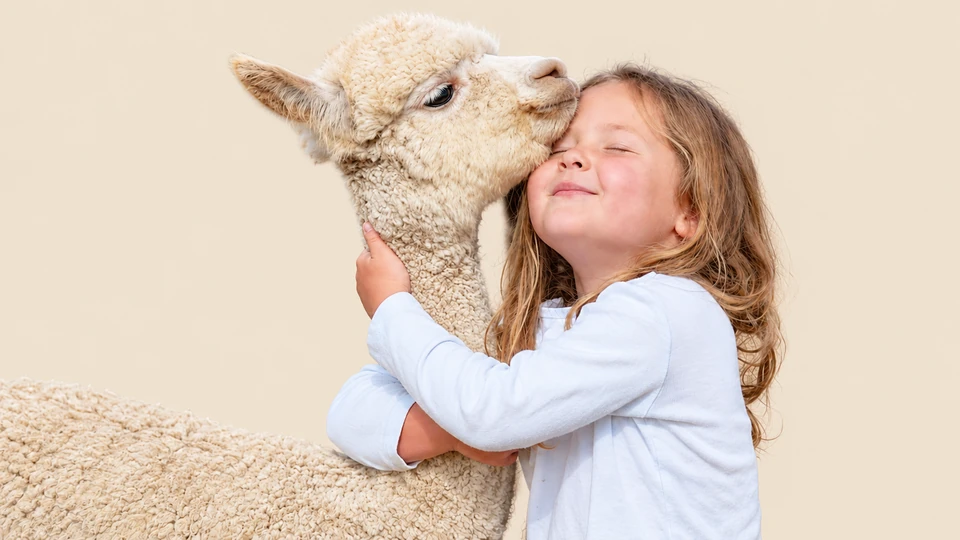
Capture the bond between a person and their favorite animal. Picture a cozy cuddle with a cat or a happy welcome from a dog.
Animals & Animals
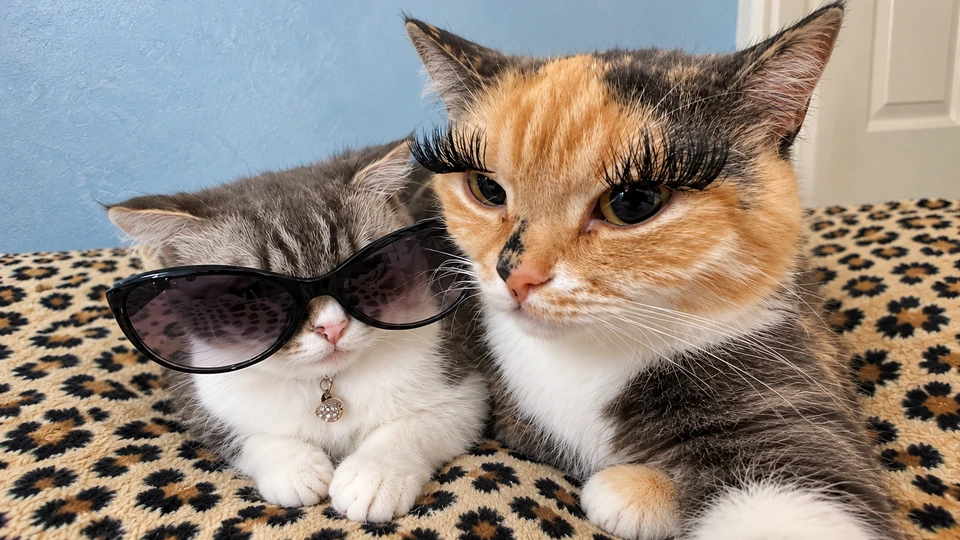
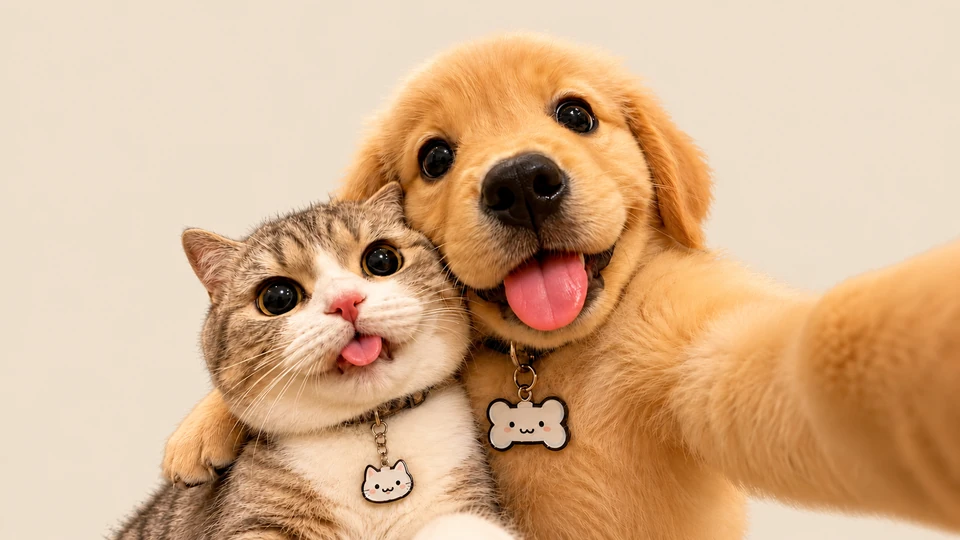
Imagine two animals sharing an affectionate hug. Pair familiar pets or unexpected companions for a sweet, playful scene.
New users can explore MOVO AI with 100 free credits. The credits needed for a hug video depend on the model and generation settings. This free AI hug generator trial is credit-based; continued creation may require additional credits or a paid plan.
What can I create with an AI hugging generator?
Develop an imagined family reunion, an embrace between friends, a couple’s anniversary moment, or a hug with your younger self. Describe the people, setting, and emotion you want, then use references and feedback to shape the scene.
Can I use my own photos for an AI hug video?
Yes. Add your photos as references and explain who each person is and how you want the embrace to look. Clear, well-lit photos can help communicate your idea. Review the generated faces and movement, and refine details through chat.
Can I use it as a hug my younger self AI generator?
You can explore this idea by supplying a childhood photo and a recent portrait as references. Ask MOVO AI to create an imagined scene of your present-day self hugging your younger self. Describe the setting and emotion, then review and refine the generated result.
Can I refine the hugging video after generation?
Yes. Tell MOVO AI what you would like to change, such as the pace of the approach, the setting, or the mood of the embrace. Review each revision to check facial details and body movement before exporting your hug video.
Is this an AI hug video generator free without login?
The landing page is available to explore without signing in. Video creation takes place in the MOVO AI workspace, where you will need an account to use your credits. The free trial offers 100 credits to new users; it is not an unlimited, login-free generation service.
What makes a good photo reference for a hug video?
Choose clear photos with visible faces and enough detail to show each person’s appearance. Explain how each reference should guide the scene, including clothing and positioning. Use photos you have permission to upload, and check the result before sharing.
How many hugging videos can I generate for free?
There is no fixed number of free hugging videos. MOVO AI gives new users 100 free credits, and usage varies with the model, video settings, and revisions. Check the credit cost shown in your workspace before generating each version.
How do I choose an AI hug generator?
Look for a workflow that lets you provide photo references, describe the embrace, and refine the result. Check free-credit limits and sign-in requirements as well. MOVO AI lets you guide planning, generation, and revisions through conversation.