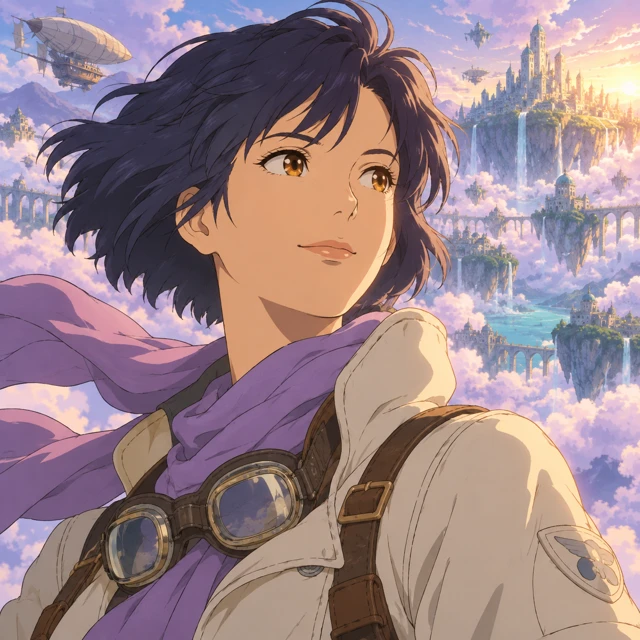

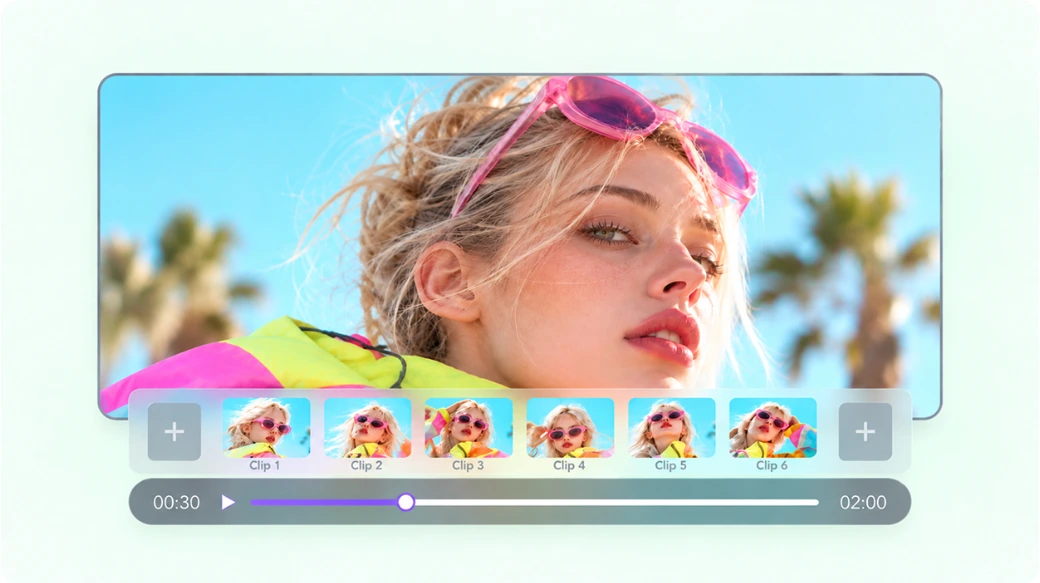
Start With Whatever You Have
Start with an idea, script, image, or reference. MOVO AI understands your direction and turns it into animation scenes.
Turn an idea, script, image, or reference into animated scenes and complete stories with MOVO AI.
Create Animation Explore the possibilities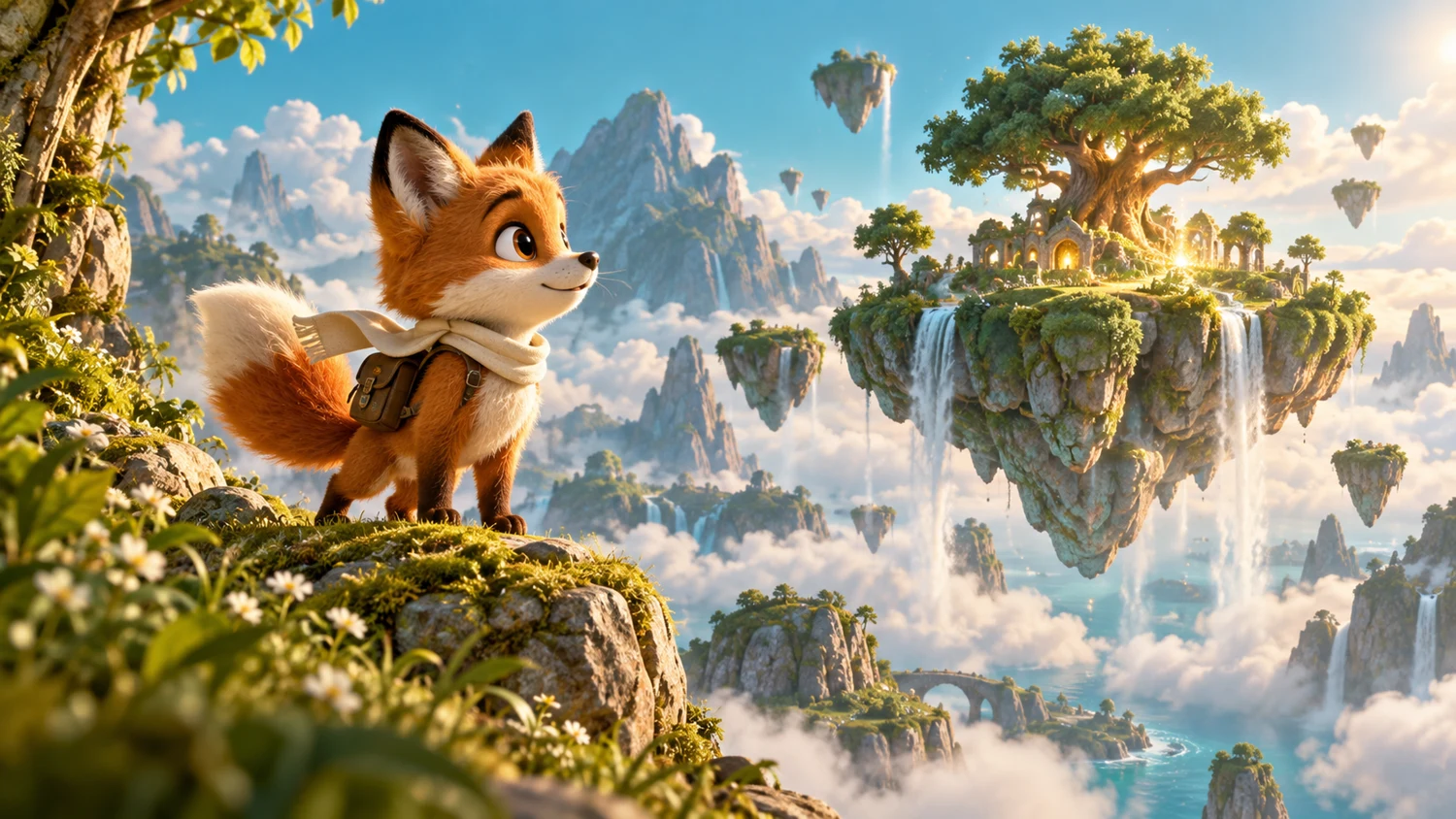
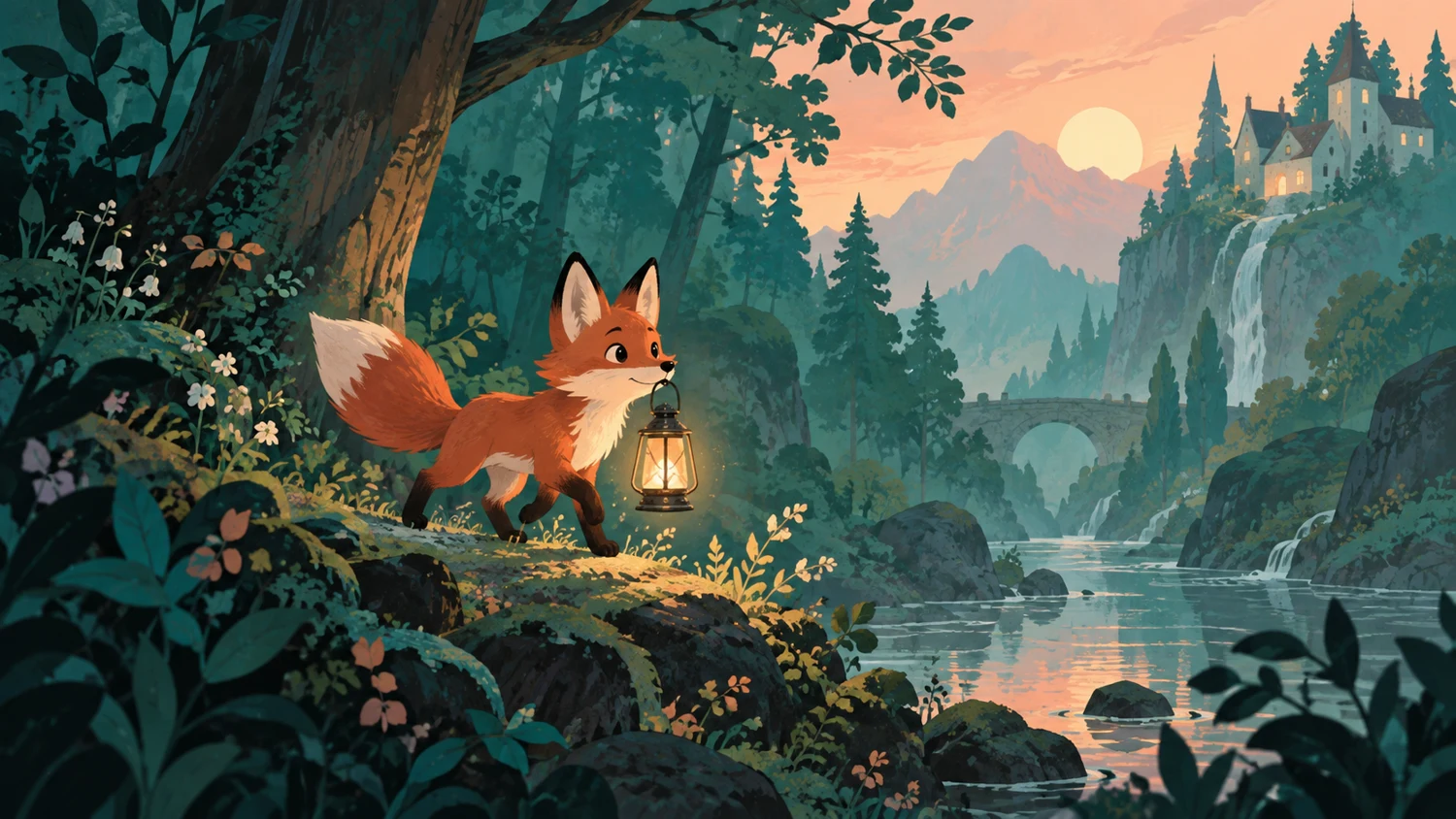
One idea. A world of possibilities.
Explore different animation styles you can make with MOVO AI.
Hover to preview. Select a video to watch with sound.
From your first idea to a complete animated story, MOVO AI makes the heavy lifting easy.
Start with an idea, script, image, or reference. MOVO AI understands your direction and turns it into animation scenes.
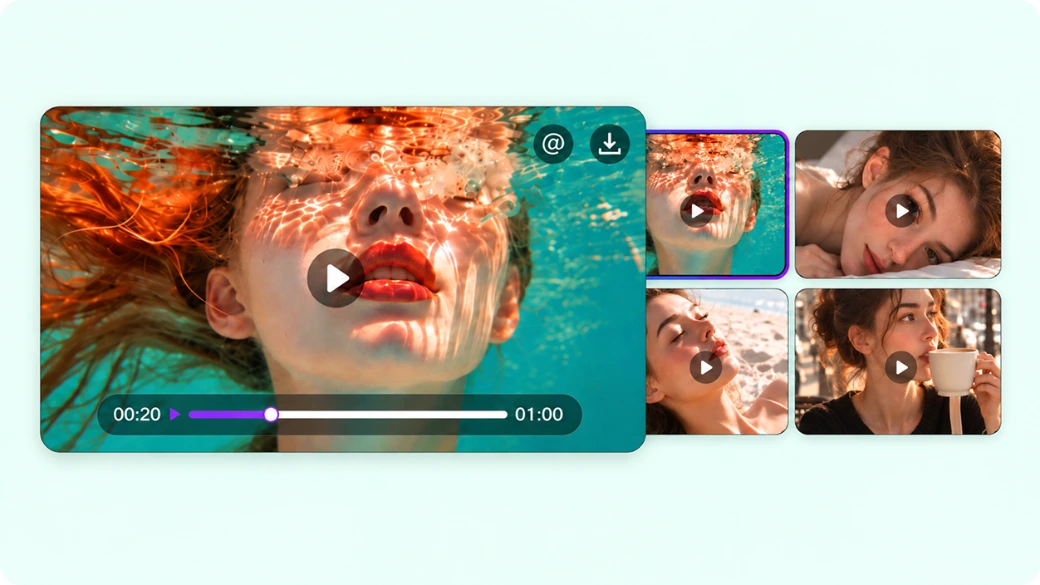
Keep the same characters, visual style, and story world from one scene to the next.
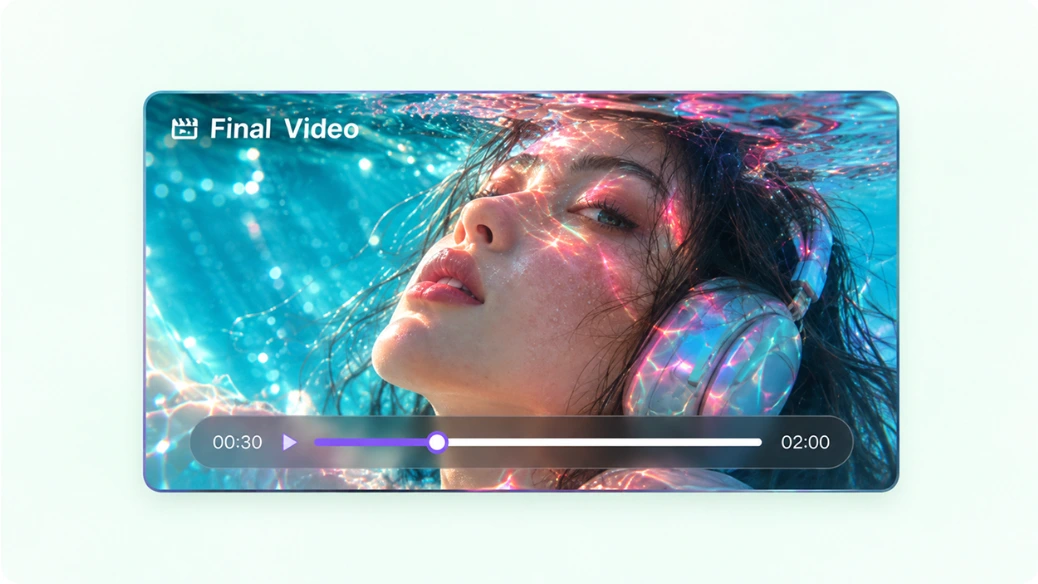
Go beyond isolated clips. Build scenes that connect, add voice, music, and sound, and turn your ideas into a ready-to-share story.
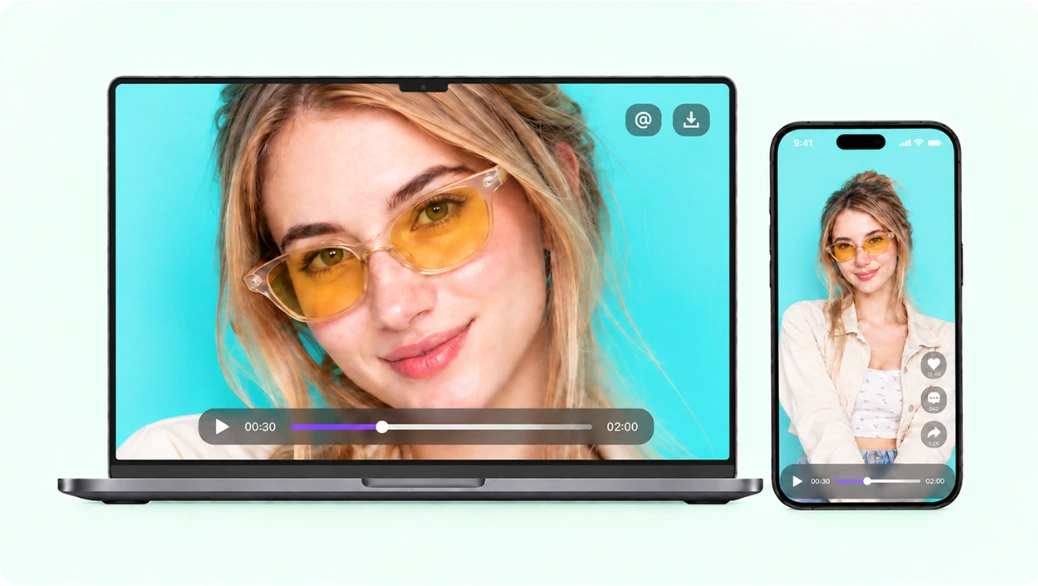
Start on web and continue in the app. Keep your project and creative context connected, wherever you work.
Get from idea to animation in just a few steps.
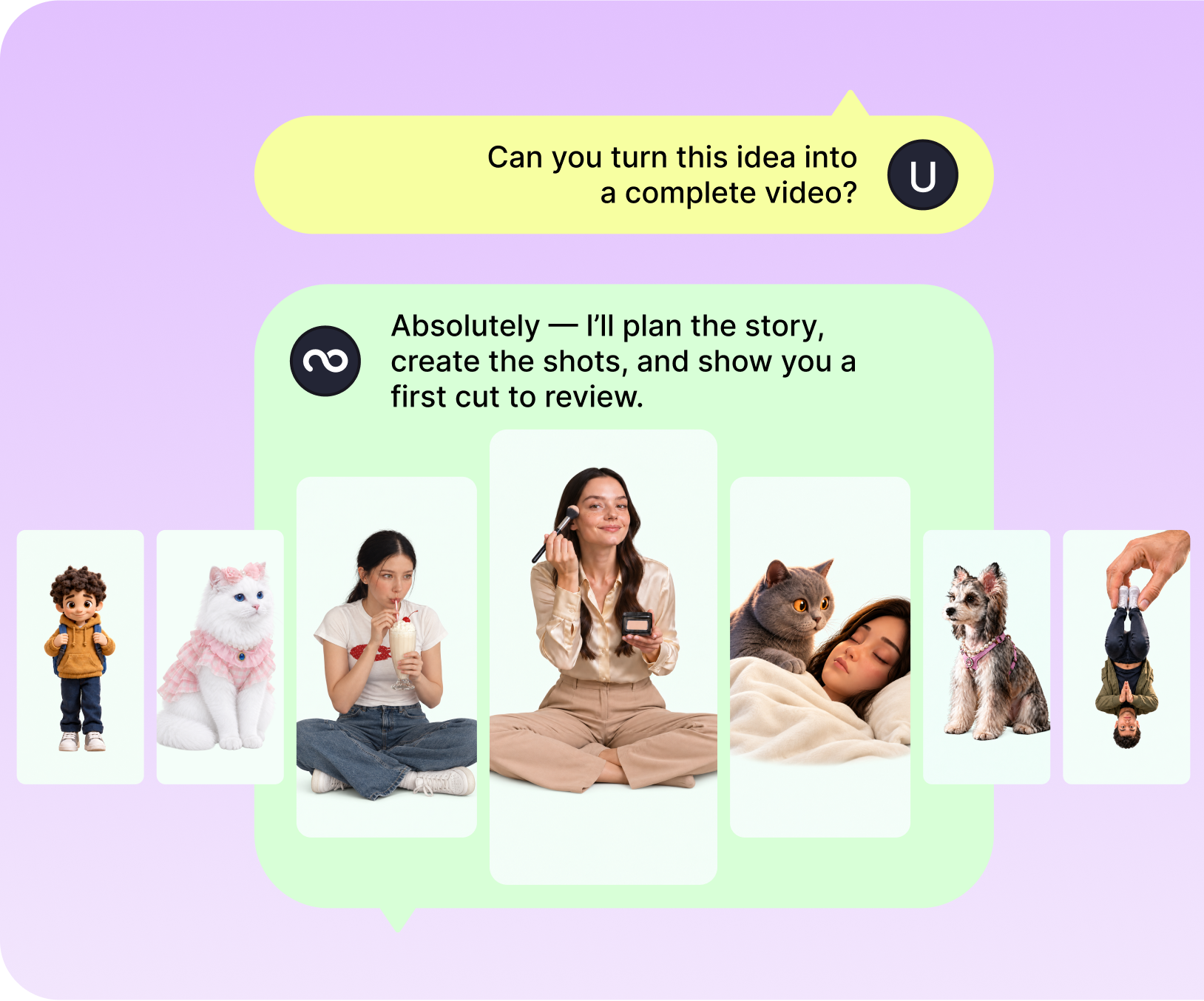
Enter your idea and add any references you want the agent to follow.
Review the video plan, script, scenes, and style.
Generate and assemble your complete video.
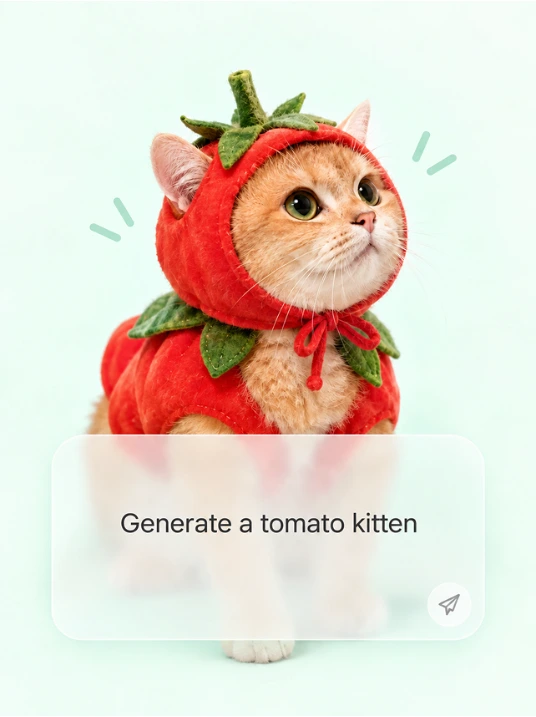
Turn your ideas and references into complete videos through natural conversation.

MOVO AI protects your content and data throughout the creative process.
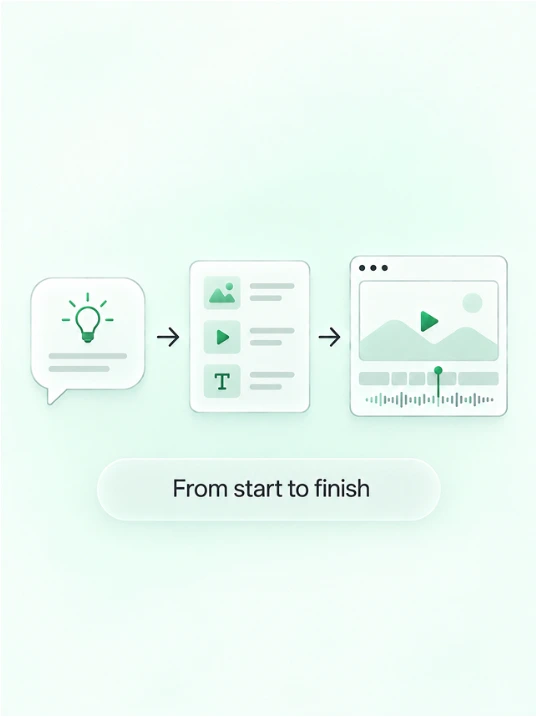
MOVO AI plans, creates, and edits your video from start to finish.
See what creators are saying about MOVO AI.

MOVO AI was the first platform that really let me create long-form content with strong flow and consistency. It goes beyond generating clips by supporting the creative process, and it’s become a part of my workflow.

I love how MOVO AI brings the entire AI video workflow into one place. The review process gives me more control. It saves time, reduces tool switching, and makes the creative process much smoother.

MOVO AI makes it much easier to manage references, build storyboards, and refine individual shots without starting over. I especially like being able to create images, videos, and complete stories in one connected process.
Answers about creating animation with MOVO AI.
An AI animation generator helps turn creative direction into animated scenes. MOVO AI is a video agent that helps you develop an idea into a connected video project.
You can start by describing your idea in natural language. MOVO AI uses that direction to help shape scenes and the video you want to create.
MOVO AI supports starting with images and references as part of a video project. They help communicate the visual direction you want to explore.
MOVO AI keeps characters, scenes, and visual styles connected within the same project to help your story stay visually coherent.
Explore different looks such as 2D, 3D, anime, cartoon, cinematic, and stylized animation. The result depends on your direction and references.
MOVO AI supports continuing your creative workflow across web and app, so you can pick up your project wherever you are.