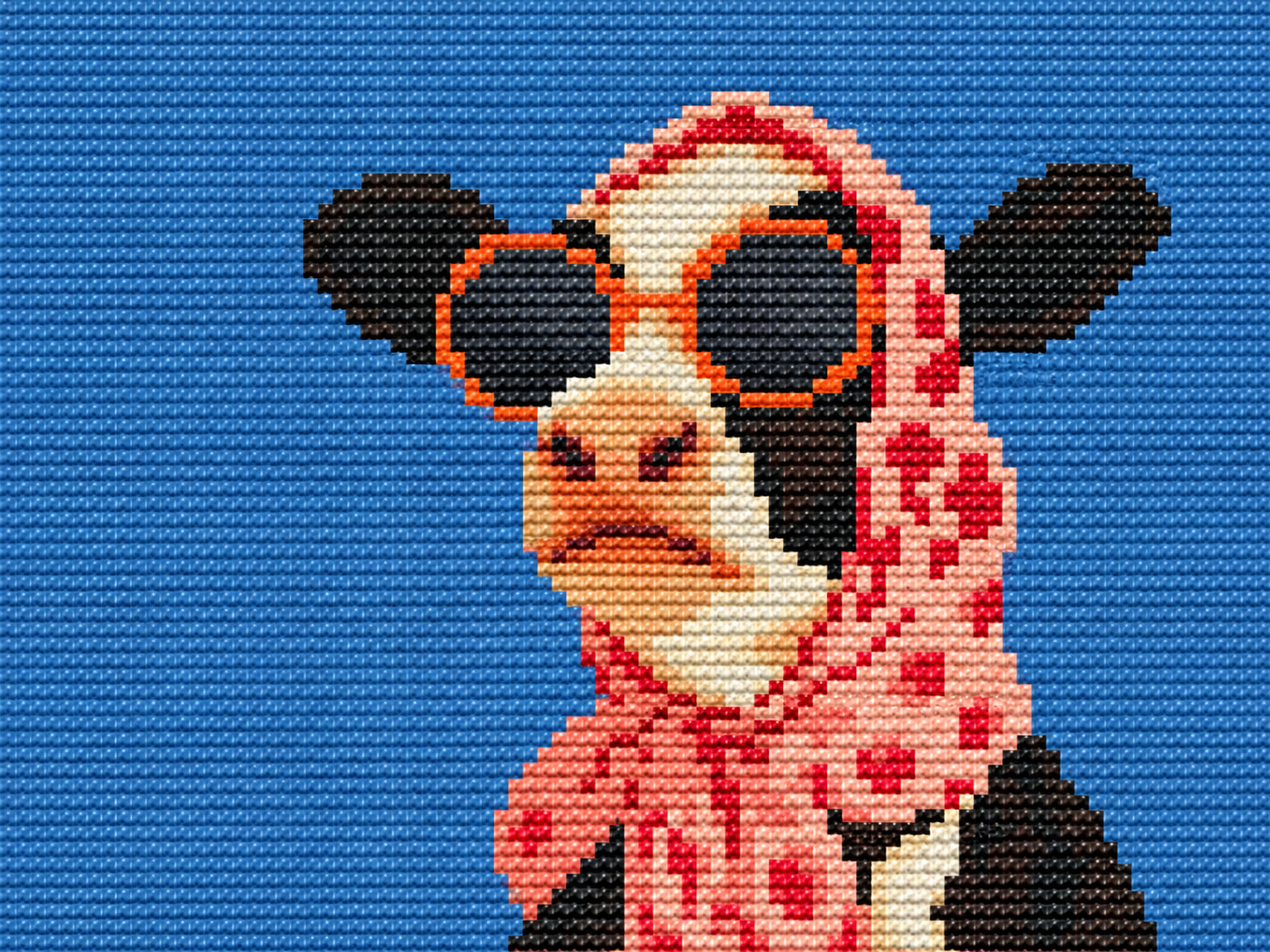
AI Pixel Art Generator
Explore retro game scenes and pixel-inspired worlds. Describe a limited palette, bold silhouettes, and a blocky visual style to guide your artwork.
Turn your imagination into artwork with the MOVO AI Art Generator. Start with a text prompt or photo reference, explore a visual style, and refine your AI generated art through conversation.
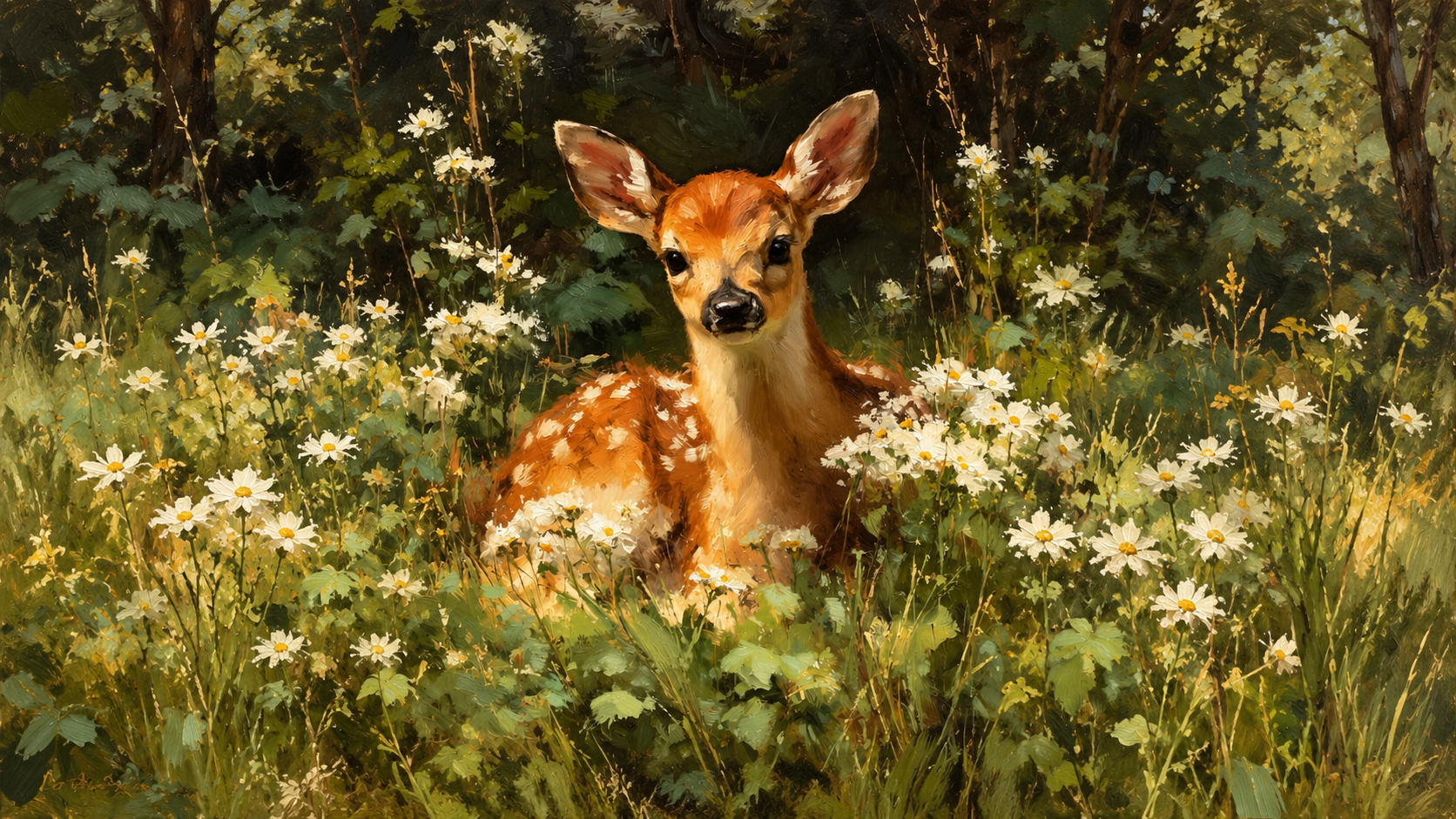
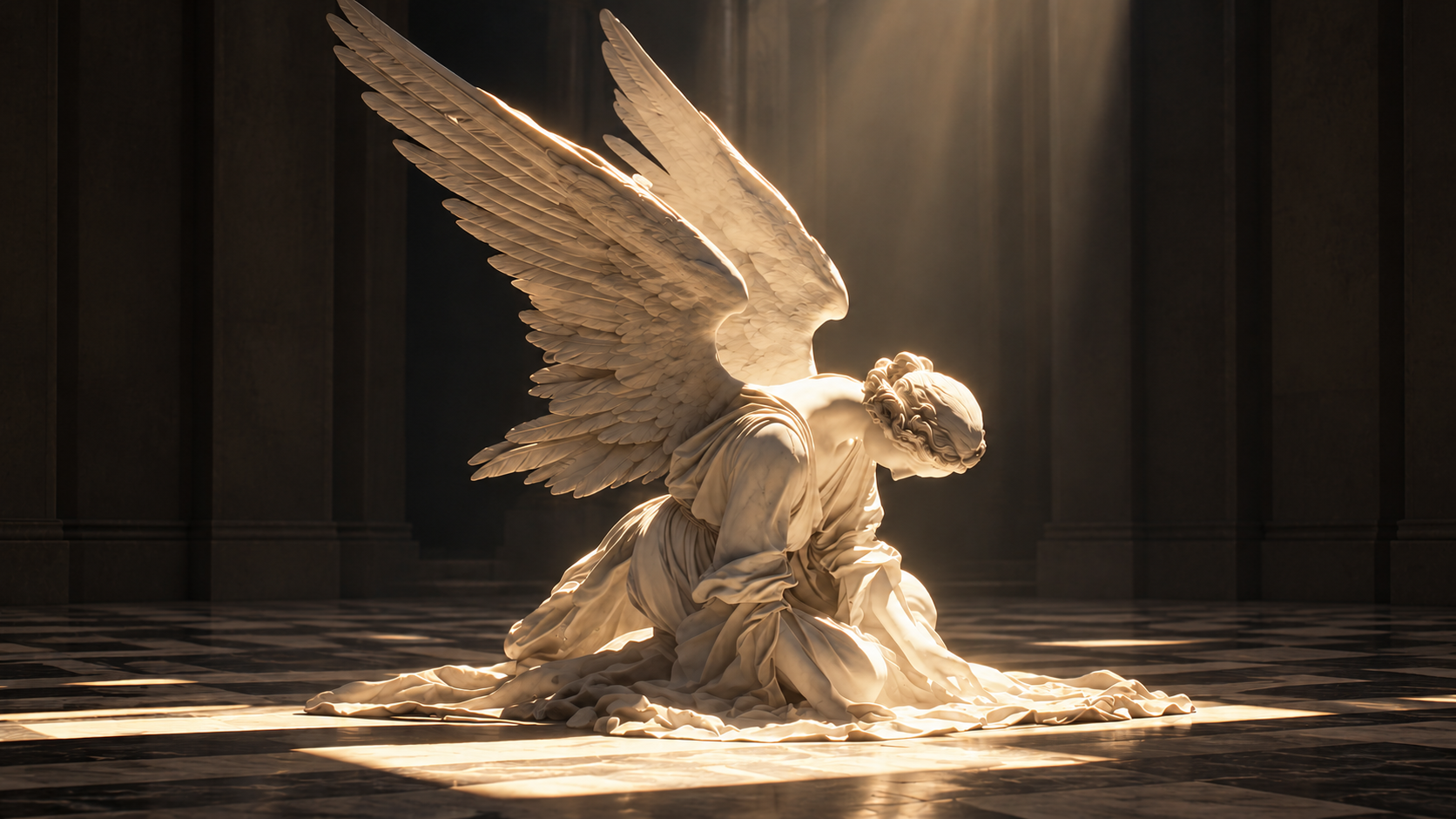
From pixel worlds to original characters and striking cover concepts, explore three ways to turn a simple idea into art.
Explore retro game scenes and pixel-inspired worlds. Describe a limited palette, bold silhouettes, and a blocky visual style to guide your artwork.
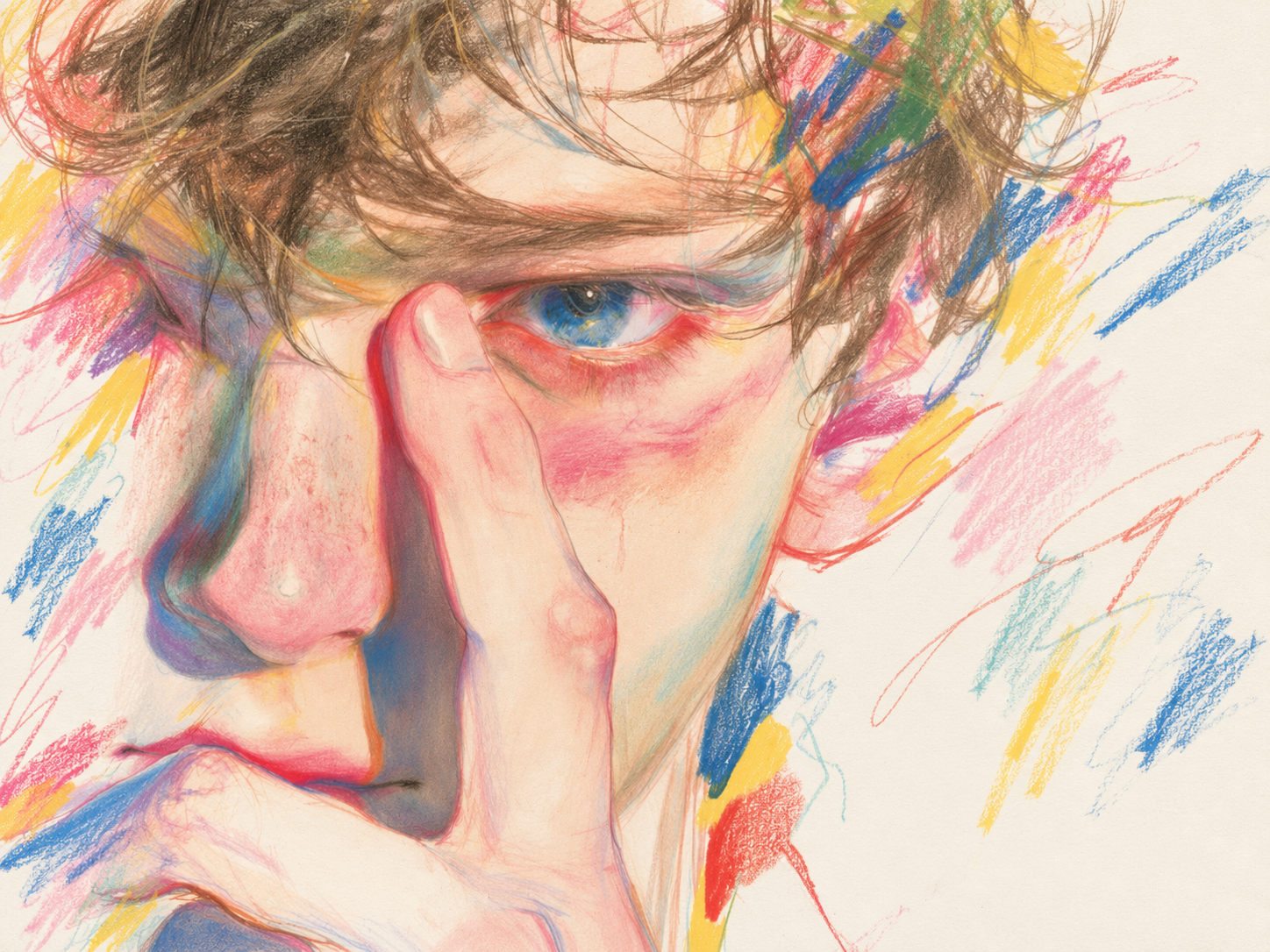
Create an original anime hero or a fantasy adventurer. Use a DND AI art generator workflow to explore clothing, expressions, and character portraits for your next campaign.
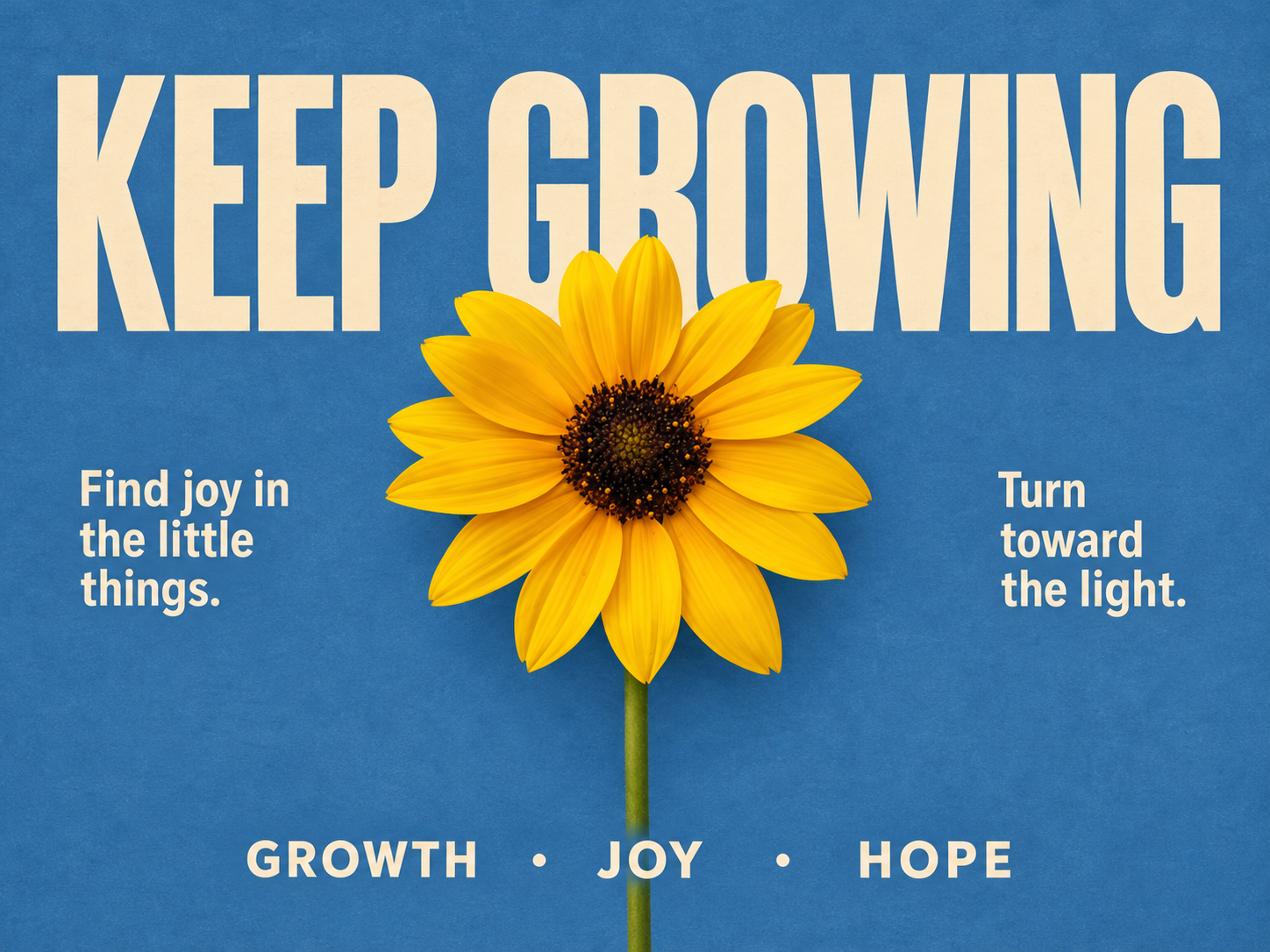
Develop artwork for music, videos, or social posts. Set the mood and composition, leave room for a title, and refine the visual concept before adding final typography.
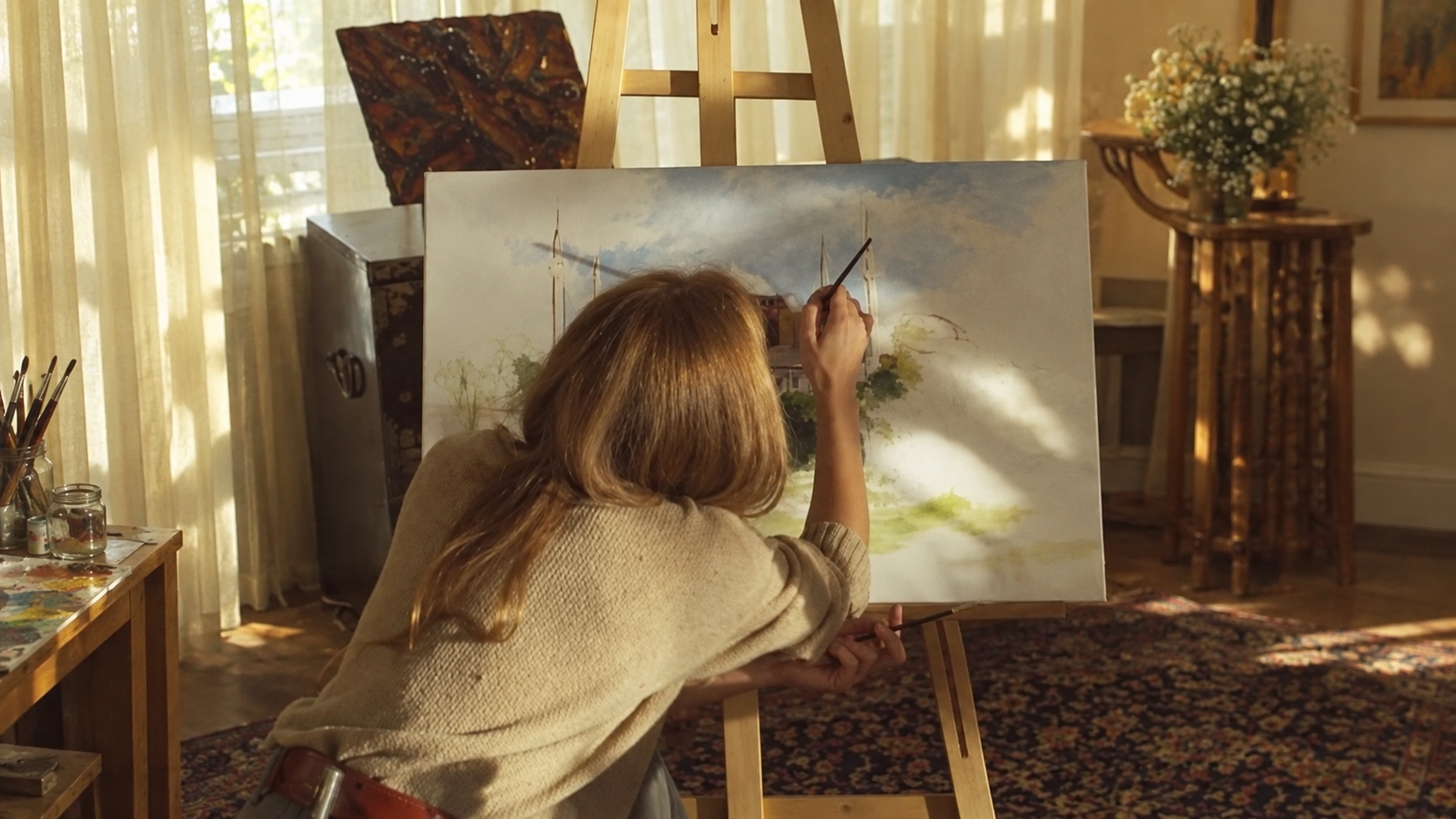
Start with a subject, a color palette, or a scene you can picture. Use the AI art generator from text to explore watercolor landscapes, bold illustrations, or imaginative digital paintings. Describe the composition, lighting, and mood, then develop your idea through conversation.
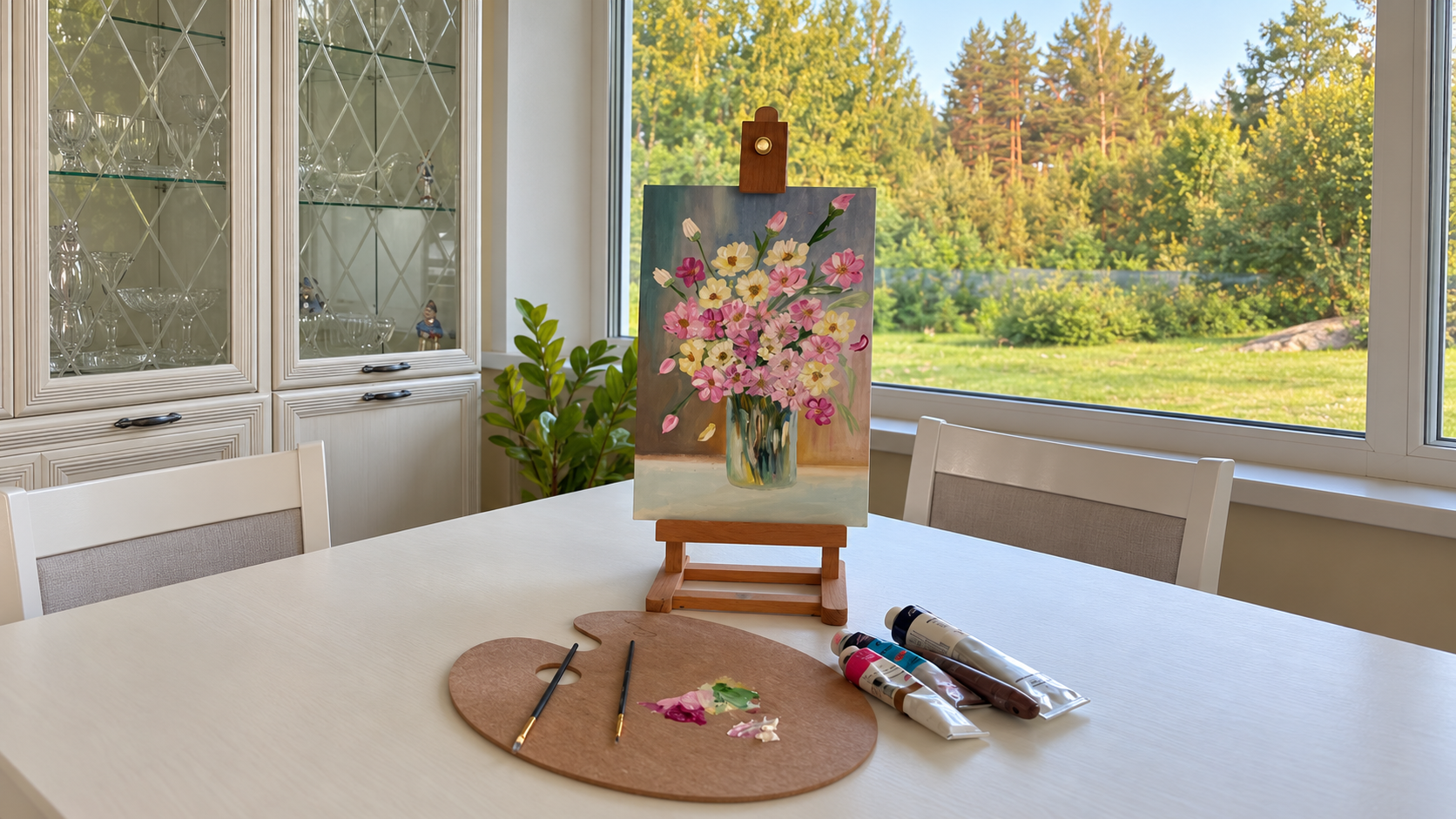
Use the AI art generator from photo references to guide the subject, colors, or visual direction of your artwork. Upload a photo you have permission to use and describe the transformation you want. Explore a painterly portrait or a stylized scene, then review and refine the result.
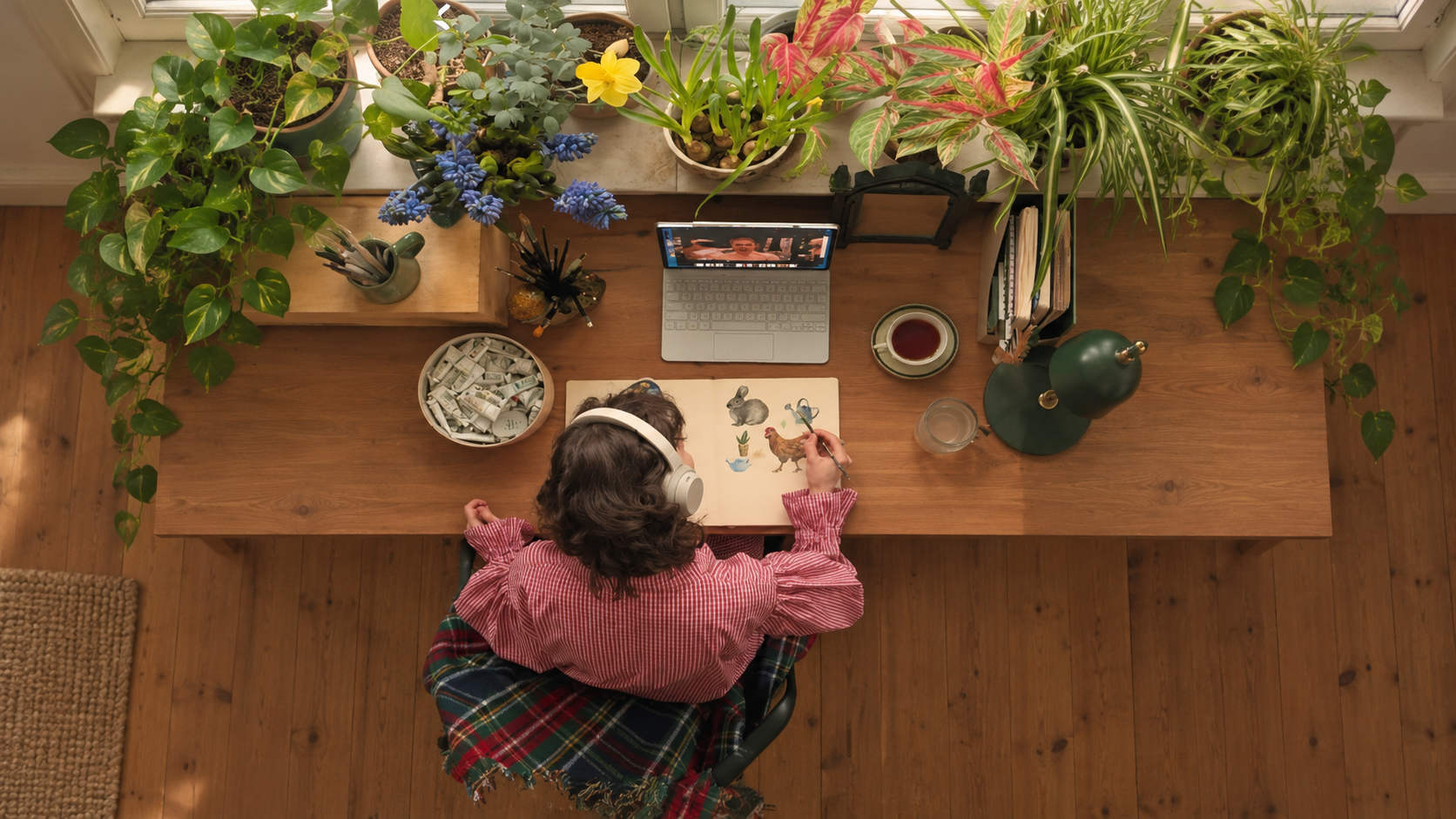
A first image is a starting point. Ask for softer lighting, a different palette, or a simpler background. Keep shaping your AI-generated art with clear feedback, compare variations, and choose the version that best expresses your idea.
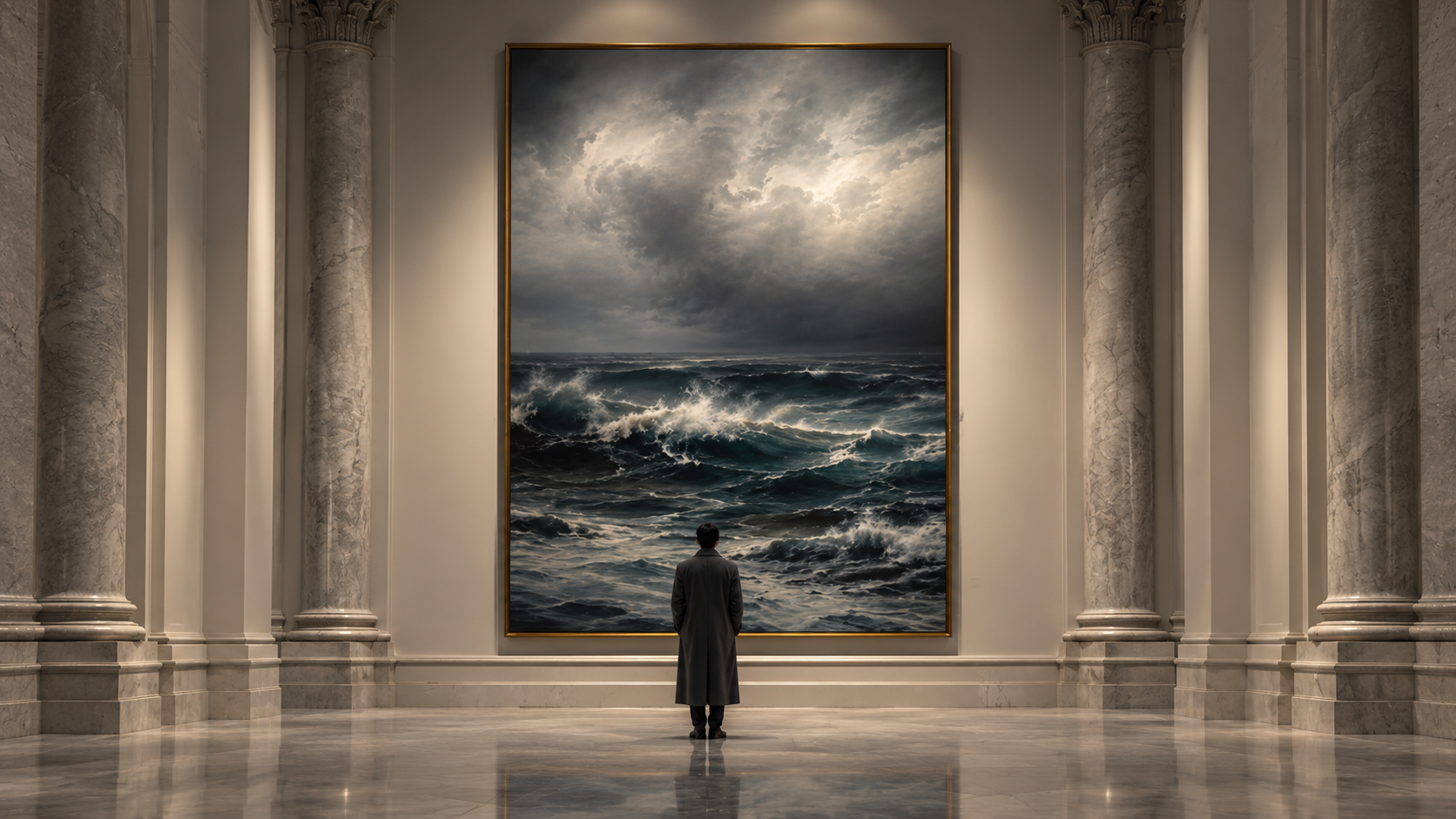
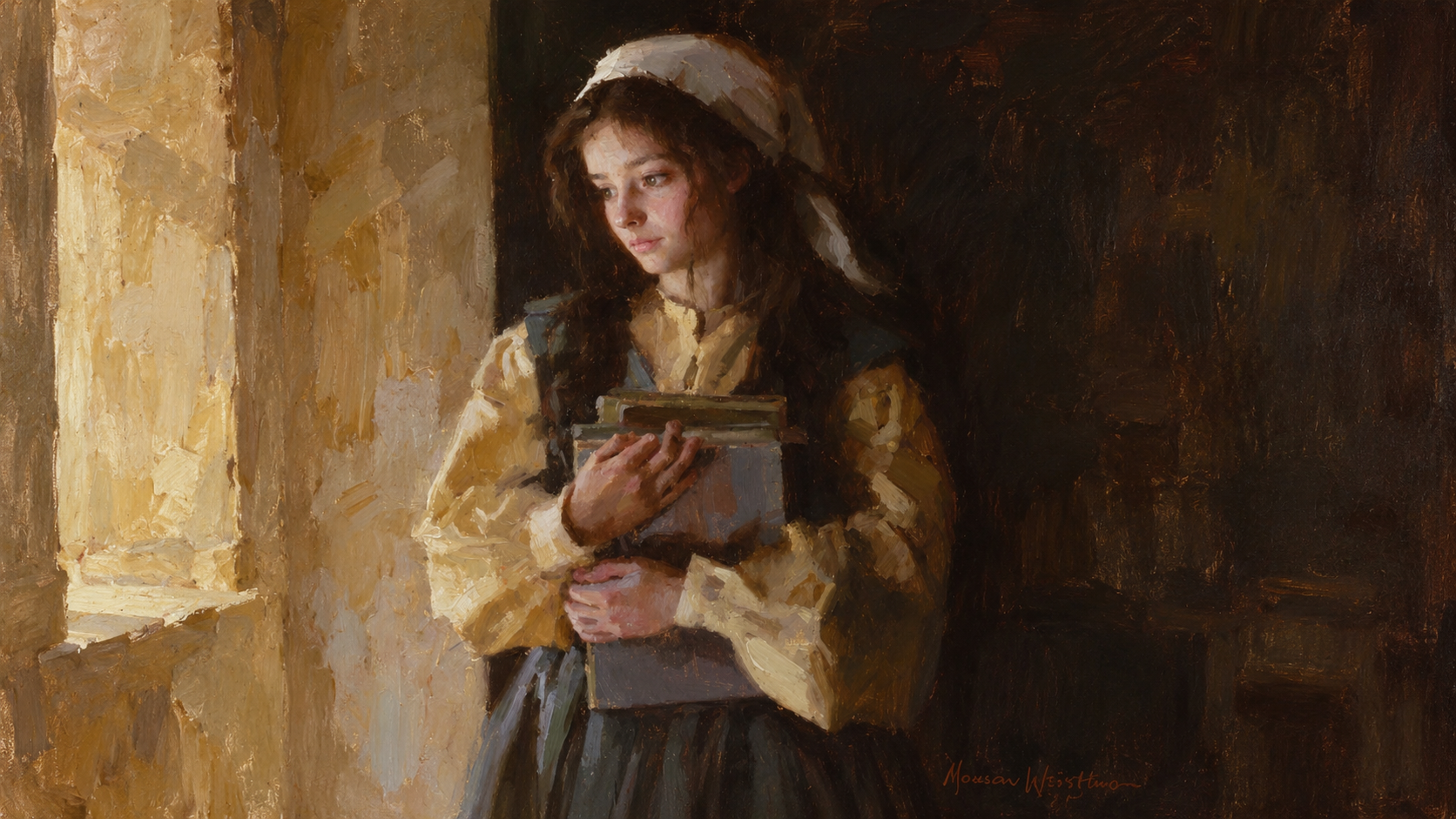
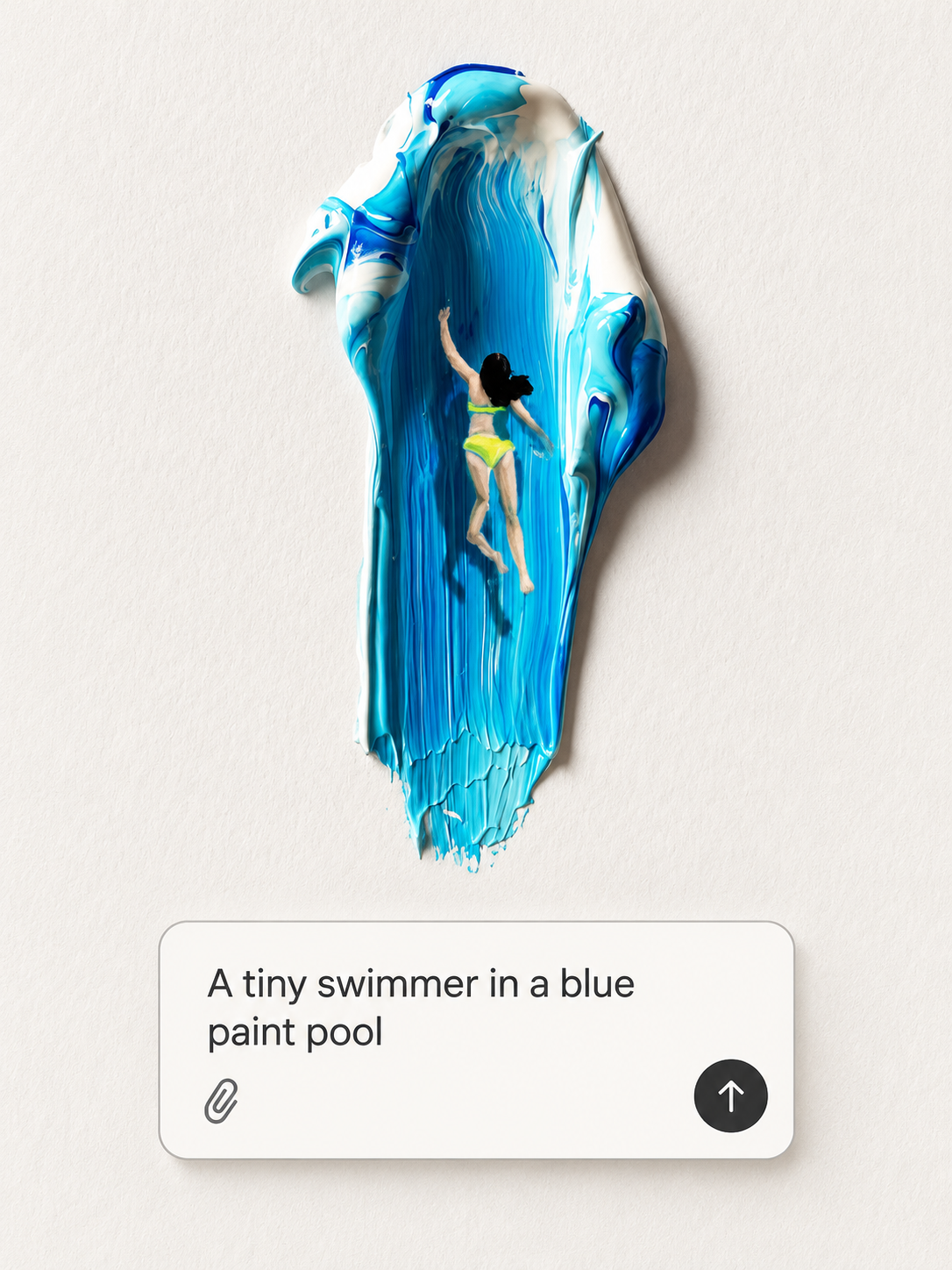
Choose a subject and a style.
Set the colors and atmosphere.
Add a photo reference if helpful.
Tell MOVO AI what you imagine.
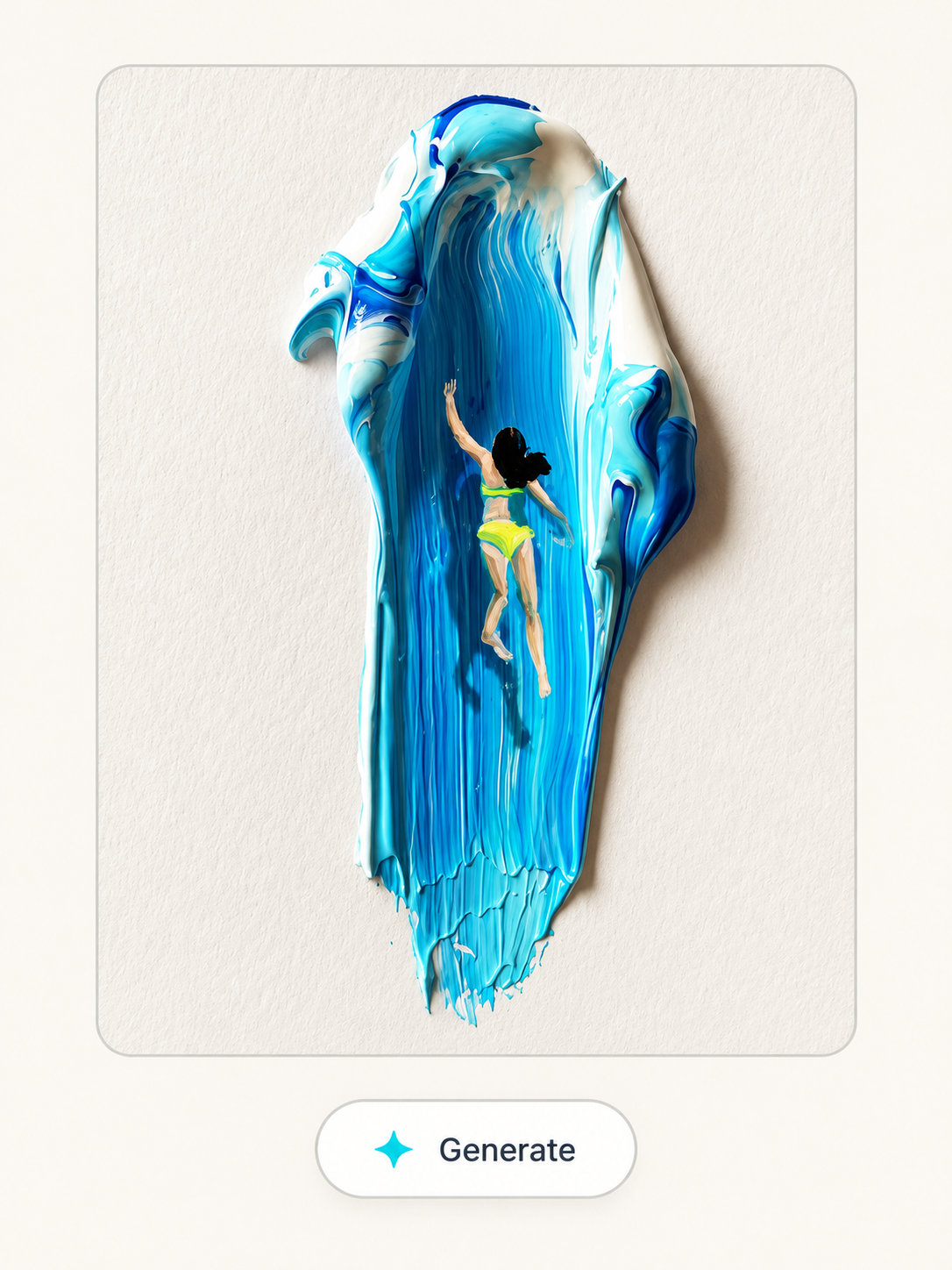
Review your creative direction.
Check the model and credit cost.
Generate your first image.
Explore how your idea takes shape.
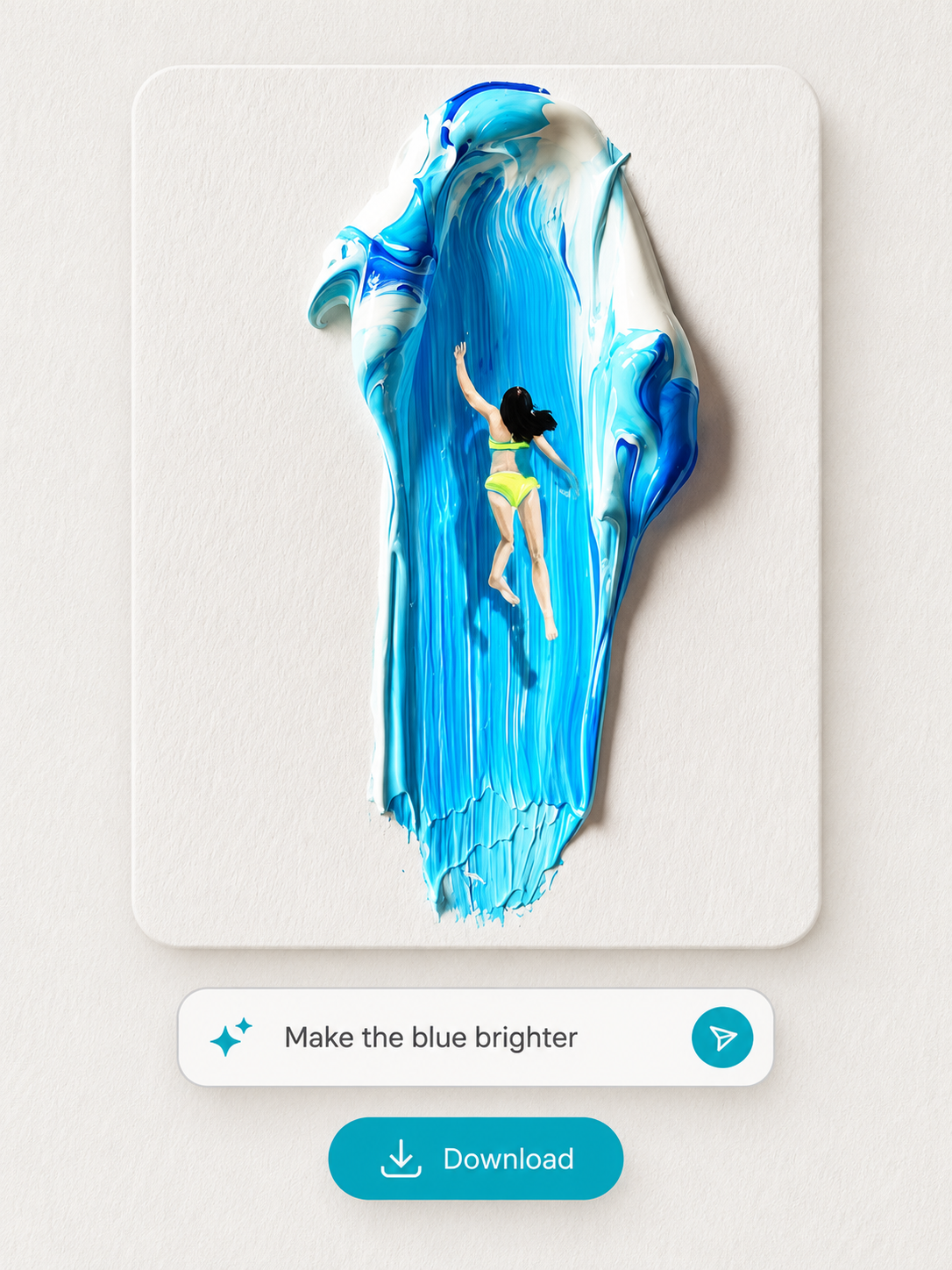
Review the composition and details.
Ask for changes through chat.
Choose your favorite variation.
Download your finished artwork.
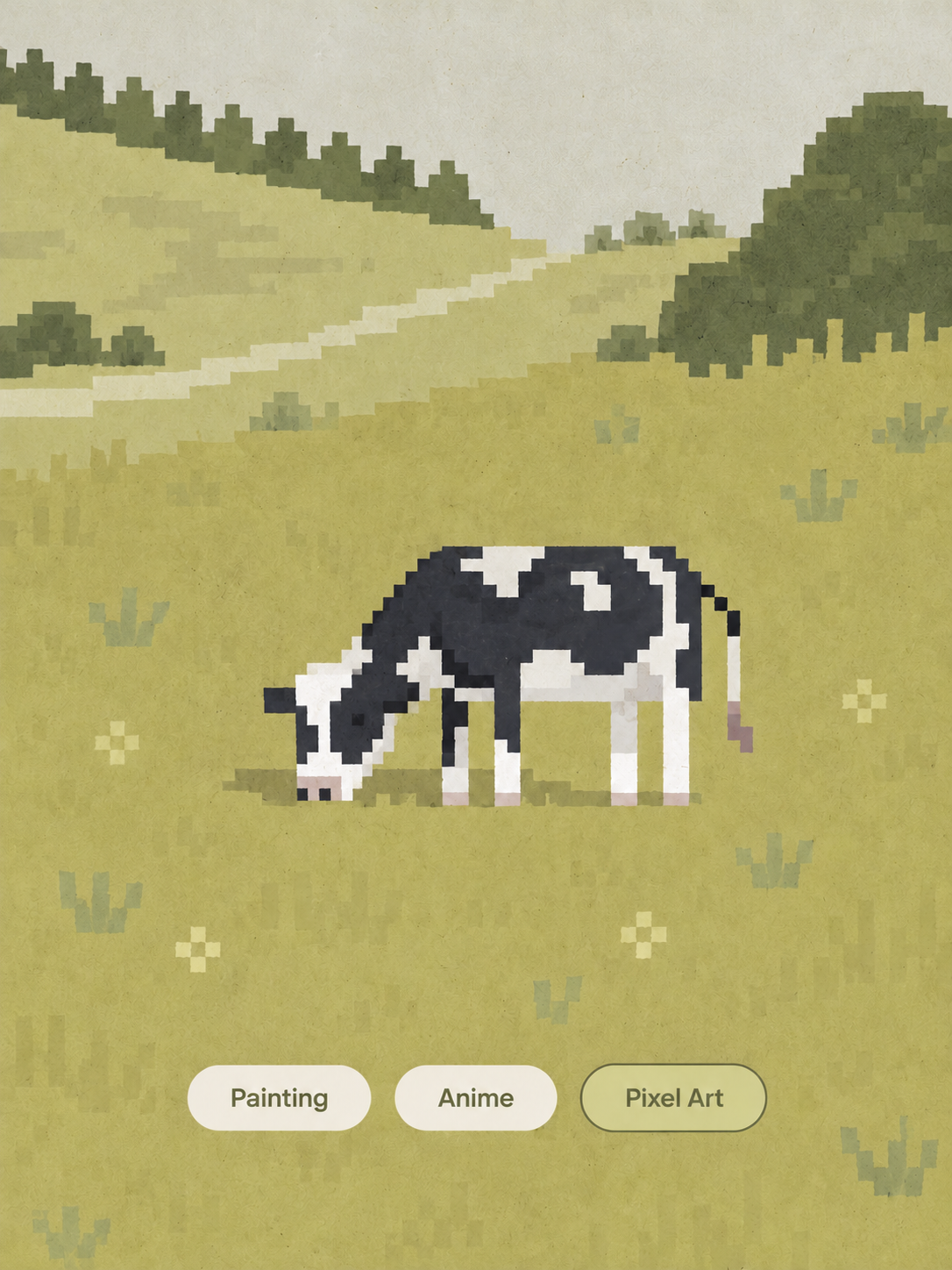
Start with a simple visual idea.
Try painting, anime, or pixel art.
Explore different creative directions.
Find a look that fits your project.
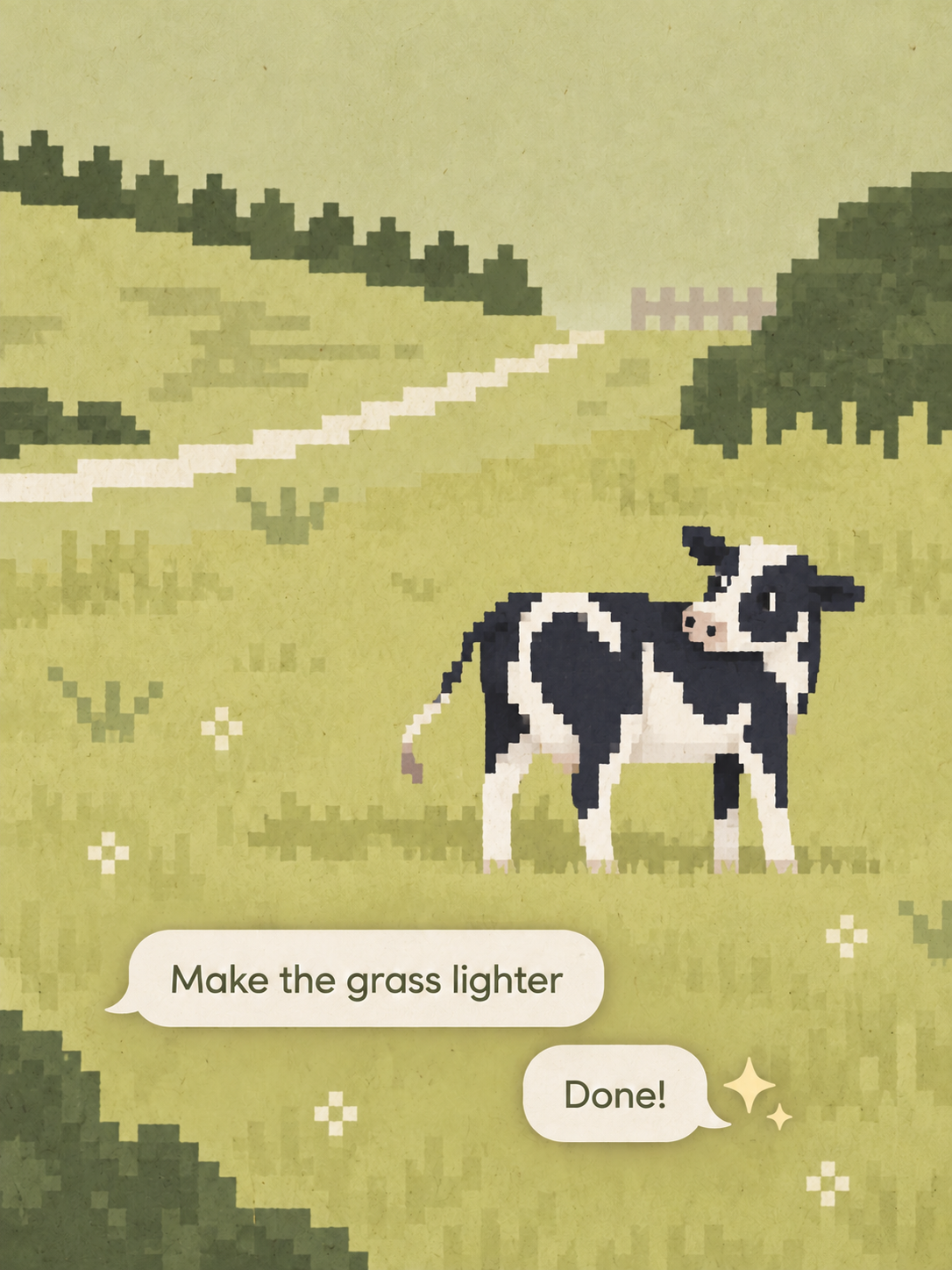
Describe changes in your own words.
Guide the colors and composition.
Keep references and feedback together.
Refine your art in one workspace.
Try MOVO AI with 100 free credits.
Explore your first artwork idea.
Credit use varies by model
and image generation settings.
An AI art generator turns written descriptions or image references into artwork. With MOVO AI, you can describe a subject, explore a visual style, generate images, and refine the result through conversation.
Yes. Describe what you want to see, including the subject, composition, colors, and style. Add details such as soft watercolor textures or dramatic lighting, then review the generated image and ask for changes.
New users can start with 100 free credits. If you want to try a free AI art generator from text, use those credits to explore your first prompts. The number of images depends on the selected model, settings, and revisions; check the credit cost before generating.
The free trial is credit-based. Each generation uses credits according to the model and settings you choose. Continued creation may require additional credits or a paid plan. See the current pricing and workspace details for available options.
You can browse this page without signing in. Creating artwork in the MOVO AI workspace and using free credits requires an account.
Upload a photo you have permission to use, then describe the artwork you want to create from it. Explain which visual details to keep and what to change, such as the palette, background, or artistic style. Review the result and refine it through chat.
You can prompt for pixel-inspired images, anime character concepts, or fantasy portraits for a DND campaign. Describe the style and key details clearly. Free trial credits can be used to explore these ideas; results and credit costs depend on the model and settings. Pixel-style images may need manual cleanup for use as game sprites.
You can develop visual concepts for music covers, video thumbnails, and social posts. Describe the intended format and leave space for titles. Before publishing, review the artwork, add final typography, and check the applicable usage terms and rights for any references you supplied.
When comparing AI art generators and AI art generation platforms, look at visual quality, style control, photo-reference support, editing options, and credit costs. The best AI art generator for you should fit your workflow and budget. Try the same brief with your available free credits and compare how easily you can refine the result.