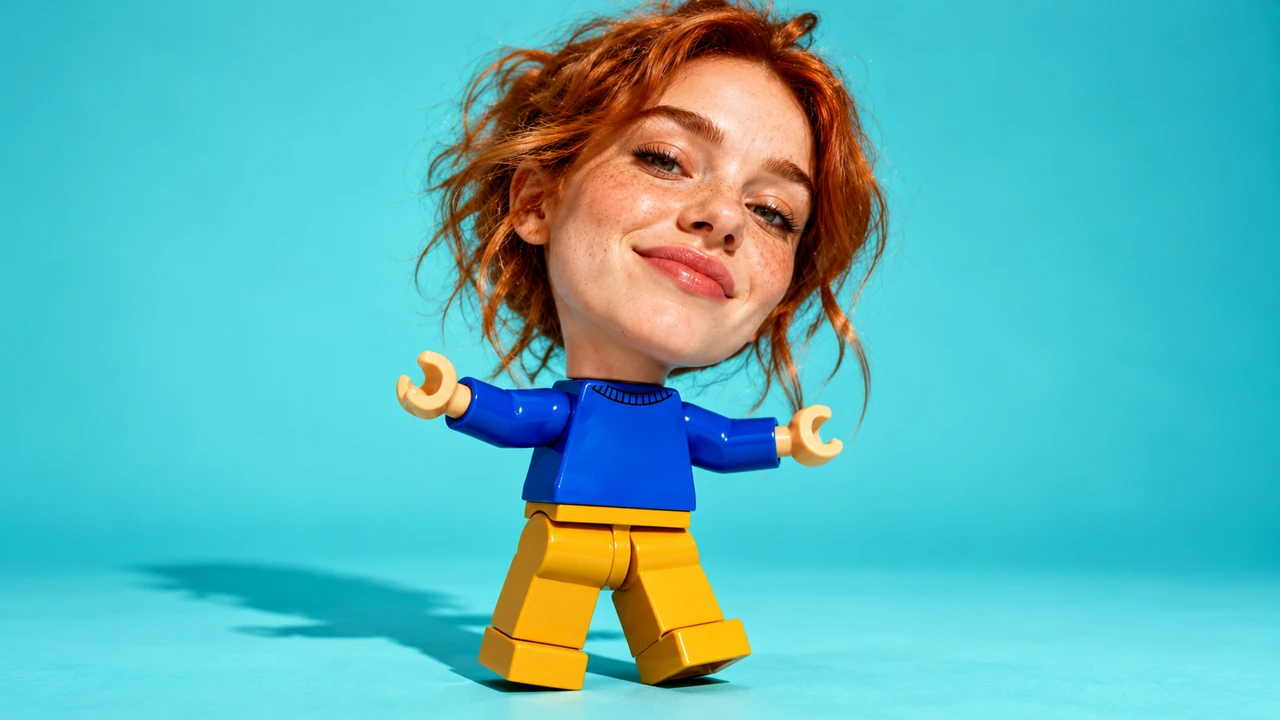
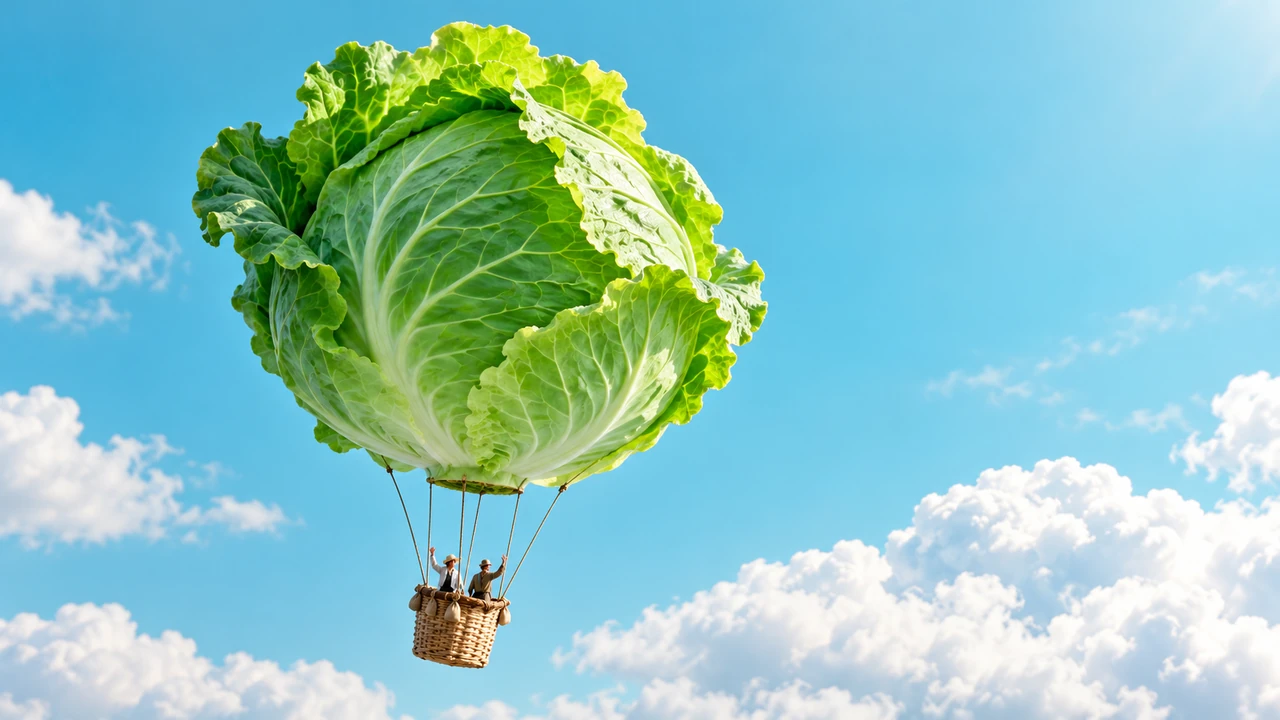
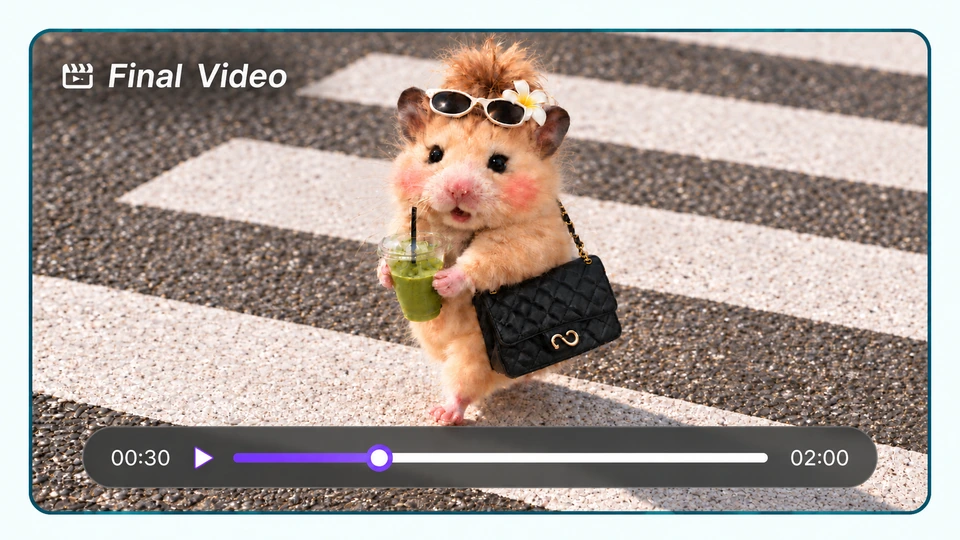
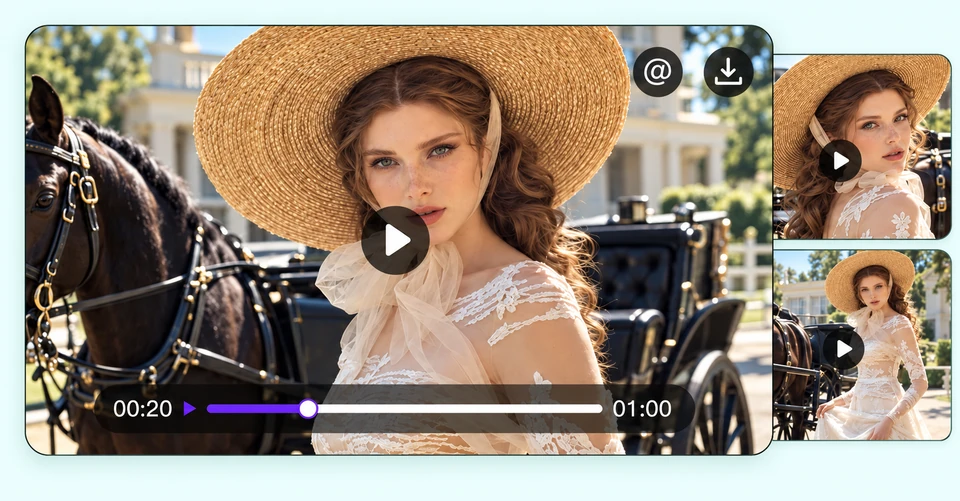
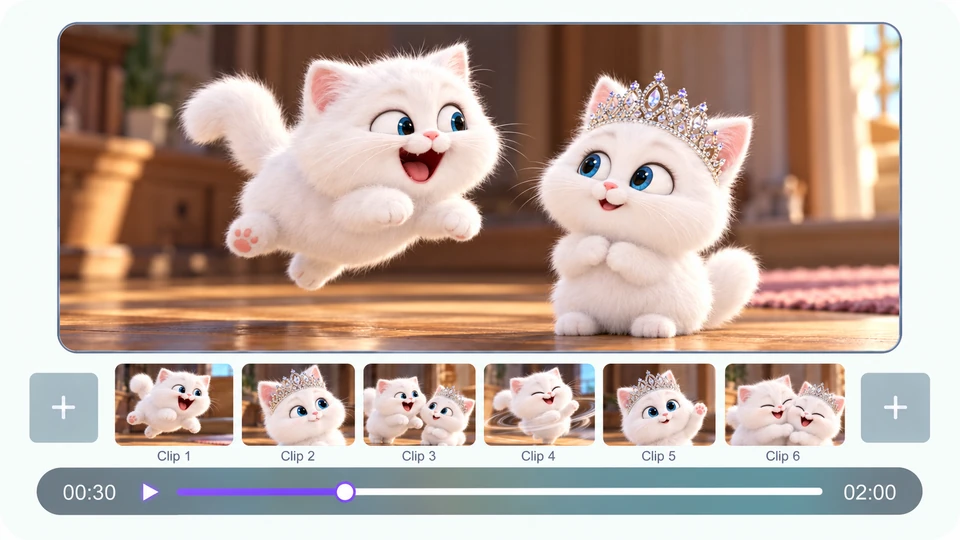
Start with a rough concept, a script, or reference assets, then work with the AI video agent to plan the story, generate scenes, and refine the final video around your creative direction.
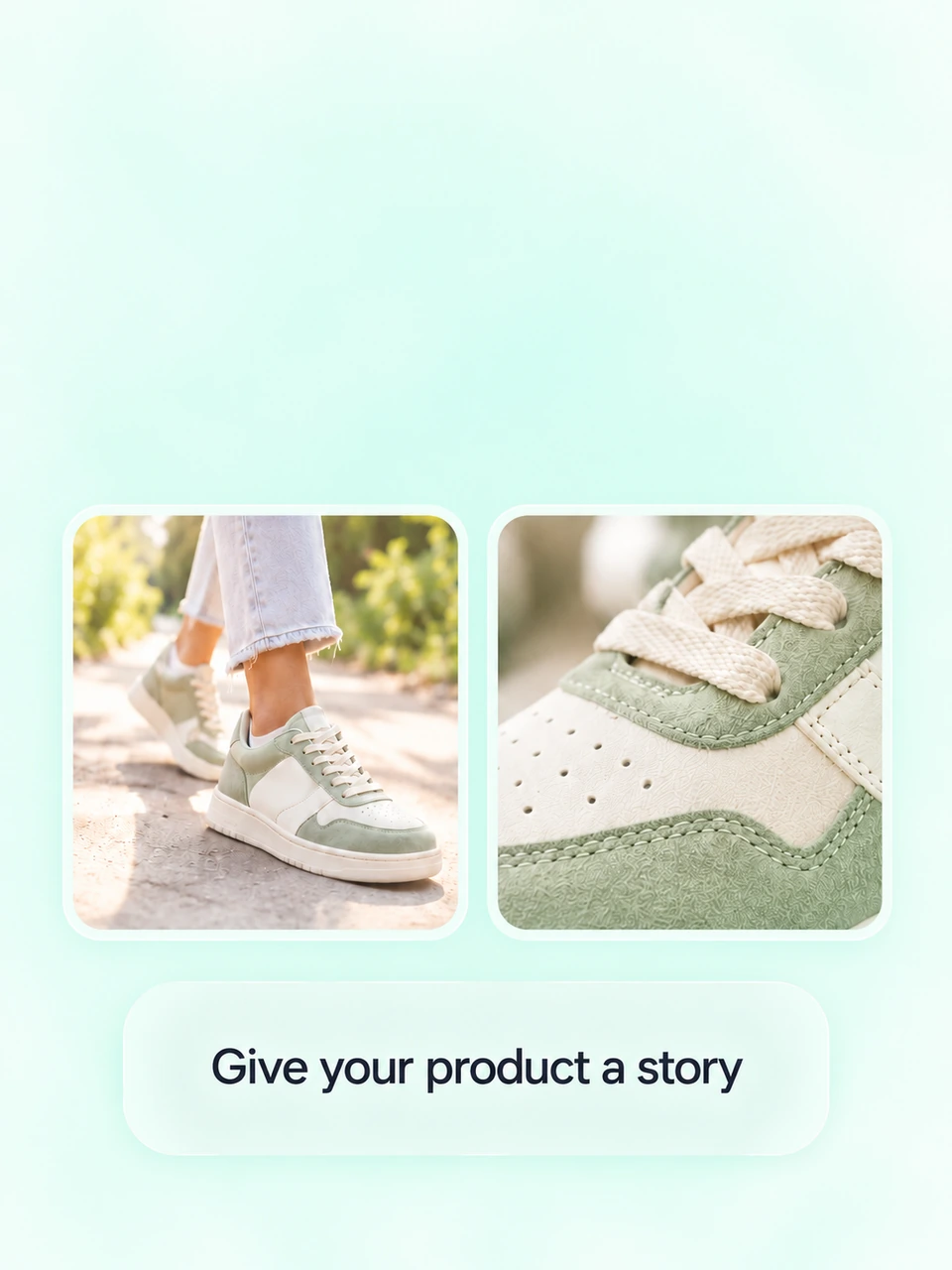
Give your ad a clear story from the opening scene to the final message. MOVO AI helps plan the narrative, generate scenes, and assemble a complete video, bringing the creative process together in one workflow.
02
Keep Your Product Consistent Across Scenes
Keep your product, characters, and visual style connected as the story unfolds. MOVO AI uses project context and reference assets to help maintain consistency across scenes, giving your AI-generated ads a coherent look from the opening shot to the final frame.
03
Guide the Look and Feel with References
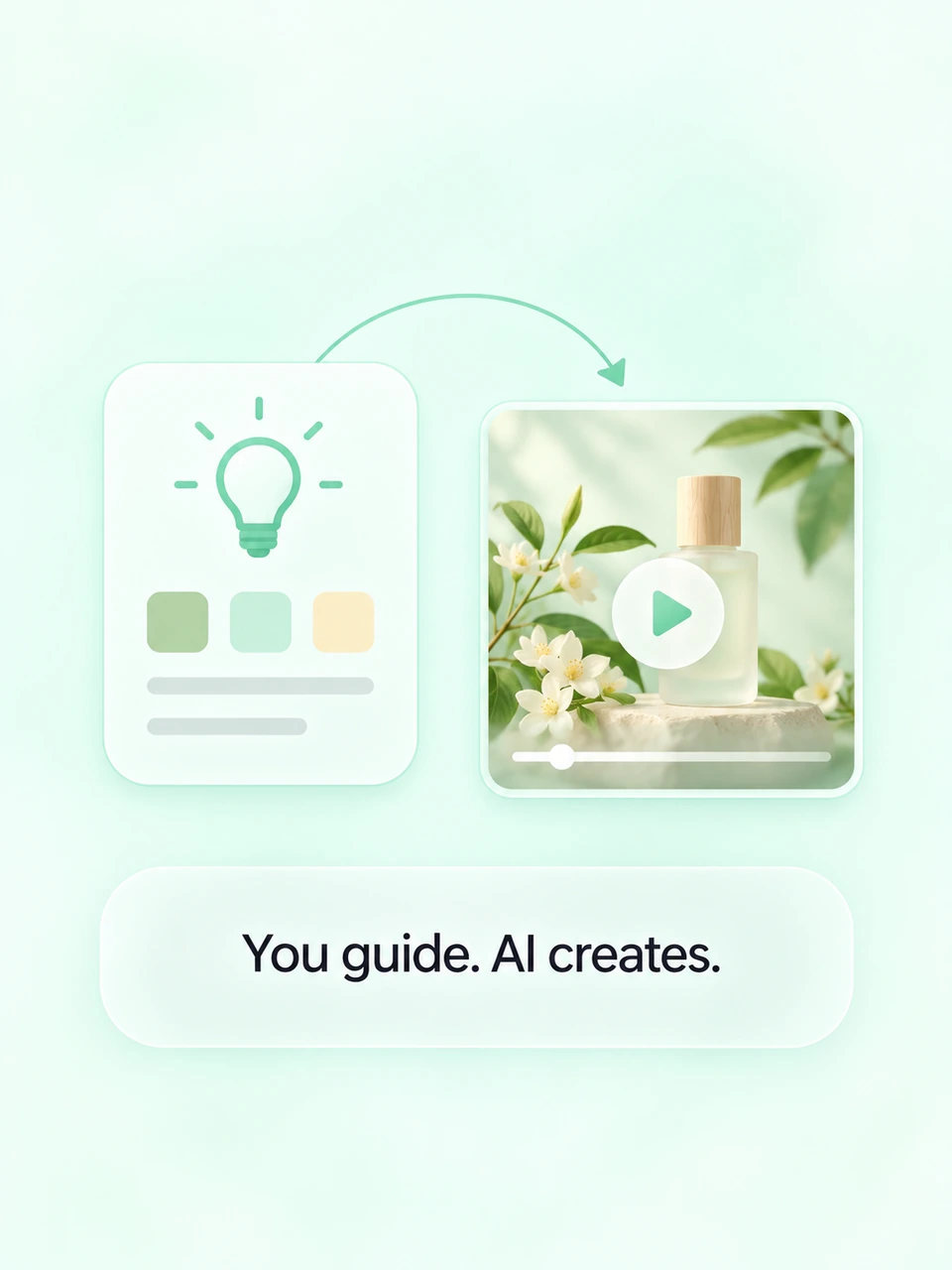
Use images and video references to show the style, mood, or structure you have in mind. Then shape the result with natural feedback, refining the pacing, visuals, and scene details as your ad takes shape.
How to Create Video Ads with MOVO AI
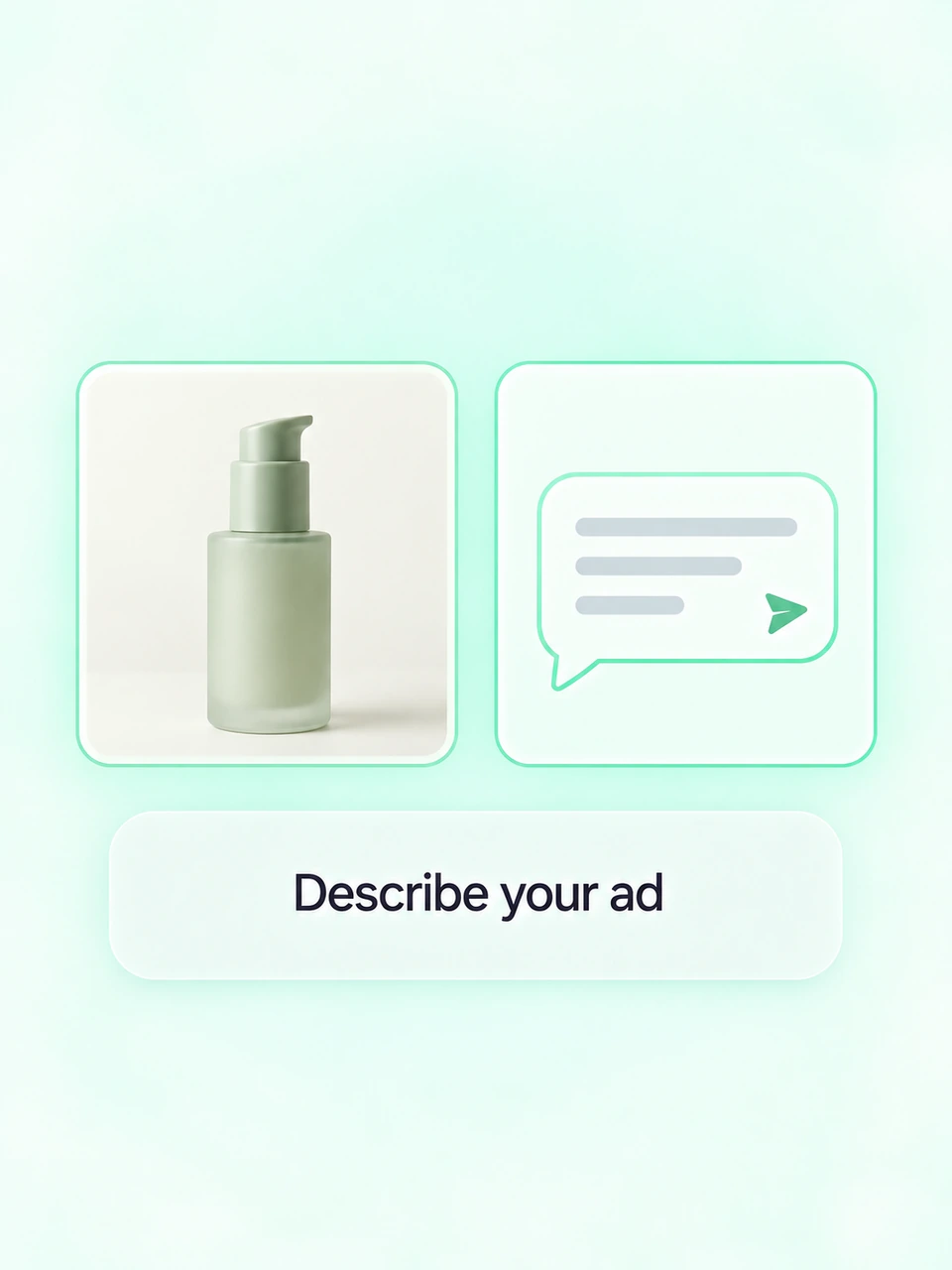
Describe Your Ad
Share your product and audience.
Add product photos or references.
Describe the message, style,
length, and format of your ad.
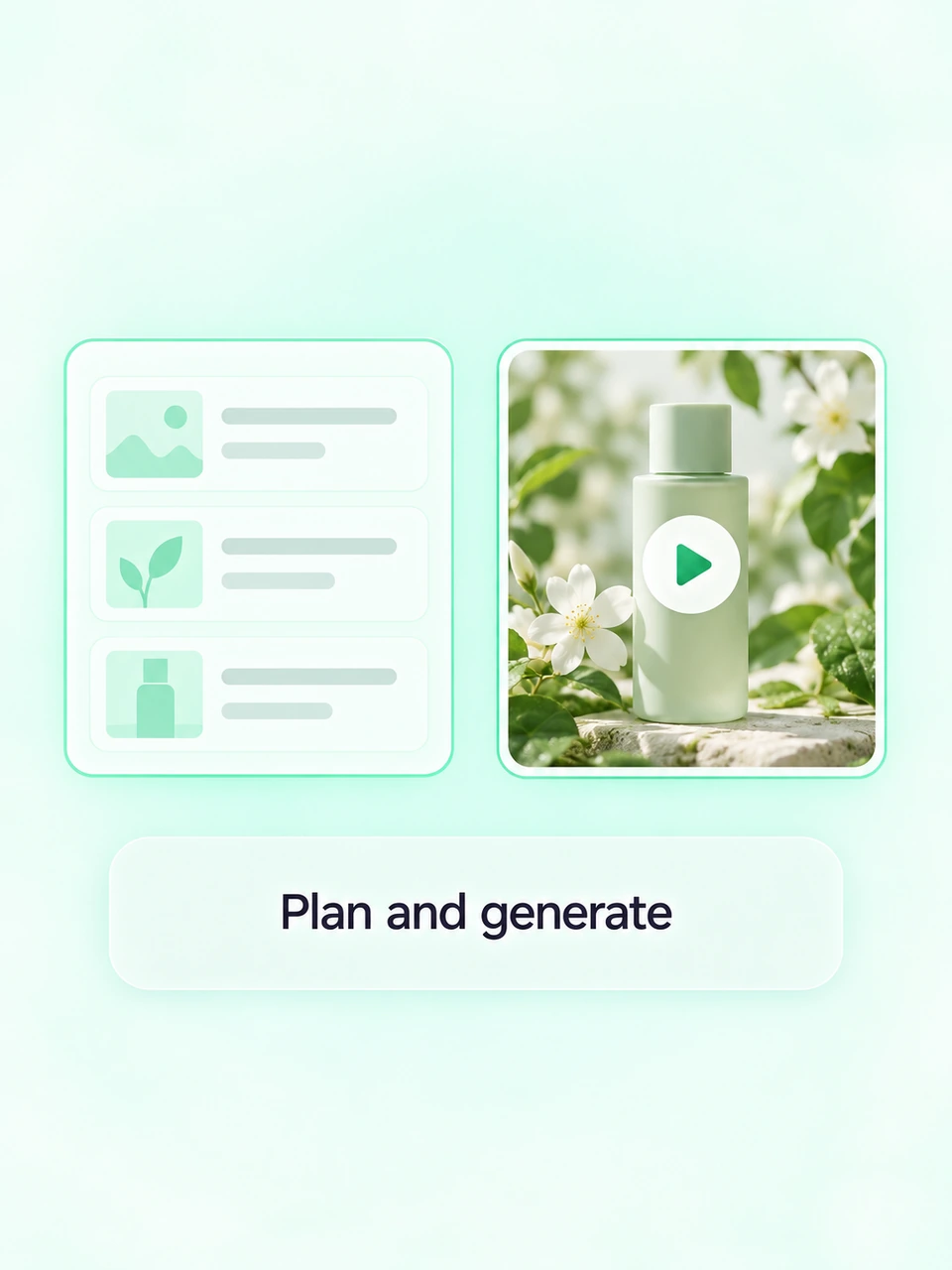
Plan and Generate
Plan the story and script.
Generate and review scenes.
Share feedback to keep the
product and tone on brief.
Refine and Export
Refine the pacing and visuals.
Ask for changes to each scene.
MOVO AI assembles the clips.
Review and export your ad.
You can try MOVO AI with 100 free credits as a new user. The number and length of videos you can generate depend on your model and settings. For continued creation, you can purchase additional credits or choose a paid plan.
What types of AI-generated ads can I create?
Use MOVO AI to develop product videos, lifestyle ads, social campaign videos, and cinematic brand stories. Start with the product message and visual direction you want to explore, then build a sequence of scenes that brings that idea to life.
Can I use my own product photos and reference videos?
Yes. Upload your own images, videos, and other supported reference materials. Tell MOVO AI how each asset should guide the result, such as using a product photo for appearance or a reference video for mood and pacing.
Can I use MOVO AI as an AI social media ad generator?
Yes. Use MOVO AI to develop video creative for social campaigns. For AI-generated Facebook ads or Instagram video ads, describe the message and intended format in your brief. Review the exported video before uploading it to your chosen advertising platform, where you will handle publishing and campaign setup.
Can I edit an AI-generated ad after generation?
Yes. Review the generated material and tell MOVO AI what you want to change. Refine the visual style, pacing, and scene details through conversation, then review the updated result as your ad develops.
Which AI models can I use for video ads?
MOVO AI supports multiple models, including Seedance 2.5 and Seedance 2.0 for video generation. Choose from the models available in your workspace based on the creative direction and output you need.
Can I use my AI-generated ads commercially?
Yes. MOVO AI allows commercial use of generated content, subject to applicable laws and third-party rights. Make sure you have the necessary permissions for any product images, music, references, or other materials you use.
How do I choose the best AI ad generator?
Look for an AI ad creative generator that fits your workflow. For video ads built around a story, consider support for references, consistent visuals, revisions, and final video assembly. MOVO AI brings these stages together in a conversation you can guide.