How to Turn Text to Video with AI

How Does Text to Video AI Work?
An AI video generator from text does more than simply match words with images.
It needs to understand what your text means, decide how that idea should look visually, and generate a sequence of frames that move consistently over time.
The exact process varies between AI models, but most text-to-video systems follow a similar workflow.
1. Understand the Text
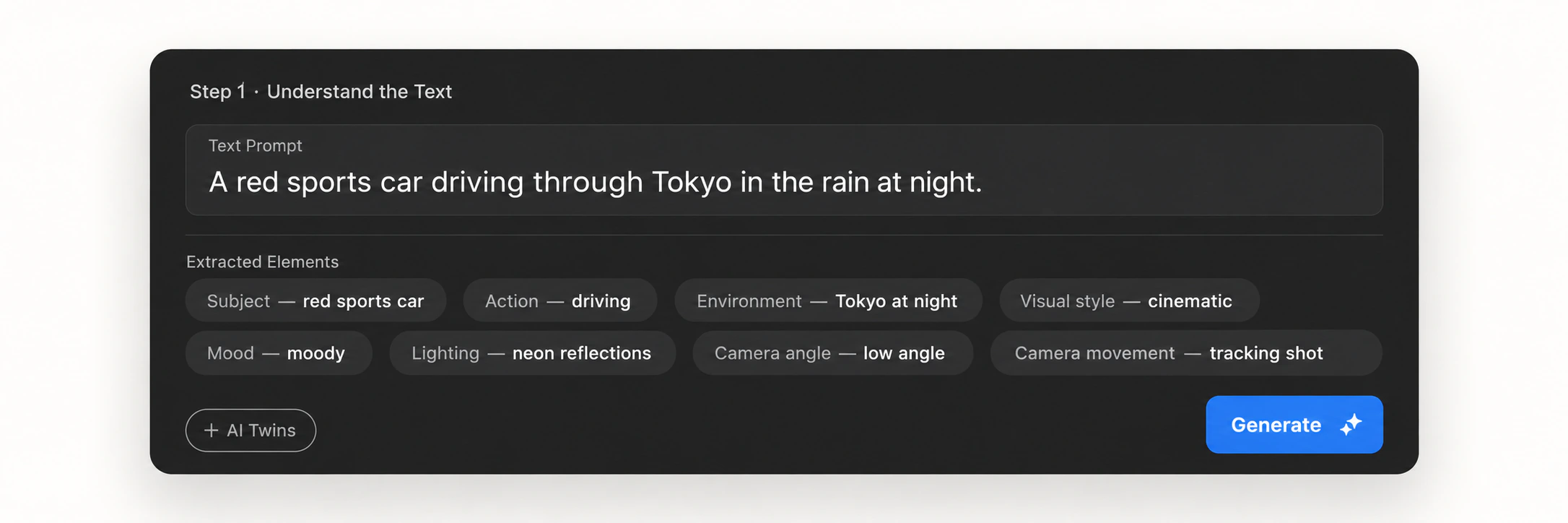
The process starts with your written input.
The AI analyzes your description to identify important creative information, such as:
- Subject
- Action
- Environment
- Visual style
- Mood
- Lighting
- Camera angle
- Camera movement
For example:
“A red sports car driving through Tokyo in the rain at night.”
The AI needs to understand not only the car and the city, but also how the car should move, what the lighting should look like, and what atmosphere the scene should create.
2. Interpret the Visual Direction
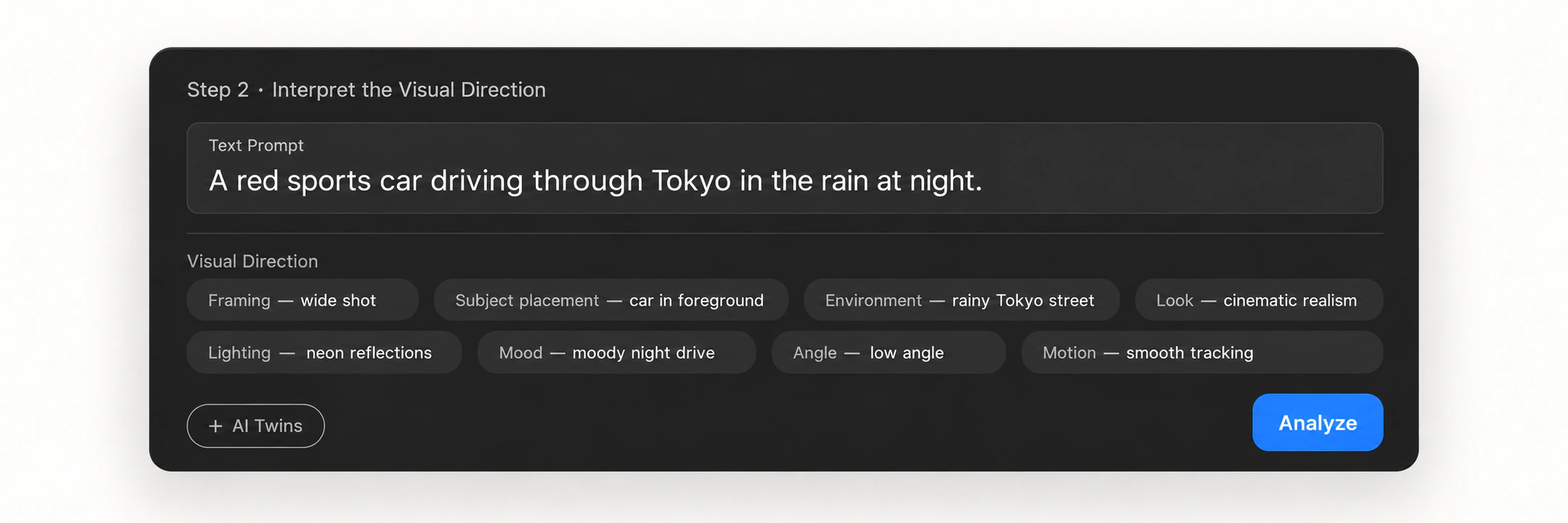
Next, the AI translates your words into visual instructions.
It determines how subjects should appear, where they should be positioned, how the environment should look, and how the camera should frame the scene.
More detailed instructions can give the AI clearer direction, but you do not always need to describe every visual detail.
Modern AI systems can increasingly understand broader creative intent from natural language.
3. Generate the Video
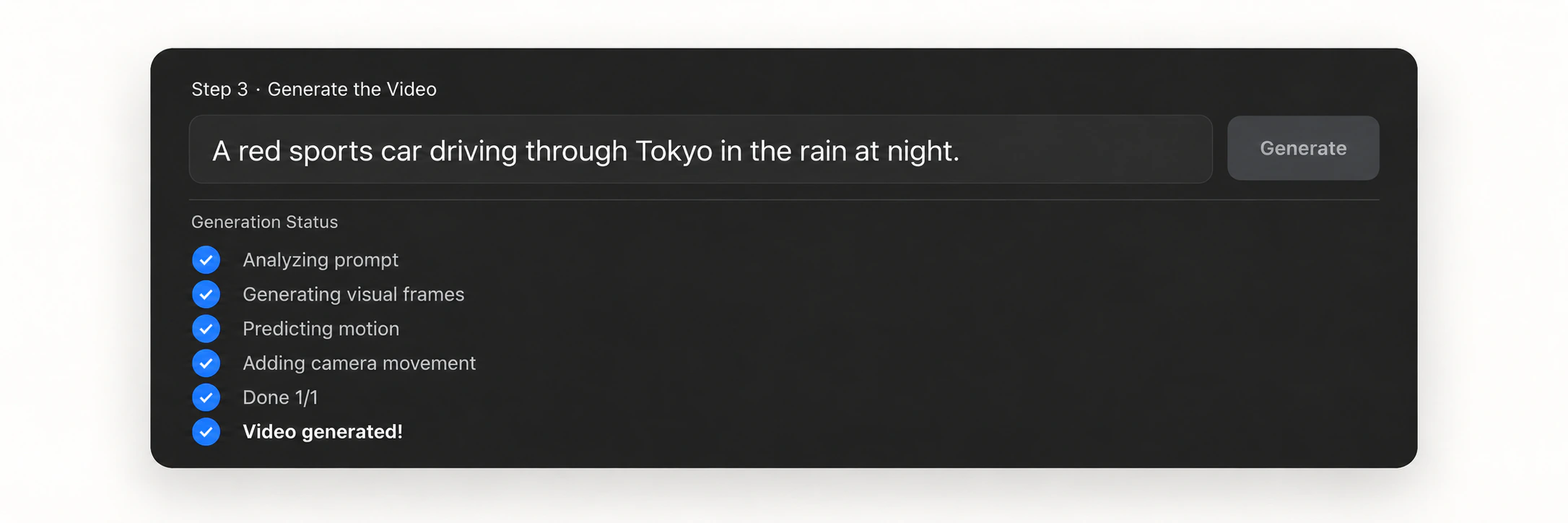
Once the scene is understood, the AI begins generating visual frames and predicting how those frames should change over time.
This may include:
- Character movement
- Object movement
- Facial expressions
- Camera movement
- Environmental motion
- Changes in lighting or perspective
The goal is to create continuous motion rather than a collection of unrelated images.
This is the core process behind an AI text to video generator.
4. Maintain Visual Consistency
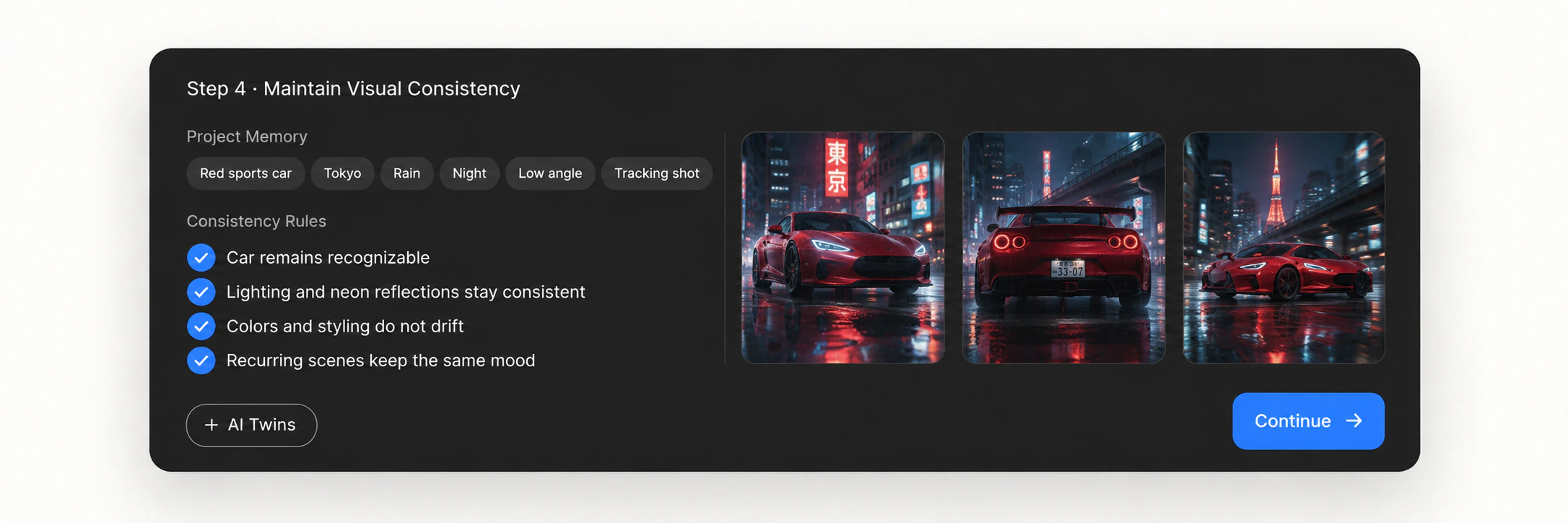
Video generation also requires consistency across frames.
A character should remain recognizable.
A product should keep the same appearance.
Clothing, environments, colors, lighting, and visual styles should not unexpectedly change from one moment to the next.
Consistency becomes even more important when a video includes multiple scenes or recurring characters.
5. Refine the Result
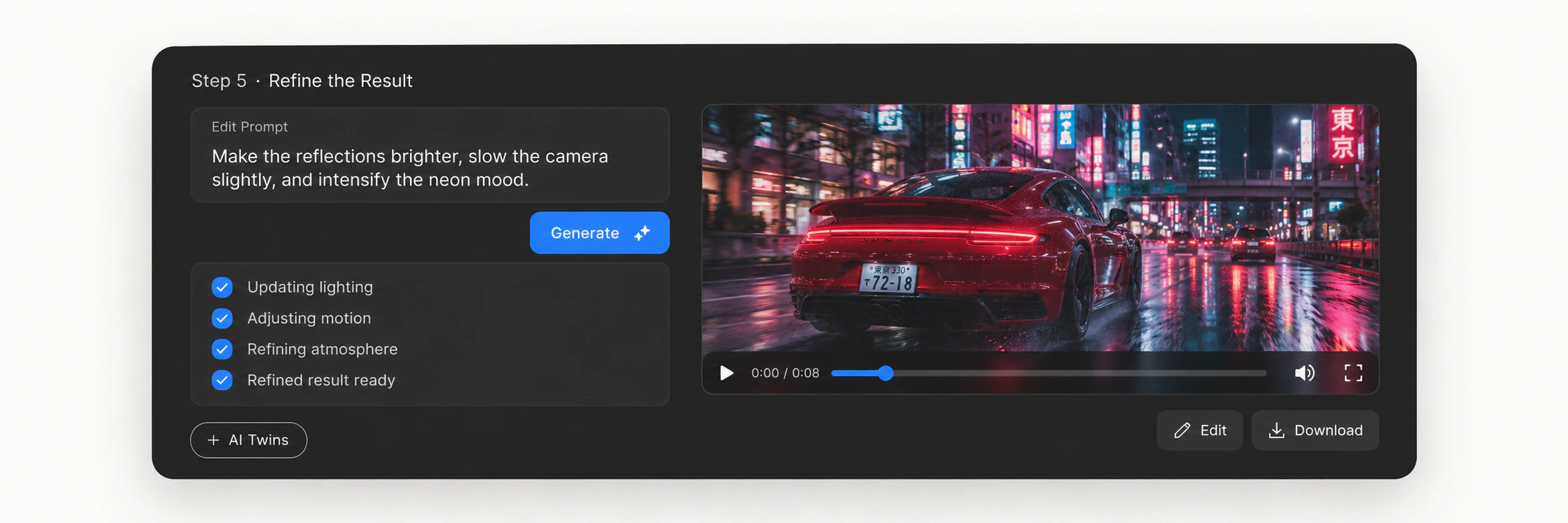
The first generated result does not have to be the final one.
You may want to change the style, movement, pacing, composition, or individual details.
Modern AI video workflows make it possible to review the result and continue refining the creative direction instead of treating each generation as a completely separate task.
How to Turn Text to Video with AI
Turning text into video with AI can start with just a few steps.
Step 1: Describe Your Idea
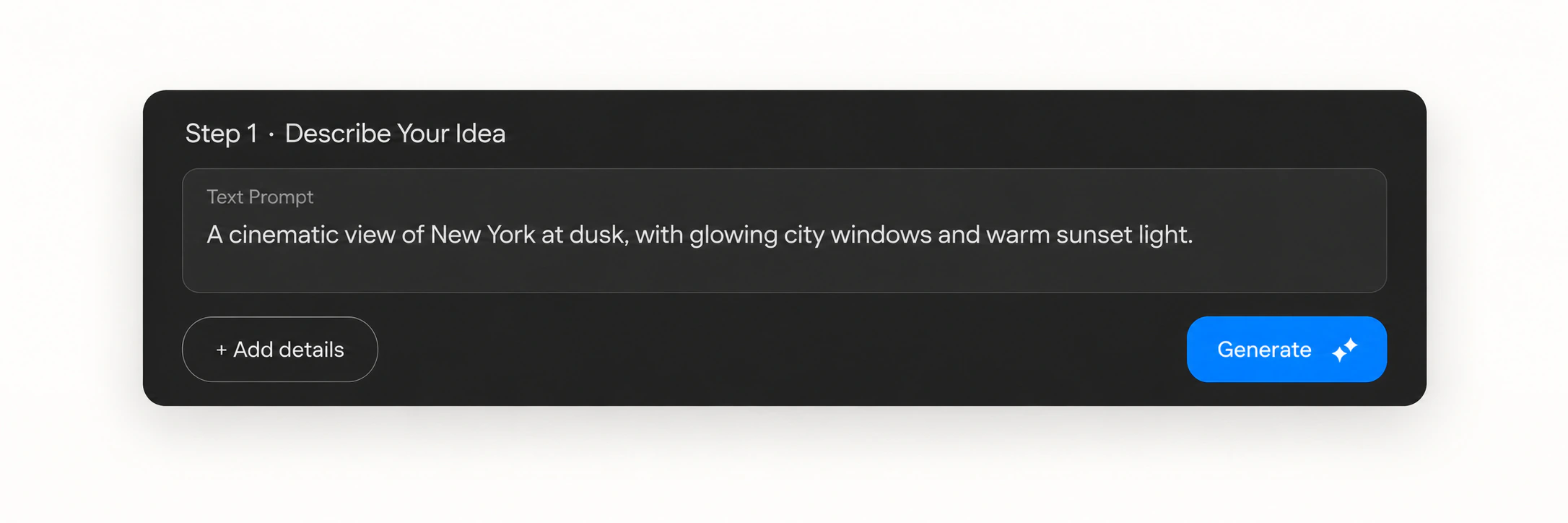
Start by explaining what you want to create.
A simple description might be:
“A train traveling through snowy mountains at sunrise.”
You can also provide more creative direction:
“A cinematic wide shot of a vintage train traveling through snowy mountains at sunrise, with warm light, drifting snow, and slow camera movement.”
Focus on the result you want to see instead of trying to make every prompt overly technical.
Step 2: Add Creative Direction
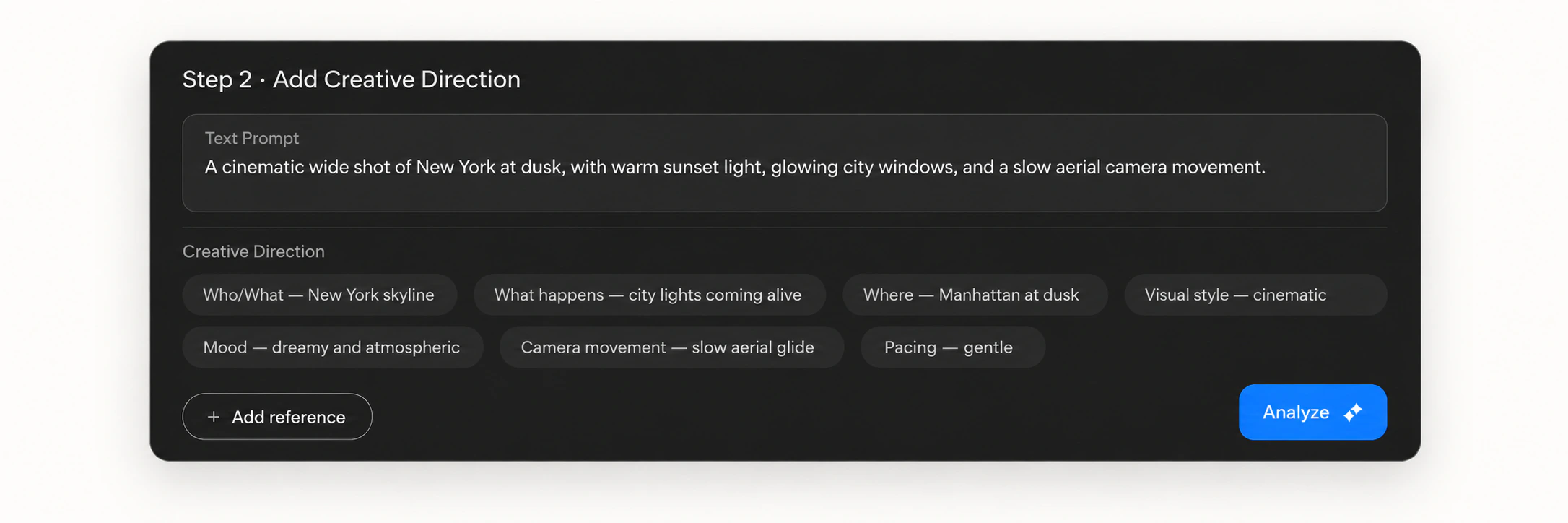
Add information that helps the AI understand the video more clearly.
You might describe:
- Who or what appears
- What happens
- Where the scene takes place
- The visual style
- The mood
- The camera movement
- The pacing
Some AI video tools also allow you to provide images, videos, or other references to communicate your intended creative direction.
Step 3: Generate Your Video
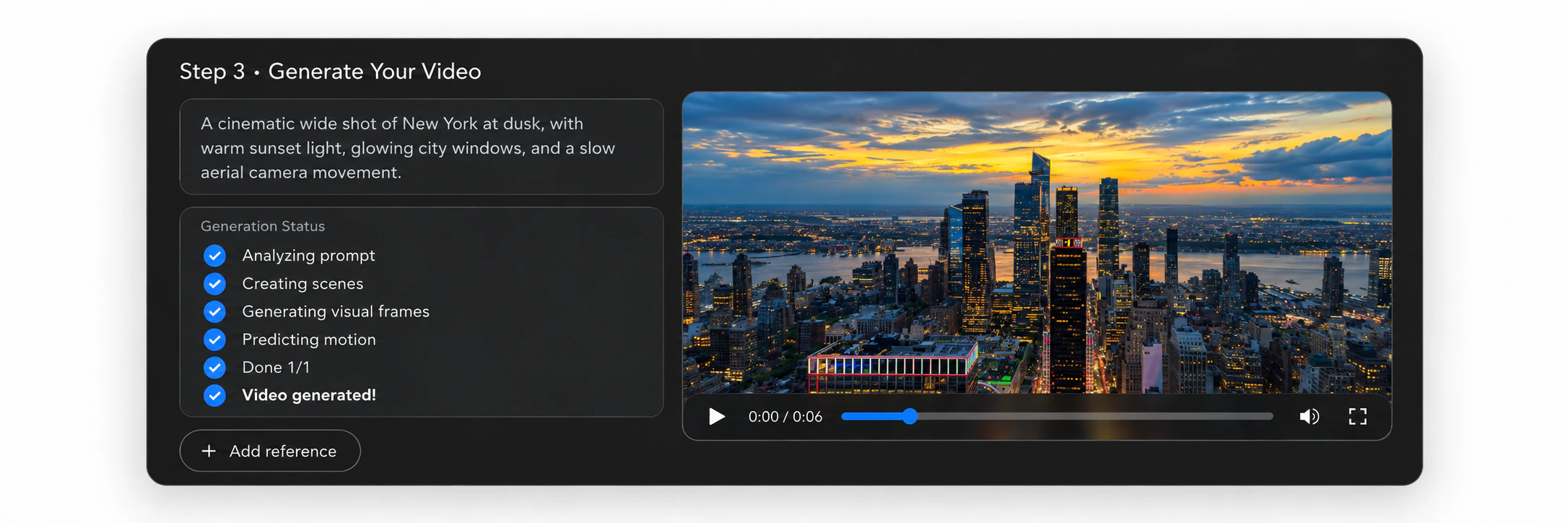
Once your idea is clear, the AI can begin generating the video.
For a simple concept, one clip may be enough.
For a short film, story, advertisement, or social video, however, you may need several scenes that work together.
This is where text to video AI starts moving from simple generation toward a broader production workflow.
Step 4: Review and Refine
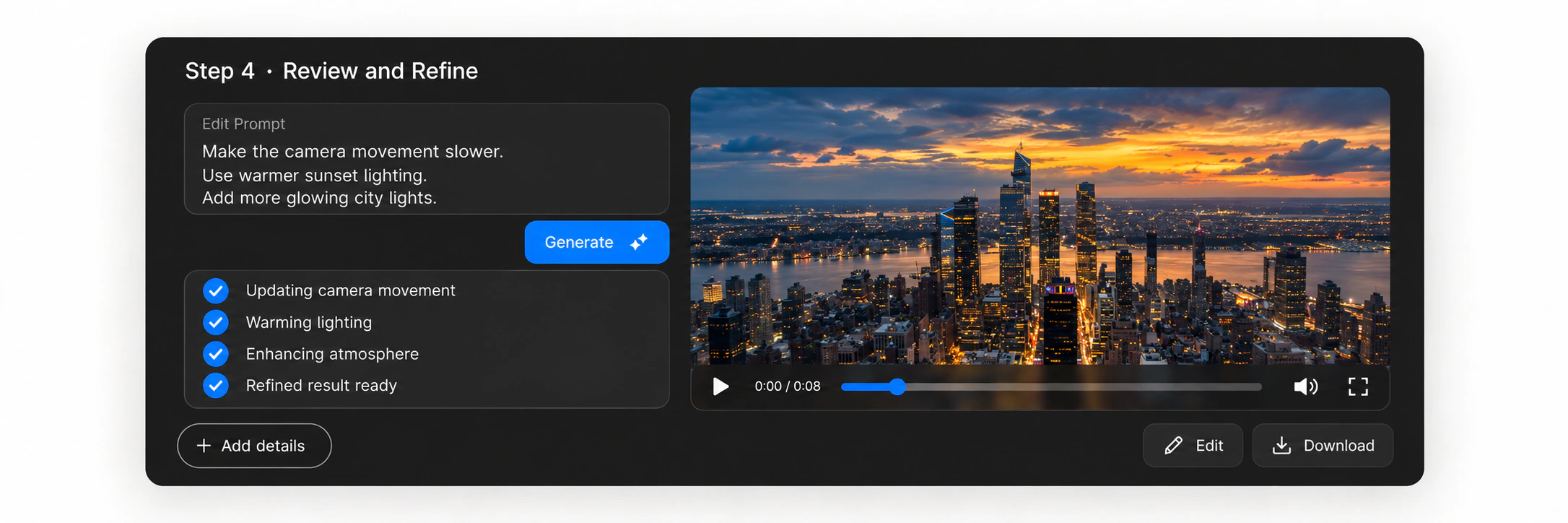
Watch the result and decide what you want to change.
Instead of starting over, you can refine individual elements.
For example:
“Make the camera movement slower.”
“Keep the same character but change the scene to nighttime.”
“Use warmer lighting.”
“Continue the story with the character entering the building.”
Refinement helps turn an initial AI generation into something closer to your original creative idea.
Step 5: Build a Complete Video
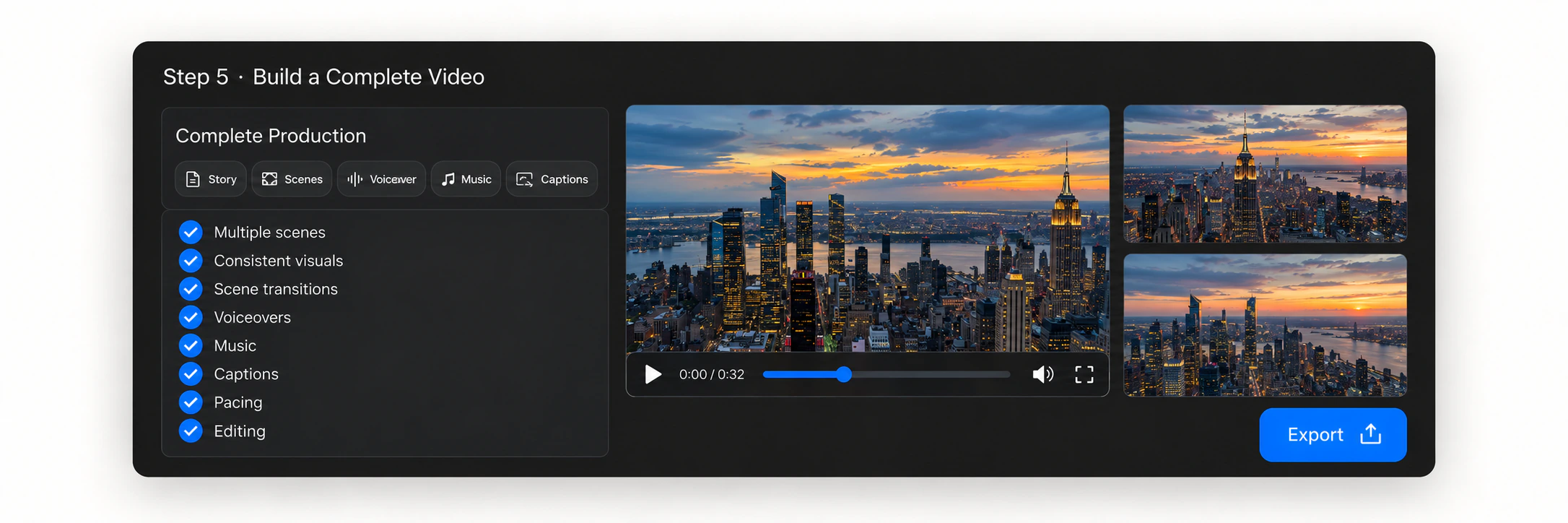
Generating a clip is only one part of video production.
A complete video may also involve:
- Multiple scenes
- Consistent characters
- Scene transitions
- Voiceovers
- Music
- Captions
- Pacing
- Editing
Traditional text-to-video tools often require you to manage these stages separately.
AI video agents are designed to connect more of this workflow.
Text to Video Generator vs. AI Video Agent
A traditional text to video generator usually follows a straightforward process:
Text → Generated Clip
You write a prompt, generate a clip, and repeat the process when you need another result.
An AI video agent approaches the task differently.
| Text to Video Generator | AI Video Agent |
|---|---|
| Prompt-based interaction | Natural conversation |
| Generates individual clips | Works toward complete videos |
| Scene-by-scene generation | Project-level workflow |
| User coordinates each task | AI helps coordinate production |
| Limited context between generations | Memory across the creative process |
The difference is not simply how the video is generated.
It is how the overall creation process is managed.
Instead of repeatedly asking:
“Generate this clip.”
An AI video agent allows the goal to become:
“Help me create this video.”
How to Turn Text to Video with MOVO AI
MOVO AI combines video generation with an agent-led production workflow.
Instead of switching between separate prompts and fragmented tools, you can start with an idea, reference, or asset and continue developing the video through natural conversation. MOVO structures this workflow around four stages: Imagine, Refine, Compose, and Reimagine.
1. Imagine
Start by describing what you want to create.
MOVO AI uses your ideas, references, and assets to explore possible scenes, moods, and visual directions.
You do not need to begin with a perfectly structured prompt. MOVO is designed for conversational creation, allowing you to explain your idea naturally and develop it throughout the creative process.
2. Refine
Once the initial direction is established, you can continue refining the result through feedback.
You can adjust elements such as:
- Scenes
- Style
- Pacing
- Visual details
- Creative direction
Rather than treating each generation as an isolated task, MOVO AI allows the project to evolve through conversation.
3. Compose
MOVO AI brings selected generated clips together into one cohesive video.
This moves the workflow beyond producing disconnected clips and toward creating a finished piece of content. It is designed for complete video production and supports 120s+ narratives within a single chat-based workflow.
4. Reimagine
MOVO AI uses memory to recall creative elements such as characters, products, scenes, and visual styles.
Project memory helps retain context within the creative process, making it easier to maintain consistency and continue building on previous work.
Why Use MOVO AI for Text to Video?
A traditional AI text to video generator can be useful when you need one individual clip.
But producing a complete video often requires much more.
You may need to plan the story, generate several scenes, keep characters consistent, review results, refine creative details, and combine everything into a finished video.
MOVO is designed to bring more of these stages into one workflow.
Create Through Natural Conversation
You can describe what you want in everyday language rather than writing a complex prompt for every individual generation.
MOVO uses conversation to help turn ideas and references into finished videos.
Use References to Guide the Result
You can provide your own images, videos, and creative references.
MOVO analyzes references to better understand style, structure, and creative direction while helping produce original content based on those cues.
Keep Characters and Scenes Consistent
MOVO uses project memory to maintain context within the same creative project.
This helps keep characters, assets, products, scenes, and visual styles more consistent across multiple shots.
Go Beyond Individual Clips
MOVO is designed as a complete video production agent rather than only a clip generator.
It can support the workflow from creative planning and generation through review, refinement, and final composition.
What Can You Create with Text to Video AI?
Text-to-video AI can support many different types of creative projects.
Stories & Series
Turn written story ideas into multi-scene narratives while developing recurring characters, environments, and visual directions.
Short Films
Transform concepts and story ideas into cinematic scenes without shooting every piece of footage manually.
Animation
Turn imaginative written ideas into animated scenes, characters, environments, and visual stories.
Social
Create short-form videos from simple concepts for social media content, creator projects, and campaigns.
Ads
Turn product concepts, campaign ideas, and creative briefs into polished promotional videos.
MOVO currently showcases work across Stories & Series, Short Films, Animation, Social, and Ads, including multi-scene narratives, social campaigns, product stories, and cinematic projects.
Frequently Asked Questions
Can AI turn text into a video?
Yes. Text-to-video AI can interpret written descriptions and generate corresponding video content. You can describe the subject, action, environment, style, and other creative details you want to see, and the AI uses those instructions to generate moving visuals.
Do I need to write complex prompts to create a video with AI?
No. While detailed prompts can provide more control, they are not always necessary. MOVO AI is designed for conversational creation, so you can describe your idea naturally and refine it through follow-up instructions.
Can I use images or videos together with text?
Yes. MOVO AI allows you to provide your own images, videos, assets, and references alongside your ideas. These materials can help the agent better understand your intended style, characters, scenes, and overall creative direction.
Can text to video AI create a complete video?
It depends on the tool. Many text-to-video generators focus mainly on individual clips. MOVO AI is designed around a broader agent-led workflow that includes creative planning, story development, generation, review, refinement, and video composition.
How does MOVO AI keep characters and scenes consistent?
MOVO AI uses project memory to maintain context throughout a creative project. It can retain information about characters, assets, products, scenes, and visual styles, helping different parts of the video remain consistent as the project develops.