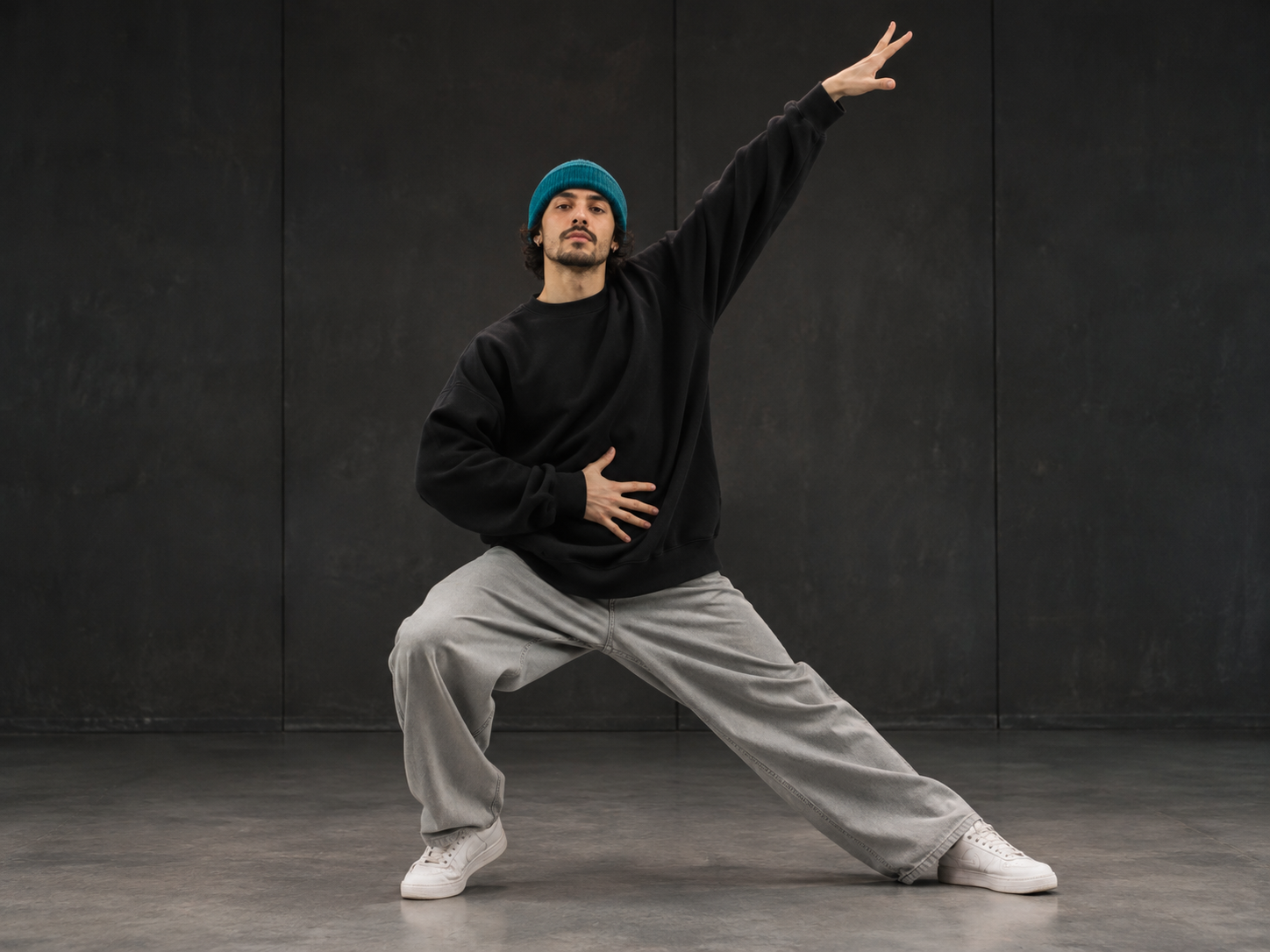
Upload video, or pick a dance template
Upload a dance video or choose a dance template to set the movement and style for your creation.
Turn a photo and a dance idea into a video with MOVO AI. Our AI dance video generator helps you describe the movement, plan the scene, and create a video draft. Refine your AI dancing clip through conversation, from the first idea to the final details.
Try NowStart with complimentary trial credits.Your image, your idea, your creative direction. Use MOVO as an AI dance video maker to plan, generate, and refine a dance-inspired video in one workflow.
Upload a dance video or choose a dance template to set the movement and style for your creation.
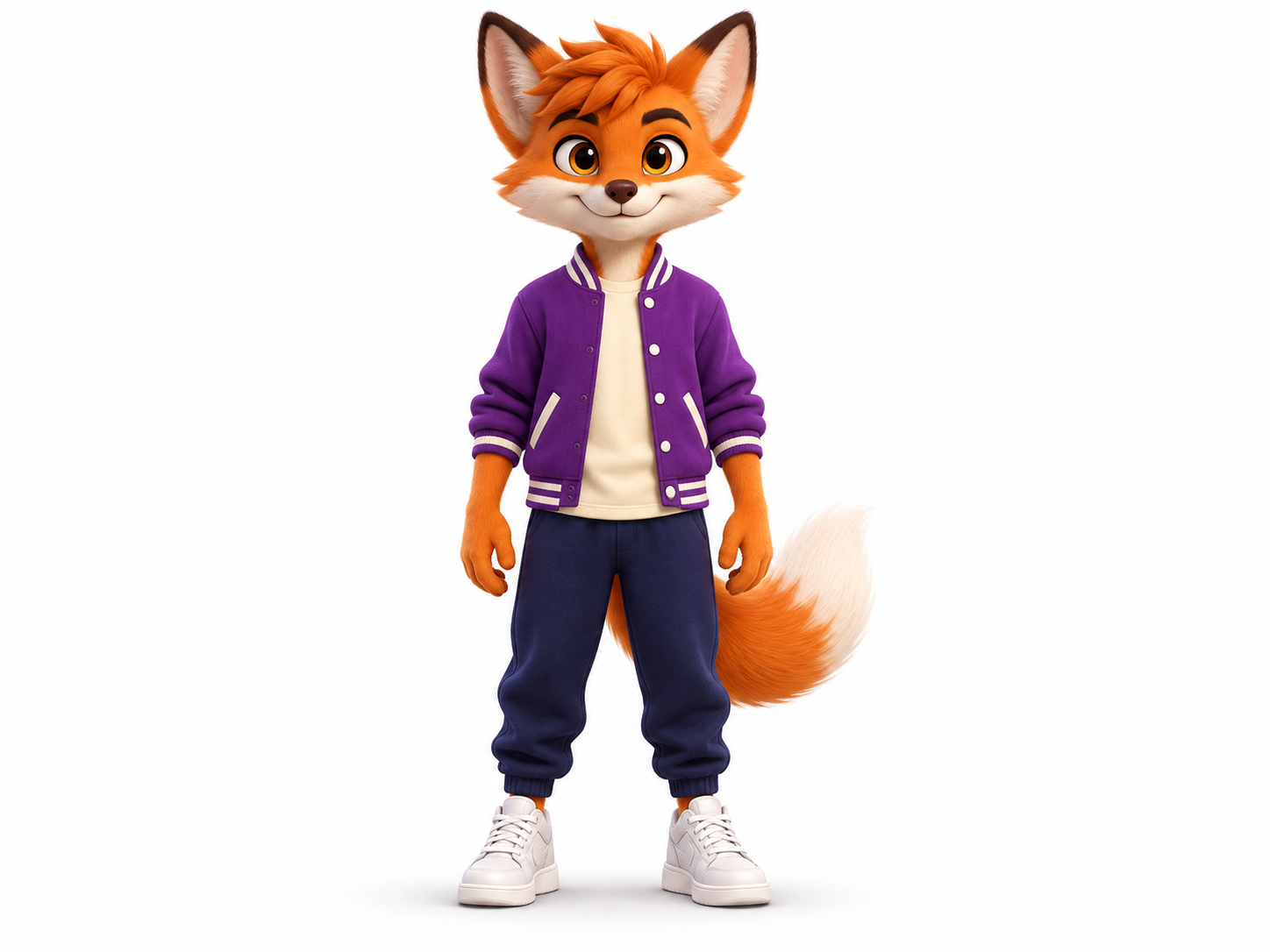
Add a clear photo of yourself or your character. Choose an image with a visible subject to use in your dance video.
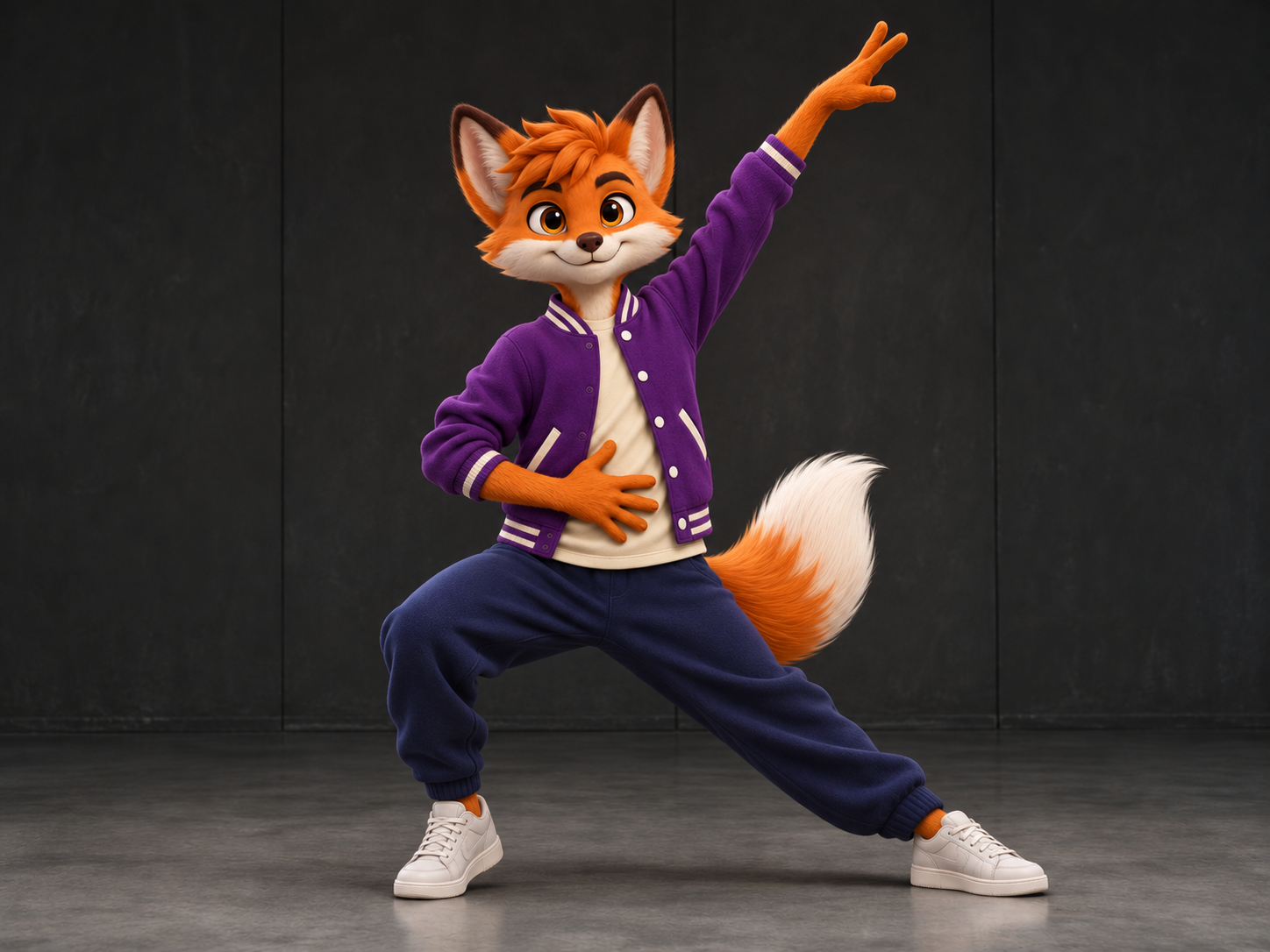
Generate your dance video with MOVO AI, review the result, and refine the details to make it your own.
Choose a dance template as your starting point, add your photo, and personalize the movement, mood, and scene with MOVO AI.
Start with a photo and describe how you want the subject to move. MOVO brings image-to-video generation and guided creative planning into the same conversation.
Animate a photoTry a playful shuffle, an elegant turn, or a lively stage performance. Describe the direction you want, then refine the result through conversation.
Create your danceUse your own character artwork as a visual starting point. Set the scene, describe the performance, and review the generated movement before refining your draft.
Animate a characterGive MOVO your audience, platform, and creative direction. Shape an AI dance video around a short social concept, then refine the pacing and scene flow.
Try with free creditsBring your photos and visual references into motion.
Explore tool ↗Create video projects from an idea or script.
Explore tool ↗Explore animated scenes and visual storytelling.
Explore tool ↗Develop a character for your next creative project.
Explore tool ↗Build a story through scenes and conversation.
Explore tool ↗Explore visual ideas for your next video.
Explore tool ↗An AI dance generator uses generative video to turn an image or a written idea into a dance-inspired clip. With MOVO AI, you can supply a photo, describe the movement and scene, and refine the generated draft through conversation.
Upload your image in MOVO, describe the dance, setting, and camera direction, and ask the agent to create a video. Review the draft and give follow-up instructions to refine it. A clear subject and a simple movement are useful starting points.
MOVO offers a free trial with complimentary credits to test the creation workflow. Generation costs vary by model, output type, duration, and resolution. Check your available credits in the workspace and visit the pricing page for current plans.
The trial uses complimentary credits. It does not provide unlimited free generation. Your available credits and chosen generation settings determine how much you can create.
You can describe a TikTok dance video concept and ask MOVO to plan it for your intended format and audience. Review the result before posting; generated dance motion is not a guarantee of an exact recreation of a trending routine.
You can explore a pet-inspired animation by uploading a pet image and describing a playful dance scene. Results depend on the source image, prompt, and selected model; review anatomy and movement and refine the draft as needed.
For a playful family animation concept, use an image you have permission to use and describe gentle, age-appropriate motion. Generated results vary, so review the draft carefully before sharing.
This page describes MOVO’s image-to-video and conversational creation workflow. It does not promise frame-by-frame choreography transfer or a dedicated dance template library. Describe the movement you want and refine the generated result.
Consider whether you need exact choreography transfer or prompt-led creative video, how you can refine results, and how credits are charged. MOVO is designed for planning, generating, and refining video projects through conversation.
MOVO is available on the web and on iOS. You can start in the web workspace or use the official app. Available models and generation options should be checked in the product.
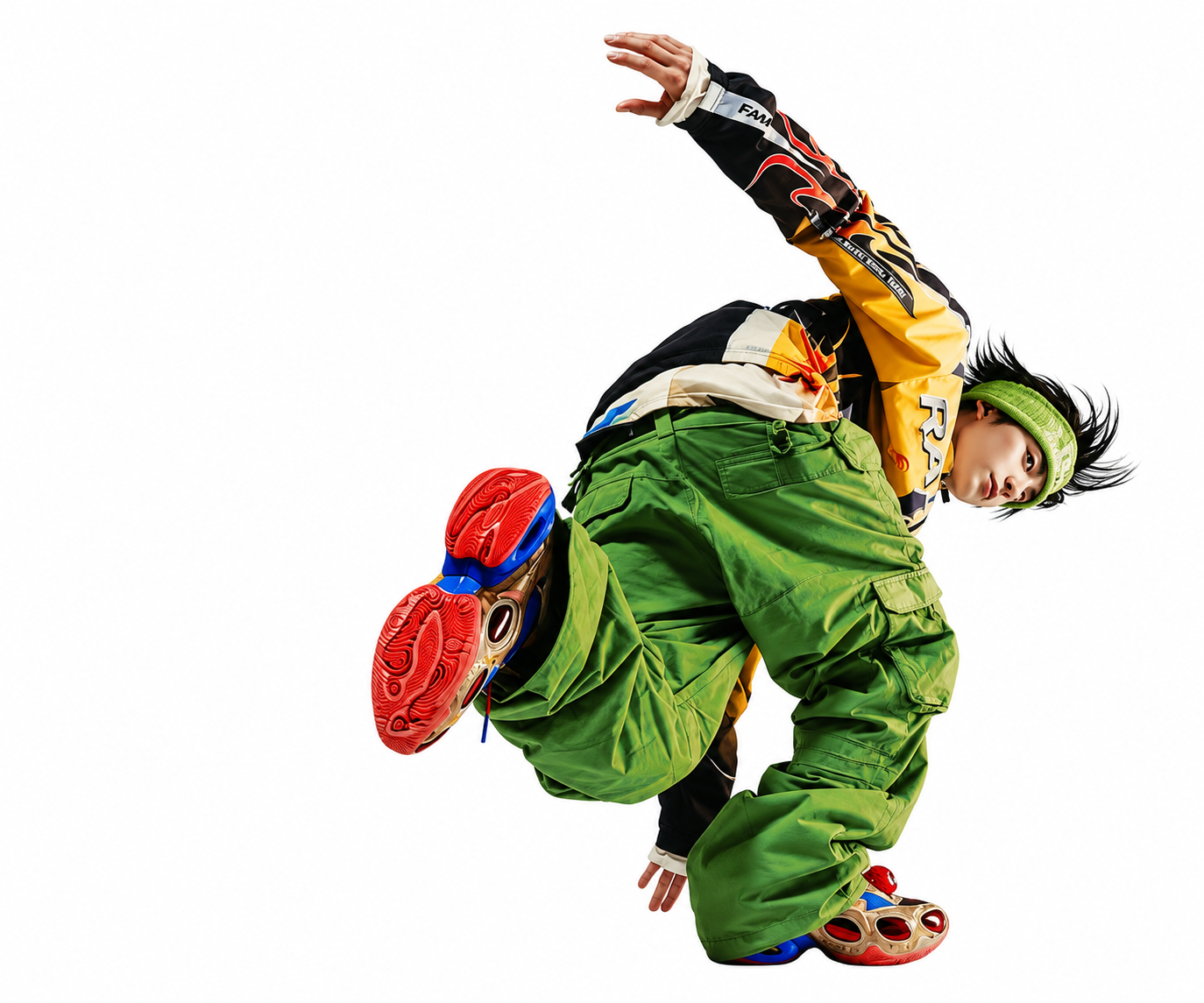
Bring your dance idea to MOVO AI.
Start with an image. Shape the video through conversation.