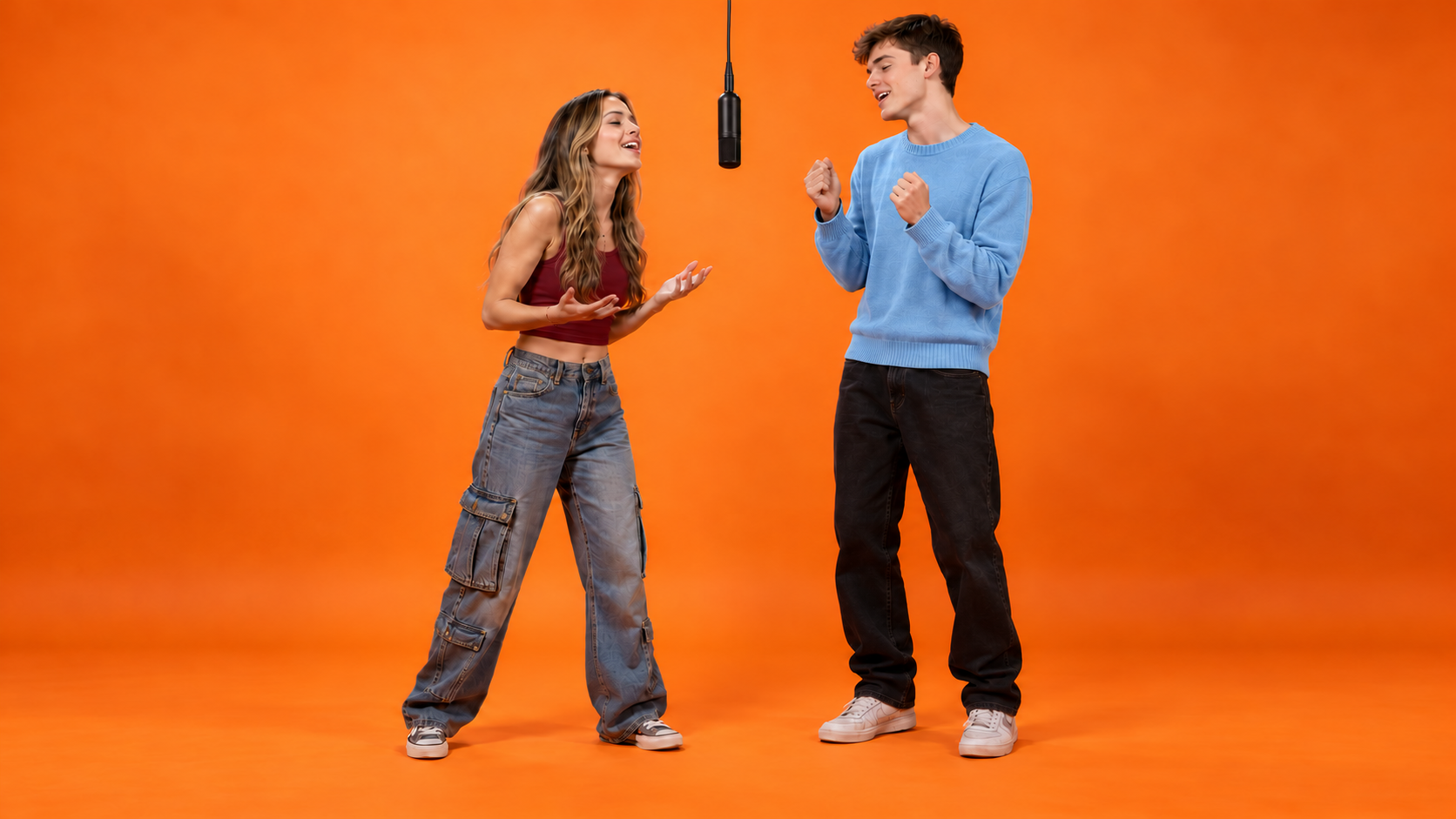
Friends, in their element
One friend leads with a small gesture; the other smiles, nods, then takes over.
Describe the back-and-forth performance, bring your references, and shape every take through conversation with MOVO AI.
A Hotel Lobby AI video is a duo performance on a vivid orange studio set, with a microphone hanging between two subjects. One takes the lead while the other reacts, then they switch. The appeal is in the chemistry, the simple framing and the back-and-forth rhythm—not a hotel interior.
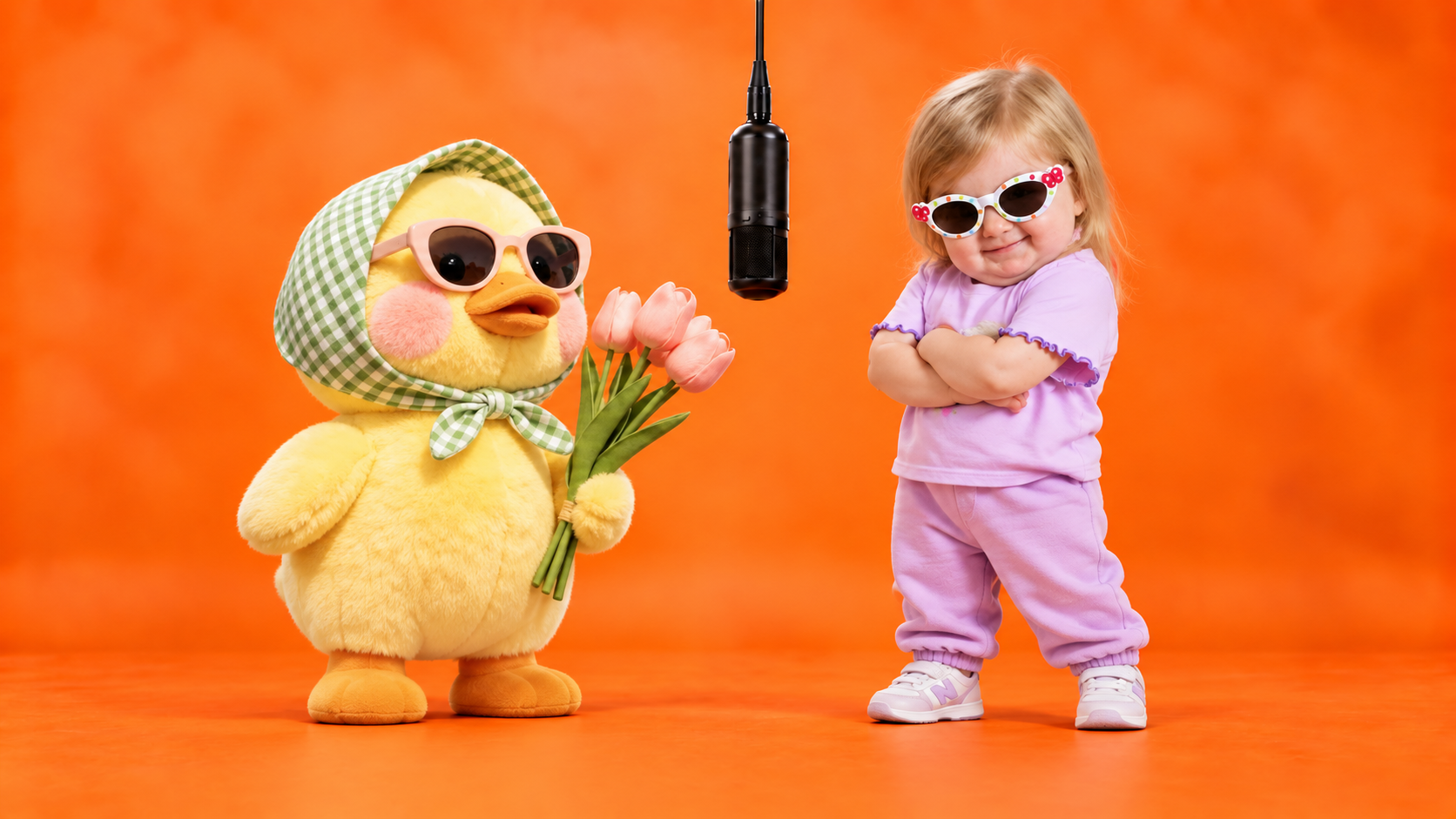
Explore three fun ways to create a Hotel Lobby AI video, from lively friends to playful robots and adorable pets. Pick your favorite style and bring your idea to life with MOVO AI.
One friend leads with a small gesture; the other smiles, nods, then takes over.
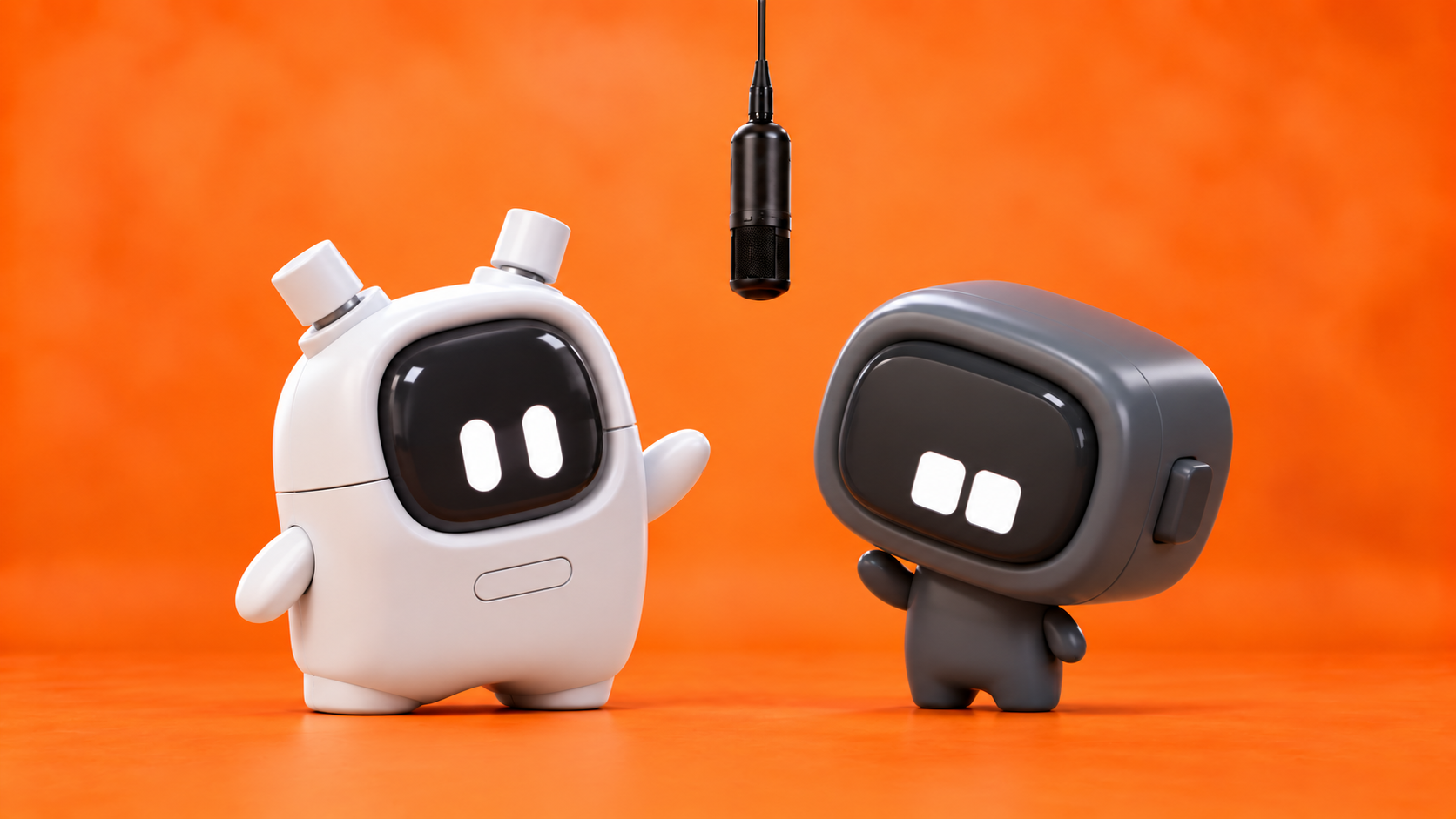
Two original robots answer each other with contrasting moves and personalities.
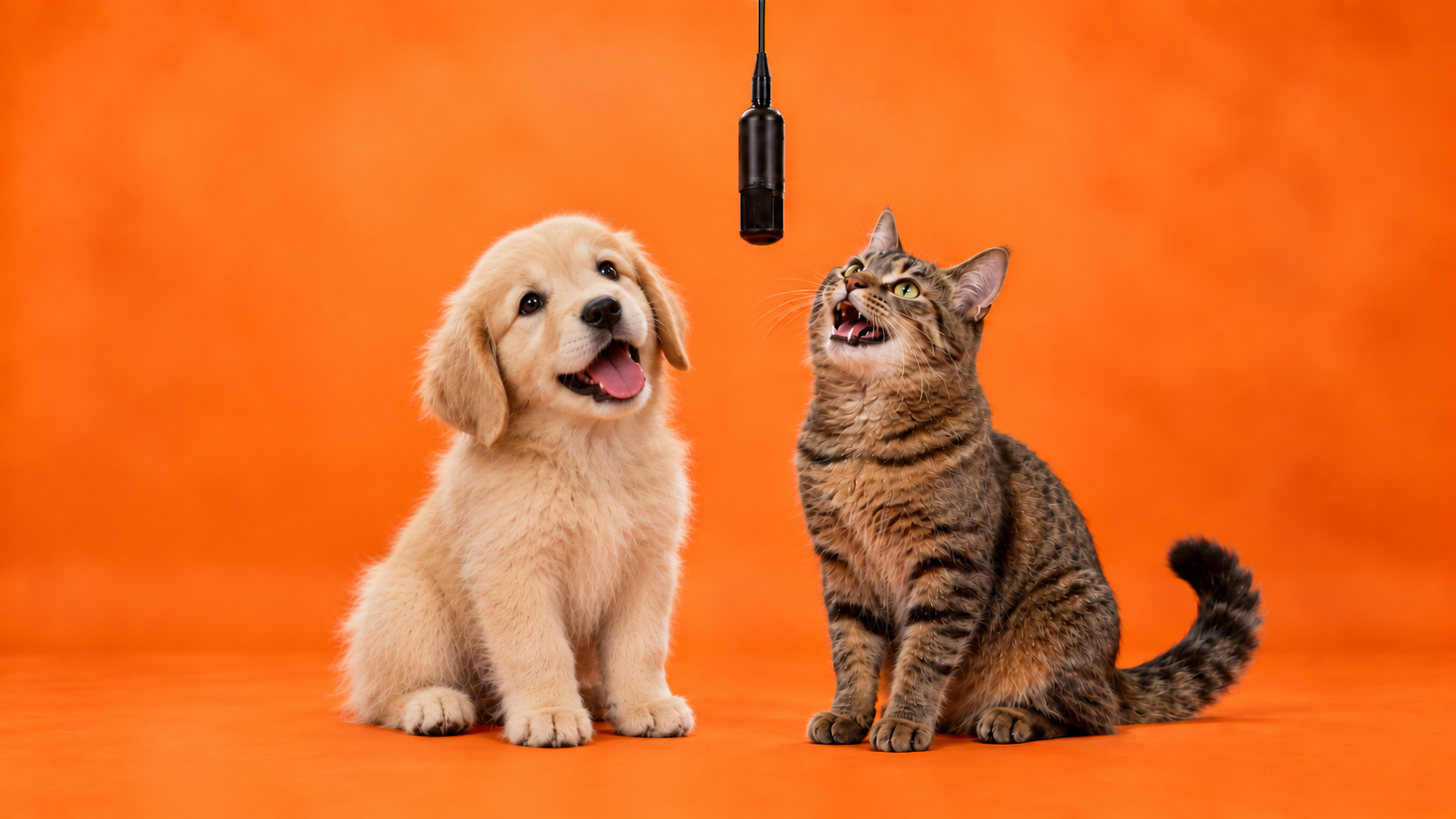
A cat and a dog trade head tilts and playful paw gestures beneath the mic.
Make your Hotel Lobby AI video truly yours with MOVO AI. Customize how your characters move, react, and interact, then fine-tune the performance with simple feedback.
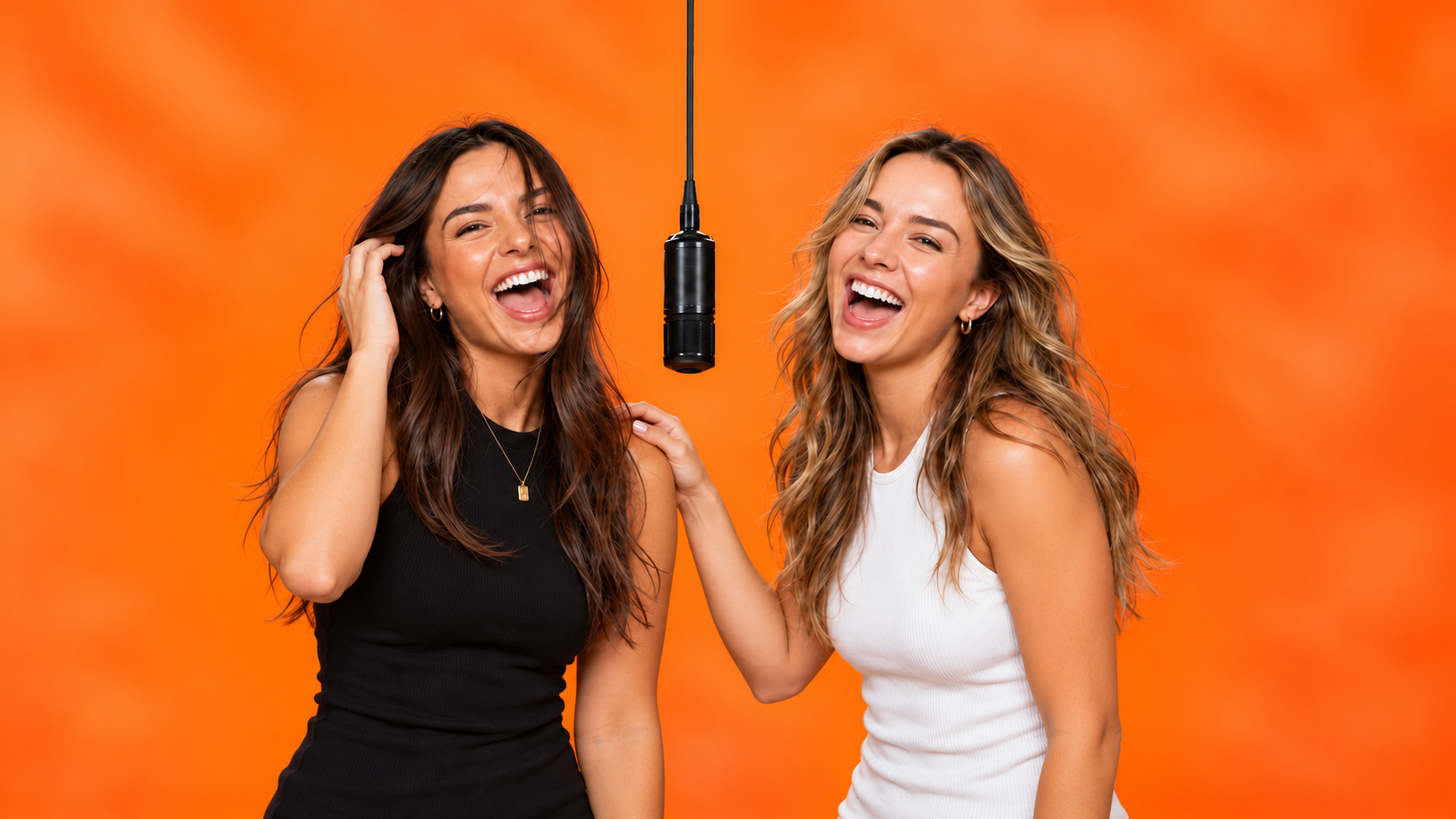
Tell MOVO who starts, how the other reacts and when the lead changes. Refine movement, framing and pacing with feedback like “Make the handoff more relaxed and keep both subjects in view.”
Start directing your duo ↗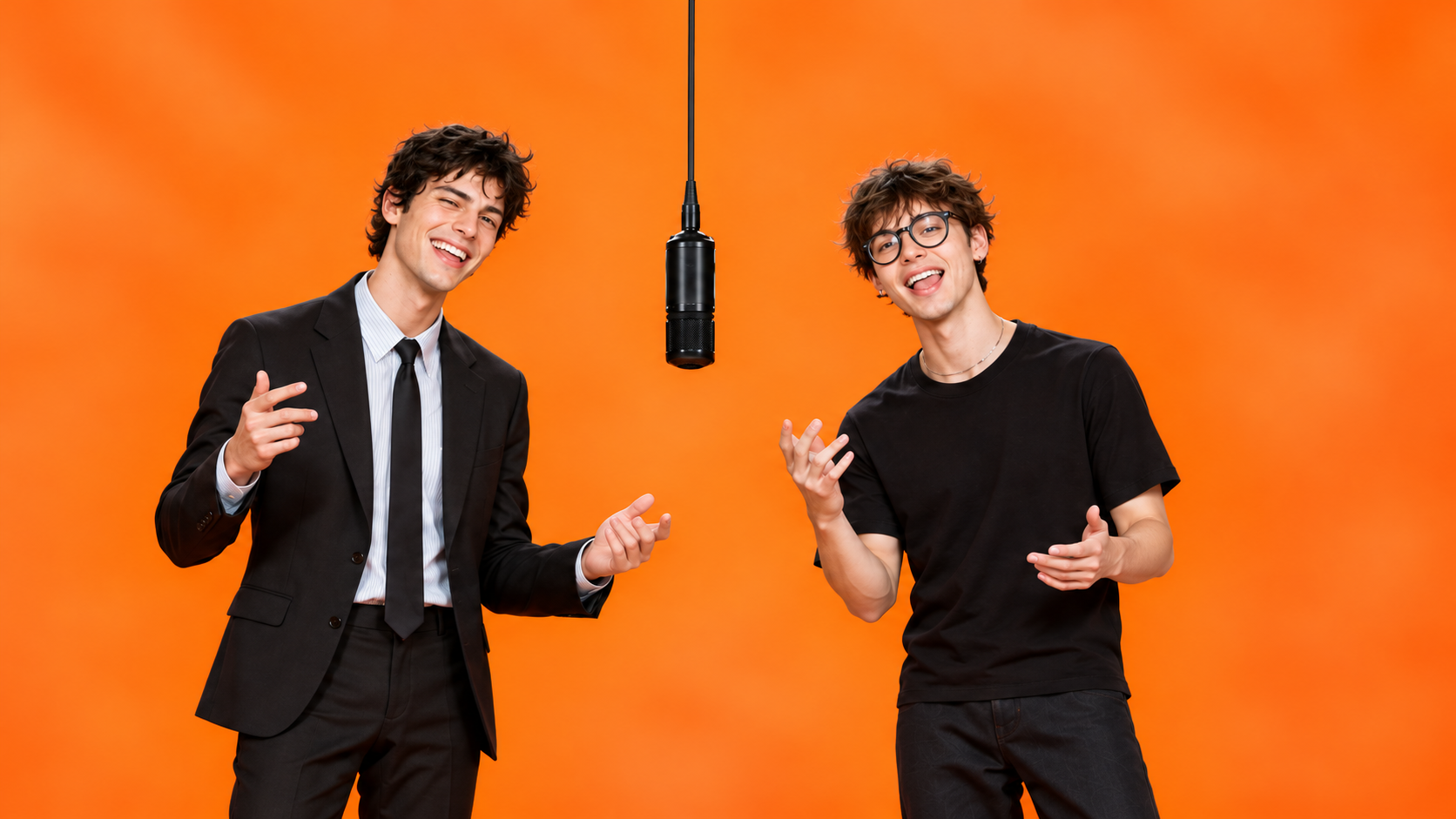
Use reference images or assets to explain your subjects and the look of the orange studio. Describe what each reference contributes: a pet’s markings, an outfit, the lighting or the mood.
Start directing your duo ↗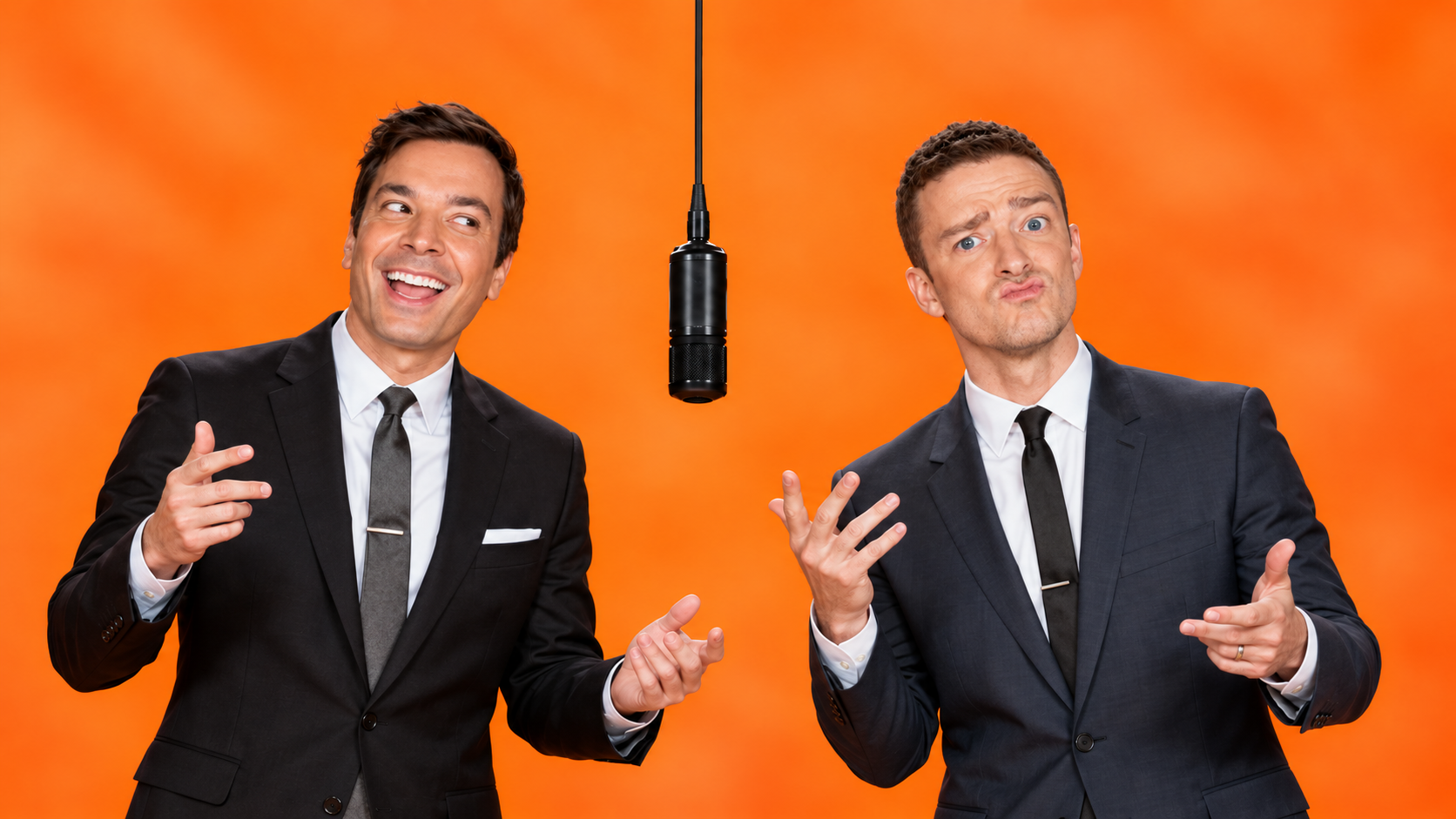
Develop your video within one MOVO project to keep the characters, set and visual style coherent. Carry the same duo into another take, then review the result for appearance and placement.
Start directing your duo ↗Start a conversation. Build the scene. Refine the take.
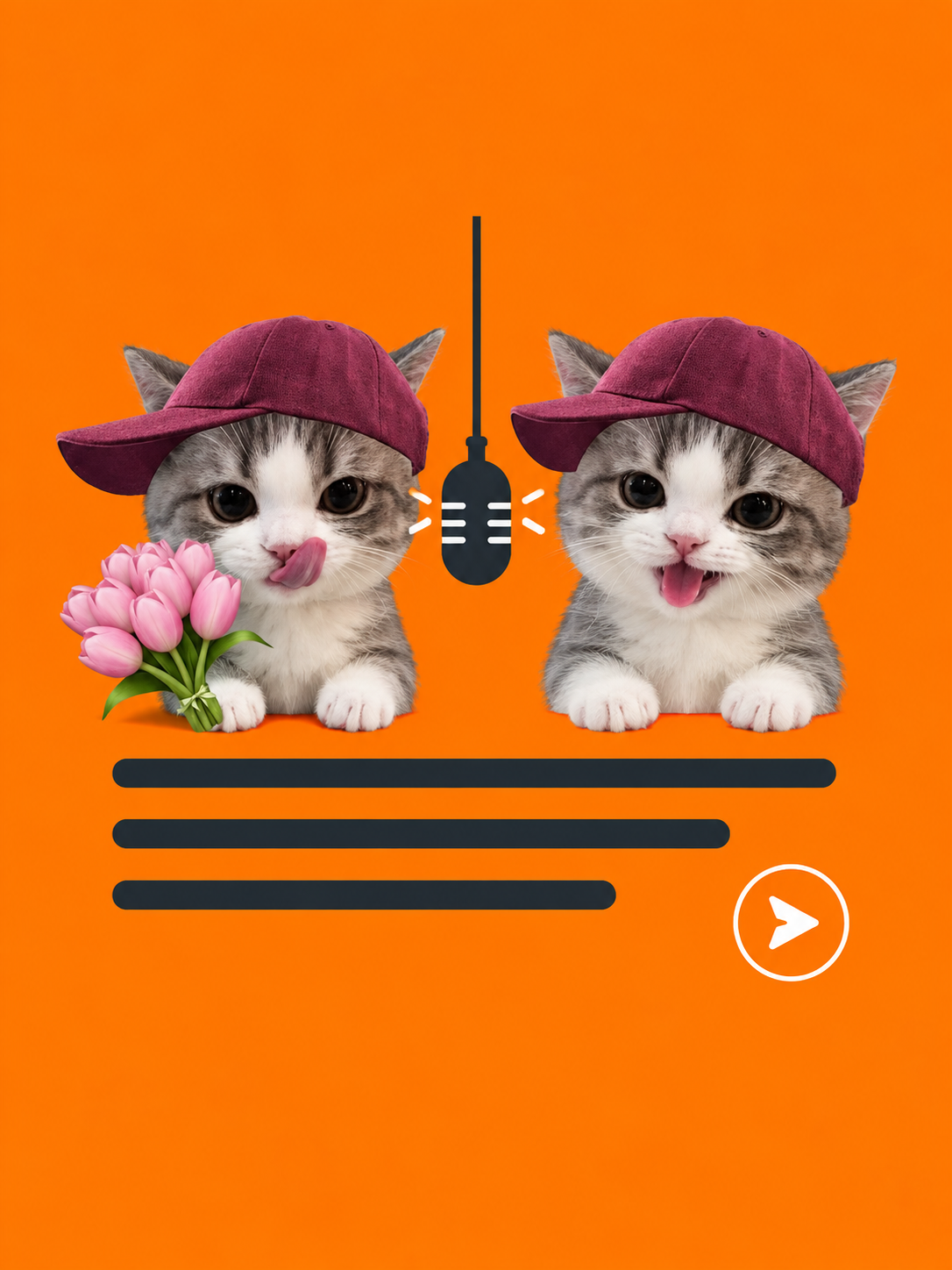
Open MOVO and start a project. Describe two subjects, an orange studio and one hanging mic. Explain who performs first and how the other responds.
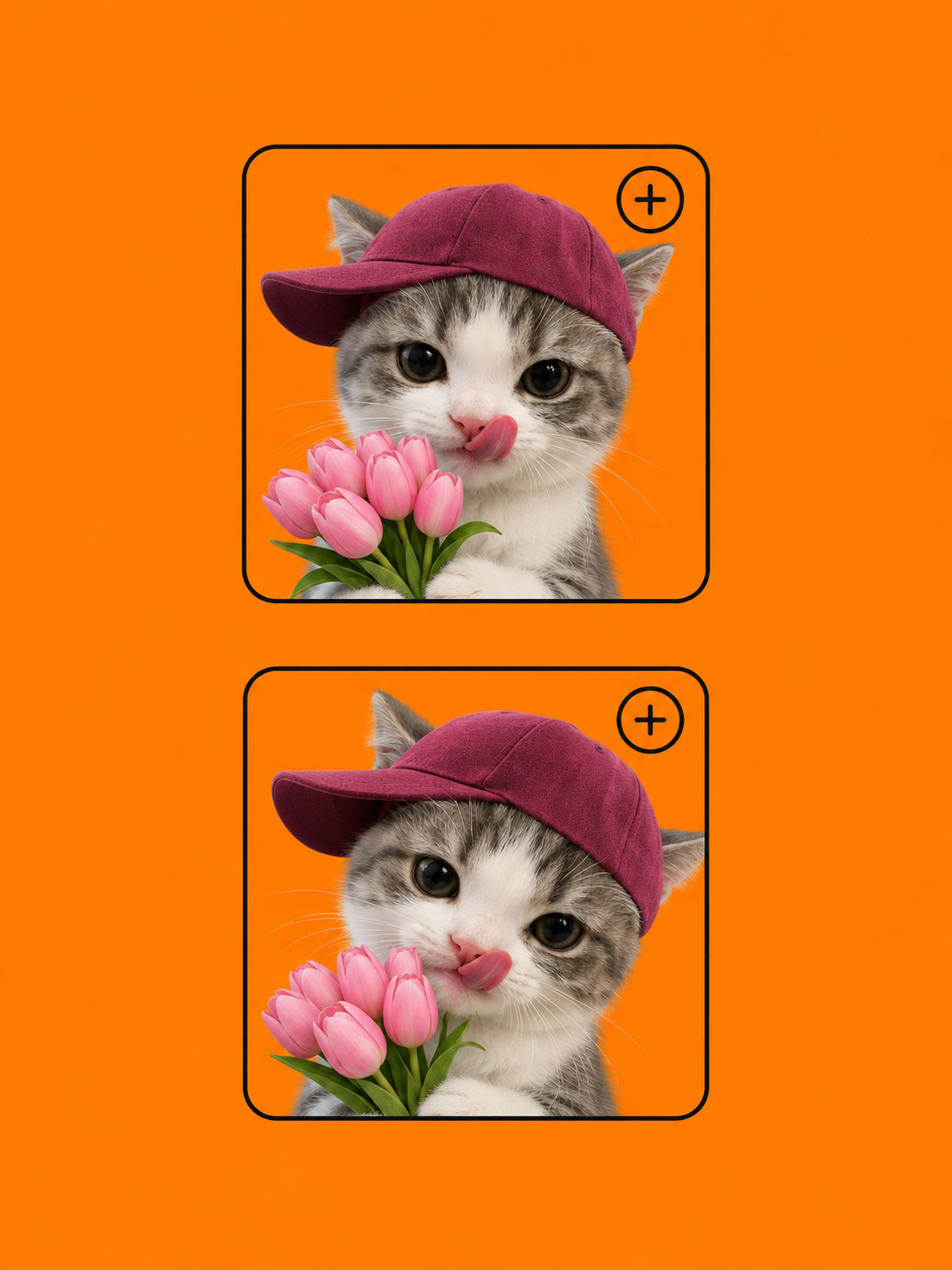
Share images or other reference materials in the conversation. Explain their roles, your preferred framing and the visual style. Review the proposed direction before generation.
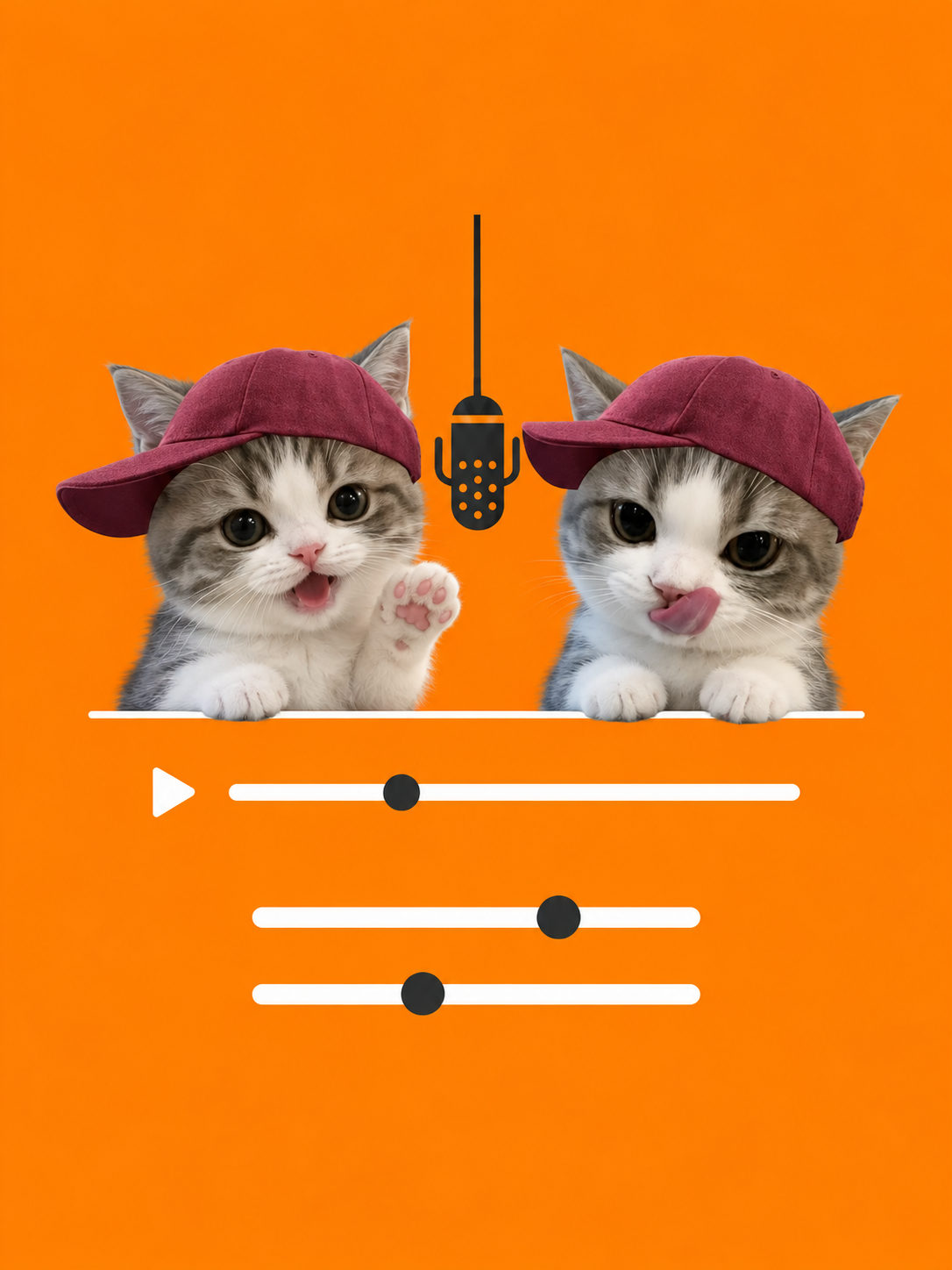
Watch the result and give specific feedback on gestures, subject placement and the handoff. Continue in the same project to develop a coherent final take.
A STARTING IDEA
“Create a duo performance in a warm orange studio with one hanging microphone. Keep my two characters on opposite sides. The left character makes a playful gesture while the right nods, then they trade roles. Use a steady wide shot.”
Use this as a starting brief in the MOVO workspace.
Focus on your duo’s chemistry and the moment you want to capture. MOVO helps turn that direction into a video workflow.
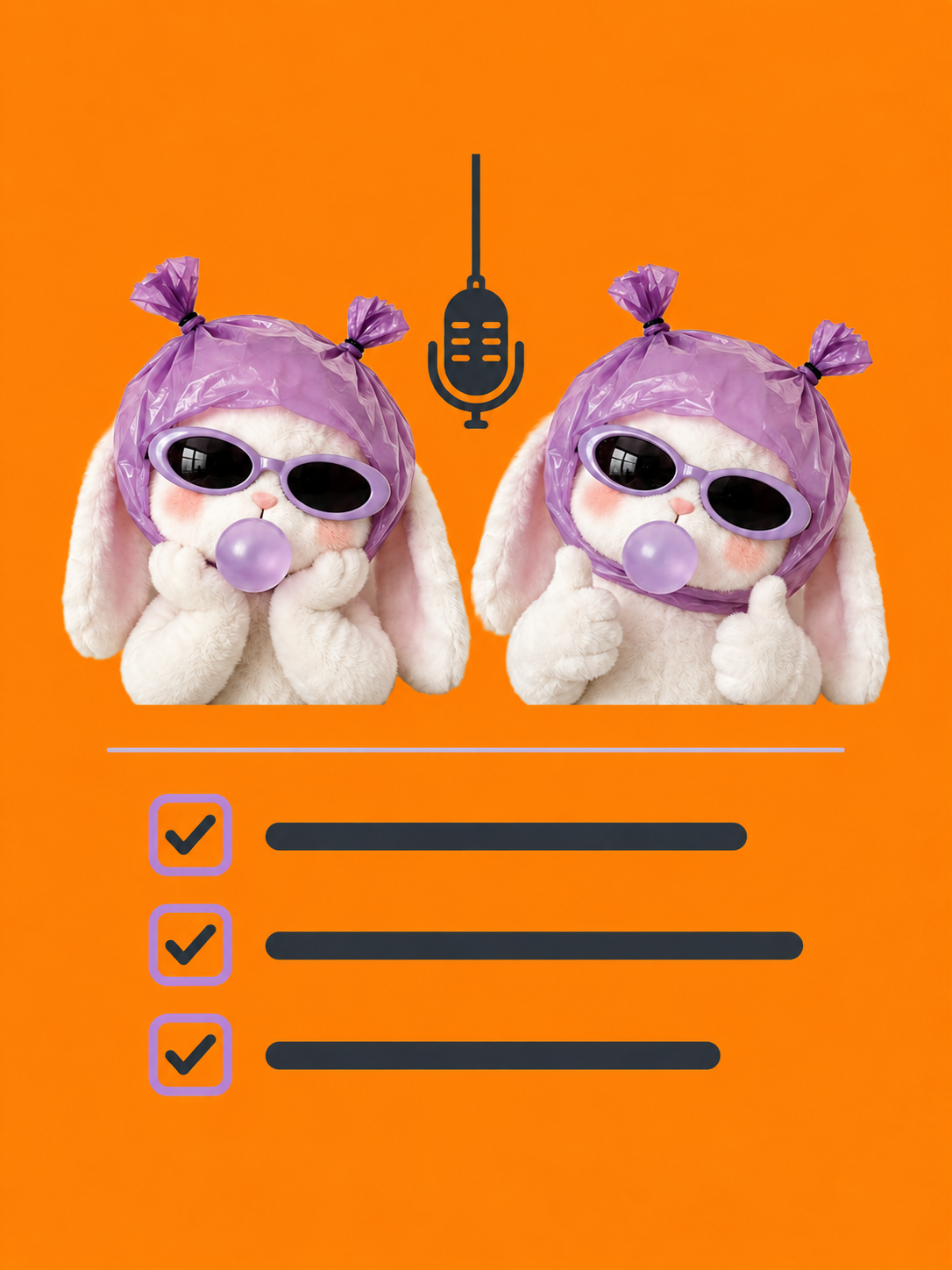
Discuss the proposed direction before generation. Establish the cast, set and performance order early, while the concept is still taking shape.
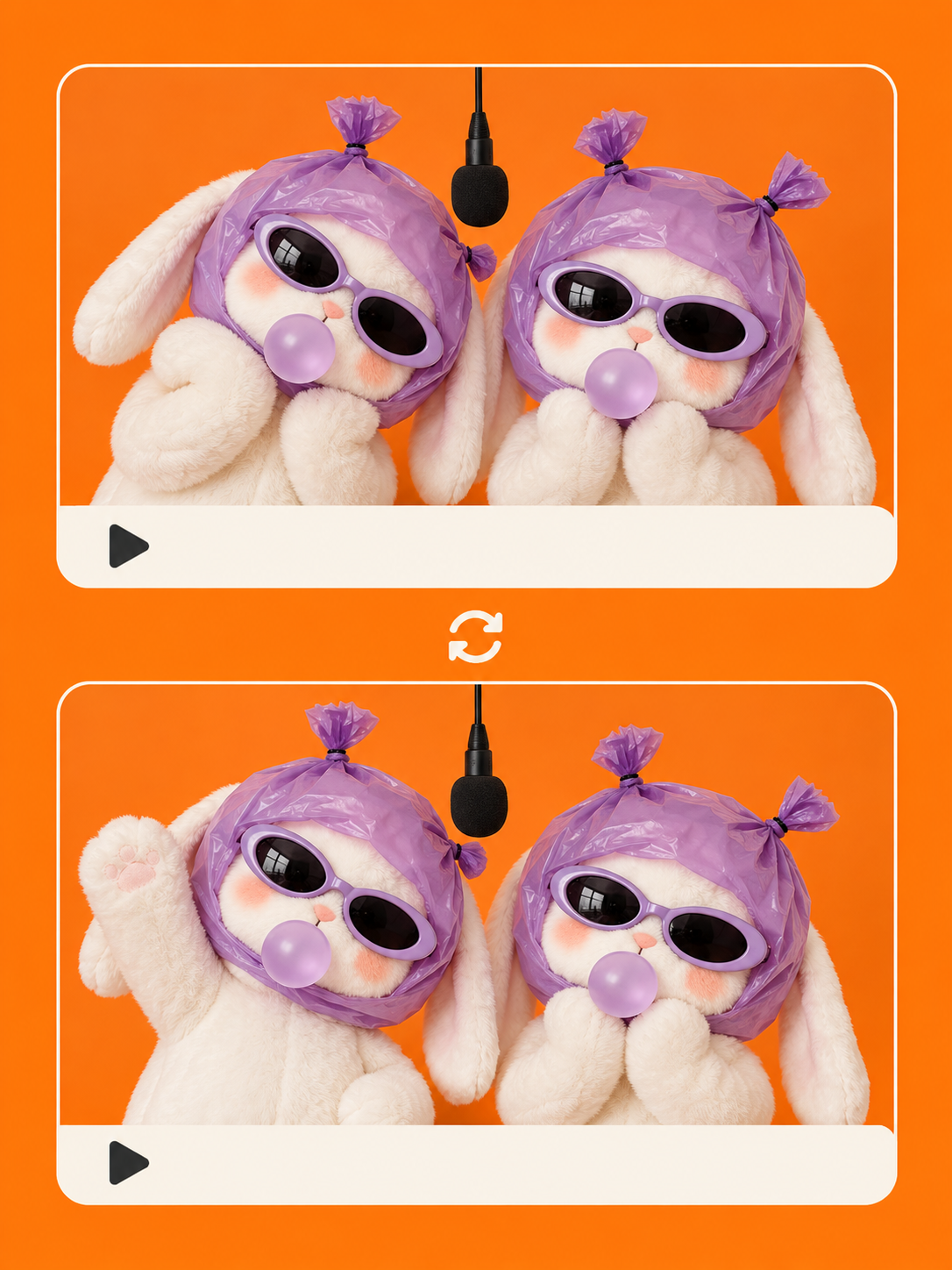
Build on the same project for another performance. Reuse the established visual world as you explore a new reaction or a different mood.
No dedicated template is required for the workflow described here. Open MOVO, describe the orange studio and hanging microphone, and explain how your two subjects should take turns. Use references to guide the look.
Choose clear images that show each subject’s face, clothing or distinctive markings. Tell MOVO which subject belongs on each side and what to keep from each reference. Only use materials you have permission to use.
Yes. Describe two original characters, their appearance and the studio setup in the conversation. Add visual references if you want a more specific creative direction.
You can describe a pet duo or a pair of original characters. Explain their different reactions, such as a small head tilt followed by a paw gesture. Treat these as creative directions and review the generated result.
Give feedback in the same project: “Let the left subject lead first,” “Make the right subject’s reaction smaller,” or “Hold the wide shot longer.” Review the next version for identity, movement and timing; exact choreography is not guaranteed.
This page describes visual creation and conversational refinement. It does not promise a licensed song, automatic beat matching or exact lip sync. Check the current workspace for audio options and use music you are authorized to use.
Check the current workspace and MOVO pricing for available credits, generation costs and export options before creating. This page does not promise a free generation, a fixed completion time or a particular resolution.
MOVO’s published FAQ permits commercial use subject to applicable laws and third-party rights. Make sure you have permission for the people, images and music in your project, and follow the platform’s AI-content labeling rules.