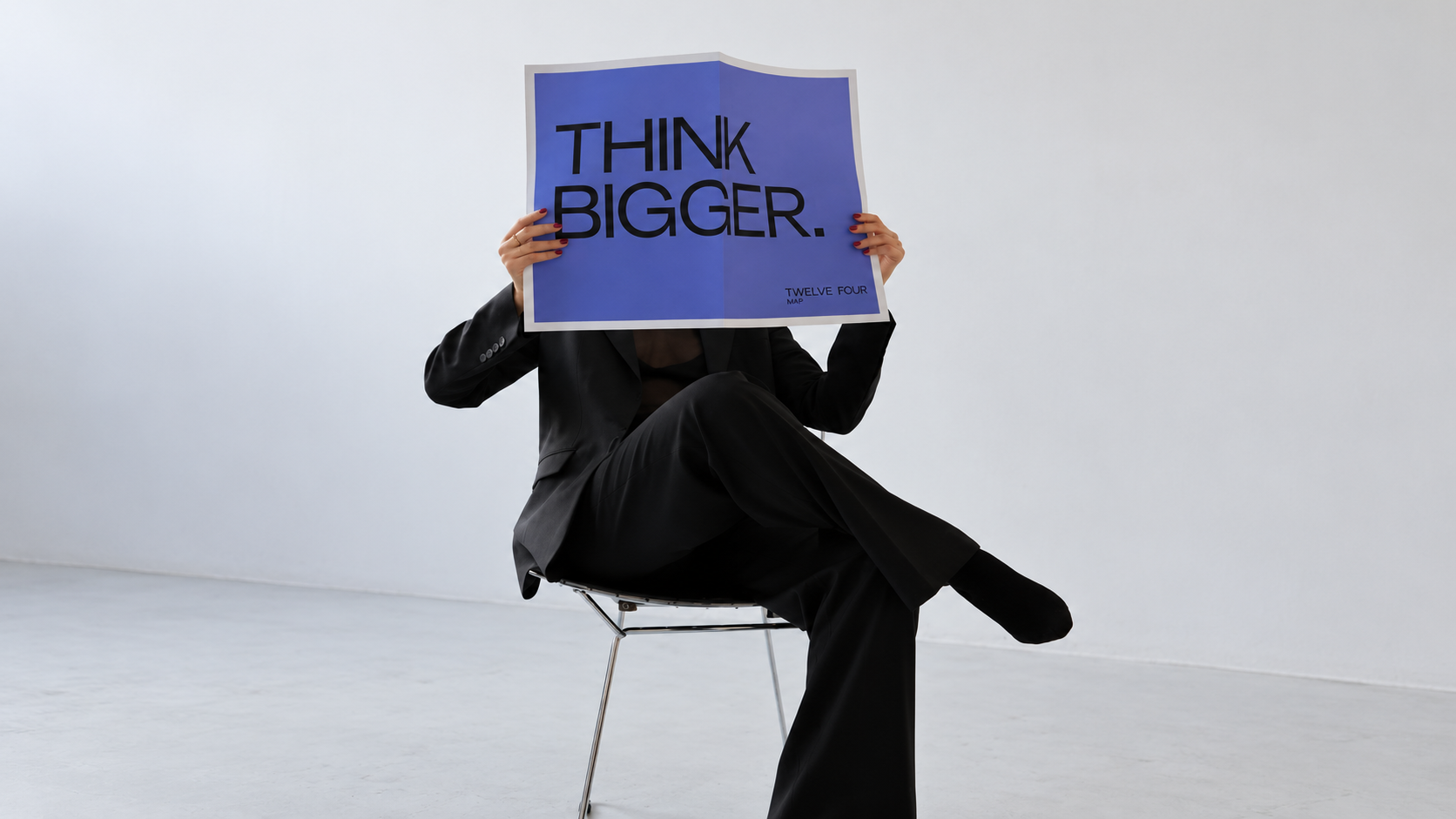
Shape your design through conversation
Give your AI graphic design generator a clear brief, then refine the result in your own words. Ask for a different palette, a simpler background, or a stronger focal point.
Start designingCreate, explore, and refine your visual ideas in one workspace. Turn a brief into graphic design concepts, website imagery, or T-shirt artwork with MOVO AI.
Give your AI graphic design generator a clear brief, then refine the result in your own words. Ask for a different palette, a simpler background, or a stronger focal point.
Start designing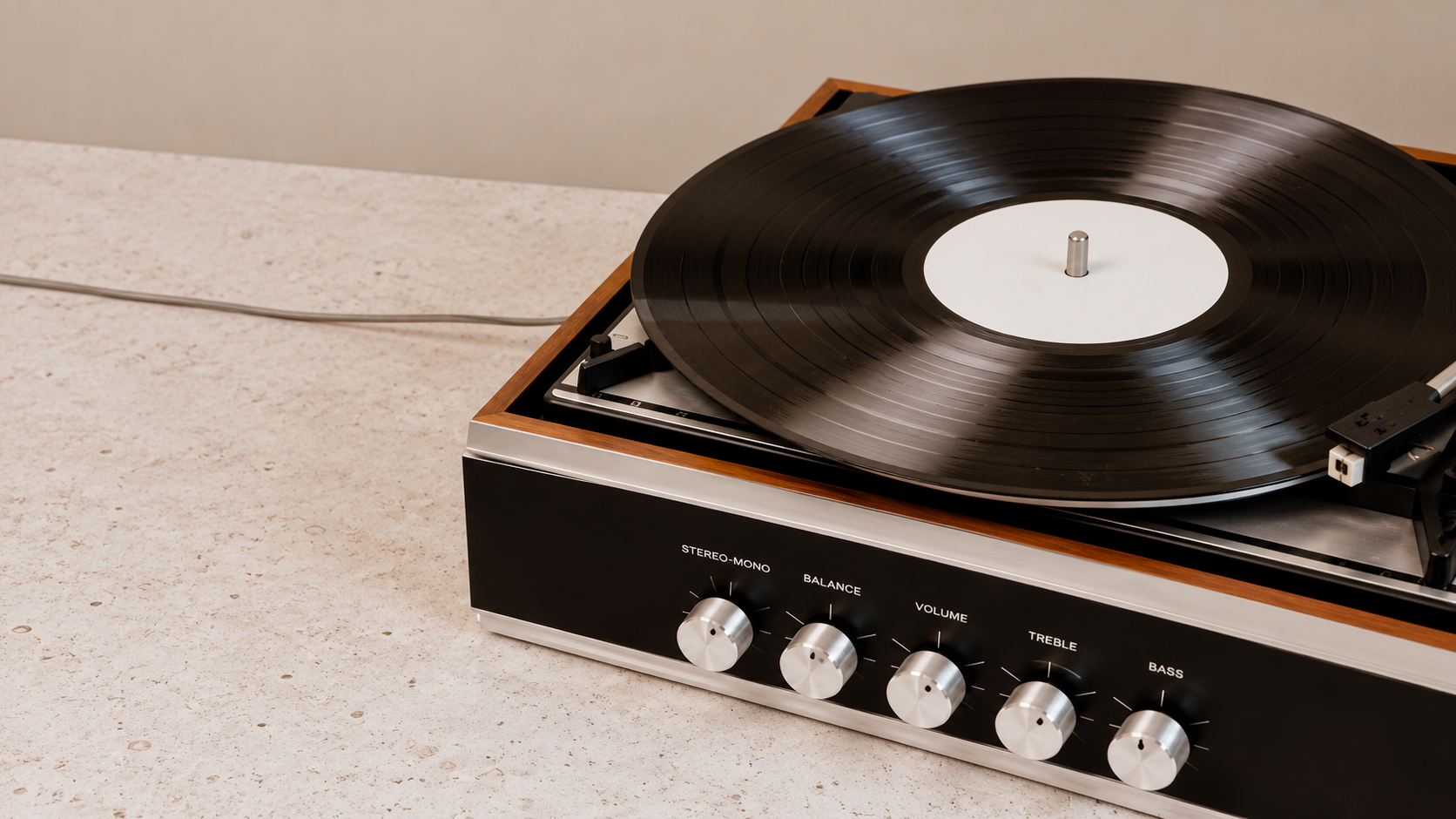
Develop campaign visuals, website artwork, and T-shirt concepts from text. Try different styles and compositions to find a look that fits your project.
Try it now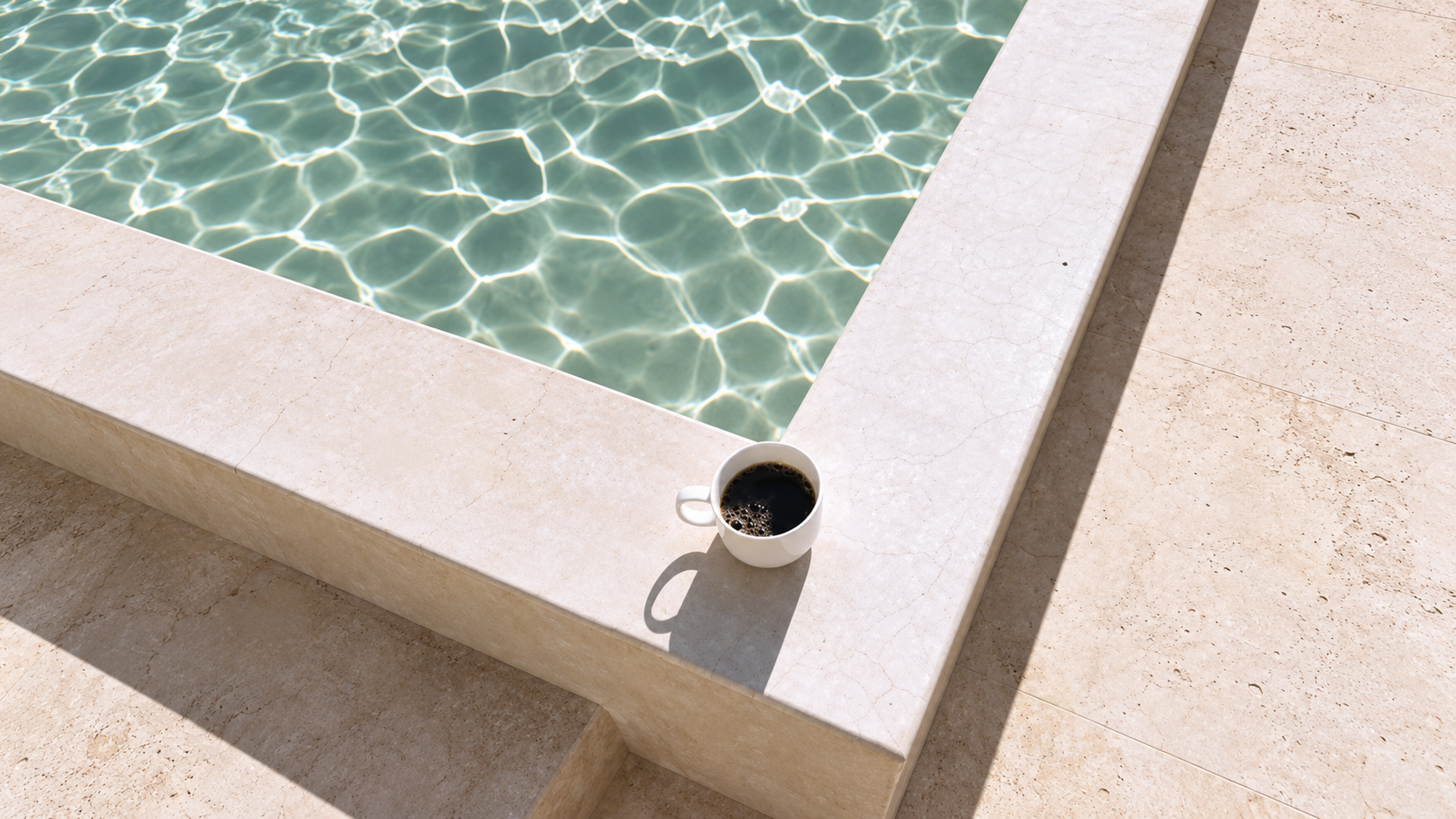
Describe where the subject belongs, how the elements should balance, and where to leave room for text. Review your AI generated graphic design and add final typography in your design editor.
Explore designs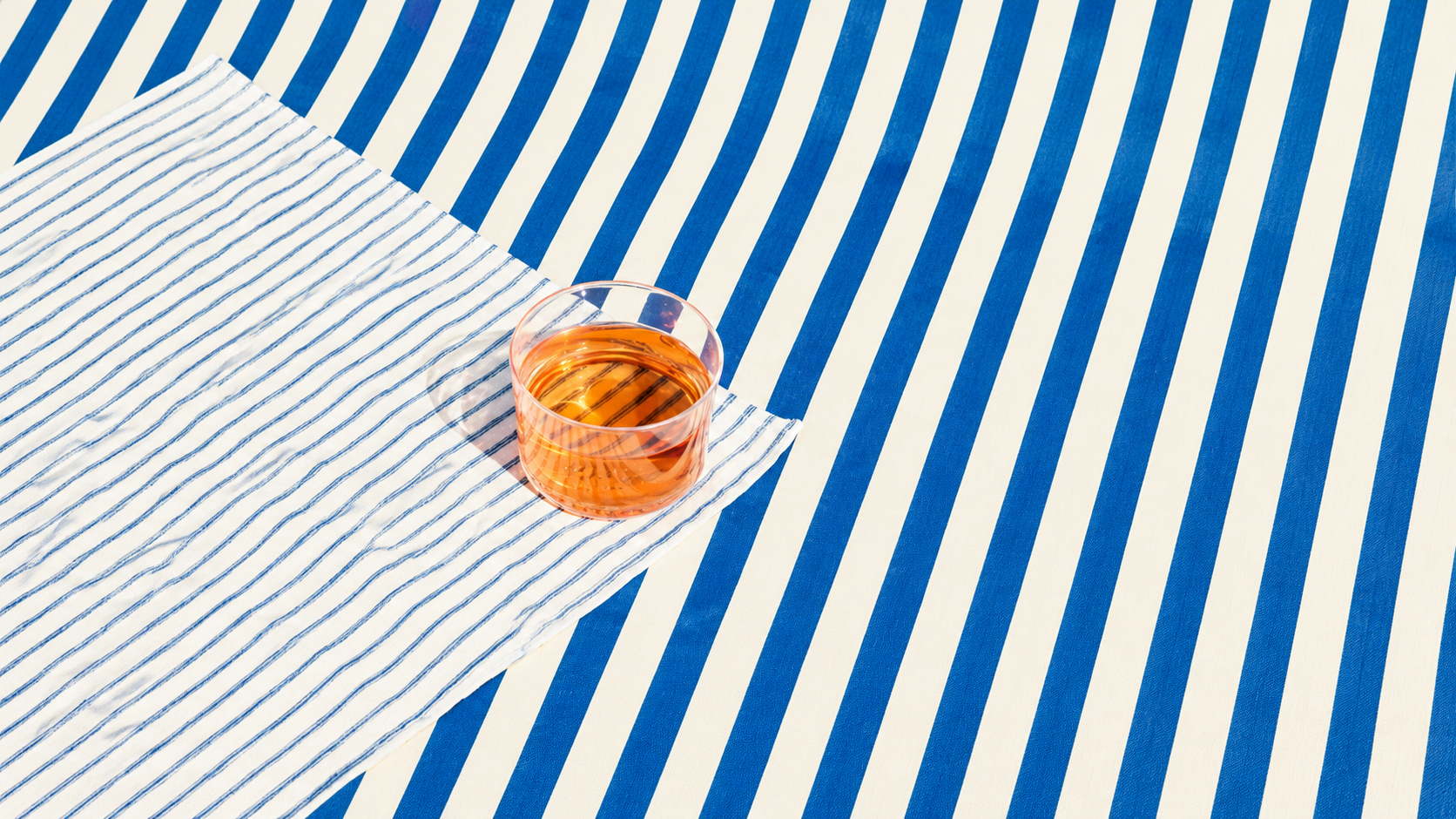
Bring an image reference and explain your audience, mood, and creative goals. Guide the colors and visual style so each new concept starts with the context you provide.
Get startedSee how a prompt-only workflow compares with developing your ideas in MOVO AI.
| Creative stage | A prompt-only workflow | Design with MOVO AI |
|---|---|---|
| Image creation | Start with a prompt and assess the resulting image. | Combine a written brief with references to guide a visual concept. |
| Editing | Write a new prompt for the next attempt. | Describe the changes you want through conversation and review the revision. |
| Text in images | Include wording in the prompt and check the generated lettering. | Plan space for copy in the composition, then add precise final text in your editor. |
| Workflow | Organize prompts, references, and results separately. | Develop your ideas and feedback together in the MOVO AI workspace. |
| Context | Reintroduce the intended audience and style in each brief. | Share your references, purpose, and visual direction as you develop the concept. |
Explore creative directions for your next AI generated design.
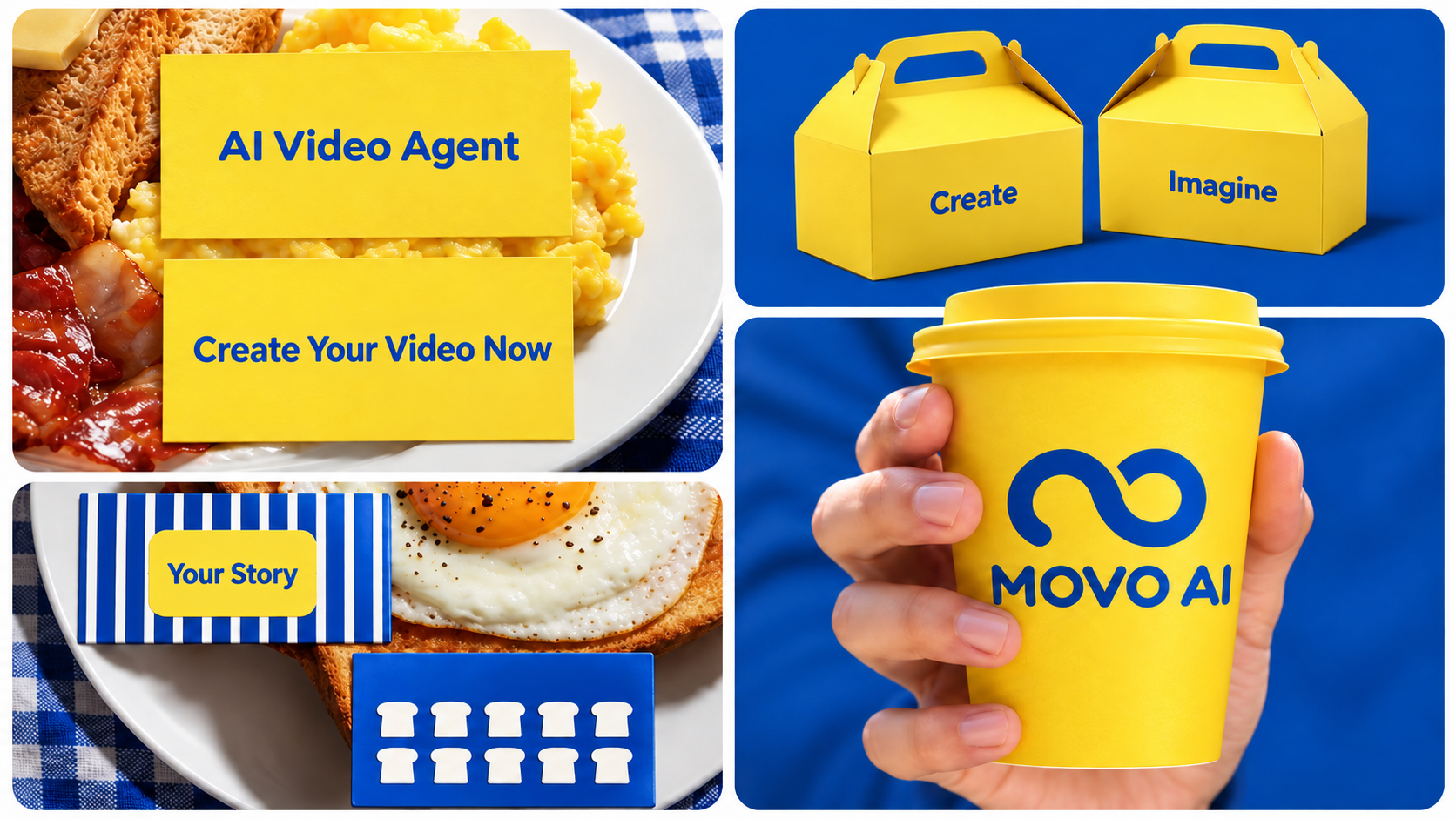
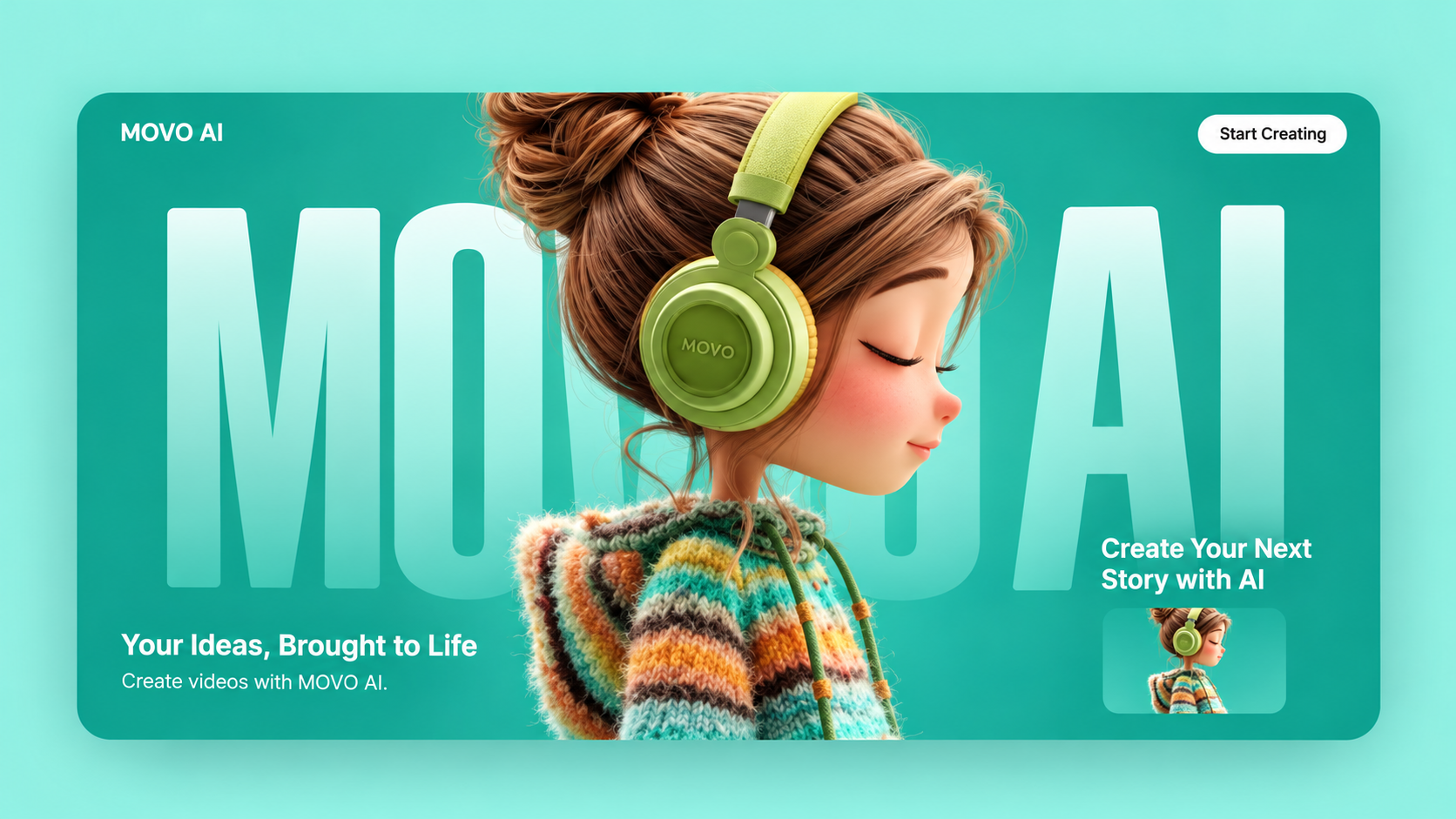
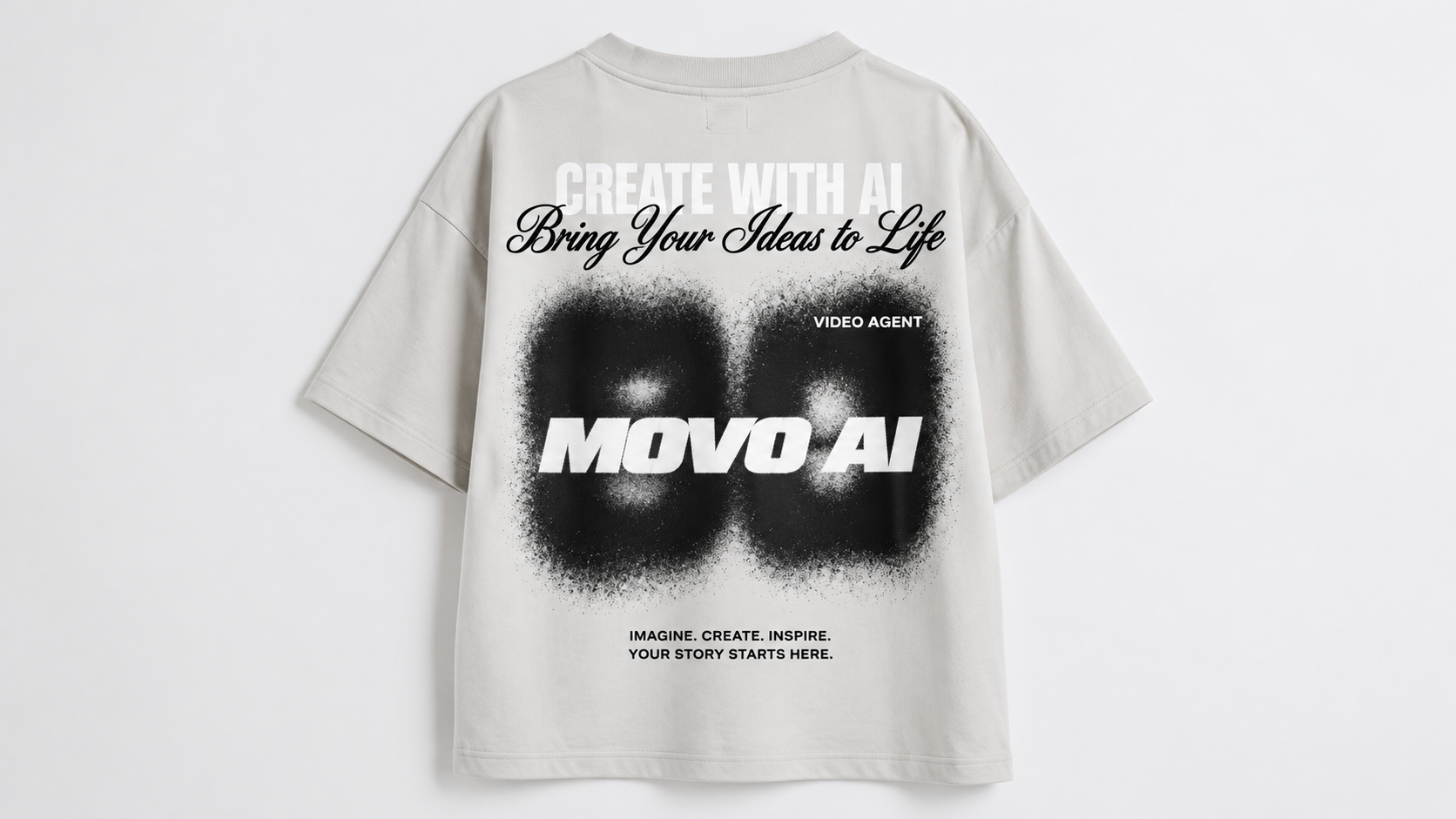
For teams and individuals turning a creative idea into a visual direction.
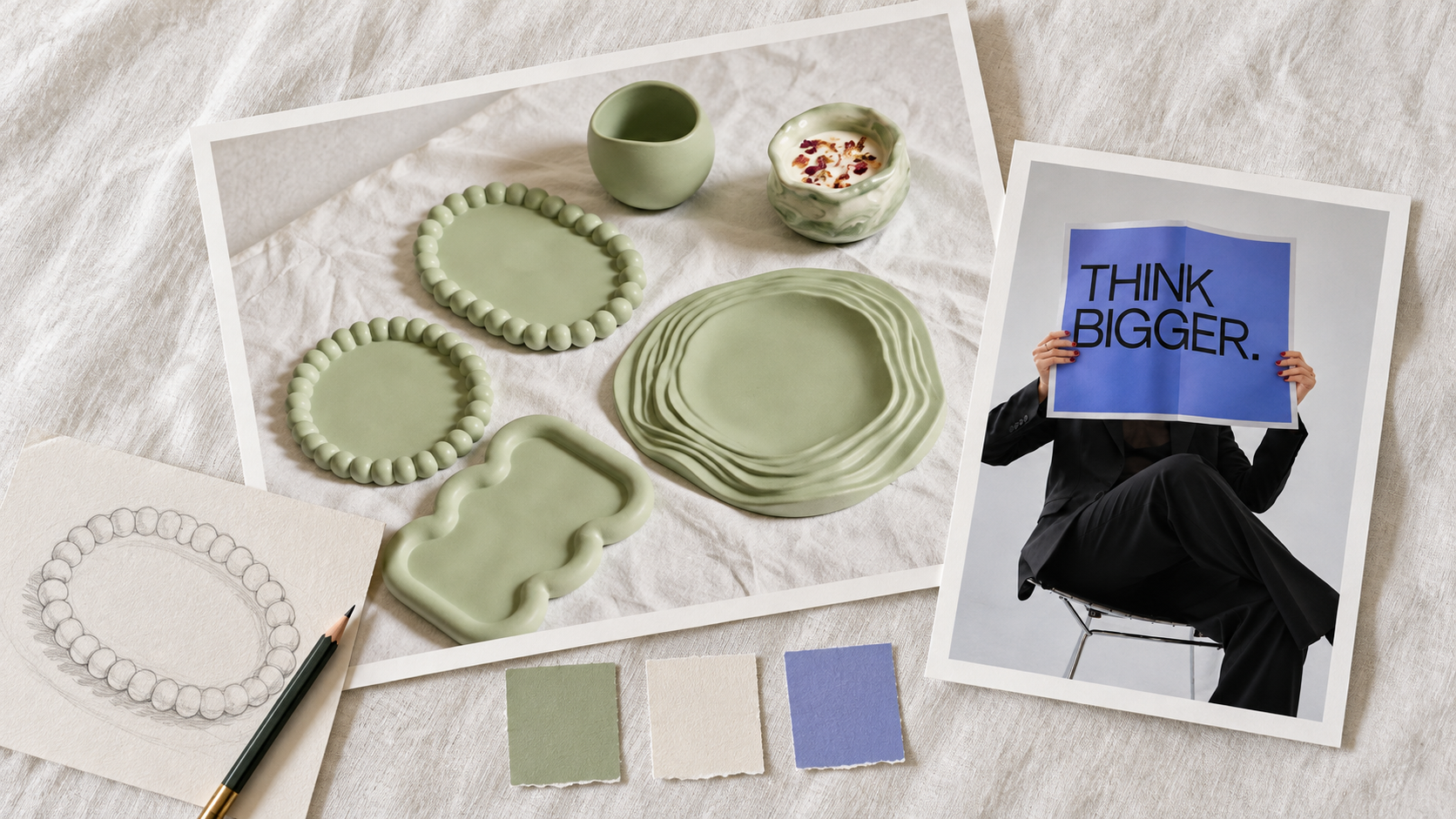
Explore campaign directions and social graphics around one brief. Compare concepts before choosing the artwork for your next launch.
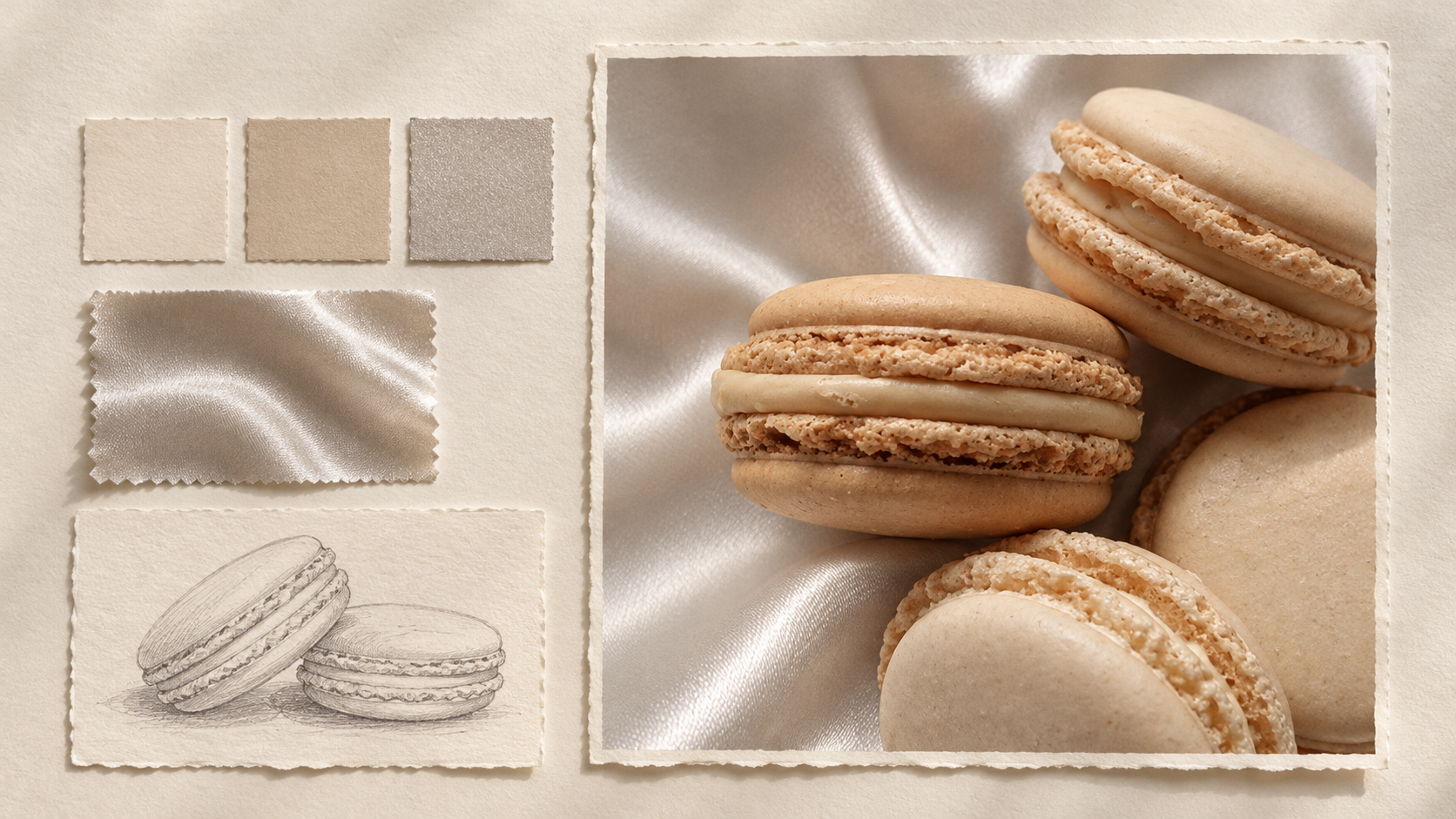
Use generative AI for design exploration, mood boards, and early concepts. Bring your expertise to typography, composition, and the final finish.
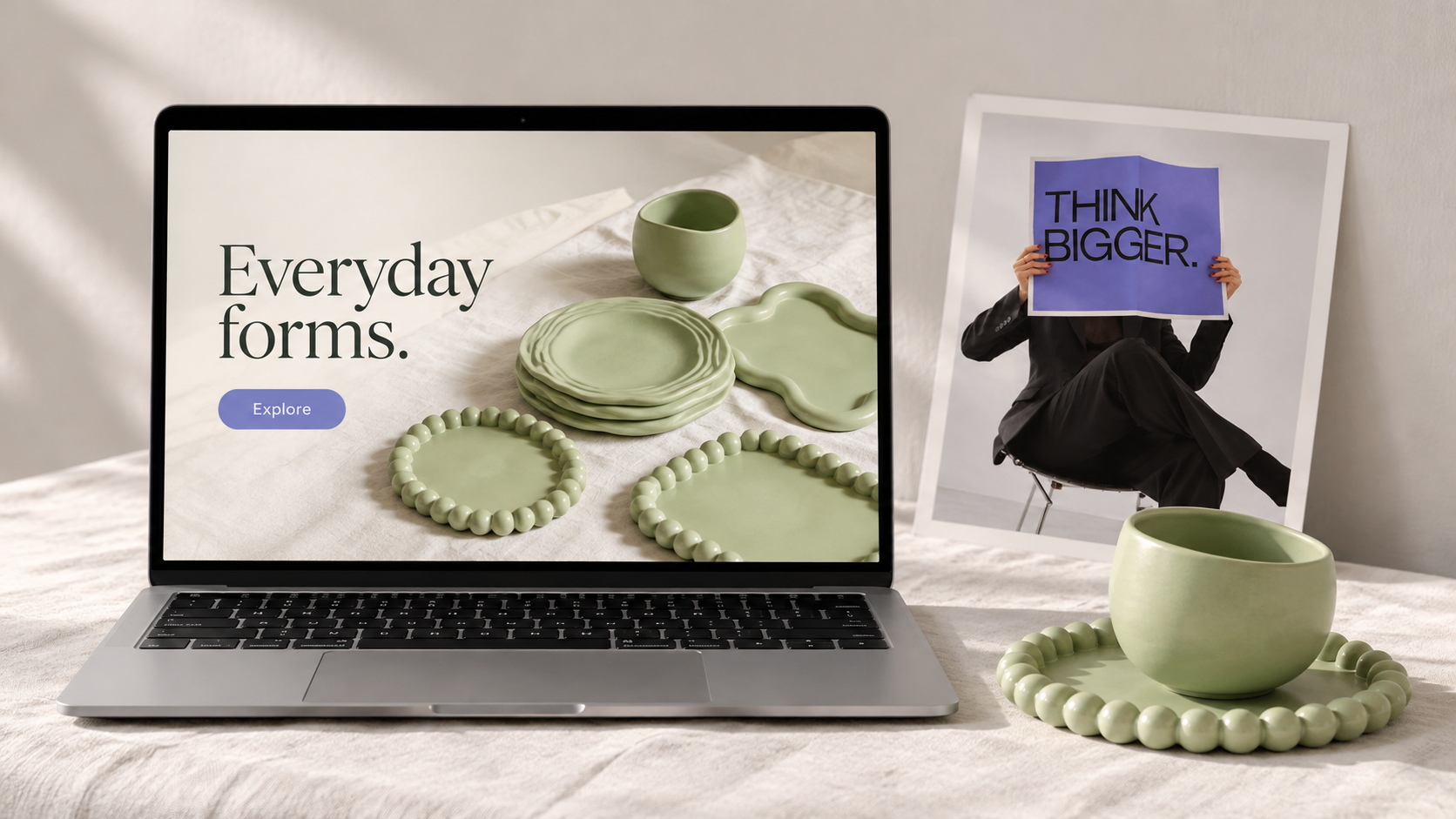
Develop a visual starting point for a brand, website, or new offer. Create reference imagery that helps you communicate your ideas.
An AI design generator turns a written brief or image reference into a visual concept. MOVO AI helps you explore compositions, colors, and styles, then refine your AI generated design through conversation.
You can start with the free credits available to new MOVO AI accounts. Generating images and making revisions uses credits, with costs depending on the model and settings. Check your workspace balance and current pricing before you begin.
Compare AI design generators using the same brief. Look at composition, reference handling, visual quality, revision options, and credit cost. The best AI generator for graphic design is the one that fits the work you need to produce and gives you results you can develop further.
Explore poster concepts, social graphics, campaign imagery, cover artwork, and brand mood boards. Describe the format and leave space for headlines or logos. Check generated lettering and add final typography in your preferred design tool.
Use MOVO AI to explore website hero images, visual directions, and page mockup concepts. AI generated web design images are visual references; a working website still needs responsive layouts, accessible components, and implementation in a website builder or code.
Available free credits can be used to explore T-shirt artwork concepts. Describe the motif, placement, palette, and background. Before printing, prepare the file to your supplier’s required dimensions, resolution, and color specifications.
This page describes image generation in MOVO AI, not a native Figma plugin. You can use downloaded images as references in your design workflow. Editable Figma components, layers, and design-system files are not promised by image generation.
Generative AI design helps you explore visual directions from a brief and test alternatives. You guide the concept, assess the output, and make the final choices. For UI work, traditional design tools are still useful for precise layout, components, interaction states, and accessibility.
Upload an image you have permission to use and describe which details should guide your design. Specify what to keep and what to change, then review the generated result.
Keep requested wording short and review every letter in the result. For precise headlines, product details, and small print, add final typography in a design editor after downloading the artwork.
Start with a prompt, shape your visual direction, and make it your own with MOVO AI.