Your questions about GPT image creation, answered.
What is GPT Image 2.5 on MOVO AI?
GPT Image 2.5 is an image model listed in MOVO AI’s creative workspace. Use a GPT Image workflow to turn written ideas and visual references into images. Start with a clear brief in MOVO AI, choose from the models available in your workspace, and refine the result through conversation. Model availability and settings are shown in the workspace.
Can Chat GPT make images?
ChatGPT supports image creation with compatible models. MOVO AI provides its own creative workspace for image projects. If you are looking for a Chat GPT image generator, start by describing your subject, composition, lighting, and intended use, then review the available image models in MOVO AI.
How should I compare GPT Image 2.5 and GPT Image 2?
Compare the same prompt and reference image in each available model. Check how well the result follows your brief, renders text, preserves reference details, and fits your budget. Use the current model settings and credit estimate rather than assuming a fixed speed or quality improvement.
How do I create an image from a prompt?
Open the MOVO AI workspace and describe what you want to create. Add a reference if you have one, choose an available image model, review the generation details, and start. Refine the image by explaining what to keep and what to change.
Can I try a Chat GPT image generator free?
MOVO AI offers new users free trial credits. The number of images you can create depends on the selected model, settings, and revisions. Check your workspace balance and the current pricing page for the available trial and plan details. An account is required to generate images.
How long does Chat GPT take to make an image?
Generation time varies with the model, image settings, request complexity, and service demand. MOVO AI shows task progress in your workspace. Allow additional time for variations and revisions; a single fixed generation time does not apply to every image.
Can I use a reference image or request edits?
Add a reference you have permission to use and describe which details should stay consistent. For an edit, be specific about the object, background, color, or composition you want to change. Available reference and editing controls depend on the model selected in your workspace.
What can I create with a GPT image generator?
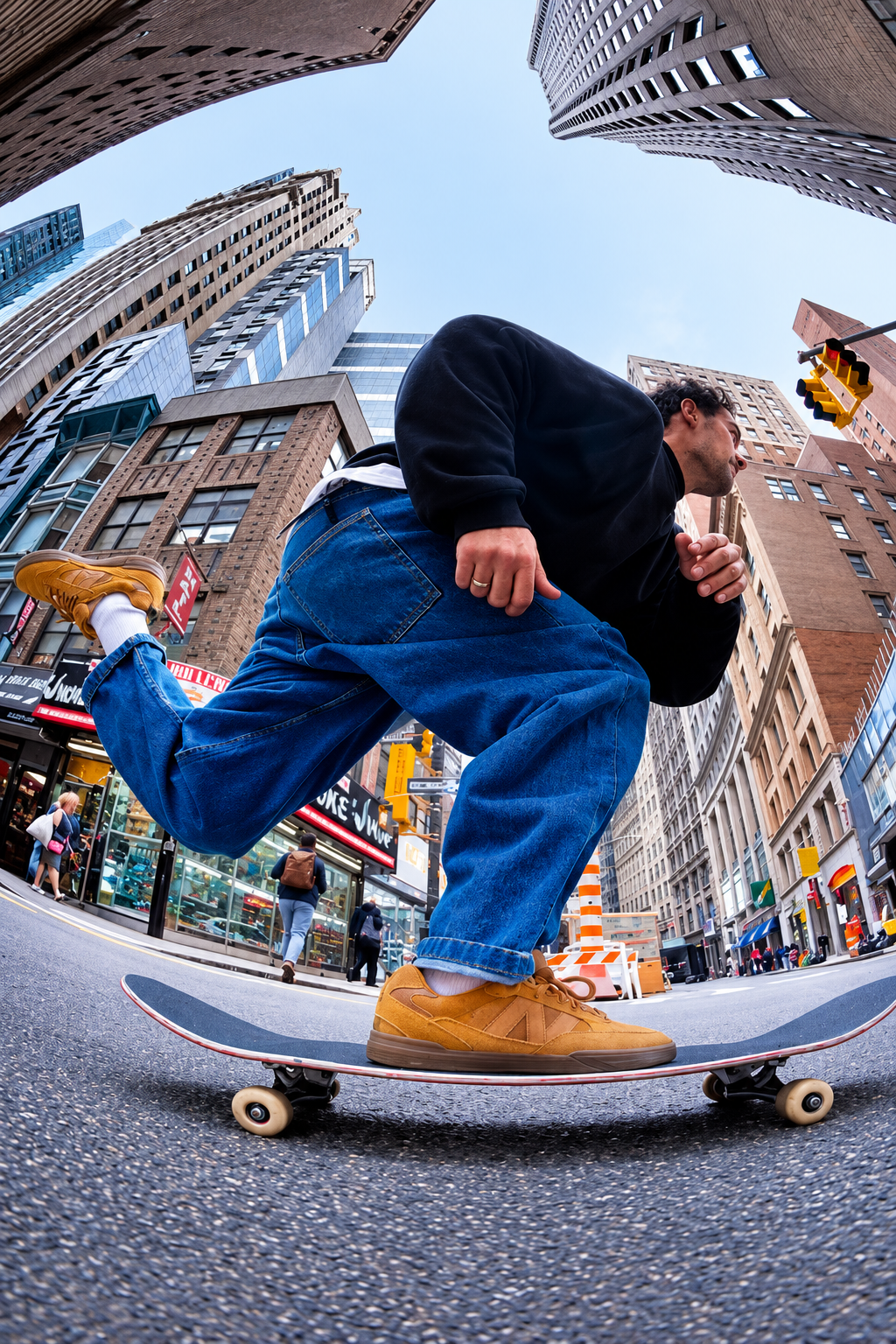
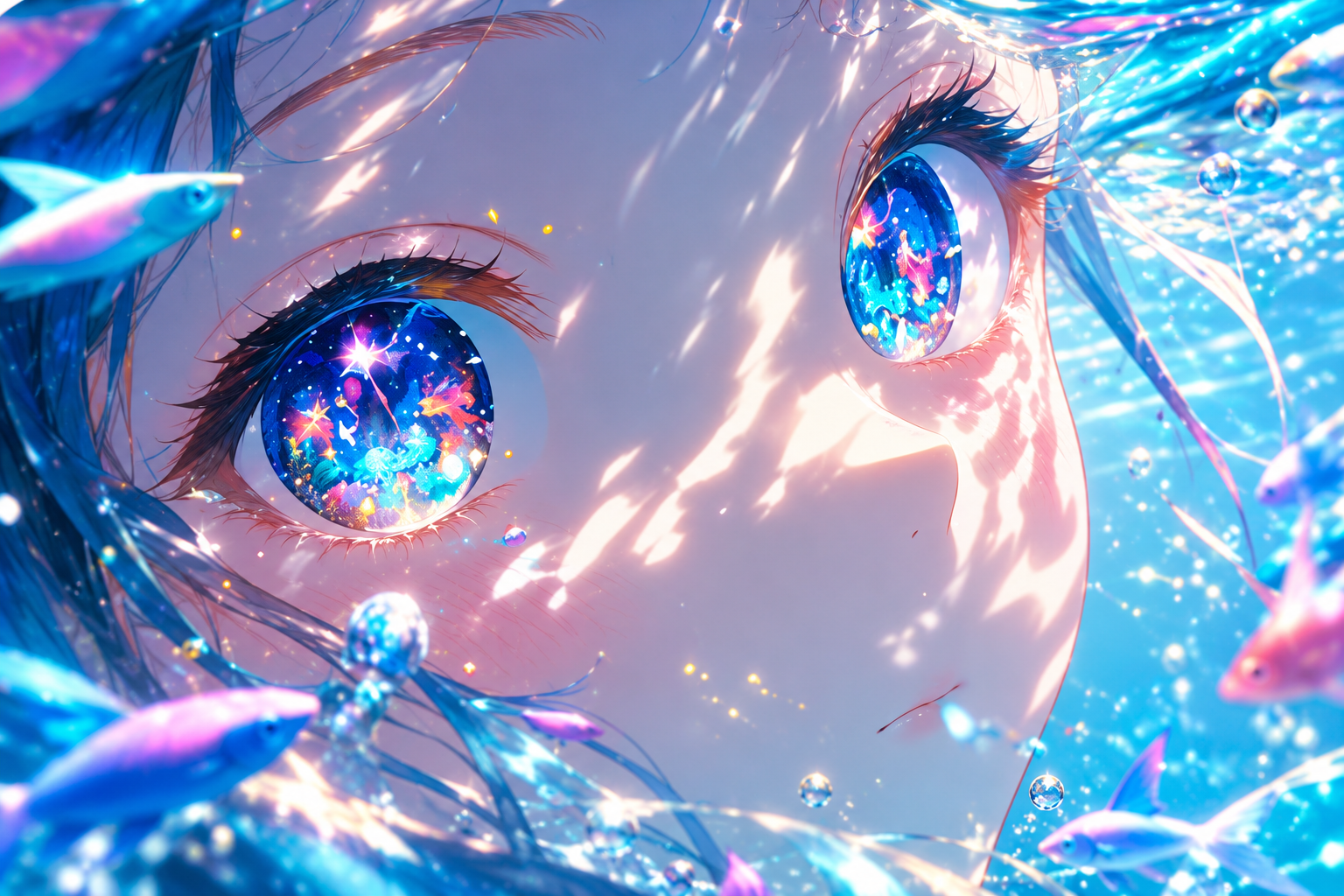
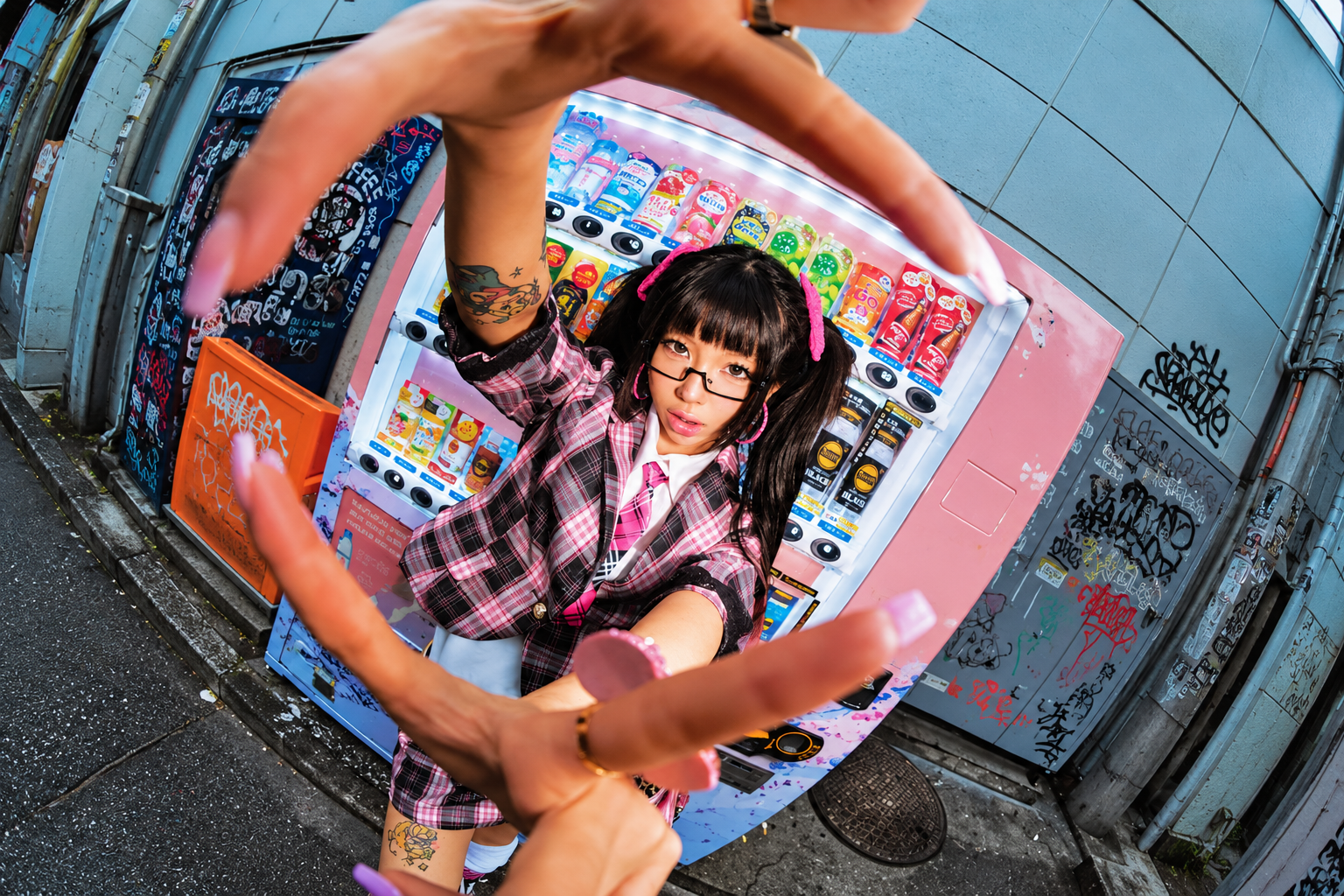
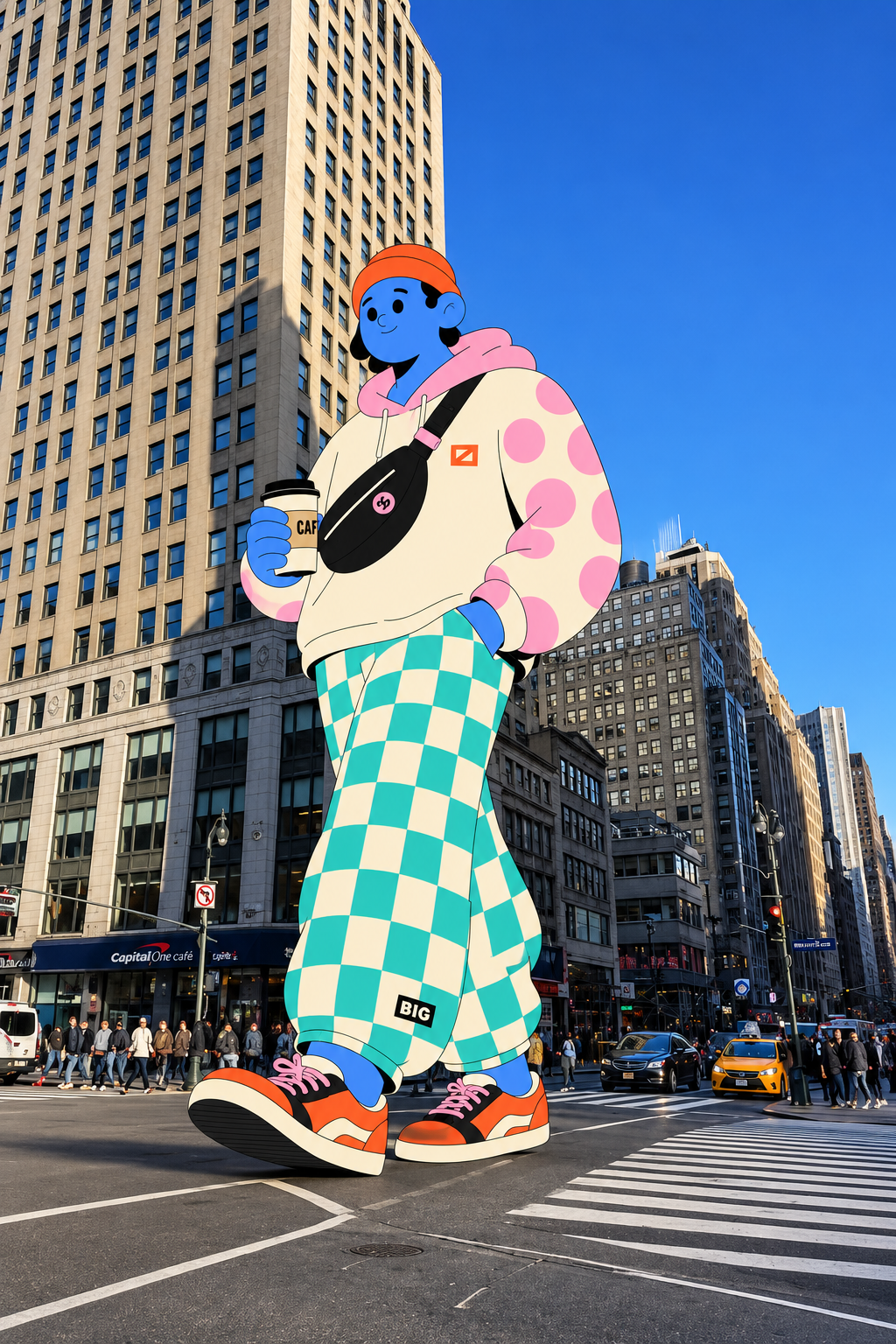
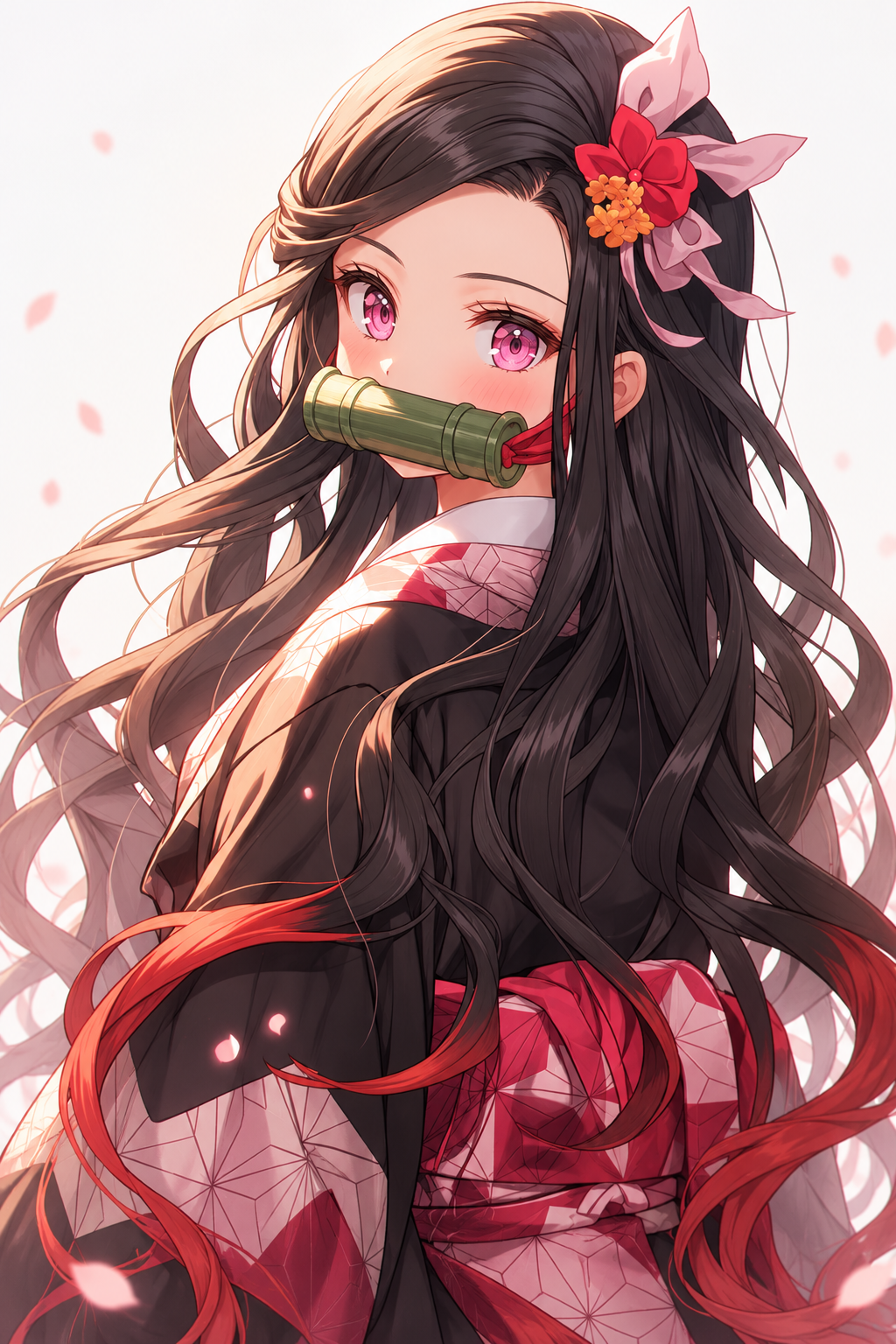
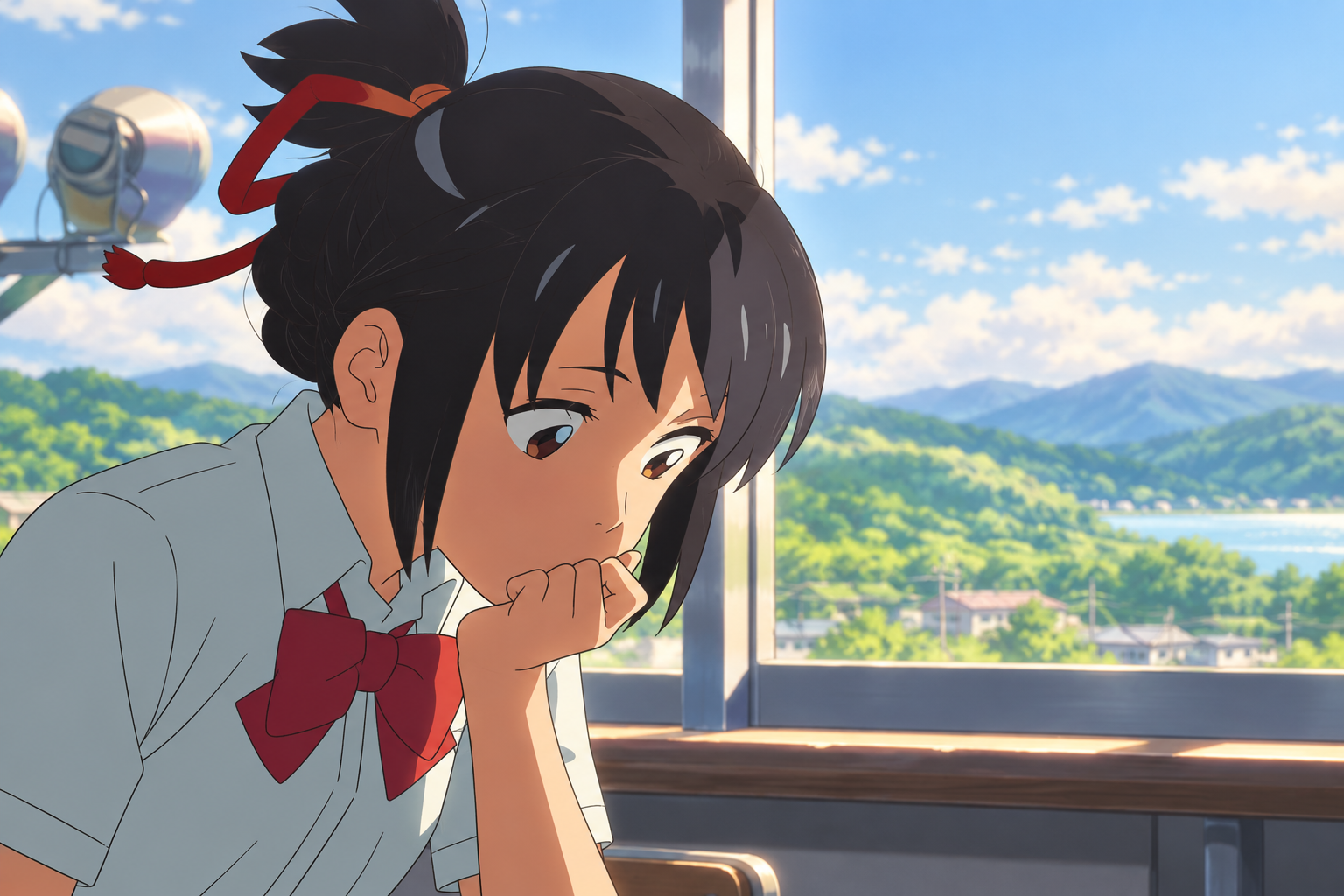
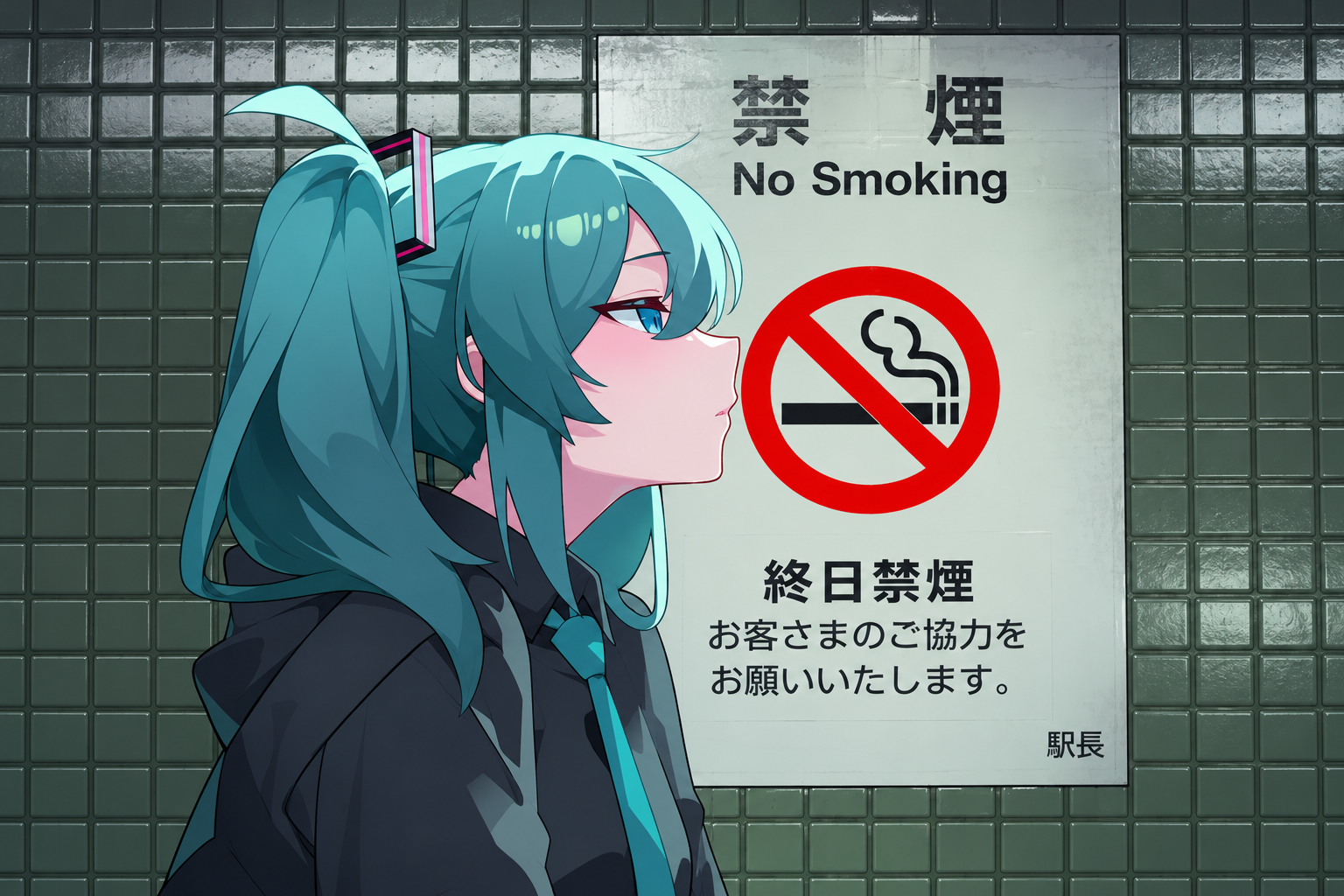
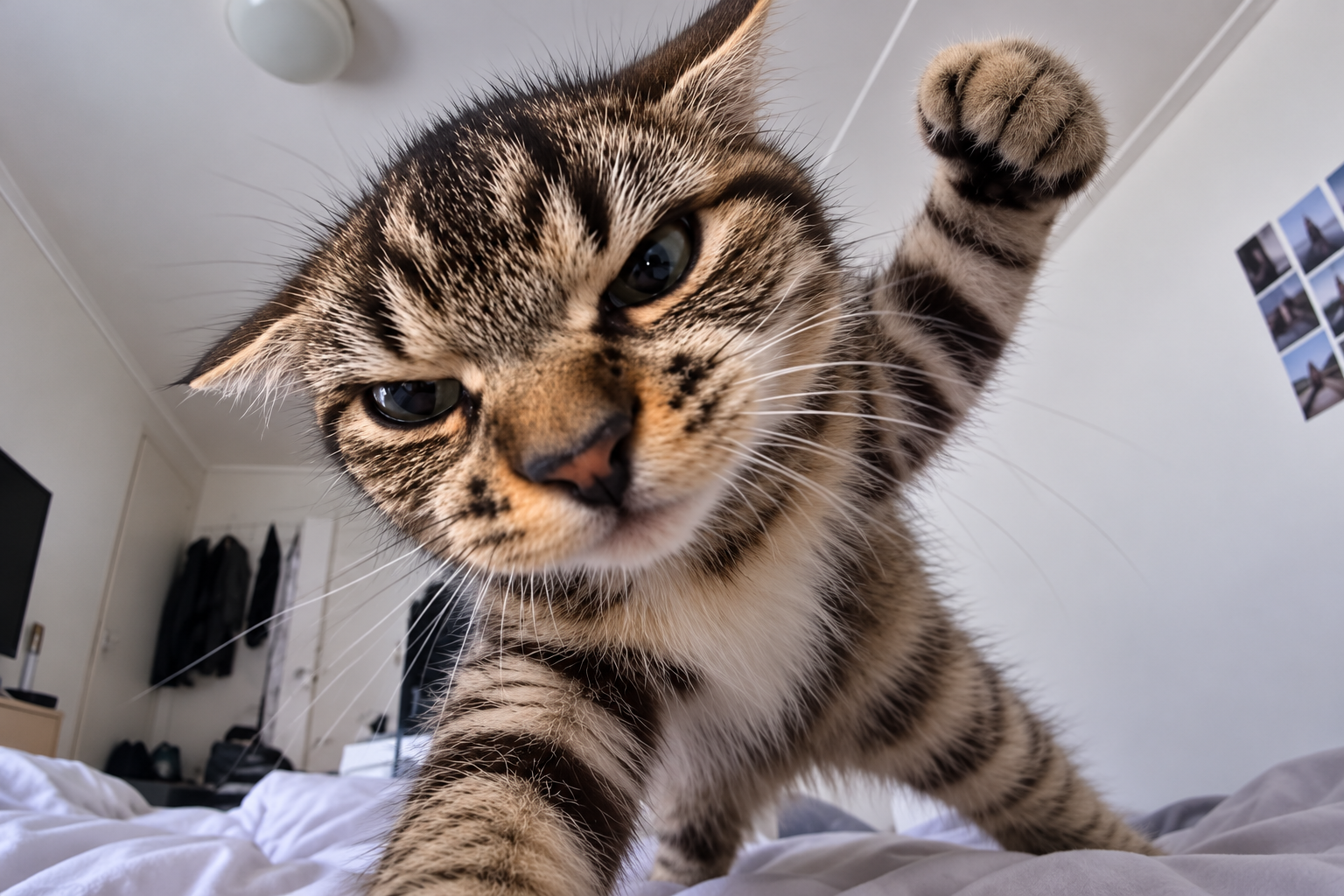
Explore product scenes, social posts, character concepts, poster layouts, and visual story ideas. For images that include text, supply the exact wording and check the result before publishing. You can also use a finished still as the starting point for an image-to-video project in MOVO AI.