Read MOVO AI's thinking process
MOVO AI shows its internal working process and additional explanations in collapsible sections — expand them when you want to understand why it made a decision. Keep the main chat focused on production instructions.
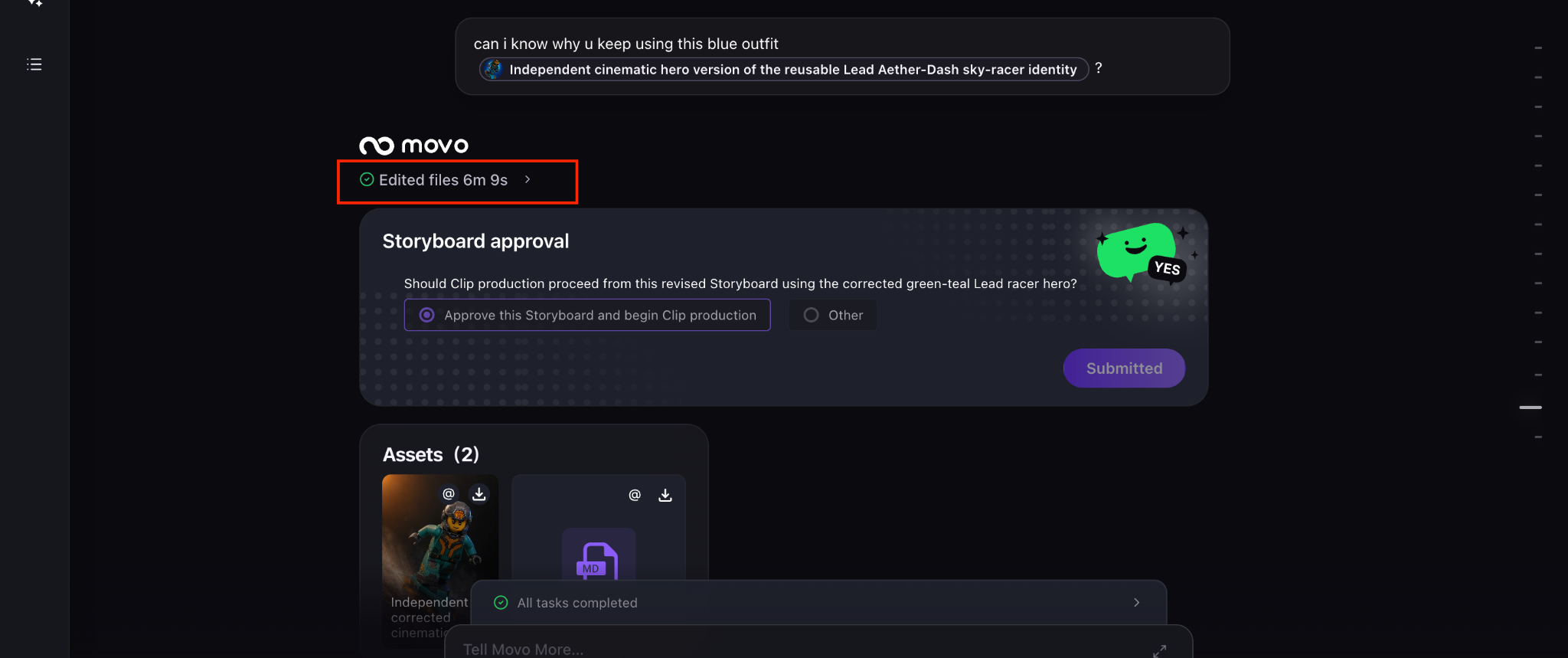
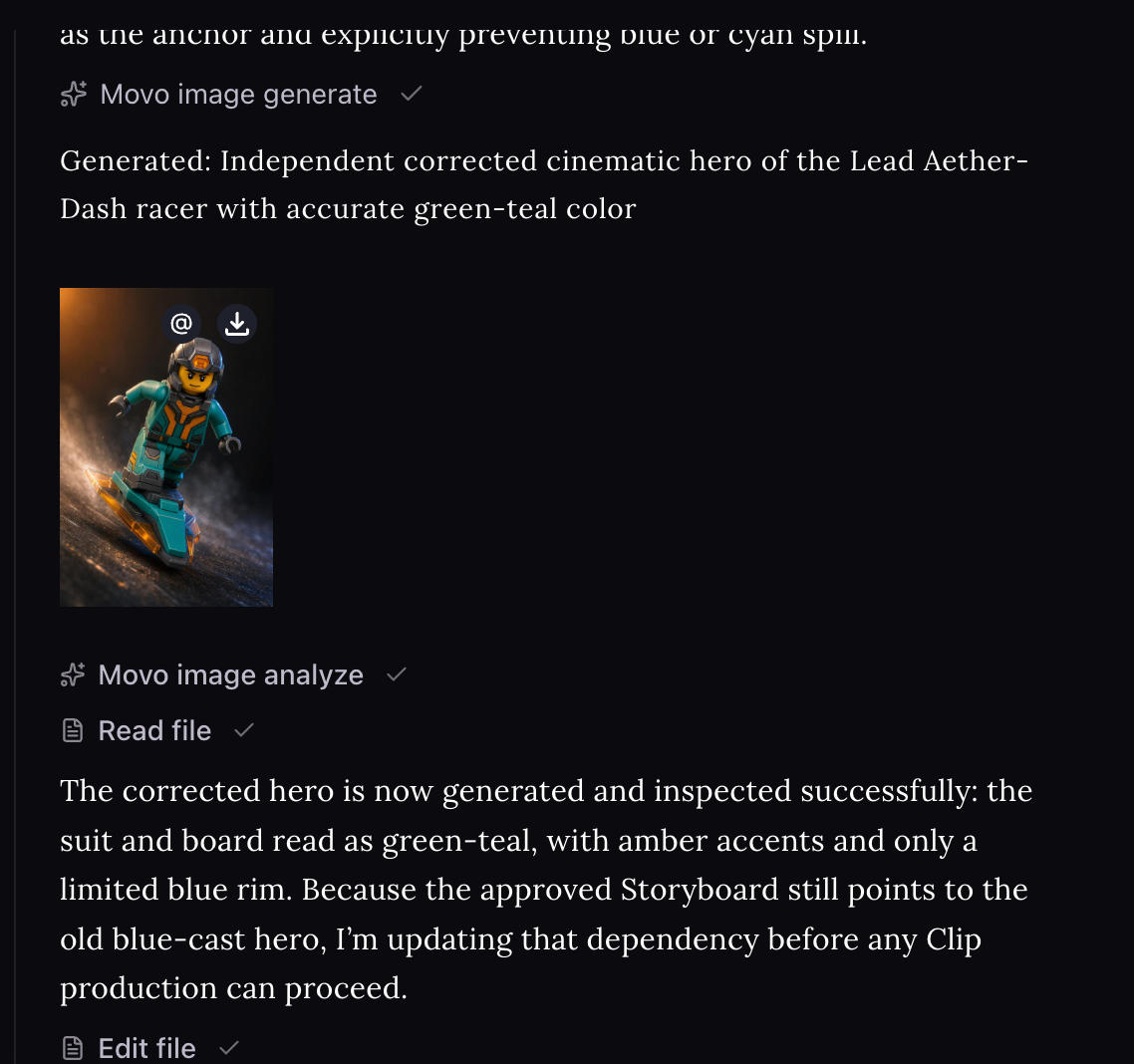
When to expand a thinking section
Open a thinking section to follow MOVO AI’s process in real time and understand:
- How MOVO AI interpreted your request.
- Why it selected a particular production approach.
- How it plans to use your assets.
- Which images MOVO AI used as references.
- Why a task was paused or revised.
- Answers to your questions about the workflow.
Keep the main chat focused
The thinking sections keep reasoning out of the way so the main chat stays focused on production decisions and specific revision instructions. Use the main chat for concrete direction — feedback, revisions, and approvals — not for meta-discussion about the workflow.
If your message would fit in a "let me explain why" section, it belongs in a thinking section (or a question). If it starts with a verb — "add", "change", "remove", "regenerate" — it belongs in the main chat.
Next steps
Continue with the next part of the workflow:
Quick answers
What is MOVO AI's thinking process?
It is MOVO AI's internal reasoning — how it interpreted your request, why it chose a particular production approach, how it plans to use your assets, and why tasks were paused or revised. It appears in collapsible sections separate from the main chat.
When should I open a thinking section?
Open it when you want to understand a decision — why a specific approach was chosen, how an asset will be used, or why a task was paused. Skip it during normal production if the output already looks right.
Why is thinking kept out of the main chat?
To keep the main chat focused on production decisions — feedback, revisions, and approvals — instead of meta-discussion about the workflow.
How is a "thinking" message different from a chat message?
Chat messages are commands ("add", "change", "regenerate"). Thinking sections are explanations. Move meta-discussion into thinking sections; keep commands in the main chat.
Get 100 free credits