Show the product from every angle
Upload up to four product photos. For a collapsible lunch box, show it open and folded, with the lid in view. Those references establish its shape and size for the demo.
Add product photosTurn product photos and one selling point into a short, creator-style demo.
Enter the product name and upload clear product photos.
Add selling points, then choose a duration and aspect ratio.
Generate your UGC video ad and review the demo.
A UGC product recommendation ad borrows the format of a shopper showing a friend how something works. Picture a creator packing lunch, folding down the empty container, and slipping it into a jacket pocket. That last shot gives the viewer a reason to remember the product.
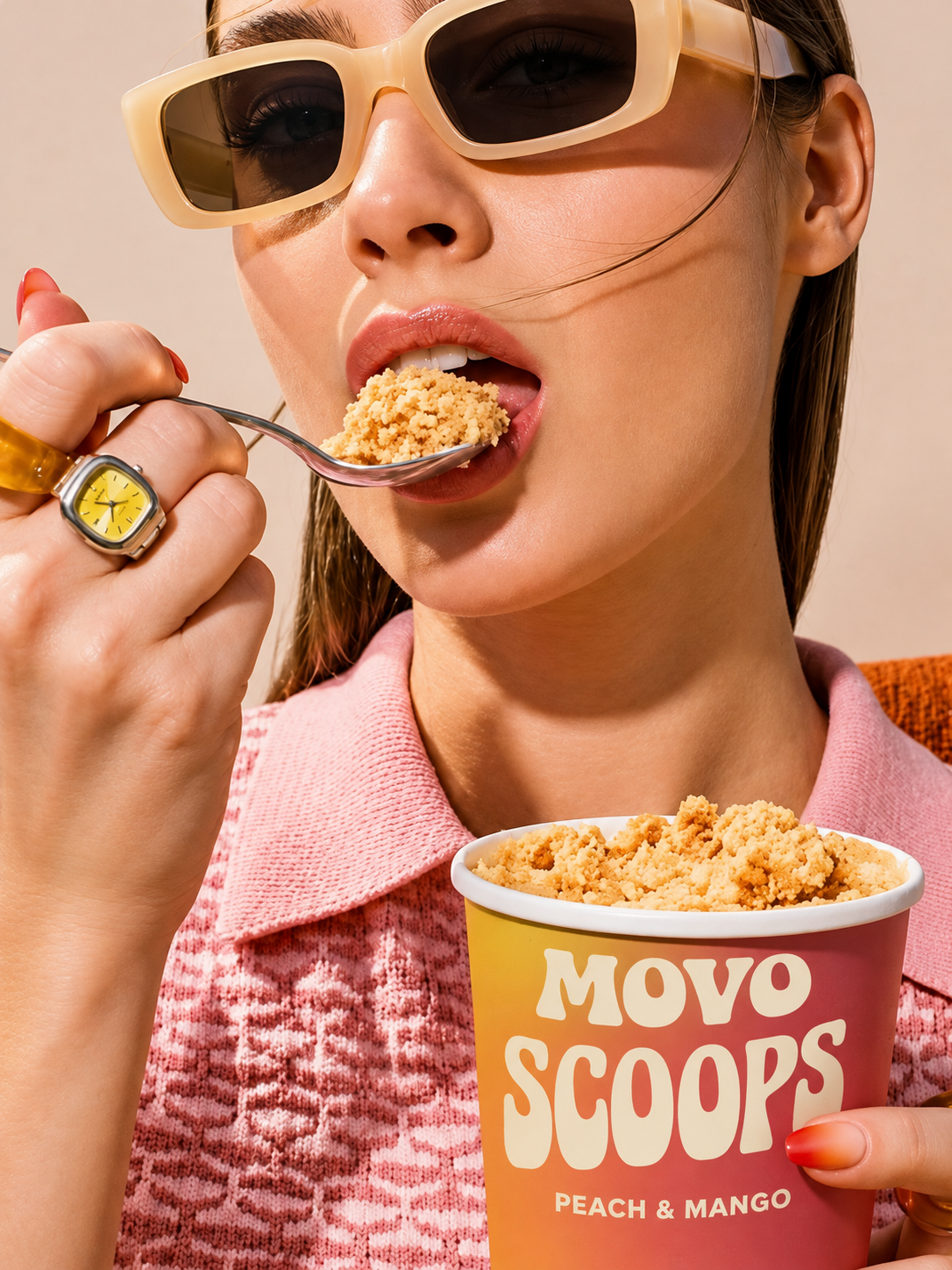
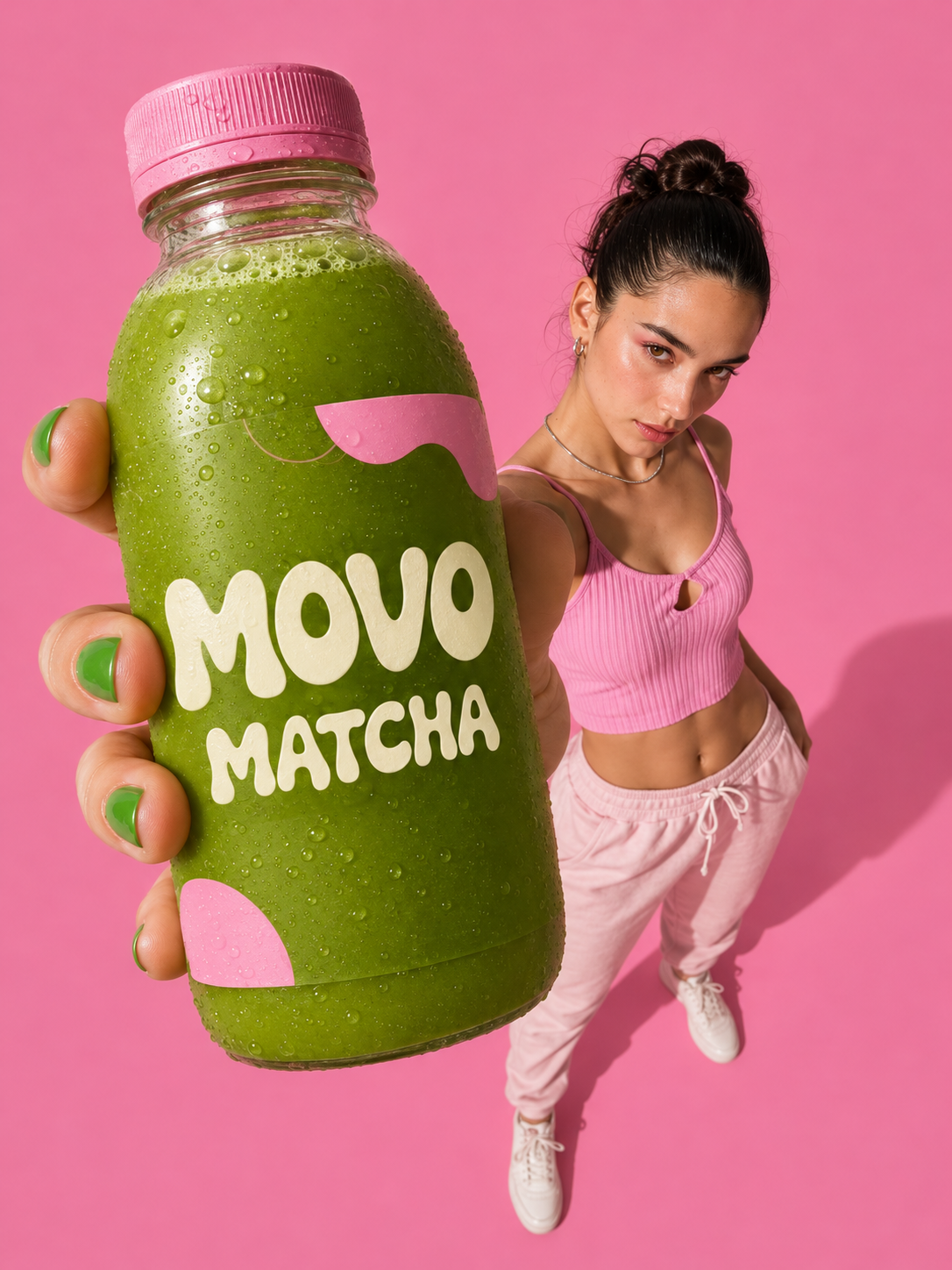
Give MOVO the details a creator would need to film a recommendation, from the name on the box to the action that shows how it works.
Upload up to four product photos. For a collapsible lunch box, show it open and folded, with the lid in view. Those references establish its shape and size for the demo.
Add product photos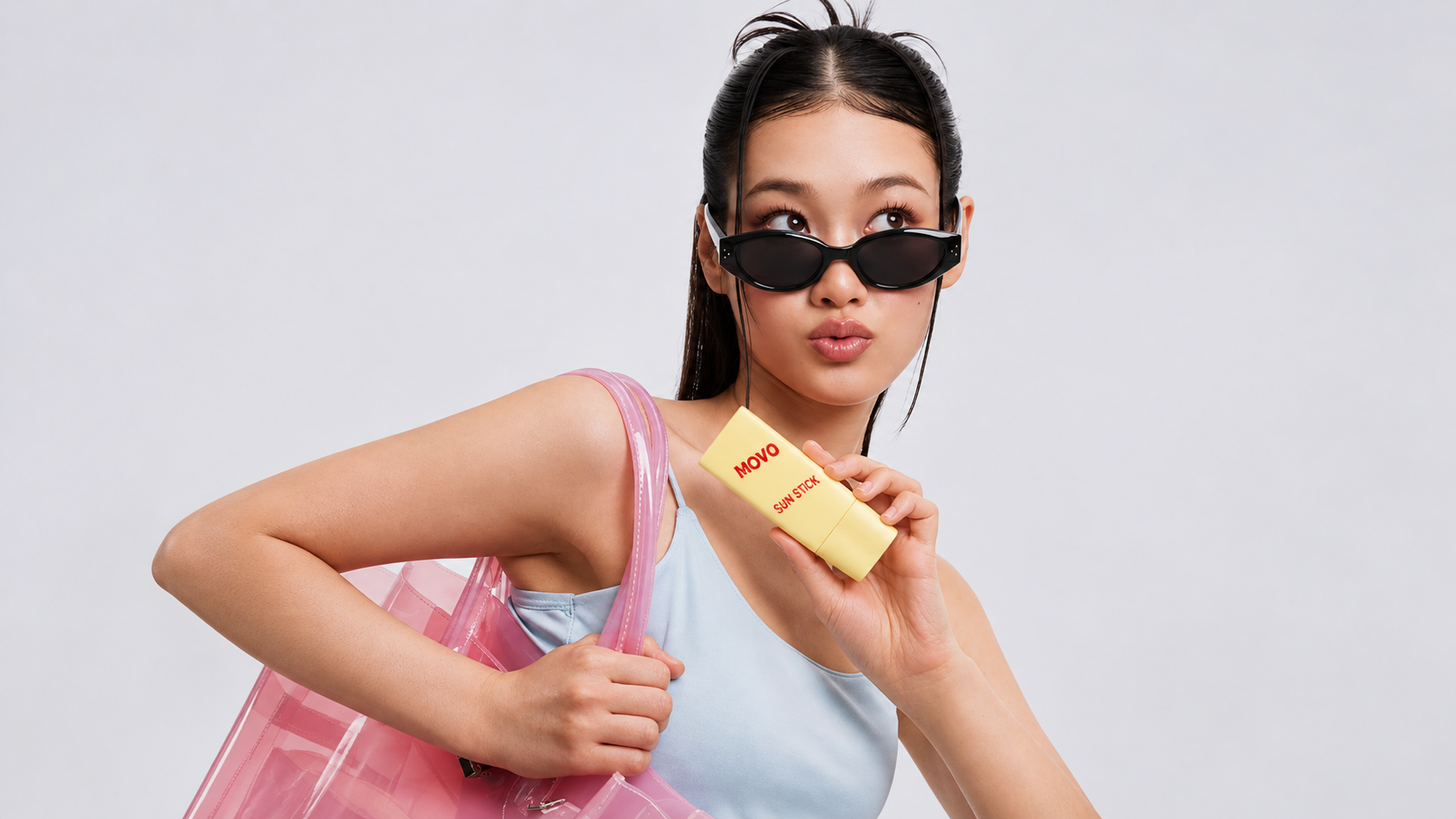
In Selling Points, describe a feature you can verify. If the lid locks with two clips, ask for a close-up of both clips snapping shut before the box goes into a bag.
Add selling points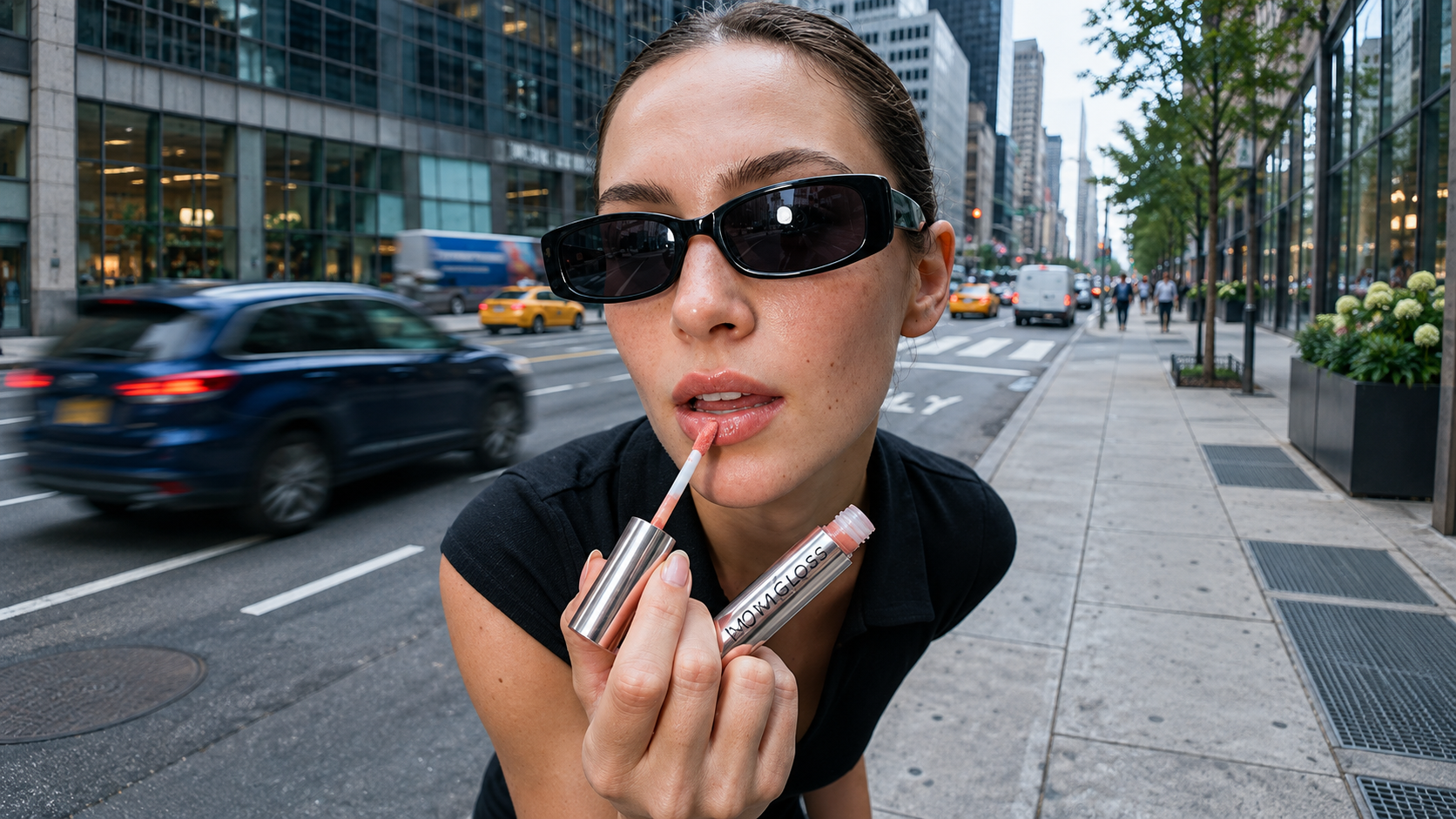
Choose a duration from 10 to 60 seconds. For vertical TikTok UGC ads, select 9:16 and leave enough room for both hands to finish the demonstration.
Choose video settings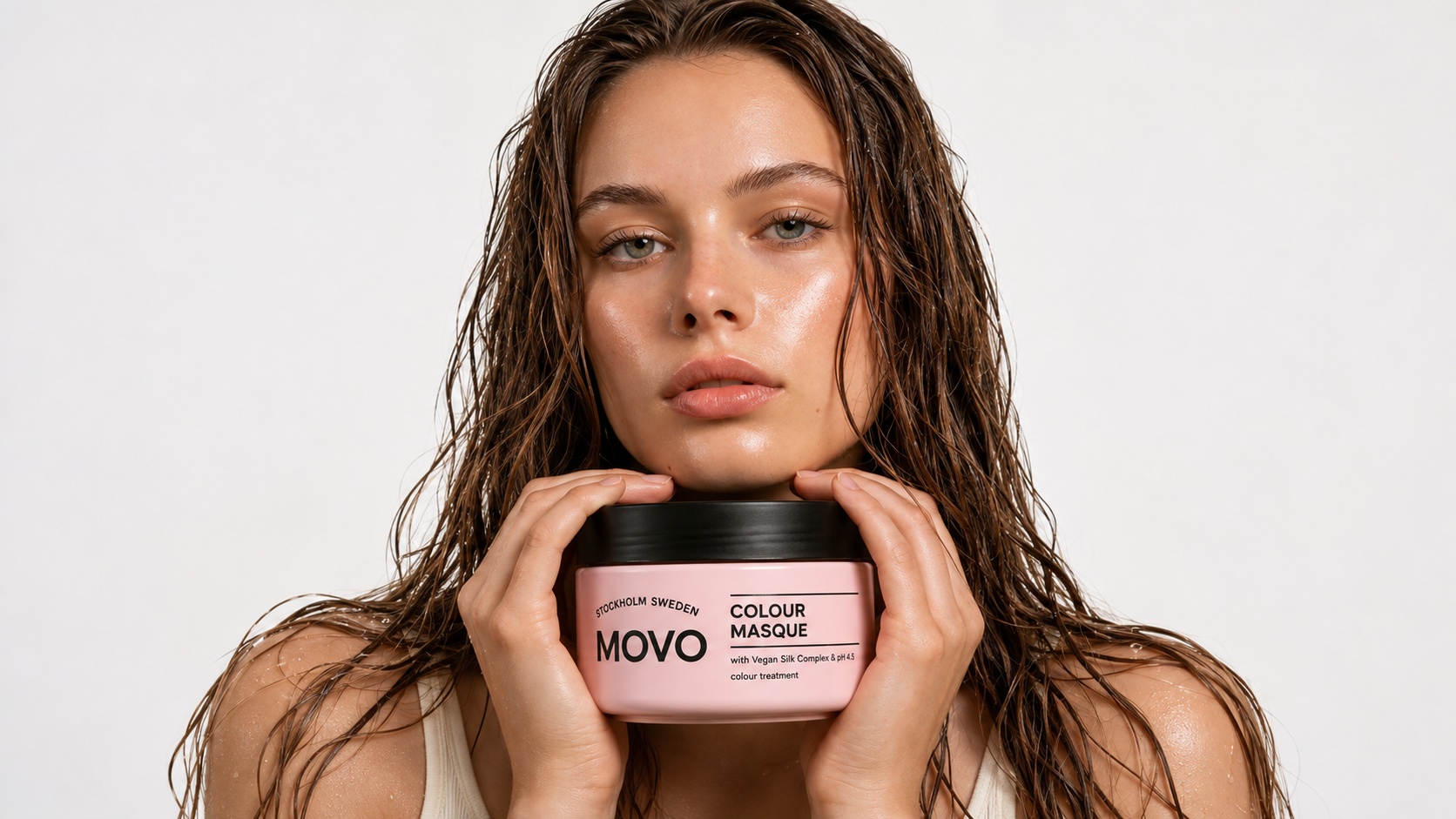
Add up to six optional usage photos to show the action in sequence. Use Additional Notes for the language, the opening line, or a detail the presenter should mention.
Add usage detailsBuild your first recommendation around one question a shopper might ask.
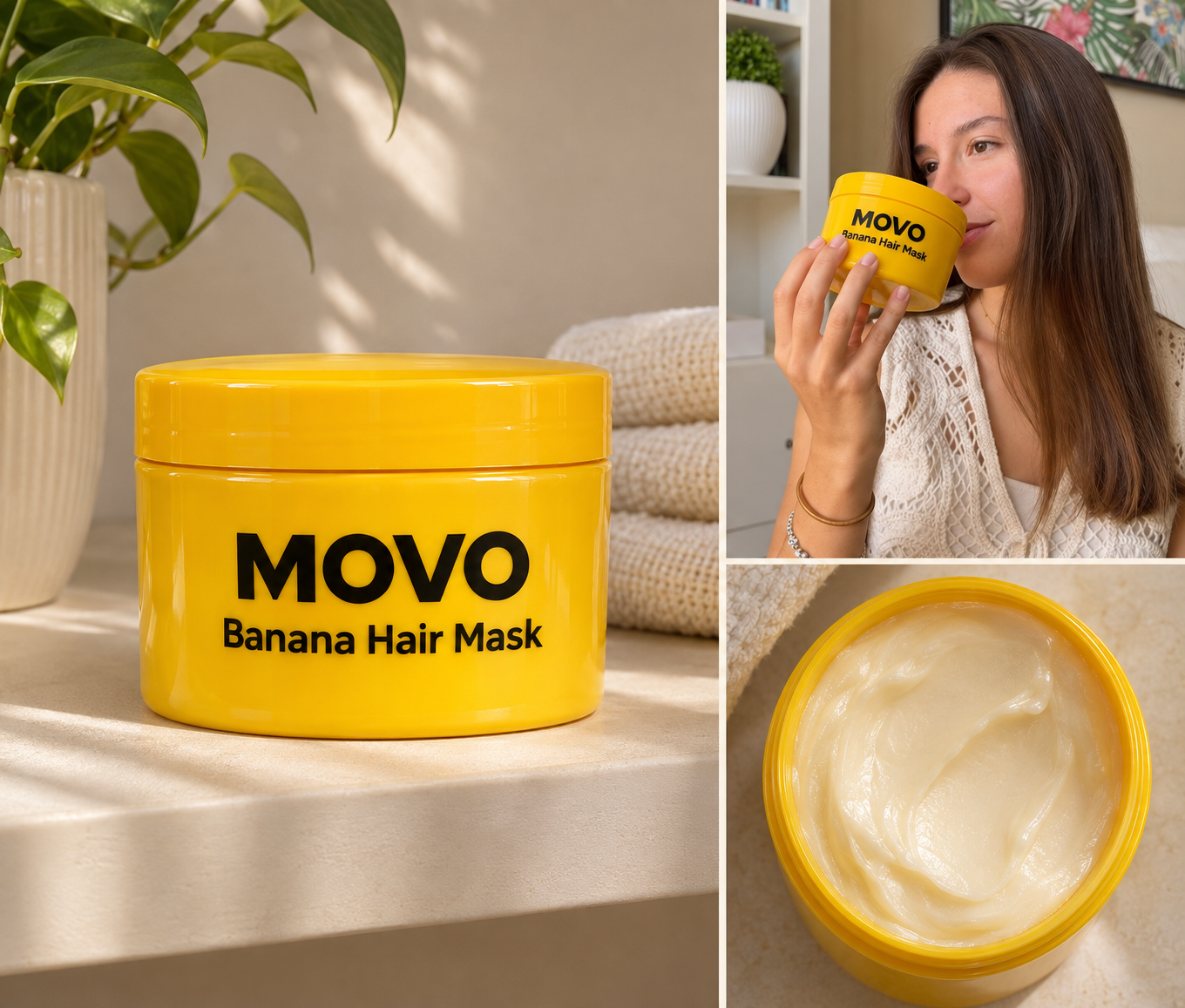
Enter the full product name and upload photos with the label in focus. Include a usage detail image if the product folds, clicks into place, or opens in an unexpected way.
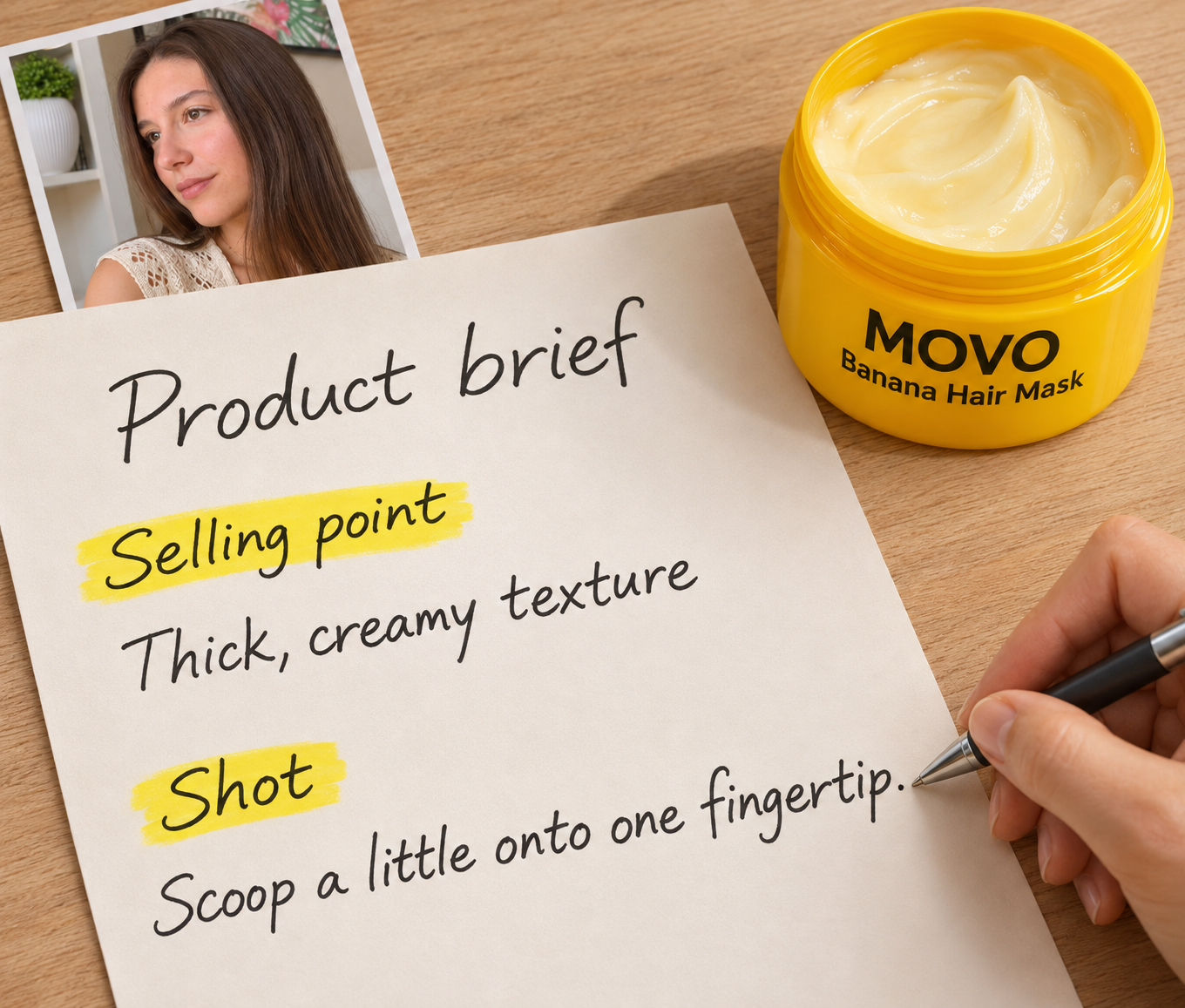
Pair one selling point with one action. For a compact coffee maker, try opening with “Will it fit under my shelf?” as a hand slides the machine into place.
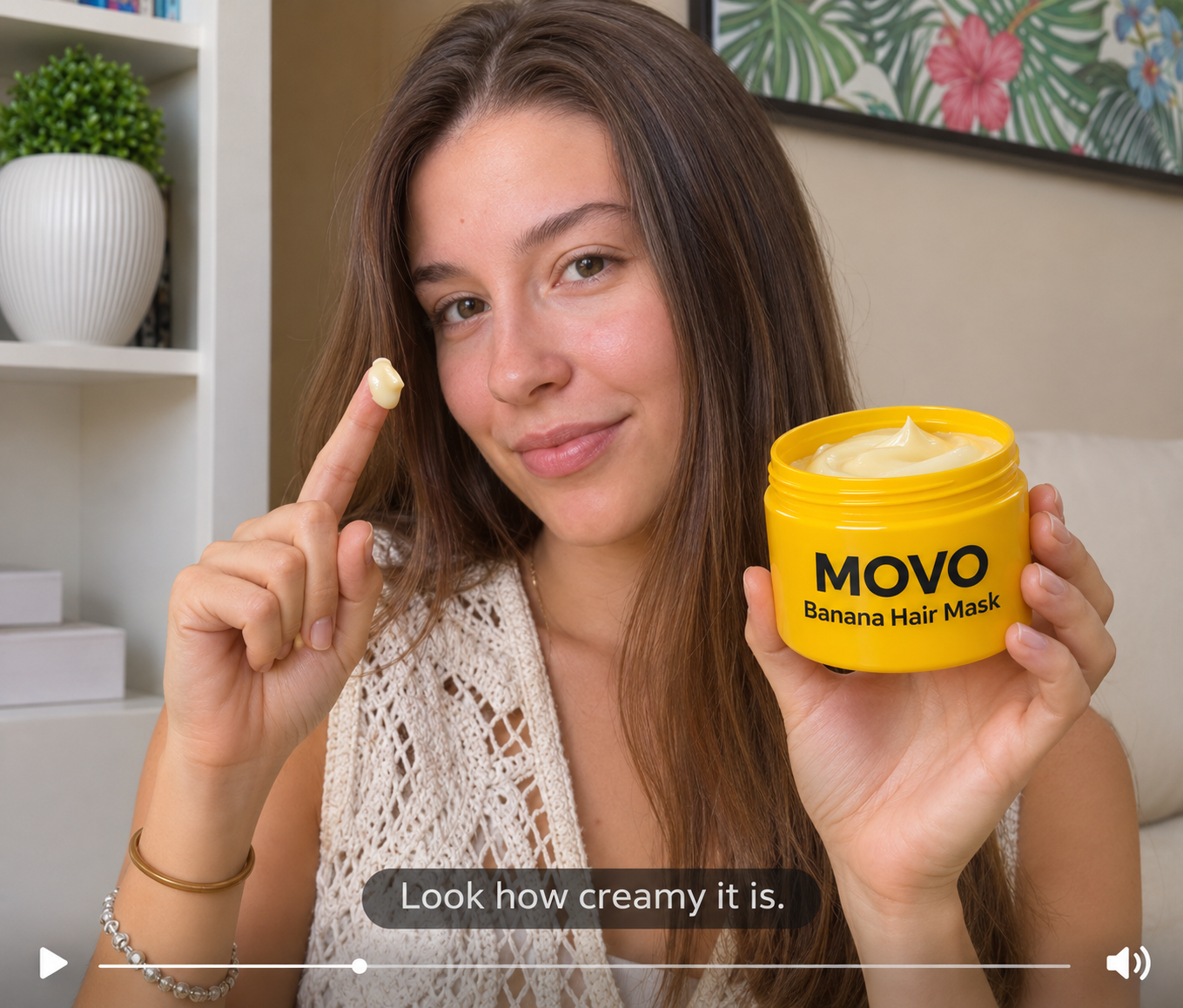
Select Create my video. Watch the opening with the sound off, then listen to the recommendation. Check that the product, the action on screen, and the spoken claim agree.
Use the same product references to try a different opening, answer a follow-up question, or adapt a recommendation for another placement.
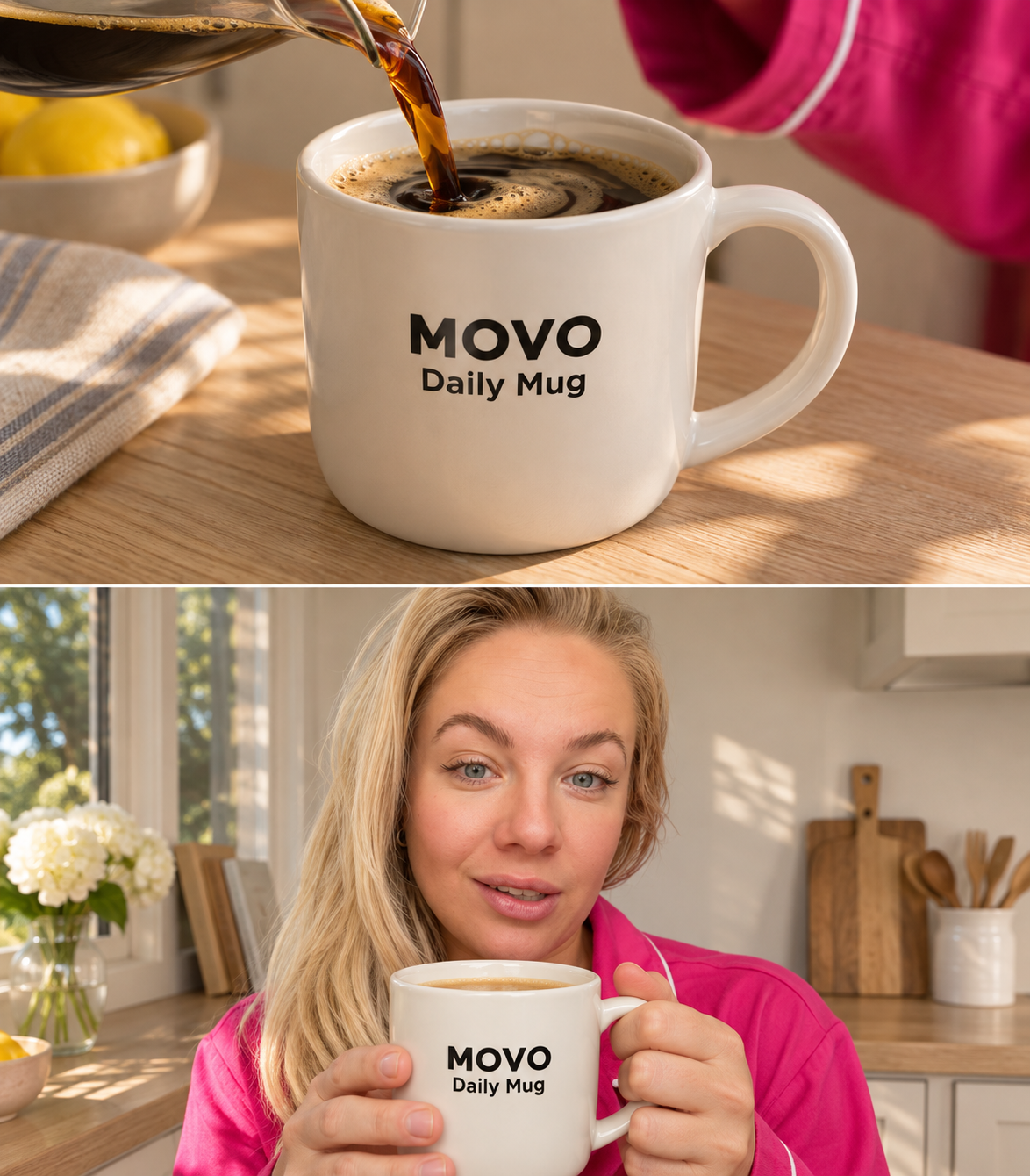
Make two versions with the same demo and ending. Open one on the folded lunch box and the other on a crowded bag. Keeping the rest consistent makes the hooks easier to compare.
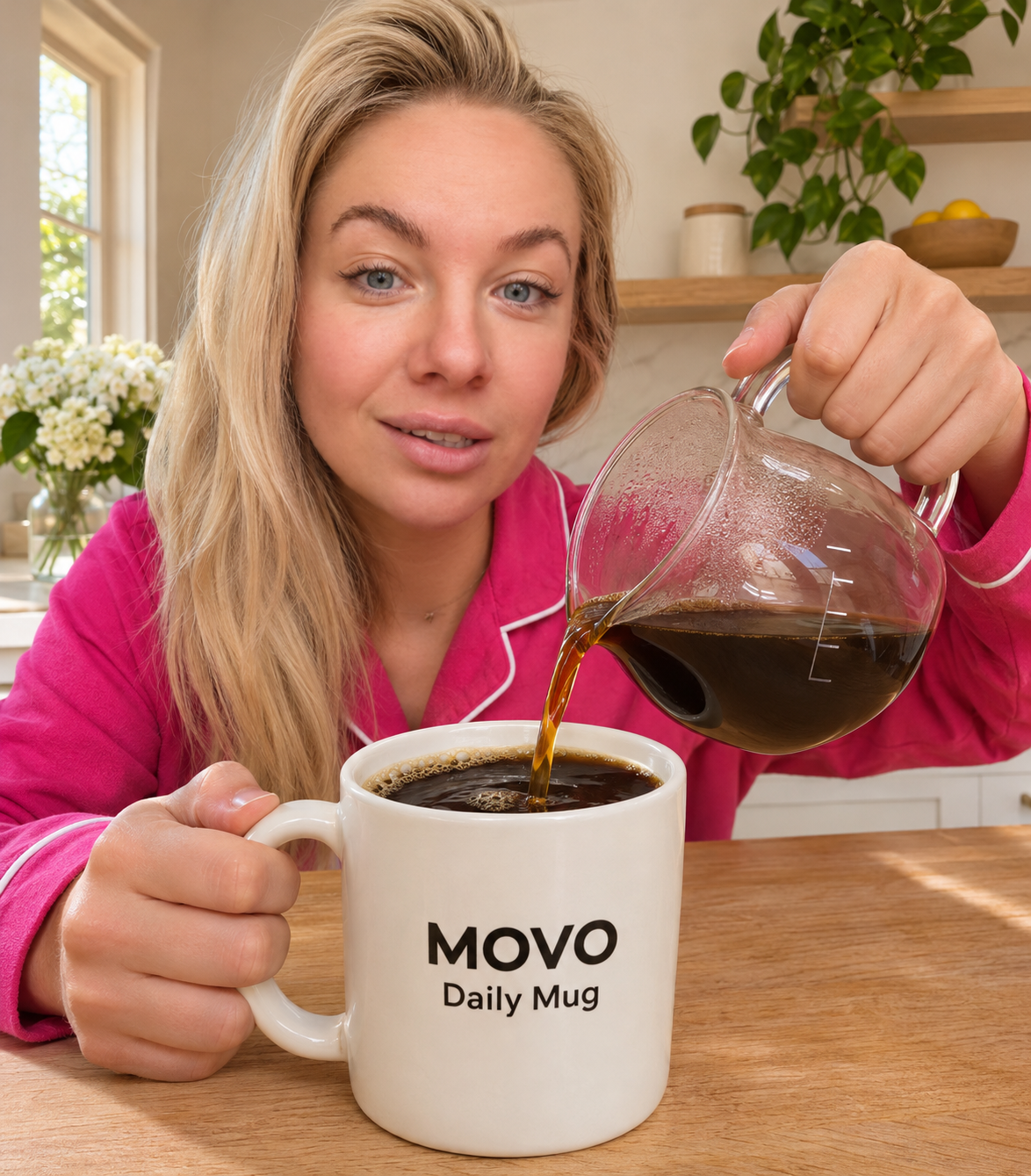
For Meta retargeting, focus on a detail someone may still want to see. A shopper who has seen the lunch box folded might next want to see how much food fits inside.
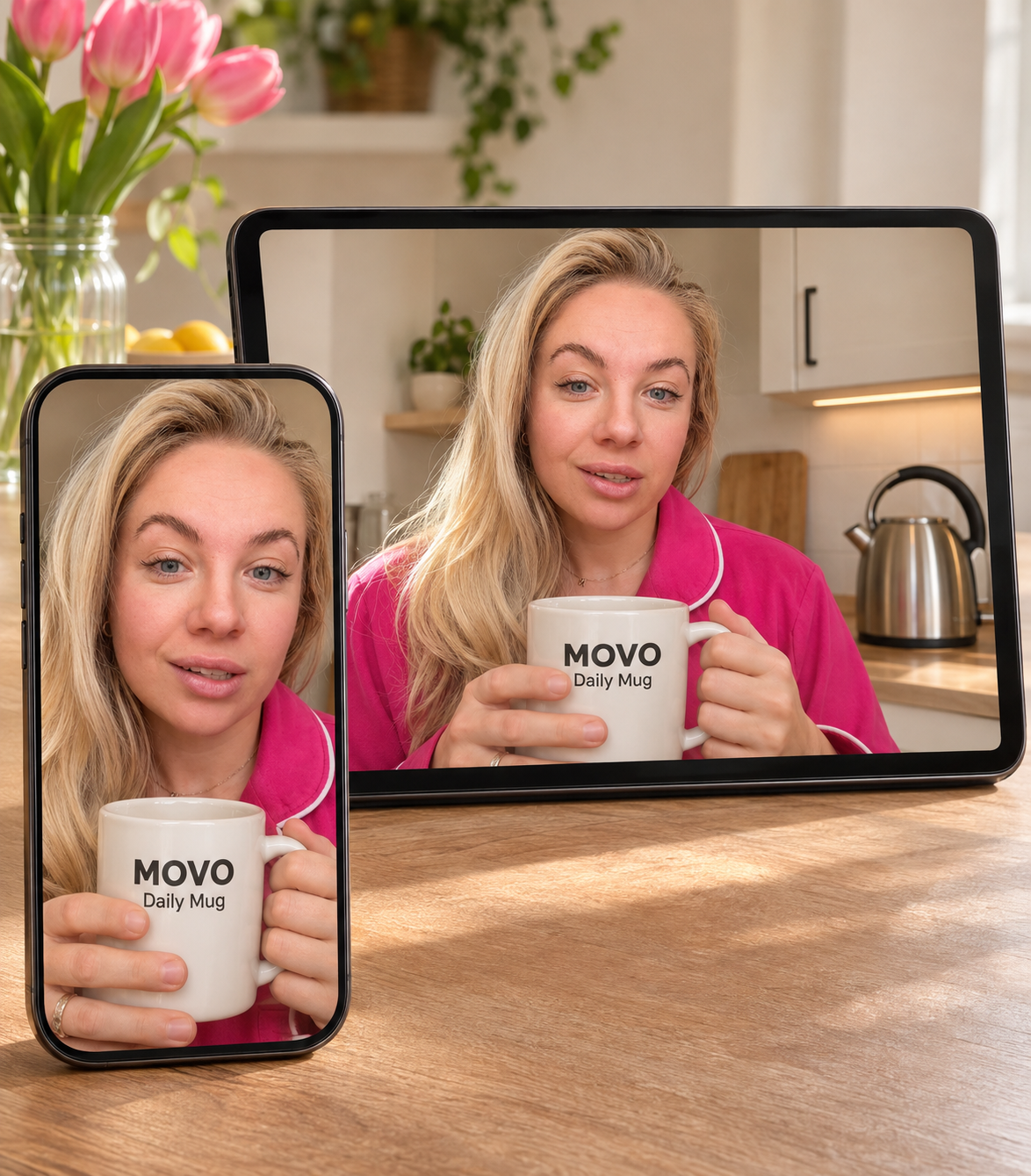
Try a vertical close-up for TikTok, then a landscape version for a Google video ad. Use the extra width to show the coffee maker beside a kettle so viewers can judge its size.
Prepare product visuals, plan your scenes, and create videos for the rest of your campaign.
Create video ads from product images, ideas, or references.
Make complete videos from ideas, scripts, or visual references.
Build a story with recurring characters and connected scenes.
Turn ideas and images into animated scenes and complete stories.
Create portraits, product photos, and scenes from text or a reference.
Explore design concepts for posters, packaging, and campaigns.
Create animated titles, 2D graphics, and short brand videos.
Turn a rough idea into a video script with a strong hook and a clear story.
See how creators use MOVO AI to turn product ideas into ads, launch videos, and social campaigns.







UGC stands for user-generated content. A customer’s own product video is one example. A brand can also make a UGC-style ad using the conversational tone and framing of a creator’s demo.
Start with a question someone might ask before buying. Show the answer on camera, then give the viewer a next step. A lunch box demo might end with the folded box in a bag and an invitation to compare sizes.
Look for questions in product comments or support messages. If shoppers ask how a travel mug comes apart for cleaning, show the lid separating into pieces and finish with a clear view of the parts.
Change one element per version, such as the opening line. Keep the demo, offer, and audience consistent so you can compare results against the same campaign goal.
Choose 9:16 and frame the product where viewers can follow the action. For a one-handed bottle cap, keep the thumb, latch, and opening in view throughout the shot.
Check how the presenter handles the product, pronounces its name, and times each line to the demo. For a coffee maker, the line about cup clearance should land as the mug slides under the spout.
Reuse the approved product photos and selling points. Group scripts by shopper question and label each version by its hook, demo, and placement so your team can track what it tested.
Use up to four clear product photos and, if needed, up to six usage detail images. A front view identifies the product. A close-up of the hinge or handle shows how a person should use it.
Bring your product photos and one selling point you can show on camera. Turn them into a recommendation with MOVO.
Create Your UGC Ad