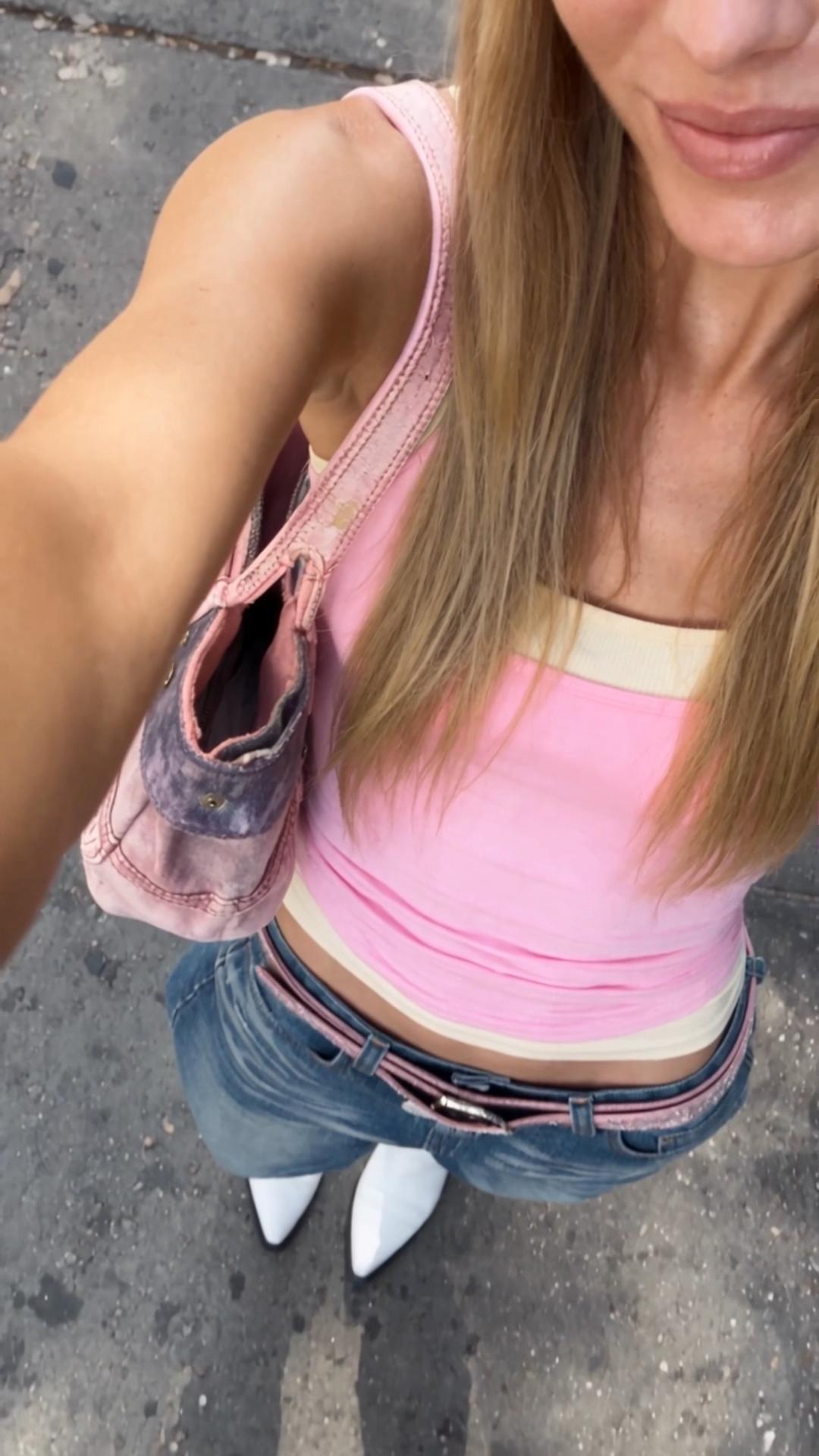
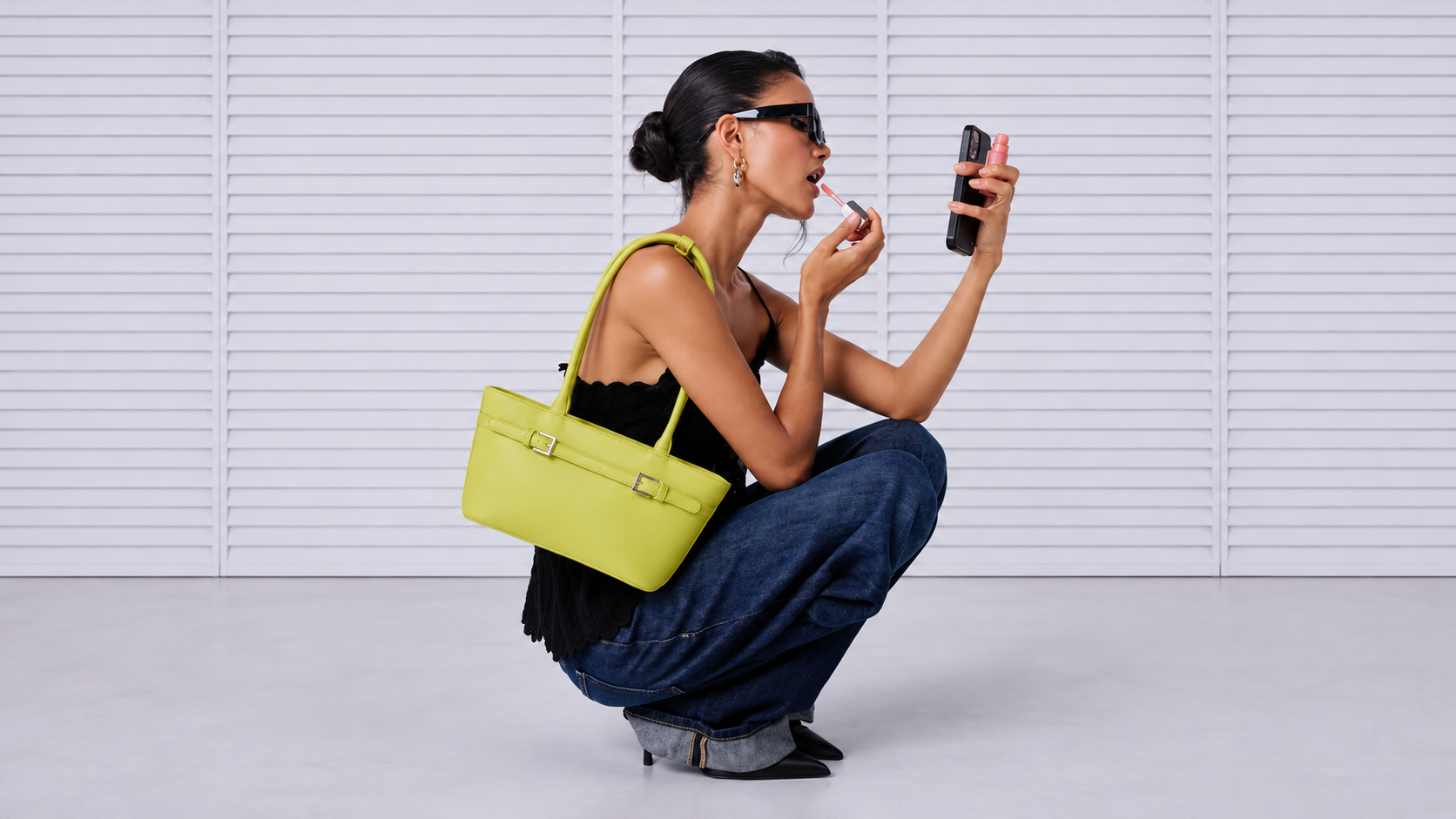
Show the whole silhouette
Start with a straight-on photo of the garment. For wide-leg trousers, include the waistband and both hems so a full-length shot can show how the legs fall over a pair of shoes.
Add product photosShow how a piece fits, moves, and works with the clothes already in someone’s wardrobe.
Upload up to four clear photos of the garment.
Choose a frame for the outfit and a length for the try-on.
Generate your video and check the look against your photos.
A hanger shot tells you the shape of a jacket. A try-on shows where the hem lands when the wearer reaches for a bag. Fashion UGC brings that everyday point of view to clothing videos. Use MOVO to turn garment photos and a styling idea into a creator-style try-on.
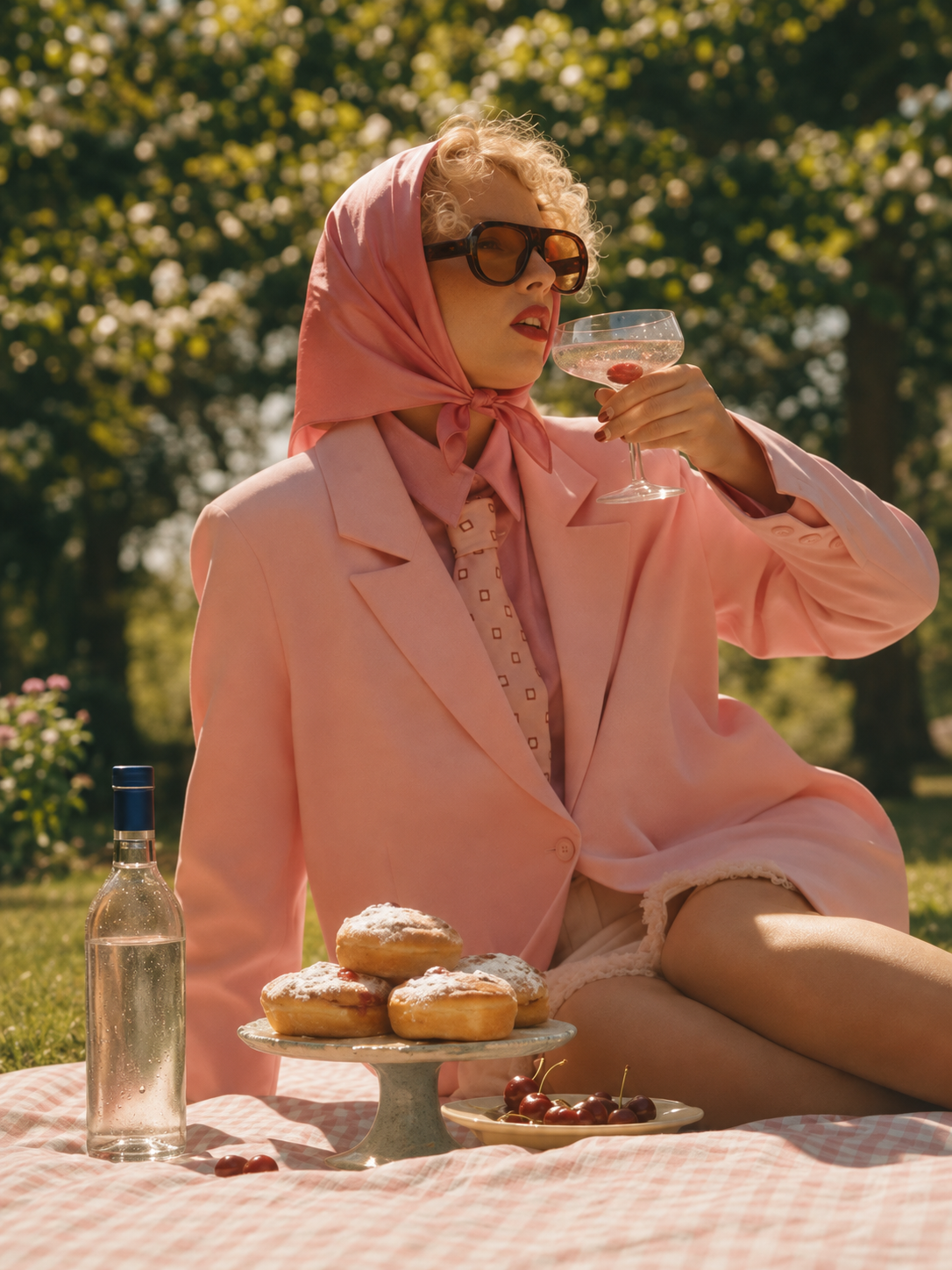
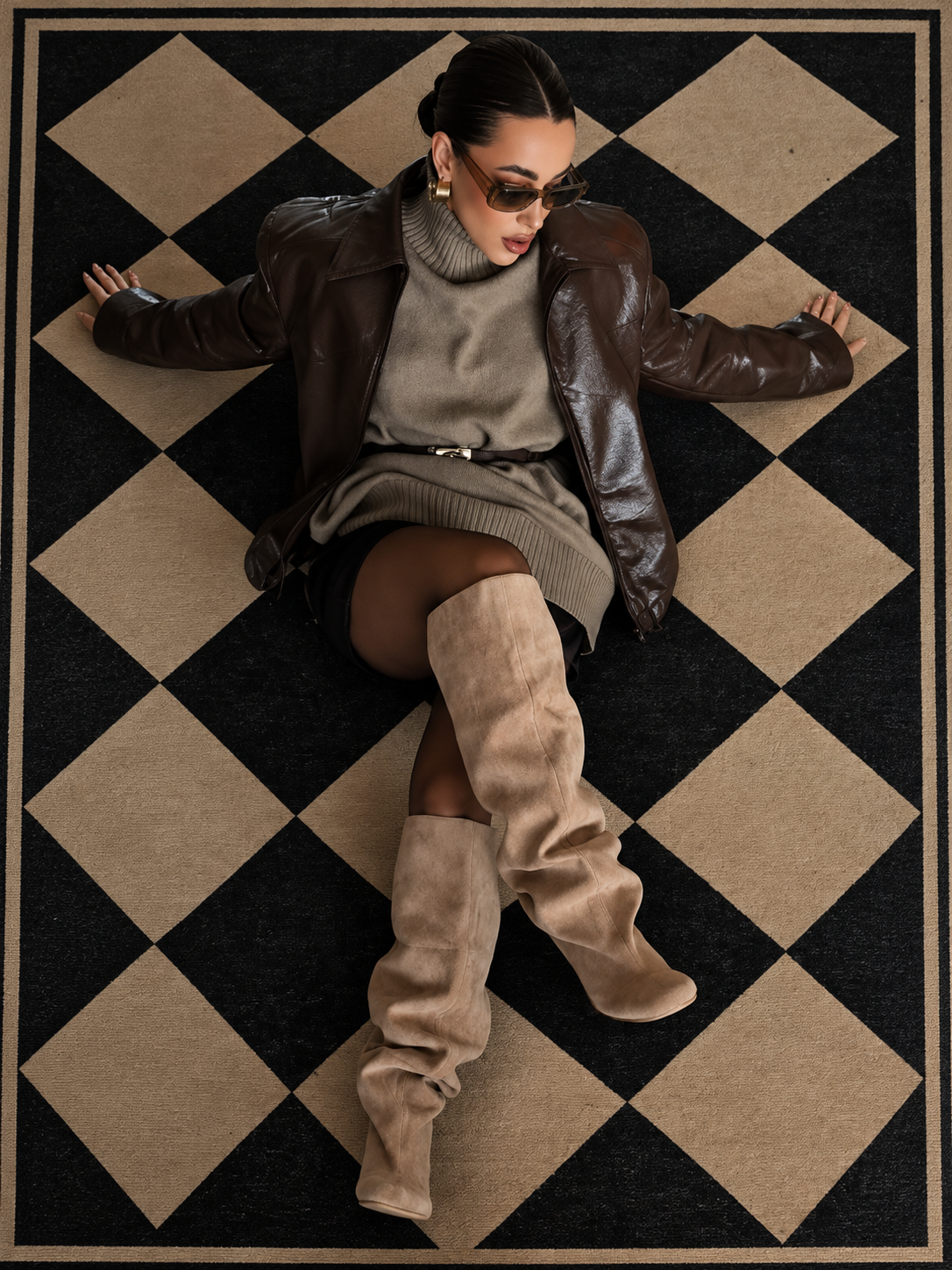
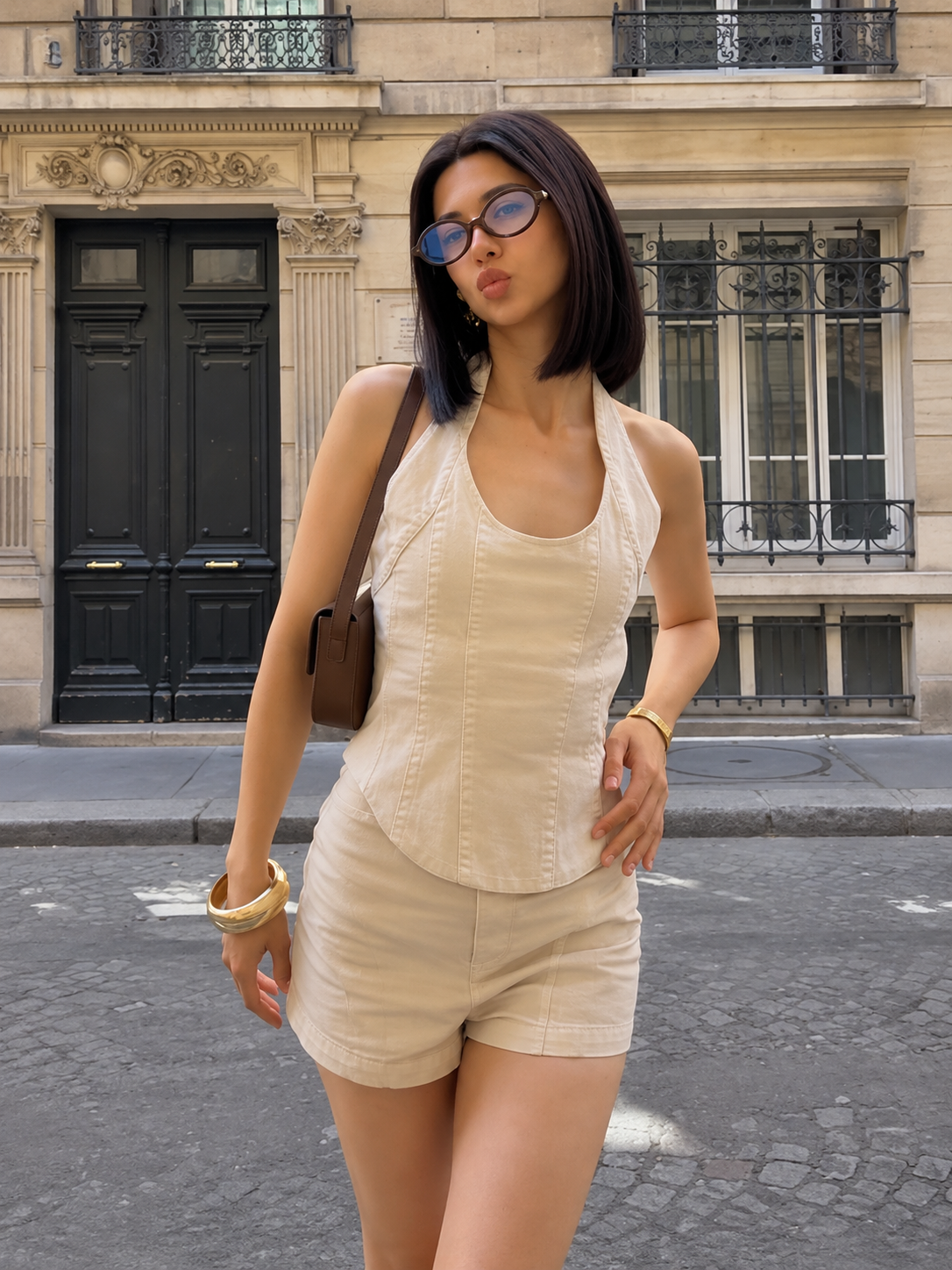
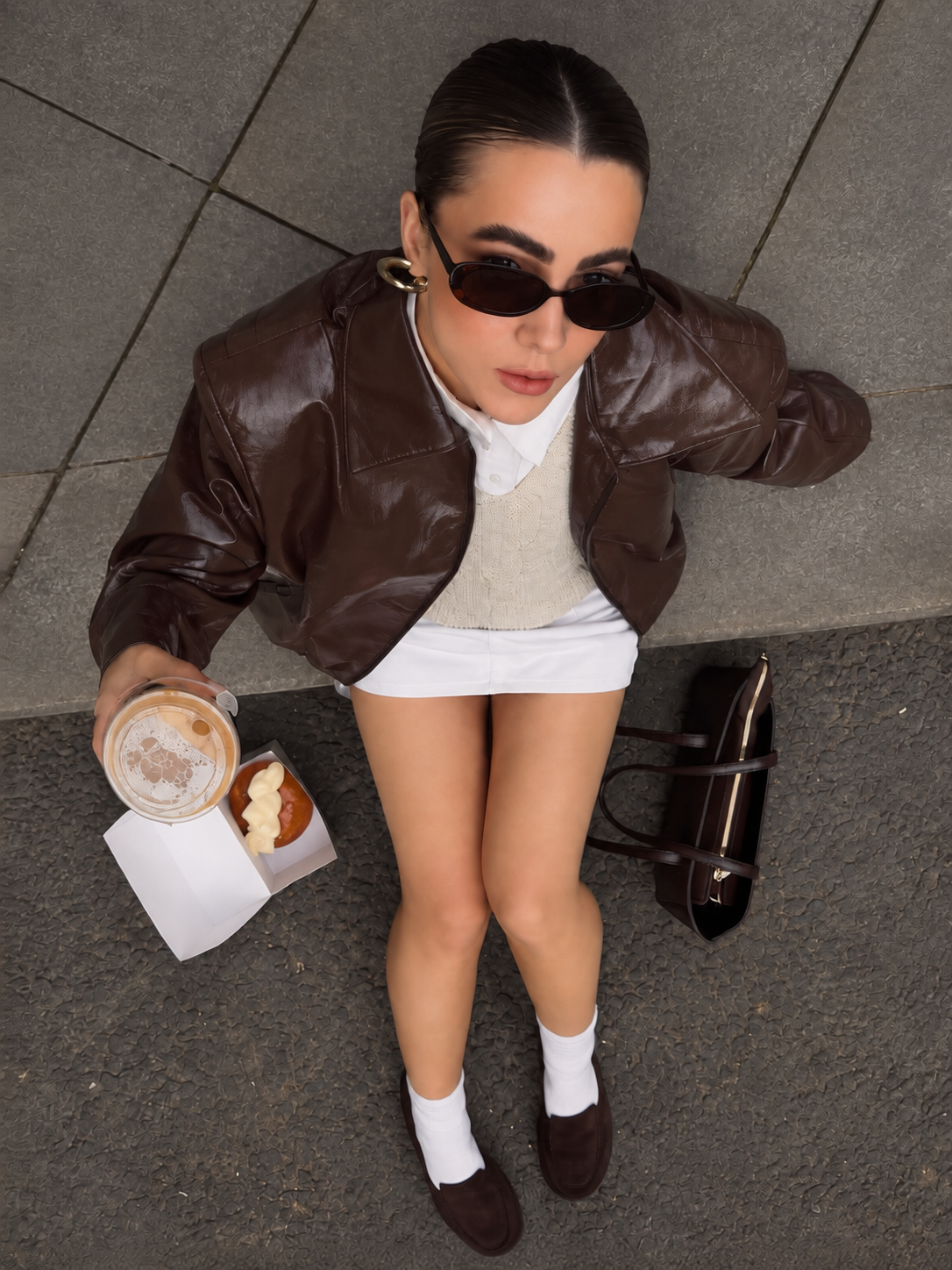
Build a try-on around one piece and a question a shopper would ask in the fitting room.
Start with a straight-on photo of the garment. For wide-leg trousers, include the waistband and both hems so a full-length shot can show how the legs fall over a pair of shoes.
Add product photos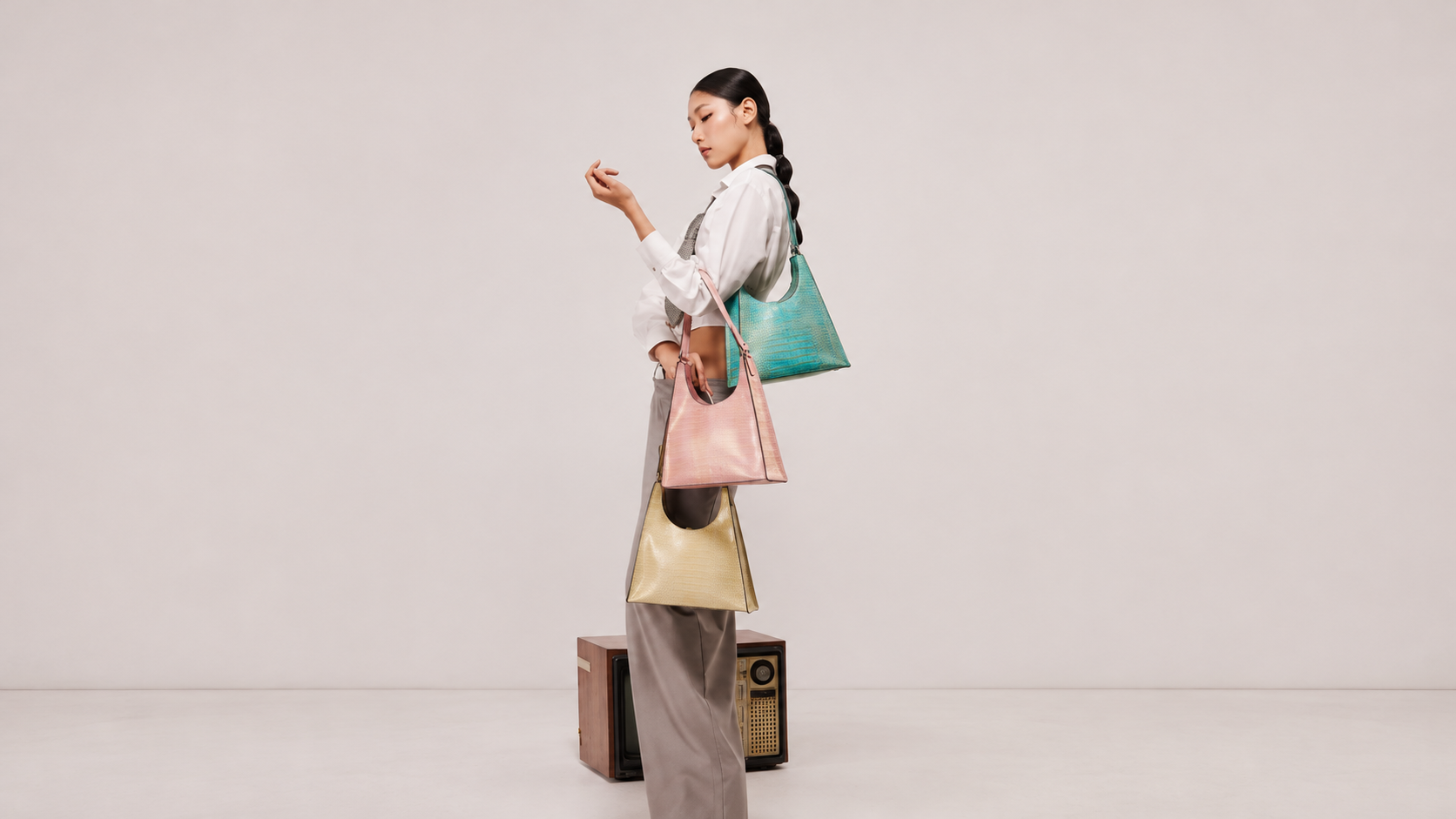
Describe one movement that reveals the cut. A slow turn shows where a pleated skirt opens out and how the pleats settle when the wearer stops.
Describe the movement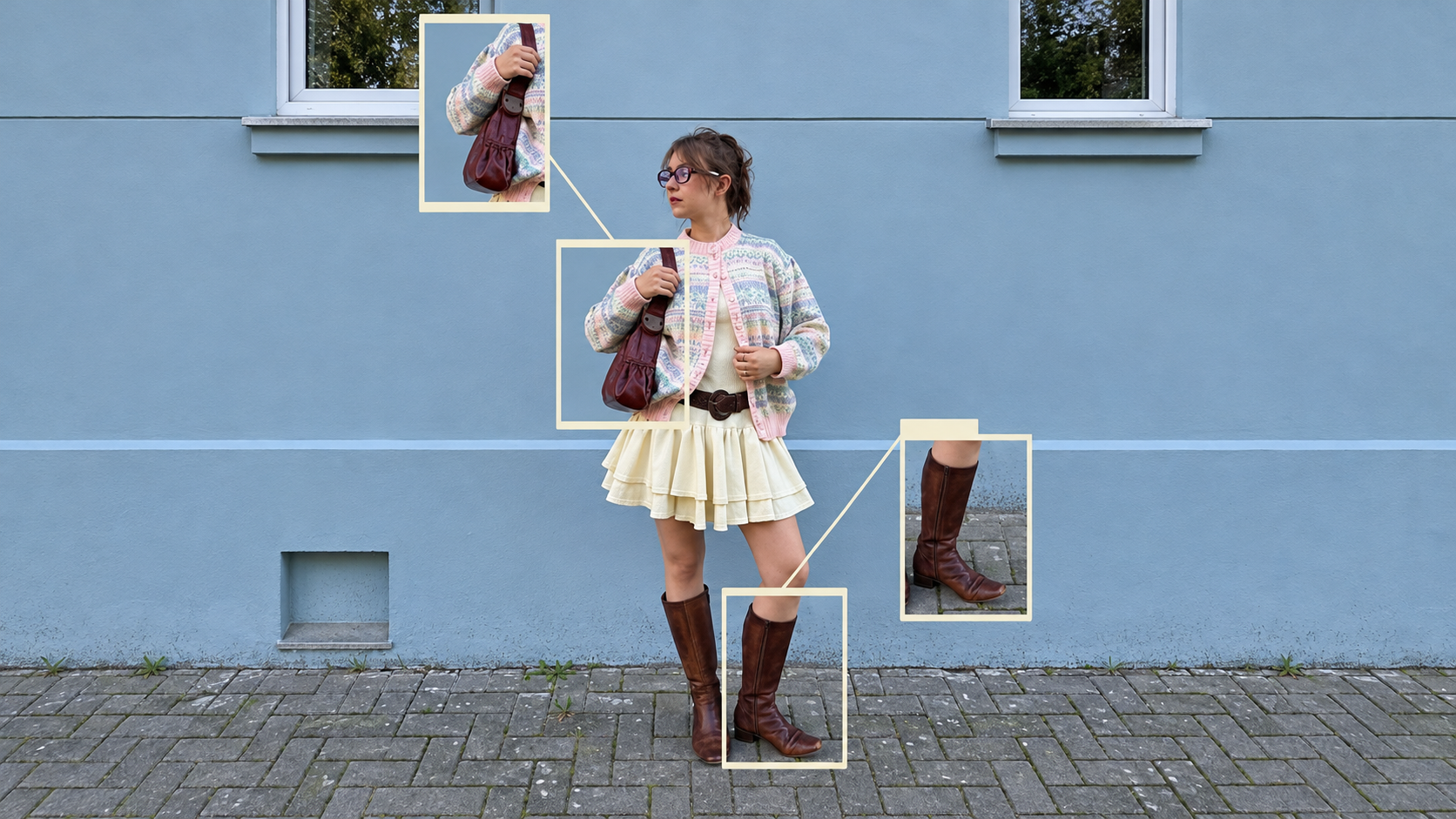
A full-length shot works for trouser length. A closer crop works for a cuff. Choose the frame around the detail, and hold it long enough for a shopper to see it.
Choose video settings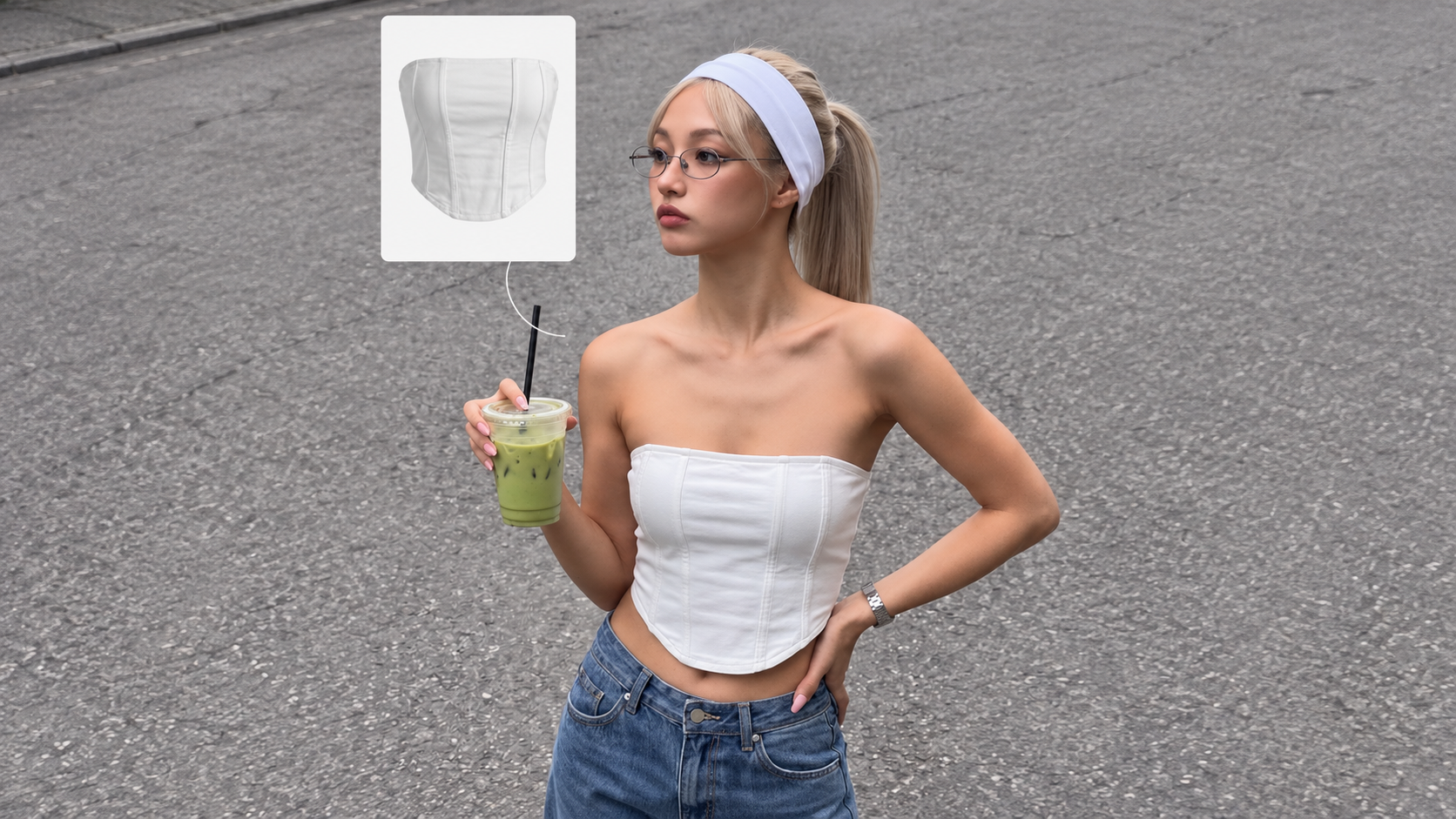
“Can I wear my thickest sweater under this?” gives a jacket try-on a natural sequence. Start with the sweater, pull on the jacket, then reach forward so the viewer can see the sleeves.
Add a character referenceTake one garment from reference photo to a finished try-on in three steps.
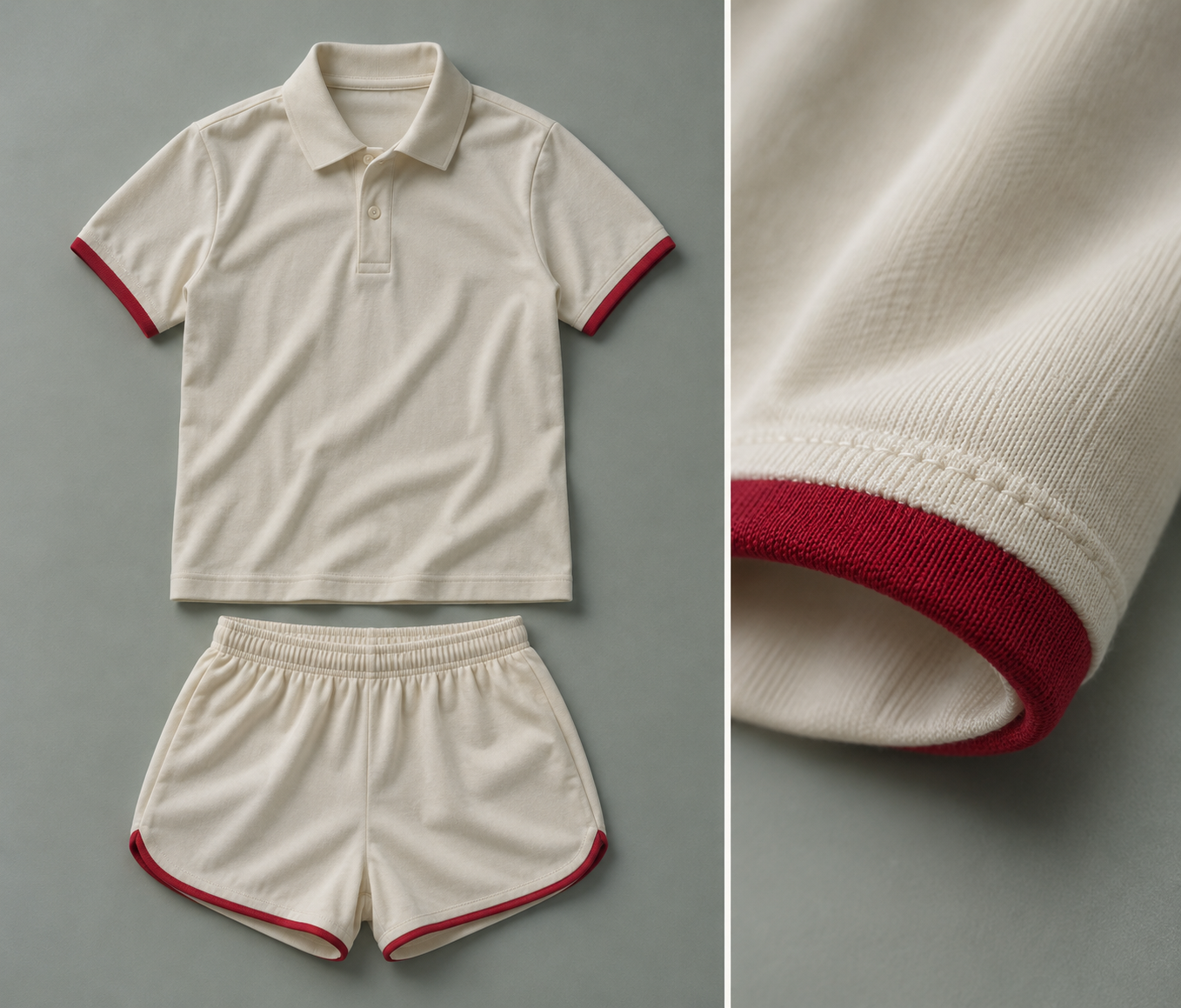
Use the same colorway throughout. Pair a full view with a close-up of a detail the video should preserve, such as the stitching on a denim pocket.
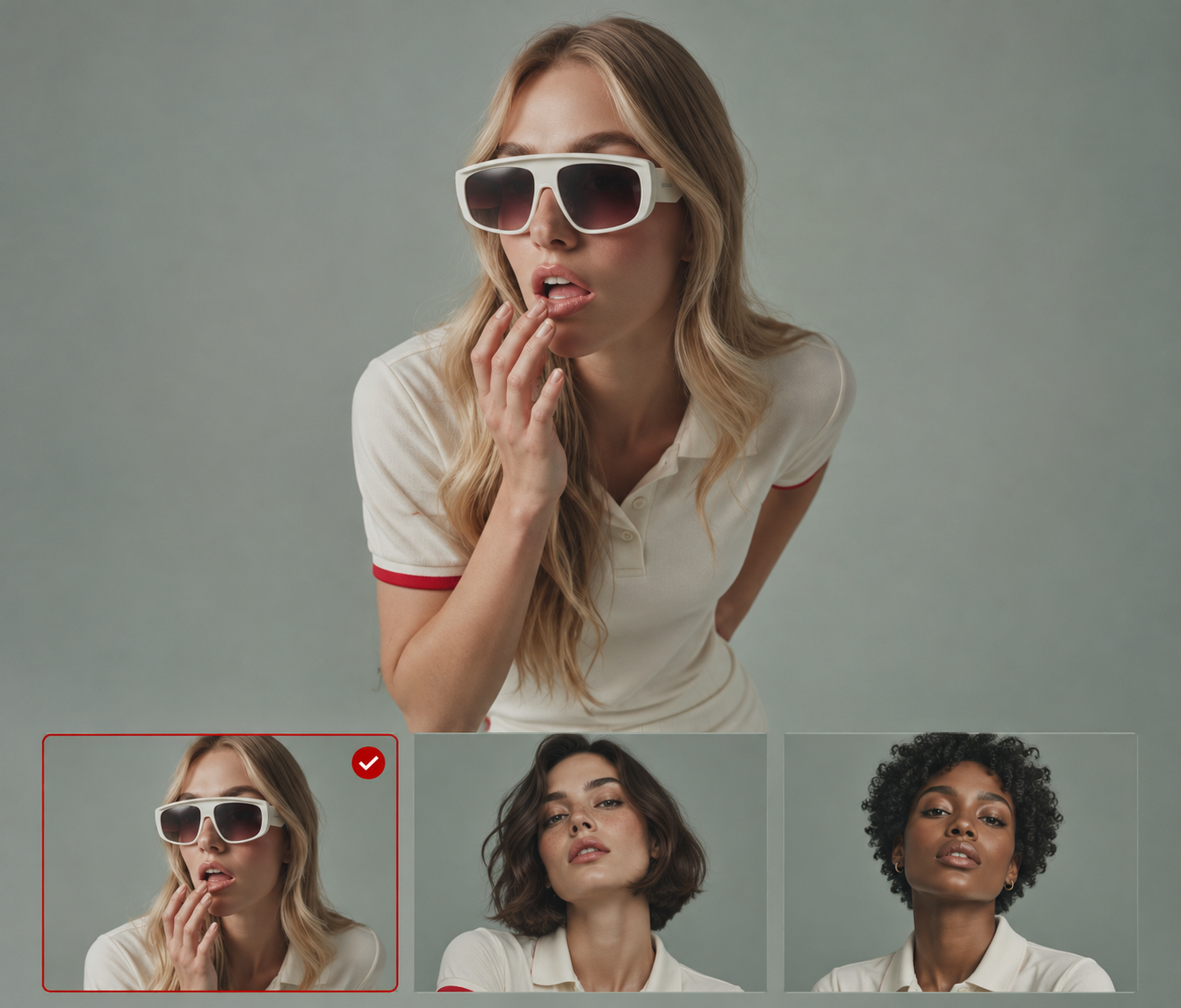
Add a character reference image or describe the wearer in a few words. For a navy blazer try-on, specify a white tee and straight-leg jeans to keep the jacket in focus.
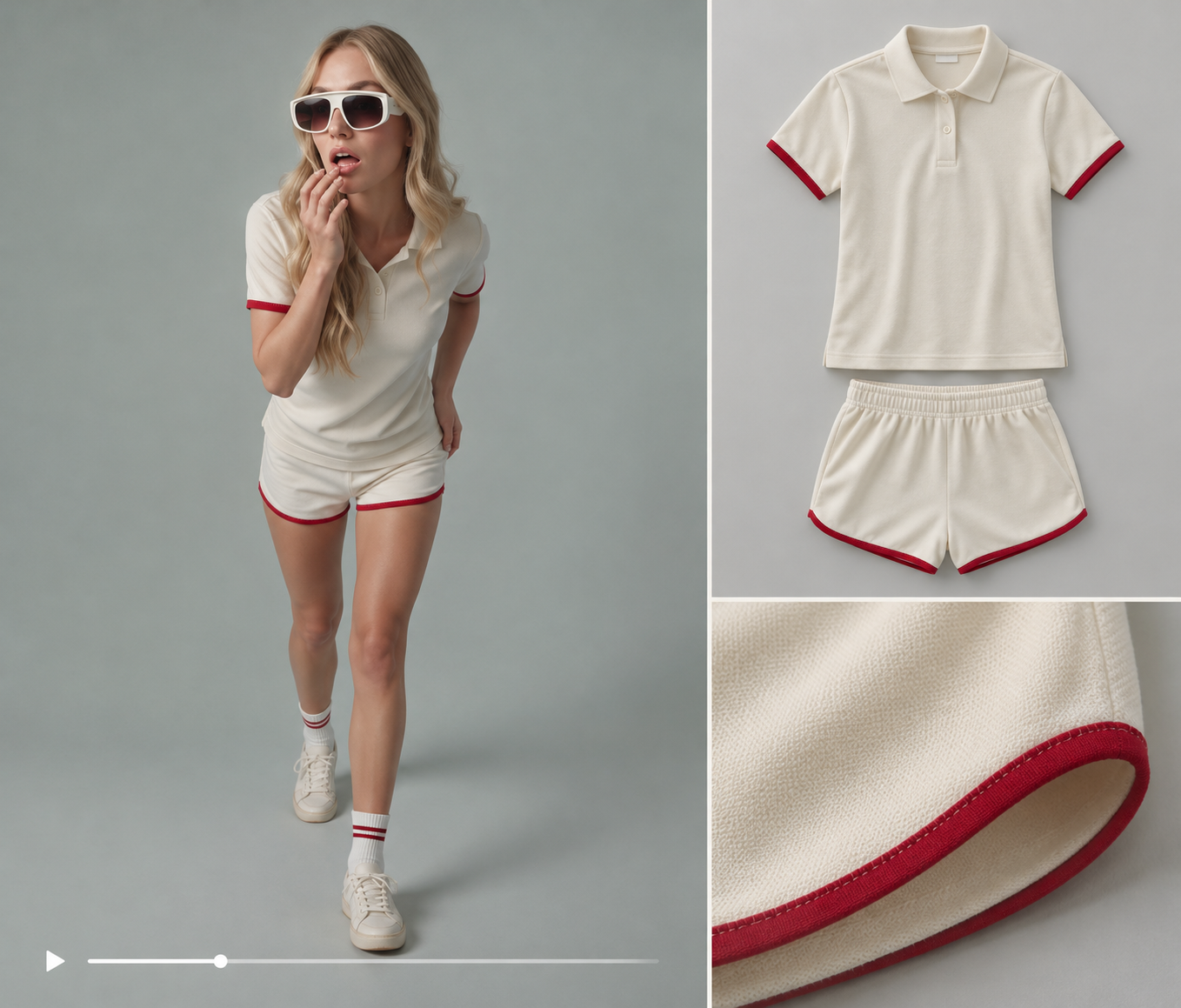
Play the video alongside your reference photos. Check the button count, pocket placement, and hemline before using the clip on a product page or social feed.
A try-on can answer a fit question, show a second way to wear a piece, or give a customer story a visual reference.
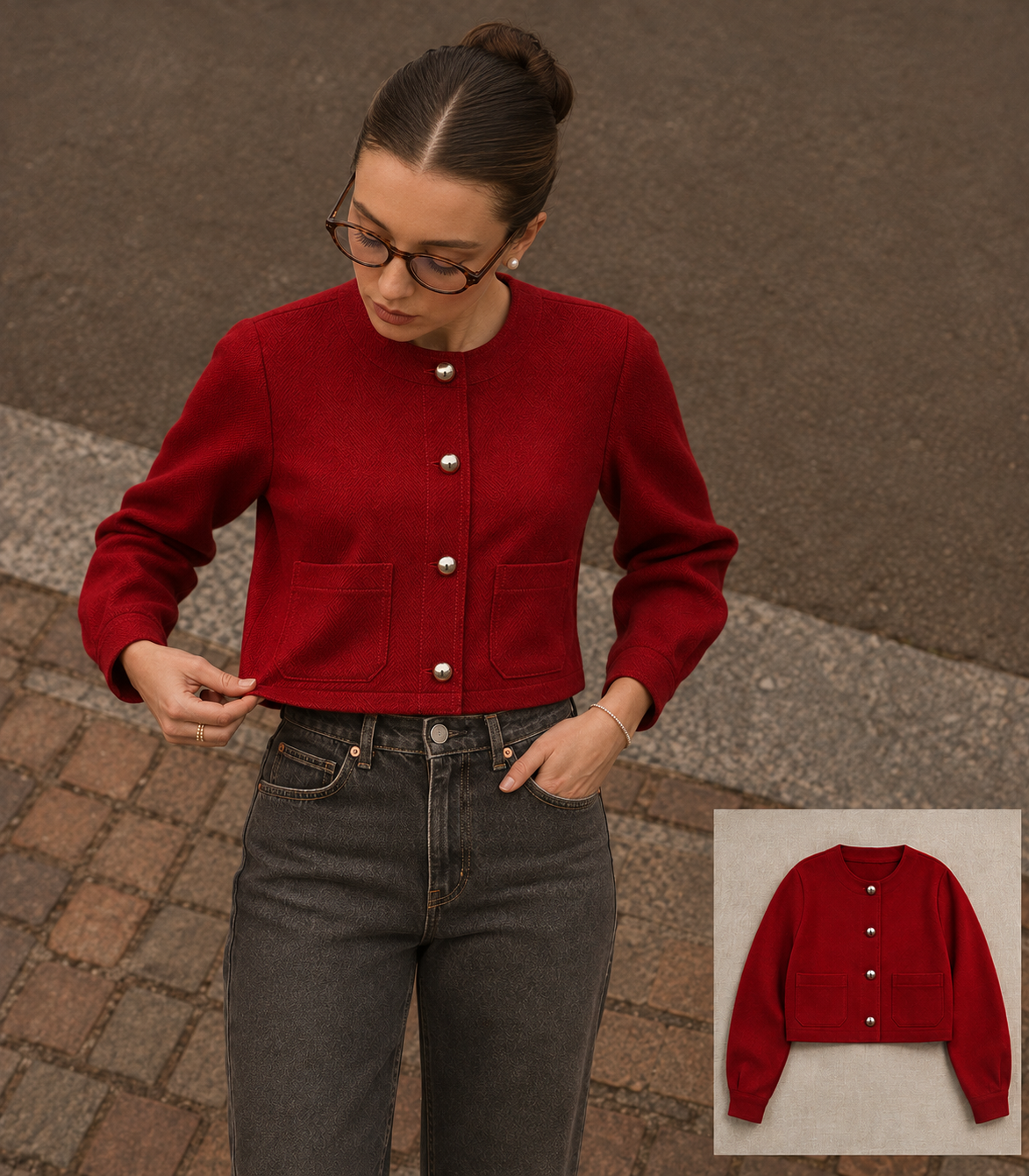
A cropped jacket can look long in a flat lay. Show it over high-rise jeans and let the viewer see exactly where the jacket meets the waistband.
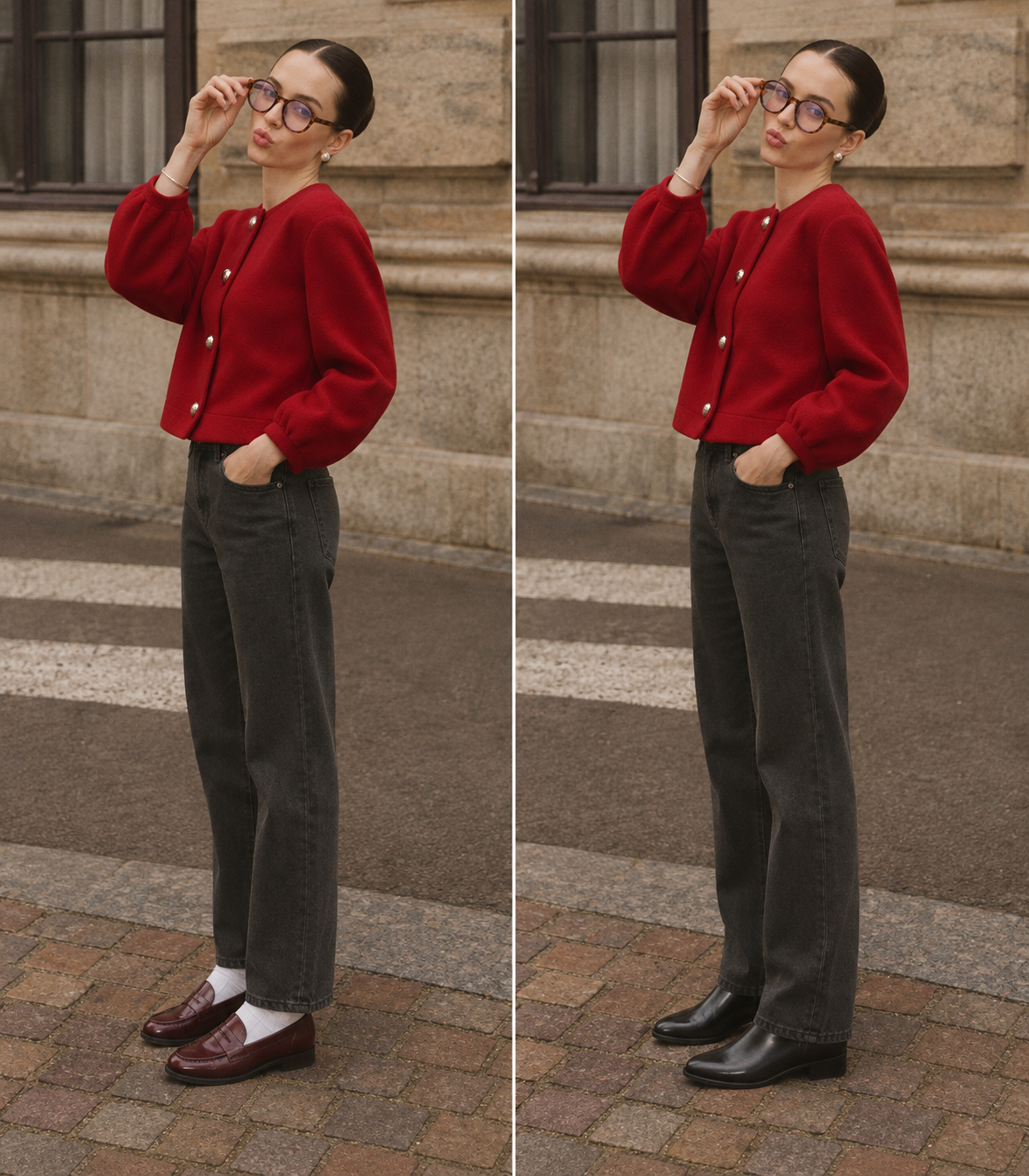
Keep the camera in the same place while the wearer swaps loafers for boots. Shoppers can compare the two looks and see how much of the trouser hem each shoe covers.
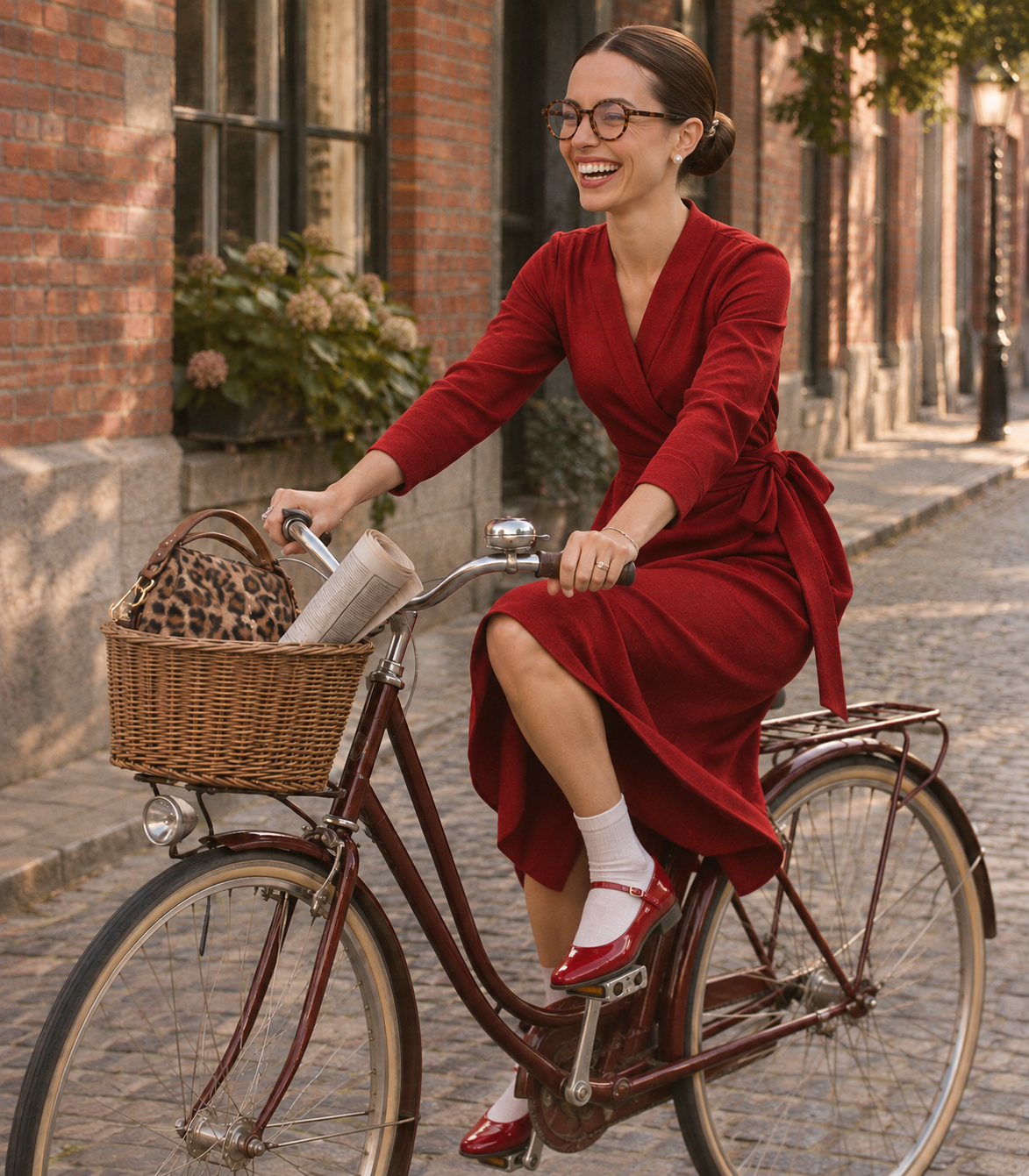
With the customer’s permission, build a clip around their own words. If they mention wearing a wrap dress to cycle to work, show the detail they described and keep their quote in context.
Prepare product visuals, plan your scenes, and create videos for the rest of your campaign.
Create video ads from product images, ideas, or references.
Make complete videos from ideas, scripts, or visual references.
Build a story with recurring characters and connected scenes.
Turn ideas and images into animated scenes and complete stories.
Create portraits, product photos, and scenes from text or a reference.
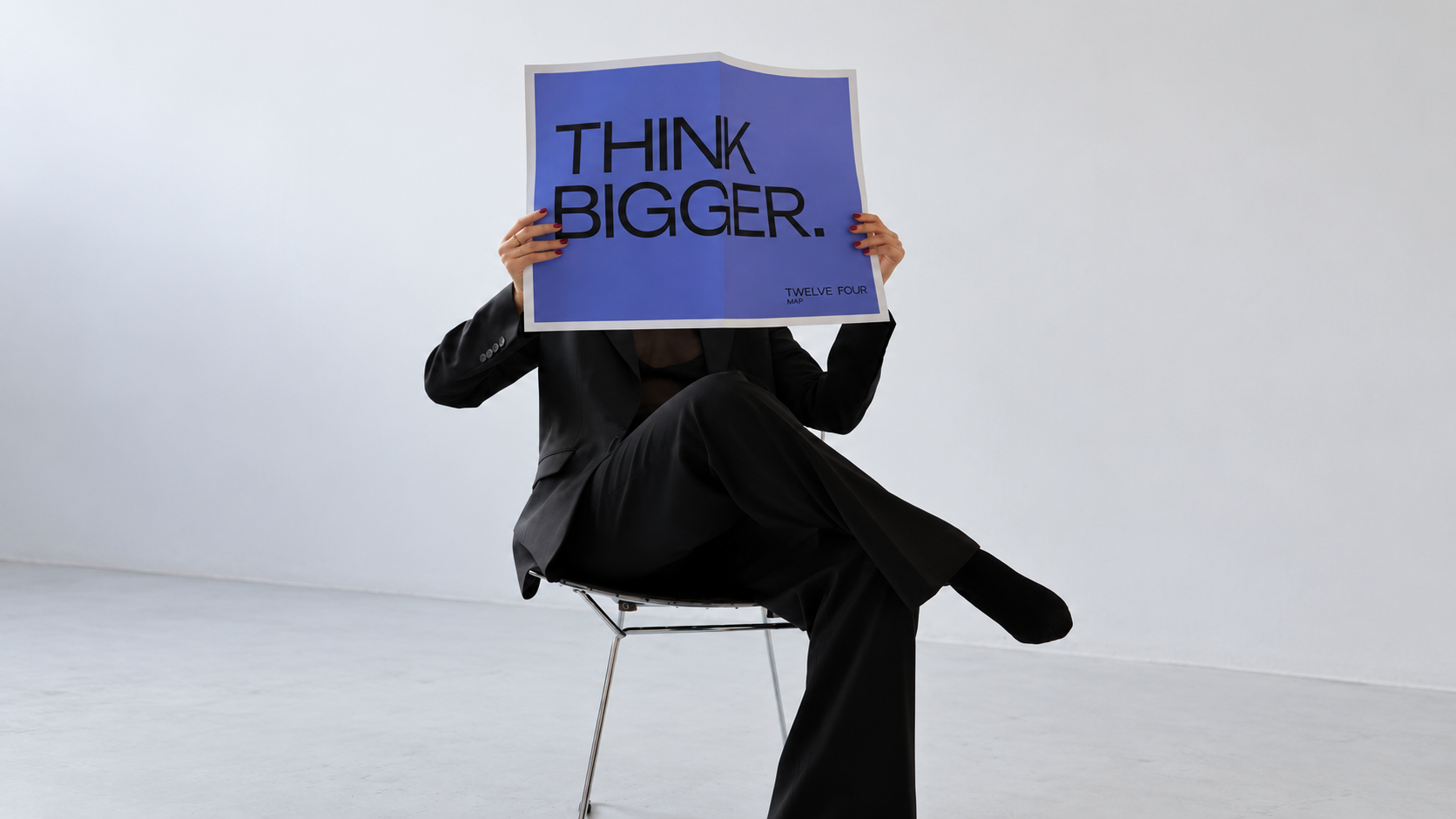
Explore design concepts for posters, packaging, and campaigns.
Create animated titles, 2D graphics, and short brand videos.
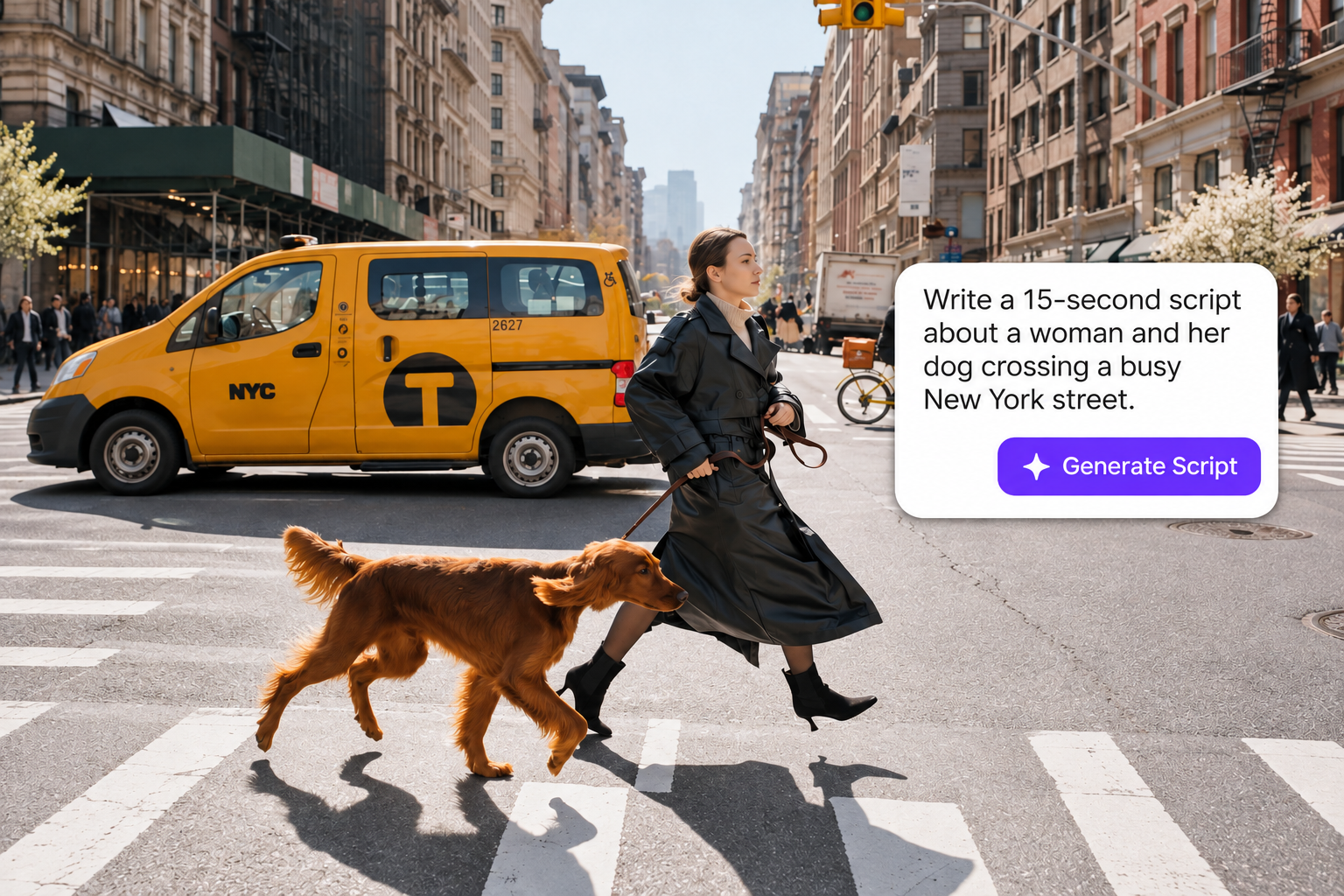
Turn a rough idea into a video script with a strong hook and a clear story.
See how creators use MOVO AI to turn product ideas into ads, launch videos, and social campaigns.

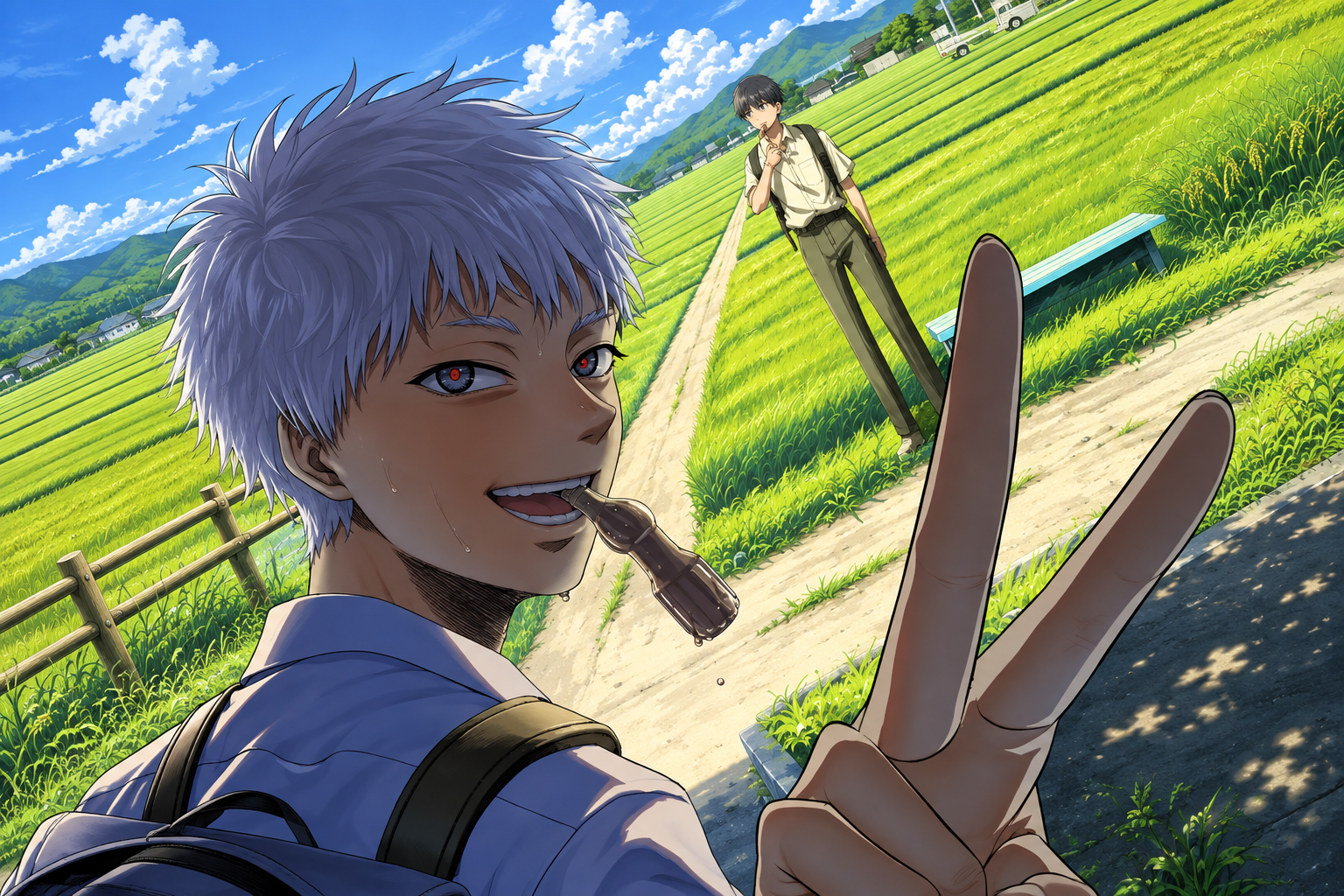
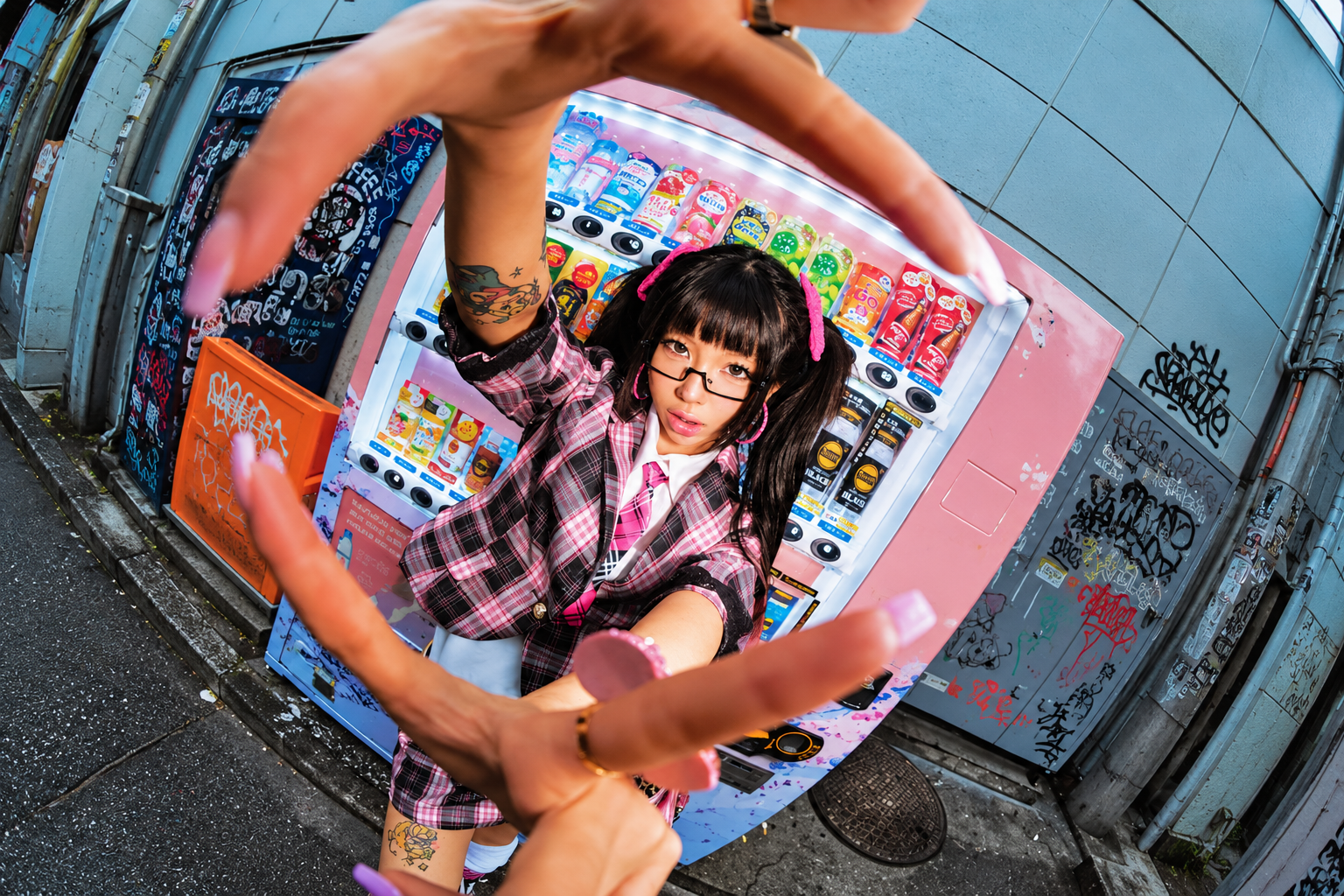
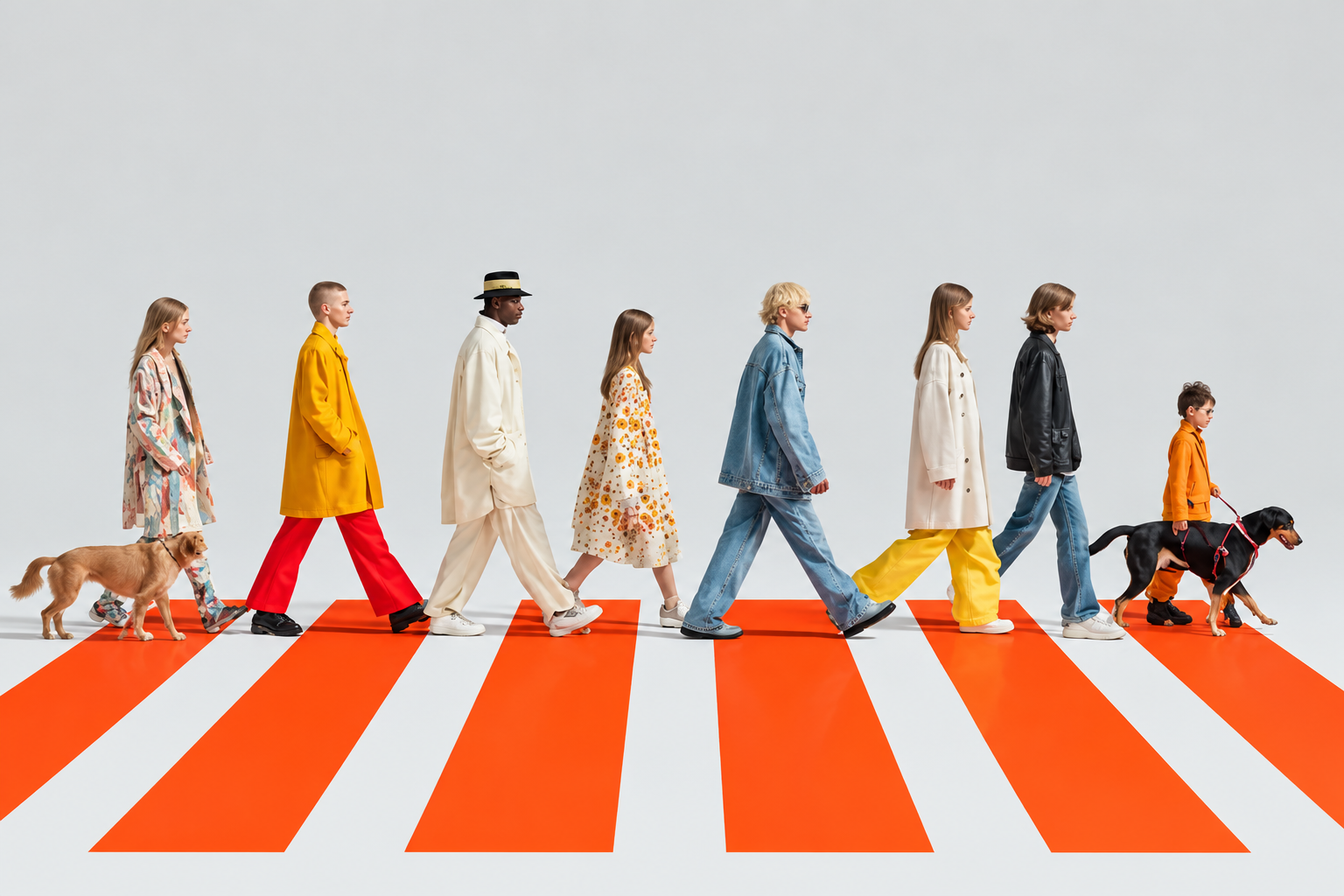
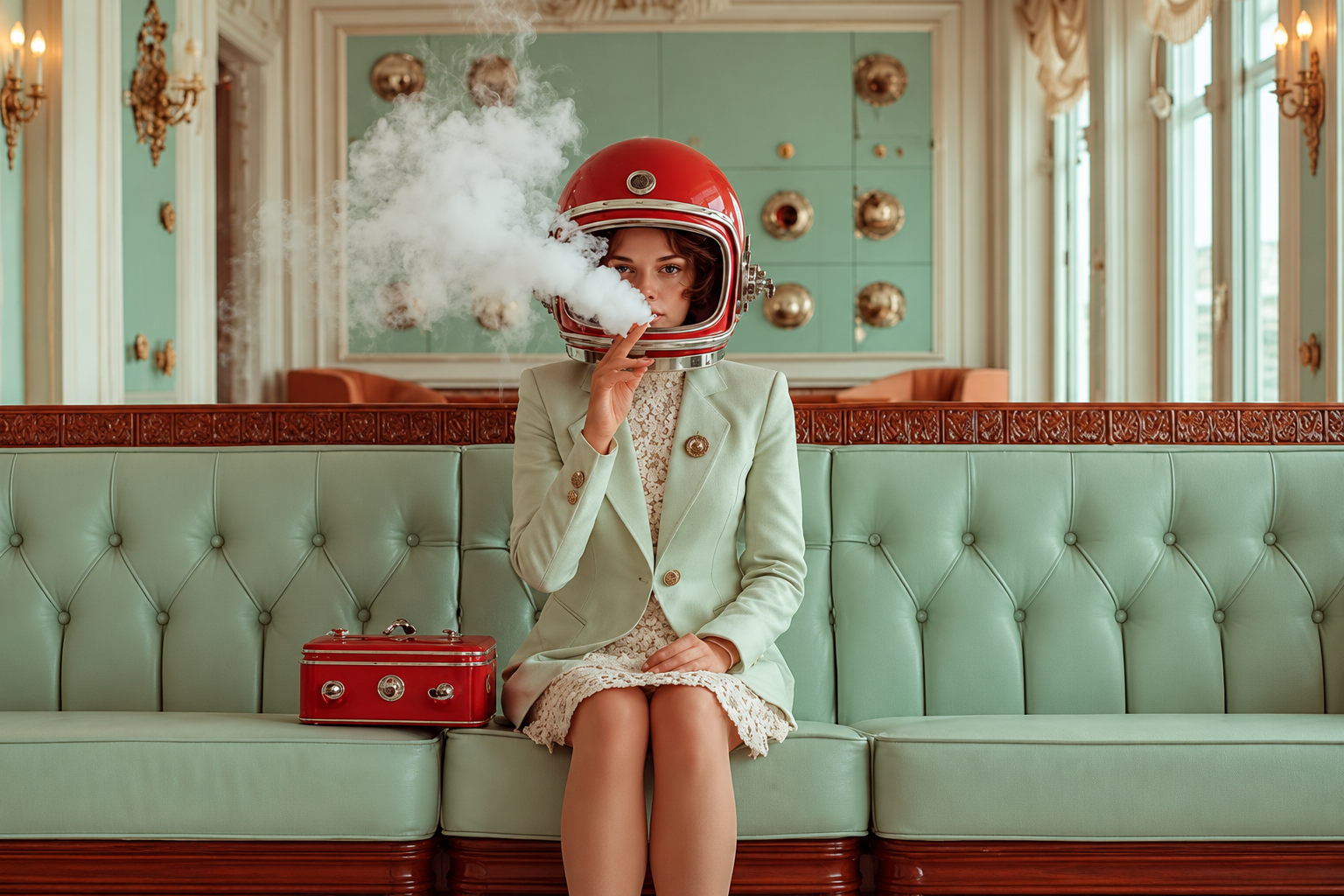


Look for a detail only the wearer could supply. A customer who shortened the straps of a linen dress for a summer wedding gives you a clearer story than a general compliment. Ask permission to use their words and credit them as agreed.
Give UGC fashion creators the product name, the shopper’s question, and the shots you need. For a raincoat, that might be a full-length view over a sweater followed by a close-up of the hood adjustment. Agree on deliverables and usage rights before filming.
For fashion UGC jobs, show a short try-on, a garment detail in motion, and a styling clip. Label self-directed samples so a brand can tell which pieces you made for your portfolio.
Choose one detail the collection is known for. For a bias-cut satin skirt, film a few steps and a turn in soft light so the viewer can follow the drape. Keep that shot consistent across the collection.
Match the garment in the clip to its exact product listing and colorway. Once you upload the finished video to your commerce platform, add its product tag and check that it opens the matching item.
In your fashion UGC management software or content library, record the style, colorway, creator, and approved uses. Those details help a teammate find the right clip when a color returns to stock.
Pick references by the shopping question you need to answer. For denim, look for a brand that shows the same cut from the front, side, and back. For knitwear, a close-up of the knit and a sleeve folded over once may tell you more.
You can start a MOVO fashion video with garment references and a styling brief. The template uses those inputs to create a video and has no code redemption step.
Pick a garment and one question about wearing it. Bring both to MOVO for your first try-on.
Create Your Fashion Video