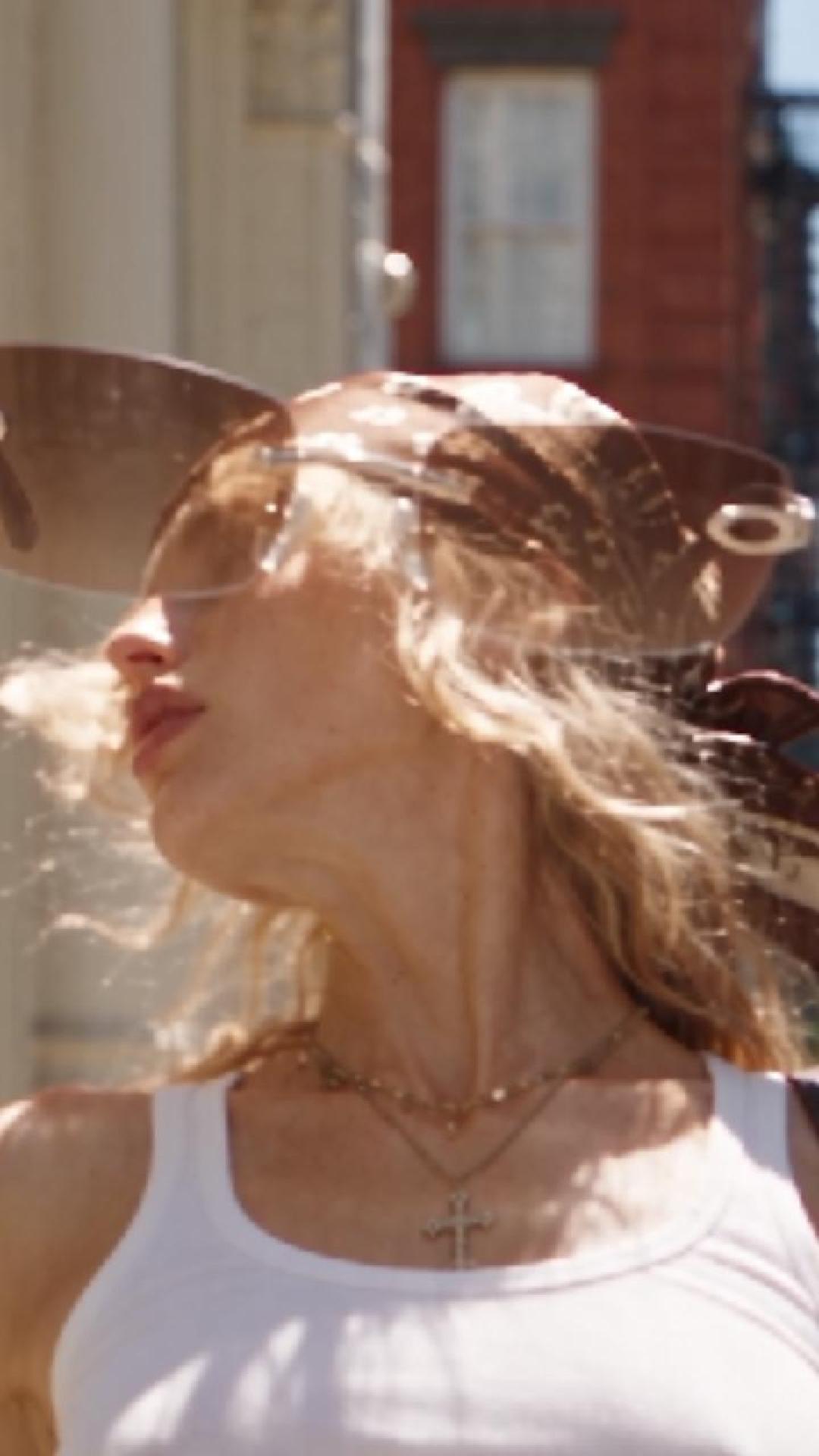
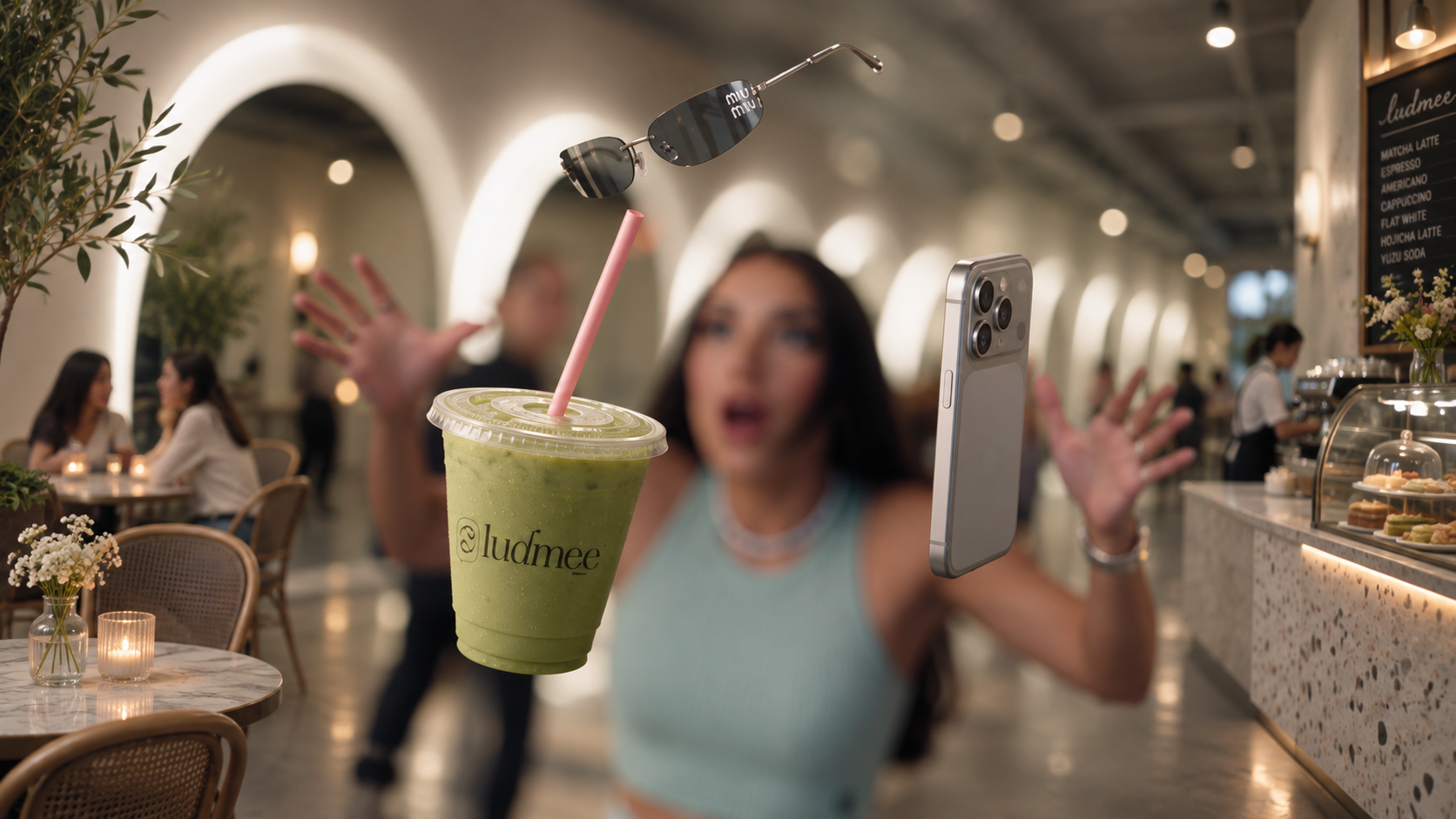
Freeze a detail in motion
A pleat, a loop of chain, or the loose end of a belt gives the eye something to follow as the viewpoint shifts. Choose an item with a detail that reads from a distance.
Choose a fashion itemCatch a scarf mid-twist or a bag mid-swing as the camera moves around it.
Choose one to three pieces for the shot. Add a separate photo of each.
If you have a model in mind, add their photo here.
Select “Create my video” to make your showcase.
A bullet-time shot makes a moment appear to stand still while the viewpoint moves around it. In a fashion showcase, that moment might be a scarf suspended in a curve or a bag caught mid-swing. Start with photos of the pieces you want to feature.
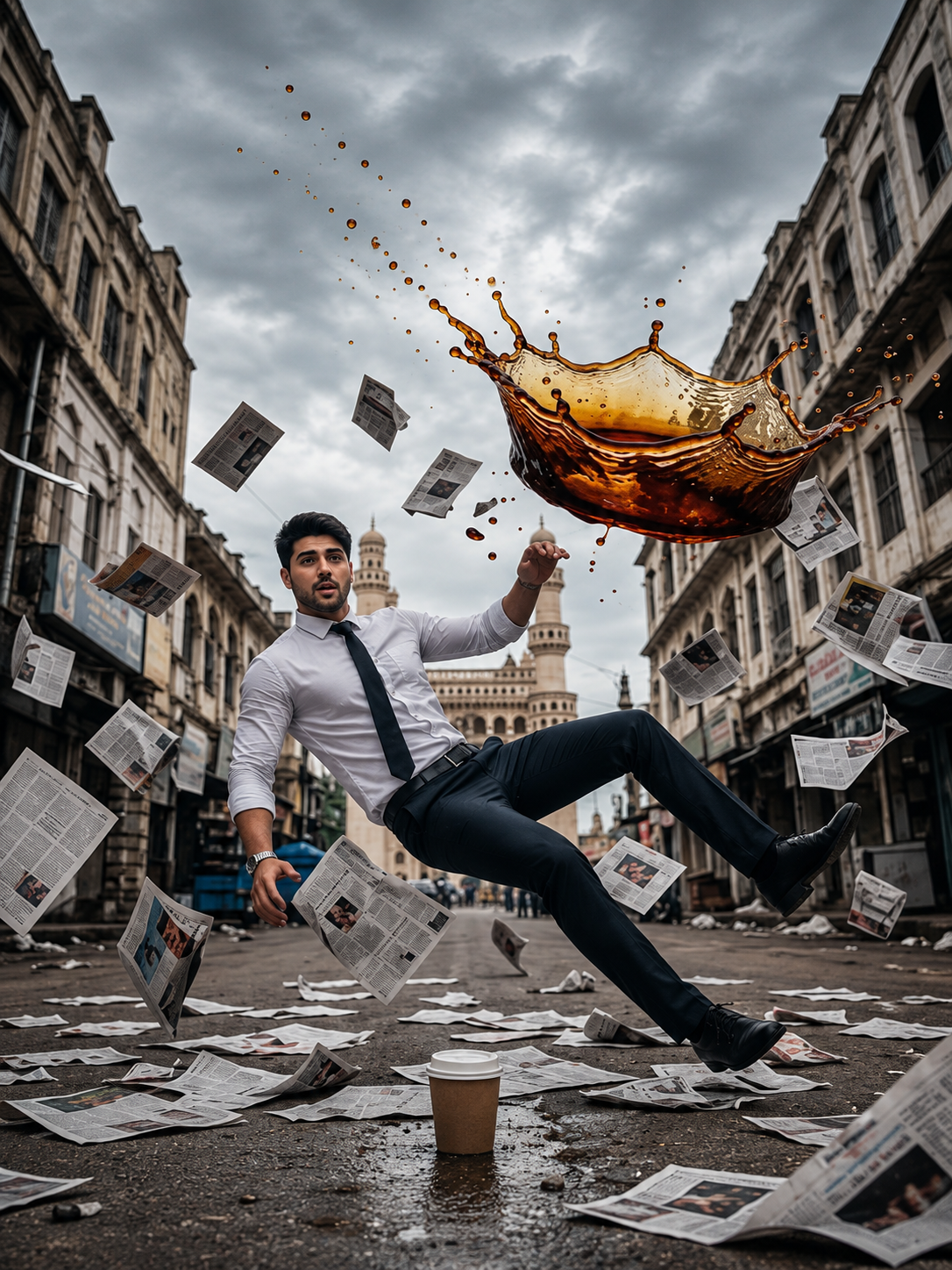
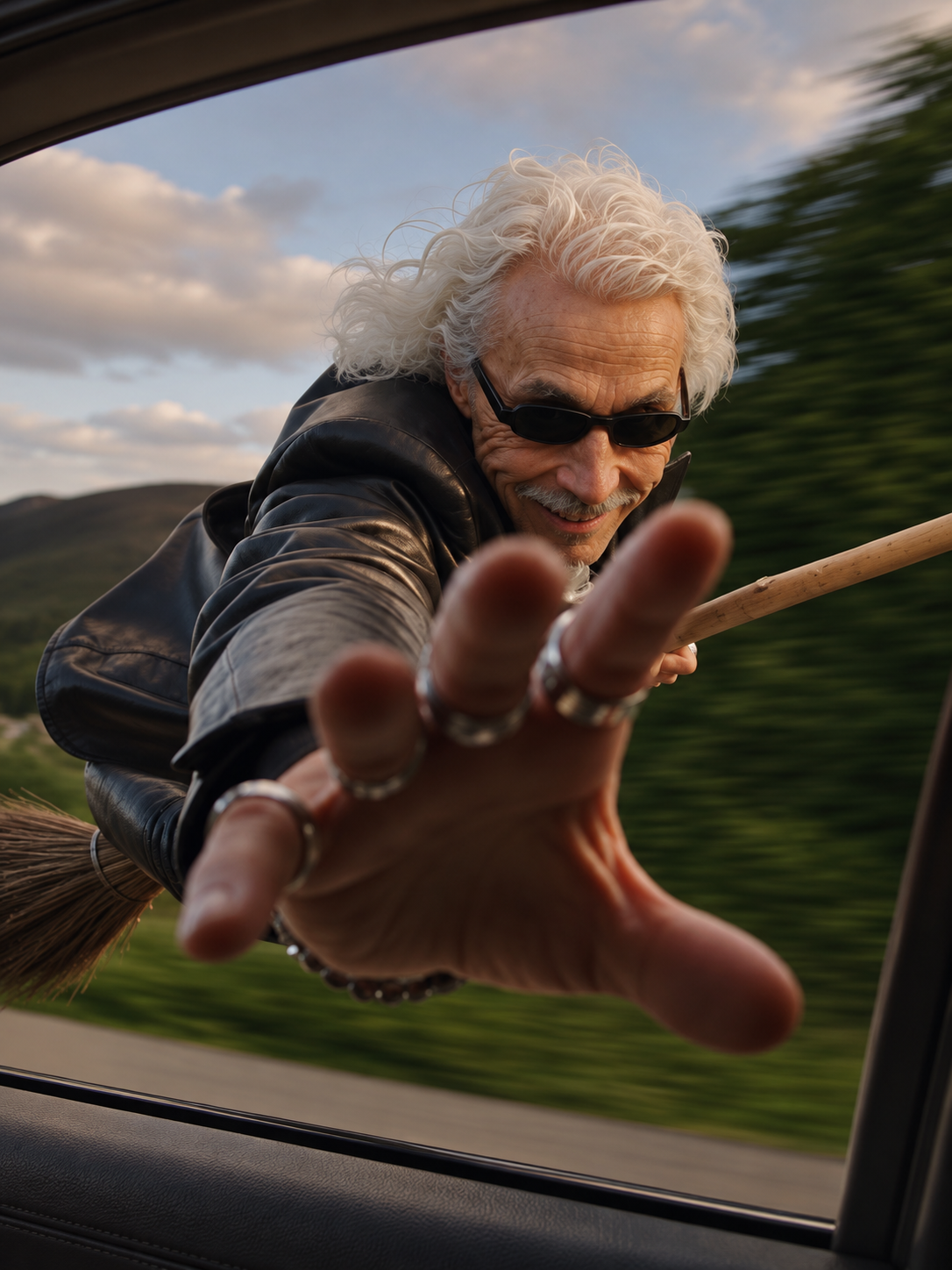
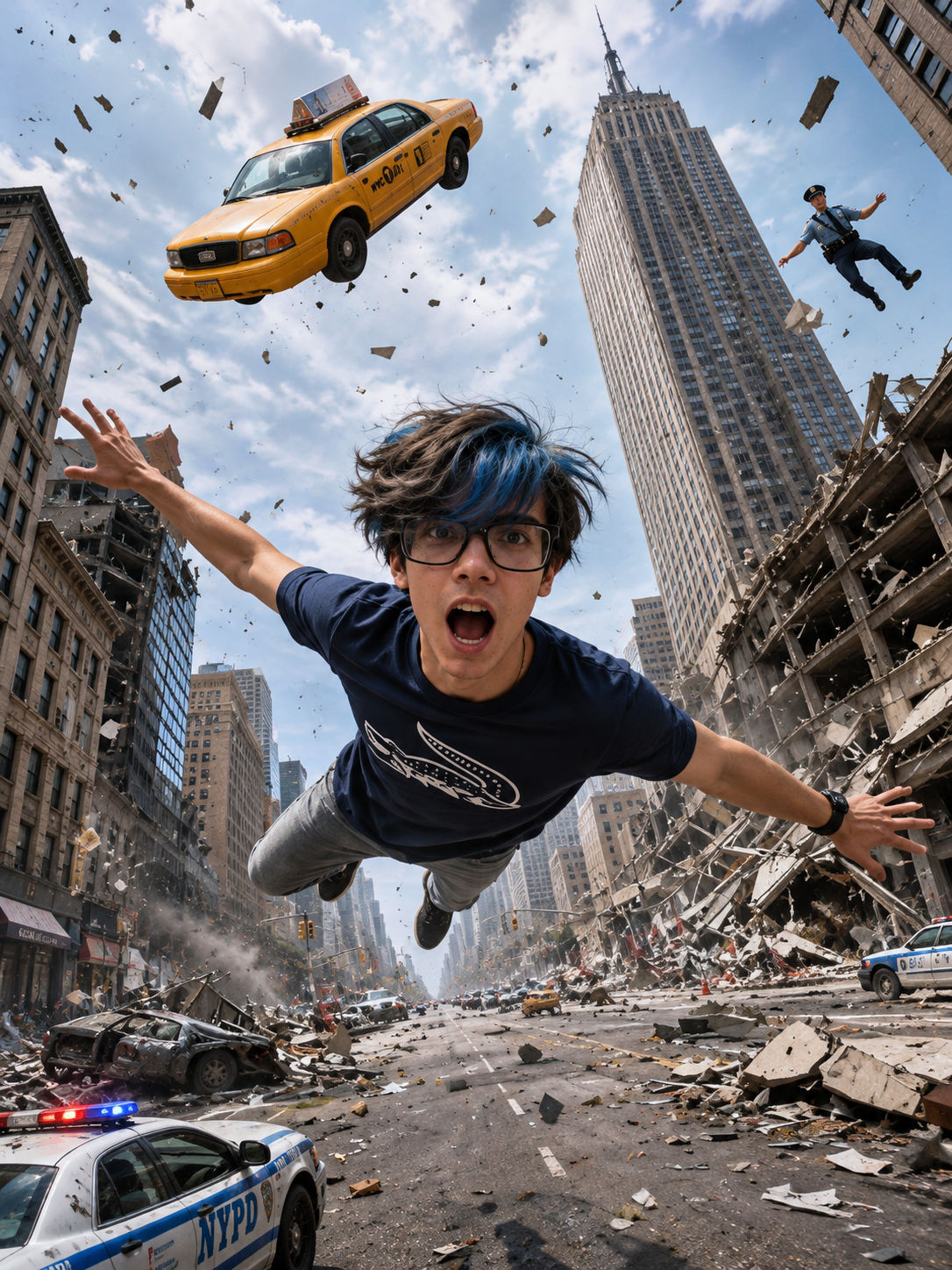
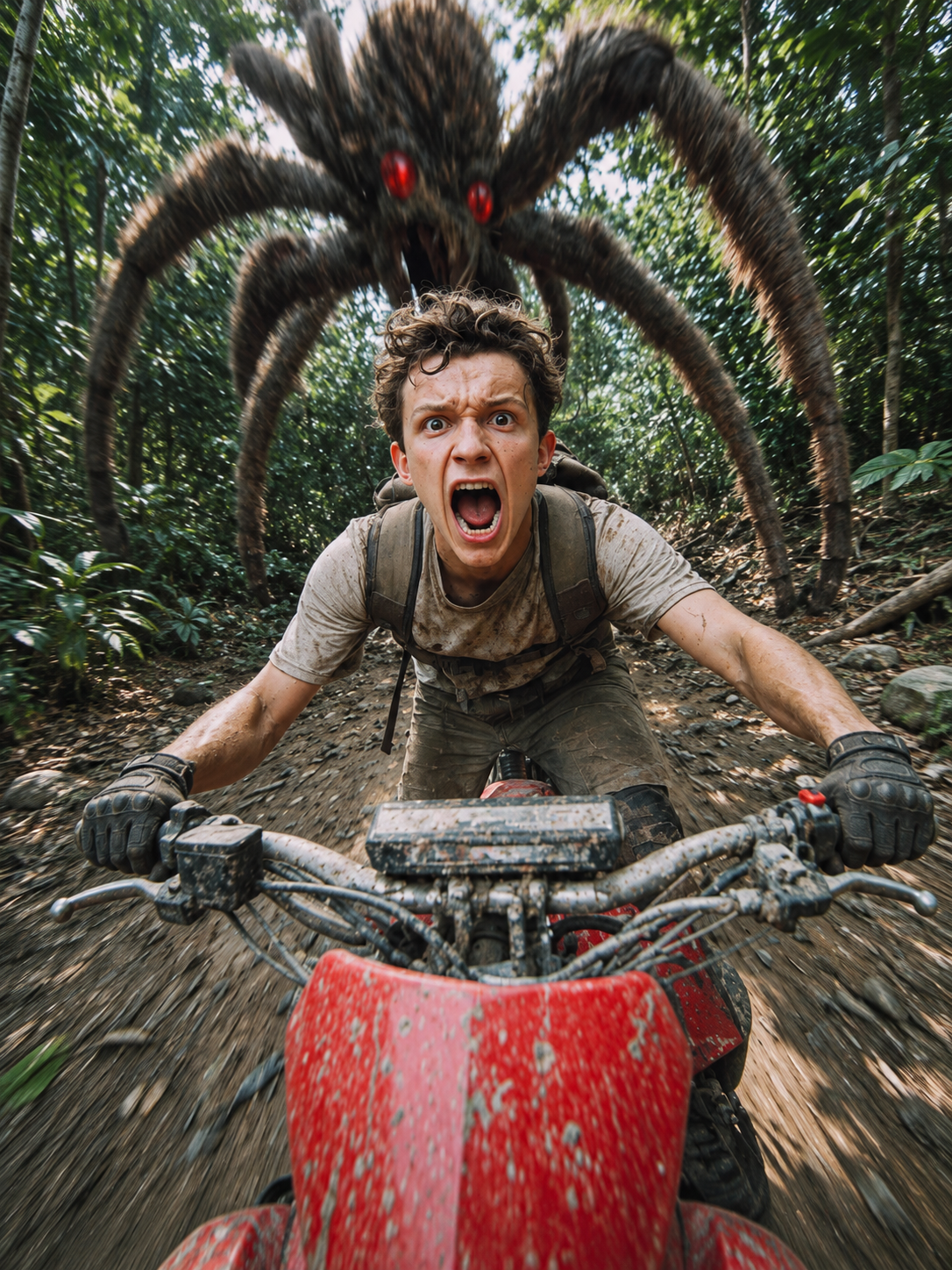
Choose the pieces, the styling reference, and the detail you want someone to remember.
A pleat, a loop of chain, or the loose end of a belt gives the eye something to follow as the viewpoint shifts. Choose an item with a detail that reads from a distance.
Choose a fashion item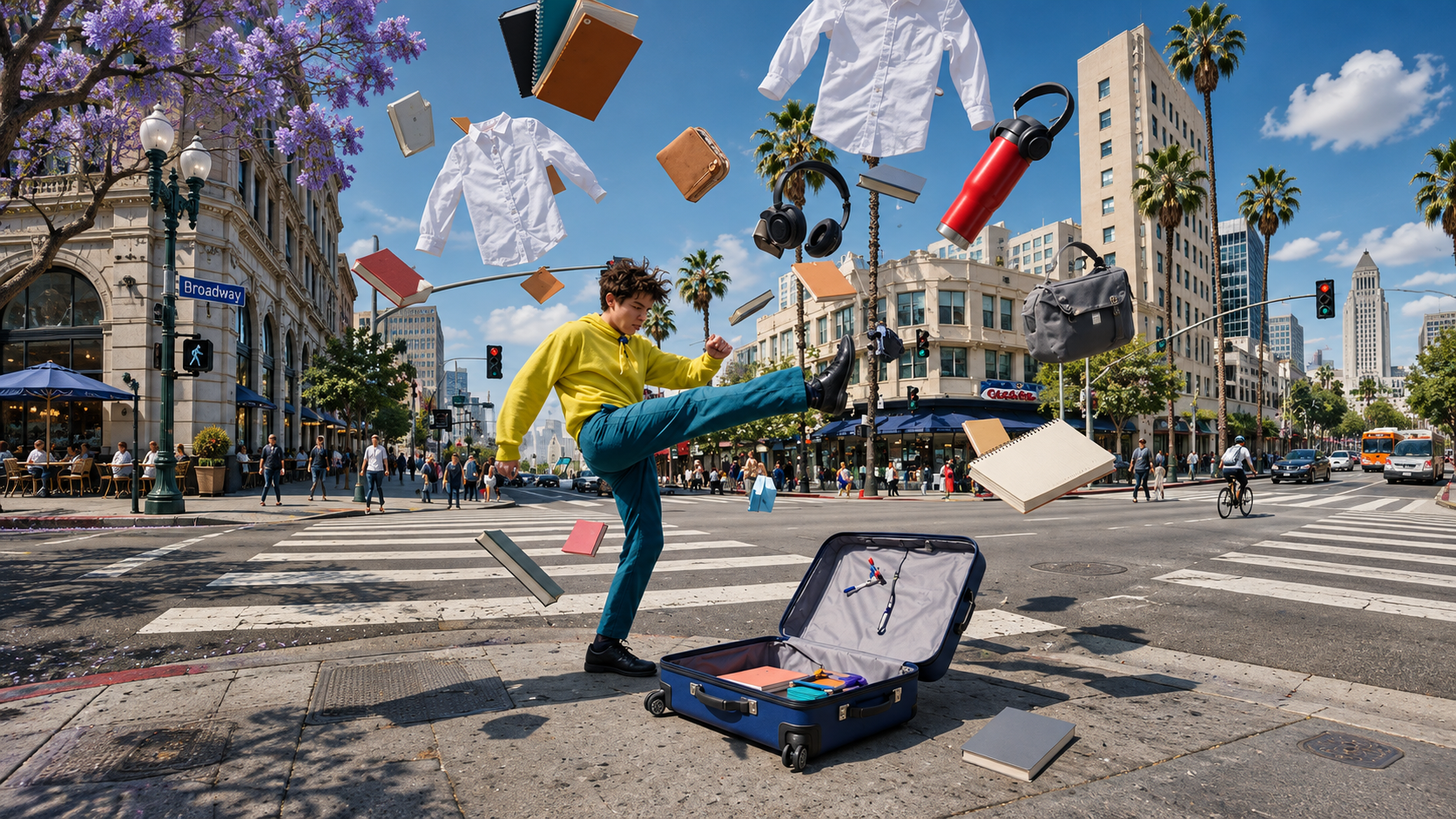
Try a jacket, a bag, and a pair of shoes from the same look. Photograph each separately so its outline remains distinct.
Add product photos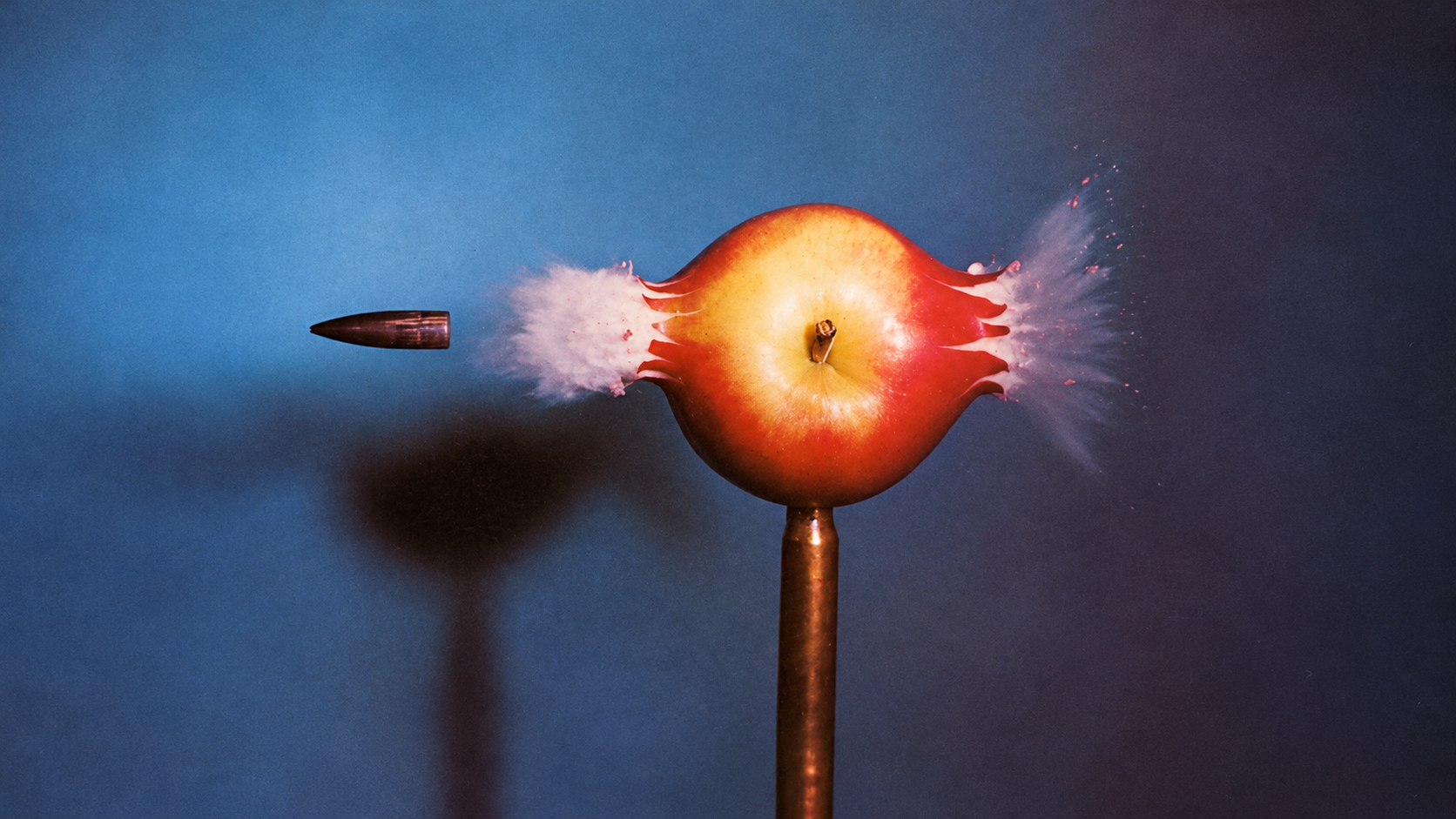
Have a model in mind for the look? Add a reference in the second upload field. For a product-led brief, you can leave that field empty.
Add a model reference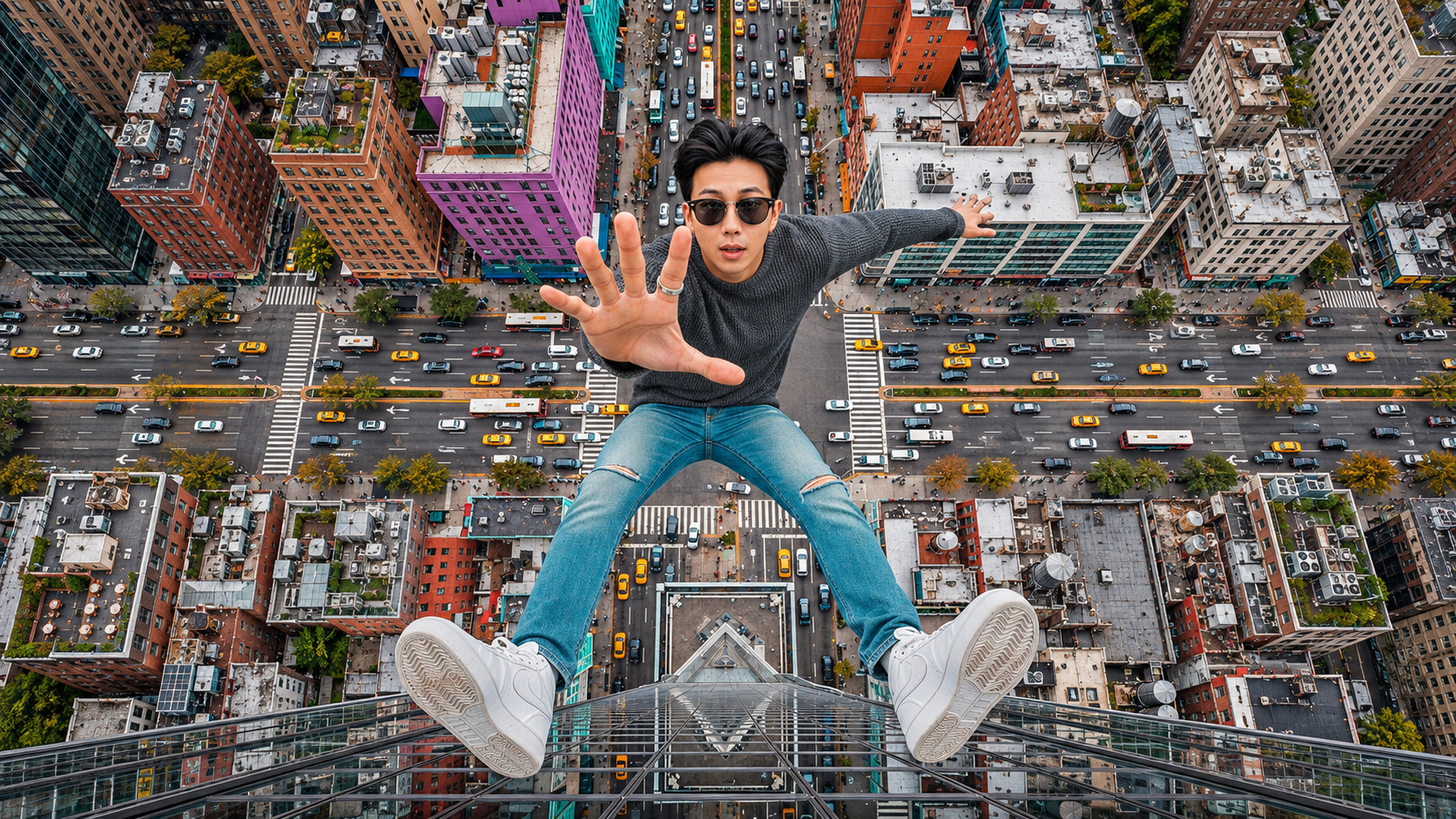
Use an uncluttered background and leave a little room around handles, hems, or straps. A clean outline makes the suspended shape easier to read.
Upload your photoThe template asks for product photos first, then offers a place for a model reference.
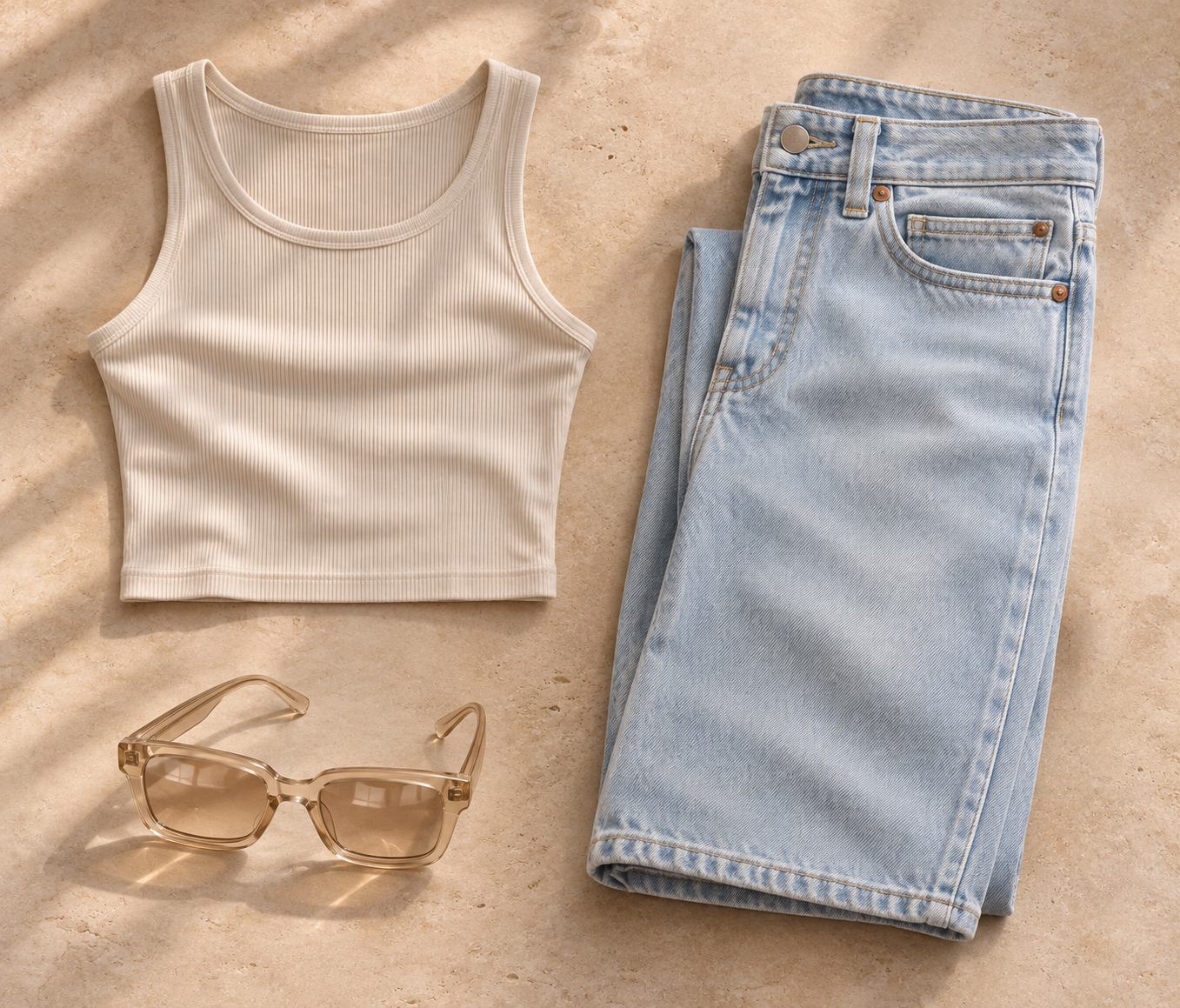
Pick one to three pieces. Upload one clear photo of each, with the full item inside the frame.
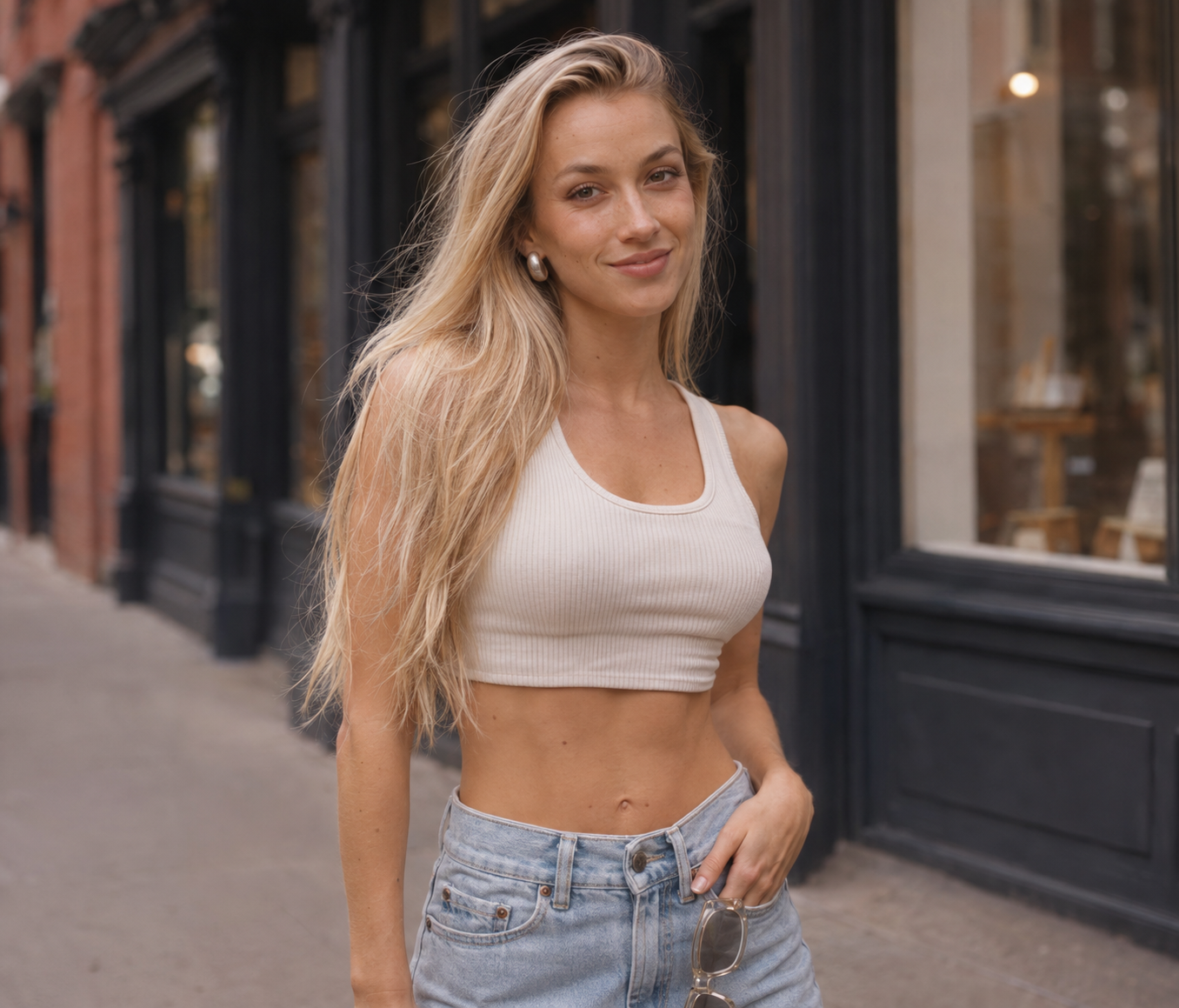
Use the optional model reference field if you have a particular person or look in mind.
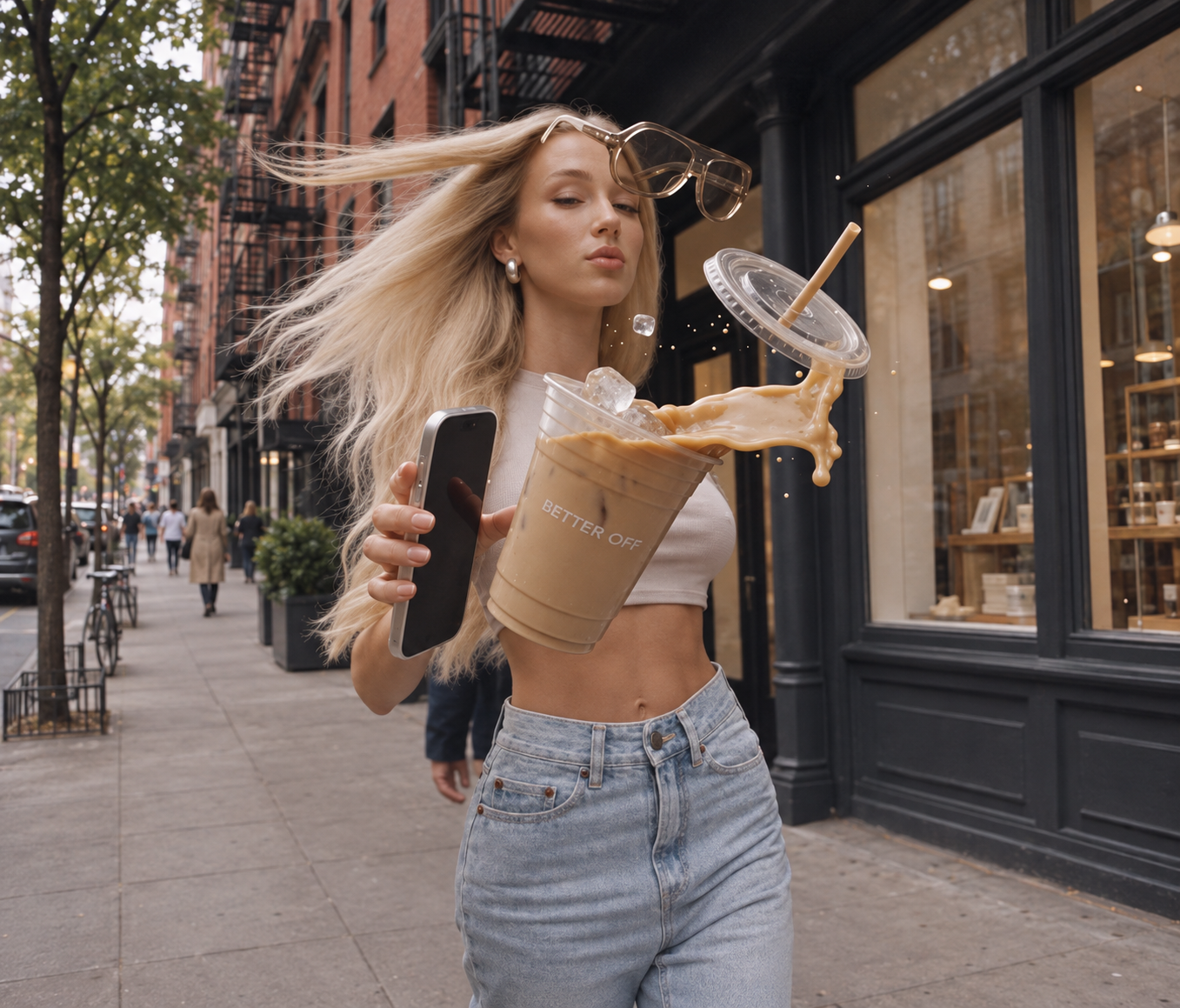
Select “Create my video.” Check the shape, colour, and placement of each piece against your original photos.
Use a suspended moment to give shoppers a closer look at the choices behind a collection.
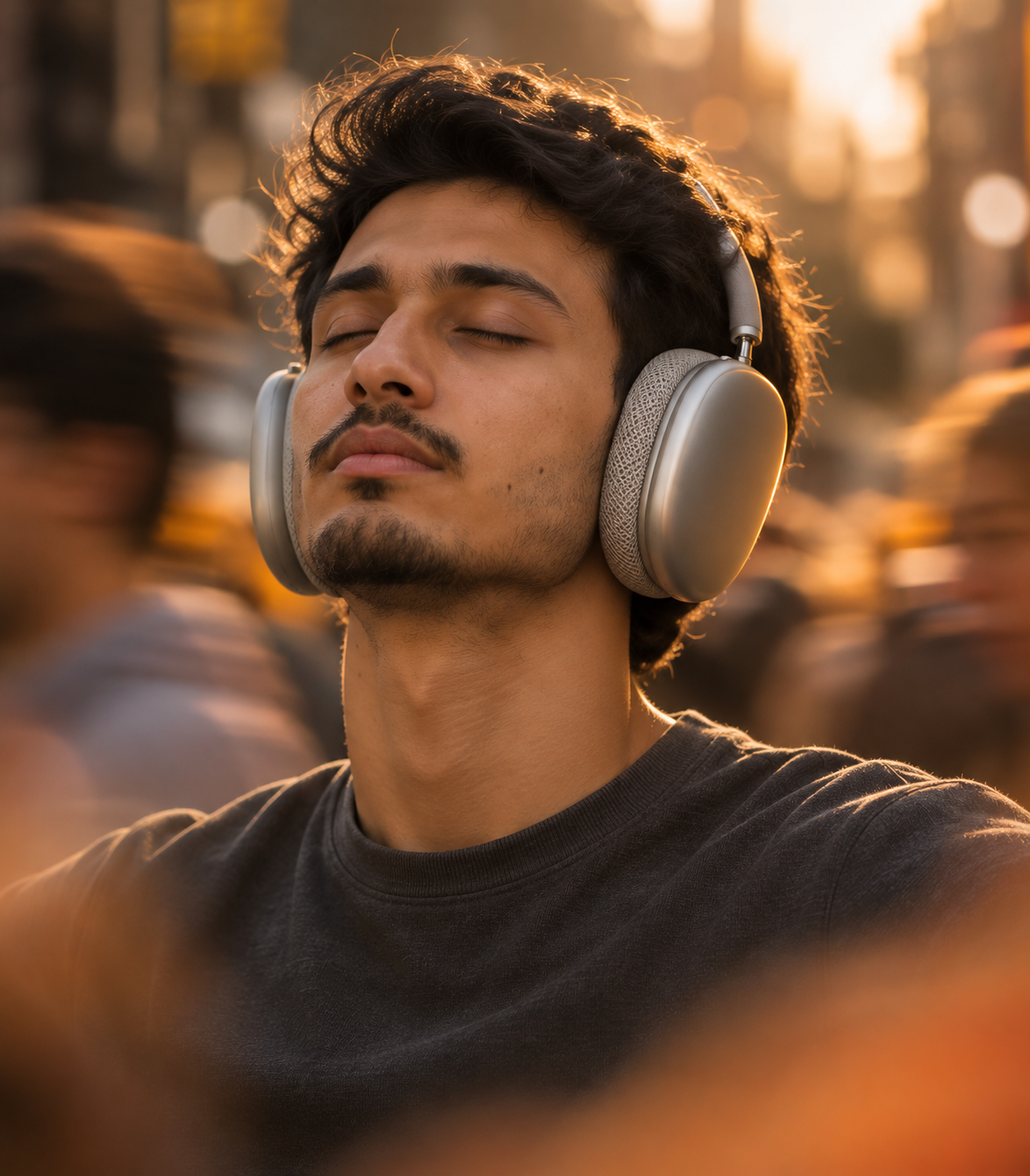
Let a single bag carry the shot. Its curved handle and boxy body can tell the story of the design at a glance.
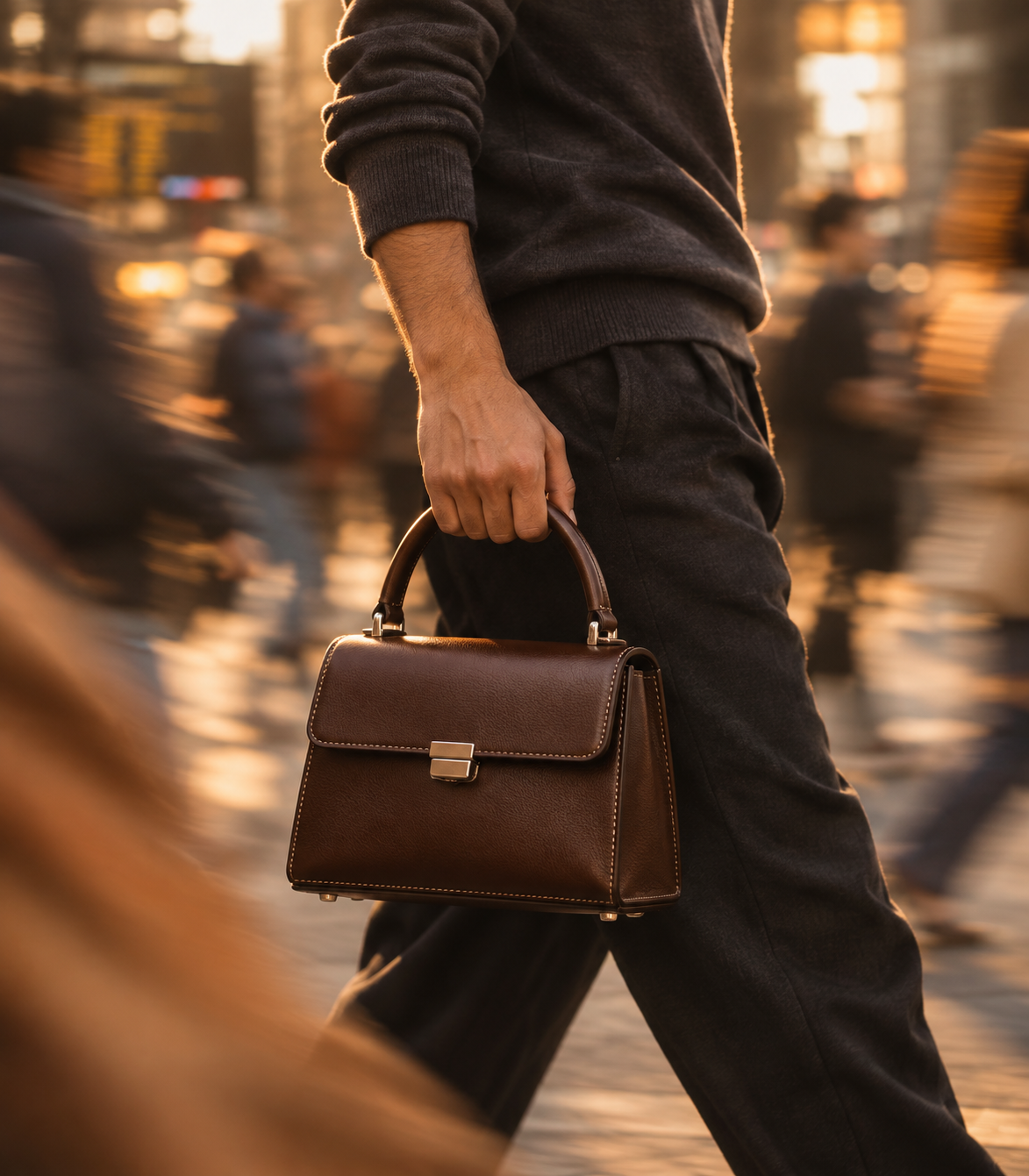
Pair a structured jacket with a soft scarf. The contrast in their shapes gives each piece a role in the same look.
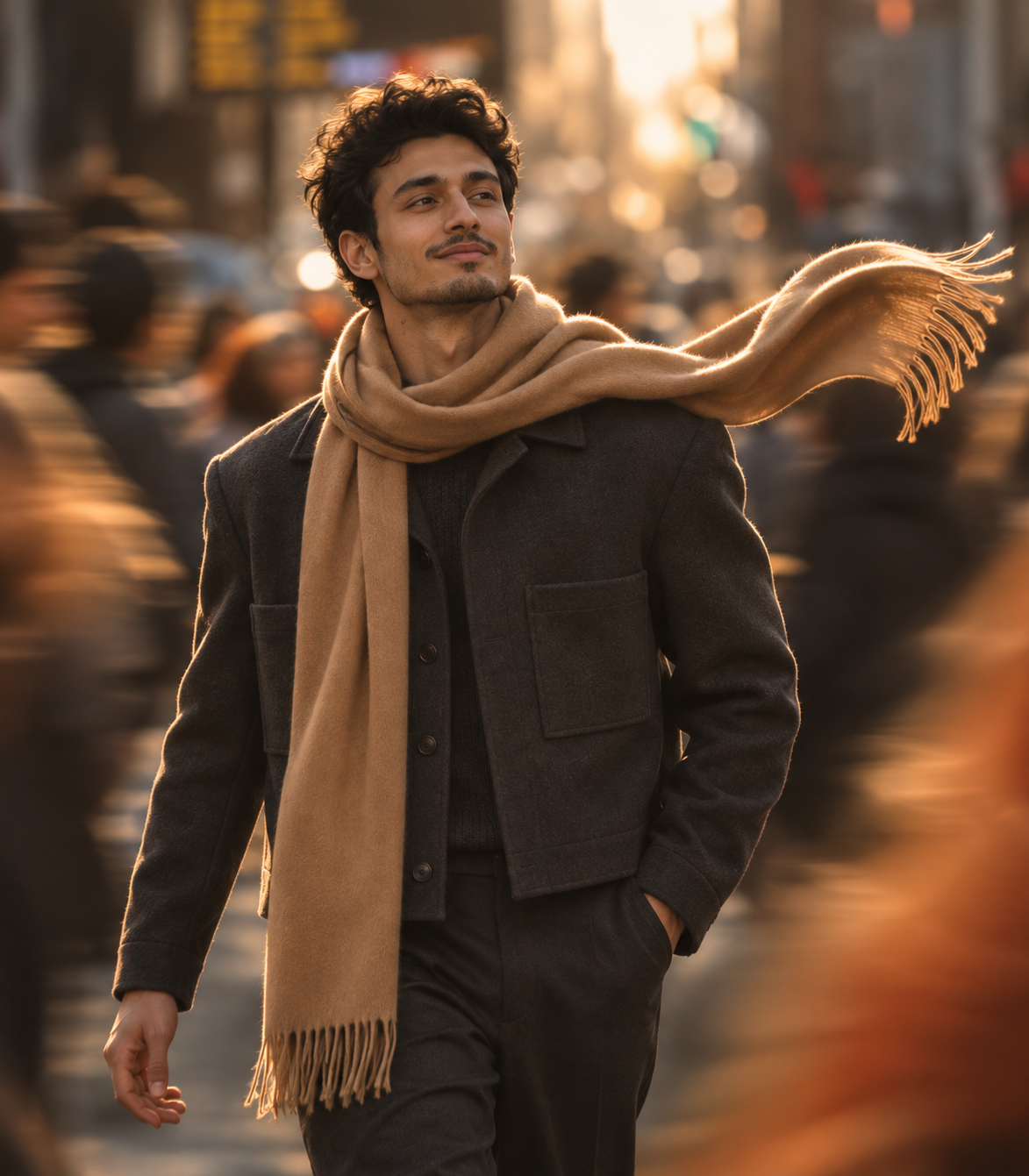
Choose a close, crisp product photo so a buckle, clasp, or frame has enough presence to anchor the shot.
Prepare product visuals, plan your scenes, and create videos for the rest of your campaign.
Create video ads from product images, ideas, or references.
Make complete videos from ideas, scripts, or visual references.
Build a story with recurring characters and connected scenes.
Turn ideas and images into animated scenes and complete stories.
Create portraits, product photos, and scenes from text or a reference.
Explore design concepts for posters, packaging, and campaigns.
Create animated titles, 2D graphics, and short brand videos.
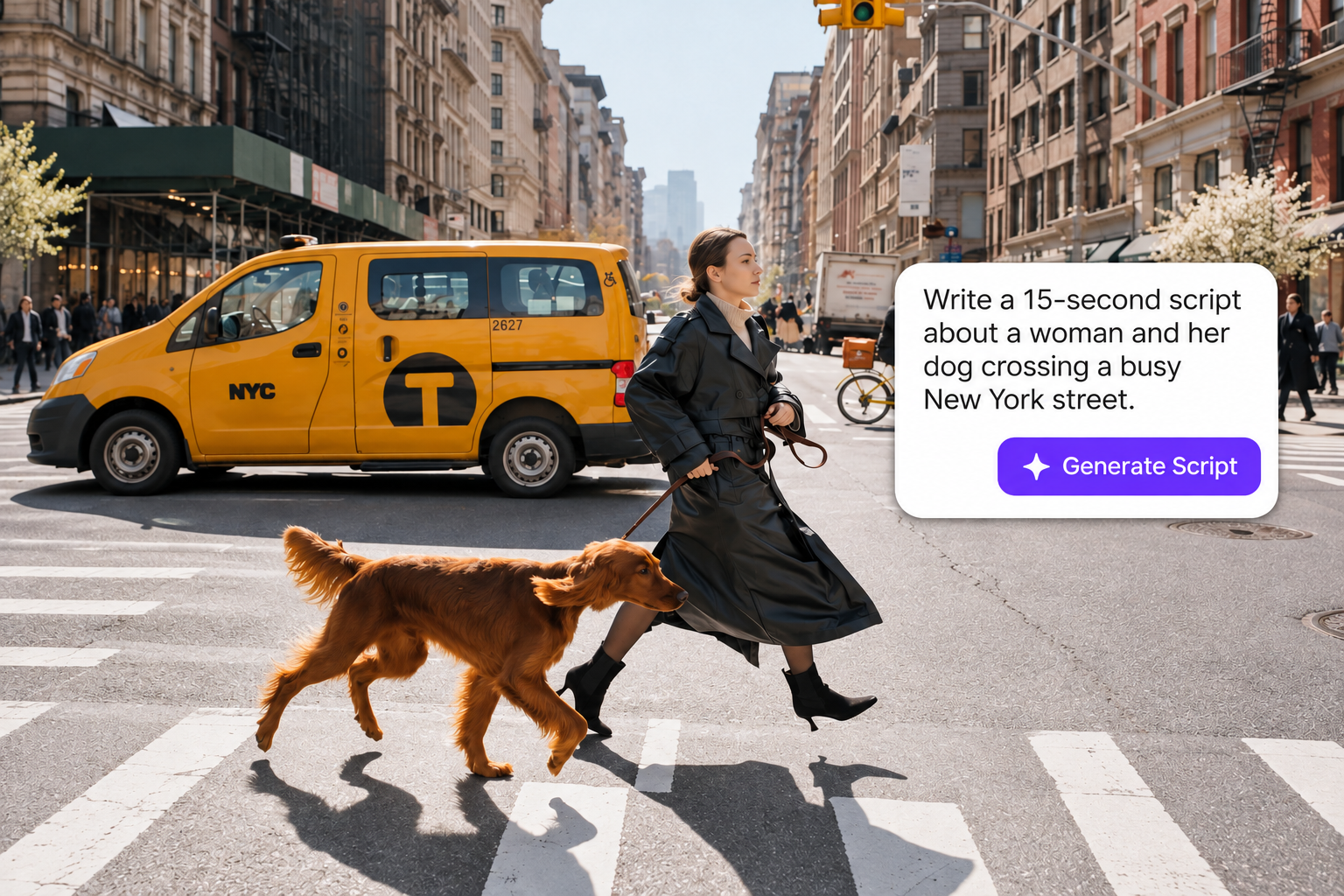
Turn a rough idea into a video script with a strong hook and a clear story.
See how creators use MOVO AI to turn product ideas into ads, launch videos, and social campaigns.


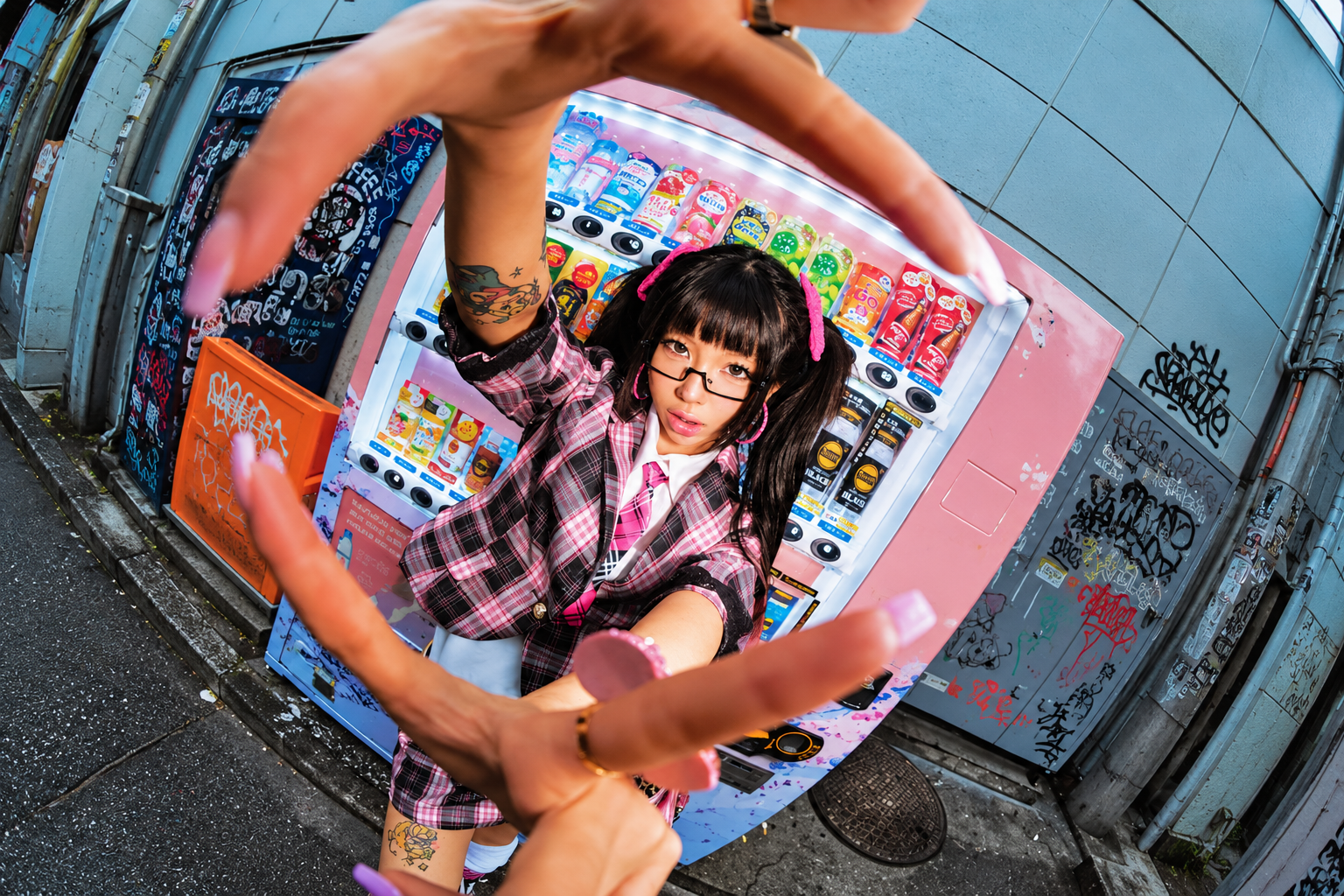
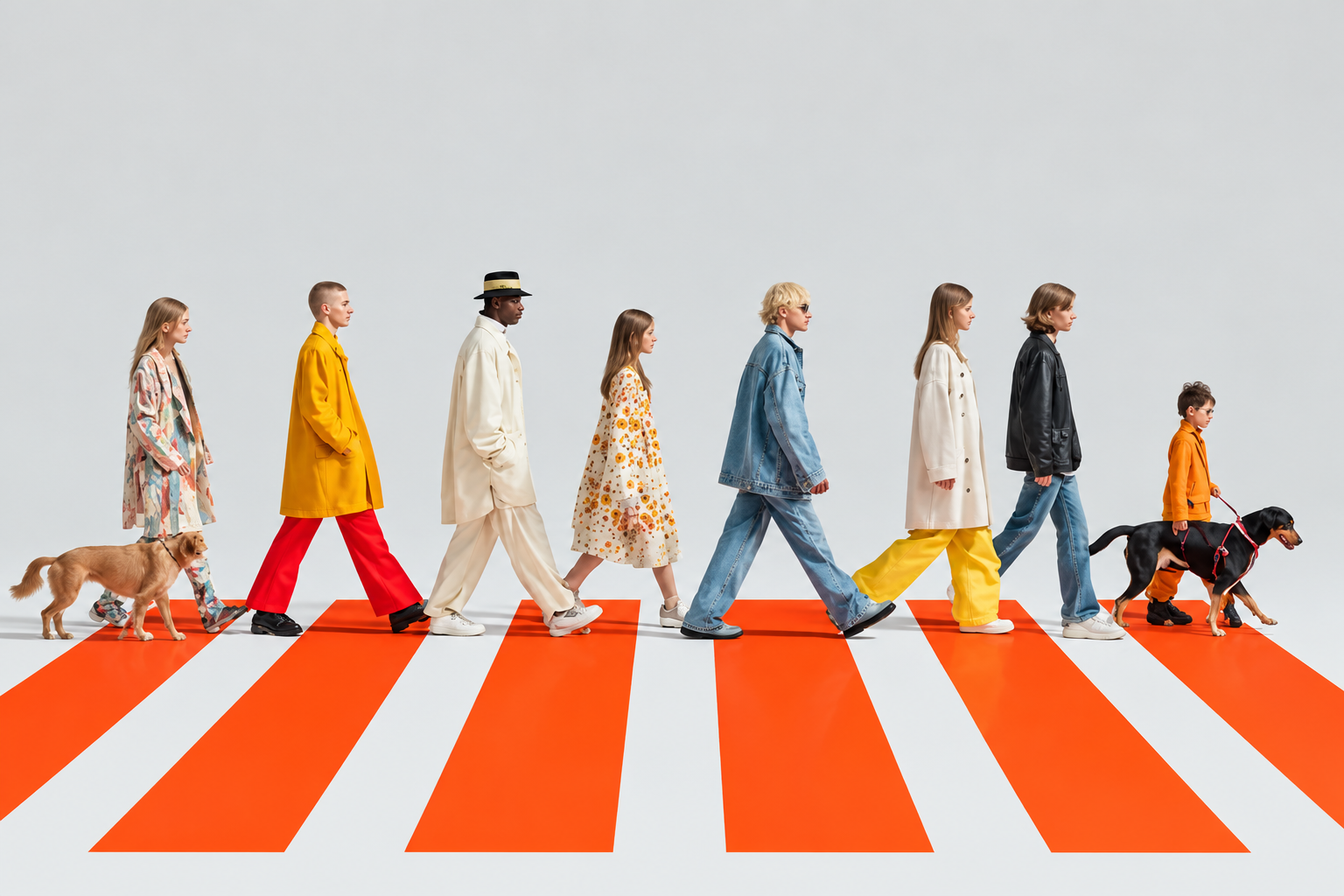
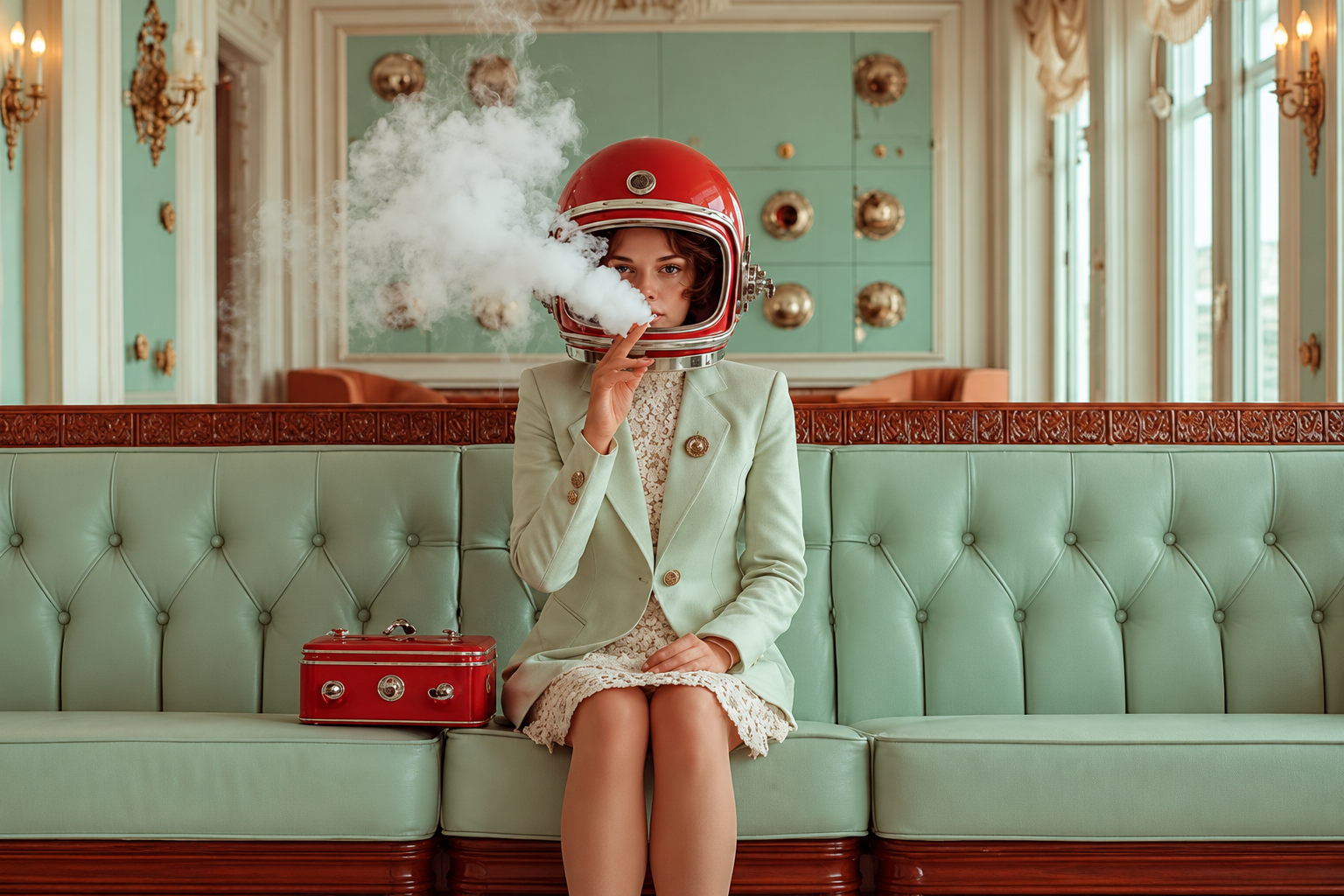
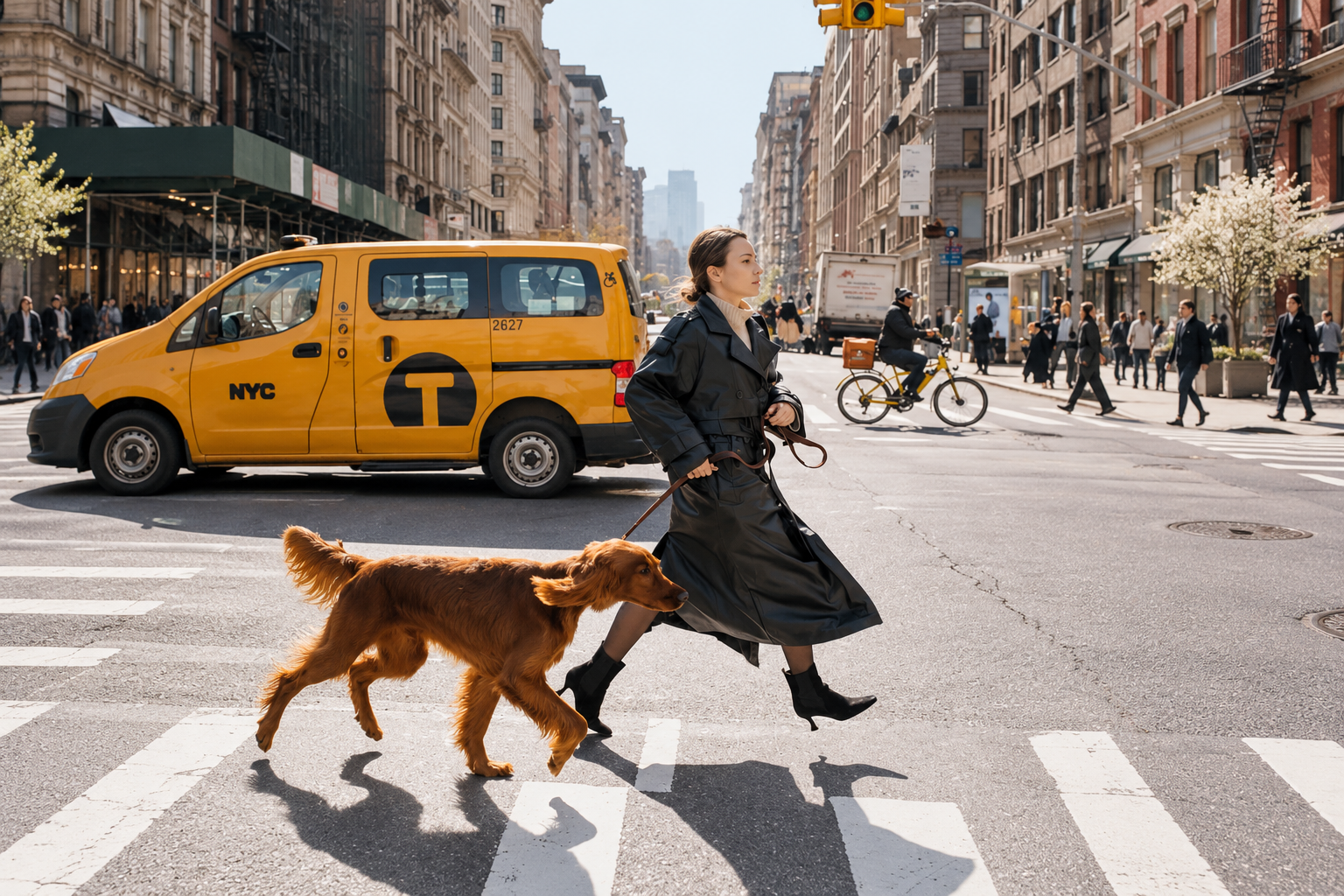
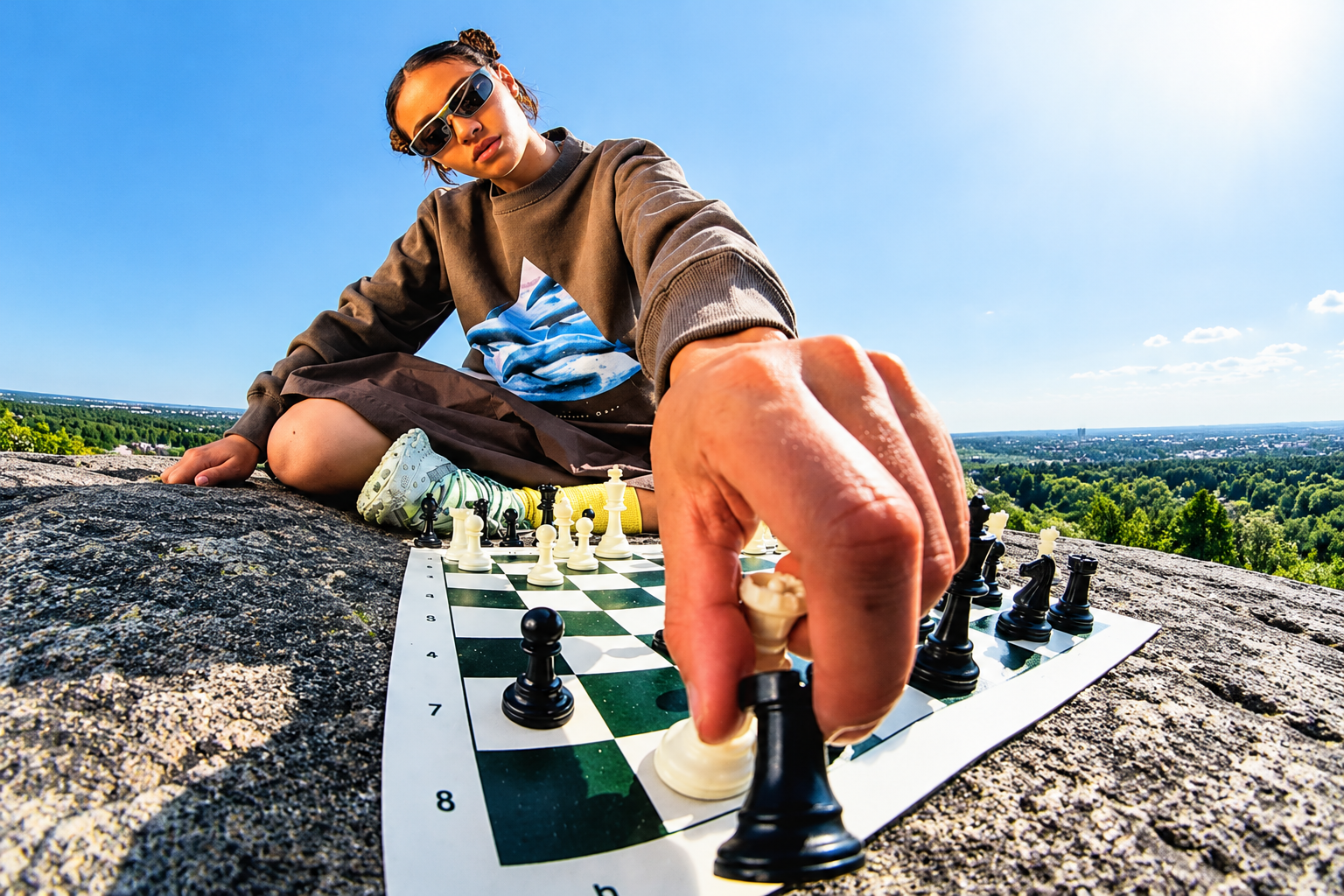
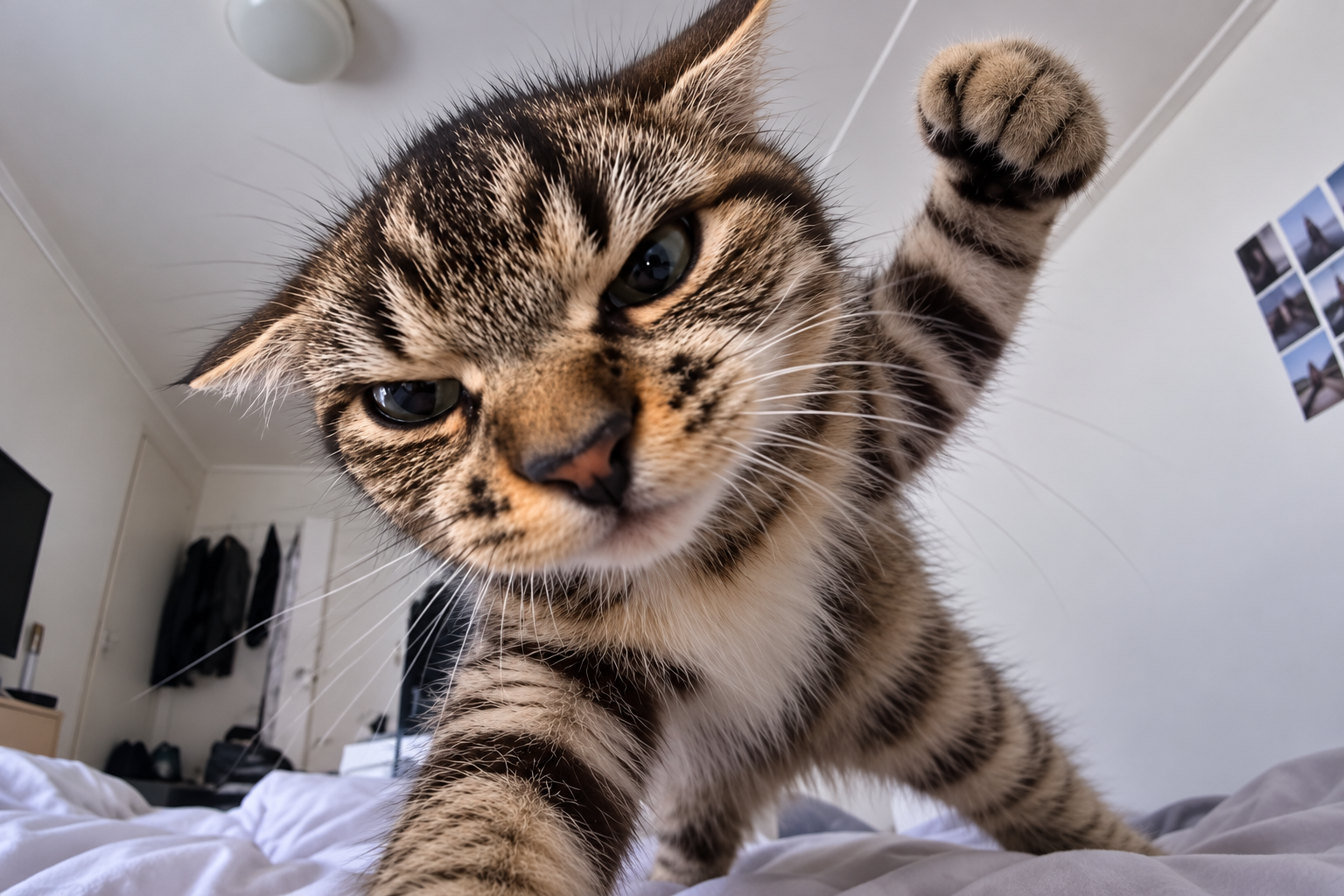
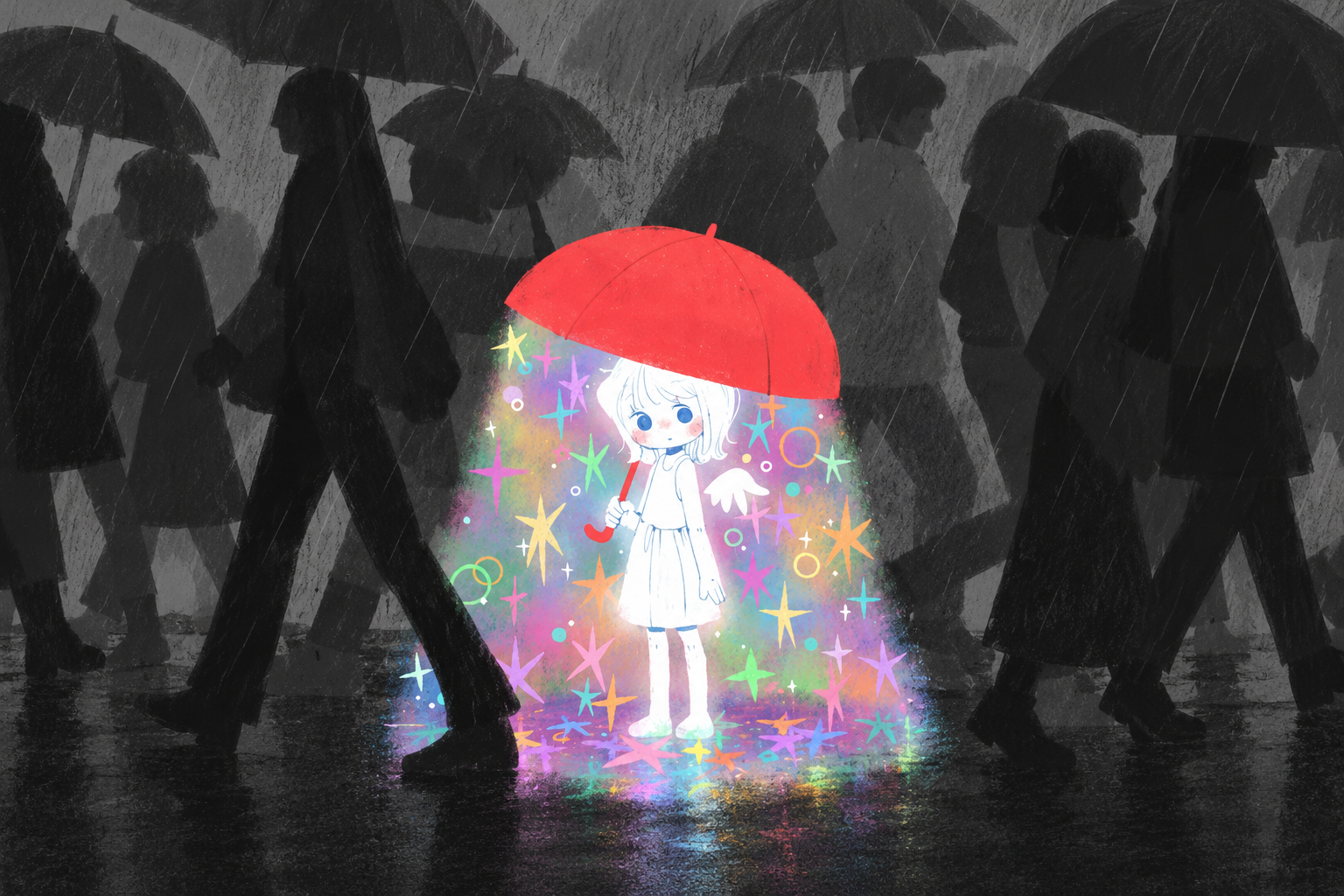

The fashion items appear frozen in midair as the viewpoint shifts. Play the example at the top of this page to see the timing.
Choose one to three items and upload one clear product photo per item. For a coordinated look, pick pieces you would wear together.
The model reference is optional. You can start with product photos alone or add a photo of the model you have in mind.
Show the whole piece against a simple background. Keep straps, sleeves, and hems in frame so their shapes are easy to distinguish.
Choose the pieces you want to see suspended in midair. Start with one photo per item.
Create my video