Start with your product photos
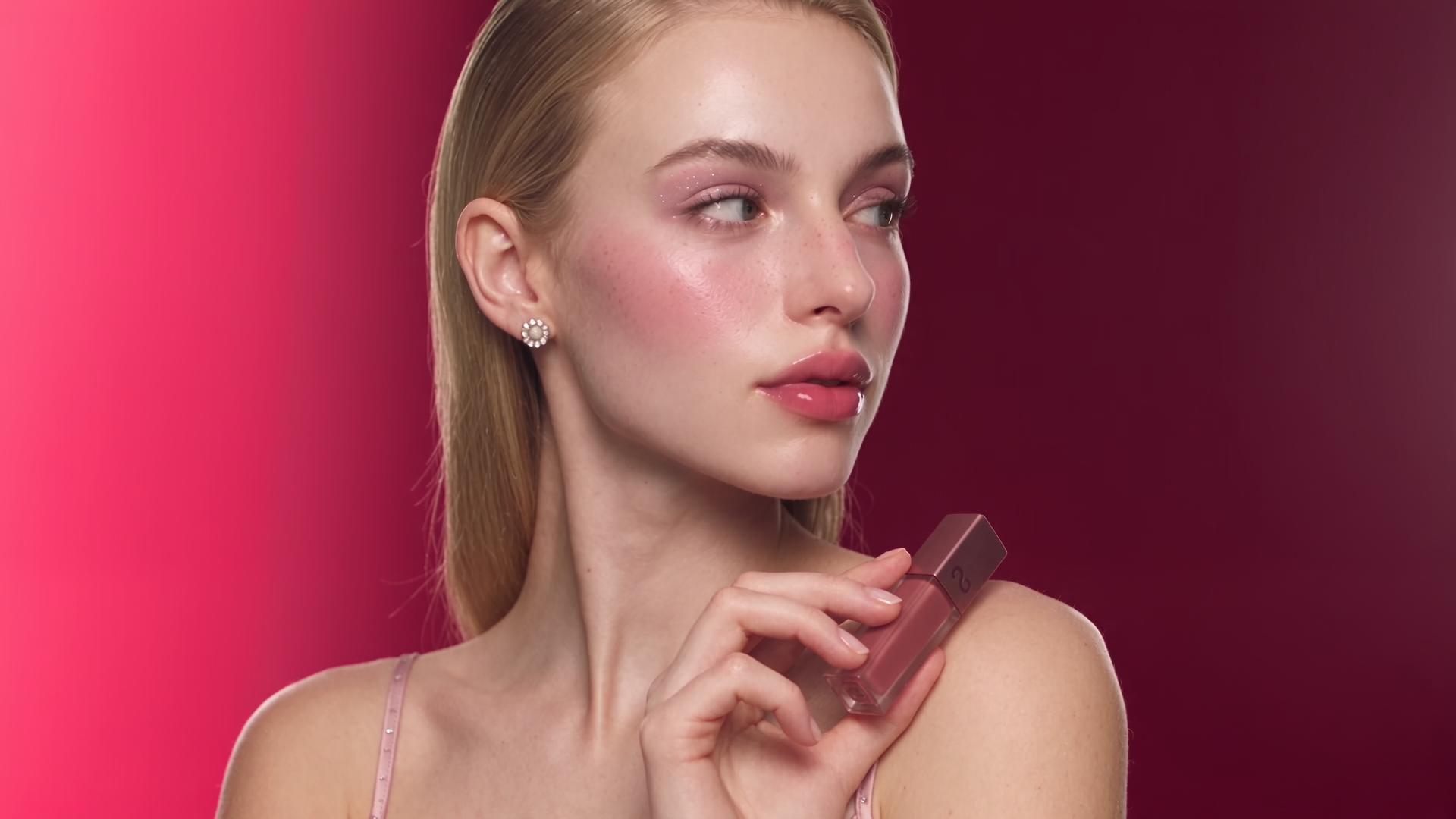
Upload up to four images. For a lipstick launch, pair a clear shot of the tube with a swatch in daylight so the shade and packaging are both easy to recognise.
Add product photosTake your makeup ad from product photos to a finished look in three steps.
Add photos of your product and packaging.
Highlight your selling points and choose the duration and aspect ratio.
Create a food ad that showcases your product.
A beauty commercial shows a product and the look it creates. A lipstick shade in the tube can look different once it catches the light on someone’s lips. Use the MOVO Beauty Commercial template to bring those two views together in a short makeup ad.
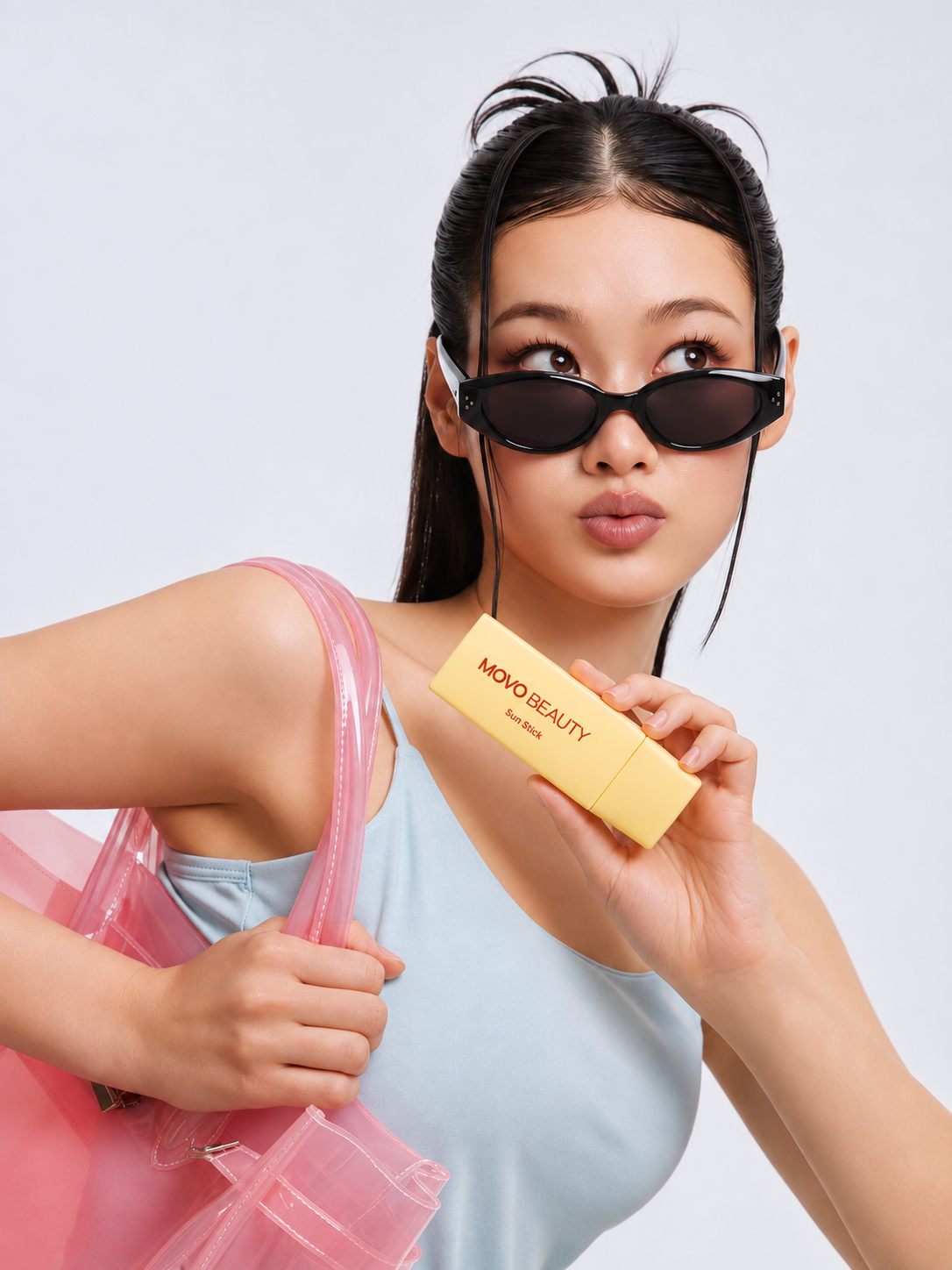
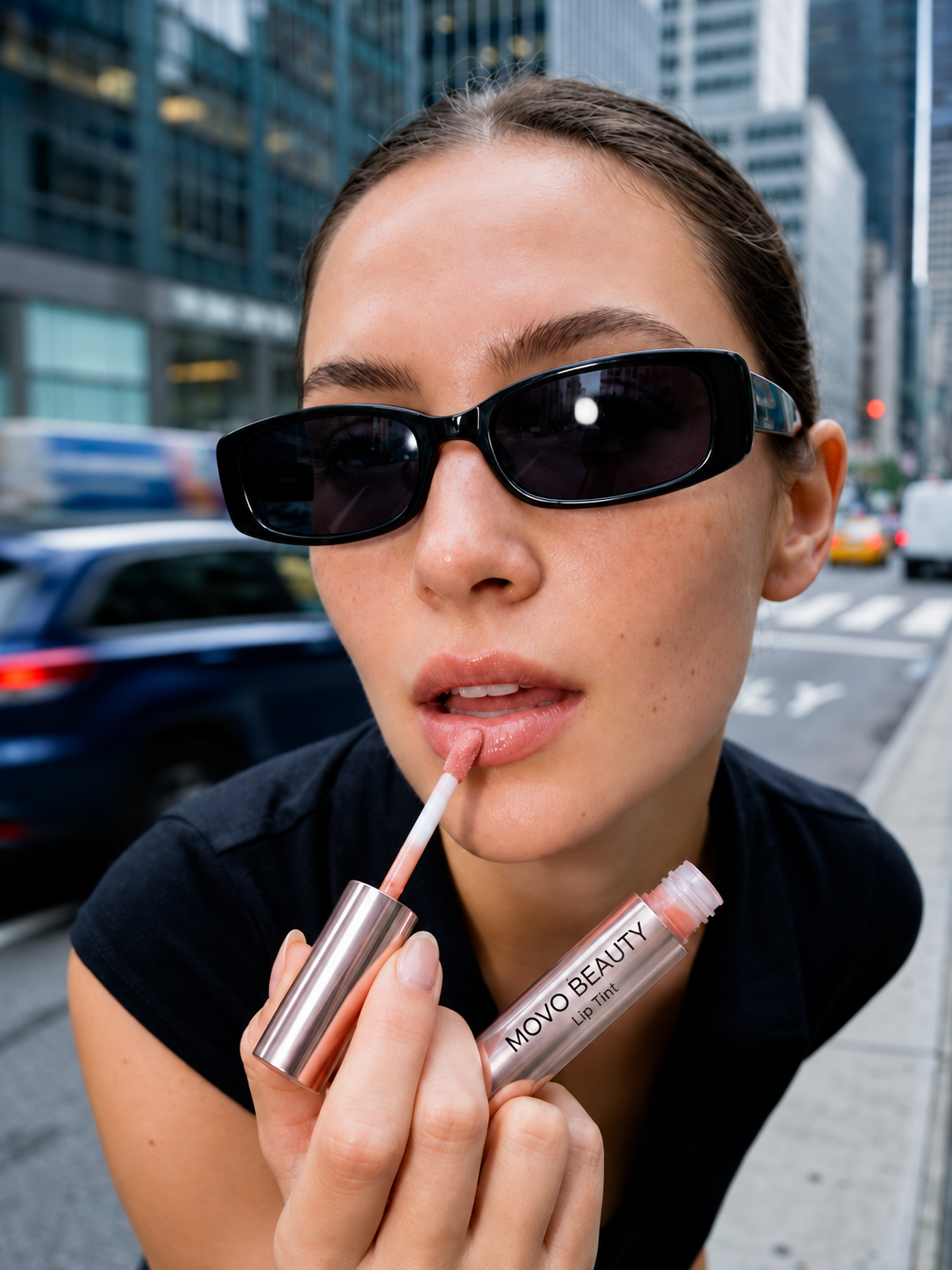
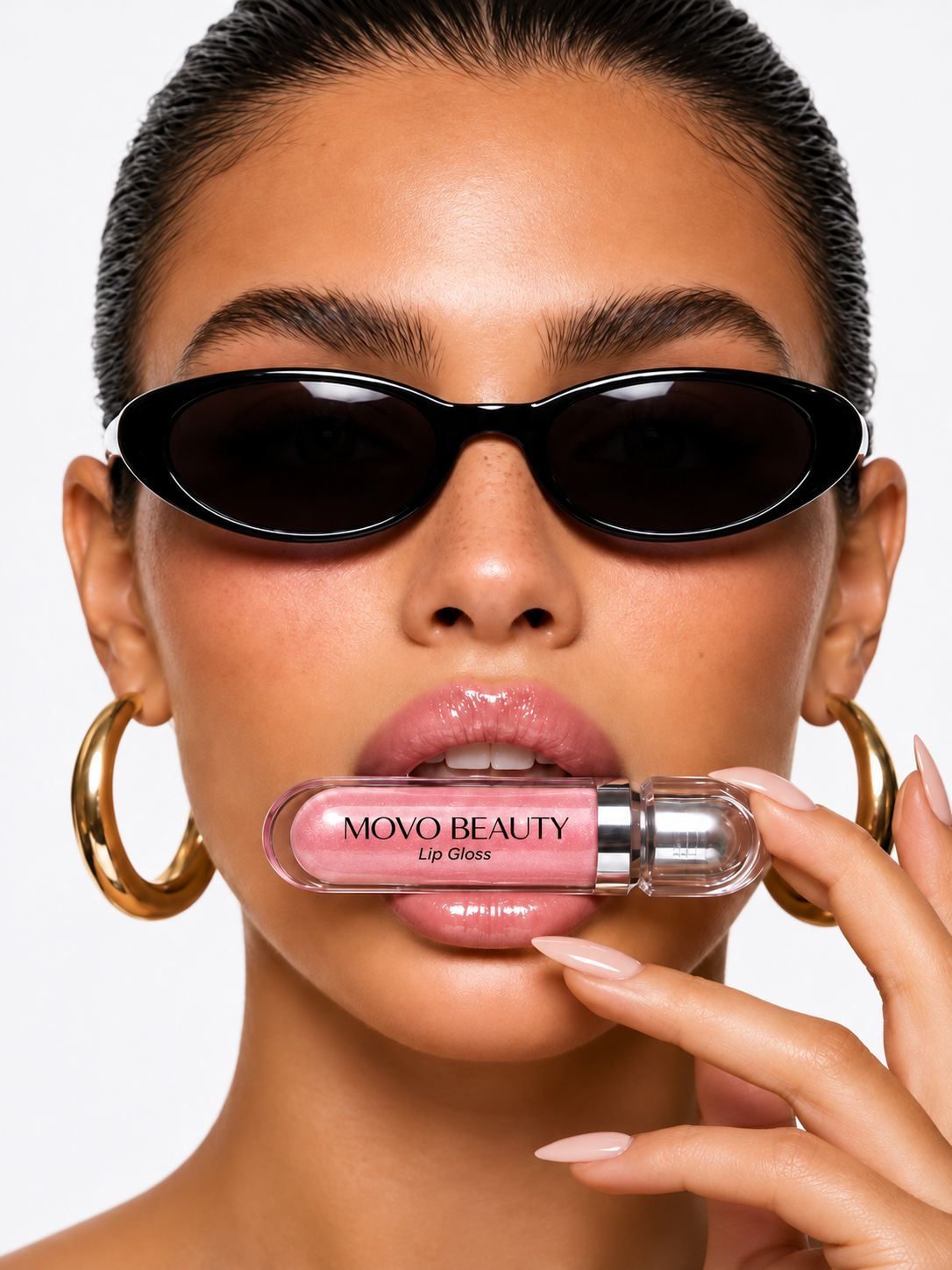
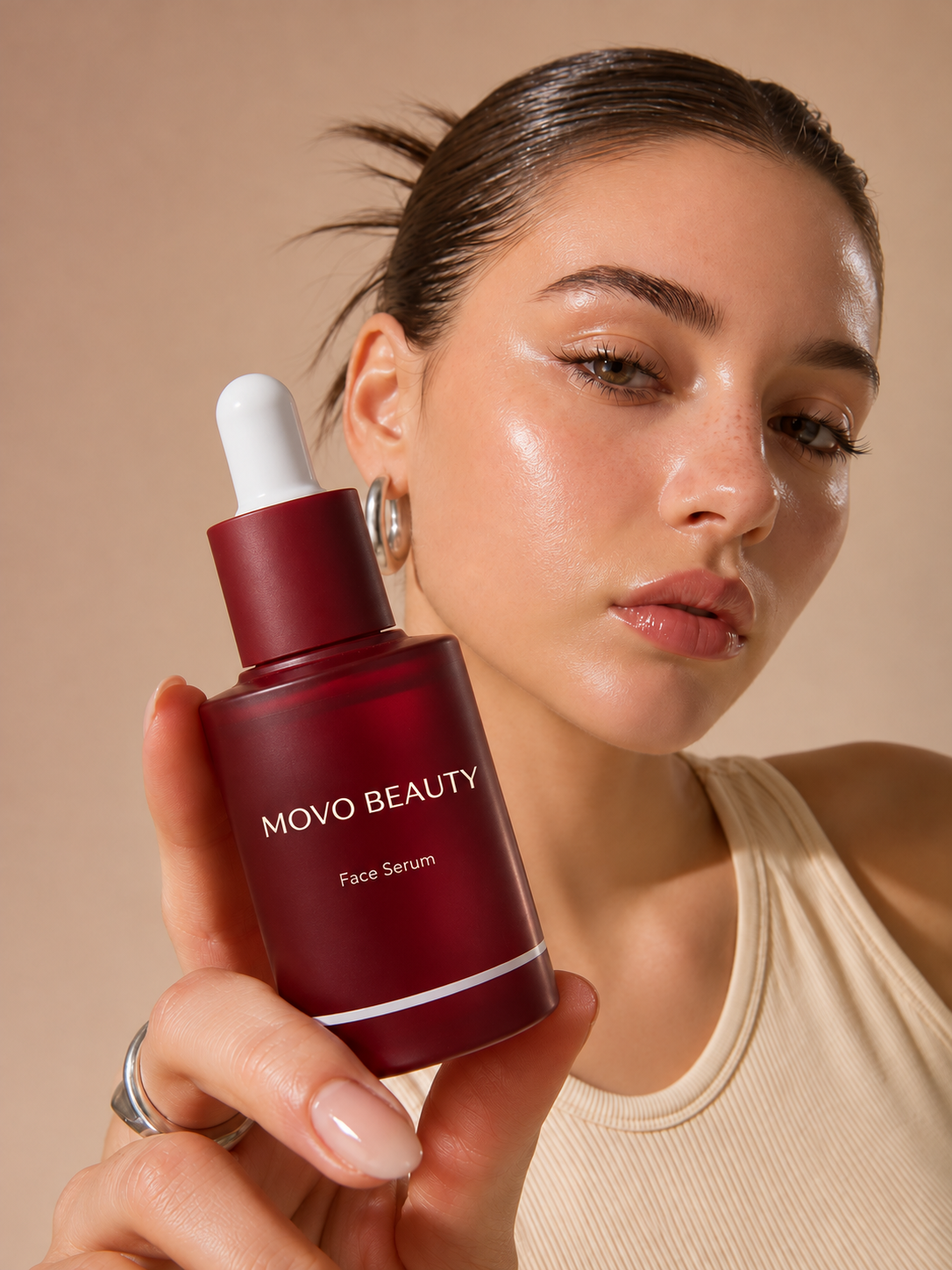
Choose the shade, finish, or application detail your audience should remember. Build the brief around the shot that shows it best.
Upload up to four images. For a lipstick launch, pair a clear shot of the tube with a swatch in daylight so the shade and packaging are both easy to recognise.
Add product photos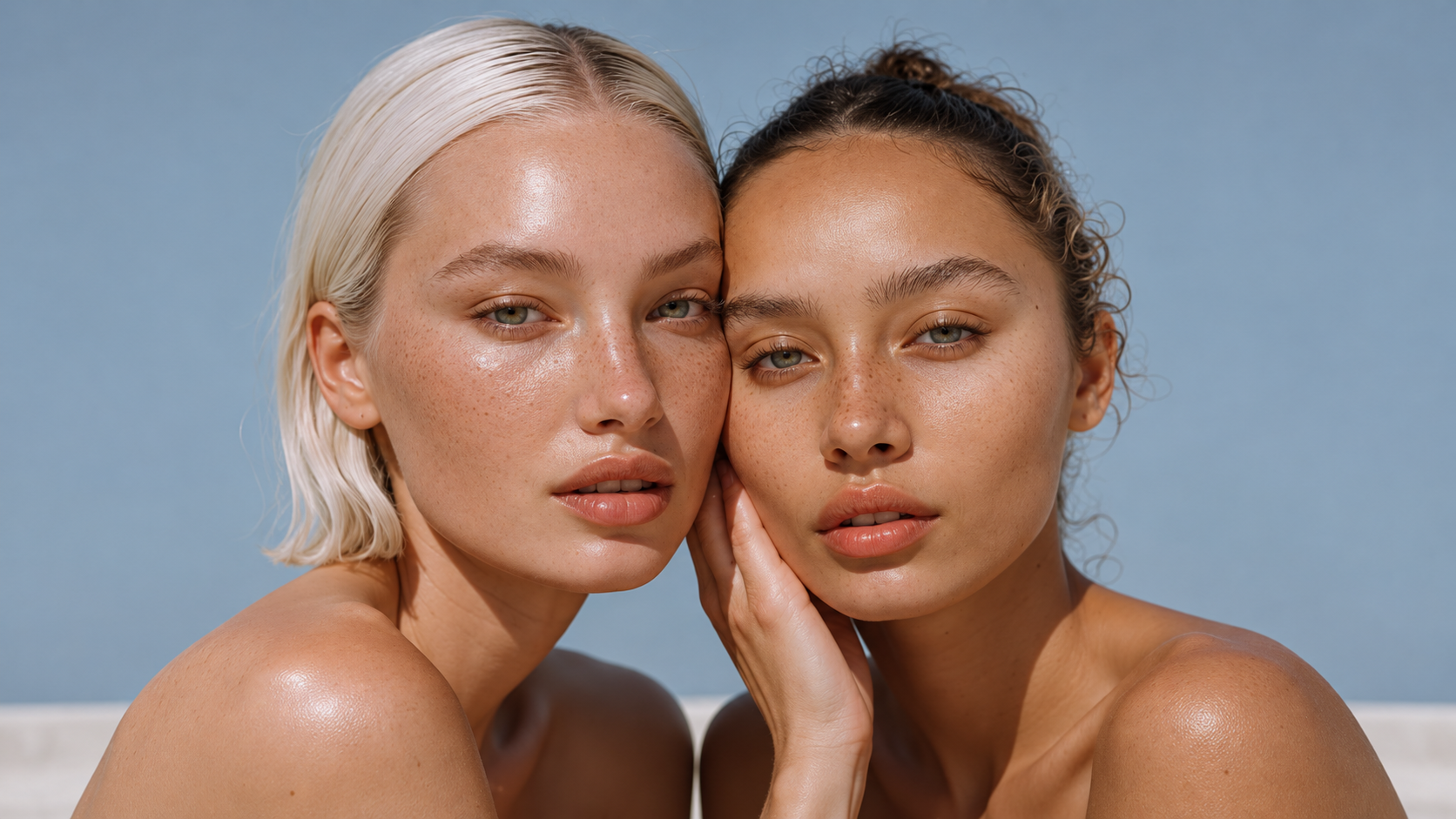
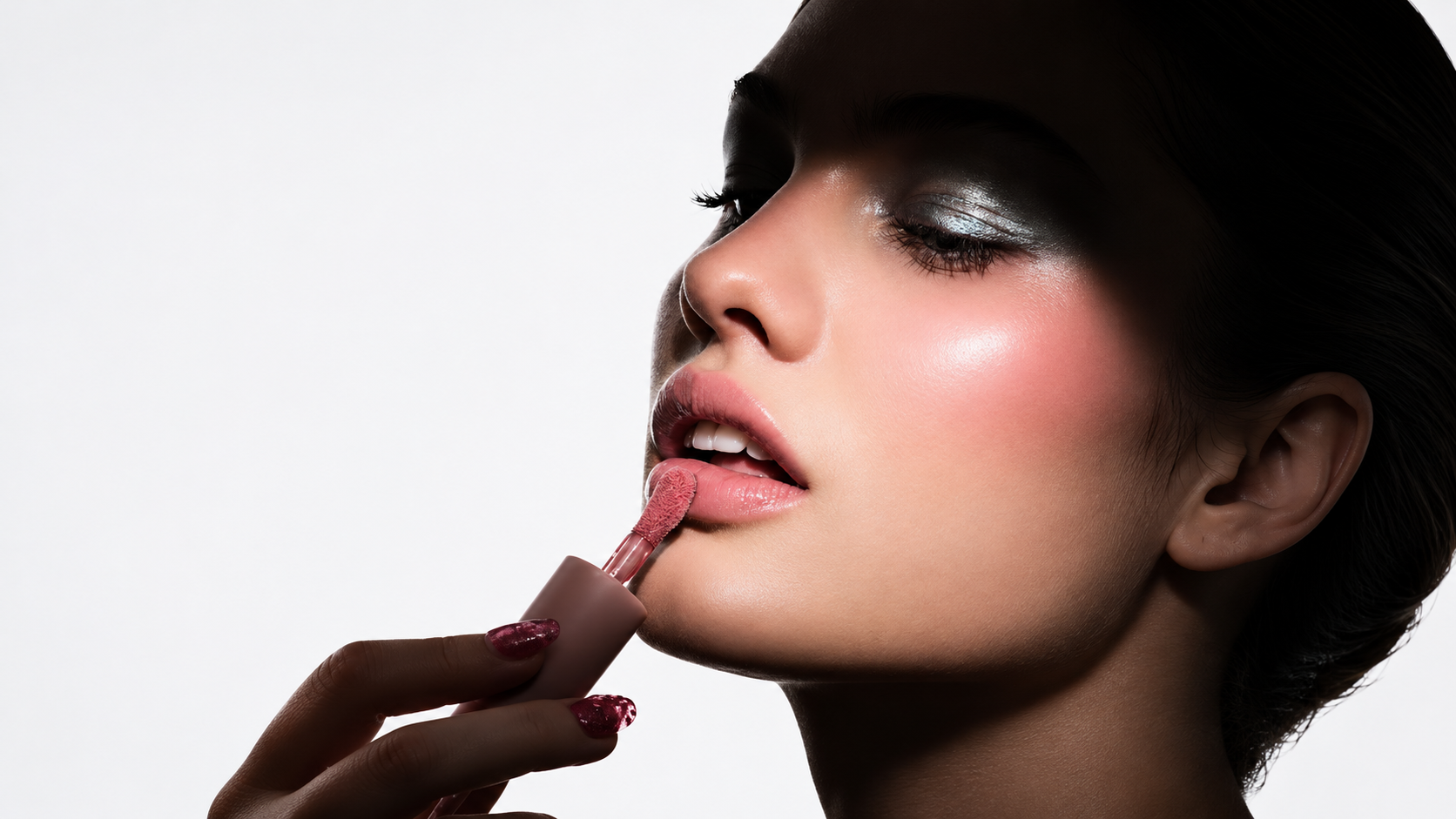
Describe what happens when the product touches skin. For a shimmer shadow, ask for a sweep across the lid and a slight turn toward the light to reveal the pearl.
Add selling points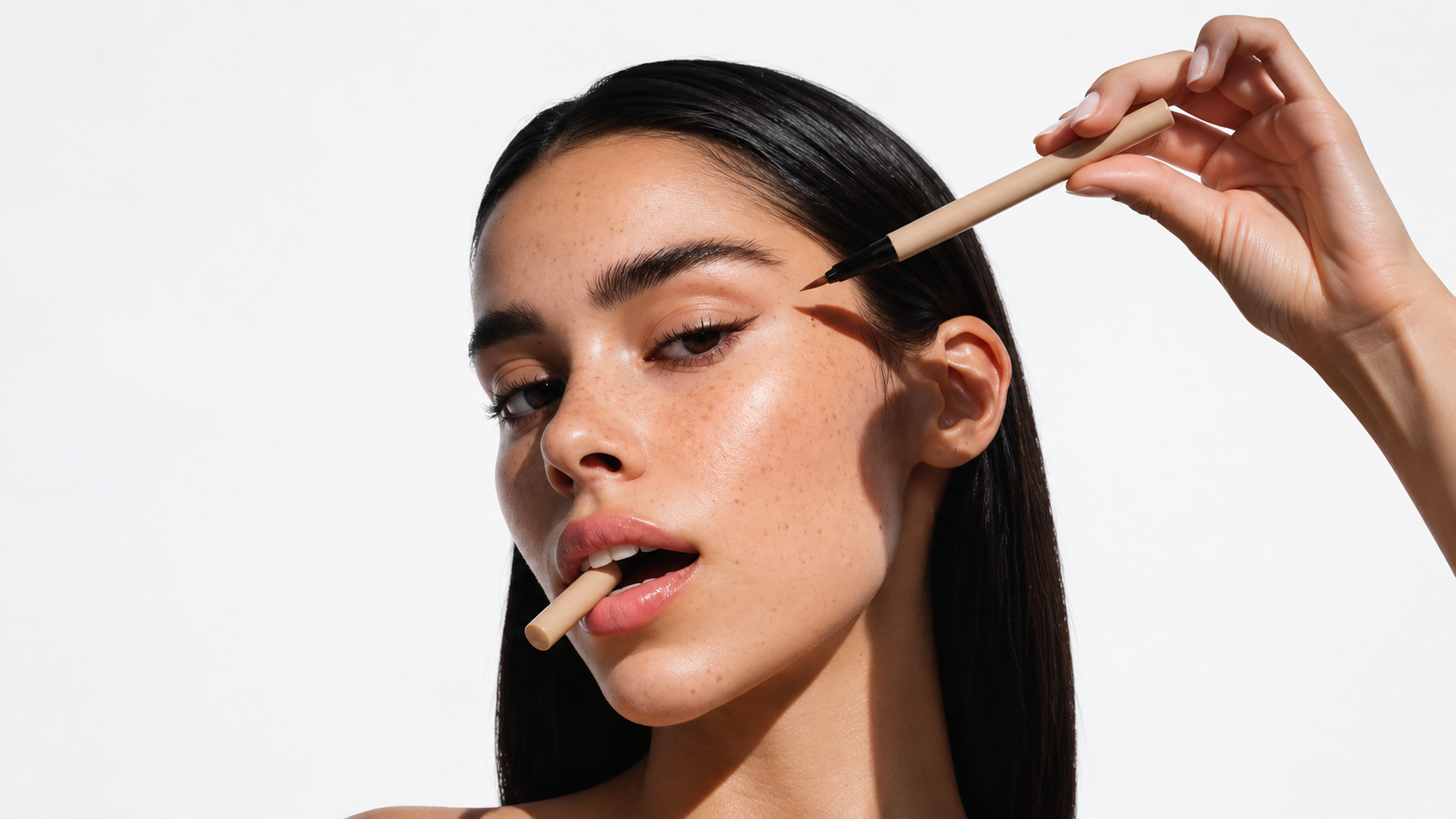
Choose a duration and aspect ratio for your placement. In a vertical makeup ad, frame the applicator and the lips together so viewers can follow the stroke.
Choose video settings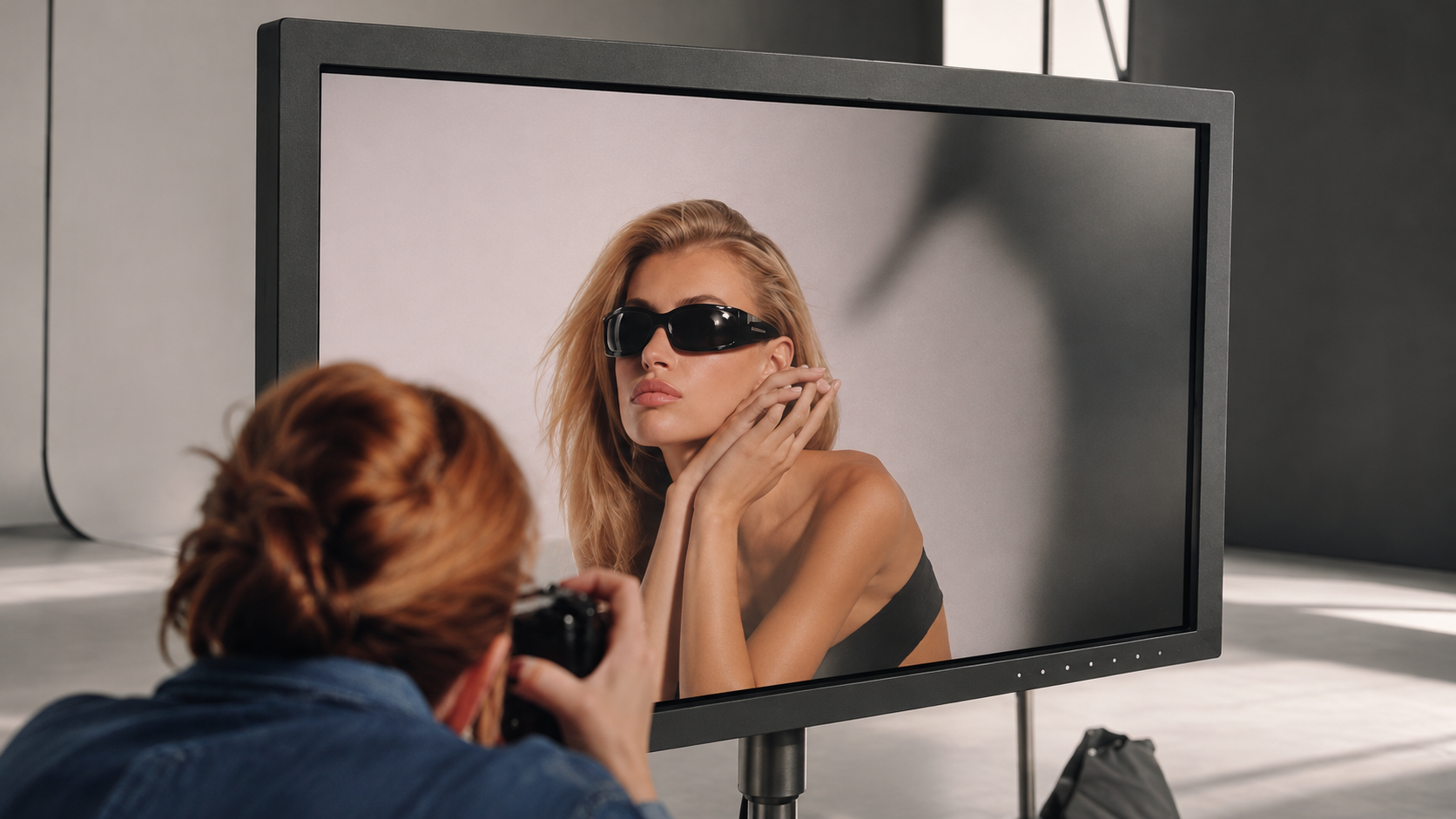
Describe the light, backdrop, and opening frame. For the feel of vintage makeup ads, try a powder compact on satin, a softly lit close-up, and a still pose at the end.
Describe your ideasStart with your product photos and one detail you want viewers to see.
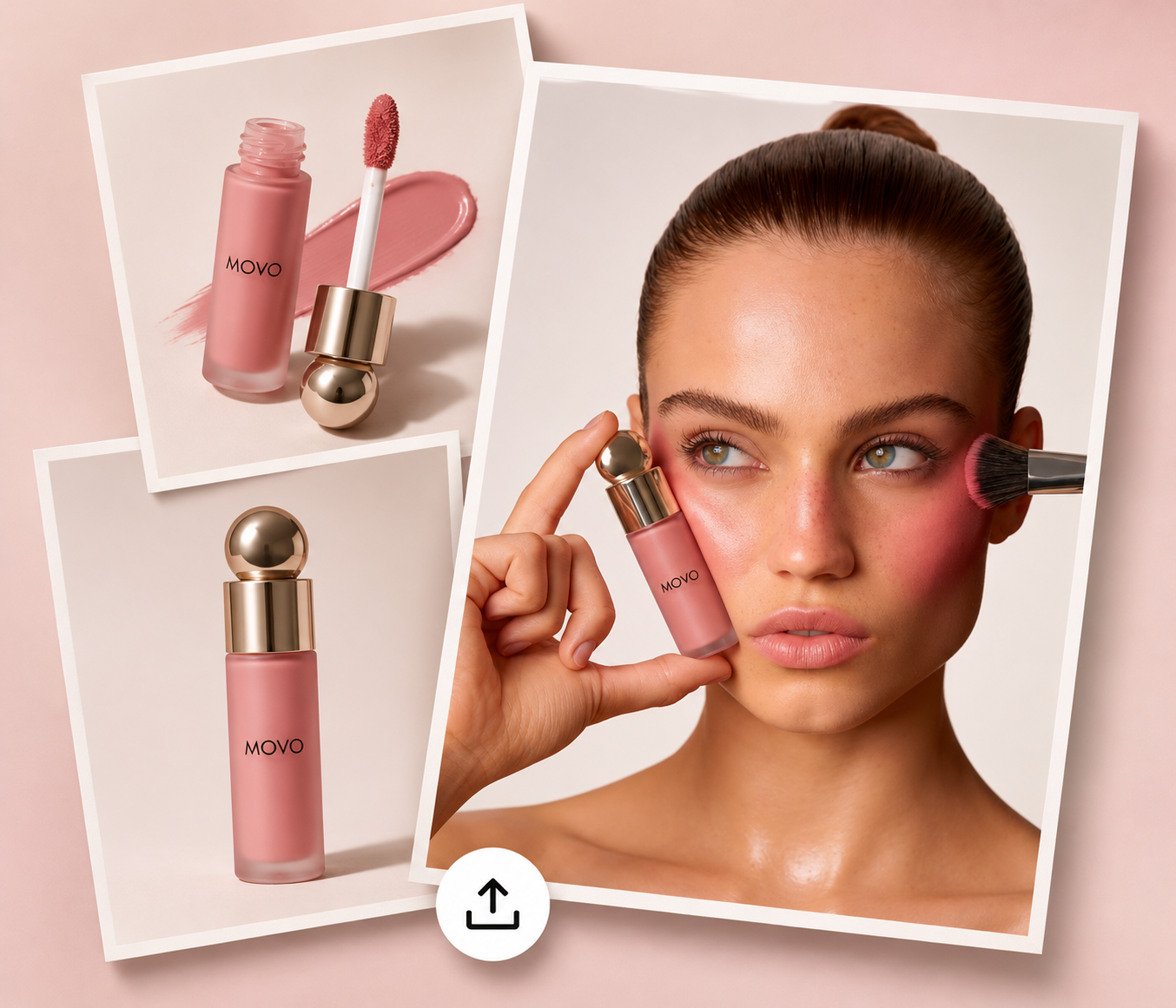
Include the closed package, the open product, and a swatch or application shot. Use consistent light so the shade looks the same from one frame to the next.
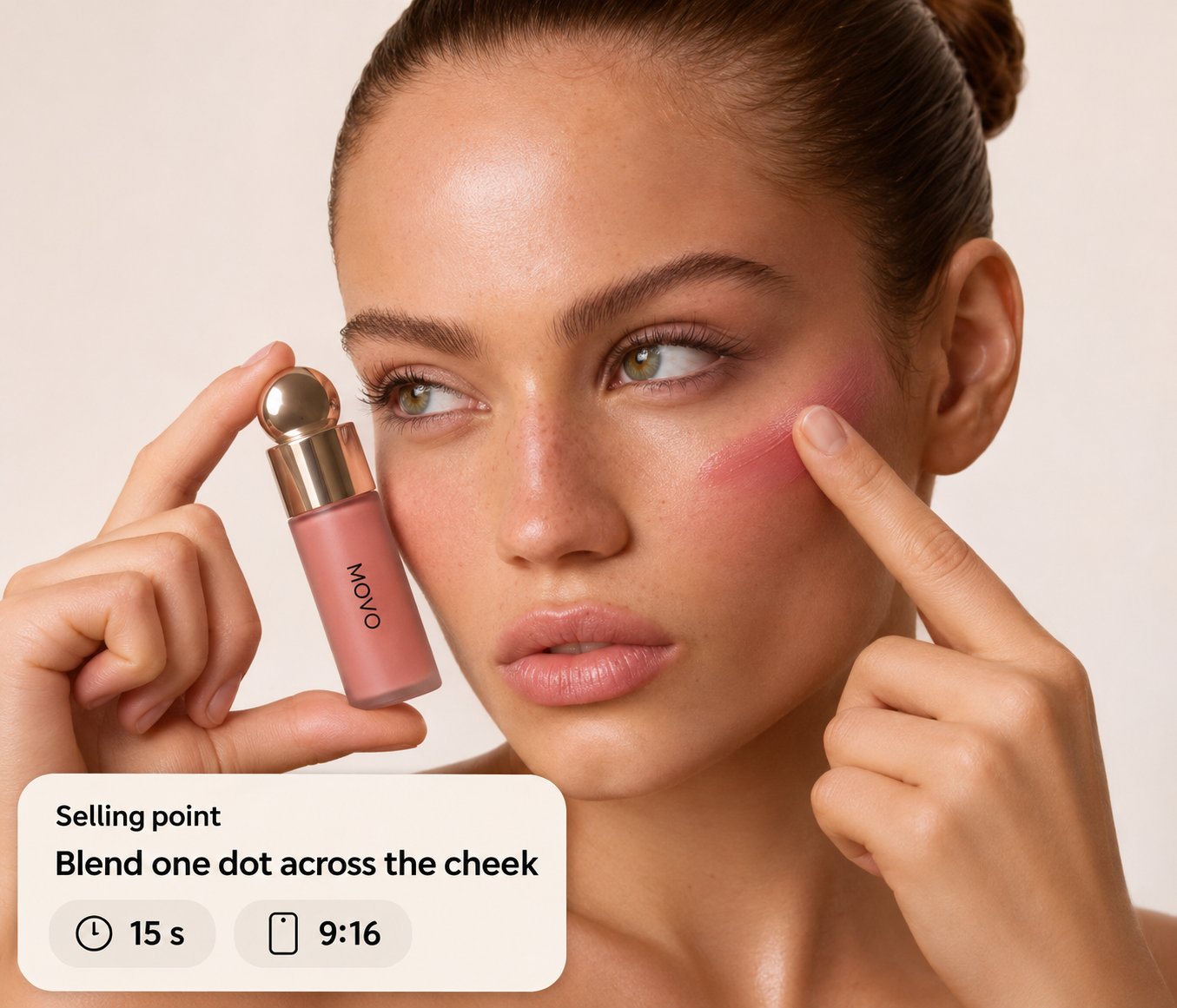
Enter the product detail you want to show, then choose the length and aspect ratio. For a cream blush, ask for a fingertip to blend one dot across the cheek.
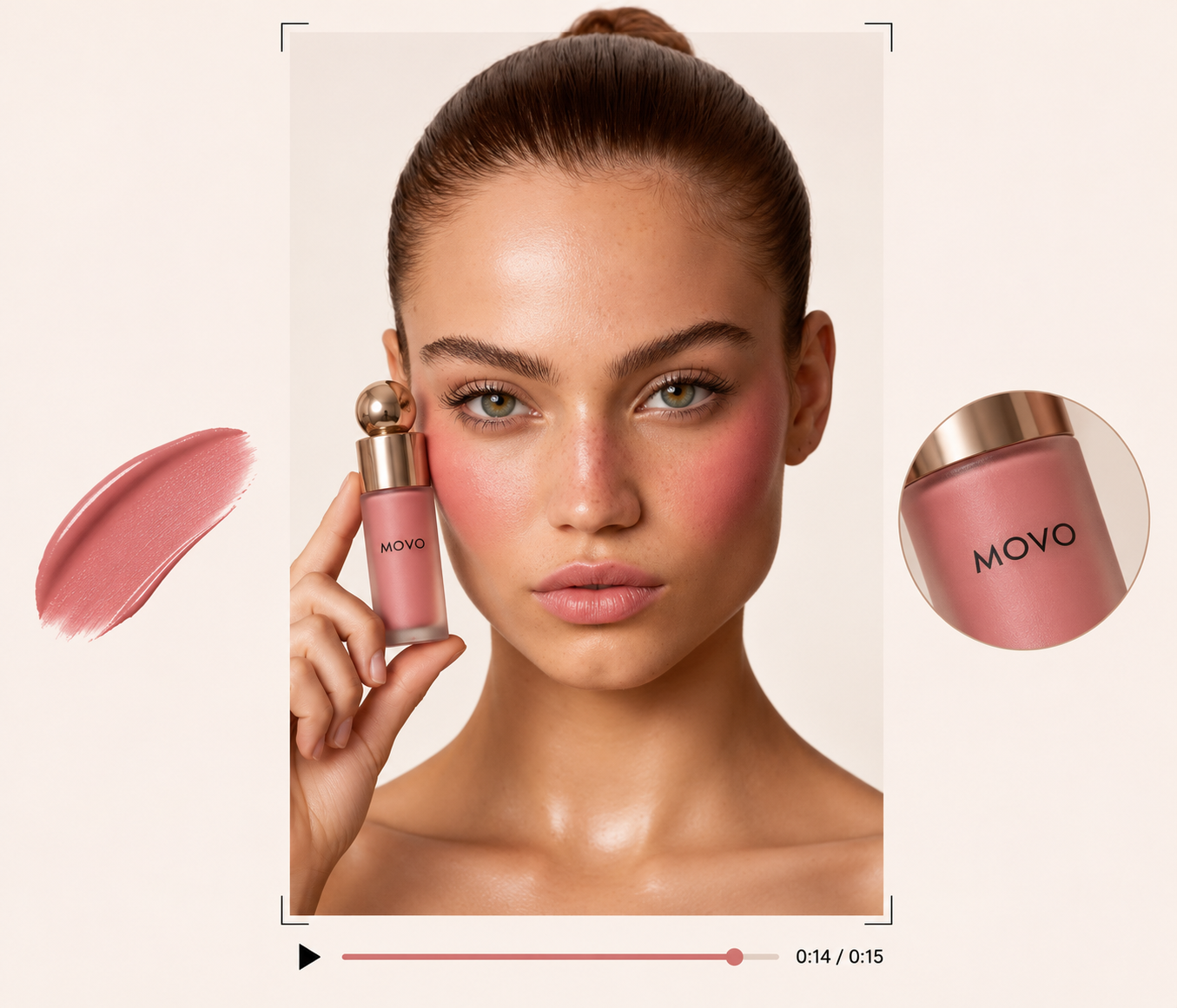
Open the MOVO workspace to generate the video. Check the swatch against your reference, read the label on the final frame, and review the crop before sharing.
Plan the pack shot, application, and finished look together so each scene tells viewers something about the same product.
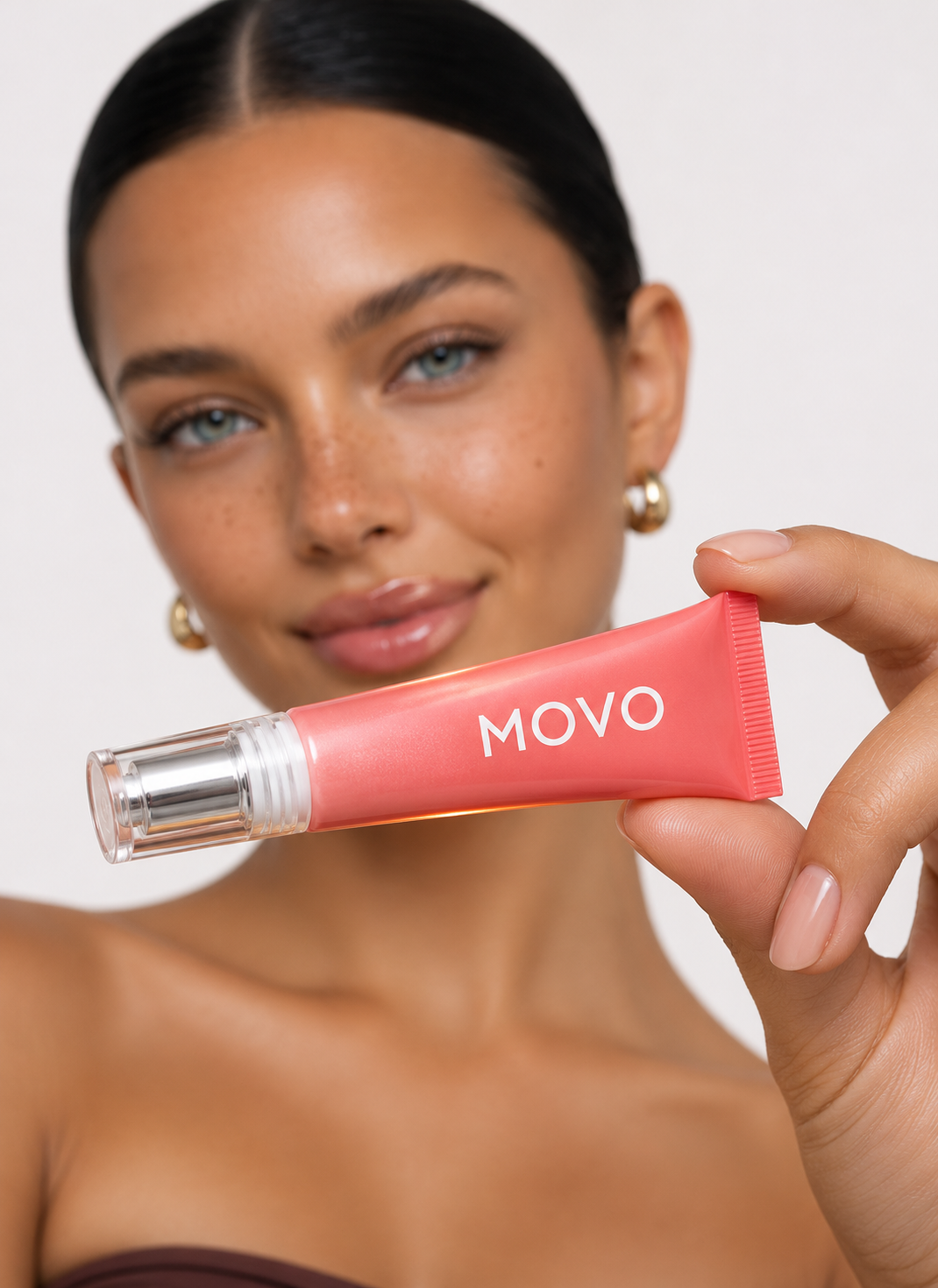
Anchor the brief in your own packaging. A distinctive cap, shade name, or compact shape helps viewers connect the product on screen with the one on the shelf.
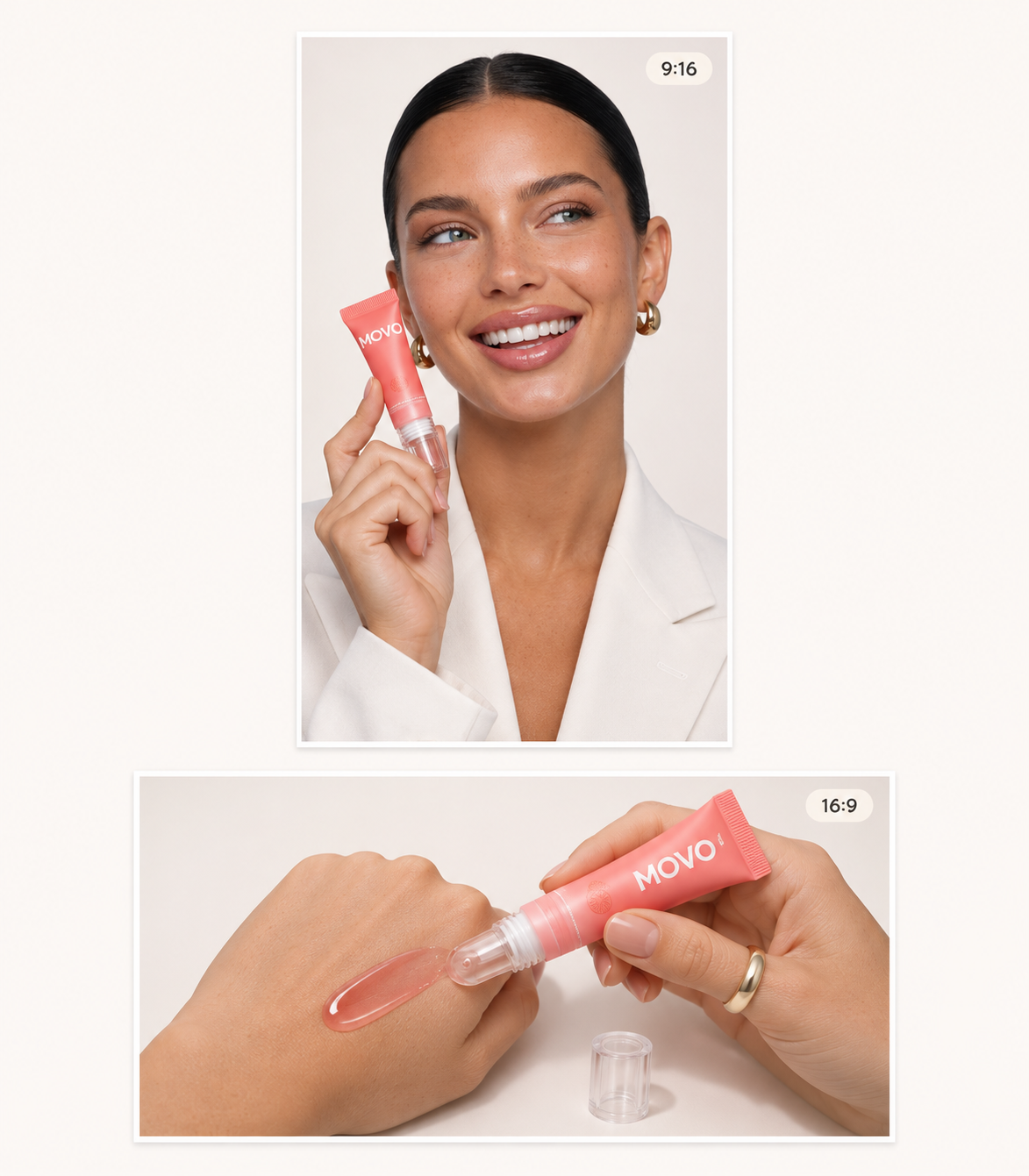
Let movement reveal the finish. A gloss catches a narrow highlight as the lips turn, while a matte lipstick shows its colour in soft, even light.
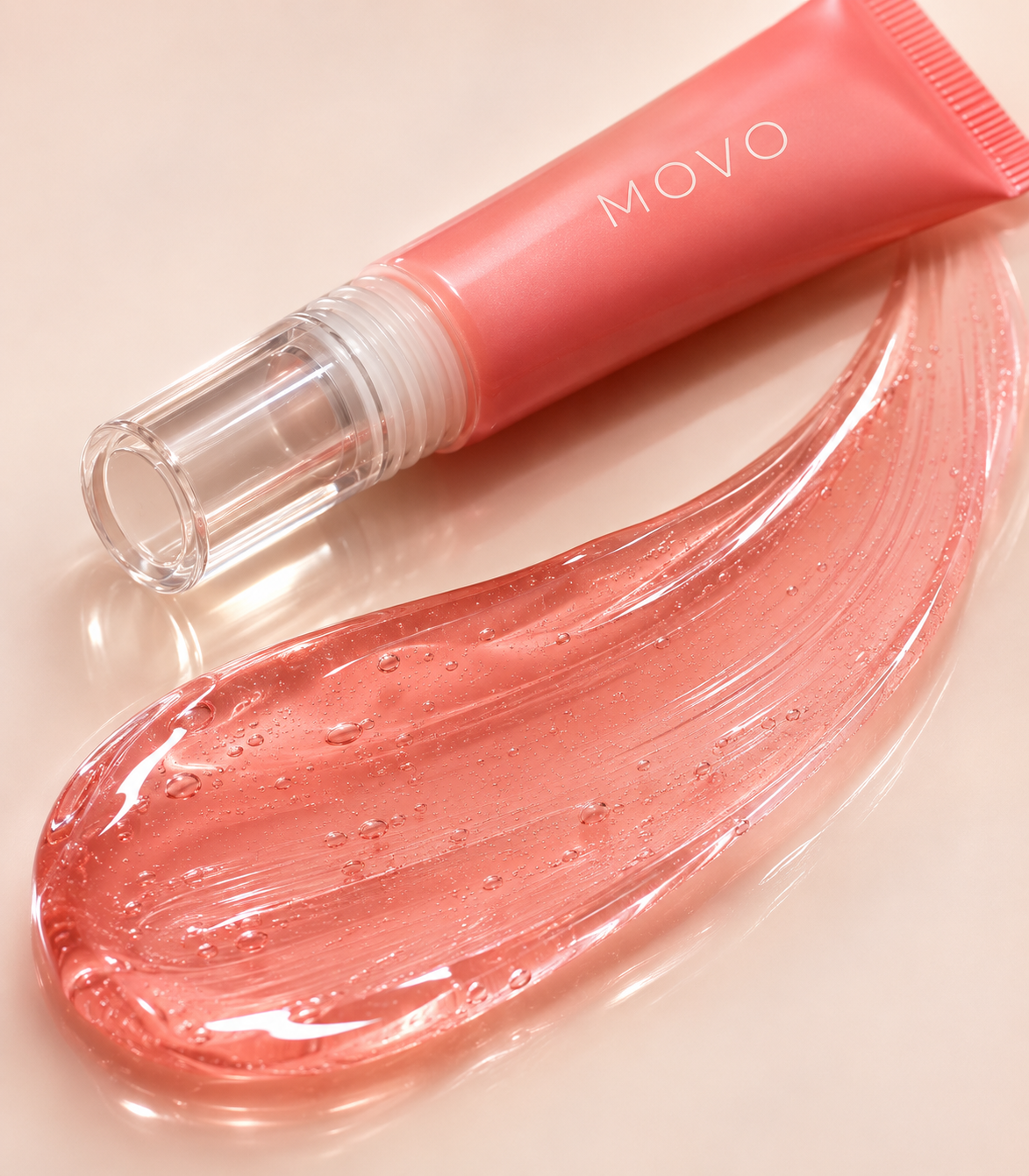
Use the same product references for a vertical launch teaser and a landscape product demo. Give the demo more time for the application and a close-up of the finish.
Prepare product visuals, plan your scenes, and create videos for the rest of your campaign.
Create video ads from product images, ideas, or references.
Make complete videos from ideas, scripts, or visual references.
Build a story with recurring characters and connected scenes.
Turn ideas and images into animated scenes and complete stories.
Create portraits, product photos, and scenes from text or a reference.
Explore design concepts for posters, packaging, and campaigns.
Create animated titles, 2D graphics, and short brand videos.
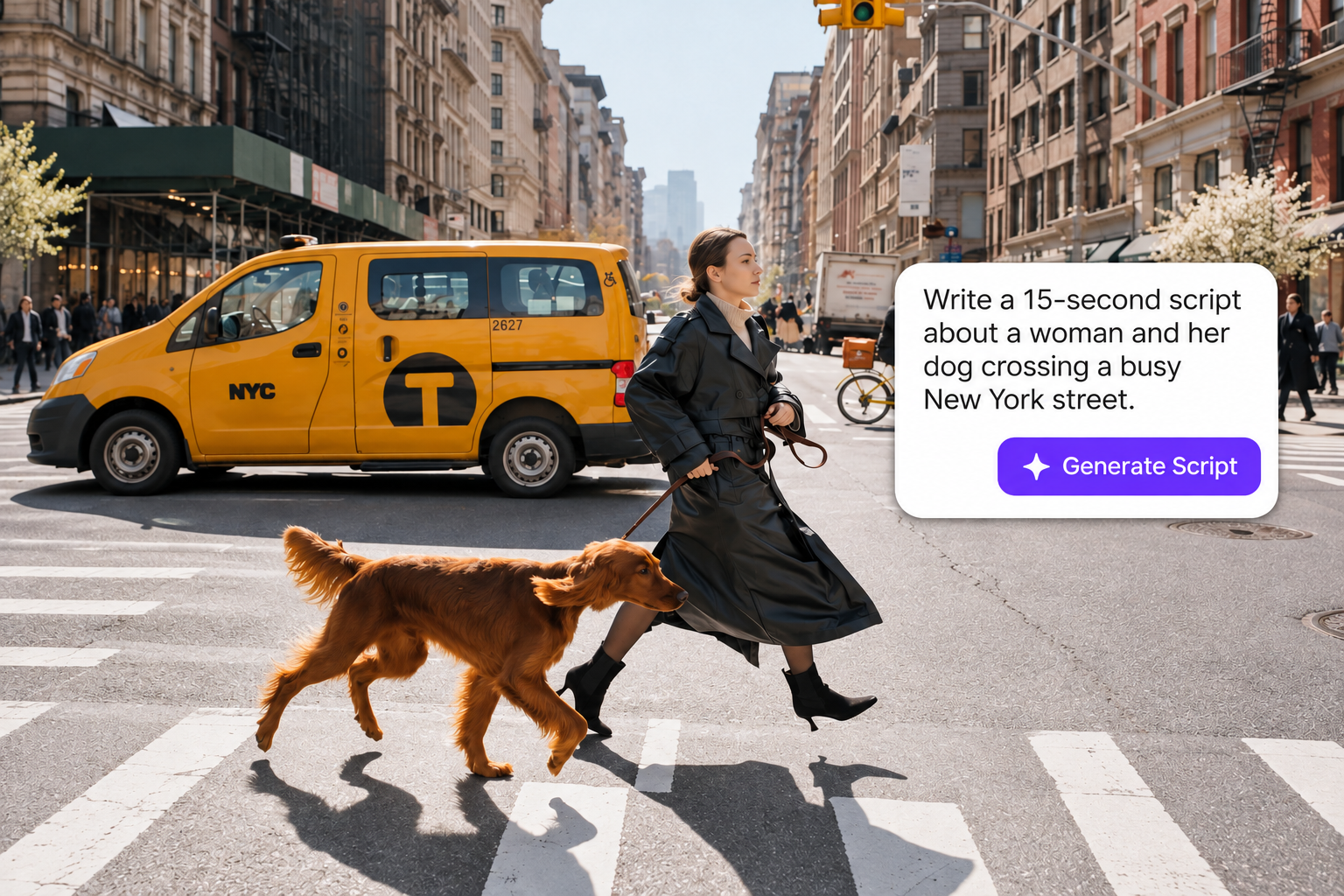
Turn a rough idea into a video script with a strong hook and a clear story.
See how creators use MOVO AI to turn product ideas into ads, launch videos, and social campaigns.




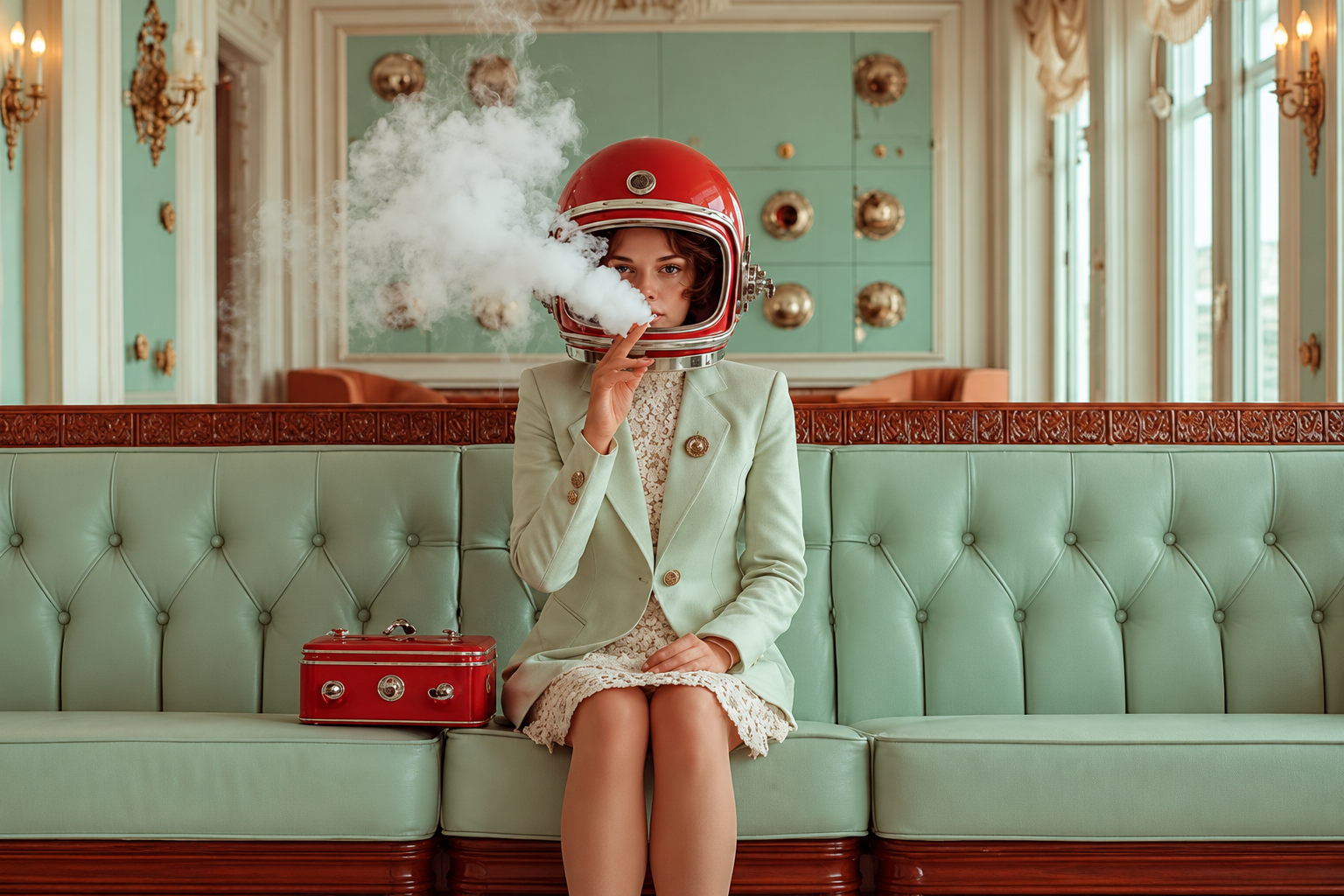
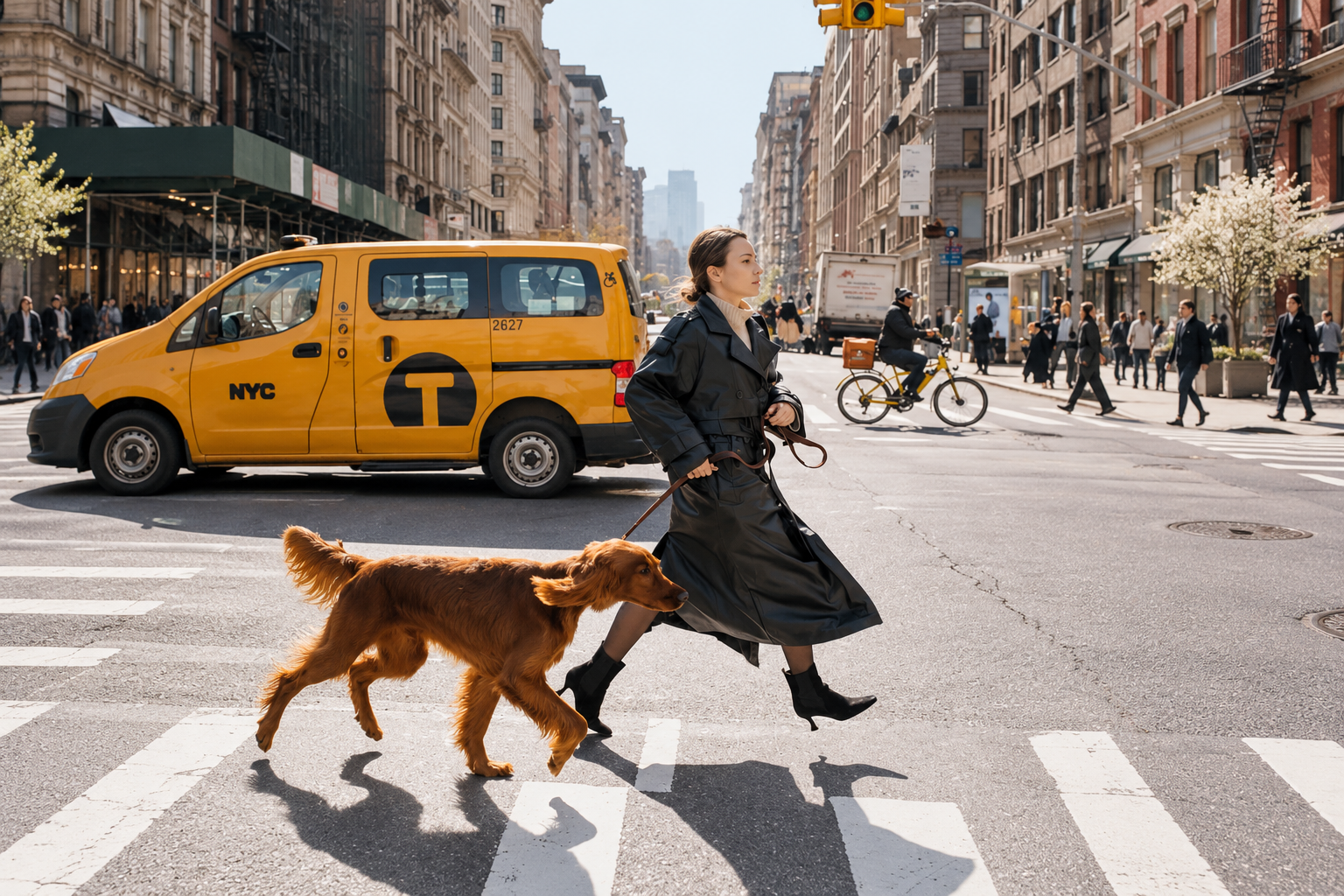


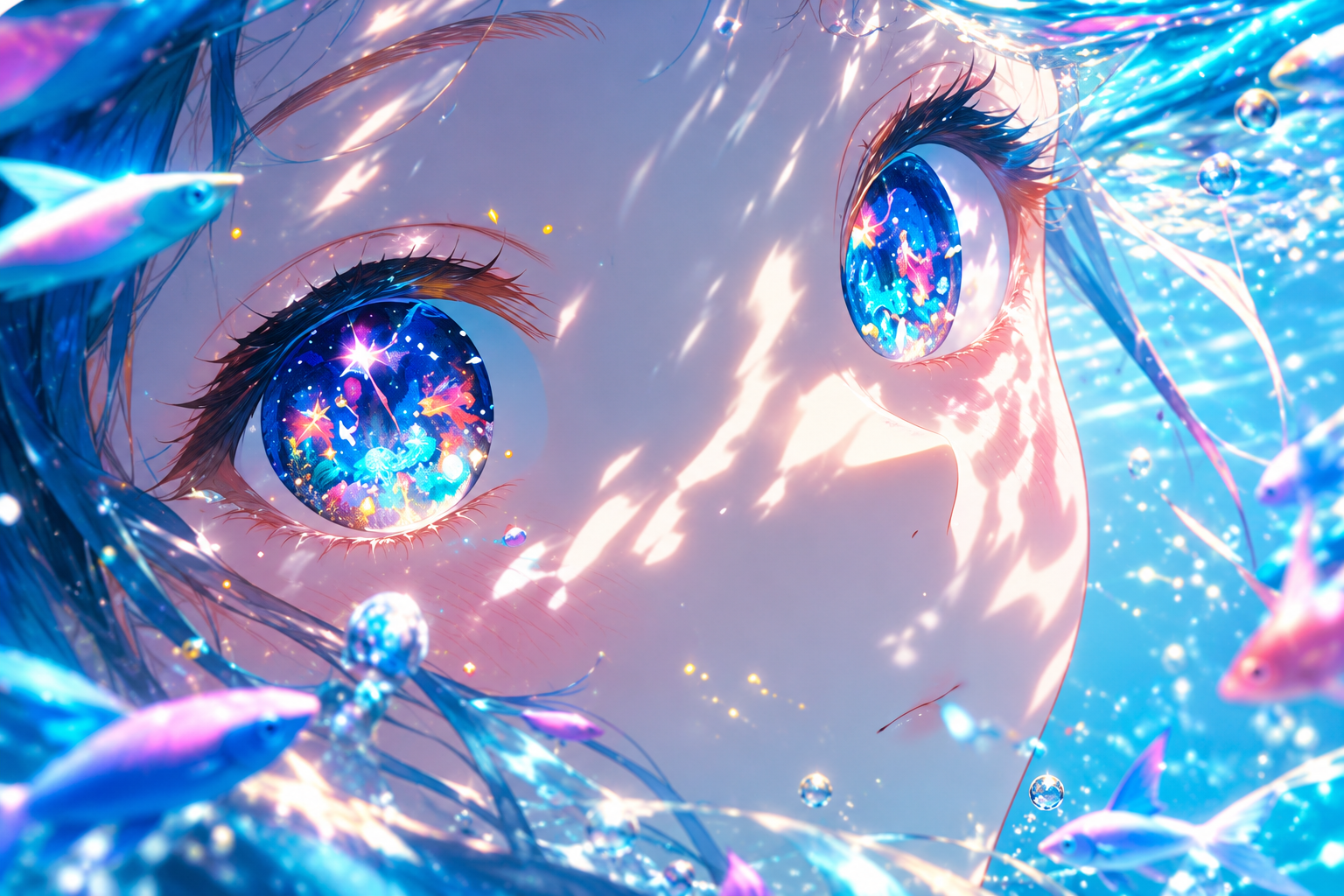
Show the product early, demonstrate one detail in use, and finish on a clear pack shot. A brow gel ad might follow one brush stroke from the spoolie to the shaped brow.
Use a front-facing pack shot, a close-up of the applicator, and a swatch or finished look. Photograph the shade in neutral light and keep the label legible.
Place the camera at eye level and centre the bridge of the nose. Keep both eyes the same distance from the lens and light them evenly so viewers can see the shape of the liner.
Borrow one detail from vintage makeup ads. Try the soft portrait lighting of a magazine makeup ad or the saturated colour and bold blush of an ’80s campaign. Describe that detail in the ideas field.
Yes. Choose 9:16 for a vertical feed or 3:4 for a portrait frame. Leave room around the applicator so the crop includes the full stroke.
Name the product and shade, describe the finish, and choose one application shot. Add the placement and duration so the last frame has room for the packaging and shade name.
Use Beauty Commercial to plan your video. For a makeup ad poster, makeup banner ads, or a magazine layout, take your product photo and headline into the AI Design Generator.
Use the MOVO workspace to add your product photos and brief, generate a video, and review the result before sharing.
Bring your product photos, shade references, and shot ideas to MOVO to create your next makeup ad.
Create Your Beauty Commercial