Choose the Transformation You Actually Need
Video to video AI can refer to restyling footage, transferring motion to a character or replacing a subject within an existing scene. These are different tasks. State which properties should change and which should remain stable before choosing a processing mode.
The VEED page describes separate movement-transfer and character-replacement options. Those are external provider operations, not evidence that MOVO transforms an uploaded clip through equivalent controls.
The MOVO composer above starts an original scene brief. Use it when the project needs new material or a fresh interpretation. For a transformation of existing footage, check a dedicated tool's actual inputs, supported modes and saved result.
Record the Source’s Important Properties
Watch the source and note the main action, camera movement, framing and scene duration. Identify which details carry meaning. If the action demonstrates a process, changing the order or contact between objects may undermine the whole result.
Keep the original file unchanged and select a representative test passage. Include difficult motion, turns and interactions rather than choosing only a static opening. A short trial can reveal whether the intended transformation preserves what matters.
Use source footage and references appropriate for the project. State the role of a reference image clearly. Matching a visual style is different from preserving a particular person's appearance or copying every detail of an existing performance.
Compare Motion and Contact Across the Clip
Watch the transformed result at normal speed, then pause around the difficult moments. Check whether the main action remains understandable and whether the subject stays coherent. Look at hands, feet, props and the connection to the environment.
For a motion-transfer test, compare the timing and direction of the important gesture. For replacement, inspect whether the new subject belongs in the scene and preserves the intended action. Do not accept one polished frame as proof of temporal consistency.
If the result changes more than intended, simplify the source or revise the chosen mode and reference. More descriptive style language will not necessarily solve a mismatch in framing or a subject hidden behind an object.
Keep Style Choices Separate From Factual Meaning
A stylized result may communicate mood without preserving every source detail. Treat generated texture, facial expression and object markings as creative output that needs review. A transformed clip is not automatically reliable evidence of the original event.
If exact labels, measurements or documentary details matter, retain a suitable source or add verified overlays during finishing. Do not use a more polished visual to imply that a missing or unclear detail has been recovered accurately.
Compare the whole sequence after combining processed and unprocessed shots. Sudden changes in style, scale or camera direction can distract from the story. Choose continuity deliberately rather than applying the same effect to every shot by default.
Create Additional Original Scenes in MOVO
When the project needs an extra shot, describe it directly in MOVO with the subject, visible action and intended visual direction. Keep important continuity notes with the brief instead of assuming an external transformation job shares context with the workspace.
Review the new scene independently and finish exact sequence timing in suitable tools. Check the final saved result outside the editing preview. A requested style does not establish a particular model connection or an automatic transfer of source motion.
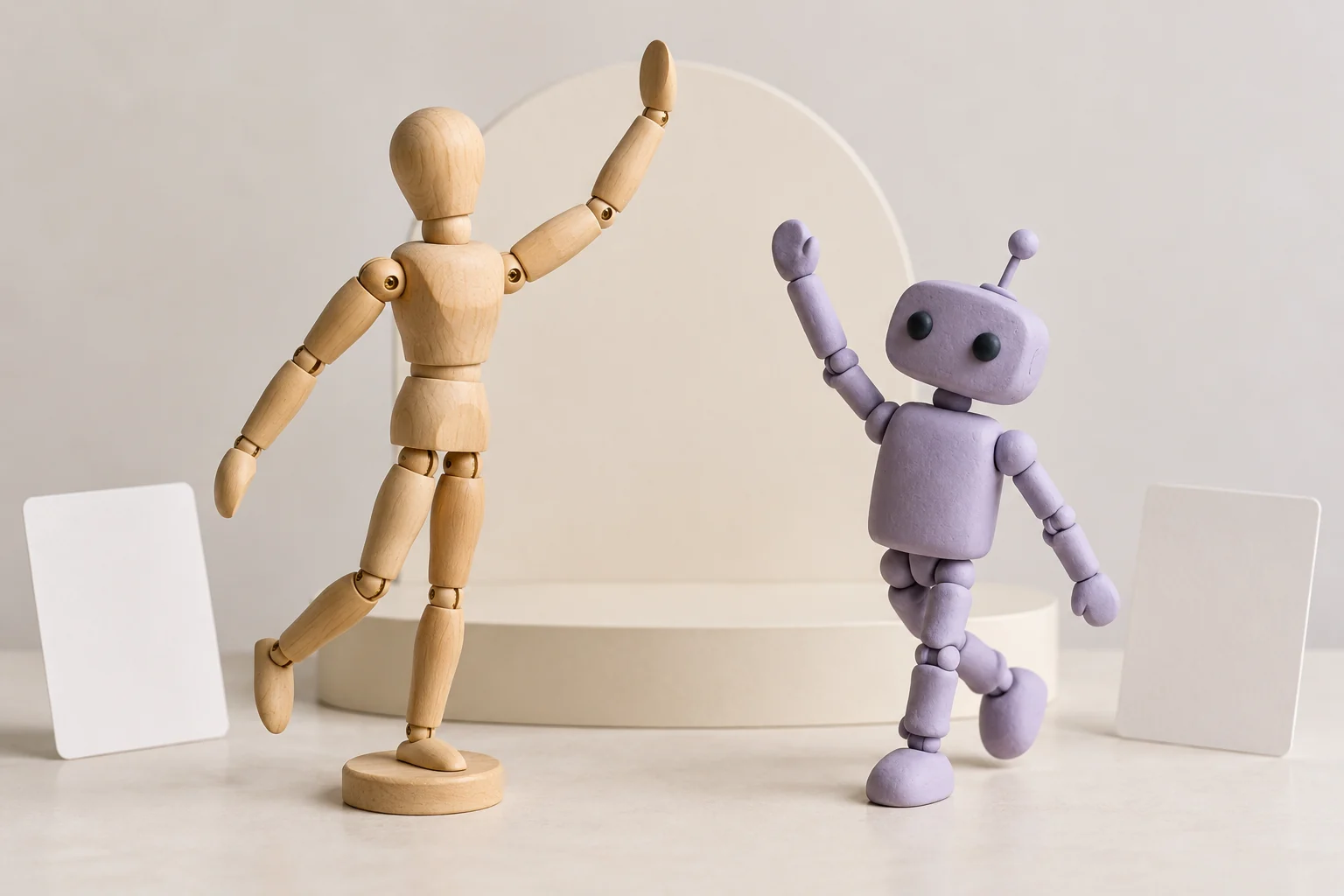
Retain the original footage, transformation settings, accepted processed copy and newly created scenes. The mannequin and robot illustration is a conceptual comparison of poses, not a tested conversion result or proof of a working motion-transfer interface.
Frequently Asked Questions
Does MOVO convert an existing clip through this entry?
No. It starts original scene planning; use a dedicated transformation workflow.
Are restyling and motion transfer the same task?
No. Specify which properties should change and which must remain stable.
What should a test passage include?
Representative movement, turns and meaningful object interactions.
Can one frame prove a transformation works?
No. Review motion, contact and continuity across the whole clip.
Does generated detail prove missing source facts?
No. Treat transformed details as creative output that needs appropriate review.
Is the robot image a tested before-and-after?
No. It is original conceptual artwork.