Understand What Recast Refers To
Recast can describe assigning a different character to an existing scene. In an AI video workflow, that usually requires a target clip, a character reference and a dedicated replacement operation. It is a different task from creating a new shot inspired by a written character brief.
The Higgsfield Recast page describes uploading a video and a character image before generating a replacement. Its provider-specific operation is not evidence that MOVO edits an existing clip in the same way.
The MOVO entry above starts an original scene conversation. Use it to develop a fictional character, setting and visible action. For actual replacement in existing footage, verify the chosen tool's supported inputs and review its result separately.
Define the Character Beyond One Face
A character is recognizable through more than a face. Record the silhouette, clothing, colors, proportions and important props. Decide which details are essential to the story and which can vary without confusing the viewer.
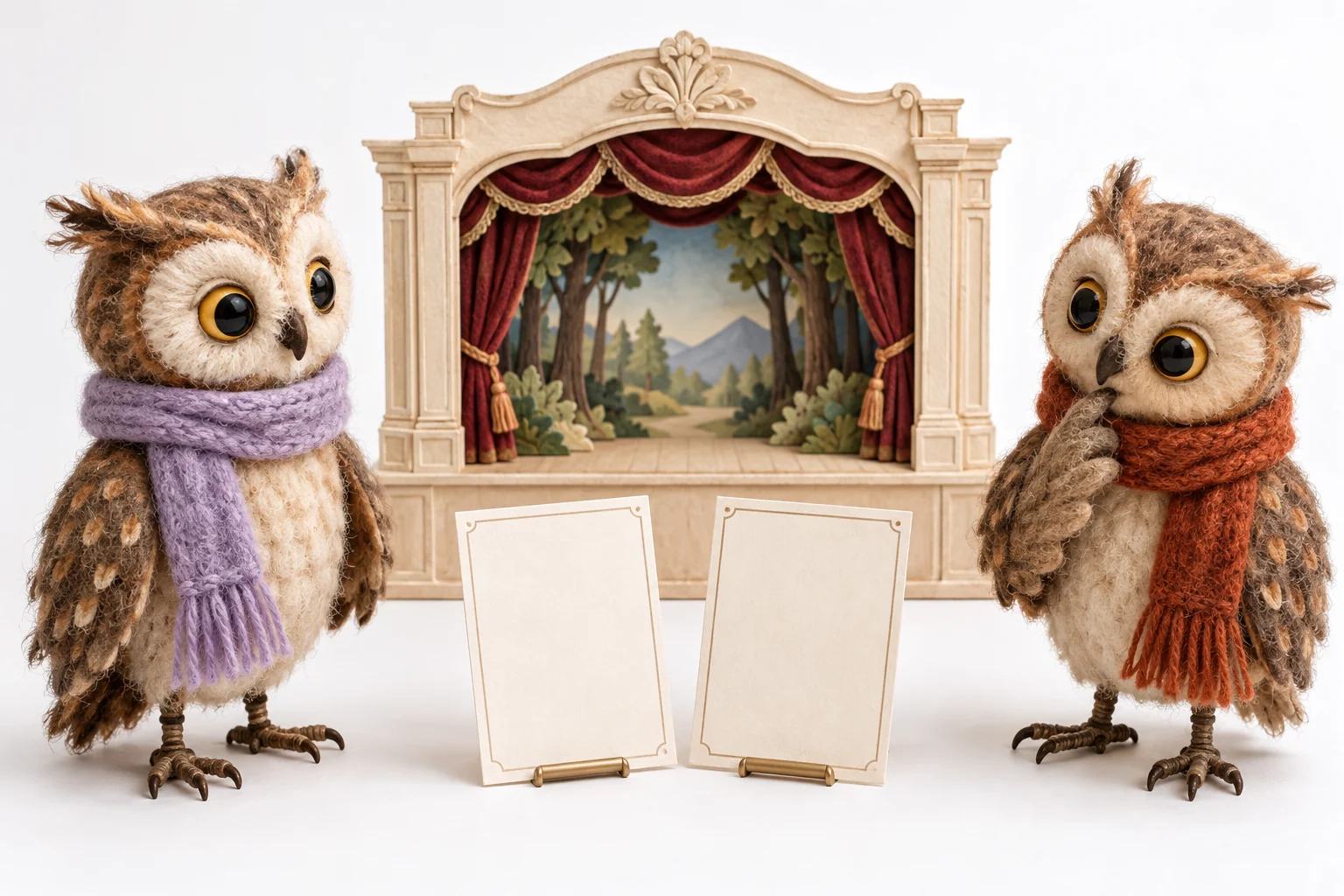
For an original felt owl, the scarf color and rounded wing shape might matter more than tiny feather texture. Keep the reference clear enough to explain those features. Avoid including several contradictory wardrobe versions in the same brief.
Use references and source footage you can work with. If real people are involved, confirm appropriate permission and the intended presentation. An edit should not falsely imply that someone appeared in a scene or endorsed a statement they did not make.
Check the Target Shot Before Replacement
Inspect the existing video for turns, fast motion, occlusion and interactions with objects. A character partly hidden behind a chair presents a different challenge from a centered, still portrait. Choose a representative test rather than only the easiest opening frame.
Record what should stay unchanged: camera movement, setting, timing and the action's meaning. These constraints help you evaluate whether the replacement has preserved the scene or changed more than intended.
Check the actual tool's requirements before processing a long sequence. Do not infer perfect identity, body motion or hand interaction from a successful upload. Keep the source clip intact so you can compare the result and choose another production approach if necessary.
Inspect Identity and Motion Across Time
Watch the replacement through the entire clip at normal speed. Check whether the character stays recognizable during turns and whether clothing, body shape and small props remain stable. Pause at difficult transitions, then replay them in motion.
Look at contact with the environment. Hands, feet, shadows and objects can reveal a mismatch even when the face looks convincing. A single attractive frame cannot establish that the whole performance is coherent.
Compare the result with the original scene's meaning. If the character's expression changes the emotional intent, revise the reference or choose a different shot. Keep the accepted version and review notes instead of treating every generated variation as production-ready.
Create New Character Material in MOVO
When a project needs an additional original scene, brief that scene directly in MOVO. Describe the fictional character's appearance, one main action and the setting. Repeat essential continuity details rather than relying on a reference left in another application.
For example, an owl carrying a tiny letter onto a cream theater stage can be planned as a new shot. It does not require claiming that an existing performance has been recast. Review the resulting movement and story continuity on their own terms.
Finish exact sequence editing in suitable tools and retain the character brief, authorized references, source footage and accepted outputs. The felt owls shown here are independent conceptual artwork, not a replacement benchmark or a real person's likeness.
Frequently Asked Questions
Does this MOVO entry replace a character in my clip?
No. It starts original scene planning; recasting an existing clip requires a separate dedicated operation.
Is a face reference enough for full continuity?
Not always. Review clothing, silhouette, props and movement as well.
Which passages should I test?
Representative turns, occlusions, motion and object interactions.
Can one frame prove the replacement works?
No. Inspect the full clip at normal playback speed.
What should remain unchanged in a recast test?
The intended camera, setting, timing and scene meaning, unless the brief calls for changes.
Are the owl puppets a tested recast result?
No. They are original fictional artwork.