Decide Whether the Picture Is Too Dark
A video brightness editor changes how the recorded picture is presented. Before adjusting it, identify what the viewer needs to see. A face lost in shadow and an intentionally dark background are different creative situations.
The VEED brightness-editor page describes uploading a clip and adjusting its picture controls. Use the actual editor for those operations. The MOVO entry above starts an original scene brief and does not apply a brightness slider to an existing file.
Check the source on a reasonable display setting and compare several moments in the clip. A single bright frame or a dim device screen can lead to an unnecessary correction. Keep an unchanged source before making a working version.
Balance Subject Detail and Bright Areas
Start with a small adjustment and watch what happens to the subject. The goal may be to reveal a gesture, a product edge or a speaker's expression. Keep the change connected to that purpose rather than aiming for maximum brightness.
Inspect the lighter areas at the same time. A window, a pale ceramic surface or a white shirt can lose useful texture when the overall picture is pushed too far. A brighter image is not automatically a more informative one.
Brightness, exposure and contrast controls can interact differently in different editors. Learn the actual control behavior through a short preview. Avoid copying a numeric setting from another clip without comparing its source lighting and visible result.
Watch for Noise and Color Changes
Lifting a dark area can also make existing noise more visible. Inspect moving shadows and smooth backgrounds at normal playback speed. A still preview may conceal flicker or a changing pattern in the exported sequence.
Review skin, neutrals and important product colors after the adjustment. A correction that makes one surface easier to see may change the mood or make another surface look unnatural. Compare against an appropriate reference when color accuracy matters.
Do not promise recovery of detail that was never recorded or has been lost in the source. If the important action remains unreadable, consider another take or a new illustrative shot. Label new generated imagery appropriately rather than presenting it as recovered evidence.
Match Neighboring Shots Before Final Delivery
Compare the corrected clip with the shot before and after it. A sequence can feel inconsistent even when each frame looks acceptable by itself. Check that the viewer's attention follows the story instead of jumping to a sudden change in light.
Test a section with movement and transitions before exporting the whole project. Keep the output settings consistent with the intended delivery and inspect the saved file in a separate player. Do not assume the editing preview proves the final result.
Watch the beginning and end, where fades or different lighting may need separate attention. Keep useful adjustment notes so you can reproduce the accepted version from the source rather than repeatedly correcting compressed delivery copies.
Plan Better Lighting for Original MOVO Scenes
When you need new material, describe lighting as part of the scene itself. State where the light comes from, what needs to remain visible and how the atmosphere should feel. A soft side light on a vase is a clearer brief than a generic request for professional brightness.
Use the MOVO composer to develop the original subject, action and lighting together. Inspect the complete generated shot for consistency before finishing it. This planning step does not guarantee exact color values or a calibrated match to existing footage.
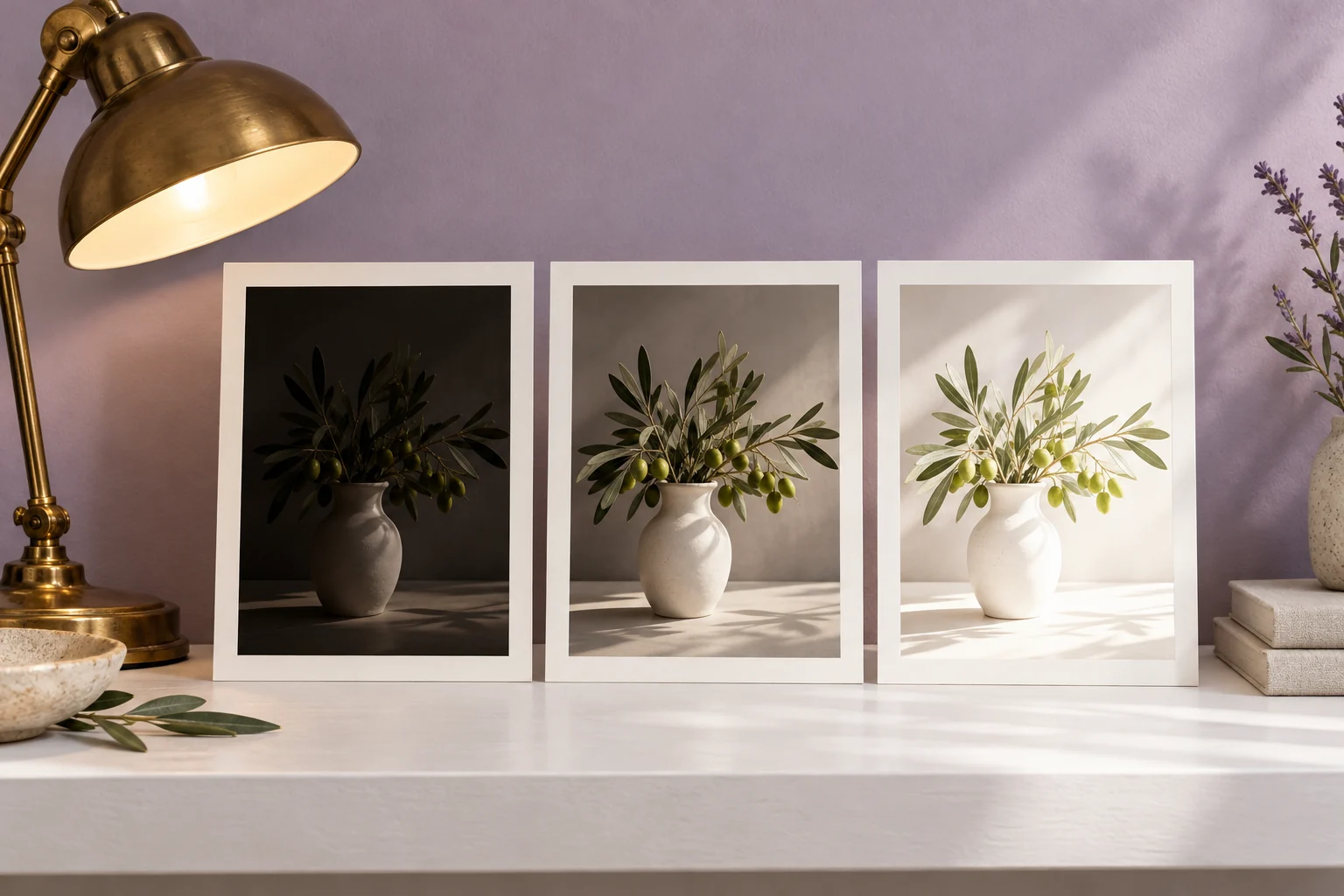
Retain the original source, corrected copy and newly created assets separately. Finish precise color matching with suitable tools and review the full saved sequence. The three exposure prints shown here are conceptual artwork, not a measured before-and-after processing test.
Frequently Asked Questions
Does MOVO brighten an uploaded clip through this page?
No. The composer starts original scene planning; file correction belongs in a suitable editor.
Should every dark background be lifted?
No. Decide which details the viewer actually needs to see.
Can brightening reveal noise?
Yes. Inspect shadows during playback and review the exported result.
Does a brighter picture recover all missing detail?
No. Lost source information may remain unavailable.
Why check neighboring shots?
A correction should also fit the lighting and mood of the complete sequence.
Are the exposure prints a measured product test?
No. They are original conceptual artwork.