Choose the Reason for the Effect First
Video editor effects can change texture, atmosphere or the way one moment leads into another. Start by naming that purpose. An effect that establishes a remembered scene has a different job from one that highlights a quick transition in a tutorial.
Separate creative treatment from a source problem. Unclear framing or a missing story beat will not necessarily improve under a stronger overlay. Resolve the communication issue before asking an effect to make the scene feel finished.
The MOVO input above develops original scene direction and visual intent. It does not apply a preset, render a filter pass or expose a particular external effects catalog. Use suitable finishing controls for the exact operation.
Test the Effect on Difficult Material
Choose a passage containing important faces, text, edges or movement. A soft texture that looks appealing on a distant landscape may obscure the detail needed in a product demonstration. Test the actual content rather than an easy substitute.
Compare the untreated and treated versions at the intended display size. Check what the effect adds and what it hides. A more stylized frame is useful only if the audience can still follow the subject and message.
Keep a clear accepted source and note the tested settings. If several effects are combined, evaluate the necessary ones separately before building the final stack. That makes a later revision easier to understand.
Review Motion and Transitions Together
Watch the full passage at normal speed. Texture, glow and distortion can look different across changing frames than in a paused preview. Check moving subjects and the start and end of each treatment.
Compare neighboring shots in sequence. An effect can create a deliberate contrast, but an unexplained shift in color or texture may make the edit feel inconsistent. Keep the change connected to the story or viewing context.
Use restrained motion where clarity matters. More animation is not automatically more engaging, and a busy treatment can compete with a spoken explanation. Choose the version that preserves the viewer's attention on the useful information.
Keep Captions and Important Objects Readable
Inspect exact captions and graphics after the treatment. A texture pass can reduce contrast or make a fine title difficult to read. Use suitable text and compositing controls rather than relying on generated lettering to remain exact.
Check the product or character details that matter to the brief. A color effect can change the impression of a material, and a distortion can alter a recognizable shape. Evaluate those consequences against the intended purpose.
Review on a smaller display as well as a large preview. If an important label or action becomes unclear, reduce the treatment or revise the composition. Do not use a tiny preview to hide an unresolved issue.
Use the External Effects Editor for Its Controls
VEED's video editor effects page describes its own preset-based effects workflow. Check current media support, access conditions and export behavior directly. Those presets are separate from the MOVO creative entry.
Save a representative test and inspect the resulting file. Compression and playback can change the appearance of fine texture or gradients. The editor preview is useful context, but the saved export is the delivery evidence.
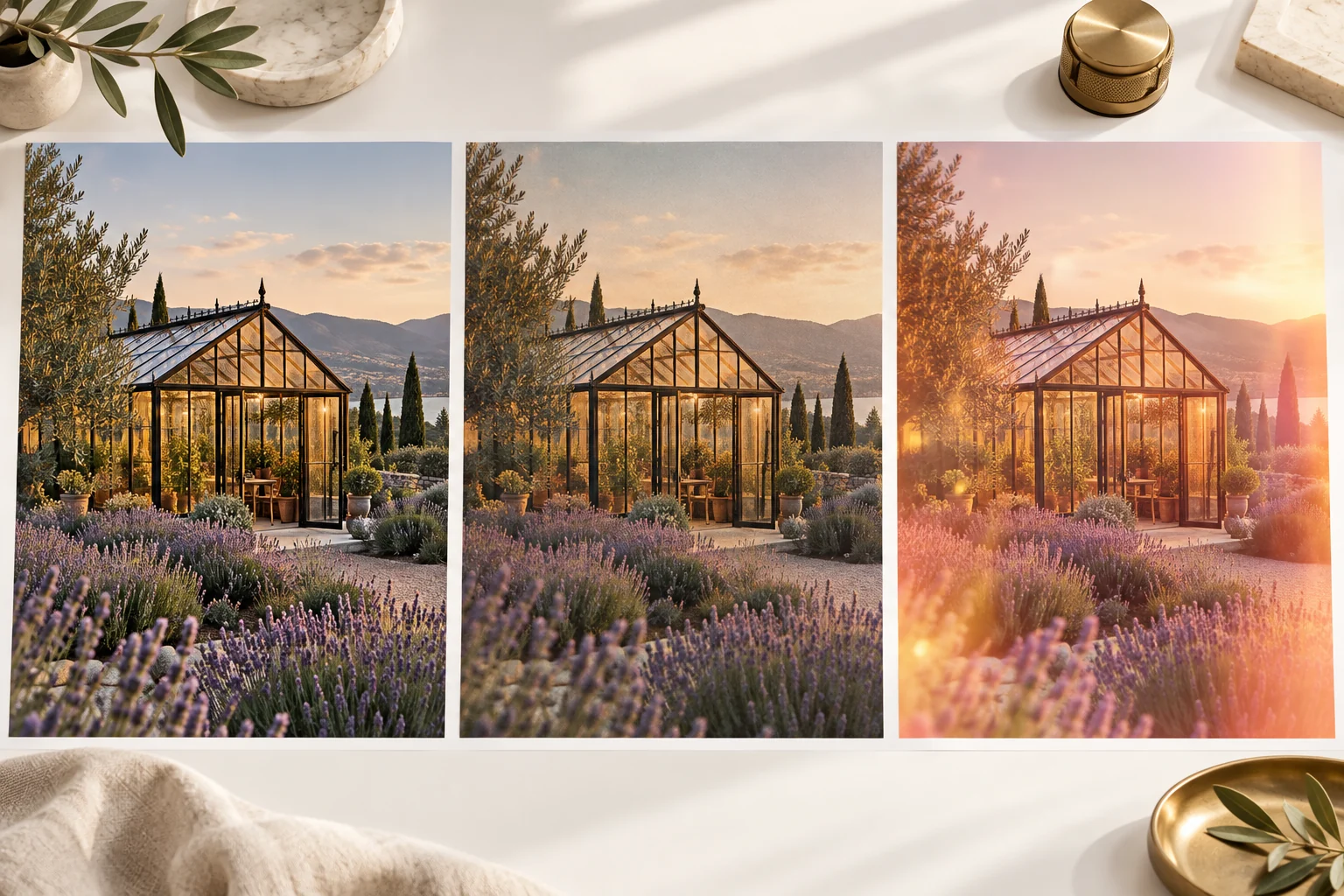
The glasshouse studies here are original conceptual artwork. They are not outputs measured from an effects engine or a claim that a particular filter preserves all detail.
Develop an Original MOVO Scene Before Final Treatment
Describe the subject, visible action and intended mood in MOVO. Concrete lighting and material direction gives the scene a useful starting point before any later effects pass. Review a representative clip before expanding the sequence.
Use appropriate finishing tools for exact cuts, sound and treatment strength. Keep the accepted master and useful settings so later versions do not depend on stacking more processing onto a compressed export.
Watch the complete saved video and judge whether the effect supports its purpose. Retain the original scene assets, approved text and final delivery version as distinct production materials.
Frequently Asked Questions
Does this MOVO input apply video effects?
No. It plans original scene direction; use a suitable editor for exact effect processing.
What should I test an effect on?
Representative material containing the important movement, text, faces or object detail.
Is a stronger treatment always better?
No. Judge what it adds and what it hides relative to the scene’s purpose.
Should I inspect the whole clip?
Yes. Motion and transitions can reveal issues a still frame conceals.
Are the glasshouse images filter benchmarks?
No. They are original conceptual scene studies.
What should I retain?
The clean source, accepted settings, original assets and final export.