Understand the Image-Production Context
Nano Banana intro searches can refer to an introduction to image-generation options rather than a short video opening. This guide focuses on planning and reviewing an image that may later support an original video scene.
The Higgsfield introduction page presents Nano Banana image options and image-to-video workflow ideas within its service. Its model availability, resolution, speed and precision claims are provider-specific and should be checked in the actual account.
The MOVO composer above starts original scene planning. It does not establish a named image model connection or automatic transfer from another provider. Begin with a clear asset purpose so the visual brief remains useful whichever supported production route you choose.
Write an Image Brief That Can Be Reviewed
State the subject, composition, setting and important appearance details. For a fictional greenhouse, the structure, plant and lighting direction can define the concept without a long list of unrelated decorative instructions.
Separate the required details from choices open to experimentation. If the greenhouse must remain ivory, record that as a requirement. If the surrounding flowers are only atmosphere, allow flexibility. This distinction makes it easier to compare outputs fairly.
Describe where the image will be used. A wide background, a close product reference and a character portrait need different framing. Check the actual supported shape and saved file rather than assuming one model label guarantees every format.
Review One Variable at a Time
Compare a few meaningful variations against the same purpose. You might test composition first, then light or material. Changing every detail at once can produce attractive images without helping you decide what the project actually needs.
Inspect object relationships and repeated details at a useful size. In a greenhouse scene, check the frame, panes, plant stems and shadows. A small preview can conceal geometry that becomes distracting when used as a larger visual reference.
Treat exact lettering, factual diagrams and product details as separate checks. A polished image does not prove the words or information are correct. Keep approved text and factual sources outside the exploratory generation so they remain available for comparison.
Choose a Reference Before Planning Movement
Select one accepted image and retain its brief. Mixing similar but incompatible versions can make later video instructions unclear. State whether the reference governs appearance, composition or mood rather than expecting it to control every detail.
Bring the approved reference into MOVO through the actual supported workflow. Describe what moves, what stays fixed and how the camera should show the action. A still picture alone does not explain the intended scene over time.
Start with a restrained motion test and inspect the whole result. A gentle camera approach to the greenhouse should preserve a readable structure and plant. Revise the specific continuity or framing problem before adding more adjectives to the prompt.
Keep the Image and Video Acceptance Steps Clear
Approve the still for its role, then review the moving scene for continuity, timing and story meaning. A useful reference does not guarantee exact geometry or color in every generated frame. Judge the actual clip against the important requirements.
Finish precise text, sound and sequence editing in suitable tools. Check the saved video in its intended viewing context rather than treating a model showcase or image preview as production evidence.
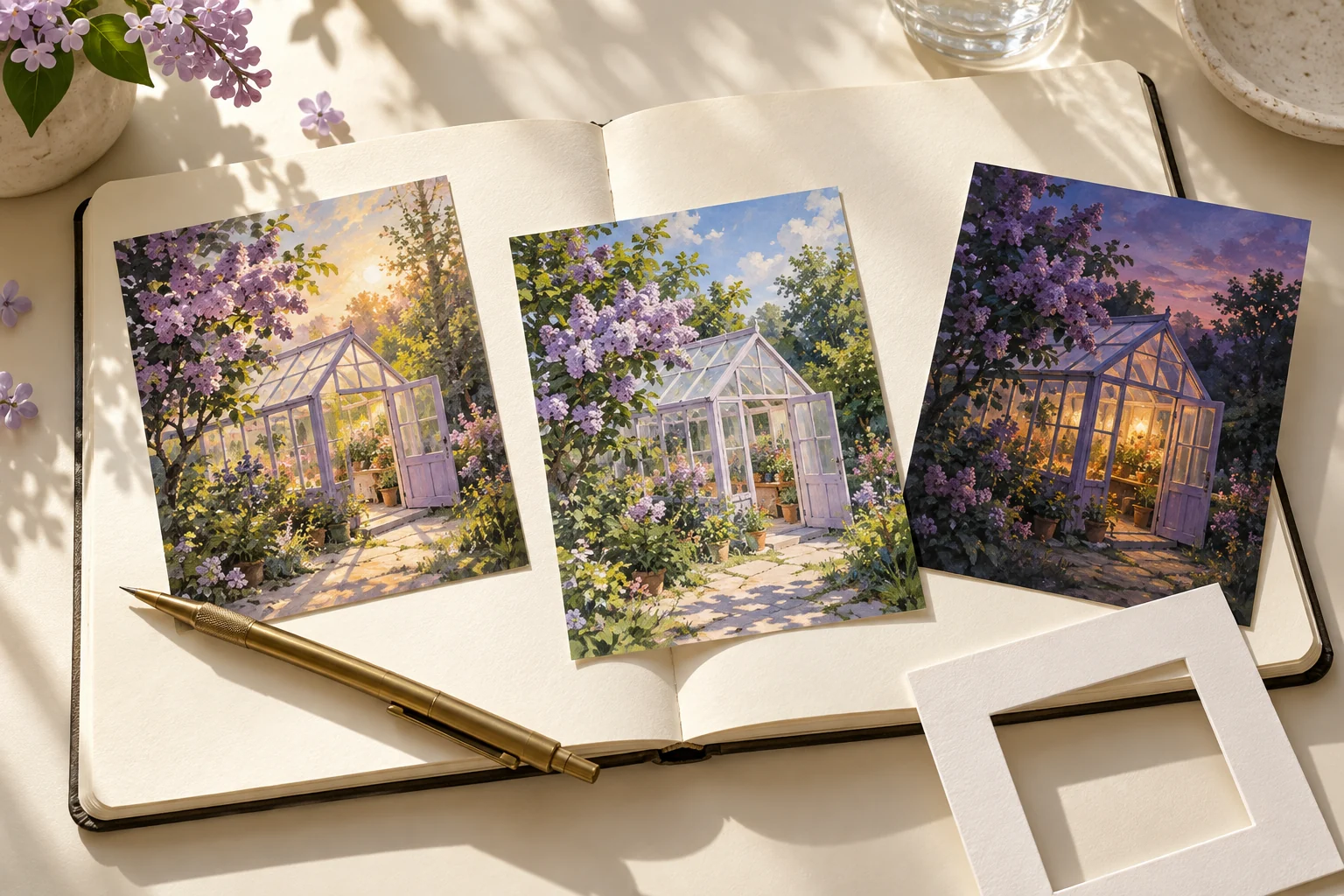
Retain the image brief, accepted reference, actual provider notes and final scene assets. The greenhouse postcards here are independent editorial artwork, not a Nano Banana benchmark, a resolution comparison or evidence of access to that model inside MOVO.
Frequently Asked Questions
Is Nano Banana intro necessarily a video intro template?
No. This page covers an introduction to the image-planning workflow.
Does MOVO provide the named image models through this entry?
No integration or account access is established here.
What belongs in an image brief?
Its purpose, subject, composition, setting and important appearance requirements.
Why choose one accepted reference?
Conflicting visual versions can make later motion planning less clear.
Does a still image specify the whole video?
No. Describe movement, camera, timing and the intended ending separately.
Are the greenhouse postcards model benchmarks?
No. They are independent original conceptual artwork.