Start With the Image Task and Provider Route
Nano Banana 2 searches can begin with a model name while the project needs a specific image: a concept frame, a product setting or a reference for later motion. Define that asset before choosing a generation route.
The Invideo Nano Banana 2 page describes an image model inside its agent workflow and later use of selected images in video creation. Those integration details belong to that provider, not to MOVO.
Check the exact option and account conditions in the service you choose. The MOVO composer above starts an original video brief; it does not establish Nano Banana 2 access, a particular model version or automatic transfer of a provider's generated image.
Write an Image Brief With a Clear Role
Describe the subject, setting, composition and visual direction. State whether the image is an exploratory concept or a reference whose important object details must remain recognizable. A mood image and a strict product reference should not be judged by the same criteria.
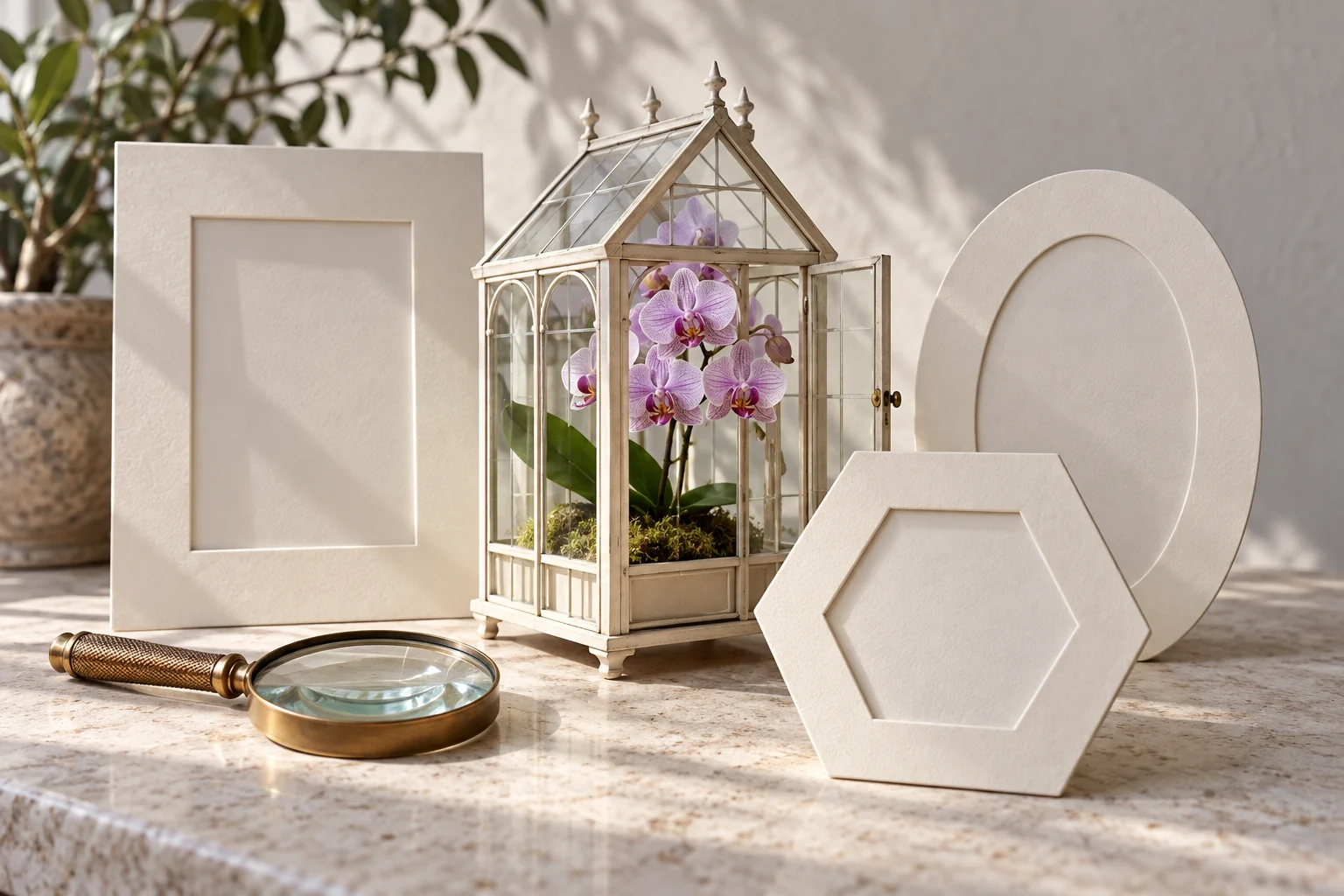
For an original greenhouse concept, the brief might specify an ivory structure, a lilac orchid and soft side light. Keep the central relationship readable before adding decorative detail. Record which appearance choices are required and which can vary.
Keep exact text and factual information in a checked source. A model-generated label or diagram needs inspection even when the overall image looks polished. Do not infer current product details or real-world accuracy from confident visual presentation alone.
Compare Composition and Important Details
Review the complete image at the size where it will be used. Inspect the subject, edges, object relationships and any repeated patterns. A thumbnail can conceal problems in a greenhouse frame, a plant stem or a small marking.
Compare alternatives against the same brief. If one image has better atmosphere but changes the required object, decide which issue matters more before selecting it. Keep the approved version so later video planning does not drift between competing references.
The provider may offer different shapes or processing choices. Check the actual supported options and saved file instead of relying on a broad model-family claim. A larger image or wider frame does not automatically make a better reference for the intended shot.
Describe What Changes When the Image Becomes Video
An approved still does not specify motion by itself. State what moves, what remains still and how the camera should show the change. A gentle approach toward a greenhouse window is a different scene from a rotating structure or moving plant.
Bring the reference and its role into MOVO through the supported workflow. Repeat the important subject and appearance details in the scene brief. Do not assume account context, attachments or generation history are synchronized between separate products.
Start with restrained movement and inspect the whole clip. Check that the structure and plant remain coherent while the camera moves. If the result is unstable, simplify the action or change the framing before adding more visual adjectives.
Keep Image Acceptance Separate From Video Acceptance
Approve the still for its own role, then review the video for motion, timing and continuity. A good concept image supports production but does not prove that every generated frame will preserve its geometry or exact appearance.
Finish precise text, sequence cuts and sound with suitable tools. Check the saved output in the intended viewing context rather than relying only on the model preview. Keep the image source and final clip clearly named as different production assets.
Retain the image brief, approved reference, actual provider information and accepted video. The greenhouse artwork here is an independent editorial concept, not a Nano Banana 2 benchmark or a claim that MOVO routes requests to that model.
Frequently Asked Questions
Does this MOVO entry provide Nano Banana 2 access?
No. Verify the named model in the actual provider; this composer starts video planning.
What should I define before generating an image?
The asset’s role, subject, composition and important required details.
Does a polished label prove its text is accurate?
No. Inspect exact words and factual information against an approved source.
Will an image automatically transfer between providers?
Do not assume that. Use the actual supported handoff and retain the reference version.
What does a still reference leave unspecified?
The movement, camera behavior, timing and changes across the video.
Is the greenhouse a named-model benchmark?
No. It is independent original conceptual artwork.