What Does Nano Banana Refer To?
Google's official Gemini image-generation documentation uses Nano Banana for its native image-generation capabilities and distinguishes several model variants. Check the exact model identifier and supported workflow rather than treating the family name as one unchanging configuration.
As reviewed on October 20, 2026, the documentation includes original Nano Banana, Pro and newer numbered variants. Their capabilities and recommended use differ. This guide does not reproduce a complete specification table or promise that every variant is available in every application.
The MOVO entry above starts an independent visual-story brief. It does not establish a Nano Banana integration, provide a Gemini account or promise specific external-model entitlements.
Separate the Model From the Access Service
The same family name can appear in a developer API, a consumer product or another provider's interface. Each route can have different controls, usage conditions and account requirements. Confirm the actual selected model before evaluating an output.
The supplied Invideo Nano Banana route currently presents its own Pro-focused workflow. That provider page should not be treated as the universal specification for every Nano Banana variant or as evidence of MOVO access.
Keep the source-review date and chosen configuration with project notes. A family-level label alone is not enough to reproduce a test when the available model or service changes.
Prepare an Original Image Brief
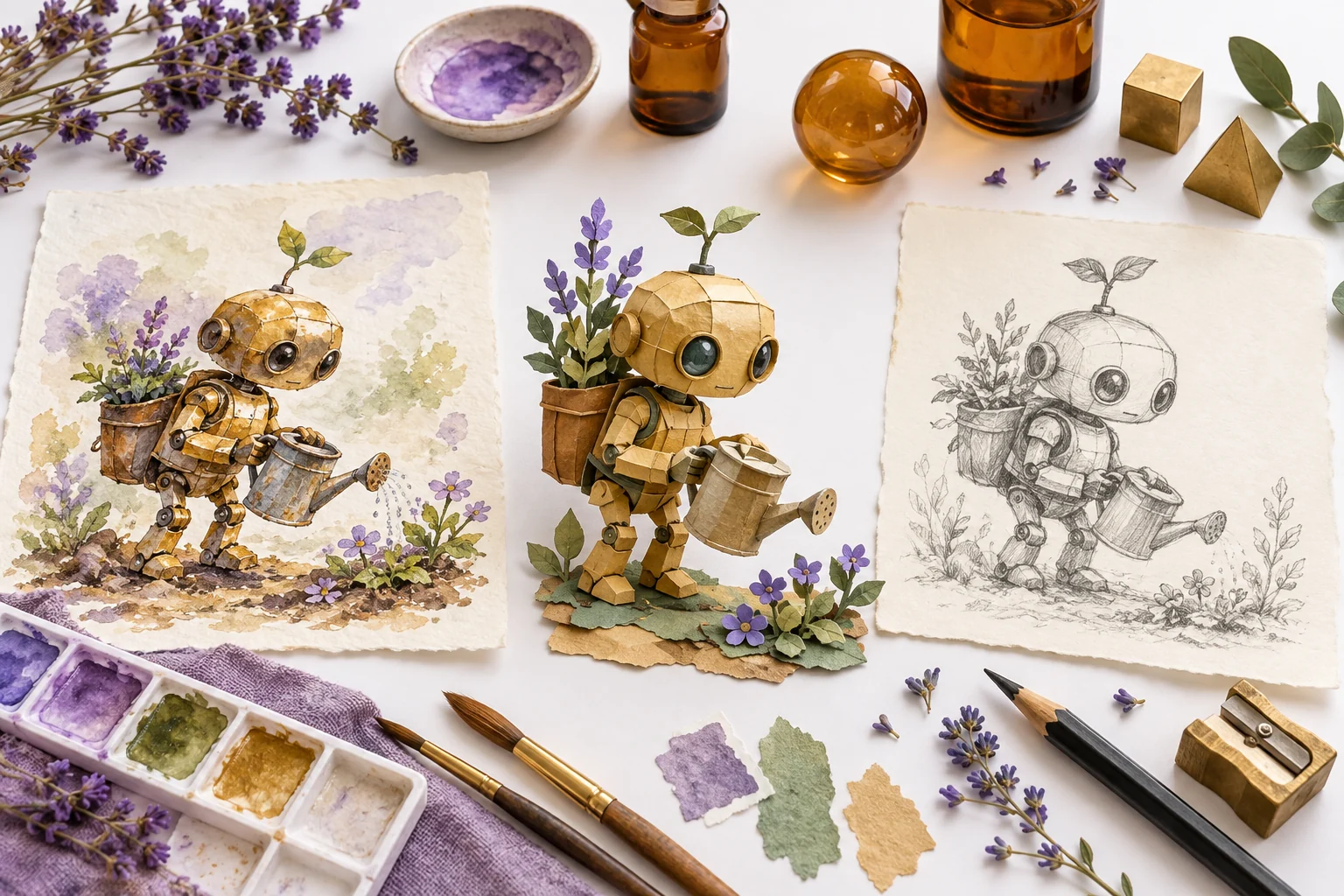
Define the subject, purpose and visual constraints. An original brass garden robot can be a useful test subject when you specify its silhouette, setting and the details that need to remain recognizable. Avoid judging a tool only from unrelated promotional samples.
Decide whether you need a new concept or an edit to an approved image. Those tasks can require different input support. Use authorized references and make clear which image defines the subject and which only establishes mood.
Keep the brief focused. A single controlled question about shape, composition or palette is easier to evaluate than a large prompt that changes everything between attempts.
Review Still Images Before Animating Them
Inspect the complete image and important details. Check object geometry, repeated patterns and any requested text. A model's ability to generate readable lettering does not remove the need to proofread the actual output.
For product work, compare shape and markings with the real item. For a fictional character, use an approved design reference to decide whether a change is intentional. Do not treat plausible generated detail as factual evidence.
Retain a clean approved still and its relevant source notes. When the project moves into video, this becomes a reference for continuity rather than a guarantee that every detail will remain exact through motion.
Test Model Claims Against Your Actual Project
Use comparable briefs and review criteria when considering different variants or access routes. Record the actual selected option, input references and useful output properties. Do not attribute every difference to the family name.
This page's illustration is original editorial artwork, not an output comparison between Google models. The watercolor, paper and pencil treatments do not establish measured model quality or speed.
Check current provider terms for the intended use and any provenance information attached to generated material. Keep accurate context when publishing an image or a video derived from it.
Develop an Independent MOVO Video From Approved References
In MOVO, explain the original story, audience and visible scene action. Use approved references through the supported workflow and keep the subject details that matter explicit. No automatic transfer of external projects or credits is implied.
Test one representative movement before expanding the sequence. A still that looks correct may reveal new continuity issues when the subject turns or interacts with a prop. Review the complete clip rather than only its first frame.
Finish exact captions, logos and audio timing with suitable controls. Keep the approved images, scene briefs and final exports organized so later revisions can be made without losing the original visual direction.
Frequently Asked Questions
Is Nano Banana one fixed model configuration?
Google’s documentation distinguishes multiple variants. Check the exact model identifier and access route.
Does this page provide Nano Banana inside MOVO?
No integration or external-model entitlement is established. The input starts an independent MOVO brief.
Are the page images model benchmarks?
No. They are original editorial illustrations, not comparative outputs from named variants.
Can I trust generated lettering without review?
Proofread the actual output and use precise text controls where exact wording matters.
Does a correct still guarantee consistent video motion?
No. Review identity, geometry and important details throughout the generated clip.
Can I transfer external credits to MOVO?
No shared balance is implied. Check each service independently.