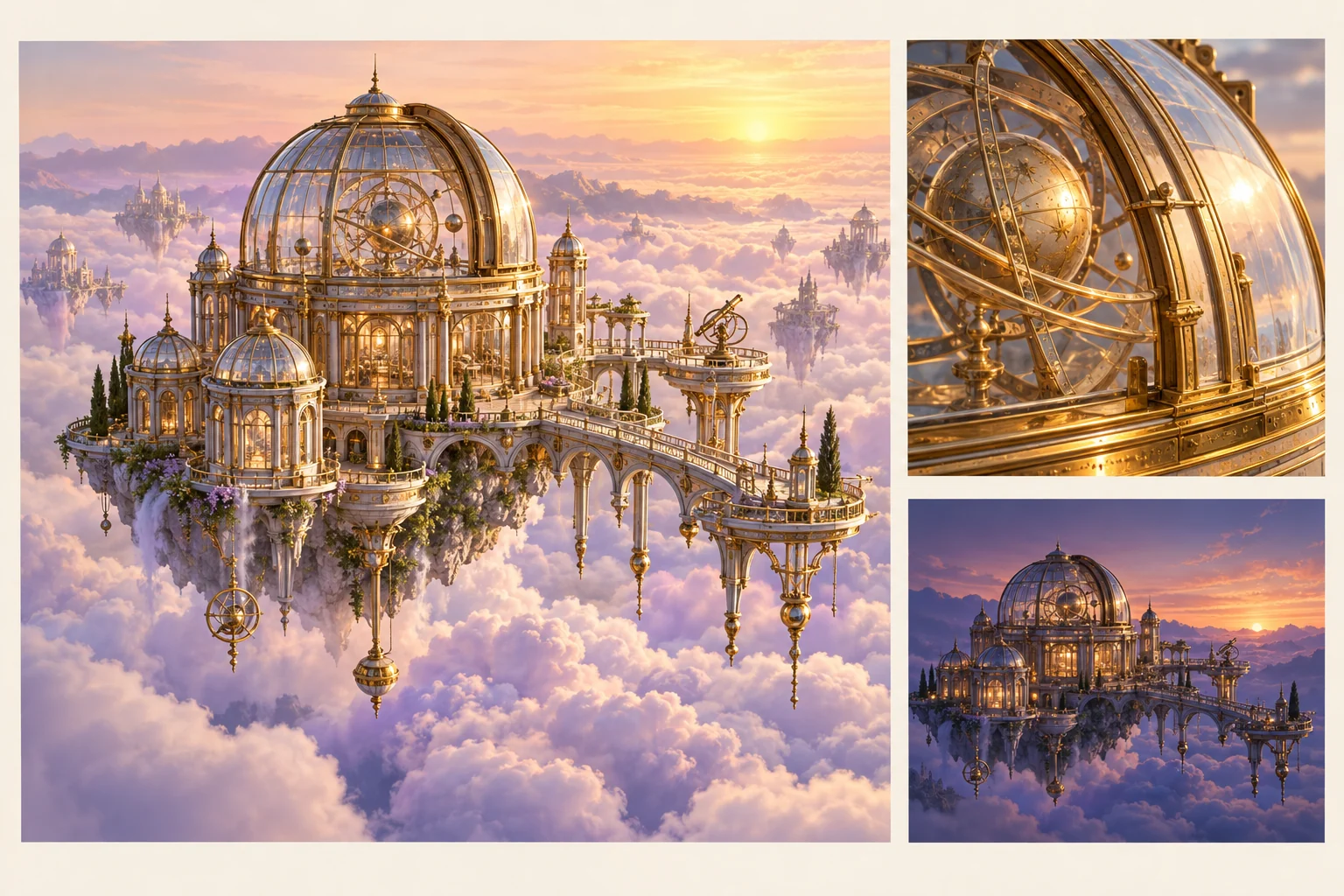
Decide What the AI Image Is For
An AI image can serve as a concept, a visual reference, a storyboard frame or part of a final composition. Define that role before generating. A mood reference may communicate lighting well while lacking the exact details needed for a close-up product image.
For an original floating observatory, the image might establish brass materials, glass structures and a lavender cloud setting. Those visual decisions can support a later video brief without pretending that the still already proves successful motion.
The MOVO entry above starts original visual and video planning. It does not promise a particular external image model, output resolution or exact editing control. Use the selected workspace's actual supported options and review the result for the intended role.
Describe the Subject and Composition Clearly
Name the subject, its relationship to the environment and the most important visible details. A clear composition helps a viewer understand scale and purpose. Avoid placing every requested object at equal priority when only one is central to the scene.
Specify materials and lighting in concrete terms. Brass framing, translucent glass and a low amber sunrise communicate a direction more clearly than a long list of broad quality adjectives. Keep contradictory instructions out of the same brief.
Consider the intended crop. A reference for a portrait video may need a different subject placement than a wide establishing frame. Leave deliberate space for later text if the final composition requires it, while keeping exact wording outside the generated image.
Use References With Defined Responsibilities
Choose your own or appropriately authorized reference material. Label what each image contributes: subject design, lighting, color or setting. A photograph used for mood should not silently become an instruction to copy a recognizable identity or artwork.
Keep references consistent with the intended image. Conflicting object shapes or lighting directions can make the brief harder to interpret. A smaller coherent set is often easier to evaluate than many loosely related attachments.
Retain the approved source and useful notes. If an image becomes a video reference, document the important details that should carry into the scene rather than assuming every background object must remain identical.
Inspect Detail Before Accepting the Still
Check the image at the size needed for its actual use. Inspect object structure, reflections, repeated patterns and important boundaries. A striking small preview can conceal details that become distracting in a close shot or large display.
Keep exact labels, factual diagrams and brand marks under suitable controls. A realistic-looking sign can still contain the wrong words, and an attractive mechanism may not depict a real process accurately. Evaluate those requirements separately from visual style.
Decide why the candidate is accepted. It may be a strong atmosphere reference but unsuitable as final artwork. Giving the image a clear role avoids carrying an unresolved detail into every later scene.
Check External Image Tools Without Transferring Claims
Higgsfield's AI image page describes its own image-creation workspace and model choices. Review current access, controls and output conditions there. Its model roster, identity claims and resolution options do not establish MOVO features.
Test the difficult requirement in the chosen tool before preparing a large campaign. A close view of the observatory's glass structure can reveal more about the intended use than an easy distant landscape. Keep accepted outputs and settings organized.
The observatory artwork here is original conceptual imagery. It is not a screenshot of an external image service or a benchmark comparing models, and it does not certify that a particular engine preserves geometry perfectly.
Turn the Approved Image Into a Video Brief
When planning motion in MOVO, describe what visibly changes and what remains central. For the observatory, a restrained approach through clouds might reveal the structure while leaving its purpose readable. A still reference alone does not define the action.
Review the entire generated clip for subject continuity and clear motion. Glass, fine structure and reflections may behave differently across time than in the accepted still. Keep useful image references while revising the unresolved movement deliberately.
Finish exact captions, sound and delivery crops with appropriate tools. Retain the accepted image, motion brief and final scene assets so a new version can be produced from approved visual decisions rather than starting from an unclear mood description.
Frequently Asked Questions
What should I decide before creating an AI image?
Its role: concept, reference, storyboard or final composition, with clear acceptance criteria.
Does the page promise a specific image model?
No. Check the actual workspace options; external model access is not inferred.
Can a strong still prove a video scene will work?
No. Motion and temporal continuity require review of the complete generated clip.
How should references be labeled?
State whether each contributes subject design, lighting, palette or environment.
Should I rely on generated lettering for exact text?
Use suitable text controls and verify factual or branded details separately.
Are the observatory images model comparisons?
No. They are original conceptual artwork for visual-development planning.