Start With the Motion the Image Needs
Image to video begins with a still reference and a plan for what should happen over time. The image can clarify appearance and composition, while the brief explains the action. A useful result needs more than a generic request to make the picture move.
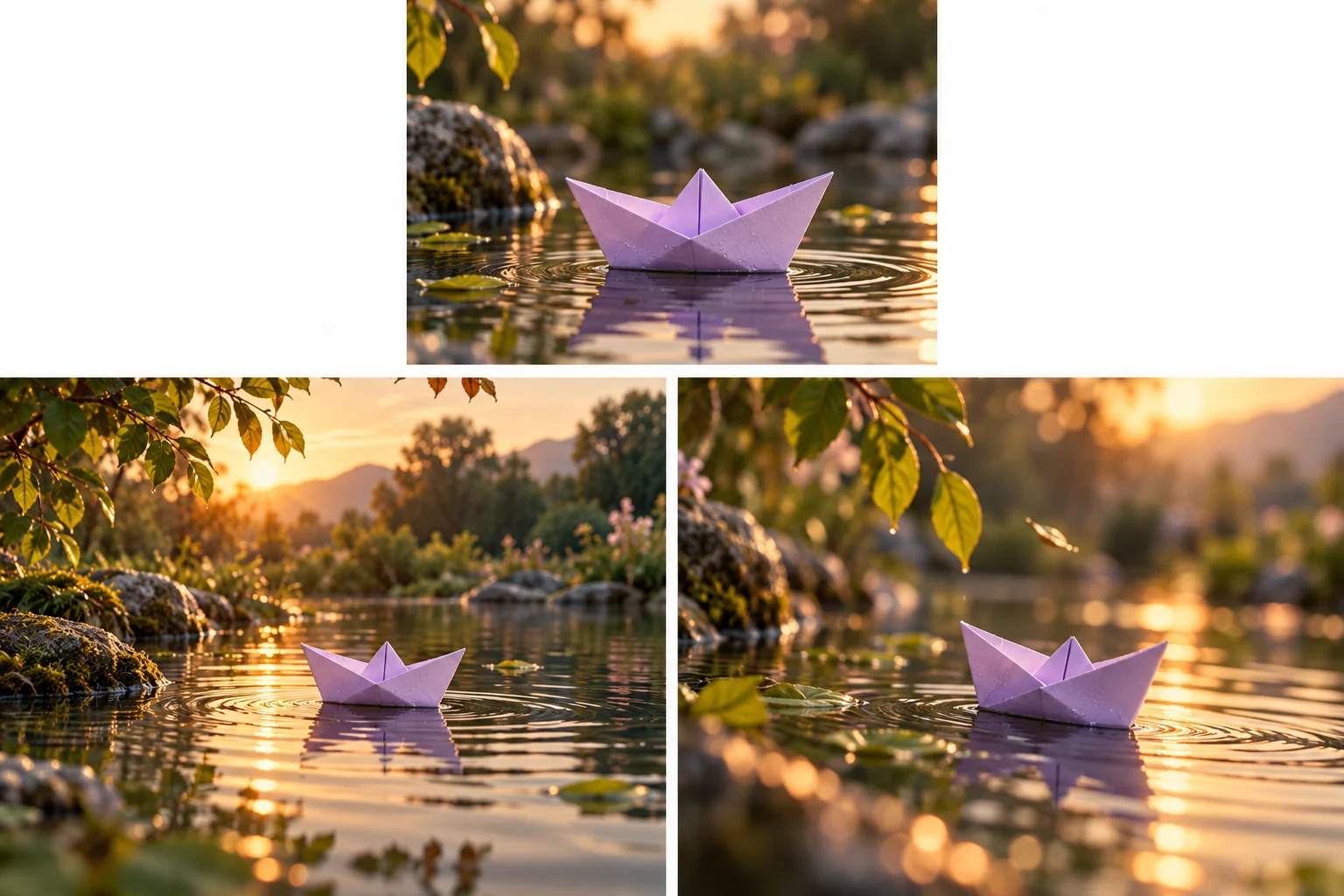
Decide what the scene communicates. A lavender paper boat drifting through a quiet pond can establish a journey or provide a calm transition. The intended role helps you choose motion that serves the video rather than adding activity for its own sake.
Use the MOVO entry to describe the approved image and motion direction. Exact preservation of every source detail is not guaranteed, and this page does not promise a particular external model, free allowance or automatic finished film.
Prepare the Approved Still
Choose an original or appropriately licensed image with a clear subject. Keep the best available copy and note any important details such as shape, markings or character identity. A cluttered reference can make the intended focal point less clear.
Inspect the source for issues before animation. If the object is already incorrect or a factual label is misspelled, moving it does not repair the problem. Correct the reference or plan exact text separately through suitable controls.
Decide which parts must remain stable and which may change. A subject's identity may need continuity while leaves, water or reflected light can move. Make that distinction explicit in the brief.
Separate Subject Motion From Camera Motion
Describe the main action in plain visible terms. A boat drifting slowly forward is different from a stationary boat viewed by a moving camera. Specify each relationship rather than relying only on cinematic adjectives.
Keep the first test restrained. One principal movement with a stable environment is easier to assess than a rotating camera, changing background and several interacting subjects at once. Add complexity only when the scene needs it.
Plan a usable beginning and ending. If the shot will connect to another scene, consider framing and movement direction at the boundary. A beautiful moment can still be difficult to edit when it has no clean entry or exit.
Review the Full Generated Clip
Watch important shapes and details through the action. A correct first frame does not establish stable identity later. Check turning objects, occlusions, hands or repeated patterns where they appear.
Compare against the approved reference rather than against memory alone. Distinguish an intended lighting change from an unintended redesign. Keep notes about the details that make a shot acceptable for the project.
If the clip fails, revise the specific unresolved instruction. Simplify camera movement or clarify the focal action before replacing every part of the brief. Controlled iteration helps preserve the work that already serves the scene.
Check the Actual Image-to-Video Provider
Fliki's image-to-video page describes its own model choices and creation workflow. Confirm current account conditions and output support directly. Those provider-specific options are not a MOVO integration claim.
The image-to-video AI guide covers broader reference preparation, while image to videos focuses on continuity across several images. This page concentrates on giving one still a precise motion purpose.
The paper-boat illustration is original conceptual artwork, not a measured model comparison or an automatically converted before-and-after example.
Connect the Shot to the Original Video
Describe the wider story and audience in MOVO so the animated still has a clear place in the sequence. A short atmospheric shot can introduce a setting, support narration or complete a small action.
Use suitable finishing controls for exact titles, sound and final cuts. Do not treat generated movement as evidence that a photographed person or real event performed the synthetic action. Keep the presentation context accurate.
Watch the final export with its surrounding scenes and at the destination size. Retain the approved still, motion brief and useful outputs so a future version can be revised from the source direction.
Frequently Asked Questions
What should an image-to-video brief explain?
The approved subject, one visible action, what stays stable, camera behavior and the scene’s purpose.
Will every pixel remain unchanged?
No exact preservation is promised. Review important details throughout the clip.
Should I animate an incorrect reference first?
Resolve important source errors before adding motion, and use precise controls for exact text.
Is camera motion the same as subject motion?
No. Describe their relationship explicitly so the desired action is clear.
Can a generated action be treated as recorded evidence?
No. Synthetic movement should not be misrepresented as a documentary recording.
What should I retain?
The approved still, motion instructions, review notes and final delivery copies.