How Text to Video AI Uses a Written Brief
Text to video AI begins with language describing a visual result. A strong brief makes the important choices explicit: what appears, what happens and how the viewer sees it. It gives the creation process a direction and gives you a concrete basis for reviewing the output.
The words are instructions, not a guarantee that every detail will appear exactly as requested. Treat generation as a sequence of proposal and review. If a shot misses an important action, identify that specific issue before adding more decoration to the prompt.
Use MOVO to develop the scene and connect it to a wider project. This guide focuses on prompt construction and controlled visual tests. The broader text-to-video guide covers the journey from a written idea into a complete video plan.
Write Instructions That Describe Something Visible
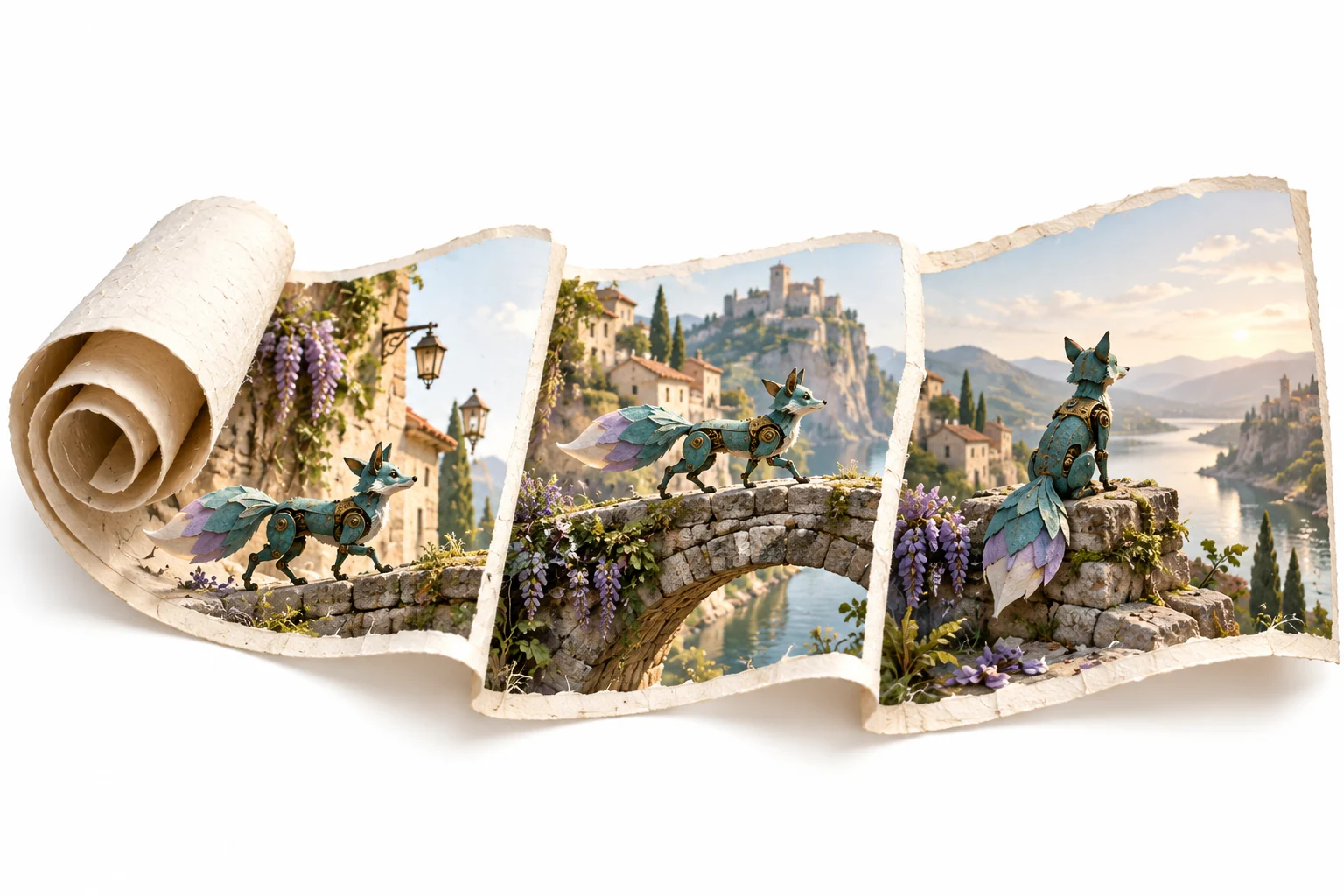
Begin with the main subject and its action. An original teal mechanical fox crossing a stone bridge is more actionable than a request for an amazing futuristic adventure. Add the setting and light only after the core action is clear.
Separate camera movement from subject movement. A stationary camera observing a turning object asks for a different result from a camera orbiting a stationary object. If both move, keep the relationship simple enough to evaluate.
Replace vague quality words with observable details. Instead of asking for a professional look, specify soft side light, a restrained palette or a stable wide composition. Keep only the details that contribute to the shot's purpose.
A Practical Text-to-Video AI Prompt
An original teal mechanical fox walks carefully across a low stone bridge in a sunlit garden. Keep the fox's compact brass joints and triangular tail visible. Wide composition at the fox's height, gentle forward camera movement, warm morning side light and quiet background motion. The shot introduces the journey before the fox enters the greenhouse.
The prompt defines the subject, action, environment, framing, movement and narrative role. It also gives you specific review criteria. You can ask whether the crossing reads clearly and whether the key design details remain recognizable.
Adapt the example to your own project rather than adding every available camera term. Complex simultaneous actions make it harder to determine which instruction caused a problem. Start focused and expand only when the additional detail serves the story.
Use References for Details That Need Continuity
Text can establish an idea, while an approved reference can clarify a particular appearance. Where the chosen workflow accepts references, use original or appropriately licensed material and identify the details that matter across shots.
A reference is not a promise of exact reproduction. Inspect shape, proportions, wardrobe or object markings in the output. Keep a record of the approved image and the prompt so later scenes can be reviewed against the same direction.
For multi-scene work, distinguish stable details from changing conditions. The character can remain the same while the location or lighting changes. If every prompt rewrites the subject in different terms, avoidable design drift becomes harder to diagnose.
Review One Variable at a Time
Check the action
Watch the full clip. Does the intended event happen clearly, and does it have a usable beginning and end?
Check continuity
Inspect the subject throughout the movement. A clean first frame does not establish stable details later in the clip.
Check the camera
Confirm that the camera supports the action. If it distracts from the scene, simplify the movement before changing the whole visual concept.
Revise deliberately
Change the unresolved instruction and retain the useful parts. This makes successive attempts easier to compare than completely rewriting the brief after each output.
Build a Sequence From Approved Scene Tests
Once a representative shot works, map the remaining story beats. Each scene should add information, change the situation or complete an action. Do not expand the project only to collect more visually attractive clips.
Renderforest's text-to-video AI page is a supplied category reference. Its plan limits, model options and workflow belong to that provider; they do not establish MOVO entitlements or performance.
Use current workspace information to estimate the remaining creation work. Keep exact captions, audio synchronization and final delivery requirements in the finishing plan. Review the finished sequence as a complete video after the individual shots have been approved.
Frequently Asked Questions
What should a text-to-video AI prompt include?
A clear subject, visible action, setting, light, framing and camera behavior, with only the details needed for the shot.
Will every prompt detail be reproduced exactly?
No. Review the output and revise important unresolved details rather than treating the brief as a guarantee.
Should I start with a whole movie prompt?
Start with a clear project idea, then test a representative scene before expanding a complex sequence.
Can I use a reference image?
Use an appropriate supported workflow and authorized references. Check the result because exact preservation is not guaranteed.
How should I compare attempts?
Retain a focused brief, change a specific unresolved instruction and judge the complete clip against the same criteria.
Does this promise a particular model or free allowance?
No. Check the current MOVO workspace for available options and applicable usage conditions.