Clarify What GPT 2 Means in This Workflow
Looking for GPT 2 image tools? The shortened name can be ambiguous. Higgsfield's GPT Image 2 page uses that short URL for GPT Image 2 image creation. This guide focuses on that visual-production workflow and uses the full model name when describing its documentation.
The official OpenAI model page identifies gpt-image-2 as an image-generation and editing model with text and image inputs and image output. Use the exact name when checking documentation or a provider's available options.
The MOVO entry above starts original video planning. It does not establish an OpenAI API connection, GPT Image 2 availability or shared permissions with an external image service. Confirm the route you actually intend to use before producing a reference asset.
Define the Image’s Role in the Project
Decide whether you need an exploratory concept, a composition reference or an approved visual asset. A concept can leave details flexible, while a product or character reference may need careful inspection of specific shapes and appearance.
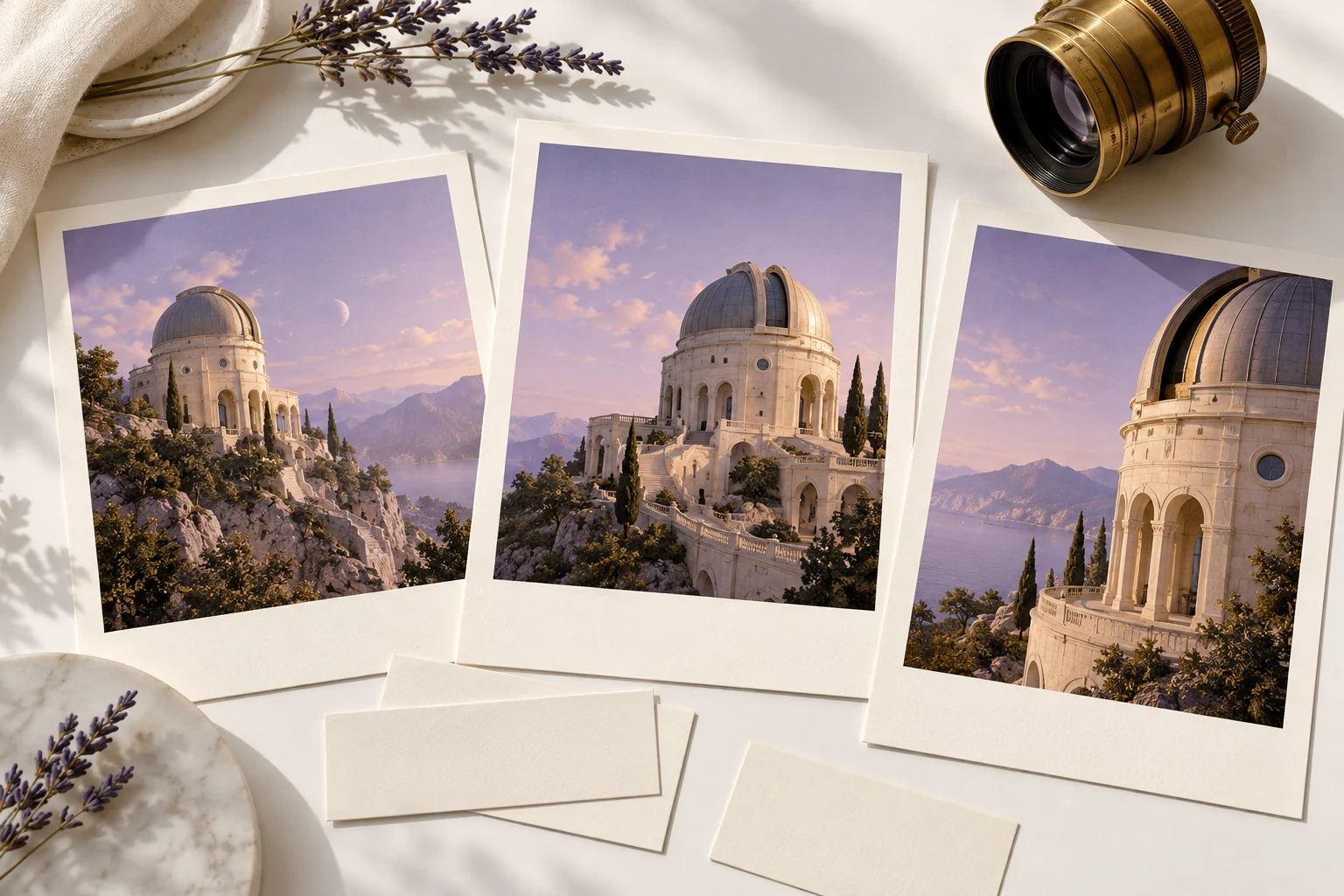
Write the subject, setting, framing and visual direction in plain language. For a fictional observatory, the brief might specify an ivory structure, a domed roof and a quiet lavender sky. Keep required object details distinct from decorative mood.
If exact text belongs in the image, retain a checked source and inspect every character in the result. A visually convincing label or diagram does not prove factual accuracy. Do not let a model name replace the acceptance criteria for the asset.
Verify the Actual Model and Account Route
Check the exact model option in the chosen service and review its current requirements. A provider page can describe an integration without proving that a particular account has access. An abbreviated keyword in a prompt does not provision permissions.
Keep the provider route separate from the model documentation. The official model page describes the model, while the service you use governs its own workflow and available controls. Avoid assuming the same settings, files or account conditions apply everywhere.
Record which route actually produced the accepted image where that information is available. This page does not authenticate an account, submit an API request or claim an image-generation run from a specific named engine.
Inspect the Still Before Using It as a Reference
Review the complete image at a useful size. Check the observatory's geometry, repeated windows and object relationships in the fictional example. Compare alternate views for consistency rather than assuming a shared prompt guarantees one coherent building.
Treat any generated hidden angle as an interpretation. It is not evidence of an unseen real structure. If a reference must match an actual object, compare against appropriate approved material and resolve important differences before moving on.
Choose one accepted version and keep its brief with it. Mixing similar but inconsistent references can make later scene planning less clear. Save the actual image rather than relying on a thumbnail or a conversation description.
Turn the Approved Visual Into a MOVO Scene Brief
An accepted image still needs a motion plan. Describe what changes during the shot, what stays fixed and how the camera should reveal it. A slow approach to a dome is different from a rotating building or a moving viewpoint through its interior.
Bring the approved reference into MOVO through the supported workflow and state its role again. Do not assume attachments or model context transfer automatically between separate products. Review the entire generated scene for stable form and readable action.
Finish exact sequence timing, text and sound in suitable tools. Retain the image brief, provider notes, accepted still, scene assets and final master. The observatory prints here are independent conceptual artwork, not a GPT Image 2 benchmark or proof of model access in MOVO.
Frequently Asked Questions
What does GPT 2 refer to on this page?
Here, GPT 2 refers to the image-creation context of Higgsfield’s /gpt-2 page, whose full model name is GPT Image 2.
What exact model ID does the official page list?
gpt-image-2. Verify the current model documentation and actual provider route.
Does MOVO provide GPT Image 2 access through this entry?
No. It starts an original video brief without establishing a named-model integration.
Can an image model name prove text is correct?
No. Inspect exact wording and factual details against an approved source.
Do generated extra views reveal real hidden geometry?
No. They are creative interpretations that need appropriate review.
Are the observatory prints a model benchmark?
No. They are independent original conceptual artwork.