What Is Gemini Omni Flash?
Google's Gemini Omni Flash model page, reviewed on October 20, 2026, describes video generation and conversational editing. It lists the stable Gemini API model code gemini-omni-1.1-flash. Use the exact model and access surface when checking support.
Google's video generation and editing guide explains natural-language refinement through its Interactions API. Those documented external capabilities do not establish that MOVO offers that model, API or editing controls.
This page combines source-linked model context with an independent revision-planning method. The top entry starts an original MOVO scene brief. It does not select Gemini Omni Flash or promise the result of a particular external model.
Separate Model Capability From the Access Route
A model name and an application are different parts of the workflow. An app can expose a subset of controls, impose its own allowances or route work through several services. Review what the selected interface actually offers before planning a production around a feature.
Invideo's Gemini Omni Flash page describes its own agent-led use of the model. Treat that as the provider's product description, not evidence of a MOVO connection or a hands-on performance comparison.
Do not infer a free allowance, exact preservation or unlimited revisions from the model's name. Check current access and output conditions directly. Save the model/version and relevant settings with a test so future results can be interpreted correctly.
Write a Revision With a Clear Boundary
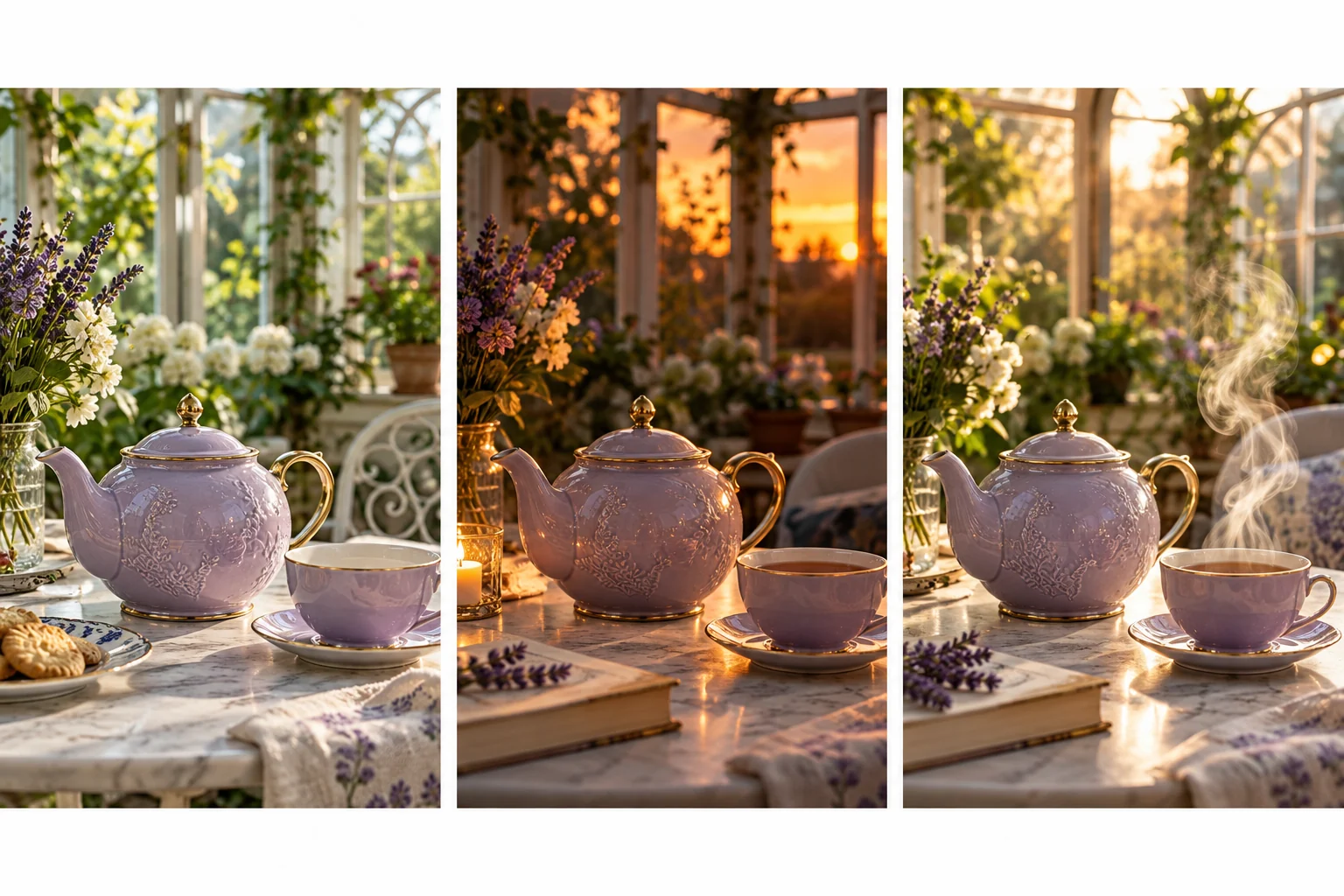
Start from a scene whose purpose is understood. For an original lavender teapot in a conservatory, a useful revision might change afternoon light to a warm evening mood while retaining the composition and main prop design. State both the requested change and the important continuity criteria.
Keep the instruction focused. Combining a new character, setting, action, camera and lighting in one request makes it difficult to tell which change improved or damaged the scene. Begin with the decision that matters most to the viewer.
Keep a copy of the accepted source before each major revision. A conversational interface can make iteration feel continuous, but the production still benefits from clearly identified versions and reasons for acceptance.
Inspect What Changed and What Should Have Stayed
Watch the whole candidate at the same scale as the accepted source. Compare the requested change first, then inspect the unchanged requirements: prop shape, character appearance, scene layout and important action. A pleasing new mood can hide unwanted changes elsewhere.
Pause at difficult moments after watching normal playback. Check small objects, moving edges and the transitions around occlusion. Do not treat a matching first frame as proof that the entire clip preserved the required details.
Keep revision notes specific. Instead of saying the result feels wrong, identify a handle that changes shape, a misplaced shadow or movement that no longer communicates the action. That makes the next request more useful.
Treat Accuracy and Exact Text as Review Tasks
A convincing generated scene is not proof that an explanation, diagram or physical process is accurate. Use approved source facts and inspect the depicted action against the intended teaching point. Do not transfer a provider's broad grounding claim into a guarantee for every output.
Keep exact wording, product labels and factual graphics under suitable finishing controls. When text needs to remain identical, compare the saved export carefully. A realistic-looking label can still contain the wrong letters or change during movement.
The teapot scene studies here are original editorial illustrations. They visualize a revision concept, not outputs measured from Gemini Omni Flash or evidence of exact edit preservation.
Carry the Creative Brief Into MOVO
Use the same clear subject, action, setting and revision criteria when planning an original video in MOVO. Describe what the scene should communicate and provide appropriate approved references. Review a representative scene before expanding the production.
Choose suitable external tools for operations that require a particular model or exact editing control. Keep accepted material and project notes organized so the creative direction can be carried between stages without implying automatic account or project synchronization.
Watch the complete delivery file after finishing. Confirm that revisions served the message, retain the approved master and document unresolved continuity limits rather than assuming a model name guarantees the final result.
Frequently Asked Questions
Is Gemini Omni Flash confirmed inside MOVO?
No. This page links external model documentation and starts a general MOVO creative brief.
Where should I verify model details?
Use Google’s exact model page and generation/editing guide, then check the chosen application’s current controls.
What makes a useful conversational edit?
A focused requested change with explicit continuity criteria and an accepted source to compare against.
Does conversational editing guarantee exact preservation?
No. Inspect the complete candidate for unwanted changes across the clip.
Are the images model benchmarks?
No. They are original editorial scene studies, not measured model outputs.
Can a realistic explainer still be inaccurate?
Yes. Verify facts and depicted processes separately from visual realism.