Start With a Visual Joke You Can Explain
A funny video maker is useful when it helps turn a comic idea into a readable sequence. Begin with what the viewer expects and the small change that surprises them. Random movement is not the same as a joke with a clear setup and payoff.
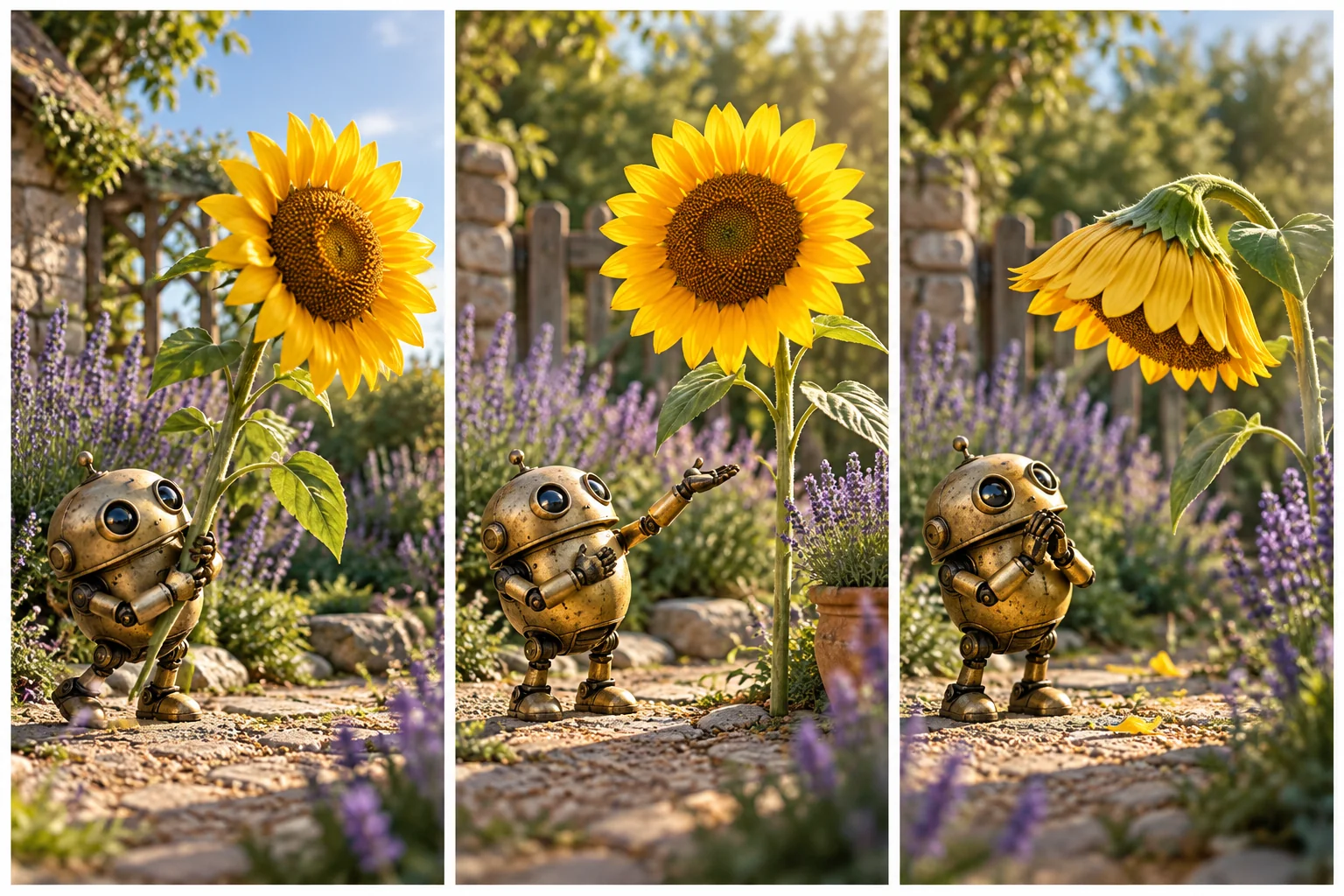
Choose an original character and situation that suit the audience. A tiny garden robot proudly presenting an oversized sunflower can produce a gentle visual reversal when the flower tips the robot's hat over its eyes. The joke comes from the action and reaction rather than a copied meme.
Use MOVO to develop the original scene brief. No tool can guarantee that every audience will find a result funny, and this page does not promise automatic viral reach or unlimited creation.
Make the Setup Readable
Establish the normal situation before introducing the surprise. The viewer needs to recognize the robot's pride and the flower's unusual size for the later action to make sense. Too much background activity can hide that relationship.
Use simple framing that keeps the important subject and prop visible. A complicated camera move may distract from the exact moment the joke depends on. Choose the view for comprehension rather than visual spectacle alone.
Keep exact text out of the generated scene where it would require perfect lettering. If a title or caption adds meaning, place it with suitable finishing controls and check it against the moving picture.
Plan the Surprise and Reaction
Write the cause of the unexpected action and the visible response. A prop moves, an assumption fails or a character notices a harmless mistake. The viewer should be able to connect the events without reading the production notes.
Keep the first test focused on one comic beat. Multiple unrelated surprises can make a short scene feel noisy. Once the core action works, decide whether an additional reaction improves the payoff or merely delays the ending.
Consider the audience and target of the joke. Original fictional situations can provide humor without humiliating an identifiable person or fabricating a real person's behavior. Keep any source footage and appearances appropriately authorized.
Review Timing Through the Complete Clip
Watch the setup, surprise and reaction as one sequence. A strong still frame cannot establish whether the action lands at a useful moment. Check whether the audience has enough time to understand the expectation before it changes.
Use suitable finishing controls for exact cuts, pauses and sound effects. A generated action may need editing before the timing feels clear. Do not assume requesting funny in the prompt automatically produces a complete comic rhythm.
Test with a viewer who has not read the brief where practical. Ask what they understood happened before asking whether they liked it. Confusion about the action is a different problem from a joke that does not suit their taste.
Use the Dedicated Comedy Tool for Its Actual Workflow
Invideo's funny-video page describes its own creation product. Check current media, account and export conditions there. Its promotional laughter or volume claims are not a guarantee for your project or a MOVO entitlement.
Use original concepts and authorized material instead of copying another creator's clip frame for frame. A useful reference can explain a broad pacing idea without becoming a substitute for your own scene and character.
The robot illustration here is original conceptual artwork. It is not a measured comedy test, a known character or a product-output benchmark.
Build a Finished Original Comedy Video
In MOVO, describe the character, setup, action and intended reaction clearly. Review a representative scene for subject continuity and the required prop behavior before expanding it into a series of variations.
Finish sound and exact captions with appropriate controls. Check that music and effects support the comic beat instead of covering necessary speech or distracting from the visual action.
Watch the complete export at its destination size. Keep the ending deliberate, retain useful assets and make alternate versions for a clear purpose rather than producing many nearly identical clips without review.
Frequently Asked Questions
Can MOVO help make an original funny video?
Use a focused brief with an original setup, surprise and reaction, then review the generated action.
Does a comedy tool guarantee laughter or views?
No. Audience response and platform performance are not guaranteed.
What should I test first?
One clear comic beat with readable framing and the important subject and prop.
Why can a good still image fail as a joke?
The timing, cause and reaction may not read clearly across the full moving sequence.
Can I invent embarrassing behavior for a real person?
Use original fictional situations and authorized material rather than misrepresenting an identifiable person.
Where should exact timing be finished?
Use suitable editing and audio controls for precise cuts, pauses and effects, then inspect the complete export.