What Should a Clipmaker Help You Make?
A clipmaker helps develop a short piece of video around a focused purpose. That may be an original visual moment, a concise explanation or a selected excerpt from existing footage. Define which task you need before choosing generation or editing tools.
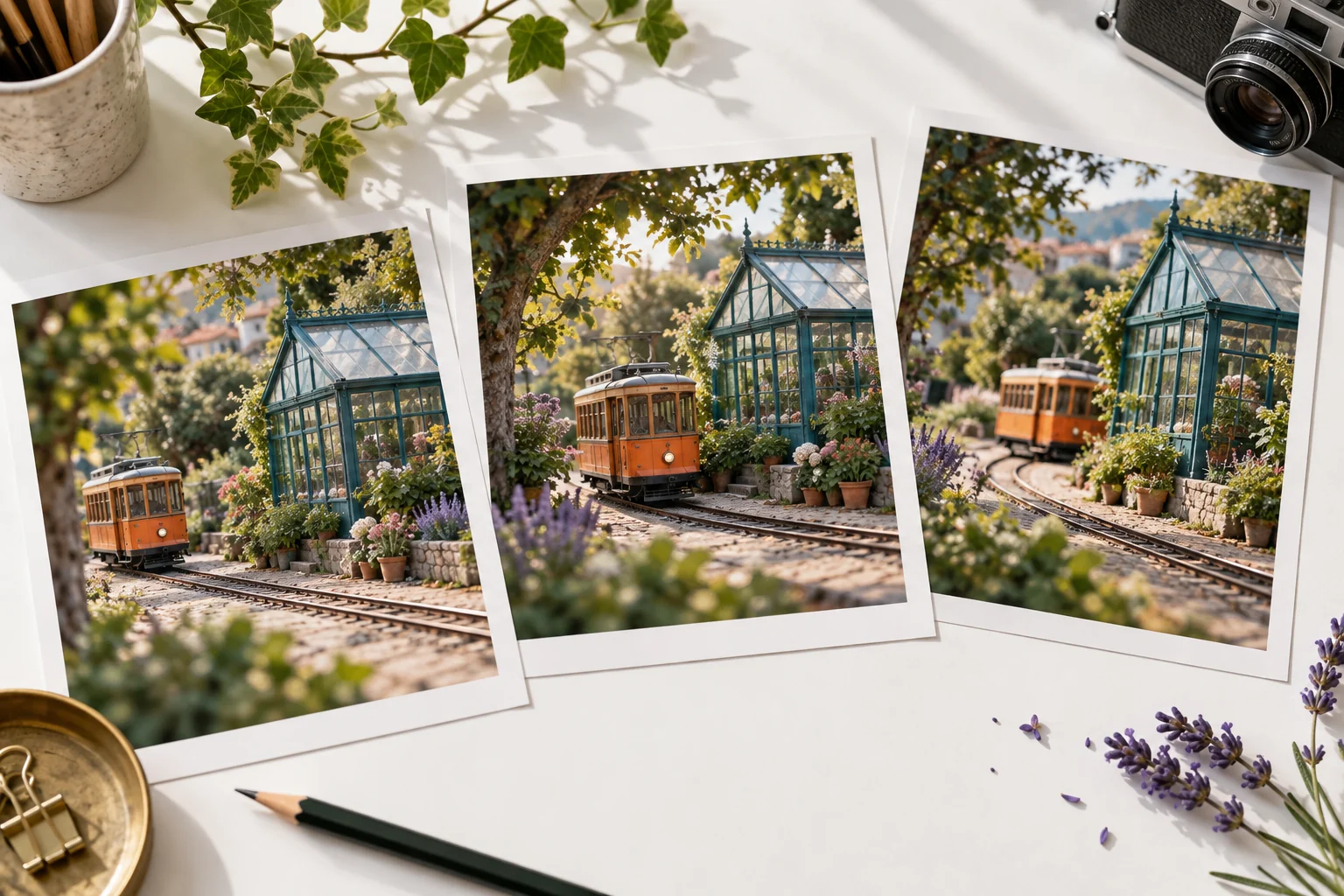
For an original clip, decide what the viewer should notice or understand. A small tram arriving at a greenhouse can be a complete visual event when it has a readable opening and ending. Short duration does not remove the need for structure.
Use the MOVO entry above for original scene planning. If you need to cut a precise passage from an existing file, use a dedicated editor with the required controls rather than assuming this page opens a trimming timeline.
Choose One Main Idea
Write the clip's purpose in one sentence. A product detail, one useful instruction or a small story action can give the viewer a clear point of attention. Avoid compressing an entire complex explanation into a single overloaded scene.
Choose a subject that remains readable at the intended viewing size. Tiny background action and long text can become difficult to understand in a social preview. Make the important information visually distinct.
Give the clip a useful ending. It can complete the action, answer the question or lead to a next step. A scene that simply stops mid-gesture often feels like an unfinished fragment even when its individual frames look attractive.
Write an Original Clip Brief
Describe the subject, visible action, environment and camera behavior. Add the mood only after the action is clear. A focused brief gives you concrete criteria for reviewing the output.
For example, an original orange tram glides past a teal greenhouse and stops beside a small platform; the camera remains steady while warm afternoon light moves across the windows. The shot establishes the arrival for a larger story.
Keep competing movements limited. If the subject, camera and background all perform complex actions, the result may be harder to use. Test the most important relationship first, then add complexity only when it contributes to the clip's purpose.
Use the Right Source for an Excerpt
When the clip comes from existing footage, keep an authorized original and choose the passage deliberately. Preserve the context necessary to understand the words or action. A short excerpt should not reverse the meaning of the longer source.
Use suitable trimming controls for exact boundaries and inspect the saved output. Confirm that the first frame, last frame and audio transitions are useful. A preview selection is not proof that the downloaded clip contains the intended passage.
If you need original bridge material around the excerpt, describe its purpose in MOVO. Keep generated scenes and recorded source footage identifiable in the production notes so factual and illustrative material are not confused.
Review the Full Clip, Not Only a Thumbnail
Watch movement, identity and important props across the entire clip. A clean thumbnail can conceal a later shape change or an unclear action. Check the ending as carefully as the opening.
Review any text with precise controls. Titles and captions should remain readable over the actual moving background. For sound, check the start, level balance and final decay rather than assuming the source mix still fits a shorter edit.
The supplied Invideo clipmaker route could not be fetched during this review. This article does not assert its current availability, pricing or feature limits, and it does not imply a MOVO integration.
Turn a Useful Clip Into a Coherent Set
After approving one clip, decide which variations the project actually needs. A new crop, opening or subject action should serve a different delivery context or story beat. Avoid generating many near-duplicates without a plan for choosing among them.
Retain approved references and the brief that produced the useful result. Use a consistent palette and motion direction when several clips belong to one sequence, while checking each clip's own purpose.
Watch the final delivery versions on a phone and in their intended destination. Keep a clean master and clearly named copies so later revisions do not depend on repeated compression or an outdated excerpt.
Frequently Asked Questions
Does MOVO help make an original short clip?
Use the input to develop a focused original scene and review its complete action.
Does this page trim an existing video?
No precision timeline is opened here. Use a dedicated editor for exact file trimming.
What makes a short clip understandable?
One clear idea, readable action and a deliberate beginning and ending.
Can I use an excerpt from a longer source?
Use authorized footage, preserve necessary context and check exact boundaries in the saved file.
What should I test first?
The most important subject and action before adding competing motion or many variations.
Are competitor feature limits confirmed here?
No. The supplied clipmaker route was unavailable in the source review, so no current limits are asserted.