Turn the Premise Into a Sequence of Changes
An AI movie generator can help create visual material, but a film still needs a sequence that makes sense. Start with a protagonist, a desire and a change. Each scene should move the story toward a different situation rather than simply repeat an attractive mood.
The Higgsfield AI movie page describes a Cinema Studio workflow for directing scenes and assembling them. Its named controls and model choices belong to that external service. They are not established as MOVO integrations by this page.
Use the MOVO composer to begin an original scene brief. Explain the story and reference roles before concentrating on decorative details. The finished film will need accepted assets, deliberate assembly and a complete review beyond any individual generation.
Give Every Scene a Dramatic Job
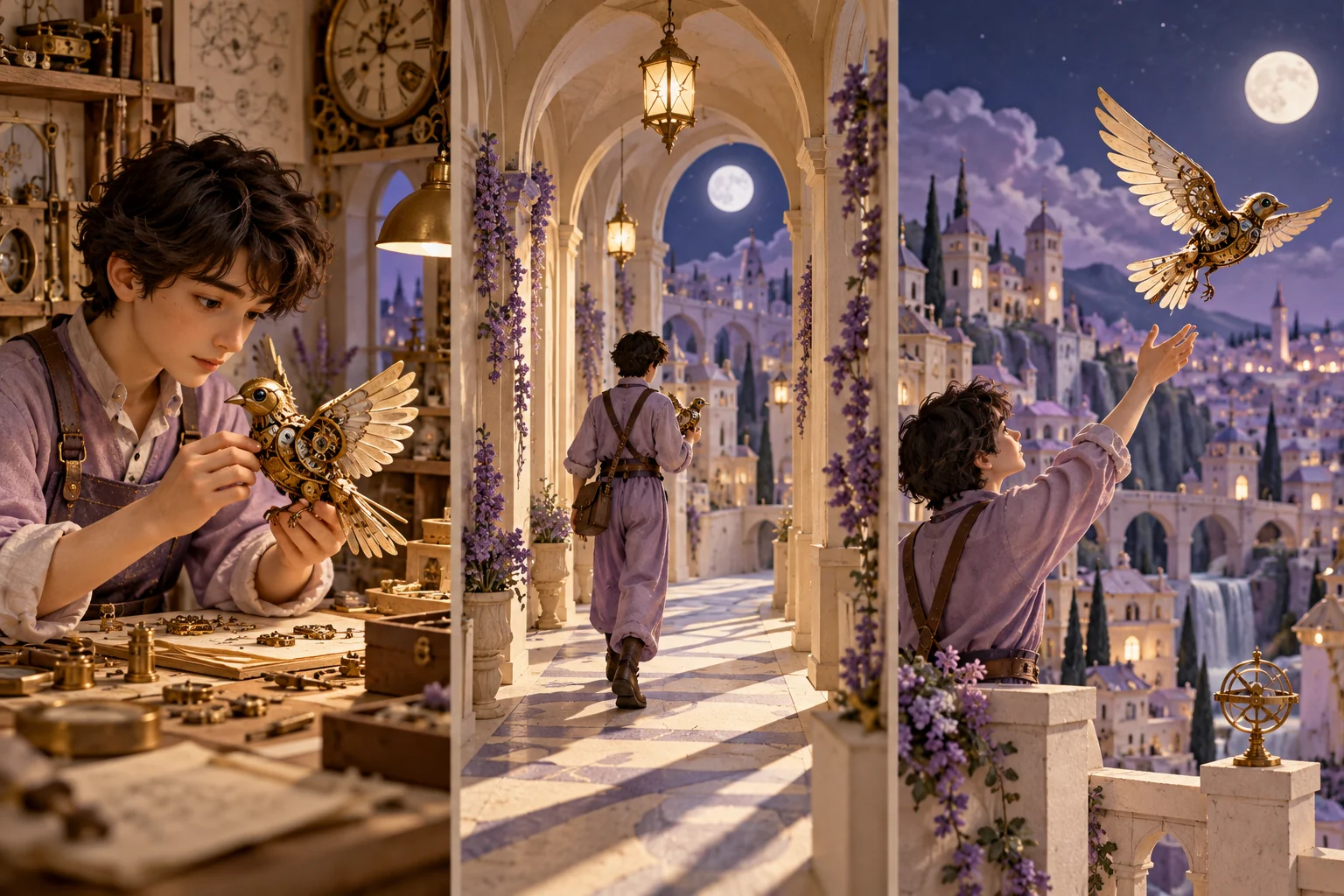
Write a short scene list in plain language. For an invented clockmaker story, the opening could reveal a broken mechanical bird, the middle could show the decision to repair it and the ending could resolve whether it flies. Each scene contributes different information.
Identify what changes within the scene and what the audience should understand afterward. If two shots do the same job, combine them or give one a more specific purpose. Visual variety alone does not create story progression.
Keep factual material and fictional invention clearly separated. A concept film can explore an imagined event, but it should not imply documentary evidence. Record the intended use so reviewers know whether to judge a scene as story, illustration or factual representation.
Maintain a Small Continuity Reference
Describe the protagonist's defining appearance, costume and important props. Keep those details stable unless the story explains a change. Use authorized references through the actual supported workflow and identify whether each reference defines identity, setting or mood.
Track where objects are and which direction the action moves. If a character leaves one scene holding the bird, the next shot should not introduce a contradictory position without an intentional transition. Continuity review is about story comprehension as well as appearance.
Inspect accepted clips across their full duration. Faces, hands, props and environments may change during motion. A consistent reference is useful direction, but it is not proof that the resulting shots preserve every requested detail.
Direct the Camera Around the Action
Choose framing that makes the scene's change visible. A close view may reveal a tiny repair, while a wider composition establishes the city beyond the workshop. Give the camera a reason to move rather than adding movement to every shot.
Specify a useful starting frame and endpoint. The endpoint determines what the editor can cut to next. Keep complex movement manageable so the subject, action and visual priority remain understandable throughout the clip.
Review motion, focus and composition against the scene's purpose. If a shot looks cinematic but hides the crucial action, revise the brief. Exact titles, credits and factual labels should be added and checked in appropriate finishing controls.
Assemble the Film and Judge the Complete Result
Bring the accepted scenes into a suitable editing project. Build a rough sequence before polishing every transition. Check whether the viewer understands the protagonist's goal, the turning point and the ending without needing a separate explanation.
Finish sound, dialogue, captions and exact timing around that sequence. Watch the saved master with sound and again with attention to the picture alone. Record the approved versions so a later replacement does not accidentally break continuity.
The clockmaker illustration is original fictional editorial artwork. It is not an external provider output, a character-consistency benchmark or a complete generated film. This page does not promise automatic feature-length assembly or a connection between provider accounts.
Frequently Asked Questions
Does this MOVO entry open Higgsfield Cinema Studio?
No. It starts an independent original scene brief in MOVO.
What should I define before generating film scenes?
The protagonist, goal, turning point, ending and purpose of each scene.
Do references guarantee continuity?
No. Review character, prop and motion consistency in the actual clips.
Why specify the final frame of a shot?
It helps the editor connect that shot coherently to the next one.
Where should exact titles and final sound be finished?
In suitable finishing controls after the scene sequence is accepted.
Is the clockmaker story a provider demonstration?
No. It is original fictional editorial artwork.