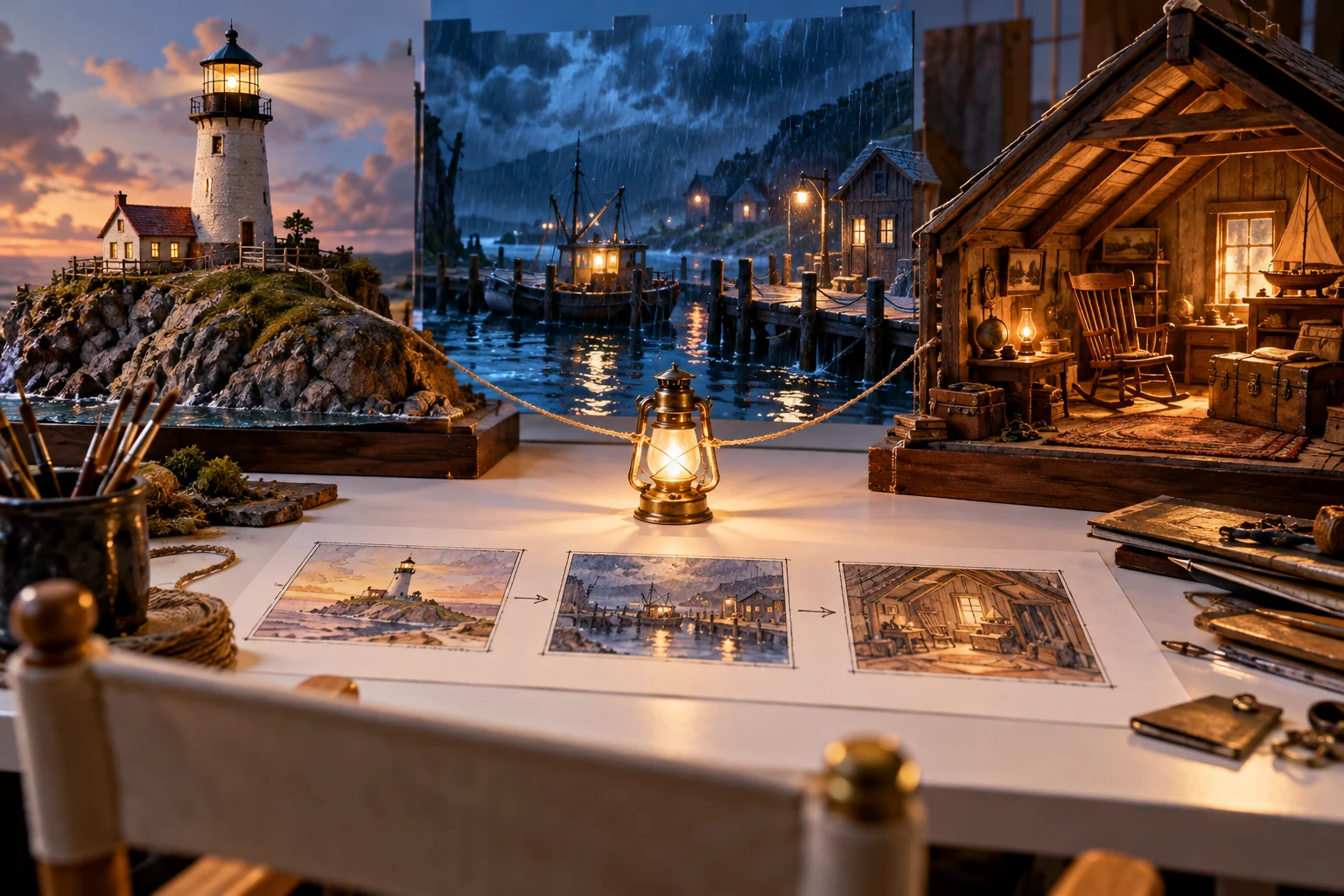
Start Your Online Movie With a Story Decision
An online movie maker is useful when it helps turn a story into a deliberate sequence. Before choosing visual effects, decide whose story the viewer follows, what that character wants and what changes by the end. A small clear story can sustain attention better than a long list of disconnected scenes.
Write a short premise in plain language. For an original example, a harbor keeper carries a failing lantern through a storm to guide a lost boat home. The idea provides a character, a goal, an obstacle and a visible resolution.
Use the MOVO input to develop your own film brief. It starts creative planning; it does not promise a completed feature film from one sentence, unlimited duration or automatic delivery without review.
Outline the Beginning, Middle and Ending
Establish the character and situation before escalating the problem. The opening should provide the information needed to understand the next action. It does not need to explain the whole fictional world at once.
Give the middle a meaningful change. A failed attempt, a new piece of information or a difficult choice can move the story forward. Repeating the same obstacle with a different background rarely creates a stronger film.
Resolve the action introduced by the premise. The ending should answer the main story question or deliberately leave the viewer with a clear new understanding. Write the resolution before generating many additional locations or side characters.
Create a Scene and Asset Plan
Characters
Define original character details that need continuity. Keep approved references and note any intentional wardrobe or appearance changes.
Locations
Give each setting a story purpose. A harbor, a path and a lighthouse can carry a complete short narrative without requiring an entirely new world in every shot.
Props
Track objects involved in the action. If the lantern moves between hands or changes condition, record the intended state so adjacent shots can be reviewed consistently.
Sound and words
Draft narration or dialogue only where it contributes information the images cannot carry clearly. Keep exact wording and music permissions with the production notes.
Test a Representative Scene Before Expanding
Choose a scene that contains the project's important visual challenges. A character carrying the lantern through the rain tests identity, a key prop, movement and atmosphere. A simple unrelated landscape does not answer those production questions.
Describe the action and camera behavior clearly, then watch the complete generated clip. Check whether it can connect to the preceding and following story beats. An attractive frame alone does not establish a usable scene.
Revise the specific unresolved issue before producing many dependent shots. Retain approved references and useful outputs. This reduces the chance of building a long sequence around a character design or motion approach that later needs replacement.
Assemble the Story and Review Its Continuity
Watch the scenes in narrative order. Check movement direction, character details, prop state and lighting relationships. A transition should help the viewer follow the story rather than conceal an unexplained jump in the action.
Review sound with the picture. Confirm that speech can be understood and that music supports the intended emphasis. Use suitable finishing tools for exact cuts, audio synchronization and text placement; this guide does not assert a complete MOVO precision-editing feature set.
Watch a full pass without pausing. If the goal or resolution is unclear, improve the sequence rather than adding decorative footage. Ask what each scene contributes and remove material that makes the story harder to follow.
Choose an Online Movie Workflow You Can Finish
Invideo's online movie maker page describes its own movie-generation product. Its advertised length, media library and editing features are provider-specific, not a MOVO feature list.
Before beginning a large project, confirm the actual creation options, usage conditions and delivery requirements in the tools you will use. Budget references, scene attempts, review and finishing as separate work rather than assuming one successful test predicts the entire production.
Keep the source story, approved assets and final exports organized. When making a trailer or a vertical excerpt, reconsider the opening and reading context rather than cropping the full movie without review. The finished video should remain understandable to a viewer who has never seen the production notes.
Frequently Asked Questions
Can I start a movie with a text idea?
Yes. Begin with an original premise and develop a focused story, scene plan and visual direction in MOVO.
Does one prompt guarantee a finished full-length movie?
No. Longer projects require scene development, continuity review and appropriate finishing work.
What should I decide before generating scenes?
The central character, goal, obstacle, ending and a manageable set of visual references.
How do I manage character continuity?
Retain approved references and inspect identity, wardrobe, movement and important props across the full sequence.
Where should exact timing and sound be finished?
Use the appropriate controls or dedicated finishing tools for the actual project. This page does not promise unsupported precision-editing functions.
Can a short movie become a social excerpt?
Yes, but review the excerpt as its own sequence, including framing, opening context and a complete ending.