Give the Romantic Scene a Clear Purpose
An AI kissing video generator search may begin with a photo animation effect, but the creative project still needs a setting, gesture and intended feeling. Decide whether the scene belongs in an anniversary message, a fictional story or a decorative celebration video.
The VEED kissing-video page describes animating a photo from a written motion request. That provider workflow does not establish a dedicated effect or exact likeness preservation in MOVO.
Use MOVO to start an original scene brief with fictional adult characters or references approved for the intended use. Keep the action simple enough to review. A short gentle cheek kiss can communicate affection without requiring a complicated sequence of poses and camera changes.
Choose References That Explain the Scene
Use a reference to clarify appearance, framing or atmosphere rather than expecting it to supply every creative decision. Decide whether the image represents a specific approved person or only the visual mood. Keep those roles explicit in the brief.
When using real people's images, confirm their permission for the romantic context, not merely access to the photograph. Avoid presenting invented gestures as evidence that a real interaction occurred. Fictional characters can make the intended storytelling role clearer.
Inspect the starting composition. Subjects should have readable faces and enough room for the intended movement. An awkward crop, hidden cheek or conflicting body position may need a different reference rather than a longer instruction.
Describe One Gentle Action and a Natural Ending
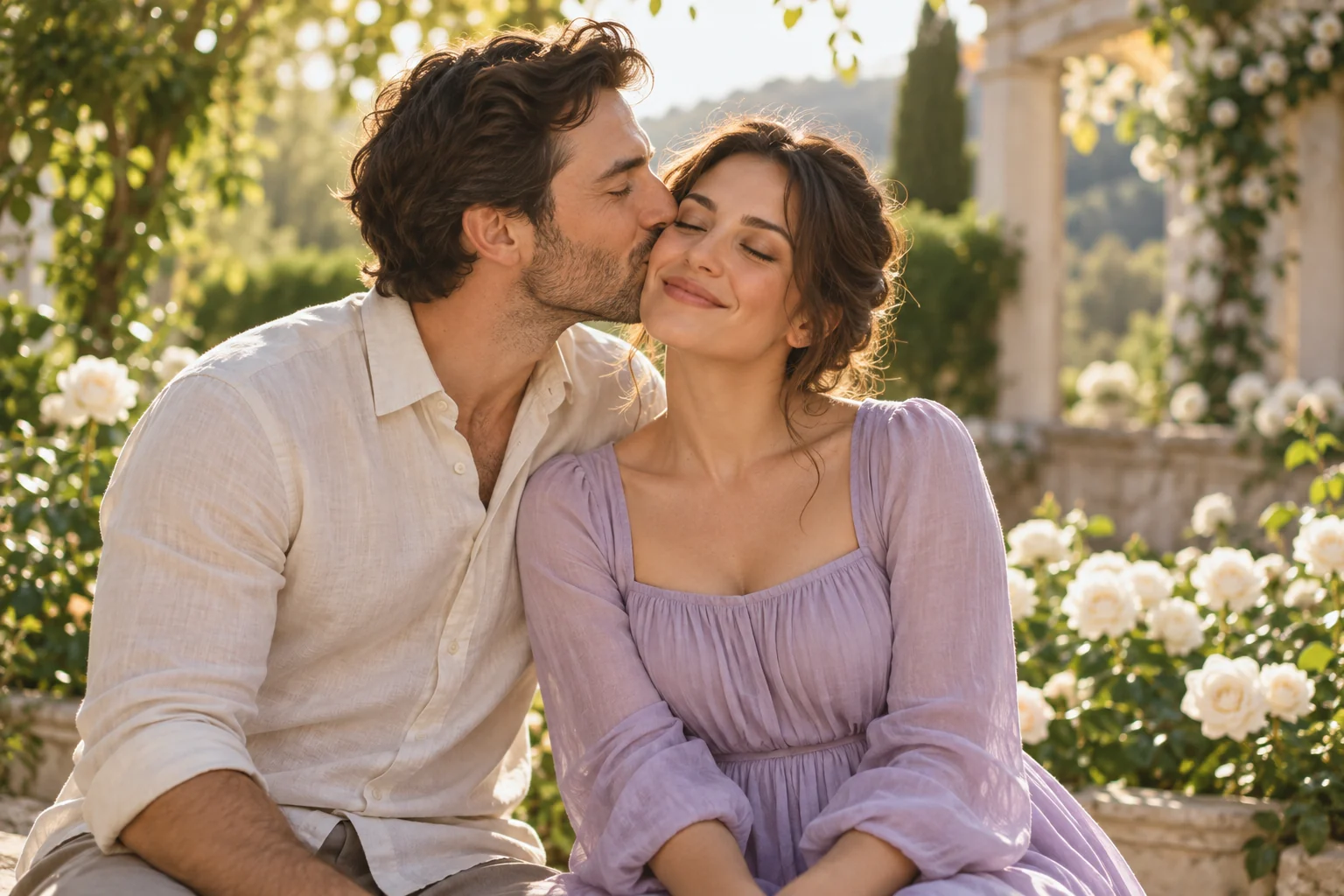
Write the starting pose, the small movement and the ending. For example, two fictional adults pause in a garden, one leans in for a brief cheek kiss, and both settle into a relaxed smile. Keep the camera steady enough for the gesture to remain clear.
Describe lighting and setting separately from the action. Soft daylight and a simple background can support the scene without adding distracting movement. Avoid combining a turn, embrace, spinning camera and several expressions in one short shot.
Do not assume a precise gesture will be perfect because the prompt names it. Review the actual clip for timing, physical contact and comfortable expressions. If the result is awkward, simplify the action or revise the framing before adding more decorative language.
Inspect Faces, Hands and Contact in Motion
Watch the complete shot at normal speed. Check whether faces remain consistent, the gesture reads naturally and hands or shoulders do not move in distracting ways. Pause around the moment of contact, then replay it in context.
Look for unintended changes to clothing, background or the number of visible people. A polished first frame does not approve a clip that becomes unstable during the gesture. Keep the intended emotional tone as part of the review.
If the action cannot be made convincing, use a different storytelling moment such as a shared smile or quiet walk. The purpose is a readable affectionate scene, not forcing an unreliable movement into a finished keepsake.
Finish the Message Around the Accepted Scene
After the visual scene works, add exact names, dates and message text in a suitable editor. Keep the generated imagery distinct from real event footage when combining the two. Review how the sequence will be understood by its audience.
Check music, text timing and the saved export on the intended screen. A scene brief does not establish automatic soundtrack insertion or perfect title rendering. Use actual finishing controls for those details and inspect the final file.
Retain the approved references, scene brief and accepted clip. The garden illustration here depicts fictional adults created for the page; it is not an animation of real users, a tested effect result or proof of any person's relationship.
Frequently Asked Questions
Does MOVO promise a dedicated kissing effect here?
No. The composer starts an original romantic scene brief.
Can I use any photograph of real people?
Use references approved for the intended romantic context and respect the subjects’ permission.
What makes the action easier to review?
A clear starting pose, one small gesture, steady framing and a natural ending.
What should I check near the gesture?
Faces, hands, contact, expressions and continuity throughout the clip.
Can a generated scene prove a real interaction happened?
No. Keep invented imagery distinct from real event footage.
Who appears in the garden illustration?
Fictional adult characters created for original editorial artwork.