Choose the Wedding Story You Want to Tell
A wedding video maker can support several different projects: an invitation, a short highlight, a photo montage or a longer record of the day. Decide which story you are making before collecting every available image into one sequence.
The VEED wedding-video page describes combining event clips with images, text and music in an editor. That assembly workflow remains separate from MOVO's original scene-planning entry above.
Use MOVO for clearly decorative or fictional supporting material, such as a gentle floral opening or a stylized garden transition. Preserve the difference between generated artwork and actual memories so viewers understand what was captured at the event.
Select Memories With a Clear Structure
Choose an opening that establishes the people or occasion, then arrange the main moments in an understandable order. A chronological highlight might move from preparations to the ceremony and celebration. A personal message could follow a different order if the transitions make it clear.
Keep a source list with the approved photos, clips and recordings. Confirm names, relationships and dates with the people responsible for the video. Small factual errors can matter more than a sophisticated effect in a personal keepsake.
Avoid including every similar shot. Select the moment that communicates the feeling or action best, and let it breathe. Keep an archive of the unused originals rather than forcing all of them into a rushed sequence.
Protect the Meaning of Voices and Moments
Listen to vows and speeches before trimming them. Keep enough context for the speaker's meaning to remain intact. A short sentence can feel different when its surrounding words are removed, even if the edit sounds technically smooth.
Choose music that suits the couple and the planned sharing context, and confirm the appropriate rights in the chosen workflow. Keep the important voices understandable instead of letting the music dominate every emotional moment.
Review photo and clip selection with the people who should approve the final story. Respect their preferences about private moments and public sharing. Decorative generated material should complement the record rather than invent events that appear to have happened.
Create Decorative Material With a Purpose
An original floral scene can introduce a color palette, and a quiet garden shot can provide space between chapters. Brief the subject, lighting and small movement in MOVO rather than asking for a generic wedding effect without a role in the sequence.
Keep decorative scenes visually compatible with the actual footage. If the real event used warm daylight and ivory flowers, an unrelated neon setting may distract from the memories. Check the whole sequence rather than judging each generated shot alone.
Do not treat generated faces, ceremony actions or reconstructed locations as documentary evidence. Exact title cards, names and dates should be added and checked with suitable editing controls. The composer does not establish automatic assembly of a complete wedding archive.
Review a Keepsake and a Sharing Copy
Watch the saved video from beginning to end with the intended viewers in mind. Check speech, image order, names, dates and the final frame. Pause on text to confirm spelling, but also watch at normal speed to make sure it is readable in context.
If you need a short sharing version, make it from the accepted master or original project. Preserve the full keepsake separately. Check the crop and sound again because a shorter or differently framed version can lose an important person or moment.
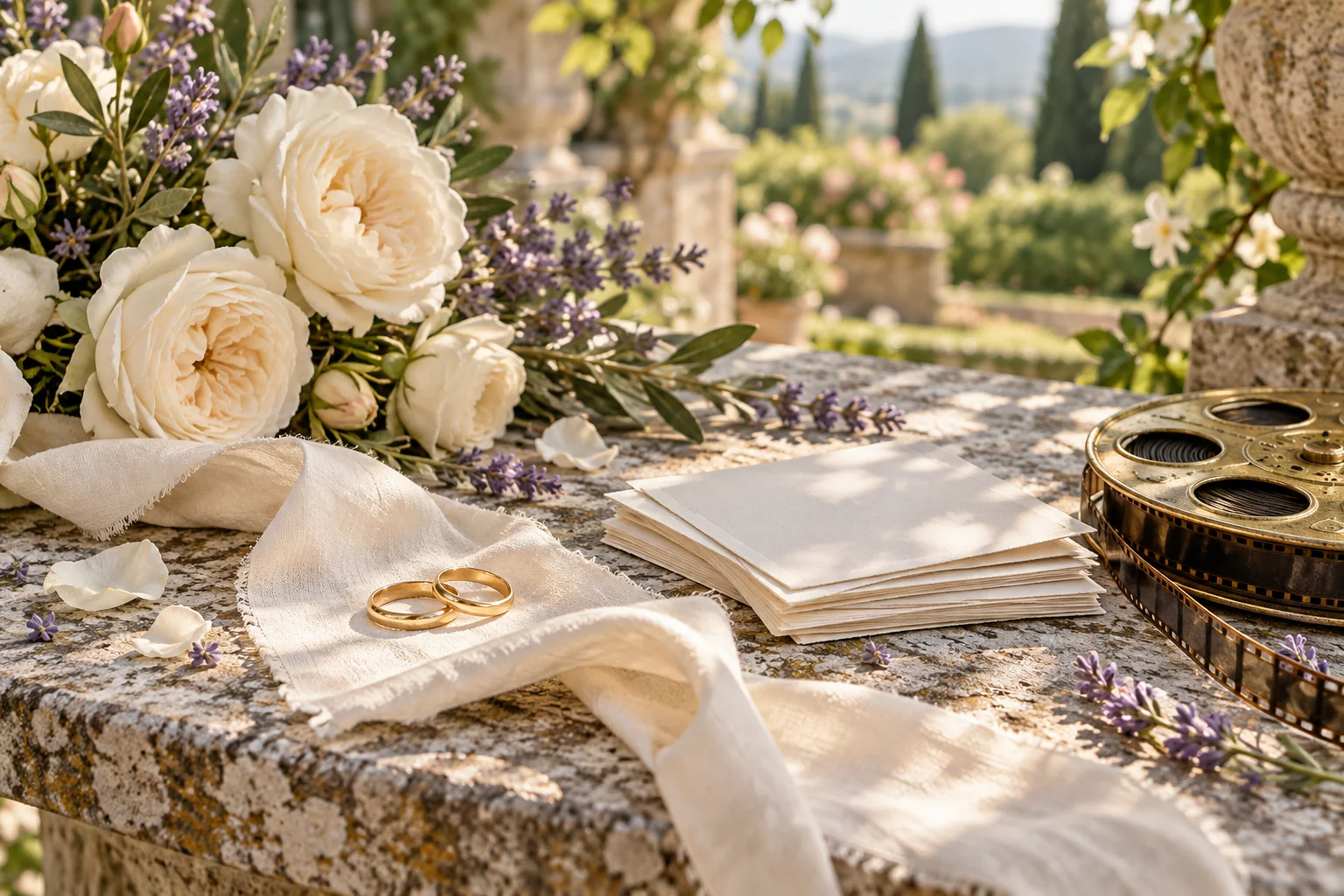
Retain the approved sources, decorative assets and final copies. Clear file names help distinguish the archive from a social delivery version. The rings and flowers shown on this page are original editorial artwork, not photographs from a real couple's wedding.
Frequently Asked Questions
Does this page automatically edit my ceremony footage?
No. MOVO starts original scene planning; assemble and trim real event media in a suitable editor.
What should I decide first?
Whether the result is an invitation, highlight, montage or longer keepsake.
Can generated scenes replace missing documentary moments?
They should remain clearly decorative or fictional, not be presented as captured event footage.
Where should names and dates be checked?
Against an approved source and in the saved final video.
Should I keep a separate sharing copy?
Yes, when you need a shorter or differently framed version; preserve the keepsake and sources.
Is the rings image from an actual wedding?
No. It is original conceptual artwork.