Choose the Image by Its Intended Use
An AI image generator turns a description or supported reference into visual material. Begin by defining what the image must do: establish a fictional world, suggest a campaign direction, illustrate an idea or provide a starting composition for motion. Different uses need different checks.
The Renderforest image generator page describes prompt-based generation, reference images and further editing. Its models and image-to-video route belong to that provider. Check the actual product for the specific controls and account options you need.
MOVO's composer starts an independent visual story brief. It does not establish access to the external generator or promise identical image controls. Use it to develop the original subject, scene and motion direction while keeping exact still-image operations in their supported workflow.
Describe a Composition Someone Can Review
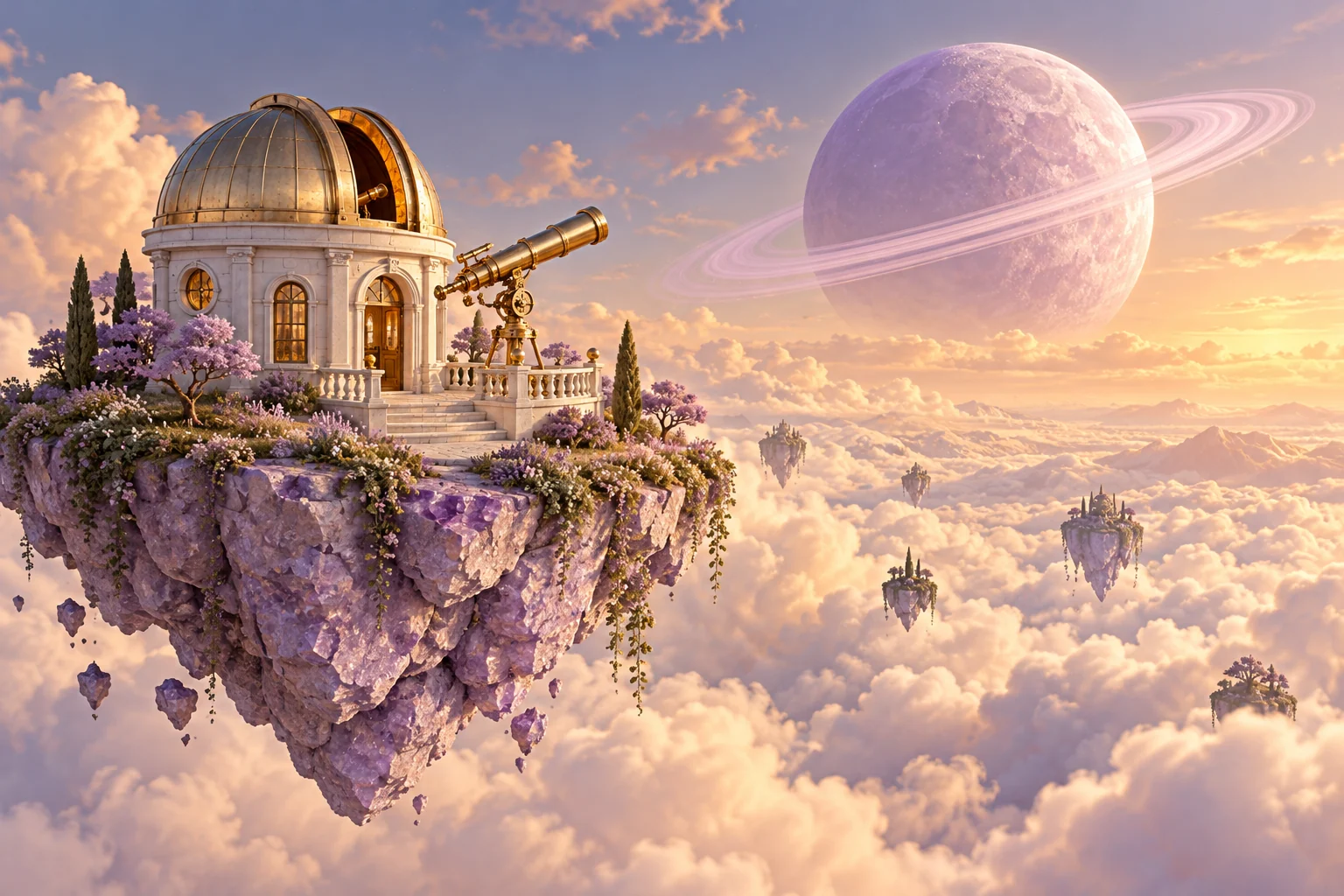
Name the subject and its relationship to the setting. A small ivory observatory on a floating lavender island gives the image a focal object, scale and environment. A list of unrelated style adjectives gives less guidance about what the viewer should actually see.
Specify the viewpoint, light and important empty areas. If the image will carry exact text later, leave a suitable region rather than relying on generated lettering. Keep factual labels and approved brand marks in finishing controls where they can be compared directly with source assets.
Limit the first brief to a coherent idea. Several competing subjects, camera directions and lighting conditions can make acceptance unclear. Decide which details are essential and which can vary so a revision targets the real issue instead of changing the entire image.
Give Each Reference a Defined Role
An authorized reference can establish appearance, layout or mood, but those roles are different. State which properties should be preserved and which are only inspiration. A lighting reference should not silently replace a product's actual shape or approved identity.
Check the actual generator's supported inputs before relying on a reference route. A page describing images does not prove that every model accepts the same files or uses them in the same way. Review the output rather than assuming a submitted reference guarantees fidelity.
Keep source permissions and factual evidence separate from creative style. An invented scene can communicate an idea without becoming proof that the depicted object or event exists. Label and use conceptual material according to the role it serves in the project.
Inspect Detail Before Approving the Still
Review important shapes, edges, proportions and object relationships. Look closely at hands, reflections, small mechanisms or repeated patterns when they matter to the image. An attractive overall composition can conceal a local detail that fails the brief.
Compare any exact requirements with approved material. Check product components and factual features independently of the image's visual appeal. Do not infer that a plausible rendered label is accurate merely because it resembles readable text.
Choose the accepted version deliberately and retain its brief. If the result needs revision, identify the observed problem and change only the relevant direction where possible. Keeping versions clear makes the next decision more useful than repeatedly starting from an unspecified idea.
Develop Motion From an Accepted Visual Direction
If the next step is video, decide what can move without undermining the still's purpose. Describe the camera, subject action and endpoint in MOVO. A calm observatory scene might need only a restrained approach rather than several simultaneous transformations.
Inspect the resulting clip across its full duration. A still reference cannot prove that shape, light and composition remain stable in motion. Finish exact titles, sound and sequence timing in appropriate tools, then review the complete saved result.
The observatory image is original fictional editorial artwork. It is not a provider benchmark, a photograph of a real place or proof of a specific MOVO image-model integration. No automatic transfer of an external image project or generation history is established here.
Frequently Asked Questions
Does this entry connect to Renderforest’s generator?
No. It starts an independent original visual brief in MOVO.
What makes an image brief useful?
A clear subject, composition, light, intended use and a few reviewable requirements.
Should all references have the same role?
No. Distinguish identity, layout, factual detail and mood.
Can I rely on generated labels for exact wording?
Use approved text in suitable finishing controls and check it directly.
Does an accepted still guarantee consistent video?
No. Inspect the full motion and important details in the resulting clip.
Is the observatory a real location or provider output?
No. It is original fictional editorial artwork.