What Does an AI Filter Remover Actually Do?
An AI filter remover aims to change a filtered image toward a more natural-looking appearance. Depending on the tool and the source, it may adjust color, lighting or stylized textures. The result should be understood as an edited interpretation, not automatic recovery of an untouched original.
A flattened image does not necessarily contain the details that a filter removed or replaced. If smoothing erased texture or an effect changed a shape, an AI system may invent plausible detail. A realistic-looking output is not proof of what the scene originally looked like.
The MOVO entry above starts an original video brief. It is not a filter-removal upload tool, and this page does not claim MOVO can reverse arbitrary image effects or reveal hidden content.
Look for the Original Before Reconstructing It
Check your photo library, cloud backup and original project file for an unfiltered copy. If the effect remains an editable layer, disabling or adjusting that layer is more direct than reconstructing the image from a flattened export.
Keep the available source unchanged. Make an edited working copy and record what was altered. This is useful when the picture will become a video reference, because later reviewers need to distinguish a deliberate visual change from a generation issue.
Decide why the edit is needed. Correcting an unwanted color cast, matching a visual palette and recovering factual evidence are different goals. A generative approximation should not be substituted for an evidentiary original.
Describe a Specific Visual Edit
Color
Identify the unwanted tint or saturation direction. Ask for a restrained adjustment rather than an undefined transformation into a perfect photograph.
Lighting
Describe the intended light balance and preserve important subject details. A lighting change should not silently become a new facial or object design.
Texture
Inspect generated texture closely. Added detail may look convincing while remaining invented, especially when the source was heavily smoothed.
Composition
Keep the crop and shape stable where they matter. If the editor changes the subject, decide whether the output still serves the intended reference role.
Review Changes Before Using the Image
Compare the full image and important details side by side. Check edges, proportions and repeated patterns, not only the overall color impression. A cleaner palette can distract from an unintended structural change.
If a person appears, use an authorized image and preserve the intended identity. Do not describe a synthesized edit as proof of an unfiltered face. Keep necessary editorial context when a materially altered image will be shared.
For product references, inspect shape, surface markings and color against the actual item. Generated details can be especially misleading when the image is meant to communicate a specific real-world object.
Use a Dedicated Image Editor for Filter Removal
VEED's AI filter remover page describes prompt-based image editing and acknowledges approximation. Its feature set and credit conditions belong to that product, not to this MOVO page.
Check the chosen tool's current upload handling, edit controls and export requirements. Try a representative copy before relying on it for a larger reference set. Different source effects can require different approaches.
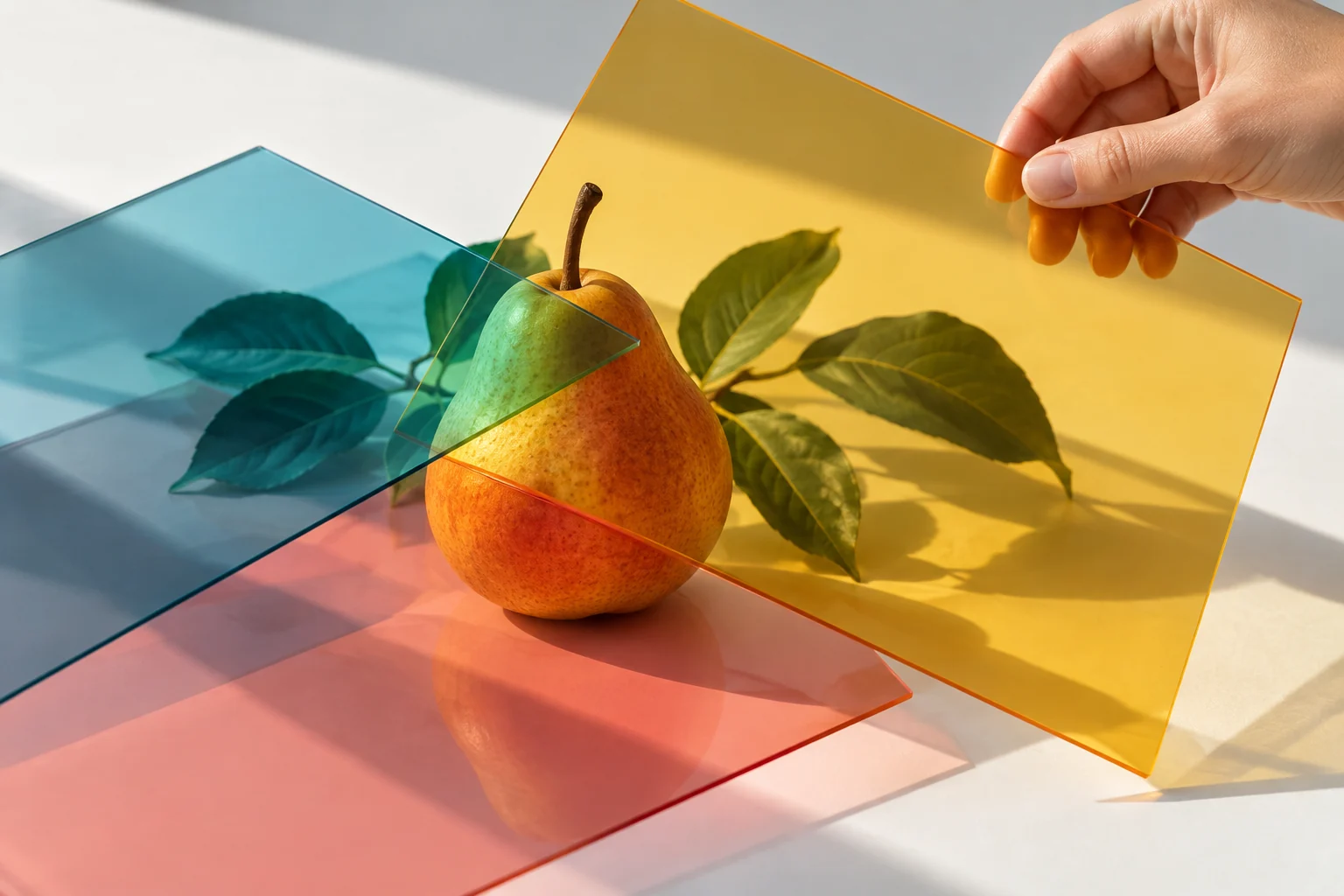
The tinted-sheet illustration here is original conceptual artwork. It is not a before-and-after restoration, a tool benchmark or a claim that obscured image information has been recovered.
Use an Approved Reference in a MOVO Video Brief
After reviewing the still image, define its role in the video project. It may establish a palette, an original object design or a scene atmosphere. Explain the intended motion and camera direction separately.
Use the appropriate supported reference workflow and check the generated clip across its full duration. An approved image does not guarantee exact preservation of every detail during movement. Retain both the original and approved edited reference for comparison.
Keep exact factual labels and product claims outside the generative approximation. Finish necessary text with precise controls and review the video in its intended viewing context before calling the reference work complete.
Frequently Asked Questions
Can AI recover the exact original beneath every filter?
No. Missing or replaced detail may be approximated. Look for an original or editable source first.
Does this page remove filters in MOVO?
No. It starts a video brief. Use a dedicated image editor for the separate photo operation.
Is a natural-looking edit proof of the original appearance?
No. A realistic result can contain generated details and should not be treated as an untouched record.
What should I inspect after editing?
Subject shape, identity, important markings, texture and edges as well as overall color.
Are the illustrations before-and-after examples?
No. They are original conceptual artwork rather than measured restoration samples.
How can the edited image support a video?
Use an approved reference to clarify appearance or atmosphere, then review the generated motion and continuity.