Turn the Cartoon Idea Into a Sequence
An AI cartoon video generator should serve a story the viewer can follow. Decide what changes between the opening and ending before choosing visual effects. A small problem and a readable solution can support a stronger short than many unrelated attractive scenes.
The Invideo cartoon-video page describes an idea-led workflow with provider-specific media and editing options. Its libraries, narrator choices and automation are not a MOVO feature list.
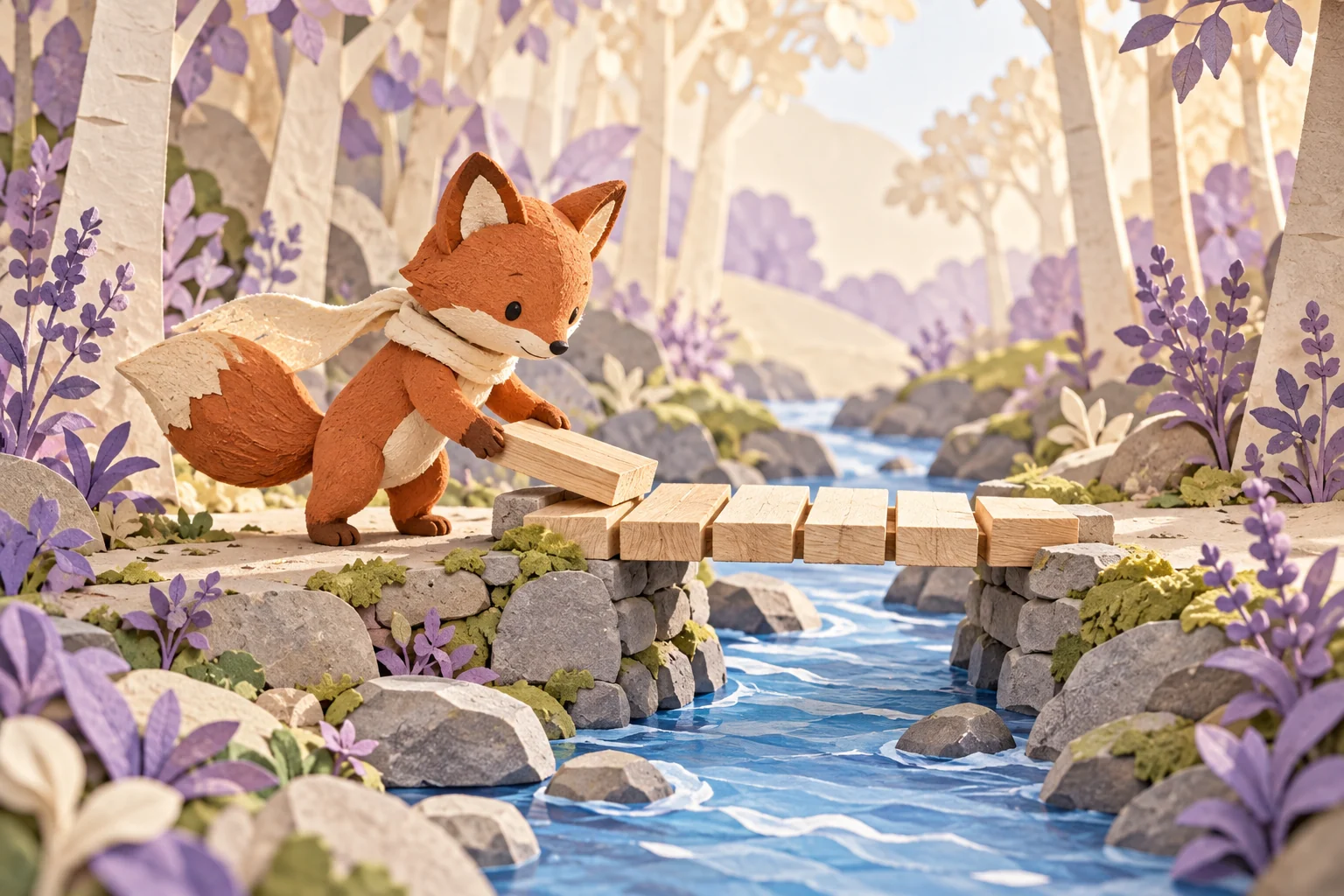
Use MOVO to develop the original scene brief. For example, a fictional fox might find a gap across a stream, place a small bridge and cross to the other side. Each shot can communicate one part of that change.
Give Each Scene a Specific Role
The opening establishes the place and the character's goal. The middle shows an effort or decision, and the ending resolves it. Write those roles plainly before adding camera directions so the action remains the center of the video.
Avoid introducing a new location or character without a reason. If a short needs three scenes, make the connection between them visible. The fox should not suddenly appear across the water before the viewer understands how the bridge was built.
Use a simple shot plan that names the starting state, action and ending state. This makes generation and revision more focused. If a scene fails, you can change its specific instruction without losing the rest of the story.
Keep the Character and World Consistent
Create a short design note with the main silhouette, colors, accessory and proportions. For the fox, terracotta fur and a cream scarf can be the key identifiers. Keep unnecessary decoration flexible so the design remains readable during movement.
Choose a coherent visual treatment such as layered paper, clay texture or drawn shapes. Describe the qualities you want rather than copying a familiar franchise character. Keep reference roles and approved versions together with the brief.
Check scale and setting across shots. A bridge that changes size dramatically can confuse the action even if each image looks appealing. Resolve important continuity issues before investing in exact titles or a polished soundtrack.
Review Motion, Timing and Story Meaning
Watch each complete clip, then the assembled sequence. Check paws, props and contact with the environment during movement. A good first frame does not approve a character whose shape changes while handling an object.
Make sure the main action has enough screen time. A rushed middle can make the ending feel unearned. Reduce unnecessary camera movement if it hides the useful gesture or forces the viewer to search for the subject.
Review without narration as a clarity check, then with the intended sound. If words are essential, ensure the visuals support them. Do not assume a requested narrator, music track or lip-sync operation happened until the actual output is inspected.
Finish a Version That Fits the Audience
Add exact text, captions and sound with suitable finishing controls. Check the saved result on the screen where the audience will watch it. Small props and lettering that look clear on a desktop can disappear in a compact mobile view.
If the cartoon teaches a real concept, verify the explanation independently. An expressive character can make a statement memorable without making it correct. Keep fictional events distinct from factual demonstrations when the two appear together.
Retain the character notes, scene plan, accepted clips and final master for future episodes or revisions. The fox illustration here is an original story concept, not a generated movie sample from a named engine or proof of a specific animation control in MOVO.
Frequently Asked Questions
How is a cartoon video different from one cartoon image?
The sequence needs readable changes, timing and continuity across motion and scenes.
What belongs in a short cartoon plan?
An opening, a main effort or action, and an ending that resolves it.
Can I copy a famous character design?
Develop an original character and use references appropriate for your project.
What should I inspect during movement?
Character shape, props, contact with the environment and scene continuity.
Are specific narrator or lip-sync controls promised here?
No. Check the actual supported production workflow and saved result.
Is the fox image a tested movie output?
No. It is original conceptual artwork.