Choose the Animal Story and Visual Direction
An AI animal video generator can support a fictional pet moment, a stylized character story or an illustrative wildlife scene. Decide which kind of video you are making so the movement, setting and review criteria fit the purpose.
The Higgsfield animal-video page describes text and photo-led animal creation with its own model options. Its specific engines, sound features and identity claims are not a MOVO capability list.
Start an original animal-scene brief in MOVO with the species, main action and setting. Describe the intended treatment plainly, such as a natural woodland illustration or a playful cartoon. Inspect the actual result rather than assuming that a realistic look proves realistic behavior.
Define Appearance and Habitat Together
Record the visual details that make the subject recognizable: main colors, size, markings and distinctive shape. For a squirrel, the tail and paws may matter as much as the face. Avoid adding so many details that the central action becomes hard to describe.
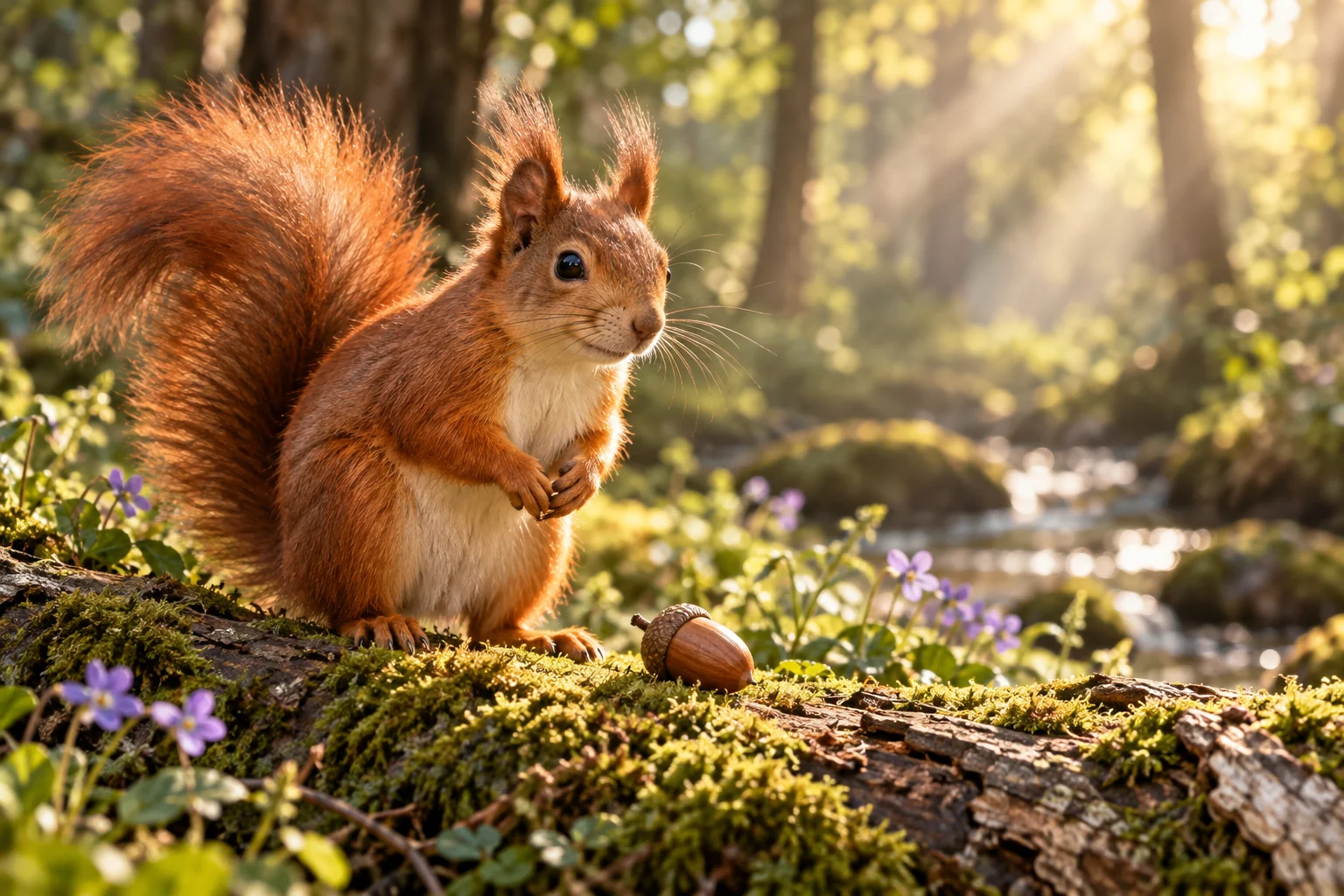
Choose a setting that supports the scene. A mossy log gives a small woodland animal a readable surface and scale. State where the subject begins and what the camera should include so the action does not disappear behind foreground detail.
Use approved reference images with a clear role. A pet portrait might explain appearance, while a landscape image sets atmosphere. Do not assume that every marking or exact likeness will remain unchanged through generated motion; review those details in the clip.
Give the Animal One Visible Action
Choose a movement that fits the scene's purpose. A squirrel approaching an acorn, pausing and lifting it gives the viewer a clear progression. Several leaps, turns and camera moves in one short shot can make both generation and review harder.
Describe the starting pose and final state. Keep the camera restrained enough to see the body and its contact with the environment. If the animal handles an object, make that interaction the focus rather than adding unrelated background events.
For a stylized talking character, plan speech and lip synchronization as separate production requirements to verify. This entry does not promise native animal sound, a voice catalog or exact script delivery from a scene prompt.
Inspect Anatomy and Behavior in Motion
Watch the whole clip at normal speed and inspect paws, legs, wings or fins as appropriate. Check whether the body stays coherent during turns and whether the animal makes believable contact with the surface beneath it.
Look for changing markings, extra limbs and unstable props. A still image can look convincing while movement reveals a problem. If the action is unclear, simplify the brief or choose a different camera angle before adding more stylistic detail.
Keep factual and fictional uses distinct. Generated wildlife imagery does not document a real sighting or prove how a species behaves. If the video teaches a real biological concept, verify the explanation against suitable evidence outside the generated scene.
Finish the Story With a Clear Viewing Context
Review accepted shots together for consistent scale, light and animal appearance. A subject that changes size between scenes can confuse the story even when each shot works alone. Use suitable editing controls for exact timing, captions and approved sound.
Inspect the saved output on the intended screen and listen to the final mix. A prompt requesting ambience does not prove that the sound was generated, licensed or included correctly. Verify the actual soundtrack and deliverable.
Retain the animal description, references, scene briefs and accepted assets. The squirrel illustration on this page is an invented editorial scene, not wildlife footage, a real pet's animation or a benchmark from a named animal-generation model.
Frequently Asked Questions
What should an animal-video brief include?
Species, appearance, habitat, one visible action, camera and ending.
Does a realistic image prove realistic behavior?
No. Inspect movement and verify factual explanations independently when needed.
Can a pet reference guarantee every marking stays exact?
No. Review appearance across the actual clip.
Are talking-animal voices or lip synchronization promised here?
No. Verify those separate production requirements in the actual workflow.
Which motion details deserve attention?
Limbs, body shape, markings, props and contact with the environment.
Is the squirrel scene real wildlife footage?
No. It is original invented editorial artwork.