Best Free AI Image Generators With No Sign-Up

A Shortlist Based on Current Official Pages
The best free AI image generators with no sign-up are useful when you want to test a visual idea quickly. The important word is useful: a simple anonymous experiment and a controlled production reference are different goals. Choose a tool around the job you need rather than assuming one free service is best for every style.
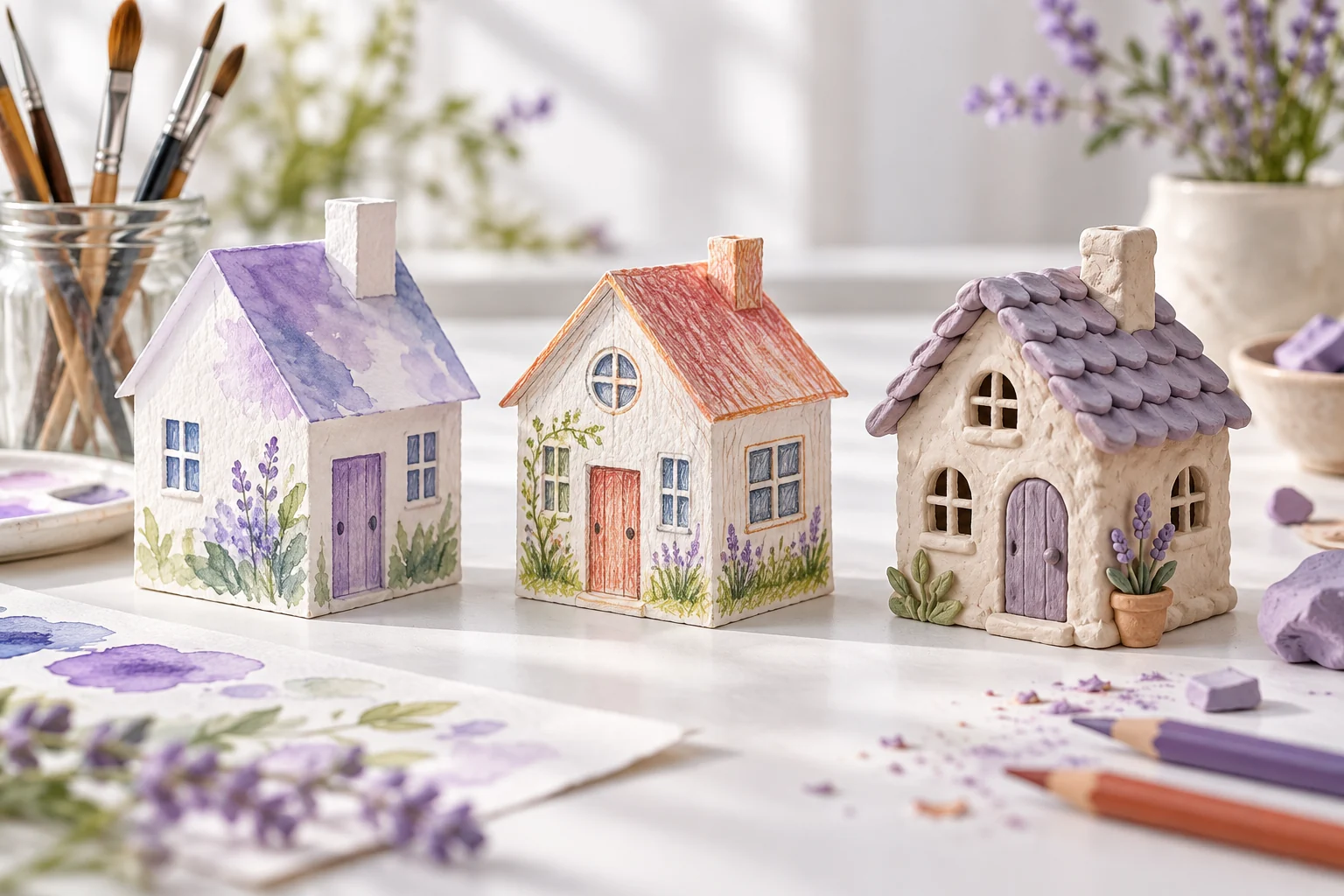
This shortlist is based on the providers' official pages checked on October 20, 2026. It is a review of stated access and workflow, not a hands-on image-quality benchmark. The cover image was generated independently for this article and is not a side-by-side result from the listed services.
| Tool | Official access statement | Useful first check |
|---|---|---|
| Craiyon | Advertises free image creation with no account needed | Available style, shape and saving controls |
| DeepAI | Advertises no-sign-up access to its free image generator | Which mode is free and which options require an upgrade |
| Perchance | Generator page advertises free, no-sign-up access | Live controls, export behavior and current terms |
Craiyon: Start With a Straightforward Visual Experiment
Craiyon's official image-generator page explicitly advertises free creation without an account and presents style and shape choices. It also has account and paid-plan options, so anonymous entry should not be read as proof that every feature is included.
Use a focused first brief: one subject, a setting and a visual treatment. After seeing the live controls, decide whether the tool gives you enough direction for a concept sketch. Check how to save a result before investing time in repeated variations.
For a creator's test, ask a concrete question such as whether a paper-house concept communicates warmth or whether a background leaves enough clear space for later typography. Judge that question rather than treating every output as a finished marketing asset.
DeepAI: Check the Mode as Well as the Entry Point
DeepAI's official image-generator page advertises free generation with no sign-up required. The same page also describes paid modes and account-related features. Confirm which controls belong to the free workflow before comparing it with another tool.
Keep the first test simple and save the prompt alongside the image. If you change the style, composition and subject at once, it becomes difficult to tell which change improved the result. Compare a small set of deliberate variations rather than collecting unrelated images.
If a higher-quality mode is offered, inspect its current access requirements and terms directly. A premium demonstration on a page is not proof that an anonymous free request uses that same mode.
Perchance: Inspect the Live Generator Before Planning Around It
The official Perchance image-generator page advertises free creation without sign-up. The page is dynamic, so inspect the live controls and current conditions for the operation you want. This article does not claim to have measured its generation quality or tested every export option.
For an anonymous experiment, choose a non-sensitive original concept and see whether the interface supports your preferred framing and level of control. Check how you can retain the image and prompt before closing the browser session.
Keep the test purpose narrow. A tool can be convenient for exploring a scene without being the place where you manage a recurring character, review several production assets or organize a complete video.
How to Compare Free No-Sign-Up Image Generators
Use the same original concept as a starting point and write down what success means. For example, you might need a clear house silhouette, a calm palette and space for a title. Keep the requested subject and intended use consistent while adapting to each tool's actual controls.
Look at composition before detail
Check whether the main subject is readable at the size where it will be used. A beautifully textured image can still fail as a thumbnail if its focal point is unclear. Decide whether the composition solves the task before zooming in on small details.
Inspect the details that matter to your project
For a character reference, check defining features and clothing. For a product concept, check shape and important surfaces. For a scene background, check whether the environment supports the intended action. Do not let an attractive overall style hide a critical mistake.
Check the actual saved file
Download through the tool's supported controls and inspect the result. Confirm its dimensions, format and any marks or export conditions. A preview and a saved file can serve different purposes, so evaluate the one your workflow will actually use.
Keep the prompt and the result together
Anonymous access may not provide the project history you expect from an account. Retain your own record of the prompt, chosen result and the reason it worked. That makes a later revision or video brief easier to build.
What Free and No Sign-Up Do Not Tell You
Free describes a cost condition; no sign-up describes an account condition. Neither one, by itself, establishes a fixed quota, private processing, commercial-use terms or a particular output quality. Review the relevant information on the actual service before using an image in production.
Access can change over time or differ between modes. A tool may let you try a basic generation while reserving other settings for an account. Treat the shortlist as a way to find a starting point, then verify the current workflow that matters to you.
Use appropriate original prompts for an initial comparison. If a project contains private client information or unpublished assets, decide where those materials can be processed before supplying them to any service. Anonymous use should not be confused with local processing or automatic confidentiality.
Turn a Useful Image Into a Video Project With MOVO AI
Once an image gives you a direction worth developing, write a brief for what should happen next. Describe the subject, action, camera behavior and story purpose. Keep source information and any relevant usage conditions with the reference.
MOVO AI is a separate account-based workspace for planning and creating a video. It is not included in this shortlist as an anonymous generator. You can browse its pages without signing in, but creation in the workspace requires an account. See the AI art generator page for its documented account-based workflow.
For a moving scene based on an appropriate saved image, start with image to video AI. If the picture mainly inspired a new story, develop it through text to video. Review the generated movement and important details rather than assuming a good still automatically produces a finished sequence.
Frequently Asked Questions
Which free AI image generators advertise no-sign-up access?
The official pages for Craiyon, DeepAI and Perchance advertise free image generation without sign-up. Check the live controls and current conditions for the feature you need.
Are these tools ranked by measured image quality?
No. This is a source-checked shortlist of advertised access and workflow, not a hands-on benchmark. Compare a relevant original brief and inspect the actual saved files.
Does no sign-up mean unlimited free generation?
No. Account requirements, quotas and paid features are separate conditions. Check the current tool and mode instead of assuming one label describes all access.
Can I assume anonymously generated images are private?
No. No-sign-up access does not establish local processing or confidentiality. Review the service's current privacy and handling information before submitting sensitive material.
Is MOVO AI a no-sign-up image generator?
MOVO is presented here as a separate account-based creative workspace. Browsing the site is different from creating images or videos in the workspace.
Can I use a saved image as the start of a video?
Use an appropriate image you can adapt, add it as a supported reference in MOVO AI and describe the motion and story goal. Review the result and keep the source context with the project.