Identify the Model and the Hosting Workflow
Seedance 2.0 is a model-specific search, so keep its external access route distinct from a general video-creation brief. A hosting application can expose its own controls, allowances and workflow around a named model. Check that actual interface rather than assuming every provider behaves the same way.
Higgsfield's Seedance 2.0 page describes a multimodal, reference-led video workflow in its own product. Review current support and output conditions there. Its resolution, timing and continuity claims do not establish MOVO features.
The entry above starts original MOVO scene planning. It does not choose Seedance 2.0, redeem an offer or guarantee a specific model result. This page provides independent production guidance, not a hands-on benchmark.
Give Every Reference a Defined Role
Start with appropriate material you are authorized to use. Decide which reference establishes a character, object, location or visual mood. A clear role is more useful than a collection of attachments whose instructions conflict.
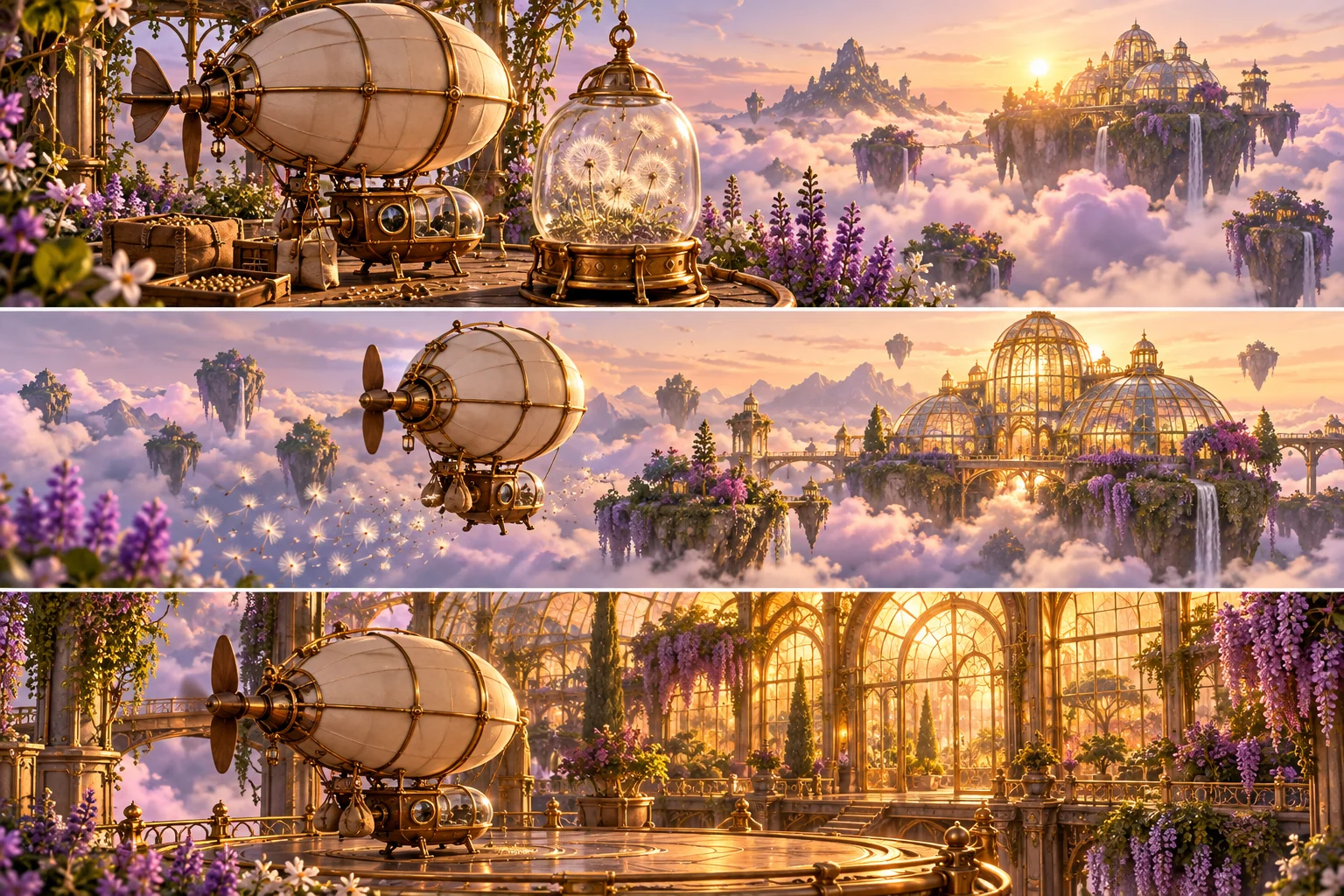
For an original brass airship carrying a glass seed capsule, one accepted image can define the vehicle and another the greenhouse destination. Keep the capsule's shape and story purpose explicit. Incidental background details need not become equally important constraints.
Use the chosen interface's documented attachment controls. Do not assume a prompt token or file name binds a reference unless the workflow supports it. Retain accepted sources so later attempts can be compared against the same visual direction.
Write a Visible Action With a Clear Result
Explain what changes on screen. The airship lifts from a cloud-garden platform, carries the capsule toward the greenhouse and reaches a readable landing point. That action gives the attempt something concrete to accomplish beyond a general cinematic mood.
Keep the first test focused on the difficult relationship between subject and prop. A beautiful sky without a coherent capsule delivery does not satisfy the brief. Test the important action before expanding into additional locations.
Describe camera behavior that helps comprehension. A restrained following view can keep the vehicle and destination understandable. Multiple unrelated camera moves can make the action harder to evaluate even when individual frames look impressive.
Separate Shot Structure From Exact Timing
Choose whether the idea needs one continuous view or several shots. A preparation, journey and arrival sequence can be planned as distinct beats, but the intended cut points still require output review and suitable finishing controls.
Use supported duration and aspect controls in the selected workflow when available. Treat prose timing as a request rather than proof of frame-exact execution. Check the particular model version and interface before relying on a limit or mode.
The Seedance prompting guide develops an independent method for writing and revising scene briefs. It does not reproduce a competitor's prompt library or imply that every prompt reproduces an identical result.
Review Continuity Across the Complete Attempt
Watch the full motion at normal speed. Check the airship's design, capsule state, direction of travel and arrival. A matching opening frame does not prove that the important object remains coherent across the clip.
Inspect difficult transitions more closely after normal playback. Look for changing structure, a disappearing prop or motion that reverses the intended action. Keep observations specific enough to guide a targeted revision.
The airship illustration here is original conceptual artwork. It is not a Seedance output test, provider screenshot or evidence that any model preserved every design detail. Use your own accepted test result to make a production choice.
Carry the Creative Method Into MOVO
Describe the subject, reference roles, action and visual purpose in MOVO when developing original video. Start with a representative scene and review it before building the rest of the story. The planning method can be useful without equating model availability across products.
Use suitable finishing tools for exact captions, cuts and sound alignment. Verify any generated speech or factual detail separately from the visual style. A strong scene still needs the final delivery review.
Retain the accepted references, brief, scene assets and finishing notes. A later version should begin from approved decisions rather than a vague memory of which prompt or model label appeared on an earlier attempt.
Frequently Asked Questions
Does this MOVO entry select Seedance 2.0?
No model-specific access or integration is established here.
Where should I check Seedance controls?
Use the selected provider’s current model interface and documentation.
How should I prepare references?
Give each approved reference a clear role such as subject design, prop or destination.
Does a shot plan guarantee exact cuts?
No. Review the full output and use appropriate finishing controls for exact timing.
Are the airship pictures benchmark results?
No. They are independently generated conceptual artwork.
What should I test first?
The difficult subject-and-action relationship that the actual story depends on.