Choose the Lighting Change You Need
Relight workflows aim to change how light appears on a subject or scene. Begin with the visual purpose: reveal a shape, shift the mood or match neighboring material. A brighter picture alone may not address the intended light direction or shadow character.
Higgsfield's official Relight guide describes controls for direction, softness, intensity and color in an image workflow. Use the actual dedicated tool for existing-file processing rather than assuming the same controls exist in MOVO.
The MOVO entry above starts an original scene brief. Describe the light you want as part of the new visual material. It does not establish a relighting slider, depth-map editor or automatic reconstruction of an existing photograph.
Inspect the Source Before Changing Its Mood
Keep the original asset and identify the subject's shape, existing shadows and reflective surfaces. Notice which areas need to stay readable and which darkness is intentional. A lighting decision should serve the composition rather than remove every shadow.
Record the details that must remain unchanged, such as product markings, facial appearance or object geometry. Generated relighting can create a plausible look without preserving every source detail. Compare those important features directly.
Choose a useful test area or representative frame according to the actual tool. Do not infer complete source recovery from a visually improved preview. Missing or clipped source information may remain uncertain even when a new light treatment looks convincing.
Evaluate Direction, Softness and Color Separately
Change a small number of meaningful variables at a time. A side light can emphasize form, while a softer source can reduce harsh transitions. Judge the actual visual effect rather than treating every preset name as a guarantee.
Inspect bright surfaces and deep shadows together. A light that reveals the subject may wash out a pale edge or introduce an unnatural reflection. Check whether the new direction agrees with visible objects that appear to emit or reflect light.
Review color carefully when the asset contains important skin tones, neutrals or products. A dramatic tint can support an artistic scene while being unsuitable for accurate product representation. Keep the intended use visible when choosing the accepted treatment.
Review the Complete Asset and Neighboring Shots
Compare the processed result with the unchanged source at a useful size. Check outlines, texture, shadows and important markings. A polished thumbnail can conceal changes that become obvious in a larger delivery view.
If the actual workflow processes video, inspect the whole movement rather than accepting one frame. Light and shadow behavior should remain coherent as the subject turns. Image-only review cannot establish temporal stability.
Compare the accepted asset with adjacent scenes. Matching overall brightness is not enough when the apparent light direction or color changes abruptly. Finish exact matching with suitable controls and inspect the saved result in the intended sequence.
Plan Original Lighting in MOVO From the Start
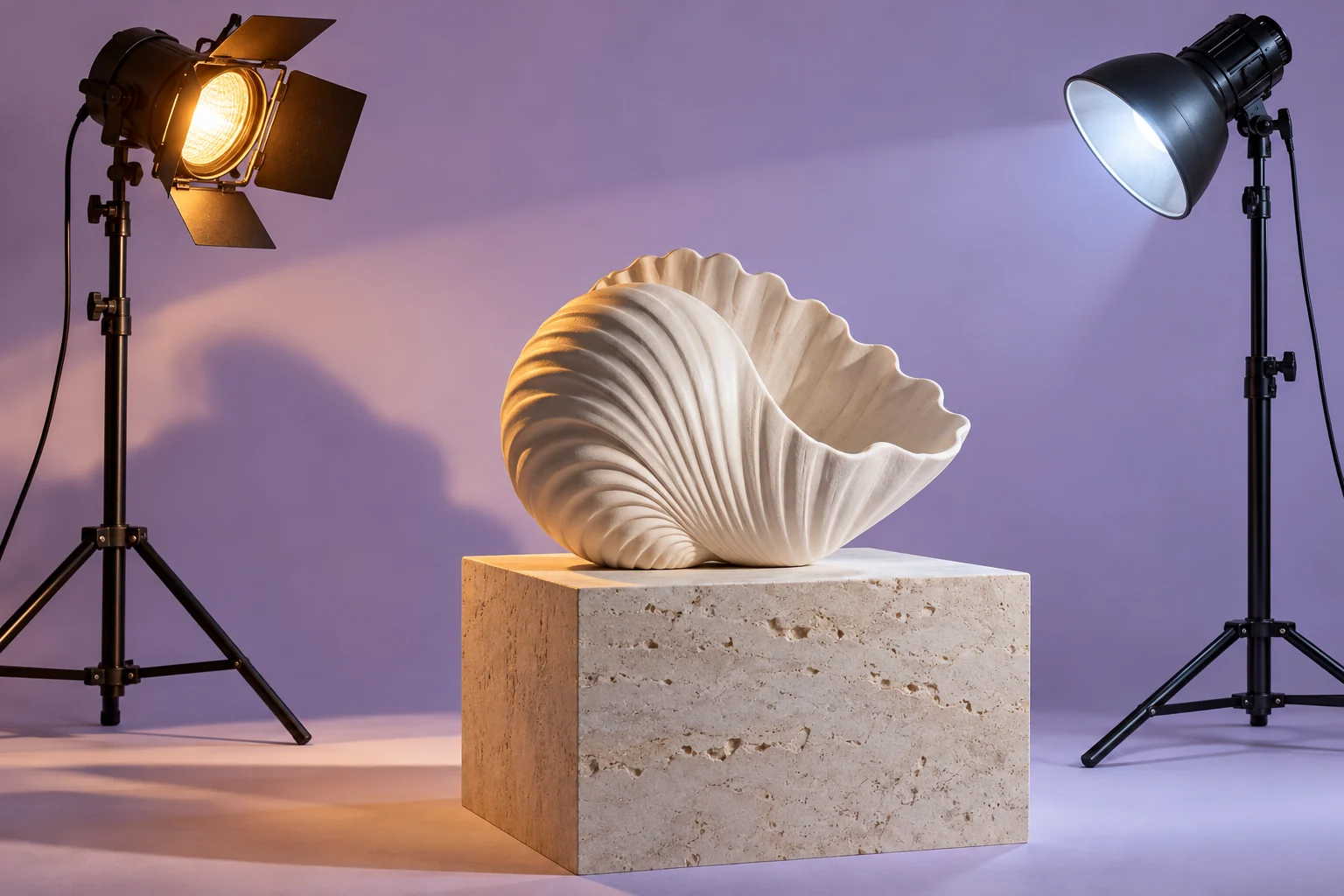
For a new scene, state where the light comes from, what it reveals and the intended atmosphere. A ceramic shell lit softly from one side is a clearer brief than a generic request for professional lighting. Keep the camera and action compatible with that visual goal.
Use MOVO to develop the original scene, then review form and light through its complete motion. The scene brief does not guarantee a calibrated light value or exact preservation of another asset's lighting arrangement.
Retain the source, accepted treatment, lighting notes and final assets. The two lamps and shell on this page are original setup artwork, not a tested before-and-after, an actual relighting interface or proof of recovered source detail.
Frequently Asked Questions
Does this MOVO entry relight an existing file?
No. It starts an original lighting-and-scene brief; use a dedicated tool for existing assets.
Is relighting the same as increasing brightness?
Not necessarily. Direction, softness, color and shadow relationships also matter.
Can a plausible new shadow prove source geometry?
No. Compare important details and treat generated interpretation appropriately.
What should I inspect in a video relight workflow?
The complete motion, including stable light and shadow behavior across time.
Can the composer guarantee calibrated lighting?
No exact calibrated-light control is established by this page.
Are the lamps a tested processing comparison?
No. They are original conceptual setup artwork.