Choose the Story the Recap Must Preserve
A recap video summarizes selected moments from an event or a period of activity. Begin with the purpose: inform someone who missed the occasion, preserve a personal memory or communicate a few important outcomes. That choice determines which footage belongs in the sequence.
The VEED recap video page describes uploading event material, arranging clips and adding finishing elements. Use a suitable editor for the actual source footage and exact sequence. Its templates are not established as MOVO features by this page.
The MOVO composer starts an original supporting-scene brief. It does not analyze an event archive or assemble a factual highlight timeline. Keep real moments and any invented transitions distinguishable so the finished recap remains clear about what actually happened.
Select Footage by What It Contributes
Sort source clips into useful roles: an establishing view, a meaningful action, a reaction and a closing moment. A strong selection communicates more than a long collection of similar shots. Keep the original archive separately from the working edit.
Check names, dates and any stated results against approved notes. An energetic montage should not imply an attendance figure, outcome or endorsement that the source does not support. Treat exact text as factual material requiring review.
If chronology matters, preserve the order or make a deliberate change that remains understandable. A reaction from a different moment can suggest a false relationship when placed next to a speech or announcement. Review context as well as visual appeal.
Build a Beginning, Development and Ending
Open with enough context to identify the occasion. Then move through a small number of moments that reveal its character or results. Choose a closing image that resolves the sequence rather than ending only because the soundtrack stops.
Keep each shot long enough for its information to register. A quiet detail and a complex action may need different timing. Use repeated views only when they add another perspective or show a meaningful change.
Assemble a rough cut before adding elaborate transitions. Check whether the viewer can understand the recap without reading a separate explanation. Remove material that repeats the same point while leaving out the event's more important context.
Use Sound and Captions to Clarify the Record
Select short spoken passages that preserve the speaker's meaning. Listen to the edit boundaries and the surrounding context. A concise quotation should not become a different statement through a missing condition or an abrupt cut.
Add exact captions and titles in suitable finishing controls. Check spelling, timing and placement against the actual final cut. If the sequence changes, revisit any text or audio tied to the affected moments.
Choose music you are entitled to use and balance it beneath important speech. Review the complete sound flow rather than approving a track on its own. The recap's emotional tone should remain consistent with the occasion and the factual material.
Add Original Support and Review the Saved Recap
Plan original connecting scenes in MOVO when the sequence needs an atmospheric opening or a visual transition. Describe their purpose, subject and motion. Do not use invented footage as evidence that a real event or activity occurred.
Finish the accepted source and creative material in an appropriate editor. Watch the saved master for context, crops, captions and sound. Retain the selection notes and source versions so later corrections can be traced to the right material.
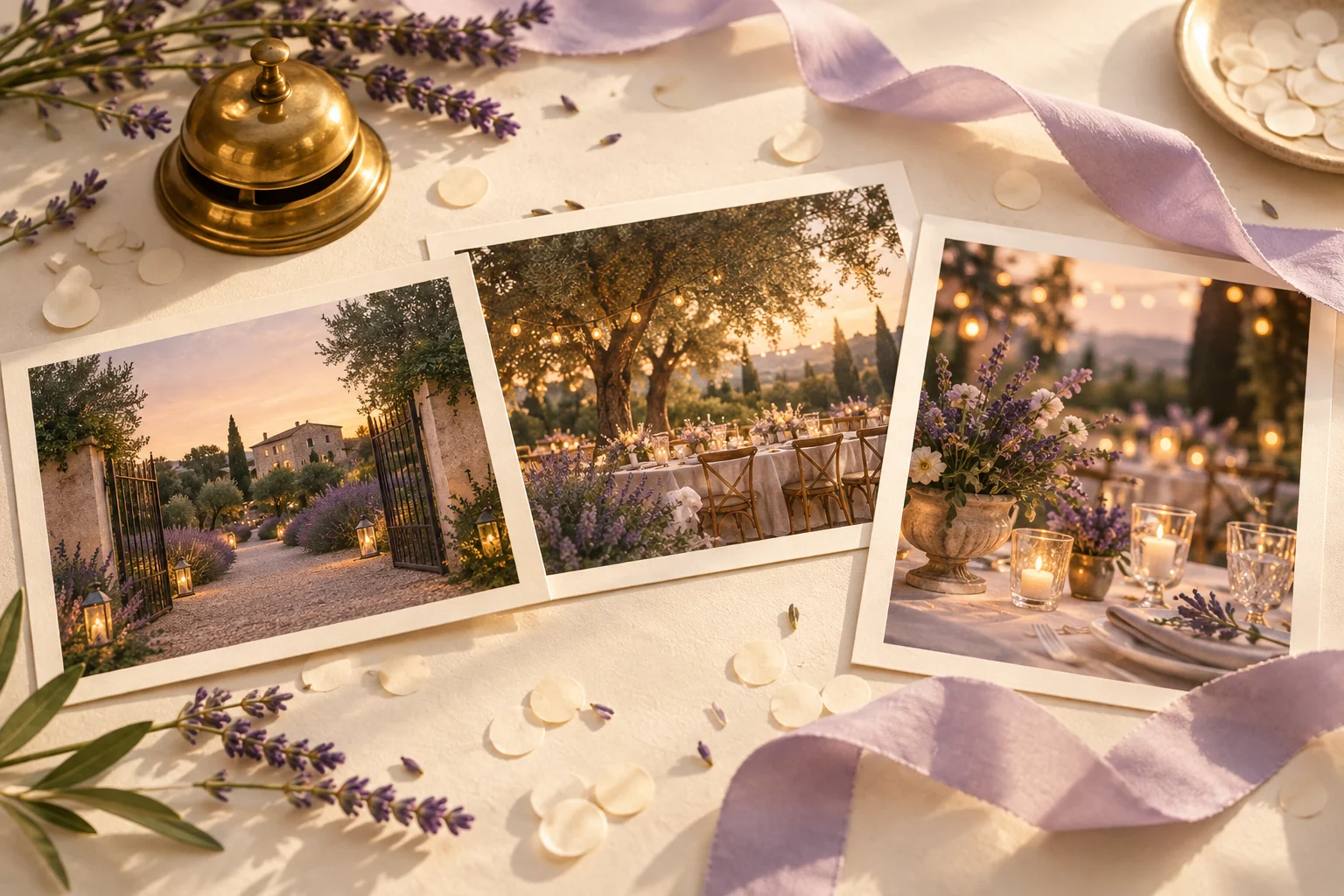
The garden-gathering illustration is original fictional editorial artwork. It is not a documented event, a template preview or a generated recap result. No automatic event analysis, external project transfer or publishing operation is established by this entry.
Frequently Asked Questions
Does MOVO assemble my event archive through this entry?
No. It starts an original supporting-scene brief.
What should I decide first?
The recap’s audience and the information or memory it must preserve.
Should every good-looking clip be included?
Choose clips by their contribution and remove unnecessary repetition.
Can rearranging reactions change the meaning?
Yes. Review the source context and the relationship implied by the edit.
Where should exact event names and dates be checked?
Against approved source notes and in the final text layers.
Is the garden scene a real event record?
No. It is original fictional editorial artwork.