Choose the Kind of Photo Animation You Need
A photo animation maker may move a still image within a frame, add an entrance effect or generate new motion within the pictured scene. These are different tasks. Decide whether the original pixels must remain exact or whether an invented moving interpretation is acceptable.
The VEED photo animation page describes uploading photos, selecting animation styles and exporting video. Use a dedicated editor for controlled photo placement and effects. Check the actual tool for the precise motion you intend to apply.
MOVO's composer starts an original scene brief. It does not open an exact photo-animation timeline. Use it to develop a motion concept while keeping precise pans, zooms and the placement of an unchanged source photograph in suitable finishing controls.
Identify the Photo’s Focal Subject
Look at what the image should communicate before adding movement. A sailboat at a harbor might emphasize the boat, the surrounding architecture or the atmosphere. Choose the focal subject so the motion guides attention toward the intended information.
Check the source dimensions and the final frame. A zoom or pan can reveal an edge or crop away an important detail. Inspect the starting and ending compositions deliberately instead of assuming a centered motion preserves everything that matters.
Keep the original photo separately and use material you are entitled to include. If the image records a real event, retain its factual role. An invented extension or generated motion should not silently become evidence of something the camera never recorded.
Give the Movement a Start and an Endpoint
Describe what changes during the shot. A slow approach toward the harbor differs from a boat beginning to move across it. Keep the camera and subject instructions coherent enough that a reviewer can identify whether the result follows the brief.
For a precise editor effect, set and inspect the actual motion path through the available controls. For a generated interpretation, review how objects, people and background relationships behave over time. The two workflows have different expectations for source fidelity.
Use restrained action when the scene depends on subtle detail. Several simultaneous movements can distract from the original image or make continuity difficult to evaluate. The purpose is to reveal something useful, not to animate every visible element.
Review What Changes During the Animation
Watch the full motion rather than checking the opening frame alone. Inspect faces, hands, small objects and architectural lines where they matter. A convincing still can become inconsistent once the camera or subject begins to move.
Compare the endpoint with the intended composition. Check for new unwanted details, clipped edges and a motion that ends too abruptly. If the shot must connect to another scene, assess that transition as part of the actual sequence.
Keep exact labels, dates and other text in approved editable layers. Do not rely on generated motion to preserve every letter in a photographed sign. Use suitable finishing controls and inspect the saved result when exact wording is part of the deliverable.
Finish the Animated Photo in the Complete Video
Assemble the accepted shot with neighboring material in a suitable editor. Choose timing that leaves enough room to understand the picture. Add music, narration or captions only where they support the image's role in the story.
Replay the saved master and check framing, movement, text and sound. Retain the original still, accepted motion asset and editable finishing project so a revision can target the correct stage. No automatic transfer from an external photo editor into MOVO is established here.
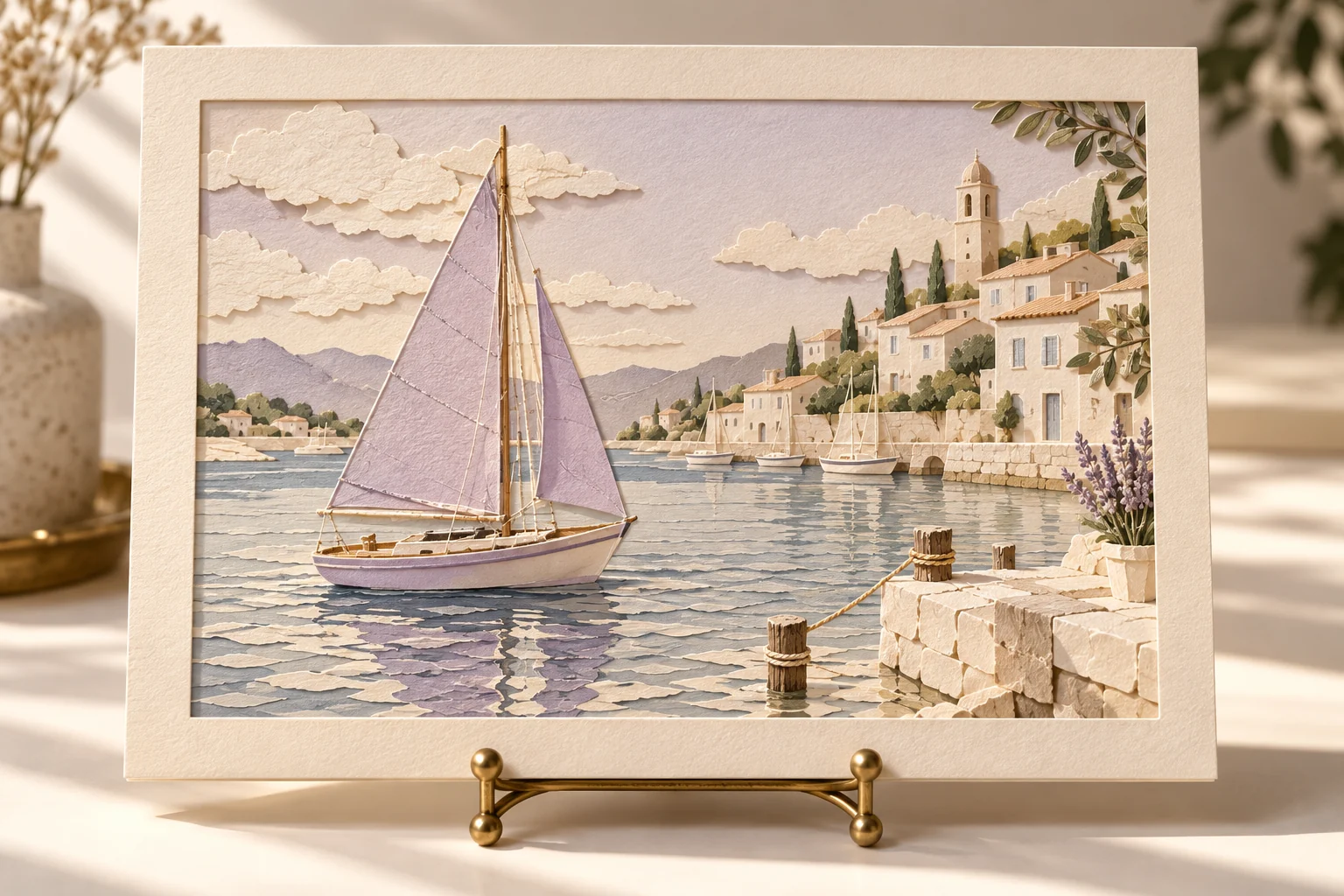
The sailboat diorama is original conceptual artwork. It illustrates layered depth without showing a real source-to-animation comparison. It is not a working effect, a measured fidelity example or a guarantee that a generated scene preserves a photograph exactly.
Frequently Asked Questions
Does this MOVO entry apply a precise pan to my photo?
No. It starts an original motion-scene brief; use suitable editing controls for exact photo movement.
Is moving a still the same as generating motion inside it?
No. They are different operations with different source-fidelity expectations.
What should I define before animating?
The focal subject, start, endpoint, movement and required source details.
Can generated motion alter a real photo’s details?
Inspect the actual result; do not assume exact preservation.
Where should exact dates or labels be finished?
In approved editable text layers and appropriate finishing controls.
Is the sailboat artwork an animation comparison?
No. It is an original layered conceptual illustration.