What Is an Outfit Swap?
An outfit swap changes the apparent clothing in an image through a supported editing or virtual try-on workflow. It can help explore a styling direction, but a generated result is not a physical fitting or proof of how a garment will behave on a real person.
Start with the actual goal. A concept board, a fictional character wardrobe and a product listing require different levels of fidelity. Decide which garment details must be accurate and which parts are only visual exploration.
The MOVO entry above starts an original video brief using an approved wardrobe direction. It does not perform a clothing-transfer upload on this page or promise exact virtual try-on functionality.
Prepare Authorized Person and Garment References
Use your own image or an adult subject who has authorized the intended edit and publication context. Choose a clear, fully clothed reference that supports ordinary wardrobe planning. Keep the original source unchanged.
For the garment, use an appropriate image you may adapt and identify the features that matter: silhouette, length, fabric impression and color. A cluttered or partly hidden item may leave the editing process with less useful information.
Retain source and permission notes with the project. A photo found on a public page does not automatically establish the right to change a person's appearance or imply that they endorse a product.
Write a Specific Styling Direction
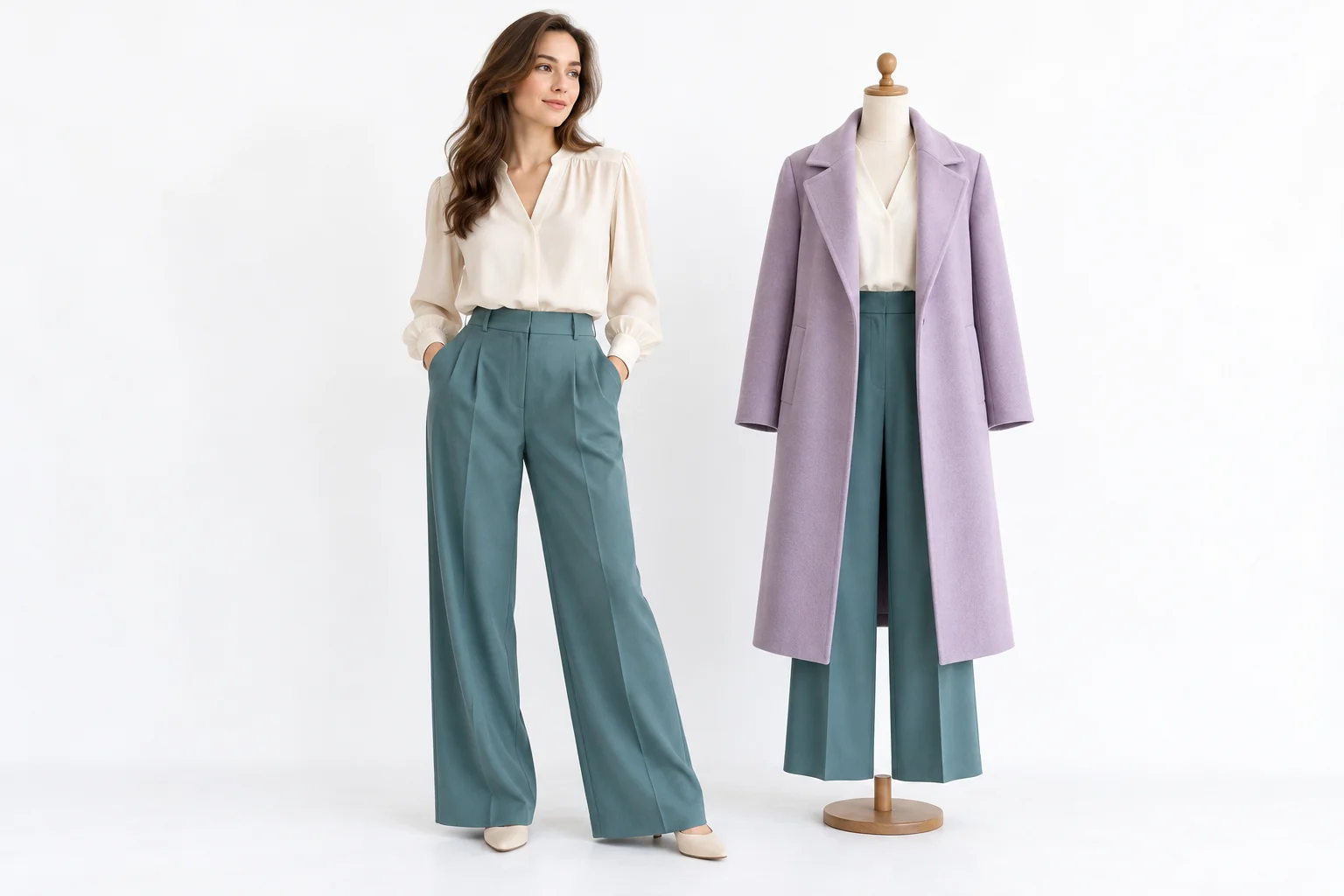
Describe the clothing change in concrete terms. An original lavender long coat over loose teal trousers gives a clearer visual target than a vague request to make the person fashionable. Keep the intended setting and mood consistent with that choice.
Separate wardrobe changes from identity changes. If the subject is meant to remain the same, inspect face, proportions and pose instead of assuming the editor preserves them exactly. A pleasing overall style can conceal an unintended alteration.
Avoid adding contradictory garment instructions. A stable reference and focused change are easier to review than several simultaneous redesigns. Keep useful outputs and note which details remain unresolved.
Inspect the Garment as an Interpretation
Check seams, sleeve connections, closures and repeated patterns. Generated images can create plausible fabric while changing the actual design. Compare important product details with the authorized garment source.
Do not use the result as proof of fit, sizing, fabric performance or real color under every light. A visual concept cannot replace a physical fitting or a verified product photograph. Keep the presentation appropriate to its actual evidentiary value.
If the image will support a video, look for shapes that may become difficult during movement. Overlapping fabric, hands and accessories require careful full-clip review after generation.
Choose the Dedicated Outfit Editing Tool
Higgsfield's Outfit Swap page presents a virtual try-on workflow with image inputs. Check its current requirements, usage and export conditions directly. No MOVO integration or equivalent clothing-transfer feature is established here.
The image on this page is an original conceptual wardrobe illustration. It is not a before-and-after tool test or proof that a real garment fits the pictured subject.
Test a representative authorized image before relying on a full set. Save the approved result and its source references so later production decisions can be checked against the same design direction.
Bring the Approved Wardrobe Into a MOVO Story
Describe the original character, wardrobe and scene purpose in MOVO. Keep the features that define the clothing explicit, while giving the scene one clear action and deliberate camera behavior.
Review the complete clip for wardrobe continuity. Fabric appearance, accessory placement and garment shape can drift as the subject moves. An approved still does not guarantee exact preservation in every frame.
Use accurate product wording and suitable finishing controls for labels. Keep illustrative styling separate from factual demonstrations, then review the complete sequence before using it in a public project.
Frequently Asked Questions
Does MOVO swap outfits on this page?
No. It starts an original video brief around an approved wardrobe direction.
Does a virtual try-on prove fit or sizing?
No. Treat the output as a visual interpretation rather than a physical fitting.
Whose image should I use?
Use your own authorized image or a consenting adult subject, with permissions appropriate to the intended edit and publication.
What garment details should I inspect?
Silhouette, seams, sleeves, closures, patterns and important markings against the approved source.
Are the illustrations measured try-on results?
No. They are original conceptual artwork.
Will clothing stay exact in generated video?
Exact preservation is not guaranteed. Review the whole clip for changing shapes, accessories and fabric appearance.