Choose Visualisation or Narrative Illustration
Music visualisations can respond directly to audio or accompany a track through an independently edited visual sequence. Decide which relationship you need. A scene that fits the mood is different from a waveform or shape driven by actual audio data.
The Renderforest music visualization catalog presents sound-responsive and atmospheric template categories. Use a dedicated visualizer for its actual reactive controls and audio workflow. This catalog does not establish equivalent controls in MOVO.
The MOVO composer starts an original music-scene brief. It does not analyze a track or generate a measured waveform. Use it to develop the visual language while keeping exact synchronization and any audio-reactive behavior in suitable finishing tools.
Build a Small Visual System for the Track
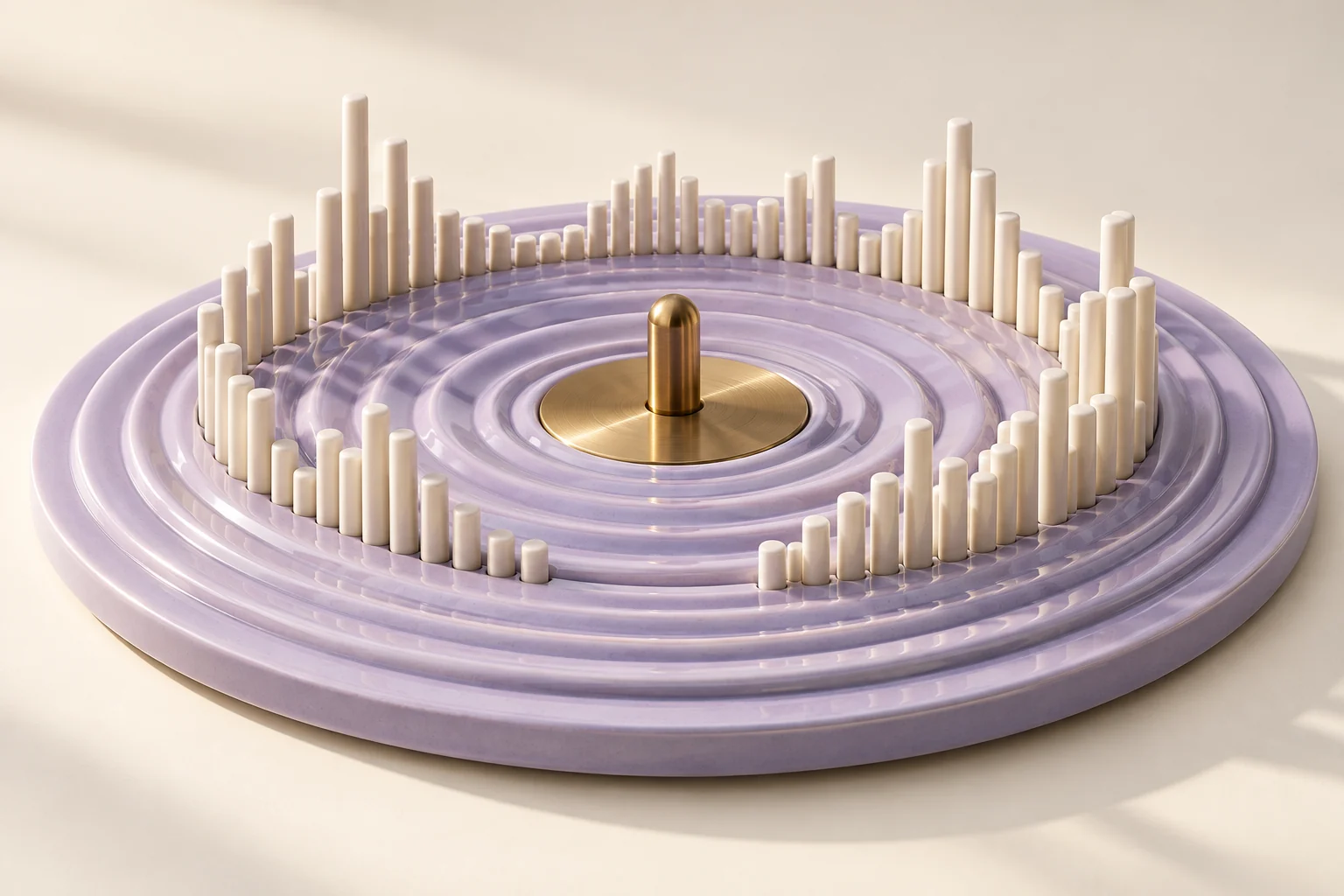
Choose a palette, dominant shape and level of detail that belong together. Concentric ripples might support one piece, while a sparse landscape may suit another. The visual should make sense across the whole track rather than only during its loudest moment.
Identify musical sections that need a change in intensity or composition. A quiet introduction and a fuller passage can share the same language without displaying identical motion. Plan the transitions so the sequence feels coherent instead of becoming a collection of unrelated effects.
Keep required cover artwork, artist names and exact track text in approved source assets. Add them with precise finishing controls and inspect readability at the intended size. Generated scenery should not be relied on to reproduce every label faithfully.
Give Motion a Clear Relationship to Rhythm
If the design is audio-reactive, inspect what each control actually responds to in the chosen visualizer. A pulsing shape and a detailed frequency display communicate different things. Do not present decorative motion as measured audio information.
For an edited visual sequence, map scene changes to meaningful musical moments. Avoid forcing every beat into a cut if the piece benefits from a longer image. The useful rhythm is the one that supports listening rather than constantly interrupting it.
In MOVO, describe original subject movement, camera and endpoint for each scene. Keep those directions restrained enough to review. Finish exact placement against the accepted recording in an editor instead of assuming a creative brief provides automatic beat synchronization.
Review the Complete Track and Artwork
Play the full sequence with the intended audio. Check the opening, musical changes and ending, including any sound tail. A visual effect that works for a short preview may become repetitive or distracting across a longer piece.
Check artist and track wording against the approved source. Inspect contrast over changing backgrounds and keep important artwork visible. If the output is reframed, review the actual crop rather than assuming the title area remains safe.
Use music and associated artwork you are entitled to publish. Keep a record of the exact accepted recording so a later mix change does not silently invalidate visual timing. A new audio version may require another synchronization review.
Export and Test the Actual Presentation
Inspect the saved video through the intended viewing route. Confirm the right recording, visual sequence, text and aspect ratio. Listen as well as watch; a correct picture does not establish that the expected audio survived export.
Retain the accepted scenes, audio and editable finishing project. If the design needs revision, change the appropriate layer without losing the approved track. No automatic transfer from an external visualizer or music service into MOVO is established here.
The ripple-and-bar sculpture is original conceptual artwork. It is not a measured spectrum, a reactive playback sample or a MOVO music-analysis interface. Use it as a visual direction while judging the actual final sequence separately.
Frequently Asked Questions
Does MOVO generate an audio-reactive visualizer here?
No. It starts an original music-scene brief.
Is mood-matched footage the same as measured audio response?
No. Keep decorative motion and actual audio-driven behavior distinct.
What should remain consistent across the track?
A coherent palette, shape language and deliberate relationship between musical sections.
Where should exact beat synchronization be finished?
In appropriate editing or visualizer controls against the accepted recording.
Should I review beyond a short preview?
Yes. Play the complete track, including transitions and the ending.
Is the sculpture a real audio spectrum?
No. It is original conceptual artwork.