Choose the Visual Relationship to the Music
A music video maker can support a narrative, a performance concept or an abstract visual treatment. Choose which relationship the picture should have to the track. Not every song needs literal images for each lyric or a cut on every beat.
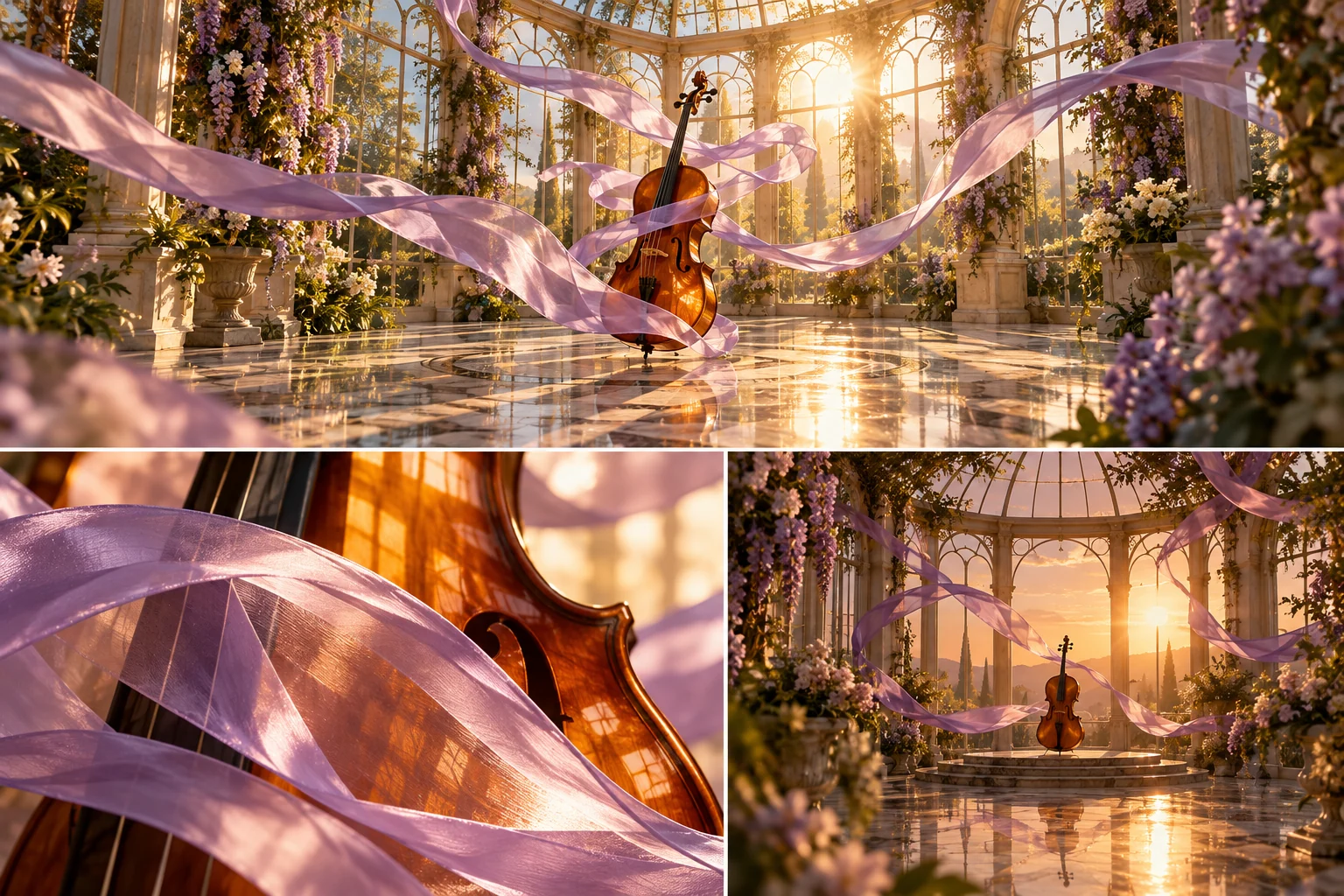
An original lavender ribbon moving around an amber-colored string instrument can establish an abstract motif. Its shape, pace and light can change with the musical structure while remaining recognizable. The concept should support listening rather than compete with it.
The MOVO input above develops original visual direction. It does not analyze a song, extract beats or guarantee exact synchronization. Use appropriate finishing tools for the actual timing and soundtrack assembly.
Listen to the Whole Track Before Planning Shots
Use your own or appropriately authorized music and keep the accepted version clearly named. A later master can have different timing or an ending that changes the edit. Build the sequence around the actual track intended for delivery.
Note major changes in energy, structure and instrumentation. A quiet introduction may need space, while a later passage can support more visual development. Avoid applying one repeated pattern automatically across every section.
Write what the visual should communicate at those moments. A scene change is useful when it develops the motif, narrative or mood. More locations do not automatically make the video feel coherent.
Develop a Small Set of Original Motifs
Choose subjects, colors and movements that belong together. The ribbon-and-instrument idea can use a wide view to establish space, a detail to show texture and a closing view to resolve the movement. Each shot adds a different perspective.
Use appropriate approved references and keep their roles clear. A lighting example should communicate mood without becoming a frame-by-frame copy of another artist's video. Original visual decisions make the project easier to adapt consistently.
Test the difficult motion before expanding. A graceful still image does not prove the ribbon can move coherently around the object. Review the full clip for collisions, changing shape and action the audience can follow.
Review the External Music-Video Workflow Separately
Invideo's music video maker page describes its own prompt-led creation workflow. Review current source inputs, account conditions and exports directly. Its assembly features and promotional wording do not establish a MOVO music-analysis or publishing integration.
Judge any automatically selected media or script against the approved direction. A generic stock sequence may not communicate the intended artist identity. Keep the useful elements and revise the actual missing visual idea.
The conservatory artwork here is original conceptual imagery. It is not a soundtrack analysis, a competitor video frame or a measured synchronization result.
Create and Assemble Original MOVO Scenes
Describe the motif, scene purpose, action and camera behavior in MOVO. Keep a representative attempt focused enough to evaluate. Once the important motion works, expand deliberately into other views or settings.
Use suitable editing controls for exact cuts and music placement. Check the complete join between scenes rather than accepting each clip in isolation. If a loop is part of the design, inspect its ending-to-beginning transition.
Keep exact lyrics, titles and artist credits under appropriate text controls. Do not rely on generated lettering to preserve a reviewed lyric or name perfectly. Compare the saved output with approved words.
Approve the Full Listening and Viewing Experience
Watch the saved video with sound and then inspect the picture without it. Check whether the motif develops clearly and whether the music remains the intended focus. Review the ending instead of stopping after the most visually impressive section.
Inspect the destination crop and readable credits. Fine detail or fast motion may work differently at a smaller display size. Keep the accepted master and create delivery copies for specific viewing contexts.
Retain the track version, visual references, accepted clips and finishing notes. Those sources make a later release or alternate cut easier to produce without guessing which musical and creative decisions were approved.
Frequently Asked Questions
Does this entry automatically synchronize visuals to music?
No. It plans original scenes; exact alignment needs suitable finishing controls.
Must every lyric be shown literally?
No. Choose narrative, performance or abstract imagery that supports the track.
What should I identify before generating scenes?
The accepted music version, major structural changes and a coherent visual motif.
What should I test first?
The difficult movement or subject relationship that the visual concept depends on.
Are the illustrations beat-analysis results?
No. They are original conceptual artwork.
Where should exact lyrics and credits be added?
Use appropriate text controls and compare the final wording with approved copy.