Decide What the Recording Needs
An M4A editor can help shorten, rearrange or combine an audio recording. Start with the intended use: a voice memo becoming narration, an interview passage becoming a clip or a spoken explanation becoming part of a video. The goal determines the edit.
The VEED M4A editor page describes uploading a file, adjusting its length, adding clips and exporting. Use the actual external editor for those operations and inspect its current export options rather than assuming a filename establishes every setting.
MOVO's composer starts an original visual brief. It does not upload an M4A recording, clean its sound or export an edited audio file. Keep the precise file operation in an appropriate editor, then plan scenes around the accepted recording.
Preserve the Source and Mark the Useful Passage
Keep the original recording separately before making cuts. Give the working edit a distinguishable name so it cannot replace the only source copy by accident. Record which passage or version the video project will use.
Listen through the source and mark the material that serves the intended message. For speech, retain enough context to preserve the meaning. A short pause may help a sentence feel natural even when it seems unnecessary in a rough duration estimate.
Make a rough selection and replay it before fine adjustments. Check that the opening identifies the subject and the ending completes the thought. An edit should become clearer and more purposeful without turning the speaker's words into a different claim.
Refine Cuts and Sound Without Losing the Voice
Listen closely to each cut boundary. Avoid removing the beginning of a word, leaving an accidental repeated phrase or creating a distracting gap. Adjust the actual timing rather than judging the edit solely from a waveform or transcript.
If the editor offers cleanup controls, compare the processed result with the source. Noise reduction can affect the voice as well as the unwanted sound. Keep the settings that improve intelligibility without assuming every background sound should be removed completely.
When combining recordings from different sessions, check the transition in room tone and loudness. Use appropriate audio controls and listen to the whole sequence. A series of individually clear clips can still feel inconsistent when their sound changes abruptly.
Choose an Output the Next Application Can Use
Check the receiving project's actual requirements before exporting. The required format, channel arrangement and other settings depend on that workflow. Use the editor's available controls and inspect the saved file rather than relying on a generic export label.
Keep a suitable master and avoid unnecessary rounds of conversion. Changing the extension text in a filename is not a reliable substitute for a supported export. If compatibility is uncertain, test the actual output in the intended player or editing project.
Replay the saved recording from its opening through the final sound. Confirm duration, content and joins against the accepted edit. Check that the file you transfer is the new approved version rather than an older copy with a similar name.
Build the Visual Story Around the Accepted Recording
Identify where the narration needs an establishing image, a detail or an explanatory scene. In MOVO, describe those original visuals with their purpose and movement. Keep exact spoken timing in the finishing project rather than assuming automatic synchronization.
Finish captions and scene cuts against the accepted audio. If the recording changes, revisit the corresponding timing and text. A revised sentence can affect both the meaning of a supporting image and the moment it should appear.
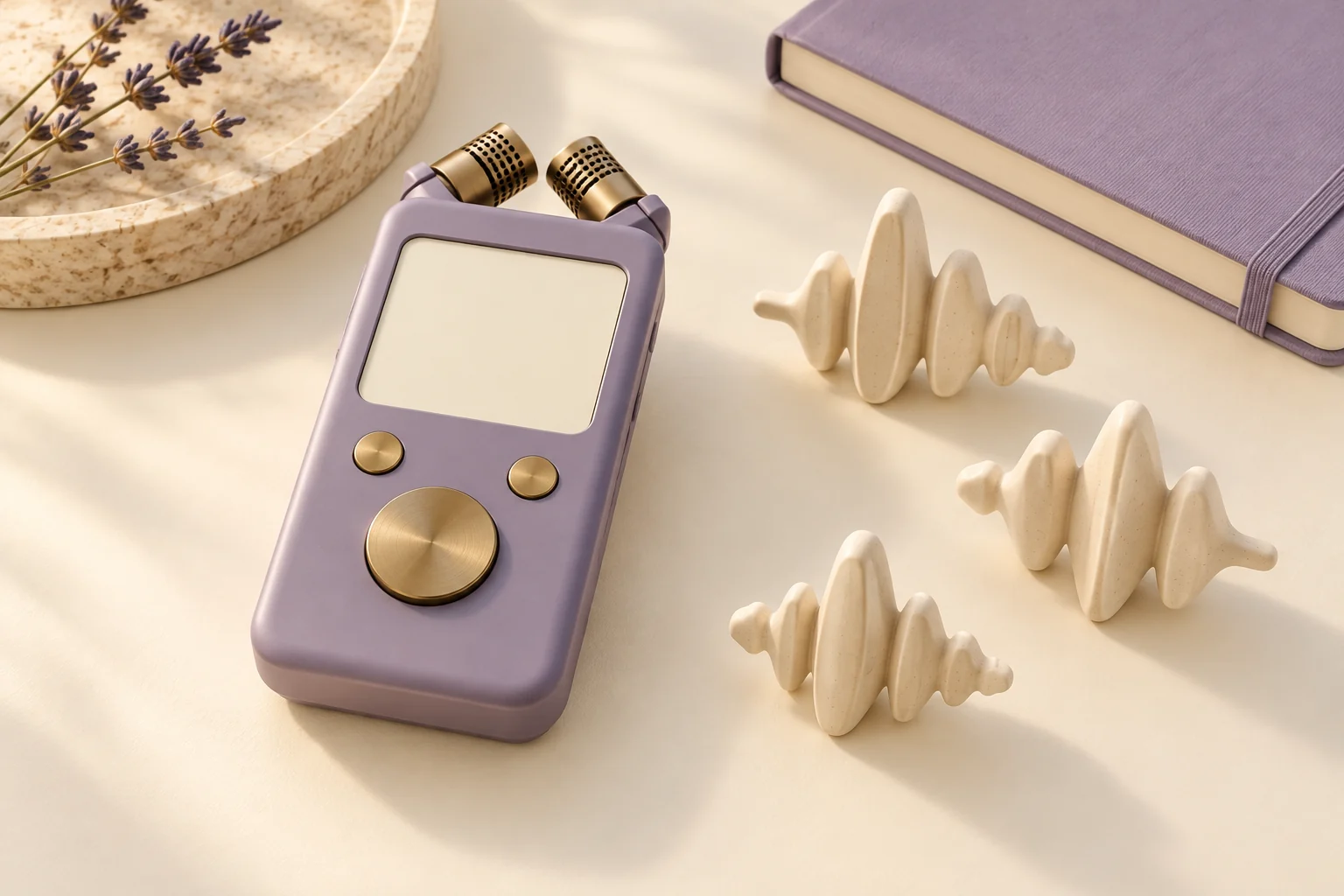
The recorder still life is original conceptual artwork. It is not a real M4A sample, a noise-removal comparison or a MOVO audio interface. Source retention, actual audio processing and final video assembly remain separate reviewable operations.
Frequently Asked Questions
Does this MOVO entry edit M4A files?
No. It starts a visual brief for a recording-led video.
What should I retain before editing?
A separate original recording and a clearly named working version.
Should noise reduction always be maximized?
Compare the result with the source and listen for damage to the voice.
Can I convert audio by changing the filename extension?
Use a supported export or conversion workflow and test the actual output.
What should I check in the saved file?
The intended content, duration, joins, ending and compatibility with the next application.
Is the recorder image an audio processing example?
No. It is original conceptual artwork.