Define the Audio Edit Before Processing
An audio editor can support trimming a recording, arranging an interview, balancing music or assembling a soundtrack. Decide what needs to change before applying effects. A clear edit plan helps preserve the meaning and makes the saved result easier to review.
The VEED audio-editor page describes cutting, rearranging and processing audio in a dedicated editor. Those operations remain separate from MOVO's original visual-planning entry above.
Keep an unchanged source and work on a copy. Record the approved message and any passages that must stay intact. A technically smooth cut is not automatically a faithful edit if it changes what a speaker appears to mean.
Make Cuts Around Meaningful Passages
Listen to the recording before moving clips. Identify complete thoughts, natural pauses and sections that need a correction. Use those boundaries to guide the edit rather than removing every pause simply because it looks empty on a timeline.
Check the words immediately before and after each join. A missing breath, clipped consonant or abrupt change in room sound can reveal a cut. Review the transition at normal listening speed as well as closely around the boundary.
If you rearrange an interview, preserve the relationship between the question and answer. Keep notes about source locations so the accepted edit can be traced back to the original. Do not let a shorter runtime become the only criterion for success.
Balance Speech, Music and Effects
Start with the message that listeners need to understand. Bring supporting music and effects around it rather than forcing the voice to compete with every layer. Listen at a comfortable level on ordinary playback equipment.
Compare processed and original passages at similar loudness. A louder preview can feel more impressive without preserving more detail. Check for distortion, unnatural changes and lost words when using cleanup or enhancement tools.
Use processing to solve an identified problem. If the voice becomes thin or unstable, reduce the change or consider another source take. A dedicated audio editor does not guarantee restoration of information that was never captured clearly.
Inspect the Complete Saved Audio
After a short test succeeds, listen to the entire edited recording. Check the opening, all joins, long quiet sections and final ending. A good central passage does not prove that every speaker or background condition suits the same settings.
Choose the export for the next production stage and inspect the actual saved file. Check duration, playback and channel behavior where relevant. Keep the working project and delivery copy separate so a later revision does not begin from a compressed old export.
If the audio will accompany video, review it in that context too. Words, captions and visible actions should refer to the same approved version. A correct standalone audio file can still be misaligned after insertion into a sequence.
Create Visuals for the Approved Soundtrack
Once the audio is settled, describe original supporting scenes in MOVO. State the topic, audience, visible action and intended mood. A spoken explanation may need an establishing scene, a useful detail and a clear ending rather than a new image for every word.
Finish exact synchronization and sound insertion with suitable tools. The composer does not establish an audio timeline, automatic beat matching or a particular mixing control. Inspect the actual final file for both listening and viewing quality.
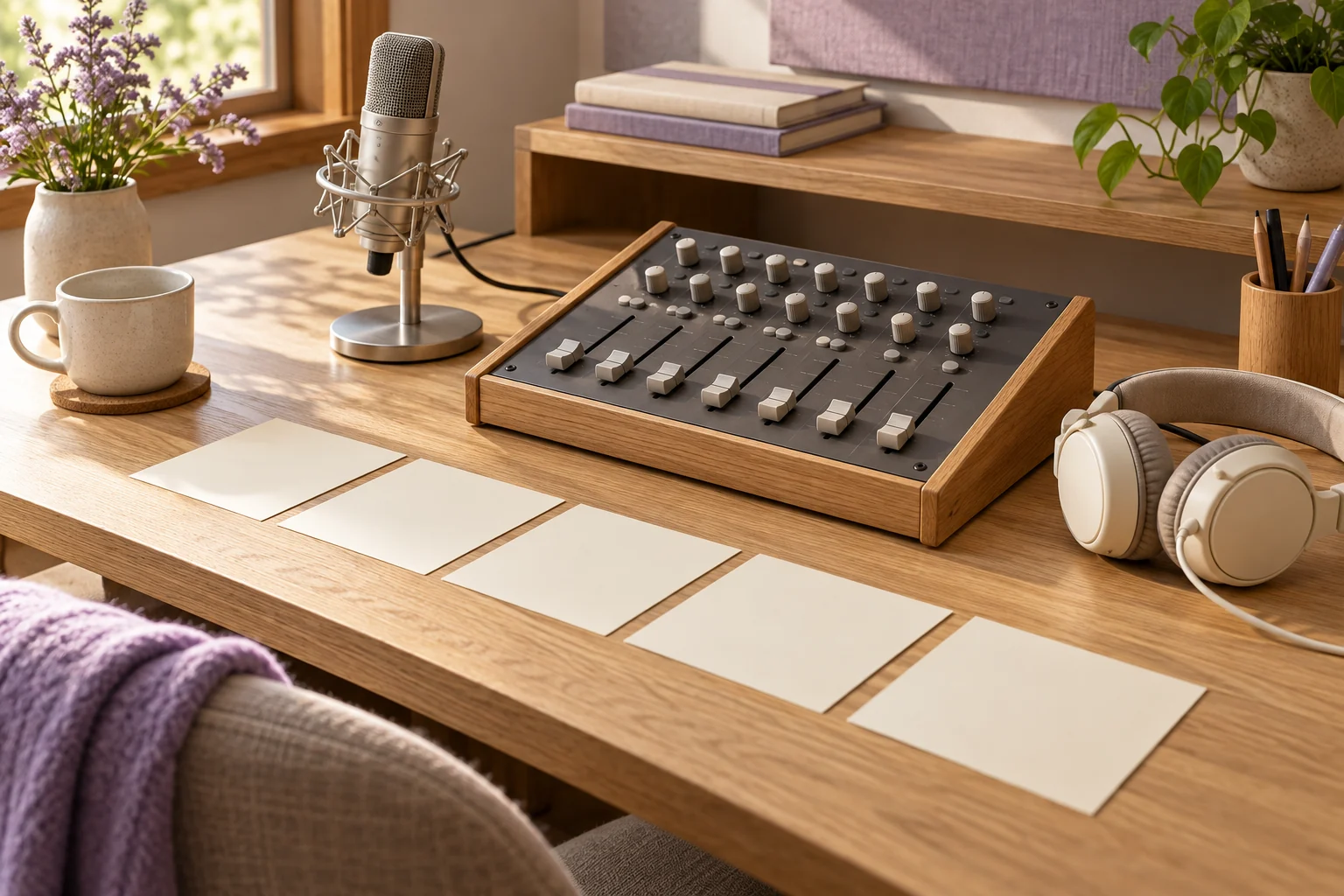
Retain the source recording, edit notes, approved audio, scene brief and final master. The mixing desk illustration is original editorial artwork, not a working editor, a tested processing result or proof of a specific audio control in MOVO.
Frequently Asked Questions
Does the MOVO composer edit an audio timeline here?
No. It starts an original visual brief; use a dedicated editor for audio operations.
What should guide interview cuts?
The speaker’s meaning, complete thoughts and natural boundaries.
Is a louder preview always a better mix?
No. Compare at similar listening levels and inspect clarity and distortion.
Can cleanup restore every lost word?
No. Review the source and consider another take when meaning remains uncertain.
When should the whole file be reviewed?
After editing and export, including the opening, joins and ending.
Is the pictured mixing desk an interactive tool?
No. It is original conceptual artwork.